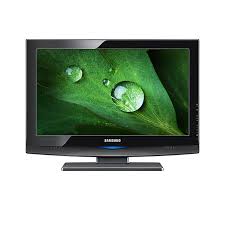
LN32B350F1D - TV SAMSUNG - Free user manual and instructions
Find the device manual for free LN32B350F1D SAMSUNG in PDF.


Pick your language and provide your email: we'll send you a specifically translated version.
| Product type | HD Ready LCD TV |
| Screen size | 32 inches (81 cm) |
| Resolution | 1366 x 768 pixels |
| Aspect ratio | 16:9 |
| Dimensions (without stand) | 80.0 x 52.5 x 7.9 cm |
| Dimensions (with stand) | 80.0 x 57.0 x 22.0 cm |
| Weight (without stand) | 9.5 kg |
| Weight (with stand) | 10.7 kg |
| Power supply | 100-240 V, 50/60 Hz |
| Power consumption (max) | 100 W |
| Standby power consumption | Less than 1 W |
| HDMI inputs | 2 (version 1.3) |
| Component input | 1 (Y/Pb/Pr) |
| PC input (VGA) | 1 |
| USB input | 1 (multimedia playback) |
| Tuner | Analog and digital terrestrial (DVB-T) |
| Speakers | 2 x 10 W (stereo) |
| VESA mount | 200 x 200 mm |
| Screen cleaning | Soft non-abrasive cloth |
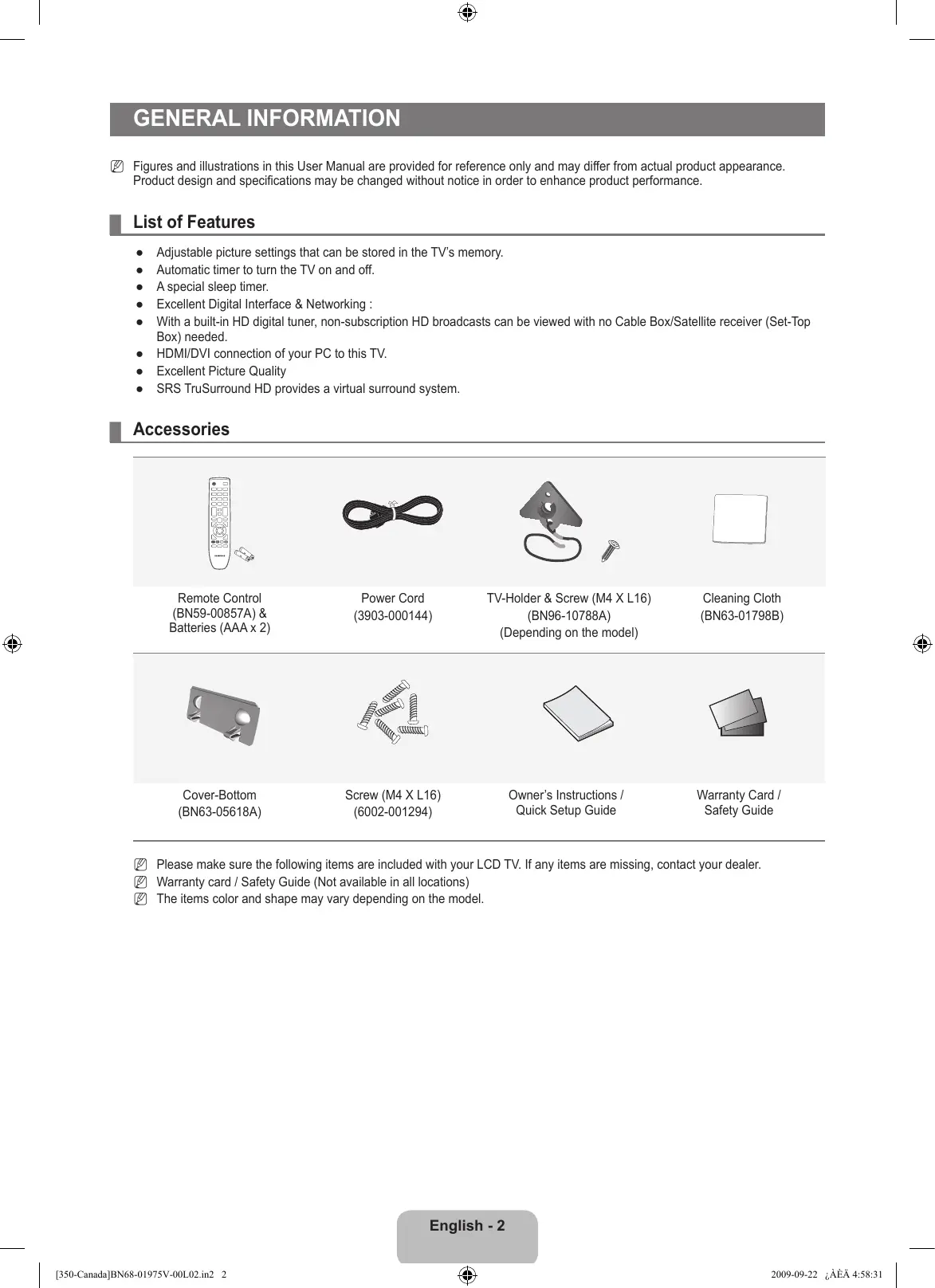
| Included accessories | Remote control, batteries, power cable, manual |
| Repairability | Spare parts available (contact customer service) |
Frequently Asked Questions - LN32B350F1D SAMSUNG
What is the resolution of the SAMSUNG LN32B350F1D TV?
The TV has a HD Ready resolution of 1366 x 768 pixels.
What are the dimensions of the LN32B350F1D?
Without stand, it measures 80.0 x 52.5 x 7.9 cm. With stand, 80.0 x 57.0 x 22.0 cm.
How many HDMI inputs does it have?
It is equipped with 2 HDMI inputs version 1.3.
Can I connect a computer to this TV?
Yes, via the PC (VGA) input located at the back.
Is the remote control included?
Yes, a remote control with batteries is included in the packaging.
How to clean the screen of the LN32B350F1D?
Use a soft, dry cloth. Avoid chemical products and abrasive cleaners.
What is the power consumption of the TV?
The maximum consumption is 100 W and less than 1 W in standby.
Is this TV compatible with a wall mount?
Yes, it complies with the VESA 200 x 200 mm standard.
What is the warranty of the SAMSUNG LN32B350F1D?
The legal warranty is 2 years. Refer to the manual for support details.
How to reset the TV to factory settings?
Go to the Settings menu then select Reset and confirm.
User questions about LN32B350F1D SAMSUNG
0 question about this device. Answer the ones you know or ask your own.
Ask a new question about this device
No questions yet. Be the first to ask one.
Download the instructions for your TV in PDF format for free! Find your manual LN32B350F1D - SAMSUNG and take your electronic device back in hand. On this page are published all the documents necessary for the use of your device. LN32B350F1D by SAMSUNG.