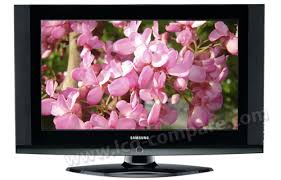
LE-37S62B - Television SAMSUNG - Free user manual and instructions
Find the device manual for free LE-37S62B SAMSUNG in PDF.



Pick your language and provide your email: we'll send you a specifically translated version.
| Product type | LCD Television |
| Screen size | 37 inches (94 cm) |
| Resolution | 1366 x 768 pixels |
| Dimensions (without stand) | 904 x 612 x 100 mm |
| Weight (without stand) | 14.5 kg |
| Power consumption | 180 W |
| Power supply voltage | 220-240 V, 50/60 Hz |
| Main features | Remote control, stereo speakers (2 x 10 W), HDMI (1), VGA, component, SCART, S-Video, antenna, PC audio input, headphone output |
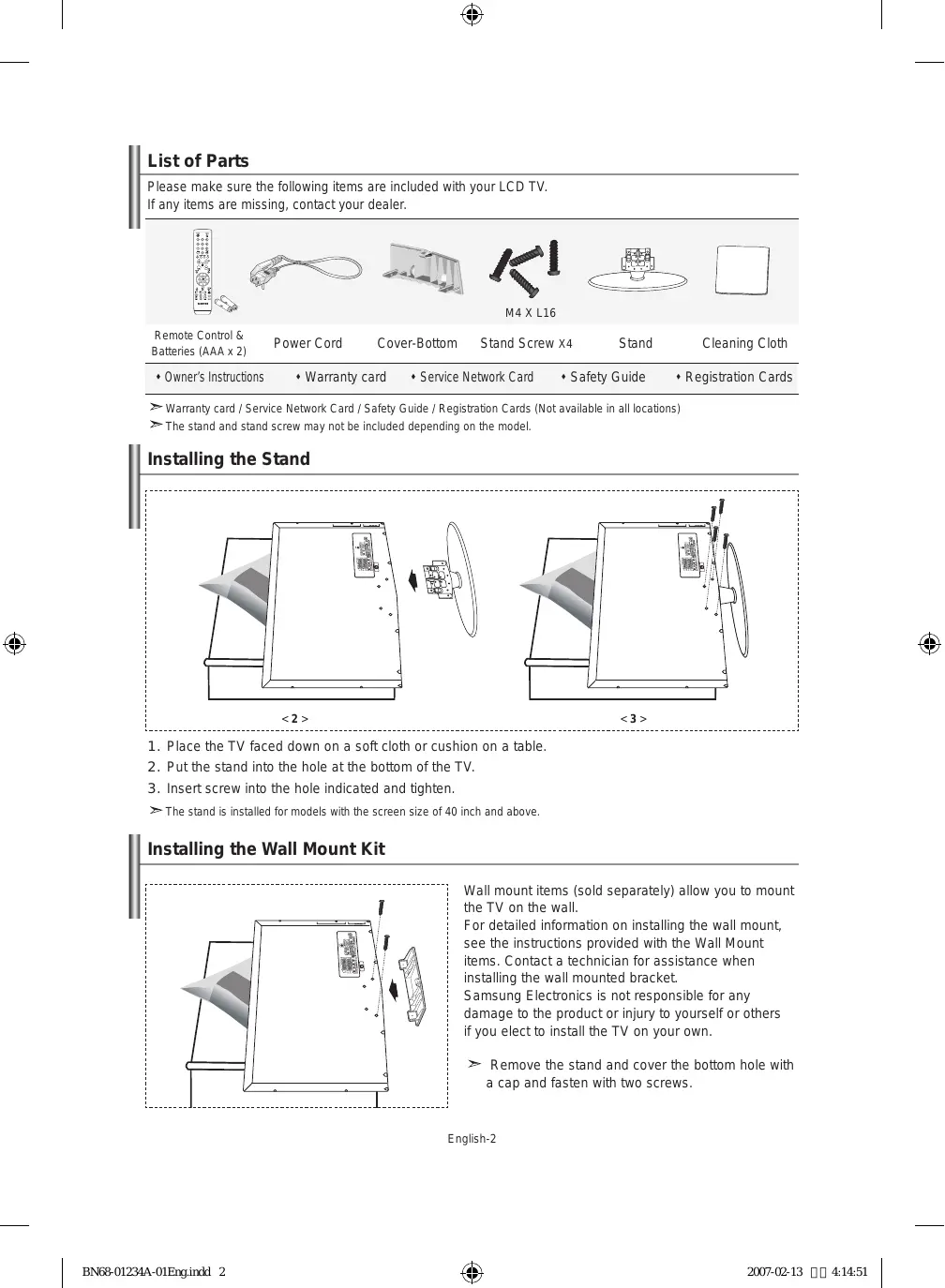
| Care and cleaning | Clean with a soft dry cloth. Do not use chemicals. Unplug before cleaning. |
| Safety | Do not expose to moisture. Do not open the casing. Keep out of reach of children. |
| Spare parts and repairability | Contact SAMSUNG customer service or an authorized center for parts and repairs. |
| General information | User manual available in PDF format. CE, RoHS standards. |
Frequently Asked Questions - LE-37S62B SAMSUNG
How to turn on the TV?
Press the Power button on the side or use the remote control.
How to connect a DVD player?
Use an HDMI or composite (RCA) cable. Plug it into the corresponding input (HDMI or AV).
How to adjust brightness?
Press Menu, go to Picture, then adjust Brightness with the arrows.
What to do if the image is distorted?
Check the aspect ratio in the Picture menu. Choose 16:9 or 4:3 depending on the source.
How to use parental lock?
Go to Menu > Setup > Parental Lock. Enter a 4-digit PIN code (default 0000).
Why is there no sound?
Check the volume and that Mute mode is off. Make sure external speakers are not plugged in.
How to update the software?
This model does not support updates via USB. Check for updates on the SAMSUNG website if available.
What to do if the remote does not respond?
Replace the batteries. Check that no obstacle is blocking the TV's infrared sensor.
How to clean the screen?
Use a slightly damp microfiber cloth. Do not press hard. Avoid alcohol or abrasive cleaners.
Where to find the serial number?
The serial number is located on the back of the TV on a label or in the menu Support > Information.
User questions about LE-37S62B SAMSUNG
0 question about this device. Answer the ones you know or ask your own.
Ask a new question about this device
No questions yet. Be the first to ask one.
Download the instructions for your Television in PDF format for free! Find your manual LE-37S62B - SAMSUNG and take your electronic device back in hand. On this page are published all the documents necessary for the use of your device. LE-37S62B by SAMSUNG.
USER MANUAL LE-37S62B SAMSUNG
Manual assistant
Powered by Anthropic
Waiting for your message
Product information
Brand : SAMSUNG
Model : LE-37S62B
Category : Television