ManualGo.com
NB2430A - Soundbar LG - Free user manual and instructions
Find the device manual for free NB2430A LG in PDF.

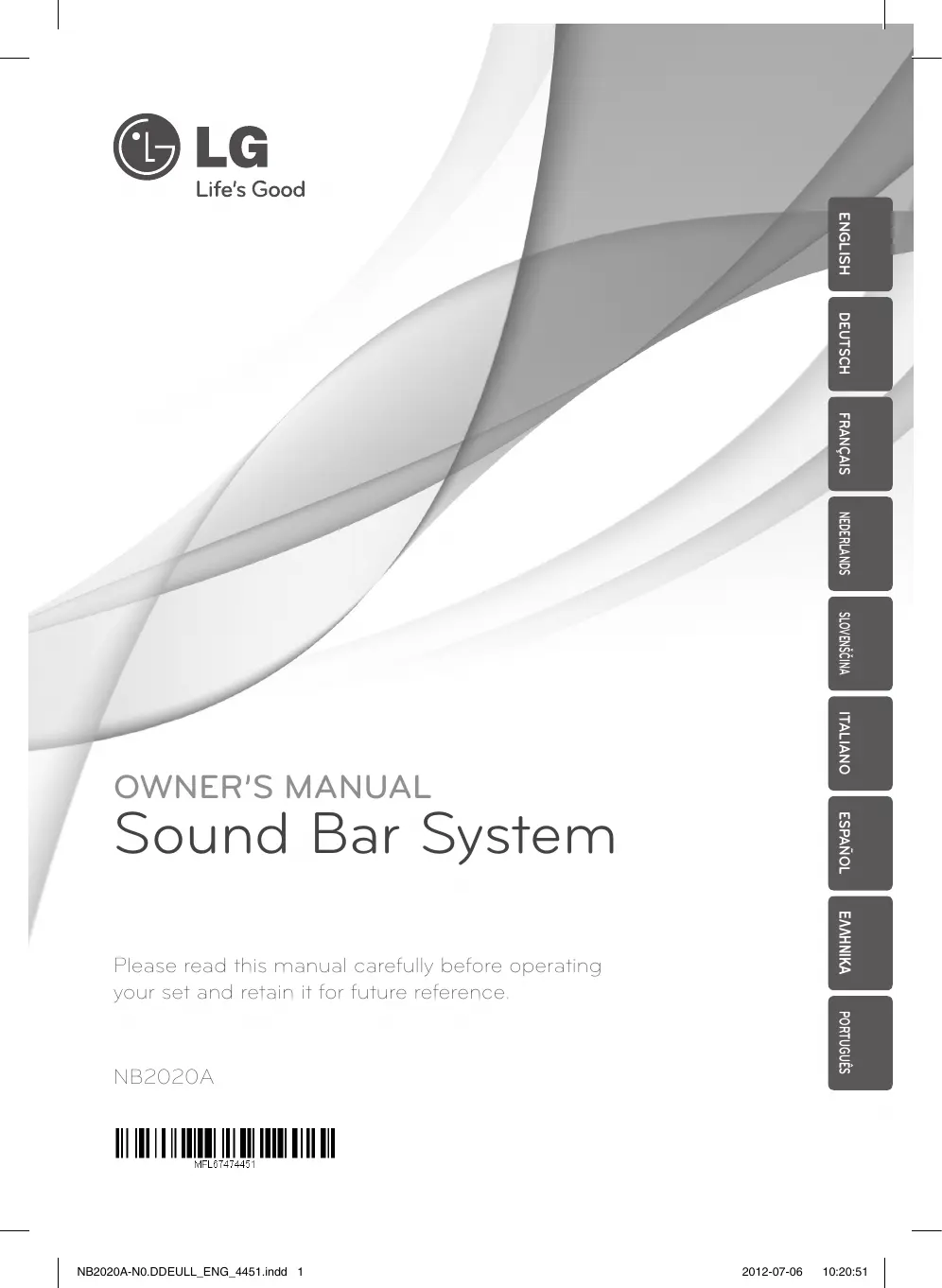

Download the instructions for your Soundbar in PDF format for free! Find your manual NB2430A - LG and take your electronic device back in hand. On this page are published all the documents necessary for the use of your device. NB2430A by LG.
USER MANUAL NB2430A LG
@ LG Life's Good OWNER'S MANUAL Sound Bar System Please read this manual carefully before operating your set and retain it for future reference NB2020A MALETATAAST NB2020A-N0.DDEULL_ENG.4451.indd 1 H2S1N3q SIVONVEA _ 7] En [) 2012-07-06 10:20:51
CAUTIOI TO QUALIFIED SERVICE PERSONNEL. peues 6uyeo EM This lightning flash with arrowhead symbol within an equilateral triangle is intended to alert the user to the presence of uninsulated dangerous voltage within the products enclosure that may be of sufficient magnitude to constitute a risk of electric shock to persons. The exclamation point within an equilateral triangle is intended to alert the user to the presence of important operating and maintenance (servicing) instructions in the literature accompanying the product.
WARNING: TO PREVENT FIRE OR ELECTRIC SHOCK
HAZARD, DO NOT EXPOSE THIS PRODUCT TO RAIN OR MOISTURE.
WARNING: Do not install this equipment in à
confined space such as a book case or similar unit. CAUTION: Do not block any ventilation openings. Install in accordance with the manufacturer's instructions. Slots and openings in the cabinet are provided for ventilation and to ensure reliable operation of the product and to protect it from over heating. The openings shall be never be blocked by placing the product on a bed, sofa, rug or other similar surface. This product shall not be placed in à built- in installation such as a bookcase or rack unless proper ventilation is provided or the manufacturers instruction has been adhered to. NB2020A-N0.DDEULL_ENG_4451.indd 2
Most appliances recommend they be placed upon a dedicated circuit; Thatis, a single outlet circuit which powers only. that appliance and has no additional outlets or branch circuits. Check the specifcation page of this owners manual to be certain. Do not overload wall outlets, Overloaded wall outlets, loose or damaged wall outlets, extension cords, frayed power cords, or damaged or cracked wire insulation are dangerous Any ofthese conditions could result in electric shock or fire. Periodically examine the cord of your appliance, and its appearance indicates damage or deterioration, unplug it, discontinue use of the appliance, and have the cord replaced with an exact replacement part by an authorized service center. Protect the power cord from physical or mechanical abuse, such as being twisted, kinked, pinched, closed in a door, or walked upon. Pay particular attention to plugs, wall outlets, and the point where the cord exits the appliance. To disconnect power from the mains, pull out the mains cord plug. hen installing the product, ensure that the plug is easily accessible. This device is equipped with a portable battery or accumulator. Safety way to remove the battery or the battery from the equipment: Remove the old battery or battery pack, follow the steps in reverse order than the assembly. To prevent contamination of the environment and bring on possible threat to human and animal health, the old battery or the battery put it in the appropriate container at designated collection points. Do not dispose of batteries or battery together with other waste. It is recommended that you use local free reimbursement systems batteries and accumulators. The battery shall not be exposed to excessive heat such as sunshine, fire or the like 2012-07-06 10:20:51
Getting Started 3 Disposal of your old appliance When this crossed-out wheeled bin symbol is attached to a product it means the product is covered by the European Directive 2002/96/EC. Allelectrical and electronic products should be disposed of separately from the municipal waste stream via designated collection facilities appointed by the government or the local authorities The correct disposal of your old appliance will help prevent potential negative consequences for the environment and human health. For more detailed information about disposal of your old appliance, please contact your city office, waste disposal service or the shop where you purchased the product NB2020A-N0.DDEULL_ENG_4451.indd 3 Disposal of waste batteries/accumulators
1. When this crossed-out wheeled
bin symbol is attached to batteries/ accumulators of Your product it means they are covered by European Directive 2006/66/EC.
2. This symbol may be combined with
chemical symbol for mercury(Hg), cadmium(Cd) or lead(Pb) ifthe battery Contains more that 0.0005% of mercury,0.002% of cadmium or 0.004% of lead.
3. All batteries/accumulators should
be disposed separately from the municipal waste stream via designated collection facilities appointed by the government or the local authorities
4. The correct disposal of Your old
batteries/accumulators will help to prevent potential negative consequences for the environment, animal and human health
5. Formore detailed information
about disposal of Your old batteries/ accumulators, please contact Your city office, waste disposal service or the shop where You purchased the product LG Electronics hereby declares that this/ these product(s) is/are in compliance with the essential requirements and other relevant provisions of Directive 2004/108/ EC, 2006/95/EC and 2009/125/EC. European Standards Centre: Krijgsman1, 1186 DM Amstelveen The Netherlands + Please note that this is NOT a Customer Service contact point. For Customer Service Information, see Warranty Card or contact the dealer that you purchased this product 2012-07-06 poneys Suyoo [BR 10:20:51
4 Table of Contents Table of Contents Getting Started Safety Information Accessories Introduction Remote control Front panel Rear panel © © ®œ4 AN | 2 Connecting — Symbols Used in this Manual Installing the sound bar Installing the cover foot 10 Mounting the main unit on a wall 11 Optional Equipment Connection
11 - OPTICAL In connection
NB2020A-N0.DDEULL_ENG_4451.indd 4 3 Operating 12 Operations
13. Controlling a TV with the Supplied
16 Trademarks and Licenses
NB2020A-N0.DDEULL_ENG_4451.indd 5 2012-07-06 10:20:51
6 Getting Started Accessories Please check and identify the supplied accessories. F à
Optical cable (1) NB2020A-N0.DDEULL_ENG_4451.indd 6 Cover foot (2) Introduction Symbols Used in this Manual © Note ndicates special notes and operating features. (N Caution ndicates cautions for preventing possible damages from abuse. 2012-07-06 10:20:52
Getting Started 7 Remote control OIL) Toousvonc Er EE Battery Installation Remove the battery cover on the rear of the Remote Control, and insert (size AAA) battery with @ and @ matched correct}. NB2020A-N0.DDEULL_ENG_4451.indd 7 € Power}: Switches the unit ON or OFF. DOLBY DRC (ON/ OFF) : Sets the Dobiy DRC a: Mutes the sound VOL -/+ : Adjusts speaker volume. AV SYNC -/+ : Synchronizes the audio and video. © \ote +_ When the volume reaches the highest/ lowest level and you push VOL+/- on the remote control again, red LED on the unit turns on for 2 seconds to signal on what the volume level is. When the unit turns on, volume of the unit will rise gradually to the volume level set at the unit turned off. TV Control buttons: See page 13 AUTO POWER (ON/OFF) : This function is automatically turned on the unit. 2012-07-06 peuers Suueo [A 10:20:52
[M] © (Standby/On) ER] -/+ (Volume) Adjusts speaker volume. Rear panel [] S/W Download Connector - Only for service. [2] OPTICALIN NB2020A-N0.DDEULL_ENG_4451.indd 8 2012-07-06 10:20:52
Getting Started 9 Installing the sound bar You can hear the sound by connecting the unit to the other device : TV, Blu-ray disc player, DVD player, etc. Place the unit in front of the TV and connect it to the device you want. (Refer to pagel 1) NB2020A-N0.DDEULL_ENG_4451.indd 9 Installing the cover foot You can extend the height of the unit. 1 À 8 Îieuuce Ps peuers Suueo [A
1. Turn the unit upside down:
2. After detaching a release layer on the cover
foot, Put it on the foot ofthe unit
3. Make the cover foot attached firmly to the unit
by pushing it stronghy 2012-07-06 10:20:53
Guyseuuo 10 Connecting Mounting the main unit on a wall You can mount the main unit on à wall Prepare screws and brackets Unit
Wall Mount Bracket Wall bracket Installation Template Match the TV BOTTOM EDGE of Wall Mount Bracket Installation Template with the bottom of TV and attach to the position. NB2020A-N0.DDEULL_ENG_4451.indd 10 When you mount it on à wall (concrete), use the wall plugs (Not supplied). You should dll some holes. À guide sheet (Wall Mount Bracket Installation Template) is supplied to drill Use the sheet to check the point to drill © \cte Screws and Wall Plugs are not supplied for mounting the unit. We recommend the Hilti (HUD-1 6 x 30) for the mounting. Please purchase it 2012-07-06 10:20:53
3. Remove the Wall Mount Bracket Installation © Note
Template. Detach the unit from the bracket as shown below.
4. Fixitwith screws (not supplied) as shown in the
illustration below. Optional Equipment Connection Suysouuos [AR OPTICAL In connection Connect an optical output of external devices to the OPTICAL IN connector.
5. Hang the main unit onto the bracket as shown
below To the digital optical output RS. jack of external device UN Caution + Do not hang onto the installed unit and avoid any impact to the unit. + Secure the unit firmiy to the wall so that it does not fall off. IFthe unit fall off, it may result in an injury or damage to the product. + When the unit is installed on a wall please make sure that a child does not pull any of connecting cables, as it may cause it to fall NB2020A-N0.DDEULL_ENG._4451.indd 11 2012-07-06 10:20:54
Suyeedo KA 12 Operating Operations DOLBY DRC (Dynamic Range Control) Make the sound clear when the volume is turned down (Dolby Digital only). Set to the DOLBY DRC by pressing DOLBY DRC ON To cancel the DOLBY DRC, press DOLBY DRC OFF. AV Sync When receiving audio signals from TV, sound and images may not be matched. In the case, this function can adjust the delay time. Use AV SYNC -/+ to scroll up and down through the delay amount, which you can set at anything between 0 and 300m/sec. © Note When the AV SYNC reaches the highest/lowest level and you push AV SYNC -/+ on remote control again, red LED on the unit turns on for 2 seconds to signal on what the AV SYNC level is, AUTO POWER On/Off This function is automatically turns on/off the unit when you turn on/off the external device (TV, DVD player Blu-ray player etc) connected to the unit by optical cable. Turn on this function by pressing AUTO POWER ON. To cancel it, press AUTO POWER OFF. © \cte Ifyou don't connect external device to the unit by optical cable or there is no digital input, the unit is turned off after 15 minutes when you turn on this function. Turn off the sound temporarily Press af to mute your unit You can mute your unit, for example, to answer the telephone. © \cte Red LED on the unit blinks at intervals of 2 seconds to signal that the unit is in mute mode
This unit turns off automatically to save power consumption if no signal is transmitted to the unit for about 25 minutes. But the unit can turns on automatically based on the [AUTO POWER] function you've set NB2020A-N0.DDEULL_ENG_4451.indd 12 2012-07-06 10:20:54
Operating 13 Controlling a TV with the Supplied Remote Control You can control your TV using the buttons below. (LGTVonty) Button Operation Suyeedo [ER Turn the TV volume on or off Switch the TV input source INPUT between the TV and other input sources. O(TVPOWER) | Tu the TV on or off. Adjust the volume ofthe VOL +/— w Scan up or down through PR/CHA/Y memorized channels -@® Note + Depending on your TV being connected, you may not be able to control your TV using some of the buttons. The remote control of the unit performs basic operation of your TV. Please use the TV remote control to enjoy advanced operation of your TV. NB2020A-N0.DDEULL_ENG_4451.indd 13 2012-07-06 10:20:54
14 Troubleshooting Troubleshooting PROBLEM CORRECTION Plug in the power cord No Power | Checkthe condition by operating other electronic devices. No sound | Checkthe OPTICAL IN connection. The remote control is to far from the unit Operate the remote control within about 23 ft (7m). The remote control does | There is an obstacle inthe path ofthe remote control and the unit not work | Remove the obstacle. properly. | The battery in the remote control is exhausted. Replace the batteries with new one. The AUTO POWER Depending on the connected device by the optical cable, this function may not operate. function does not work Buyooysejgnou] EN NB2020A-N0.DDEULL_ENG_4451.indd 14 2012-07-06 10:20:54
Maintenance Handling the Unit When shipping the unit Please save the original shipping carton and packing materials. you need to ship the unit, for maximum protection, re-pack the unit as it was originally packed at the factory. Keeping the exterior surfaces clean +_Do not use volatile liquids such as insecticide spray near the unit. Wiping with strong pressure may damage the surface. Do not leave rubber or plastic products in contact with the unit for a long period of time Cleaning the unit To clean the player, use a soft, dry cloth. IFthe surfaces are extremely dirty, use a soft cloth lightiy moistened with à mild detergent solution. Do not use strong solvents such as alcohol, benzine, or thinner, as these might damage the surface of the unit xpueddy NB2020A-N0.DDEULL_ENG_4451.indd 15 2012-07-06 10:20:54
xpueddy 16 Appendix Trademarks and Licenses ŒIDOLBY "oral Manufactured under license from Dolby Laboratories. Dolby and the double-D symbol are trademarks of Dolby Laboratories.
Manufactured under license under US. Patent Nos: 5,956,674; 5,974,380; 6487,535 &other US. and worldwide patents issued & pending. DTS the Symbol, & DTS and the Symbol together are registered trademarks & DTS 2.0 Channel is à trademark of DTS, Inc. Product includes software. © DTS, Inc. AIl Rights Reserved. & Sontia SPT|Li NB2020A-N0.DDEULL_ENG_4451.indd 16 2012-07-06 10:20:54