
FLEXXPECT - Industrial vision system OMRON - Free user manual and instructions
Find the device manual for free FLEXXPECT OMRON in PDF.



| Product Type | Modular Industrial Vision System |
| Brand | OMRON |
| Model | FLEXXPECT |
| Category | Industrial Vision System |
| Touch Screen | Integrated, intuitive user interface |
| User Interface | Icon-based menu, Flow-Menu for process sequences |
| Programming | Flow programming |
| Customization | Interface modifications, processing elements and communication |
| Specific Modules | FlexXpect-Glue Bead (glue bead inspection), FlexXpect-Pharma (compliant with 21 CFR Part 11), FlexXpect-Labelling (360° bottle inspection) |
| Sensor | Real colour sensor |
| Resolution | High resolution |
| Power Supply | 24 VDC (typical) |
| Dimensions (W x D x H) | 200 x 150 x 80 mm (estimated) |
| Weight | 1.5 kg (estimated) |
| Operating Temperature | 0 to 50 °C |
| Maintenance | Clean the screen and housing with a soft, dry cloth |
| Safety | Comply with electrical standards and local installation instructions |
| Spare Parts | Contact OMRON support for replacement parts |
| General Information | Modular platform adapted to industry, ease of use and customization |
Frequently Asked Questions - FLEXXPECT OMRON
User questions about FLEXXPECT OMRON
0 question about this device. Answer the ones you know or ask your own.
Ask a new question about this device
Download the instructions for your Industrial vision system in PDF format for free! Find your manual FLEXXPECT - OMRON and take your electronic device back in hand. On this page are published all the documents necessary for the use of your device. FLEXXPECT by OMRON.
USER MANUAL FLEXXPECT OMRON
FlexXpect vision platform

Flexpect
» Industry specific
» Simplicity
» Customisation
Vision - tailored and…
FlexXpect is a modular Vision platform featuring industry specific functionality. In combination with the powerful Xpectia-hardware, the FlexXpect software modules take you into a new dimension of specialisation. FlexXpect is simple to use and can be customised easily, to focus on your individual needs. The combination of Xpectia's real colour sensing, high resolution and intuitive user guidance combined with the FlexXpect value added tools represents an unbeatable duo.

Flexpect
Simplicity - easy to use
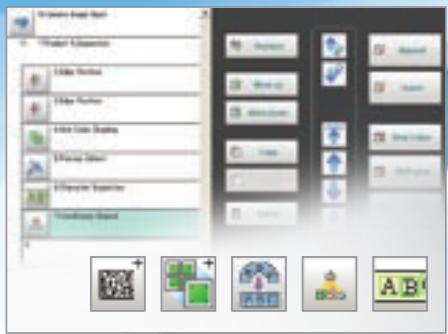
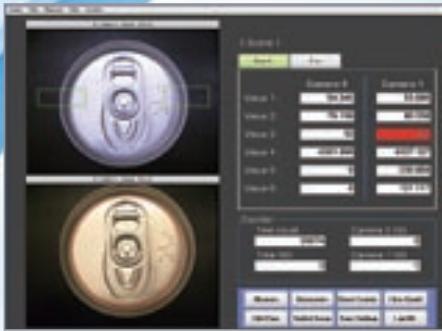
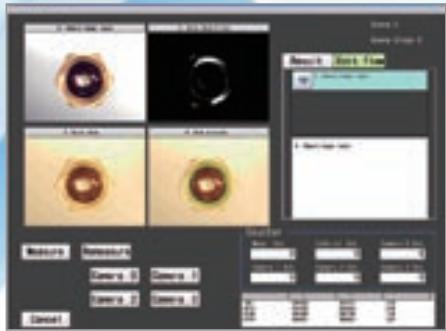
FlexXpect features an easy and intuitive user interface, which allows inspection solutions to be set-up quickly and efficiently. With a built in touch screen interface and icon based menu structure, the complexity of programming the system is kept to a minimum. The Flow-Menu is an ideal tool to re-built the process sequences inside the vision platform.
Customised to your needs
The FlexXpect platform can be further customized to the needs of the individual application. Different levels of product modifications are supported. Based on the skill of the user and required functionality it offers:
- Flow programming
GUI modifications - Processing items & communication
-
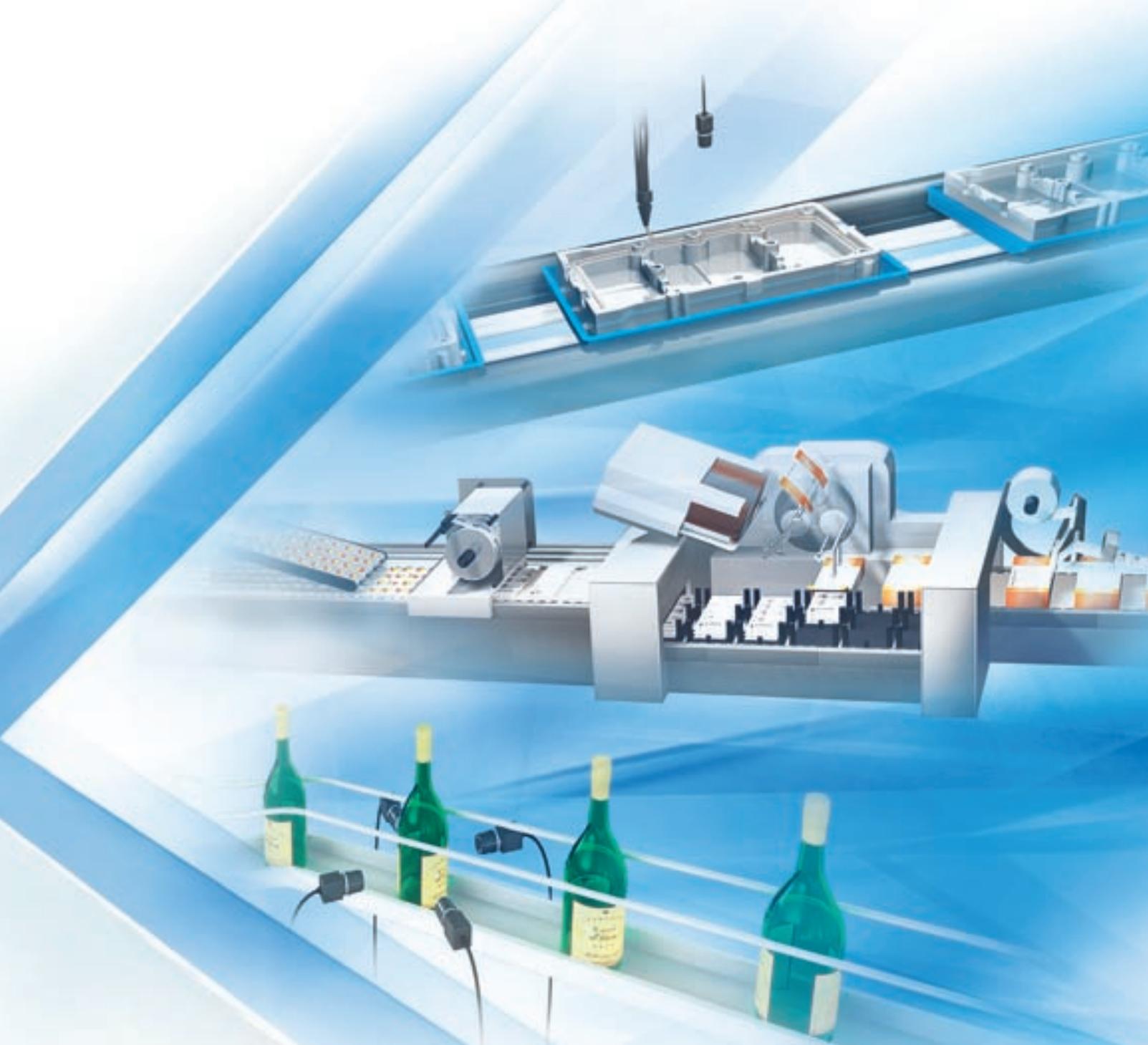
FlexXpect-Glue Bead: Automatic one shot seal inspection
-
FlexXpect-Pharma: 21 CFR Part 11 compliant
-
FlexXpect-Labelling: 360^ bottle inspection
...fit for industry
Depending on industry, different requirements and regulations are in place for quality inspection. Premium class add-on functionality, tailored for industry, is delivered by FlexXpect.
OMRON EUROPE B.V. Wegalaan 67-69, NL-2132 JD, Hoofddorp, The Netherlands. Tel: +31 (0) 23 568 13 00 Fax: +31 (0) 23 568 13 88 www.industrial.omron.eu
Austria
Tel: +43 (0) 2236 377 800
www.industrial.omron.at
Belgium
Tel: +32 (0) 2466 2480
www.industrial.omron.be
Czech Republic
Tel: +420 234 602 602
www.industrial.omron.cz
Denmark
Tel: +45 43 44 00 11
www.industrial.omron.dk
Finland
Tel: +358 (0) 207 464 200
www.industrial.omron.fi
France
Tel: +33 (0) 156 63 70 00
www.industrial.omron.fr
Germany
Tel: +49 (0) 2173 680 00
www.industrial.omron.de
Hungary
Tel: +36 1399 30 50
www.industrial.omron.hu
Italy
Tel: +39 02 326 81
www.industrial.omron.it
Netherlands
Tel: +31 (0) 23568 1100
www.industrial.omron.nl
Norway
Tel: +47 (0) 22 65 75 00
www.industrial.omron.no
Poland
Tel: +48 (0) 22 645 78 60
www.industrial.omron.pl
Portugal
Tel: +351 21942 94000
www.industrial.omron.pt
Russia
Tel: +7 495 648 94 50
www.industrial.omron.ru
South-Africa
Tel: +27 (0)11 579 2600
www.industrial.omron.co.za
Spain
Tel: +34 913 777 900
More Omron representatives
www.industrial.omron.eu
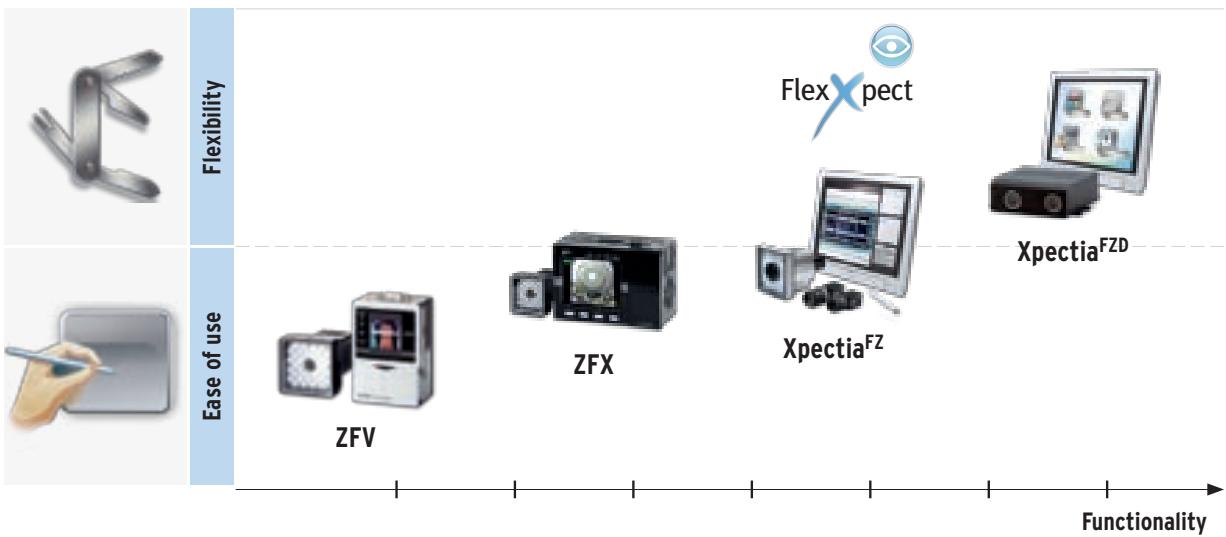
Omron Vision systems
Although we strive for perfection, Omron Europe BV and/or its subsidiary and affiliated companies do not warrant or make any representations regarding the correctness or completeness of the information described in this document. We reserve the right to make any changes at any time without prior notice.