
LAS MULTITIME - Wristwatch LEICA - Free user manual and instructions
Find the device manual for free LAS MULTITIME LEICA in PDF.


| Product type | Microscope software module for time-lapse acquisition |
| Brand | LEICA |
| Model | LAS MultiTime |
| Main functions | Automatic image acquisition at intervals, gallery visualization, annotation with calibration markers, integrated microscope and camera control |
| Compatibility | Leica motorized microscopes and Leica Digital FireWire cameras |
| Operating system | Windows PC |
| Order number | 12730075 |
| Power supply | Host PC power supply |
| Dimensions | Not applicable (software) |
| Weight | Not applicable (software) |
| Maintenance and cleaning | Regular software updates; no physical cleaning required |
| Safety | Use on a secure PC with appropriate administrator rights |
| Spare parts and repairability | Not applicable (software) |
| General information | Used in materials science, forensics, bioscience, medical and pharmacological laboratories |
| Awards | Innovationspreis der deutschen Wirtschaft 2005 |
Frequently Asked Questions - LAS MULTITIME LEICA
User questions about LAS MULTITIME LEICA
0 question about this device. Answer the ones you know or ask your own.
Ask a new question about this device
Download the instructions for your Wristwatch in PDF format for free! Find your manual LAS MULTITIME - LEICA and take your electronic device back in hand. On this page are published all the documents necessary for the use of your device. LAS MULTITIME by LEICA.
USER MANUAL LAS MULTITIME LEICA
Time-lapse Image Acquisition
The LAS MultiTime module is a highly effective solution for the automatic acquisition of images at intervals from seconds to minutes. Captured images are stored to the hard drive at specified times and can be recalled quickly and easily as a sequence allowing them to be replayed over a short period. The system is highly versatile performing these tasks in a simple and routine manner to save valuable time whilst including manual intervention and pause facilities, if settings need to be adjusted.
Other benefits include:
- Total microscope and digital camera control in a fully integrated manner.
- Intuitive view of time-lapse images through a sophisticated gallery from which images can be selected for closer inspection.
- Images can be annotated with calibration markers to provide a quick and easy guide to image size.
- The ability to select a region of interest from a whole image for closer inspection.
Full processing of RGB and monochrome images.
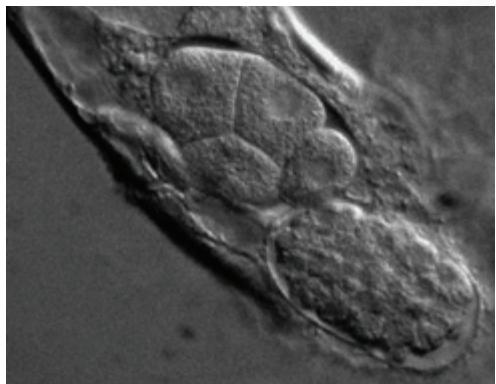
A Flexible Approach
In order to use the LAS MultiTime module for individual experiments, it is possible to capture a series of images at intervals set from seconds, minutes, hours or simply by specifying the number of images to be acquired over a total period. The defined conditions can also be saved and effortlessly restored for future projects.
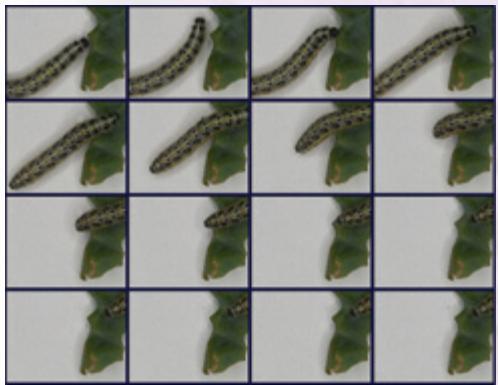
Magnificent Visualisation!
Visualisation
A gallery of images taken during the timelapse experiment is available in sequential order from which individual files can be immediately selected and displayed in the main image window.
Other features include:
- An image display which adapts automatically to the resolution of the acquired image including the ultra high resolutions provided by Leica Digital FireWire Cameras.
- Zoom and pan so that images can be viewed in detail.
- Images are saved to a named folder that contains the entire time-lapse sequence and configuration details, making it an easy task to reload image sequences with the same conditions.
- The time-lapse sequence can be replayed as an automatic slideshow with the effect of speeding up time.
Annotation
The annotation facilities make the LAS MultiTime Module a perfect solution for creating data rich presentations and reports:
- Images can be annotated with calibration markers for a visual guide to image size.
Further annotations can be added such as the image name, date of acquisition and description. - Annotations can be merged into an image for a permanent record.
LAS is based on Windows PCs and provides a cost-effective and uniform environment, compatible across the Leica range of microscopes and cameras.
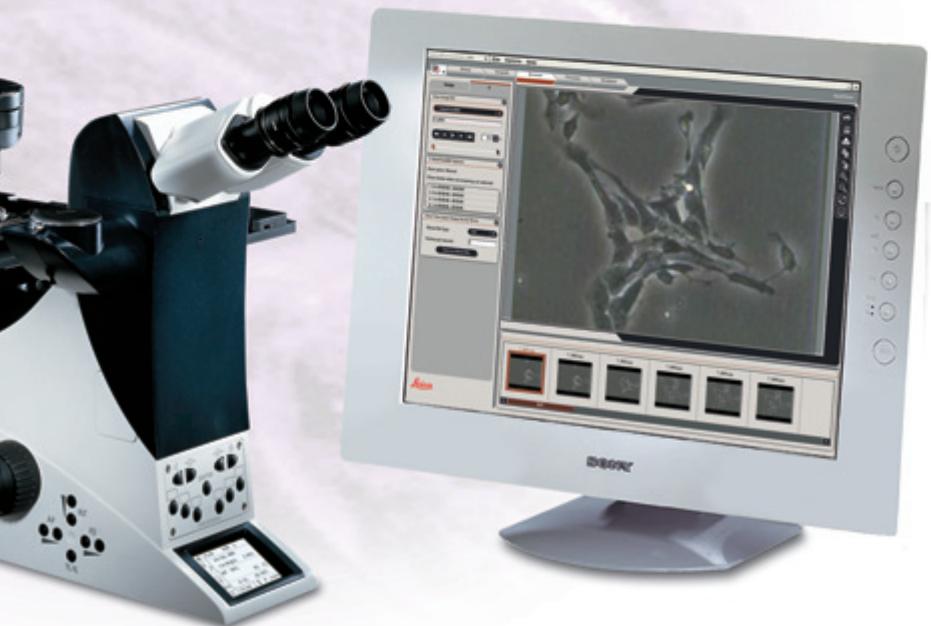
LAS MultiTime
The Leica Application Suite MultiTime module is highly versatile solution for customers working in material science, forensics, bioscience and medical and pharmacological laboratories. By providing reliable functions to capture and replay sequential images of dynamic events from Leica motorised microscopes, the LAS MultiTime module can be used for a wide variety of life science and industrial purposes.
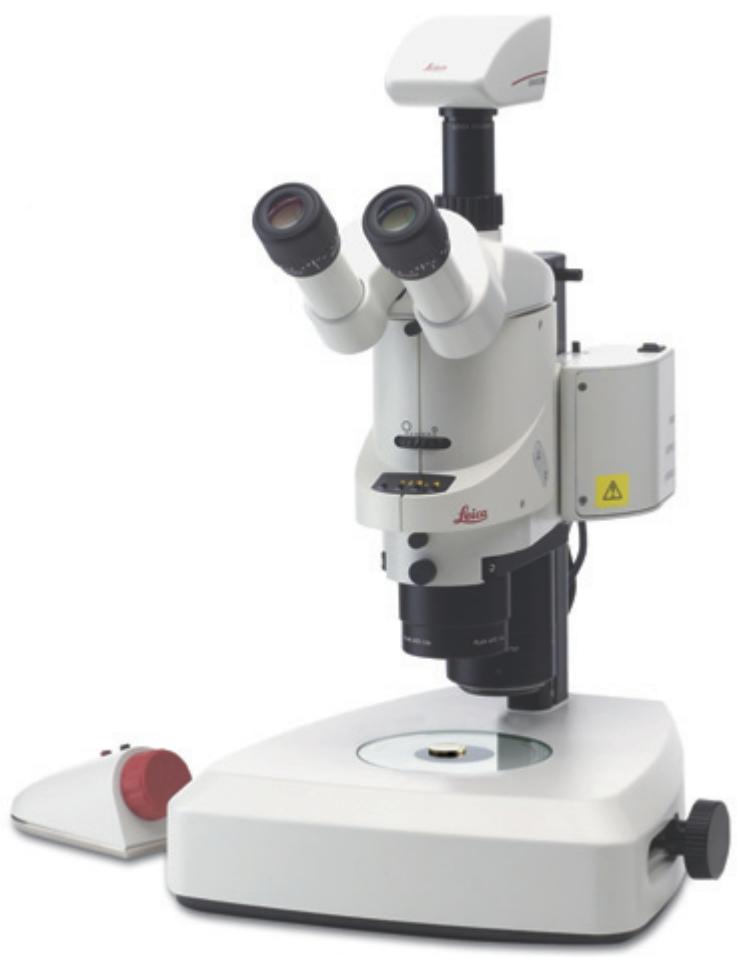
Order number
12730075
Leica Application Suite - MultiTime Module
Winner 2005
Illustrations, descriptions and technical data are not binding and may be changed without notice.
Printed on chlorine-free paper with a high content of recycled fibre. M1-525-4en· © Leica Microsystems (Switzerland) Ltd • CH-9435 Heerbrugg, 2005 • Printed in Switzerland – II.2006 – RDV
Brand : LEICA
Model : LAS MULTITIME
Category : Wristwatch