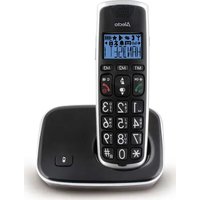
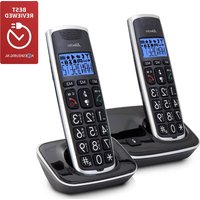
Frequently Asked Questions - CM10 ALECTO
How do I register a new handset to the base?
To register a handset, place it on the base, then press and hold the SEARCH button for 5 seconds. The handset displays REGISTRATION and emits a beep. Confirm with the OK button.
How do I adjust the ringtone volume?
Press the MENU button, select SETTINGS then RINGTONE. Use the arrow keys to choose the volume and confirm with OK.
How do I transfer a call to another handset?
During a call, press the TRANSFER button (or R). Enter the target handset number, then hang up. The call is transferred after the answer.
How do I use the phonebook to save a contact?
Open the phonebook with the PHONEBOOK button, then press ADD. Enter the number and name, then confirm with OK.
How do I charge the handset?
Place the handset on its base or charger. The BATTERY icon indicates the charging status. A full charge takes about 15 hours.
What should I do if the handset does not ring?
Check that SILENT mode is not activated. Go to the RINGTONE menu to increase the volume. Also check that the handset is properly registered to the base.
How do I clear the call log?
Press the CALL LIST button to view the history. Select the number to delete, then press OPTIONS and choose DELETE.
How do I activate the mute mode during a call?
During the call, press the MUTE button (often the * or M button). The microphone is muted, the call continues. Press again to unmute.
How do I change the menu language?
Press MENU, then SETTINGS, select LANGUAGE and choose your language from the list. Confirm with OK.
How do I set up voicemail?
Press the VOICEMAIL button and follow the voice instructions. The default PIN is often 0000. You can change it via the VOICEMAIL menu.