
FAX1140L - Fax RICOH - Free user manual and instructions
Find the device manual for free FAX1140L RICOH in PDF.

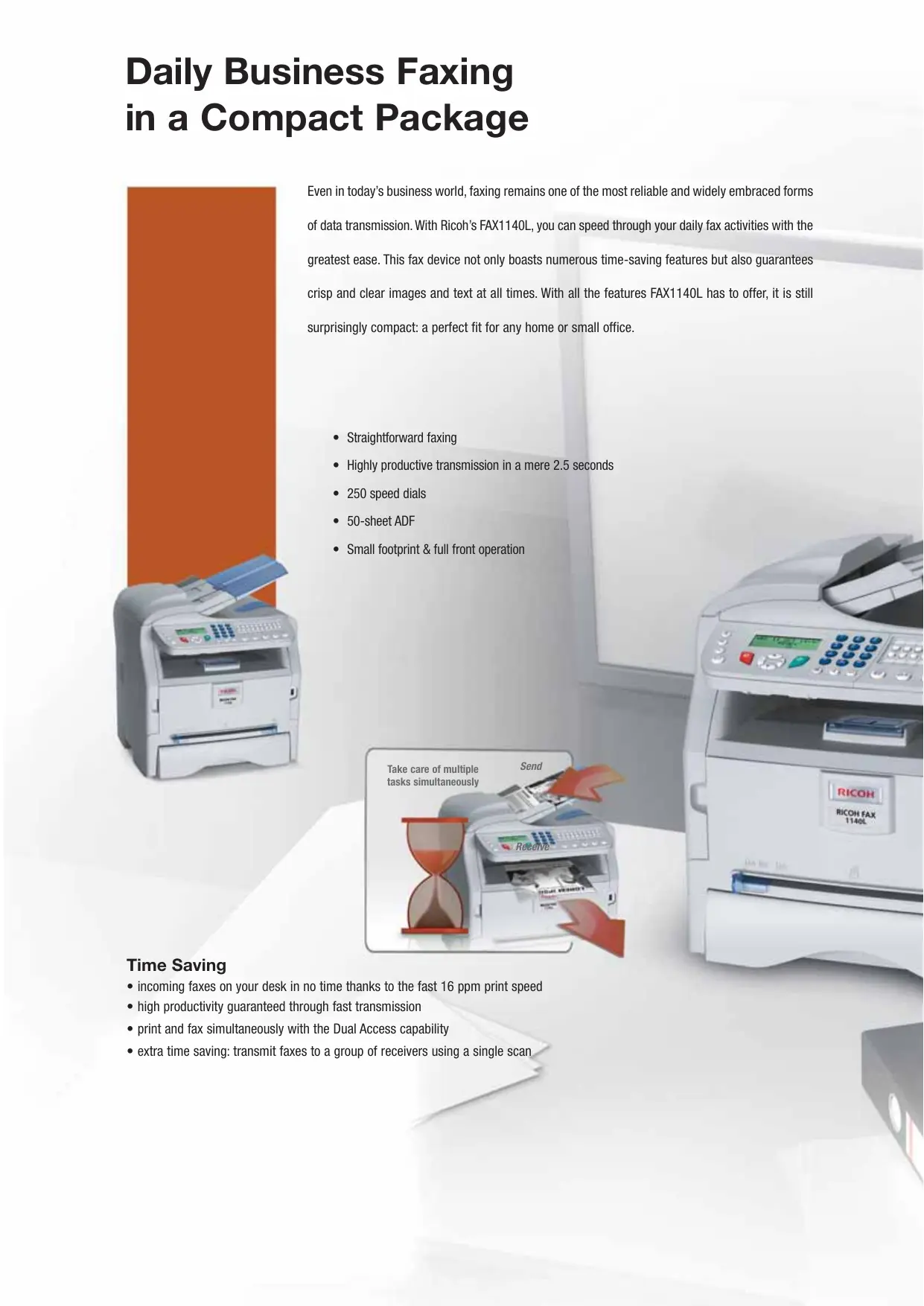

| Product Type | Professional Office Fax Machine |
| Brand | RICOH |
| Model | FAX1140L |
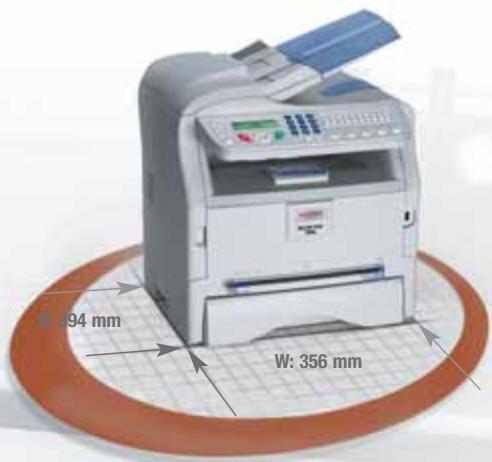
| Dimensions (W x D x H) | 356 x 394 x 380 mm |
| Weight | Less than 11.5 kg |
| Power Supply | 220-240 V, 50/60 Hz |
| Power Consumption (Operating) | Less than 900 W |
| Power Consumption (Standby) | 16 W |
| Power Consumption (Energy Save) | 12 W |
| Transmission Speed | 2.5 seconds per page |
| Printing Speed | 16 pages per minute |
| Paper Tray Capacity | 250 sheets |
| Automatic Document Feeder (ADF) | 50 sheets |
| Memory | 2 MB (125 pages) |
| Main Functions | Fax, copy, speed dial (20 one-touch keys, 250 abbreviated numbers, 32 groups), duplex access, broadcast transmission |
| Compatibility | ITU-T Super G3, PSTN, PABX |
| Maintenance and Cleaning | Easy front access replacement of all-in-one cartridge |
| Security | Fax storage in memory in case of out of paper or toner (up to 125 pages) |
| Spare Parts and Repairability | All-in-one cartridge (yield 4,000 pages); starter kit included (1,500 pages) |
| General Information | Compact design, front access, low consumption, recyclable parts |
Frequently Asked Questions - FAX1140L RICOH
User questions about FAX1140L RICOH
0 question about this device. Answer the ones you know or ask your own.
Ask a new question about this device
Download the instructions for your Fax in PDF format for free! Find your manual FAX1140L - RICOH and take your electronic device back in hand. On this page are published all the documents necessary for the use of your device. FAX1140L by RICOH.
USER MANUAL FAX1140L RICOH
natural_image
Exterior view of a RICOH FAX 1140L printer with open lid and control panel (no readable text beyond branding)Affordable & Straightforward Business Communications
Daily Business Faxing in a Compact Package
natural_image
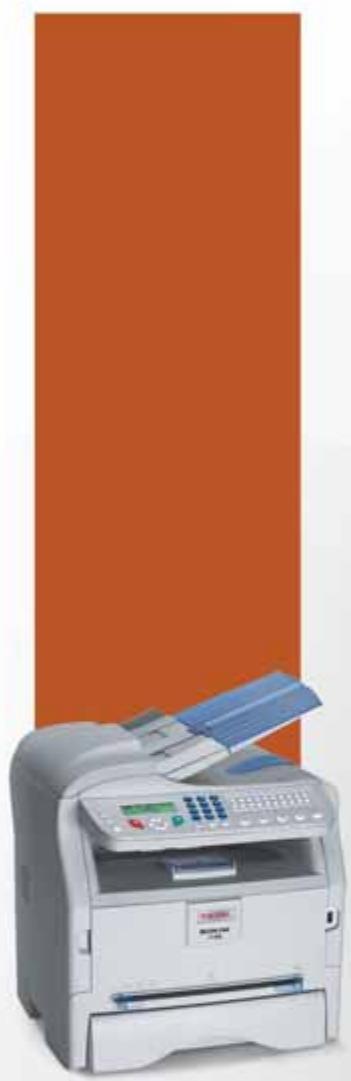
Exterior view of a white filing machine with a blue tray, set against an orange background (no visible text or symbols)Even in today's business world, faxing remains one of the most reliable and widely embraced forms of data transmission. With Ricoh's FAX1140L, you can speed through your daily fax activities with the greatest ease. This fax device not only boasts numerous time-saving features but also guarantees crisp and clear images and text at all times. With all the features FAX1140L has to offer, it is still surprisingly compact: a perfect fit for any home or small office.
- Straightforward faxing
• Highly productive transmission in a mere 2.5 seconds - 250 speed dials
- 50-sheet ADF
- Small footprint & full front operation
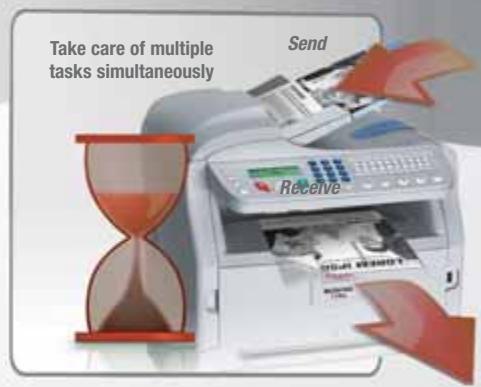
Time Saving
- incoming faxes on your desk in no time thanks to the fast 16 ppm print speed
- high productivity guaranteed through fast transmission
- print and fax simultaneously with the Dual Access capability
- extra time saving: transmit faxes to a group of receivers using a single scan
Fits Anywhere
Uniting all the strengths of a professional plain paper fax device into a compact design: that's the FAX1140L's motto. With its small footprint and convenient full front operation, it can easily fit onto your desk or anywhere in the office without intruding on your workplace.
Convenient Laser Copying
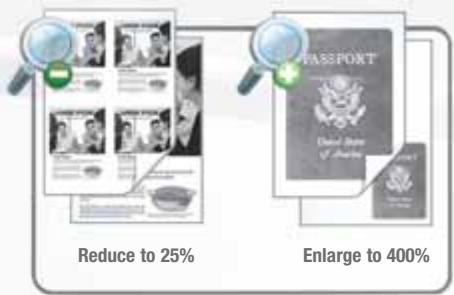
Need a quick copy? The FAX1140L is equipped to efficiently produce copies at the touch of a button. You can also reduce and enlarge your original documents from 25 up to 400% and sort your copies as you please.
Efficient Business Communications
- easy faxing of lengthy documents: feed up to 50 pages via the Automatic Document Feeder
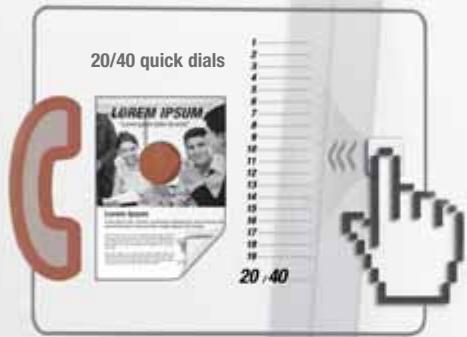
- benefit from 20/40 one touch quick dial buttons, 32 group dials and 250 speed dial locations for regularly used numbers
Easy Operation
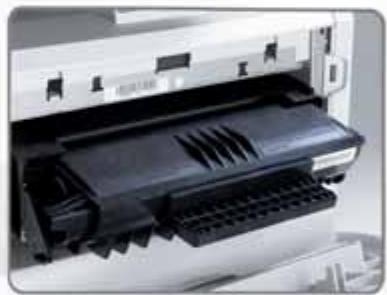
The FAX1140L is designed to make your fax traffic straightforward and trouble free. The simplified operation panel makes sure that sending a fax is uncomplicated and fast. Replacing toner is just as easy: simply open the front of the machine, pull out the all-in-one cartridge and slide in a new one.
natural_image
Close-up of a printer's internal structure showing a black plastic sheet and ventilation slots (no text or symbols visible)Continuous Availability
With their 250-sheet paper capacity, these fax machines are available at all times without requiring frequent refills. Missing any important fax messages is a thing of the past. Even if your FAX1140L runs out of paper or toner, they can store up to 125 pages of incoming fax messages into their memory.
Ricoh's Green Commitment
Like all Ricoh products, the FAX1140L reflects Ricoh's commitment to the environment through its low power consumption and zero waste:
• 12 W power consumption in energy saver mode
- easily recyclable parts & long unit life

natural_image
Recycling symbol with green grass and blue sky, no text or symbols present
GENERAL
| Type: | Desktop type transceiver | |
| Circuit: | PSTN, PABX | |
| Compatibility: | ITU-T Super G3 machines | |
| Modem speed: | Maximum: | 33.6 Kbps |
| Transmission speed: | 2.5 seconds | |
| Compression method: | MH, MR, MMR, JBIG | |
| Quick dial: | 20 numbers | |
| Speed dial: | 250 numbers | |
| Paper input capacity: | 250 sheets | |
| ADF capacity: | 50 sheets | |
| Memory capacity: | 2 MB (125 pages) ^1 | |
| Memory backup: | Yes | |
| Document size: | A4 | |
| Scan speed: | Less than 4.5 seconds | |
| Dimensions(W x D x H): | 356 x 394 x 380 mm | |
| Weight: | Less than 11.5 kg | |
| Power source: | 220 - 240 V, 50/60 Hz | |
| Power consumption: | Operation: | Less than 900 W |
| Standby mode: | 16 W | |
| Energy saver mode: | 12 W | |

CONSUMABLES
- All-in-one cartridge (yield: 4,000 sheets ^2 )
- The FAX1140L comes with starter kits (yield: 1,500 sheets ^2 )
^1 Based on ITU-T #1 chart.
^2 A4 with 5% coverage.
For availability of models, optional apparatus and software, please consult your local Ricoh supplier.


ISO9001: 2000 certified ISO14001 certified
All brand and/or product names are trademarks of their respective owners. Specifications and external appearance are subject to change without notice. The colour of the actual product may vary from the colour shown in the brochure.
Copyright © 2006 Ricoh Europe All rights reserved. This brochure, its contents and/or layout may not be modified and/or adapted, copied in part or in whole and/or incorporated into other works without the prior written permission of Ricoh Europe B.V.
RICOH
For more information, please contact:
RICOH ASIA PACIFIC PTE LTD
260 Orchard Road #15-01/02
The Heeren, Singapore 238855
Phone: +65 6830 5888
Fax: +65 6830 5830
www.ricoh.com.sg
Brand : RICOH
Model : FAX1140L
Category : Fax