
NU5818S - Television NIKKEI - Free user manual and instructions
Find the device manual for free NU5818S NIKKEI in PDF.


| Product Type | LED Television |
| Brand | Nikkei |
| Model | NU5818S |
| Screen Size | 32 inches (diagonal) |
| Display Resolution | HD Ready (1366 x 768) |
| Display Technology | LED |
| Refresh Rate | 60 Hz |
| Aspect Ratio | 16:9 |
| Contrast Ratio | 3000:1 (typical) |
| Brightness | 250 cd/m² |
| Viewing Angle | 178° / 178° |
| Audio Power Output | 20 W (2 x 10 W) |
| Speaker System | Stereo |
| Connectivity | HDMI (2), USB (1), AV input, RF input, Headphone jack |
| Power Supply | AC 100-240V, 50/60Hz |
| Power Consumption (Typical) | 50 W |
| Standby Power Consumption | < 0.5 W |
| Weight (with stand) | 4.5 kg |
| Dimensions (with stand) | 732 x 481 x 180 mm |
| Dimensions (without stand) | 732 x 435 x 76 mm |
| VESA Mount Pattern | 200 x 100 mm |
| Remote Control | Included |
| Warranty | 1 year |
| Cleaning Instructions | Use a soft, dry cloth. Do not use liquid cleaners or spray directly on screen. |
| Safety Precautions | Do not expose to rain or moisture. Ensure proper ventilation. Do not block vents. |
| Spare Parts Availability | Contact Nikkei customer service or authorized service centers. |
| Repairability | Not user-serviceable. Refer to qualified service personnel. |
| General Information | Full HD supported via HDMI. Supports PAL/NTSC. |
Frequently Asked Questions - NU5818S NIKKEI
User questions about NU5818S NIKKEI
0 question about this device. Answer the ones you know or ask your own.
Ask a new question about this device
Download the instructions for your Television in PDF format for free! Find your manual NU5818S - NIKKEI and take your electronic device back in hand. On this page are published all the documents necessary for the use of your device. NU5818S by NIKKEI.
USER MANUAL NU5818S NIKKEI
natural_image
Front view of a modern flat-screen TV with black legs and a clear diagonal stripe on the screen (no text or symbols visible) | |
 | |
 | |
 | |
 |

natural_image
Warning symbol of a lightning bolt inside a triangle (no text or numbers)| >100% |
| >100% |
CE
Safety
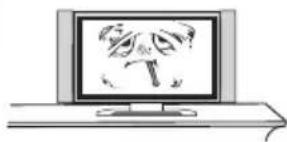
Please immediately pull out the AC power plug of adapter if there is abnormal sound or smell or it has sound but no picture, and contact with maintenance station after confirming no abnormality.

natural_image
Illustration of a computer monitor displaying a cartoon dinosaur character (no text or symbols present)

natural_image
Simple line drawing of a landscape with a tree, cloud, and TV (no text or symbols)TV should be kept free from rain, damp and dust for prevention of electric shock and short circuit.
TV should be kept from high temperature heating objects or direct sunlight. TV should be place with good ventilation.


If necessary, you may clean the display with soft and clean cotton after pulling out the power plug, but do not emphatically and repeatedly wipe.
Scraping, tapping or striking the display with hard object or wiping the display with grinding object is forbidden.
Do not wipe the machine with naphtha or thinner, which will lead to transformation of enclosure or breakage of coating. It may result in dirt if the machine has been contacting with rubber or ethane for long time.
It's forbidden to contact the display with organic solvents such as alcohol or gasoline or chemical solvent such as acid or alkali, etc.


natural_image
Illustration showing a person holding a large screen with a prohibition symbol, a chair, and a monitor on a table (no text or symbols present)Do not put TV on unstable or shaky place
Please do not place the power line or signal line across walkway or at place where people usually come and go in case the line to be trampled. Do not overload the power line or power socket.

natural_image
Illustration of a cable being connected to a computer monitor, with lightning bolts indicating electrical hazard (no text or symbols present)
natural_image
Cartoon illustration of a man sitting at a desk with a TV, holding a pointer (no text or symbols present)Please do not disassemble the back cover by non professionals as it has high voltage in the machine, in case for electric shock; and the internal adjustment and check should be conducted by professionals.
Do not put water container such as cosmetics or medicine liquid on TV.
Please pull out the plug and contact the maintenance station if there are abnormal objects or water in TV.

natural_image
Illustration of a computer monitor with a crossed-out 'X' symbol above it, no text or symbols present.
Please pull out the power plug of adapter in lightning strike, and pull out cable TV plug or outdoor antenna plug, in case the TV to be damaged. Do not contact the lead-in line of antenna.

natural_image
Blank gray rectangular image with no visible content, text, or symbols
natural_image
Black circular button with white power symbol and number 1 to the right, no additional text or symbols

natural_image
Simple line drawing of a horizontal beam with two supports and a central support (no text or symbols)
natural_image
Illustration of a tall TV with a stand and a circular button labeled '✓' (no text or symbols on the device itself)
natural_image
Diagram of a tall TV with a stand and a small circle containing an 'X' symbol (no text or labels present)
natural_image
Front view of a flat-screen monitor with no visible text or symbols on its screen surface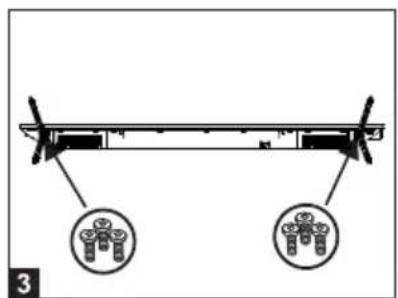
natural_image
Diagram of a mechanical or structural assembly with two circular insets showing internal components (no text or symbols)
natural_image
Front view of a flat-screen monitor with a blank display area (no text or symbols visible)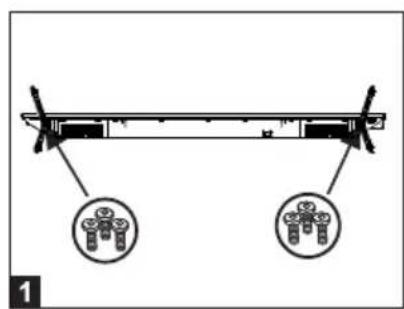
natural_image
Diagram of a mechanical or structural assembly with two circular insets showing internal components (no text or symbols)
natural_image
Illustration of a hand holding a tablet screen with a pointing gesture (no text or symbols)
natural_image
Technical line drawing of a rectangular electronic device interior with internal compartments and mounting feet (no text or symbols)
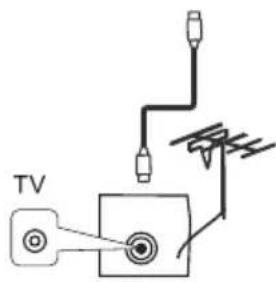




Fig. 1
Fig. 2


natural_image
Blank gray rectangular image with no visible content, text, or symbols


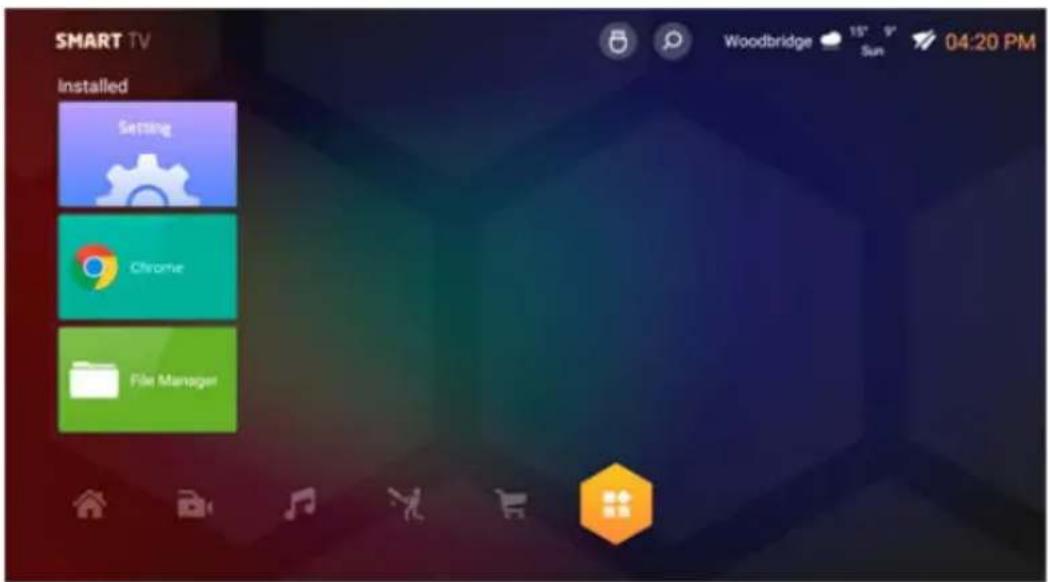
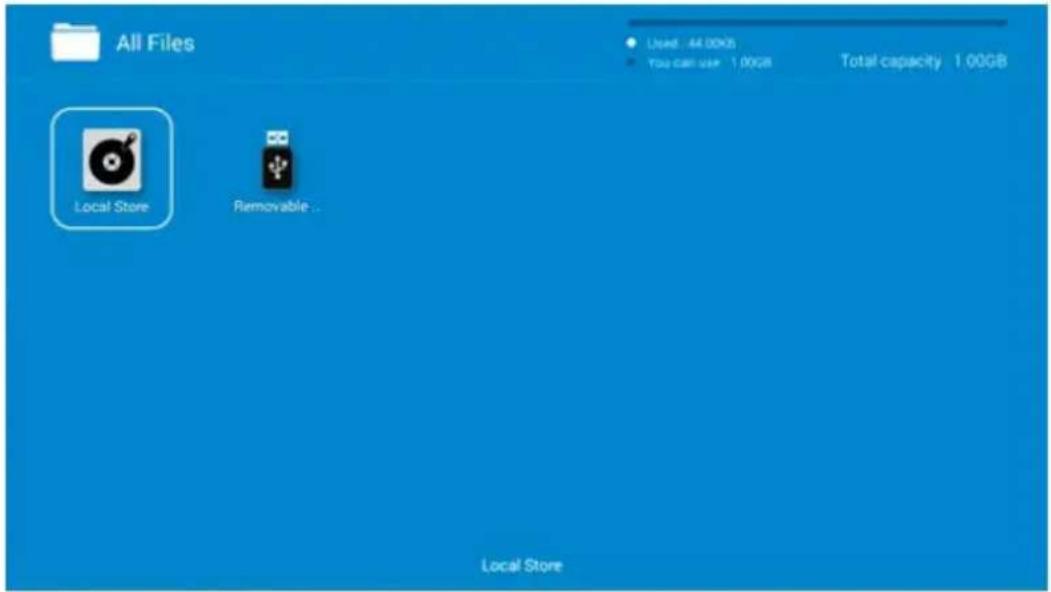

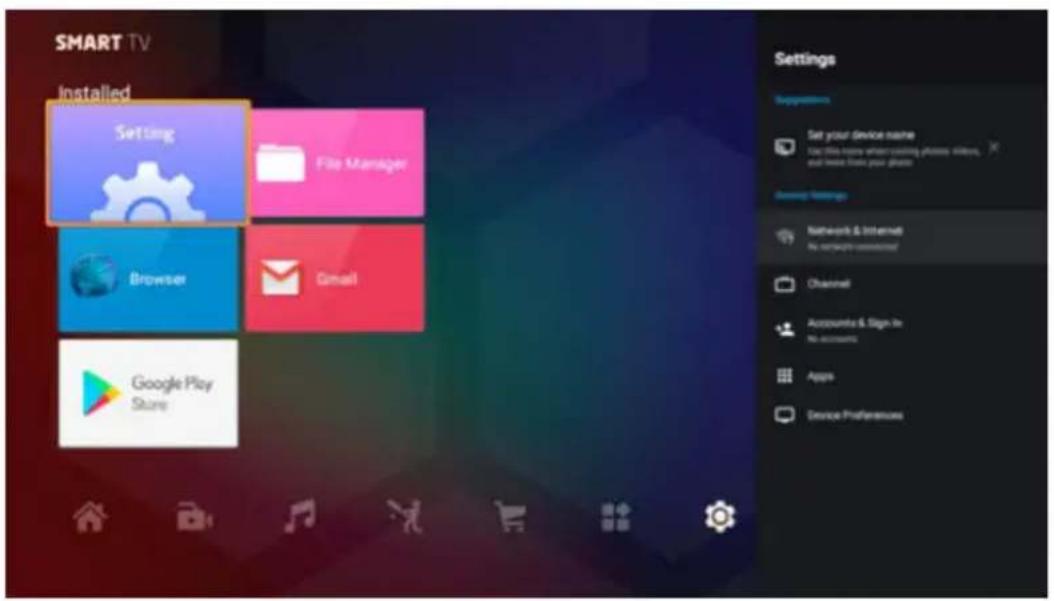
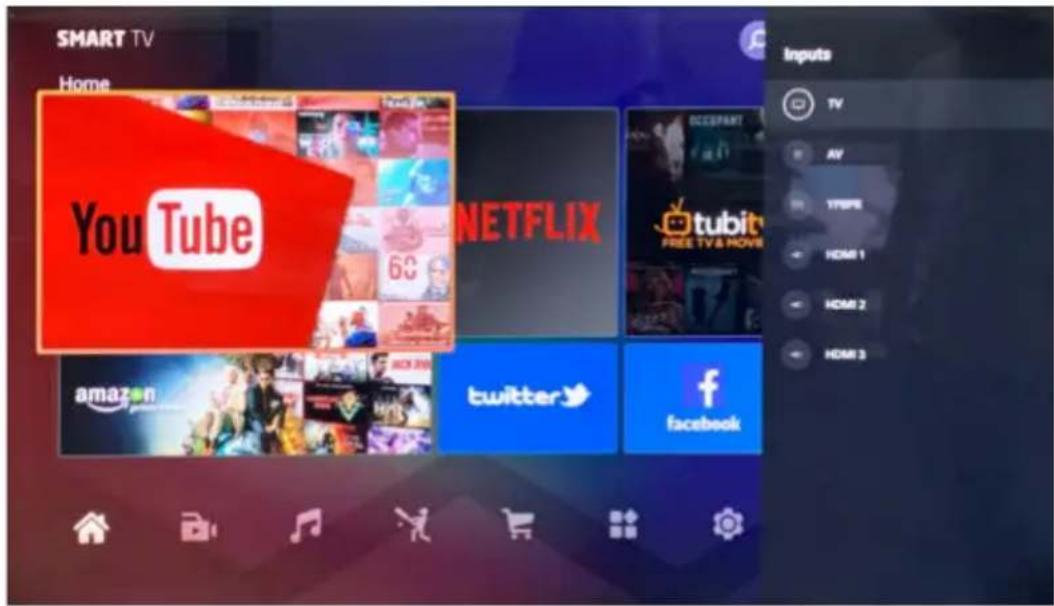
natural_image
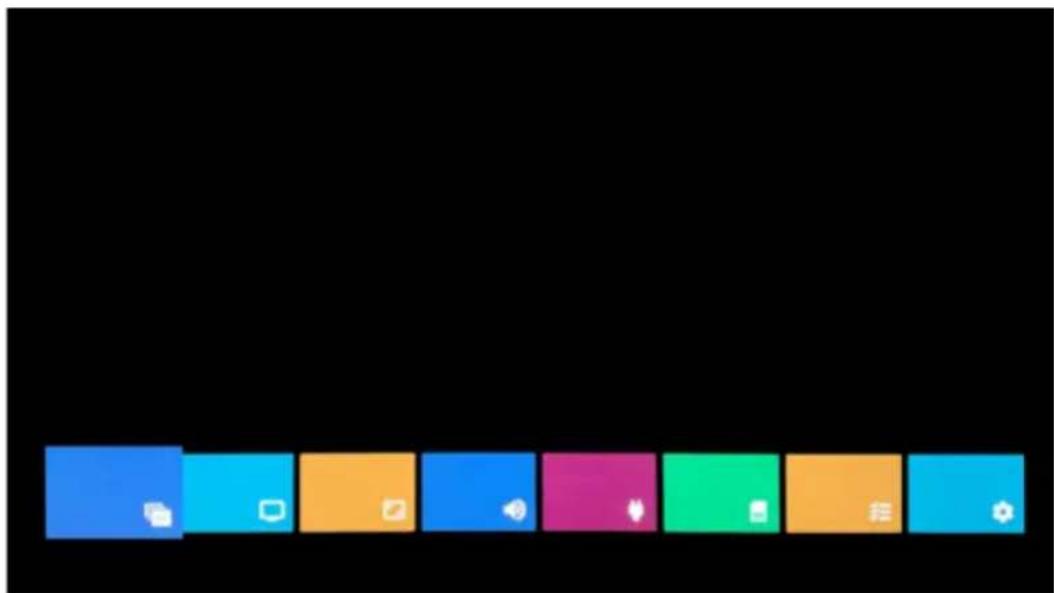
Row of colored rectangular blocks with icons, no text or symbols present
natural_image
Two vertical color blocks: black on the left and blue on the right, with a small green dot in the center (no text or symbols)
natural_image
Abstract composition with black and blue color blocks, no text or symbols present
natural_image
Abstract composition with black and blue color blocks, no text or symbols present
natural_image
Abstract composition with a black background and two vertical blue panels, one containing a small blue circle and the other a white circle (no text or symbols)
bar_stacked
| Category | Black Segment | Blue Segment | | -------- | ------------- | ------------ | | Row 1 | 75% | 25% | | Row 2 | 0% | 25% |
natural_image
Abstract blue and black gradient background with three small white dots in the bottom-right corner (no text or symbols)
No image and voice [IMAGE] [IMAGE] | Possible causes:*Power cord, antenna or input devices are not connected;*The TV set is not powered on.Solutions:*Check Power cord , antenna and input devices;*Press Power key on the remote control;*Press Power key on the set to power it off for 5 seconds and then re-power it on . |
No voice [IMAGE] [IMAGE] | Possible causes:*The volume is too low; Muted or cancelled;*Incorrect sound system.Solutions:*Press Volume key to turn up the volume;*Press Mute key to cancel Mute mode.Well connect vonnection to the background sound;*Change the sound system in the menu. |
Snows and noises: [IMAGE] [IMAGE] | Possible causes:*The cable is damaged or gets loose;*Incorrect channel preset;*Improper antenna positioning.Solutions:*Check whether the connection of the antenna cable , DVD and the cables is correct;*Reset channels or fine tune the channel;*Adjust the direction of the antenna. |
Achromatic colour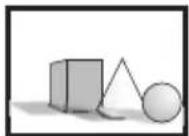 [IMAGE] [IMAGE] | Possible causes:*Incorrect Colour system settings; Low chroma level setting ;*Improper antenna positioning.Solutions:*Change the colour system into the local system in the menu ;*Increase chroma level;*Adjust the direction of the antenna. |
Remote controlis no effect : × × | Possible causes:*Battery runs up;*Incorrect battery loading;Solutions:*Check the battery electricity or replace the battery;*Check if the poles of the battery are correct. |
| Note: To properly watch CANAL + using this product, carry out DVB-T channel search when CANAL + is unsarambled.Form 12:30 p.m. to 1:30 p.m.From 7:00 p.m.to 8:30 p.m. | |
For any other problem that may occur on your device, please contact Customer Service.
Elmarc B.V.
Brand : NIKKEI
Model : NU5818S
Category : Television