ACT-KB-BT-001 - Keyboard Maxxter - Free user manual and instructions
Find the device manual for free ACT-KB-BT-001 Maxxter in PDF.


User questions about ACT-KB-BT-001 Maxxter
0 question about this device. Answer the ones you know or ask your own.
Ask a new question about this device
Download the instructions for your Keyboard in PDF format for free! Find your manual ACT-KB-BT-001 - Maxxter and take your electronic device back in hand. On this page are published all the documents necessary for the use of your device. ACT-KB-BT-001 by Maxxter.
USER MANUAL ACT-KB-BT-001 Maxxter
BLUETOOTH TOETSENBORD
CLAVIER BLUETOOTH

- Slimline Bluetooth keyboard
- Smooth keystroke for more comfortable typing
• Practical multimedia buttons - Works with most mobile phones, tablets, PC's or compatible TV's and media boxes
- Long life on a single AA battery: non-stop working up to 200 hours

* Reference: FR/DE layout: 79pcs, US layout: 78pcs

text_image
CE RoHS MADE IN CHINA①
natural_image
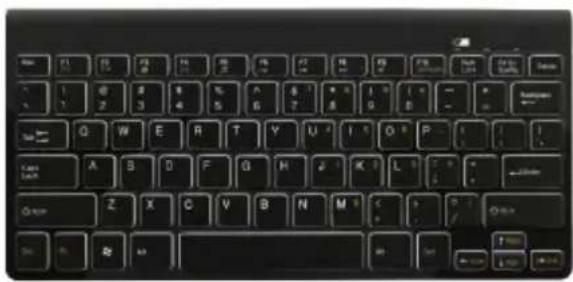
Close-up of a black computer keyboard with standard keys and buttons (no visible text or symbols on the keys themselves)
natural_image
Curved arrow graphic pointing left, no text or symbols present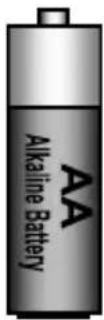
②

natural_image
Front view of a tablet device with no visible text or symbols on the screen or body
text_image
Diagram showing Bluetooth symbol transforming to power button icon③
natural_image
Two stylized human figures in a circular arrangement, no text or symbols present
text_image
Cn F1 F2 F3 F4 F5 F6 F7 F8 F9 F10 New LCK New Lock Pct Sc Sons Dens Tal← Q W E R T Y U 4 I 3 O 6 P - Cape Lock A S D F G H J K L 3 : + ←Close Z X C V B N M 0 < > ? / OK OK OK OKQWERTY/QWERTZ - Press Esc+Q to start pairing keyboard to your PC/tablet/phone
text_image
Airplane Mode OFF Wi-Fi Off Notifications On Brightness & Wallpaper Picture Frame General Mail, Contacts & Penders About > Sounds > Network > Bluetooth Off > Location Service On >All brands and logos are registered trademarks of their respective owners
text_image
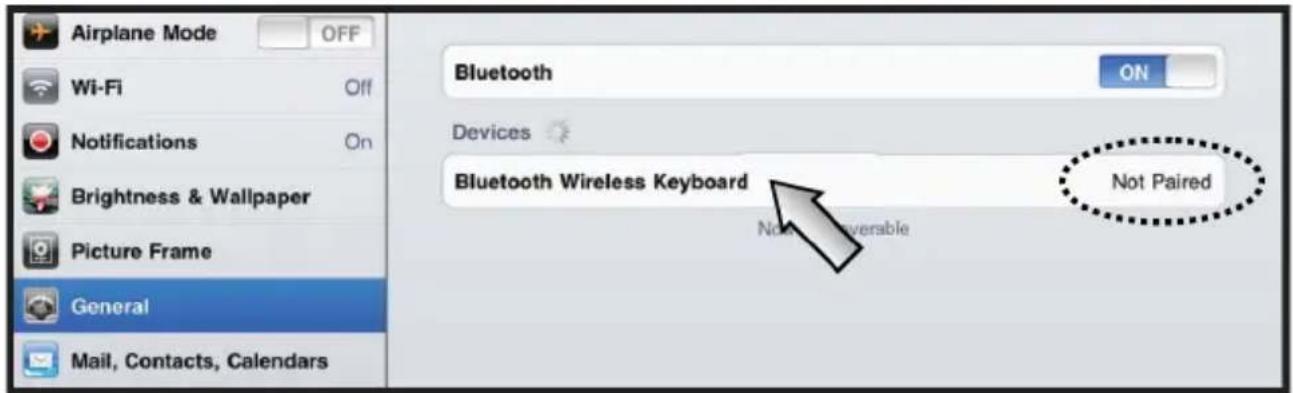
Airplane Mode OFF Wi-Fi Off Notifications On Brightness & Wallpaper Picture Frame General Mail, Contacts, Calendars Bluetooth ON Devices Bluetooth Wireless Keyboard Not Paired Not Pairedable
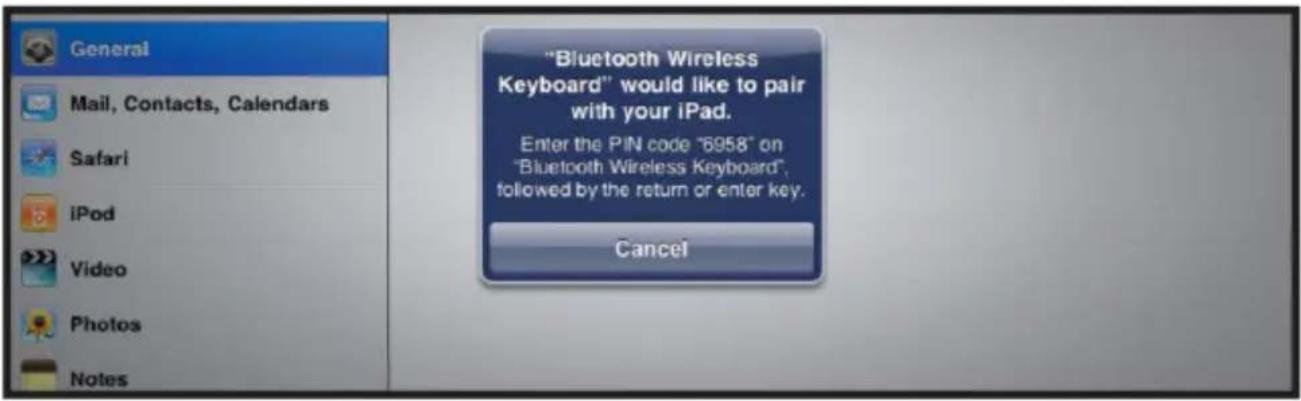
text_image
"Bluetooth Wireless Keyboard" would like to pair with your iPad. Enter the PIN code "6958" on "Bluetooth Wireless Keyboard" followed by the return or enter key. Cancel4.4
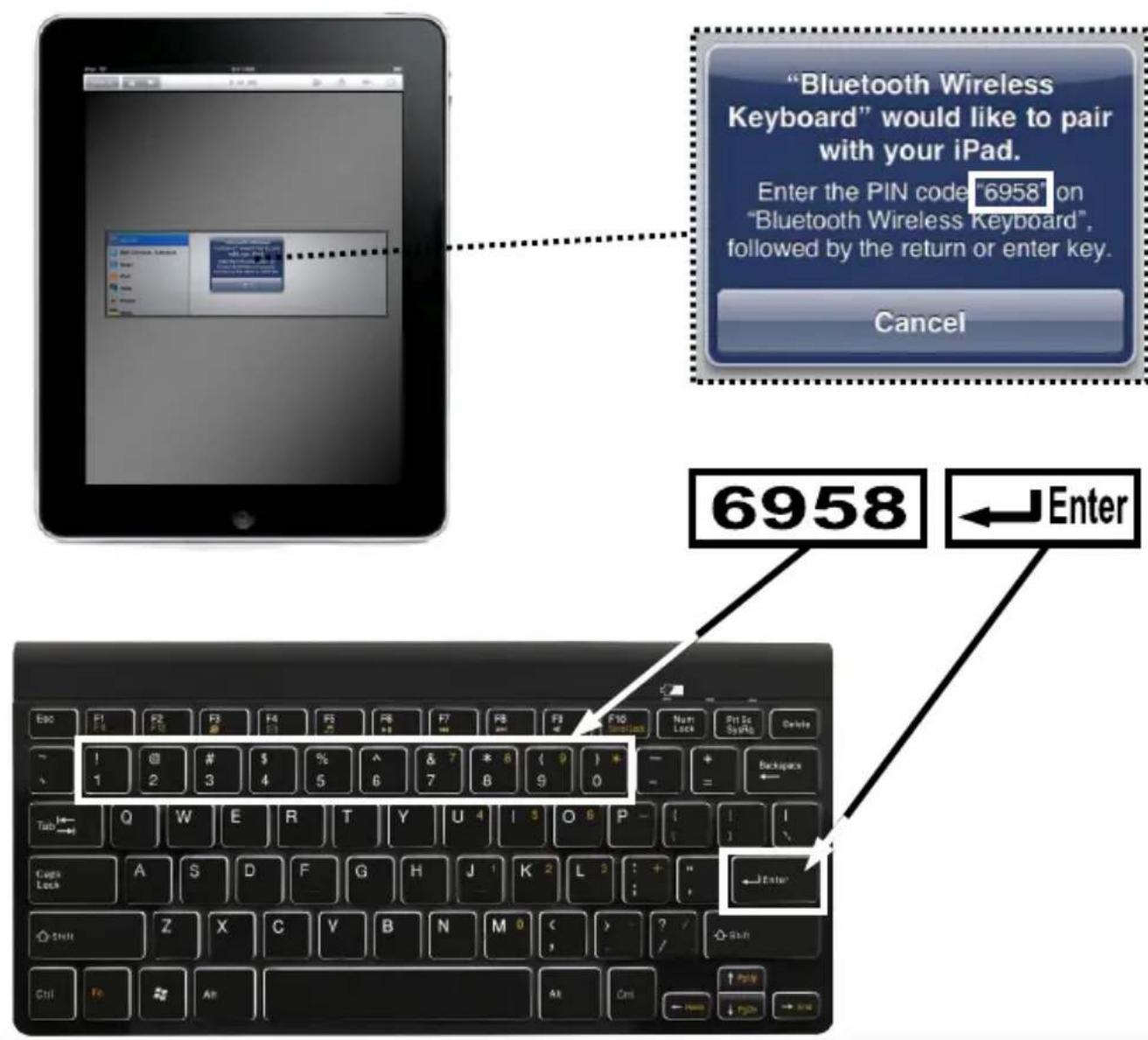
text_image
"Bluetooth Wireless Keyboard" would like to pair with your iPad. Enter the PIN code "6958" on "Bluetooth Wireless Keyboard", followed by the return or enter key. Cancel 6958 ← EnterAll brands and logos are registered trademarks of their respective owners

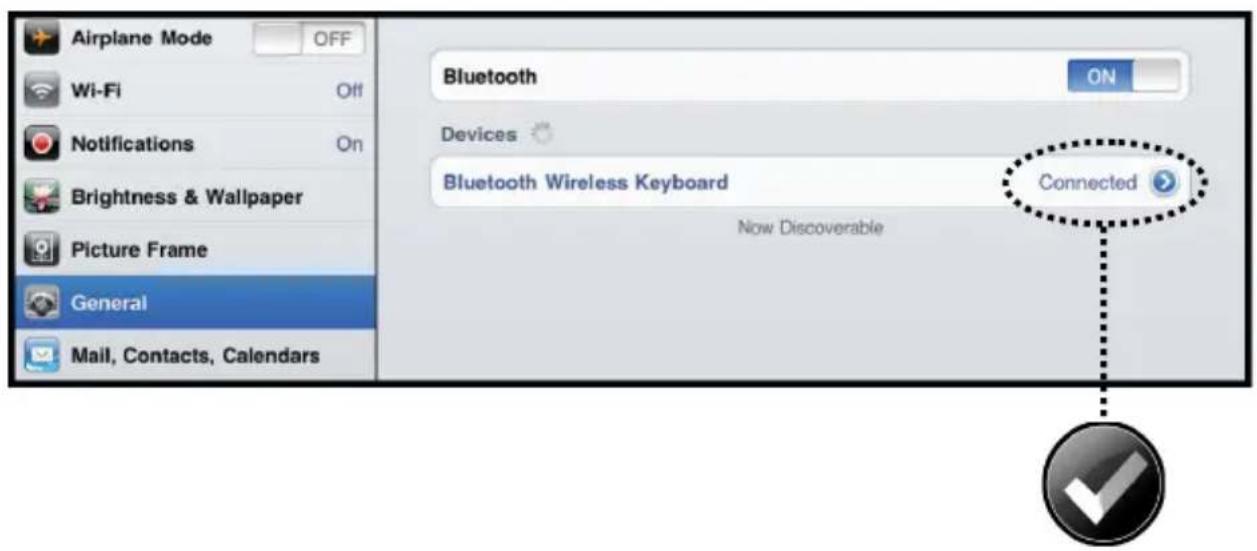
text_image
Airplane Mode OFF Wi-Fi Off Notifications On Brightness & Wallpaper Picture Frame General Mail, Contacts, Calendars Bluetooth ON Devices Bluetooth Wireless Keyboard Now Discoverable Connected
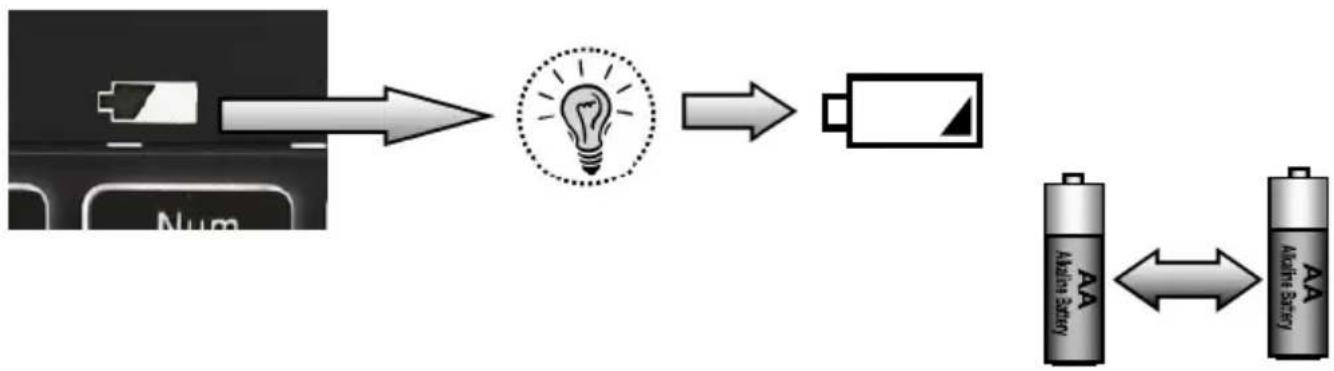
flowchart
graph LR
    A["Device with Battery"] --> B["Light Bulb"]
    B --> C["Battery"]
    C --> D["Alternative Battery"]
    D <--> E["Alternative Battery"]
ACT-KB-BT-001
BLUETOOTH KEYBOARD
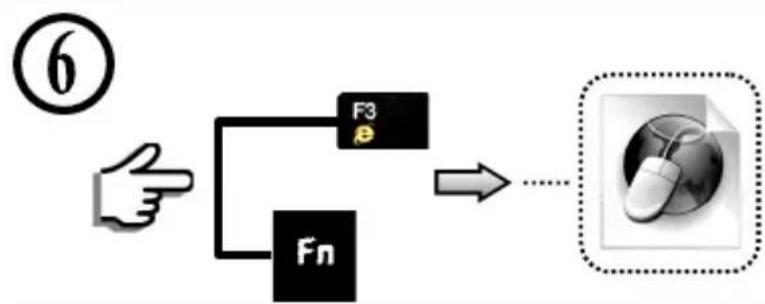
flowchart
graph TD
    A["Hand pointing at F3"] --> B["Fn"]
    B --> C["Computer icon with dotted box"]
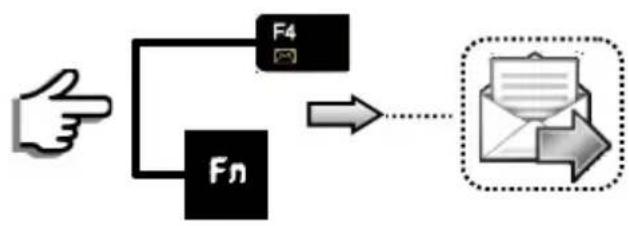
flowchart
graph TD
    A["Hand"] --> B["Fn"]
    B --> C["F4"]
    C --> D["Email Box with Down Arrow"]

flowchart
graph TD
    A["Hand Icon"] --> B["F5"]
    A --> C["Fn"]
    B --> D["→"]
    C --> D
    D --> E["Video Player Icon"]
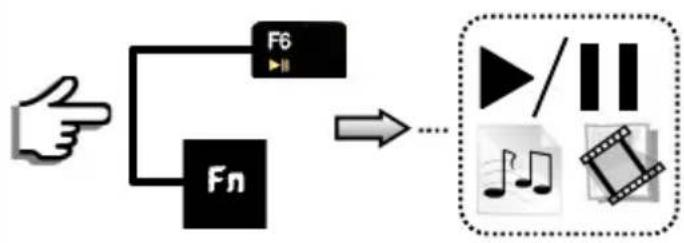
flowchart
graph TD
    A["Hand"] --> B["F6"]
    A --> C["Fn"]
    B --> D["→"]
    C --> D
    D --> E["↓/↓"]
    E --> F["影片剪辑"]

flowchart
graph TD
    A["Hand"] --> B["F8"]
    A --> C["Fn"]
    B --> D["->"]
    C --> D
    D --> E["Play Button"]
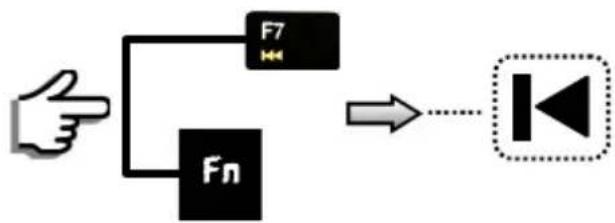
flowchart
graph TD
    A["Hand"] --> B["F7"]
    A --> C["Fn"]
    B --> D["->"]
    C --> D
    D --> E["↓"]
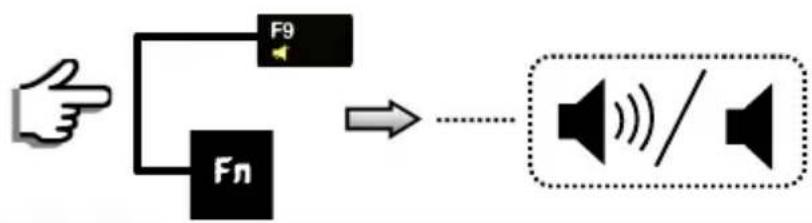
flowchart
graph TD
    A["Hand"] --> B["F9"]
    A --> C["Fn"]
    B --> D["→"]
    C --> D
    D --> E["Speaker Symbol / Symbol"]
All brands and logos are registered trademarks of their respective owners

natural_image
Black circular warning icon with an exclamation mark (no text or symbols)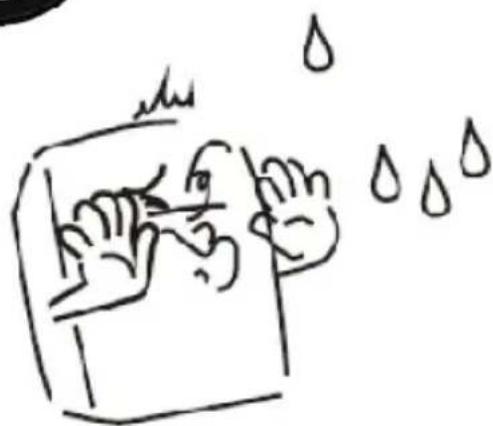
natural_image
Simple line drawing of a hand washing a cup with water droplets falling (no text or symbols)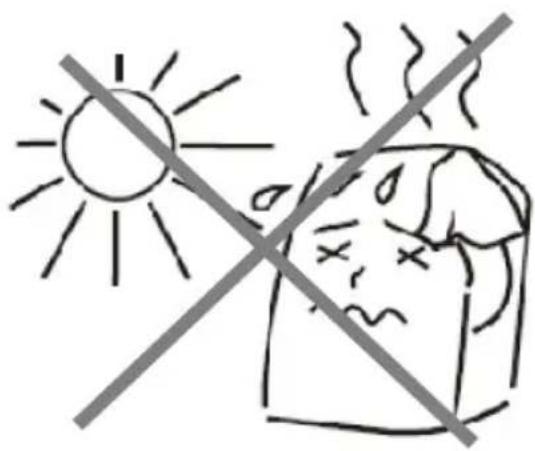
text_image
Safety warning sign showing sun and a person with fever, crossed by a diagonal line indicating no heat.
natural_image
Simple line drawing of a hand using a tool to cut a screwdriver and screw, with no text or symbols present.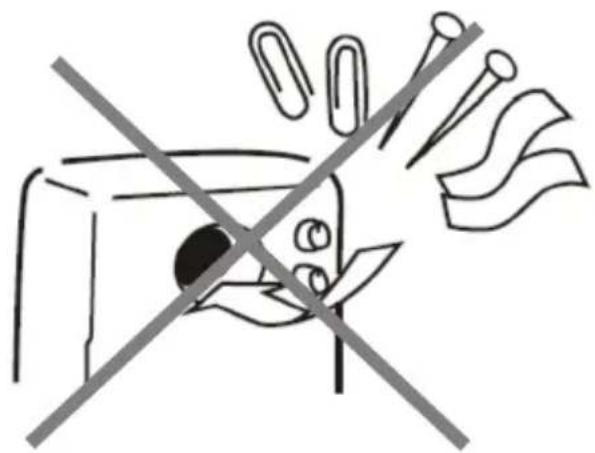
natural_image
Simple line drawing of a device with a crossed-out arrow and paper clips, no text or symbols present.Waste disposal:

Do not deposit this equipment with the household waste. Improper disposal can harm both the environment and human health. For Information about waste collection facilities for used electrical and electronic devices, please contact your city council or an authorized company for the disposal of electrical and electronic equipment.
(ENG) Declaration of conformity This product is tested and complies with the essential requirements of the laws of member states concerning R&TTE (1999/5/EC). The CE declaration can be found under www.maxxter.biz