
KOS-CV100 - Video player KENWOOD - Free user manual and instructions
Find the device manual for free KOS-CV100 KENWOOD in PDF.


User questions about KOS-CV100 KENWOOD
0 question about this device. Answer the ones you know or ask your own.
Ask a new question about this device
Download the instructions for your Video player in PDF format for free! Find your manual KOS-CV100 - KENWOOD and take your electronic device back in hand. On this page are published all the documents necessary for the use of your device. KOS-CV100 by KENWOOD.
USER MANUAL KOS-CV100 KENWOOD
To prevent injury or fire, take the following precautions:
- To prevent a short circuit, never put or leave any metallic objects (such as coins or metal tools) inside the unit.
- Mounting and wiring this product requires skills and experience. For safety's sake, leave the mounting and wiring work to professionals.
CAUTION
To prevent damage to the machine, take the following precautions:
- Do not install the unit in a spot exposed to direct sunlight or excessive heat or humidity. Also avoid places with too much dust or the possibility of water splashing.
-
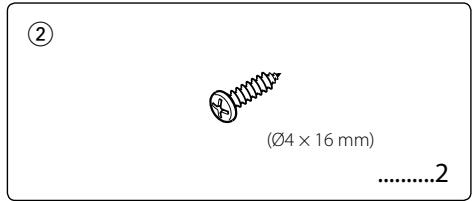
Do not use your own screws. Use only the screws provided. If you use the wrong screws, you could damage the unit.
-
If you experience problems during installation, consult your Kenwood dealer.
- No image other than the navigation image is displayed while the car is running.
- When this unit is connected, the mirror function of the A/V controller is not available.
Information on Disposal of Old Electrical and Electronic Equipment (applicable for EU countries that have adopted separate waste collection systems)

Products with the symbol (crossed-out wheeled bin) cannot be disposed as household waste.
Old electrical and electronic equipment should be recycled at a facility capable of handling these items and their waste byproducts. Contact your local authority for details in locating a recycle facility nearest to you. Proper recycling and waste disposal will help conserve resources whilst preventing detrimental effects on our health and the environment.
FCC WARNING
This equipment may generate or use radio frequency energy. Changes or modifications to this equipment may cause harmful interference unless the modifications are expressly approved in the instruction manual. The user could lose the authority to operate this equipment if an unauthorized change or modification is made.
NOTE
This Class B digital apparatus complies with Canadian ICES-003.
2 | English
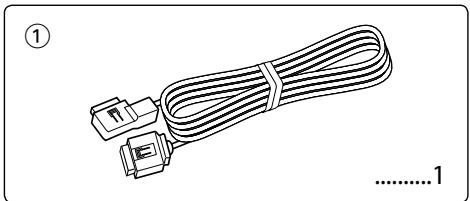
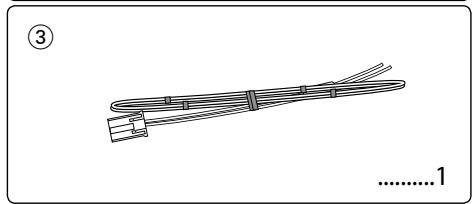
- To prevent short circuits, remove the key from the ignition and disconnect the terminal of the battery.
- Make the proper input and output cable connections for each unit.
- Install the unit in your car.
- Reconnect the terminal of the battery.
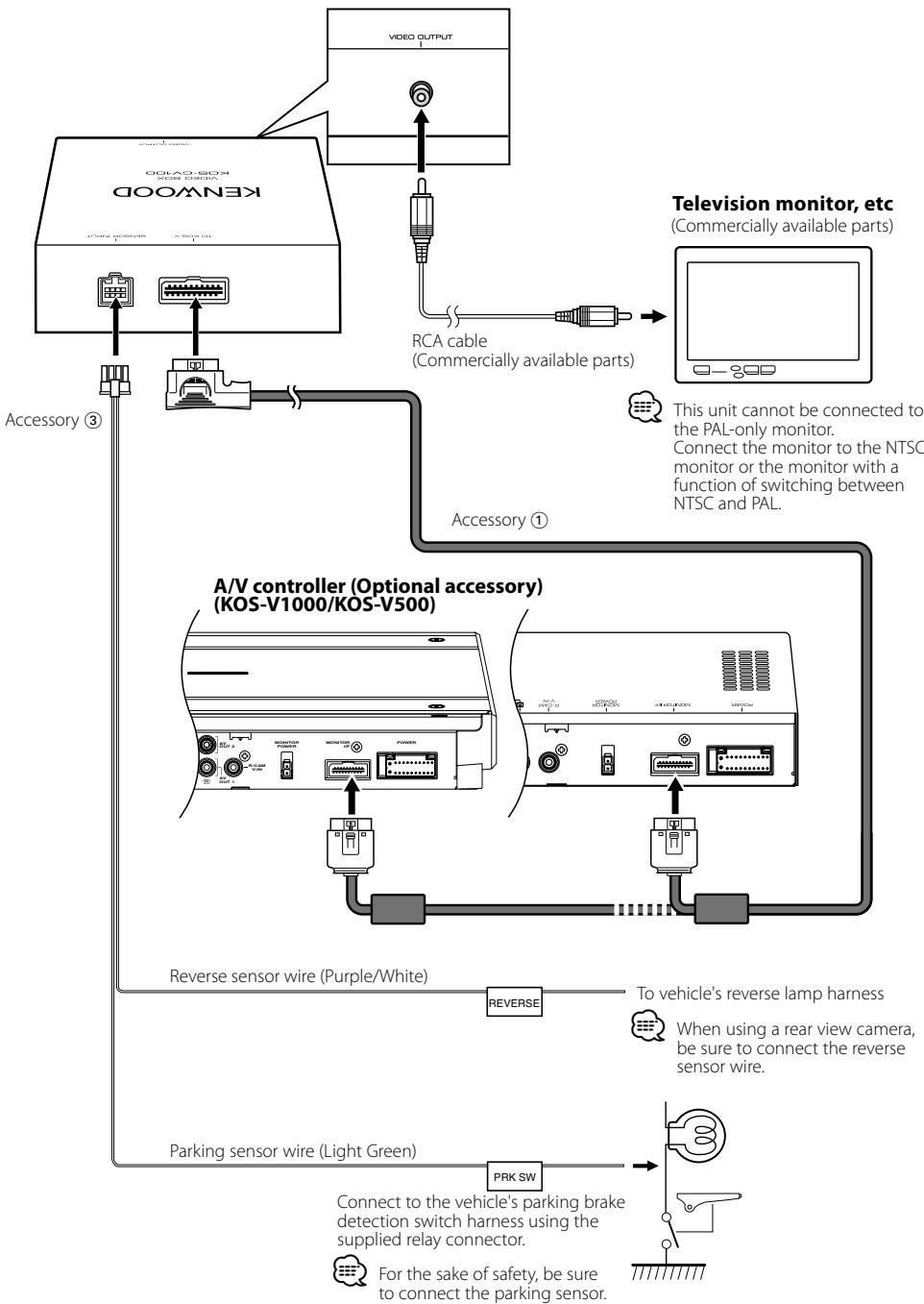
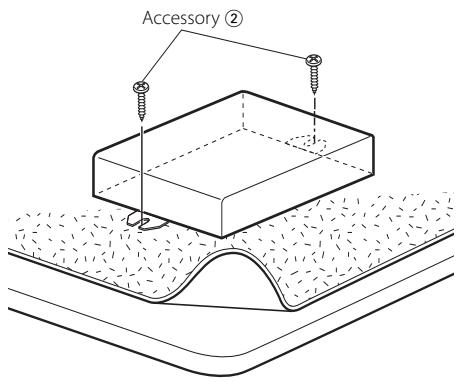
Use screws (Accessory ②) to fix Video box Unit onto an audio board or another.
Specifications
Specifications subject to change without notice.
Video Section
Video output level (RCA jack)
: 1Vp-p/75Ω
General
Operational temperature range
: -10°C to +60°C
Storage temperature range
: -30°C to +85°C
Dimensions (W× H× D)
: 143× 37× 99mm
5-5/8 × 1-7/16 × 4-7/8 inch
Weight
:310g(0.7 lbs)
Avertissement
5-5/8 × 1-7/16 × 4-7/8 inch
Gewicht
:310g(0,7 lbs)
AVVERTENZA
5-5/8 × 1-7/16 × 4-7/8 inch
Peso
: 310 g (0,7 lbs)