creative 7530 - Sewing machine PFAFF - Free user manual and instructions
Find the device manual for free creative 7530 PFAFF in PDF.


User questions about creative 7530 PFAFF
0 question about this device. Answer the ones you know or ask your own.
Ask a new question about this device
Download the instructions for your Sewing machine in PDF format for free! Find your manual creative 7530 - PFAFF and take your electronic device back in hand. On this page are published all the documents necessary for the use of your device. creative 7530 by PFAFF.
USER MANUAL creative 7530 PFAFF
Please fold this page open to simplify the understanding of this instruction manual when reading it.

text_image
Warning symbol image with exclamation mark inside a triangleSafety rules
For the United Kingdom only
The leads must definitely not be connected to the safety-lead terminal / nor to a plug with the safety lead.
The wires in the mains lead are coloured according to the following code:
Blue: Neutral
Brown: Live
As the colours of the wires in the mains lead of this appliance may not correspond with the colour coding of the terminals in your plug, proceed as follows:
The wire which is coloured blue must be connected to the terminal which is marked with the letter N or coloured black.
The wire which is coloured brown must be connected to the terminal which is marked with the letter L or coloured red.
Cut-off mains plugs are definitely not to be used, but disposed of immediately. Defective mains leads must be replaced complete.
Only 3 A spare fuses must be used as approved by ASTA according to BS 1362 and the fuse cover must be marked 3 A or with the corresponding colour code.
The plug must never be used without fuse cover. Spare fuse covers are available from electrical suppliers or the PFAFF agencies.
Please also observe the general safety notes on the fold out page.
Contents on pages 4–7

text_image
Warning symbol image with exclamation mark inside a triangleImportant safety instructions
For the United States only
This sewing machine is designed and manufactured for HOUSEHOLD use only. When you use an electric appliance, basic safety precautions should always be adhered to as follows: Read all instructions before using this sewing machine.
DANGER
To reduce the risk of electric shock:
- The sewing machine should never be left unattended when plugged. Always unplug this appliance, the electric outlet immediately after using and before
- Always unplug before relamping.
- Do not reach for a sewing machine that has been
- Do not place or store a sewing machine that has fallen into water. Unplug immediately. or drop into water or other liquid.
WARNING
To reduce the risk of burns, fire, electric shock, or other causes.
- Do not allow to be used as a toy. Close attention is necessary when this sewing may near children.
- Use this sewing machine only for its intended use as described in this manual. Use only, the recommended by the manufactures are
- Never operate this sewing machine if it has a damaged cord or plug, if it is not working properly, if it has been dropped or damaged, or dropped into water. Return the appliance to the nearest authorized device or service center for examination, repair, electrical equipment, and other equipment.
- Never operate the sewing machine with any air openings blocked. Keep ventilation openings of the sewing machine and foot control free from the accumulation of equipment repair, electrical or mechanical adjustment.
- Never drop or insert any object into any opening
- Do not use out of doors
- Do not operate where aerosol (spray) products are being used or where oxygen is being administered.
- To disconnect, turn all controls to off ("O") position at
- Never operate on a soft surface such as a hard surface, then remove plug from outlet.
- Do not unplug by pulling on cord. To unplug, there is no other hand contact or disconnection.
- Keep fingers away from all moving parts.
- Always use the proper needle plate. The wrong plate is required around the sewing machine needle.
- Do not use bent or blunt needles. Use needles
- Do not pull or push fabric while stitching. It may deflect the manufacturer only.
- Switch the sewing machine off ("O") when making any adjustments in the needle area, such as threading needle, changing needle, threading bobpin, or changing apparatus.
Always unplug sewing machine from the electric outlet when removing covers, lubricating, or when making any other user servicing adjustments mentioned in the instruction manual Hold plug when rewinding into cord reel. Do not allow plug to whip when rewinding.
ise also observe the general safety notes on the fold out page.
SAVE THESE INSTRUCTIONS

text_image
and technical embroidery techniques Utility stitches and fical sewing creative design Electronic section Technical section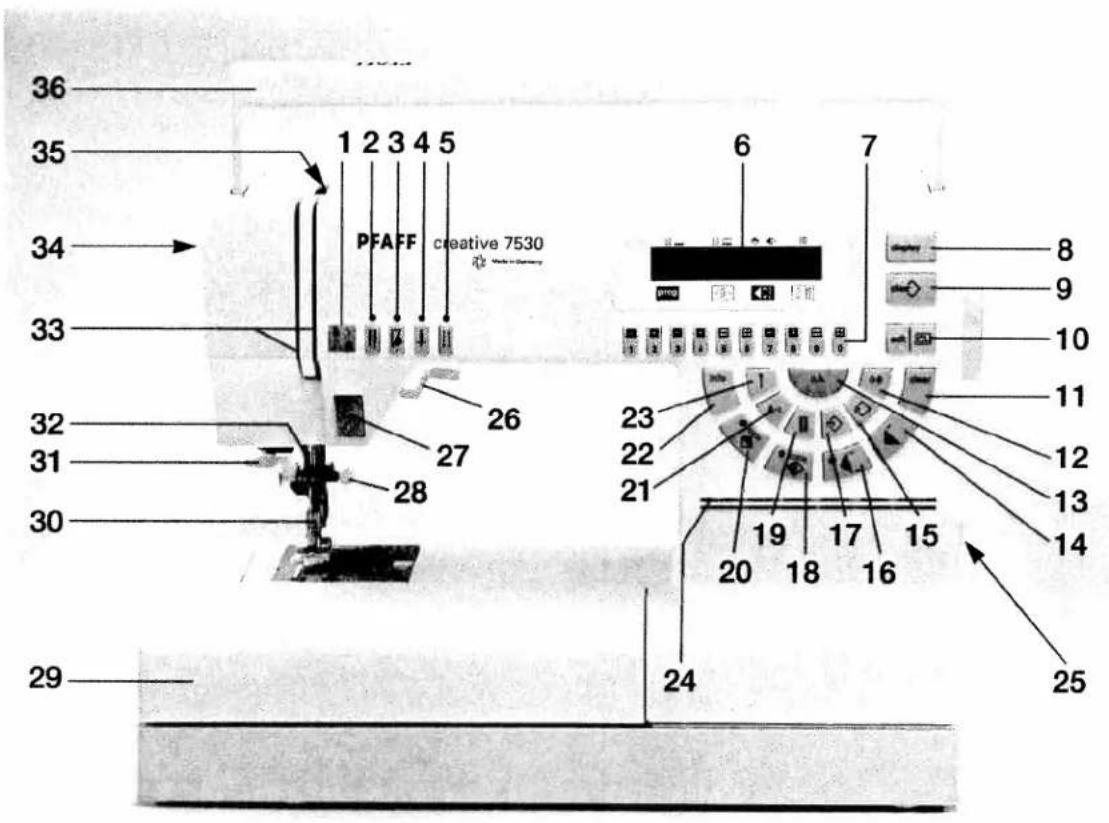
text_image
36 35 1 2 3 4 5 PFA FF creative 7530 34 33 32 31 30 29 6 7 8 9 10 11 12 13 14 23 22 21 19 18 17 16 15 20 16 24 25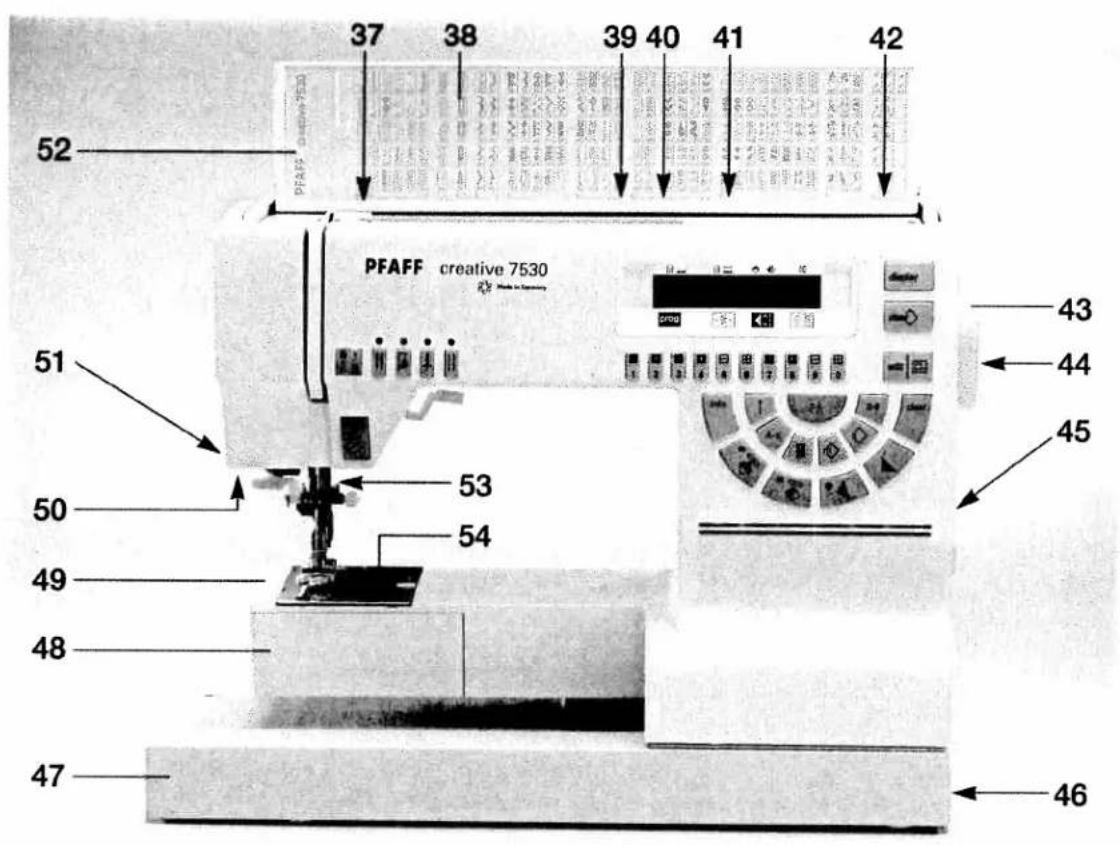
text_image
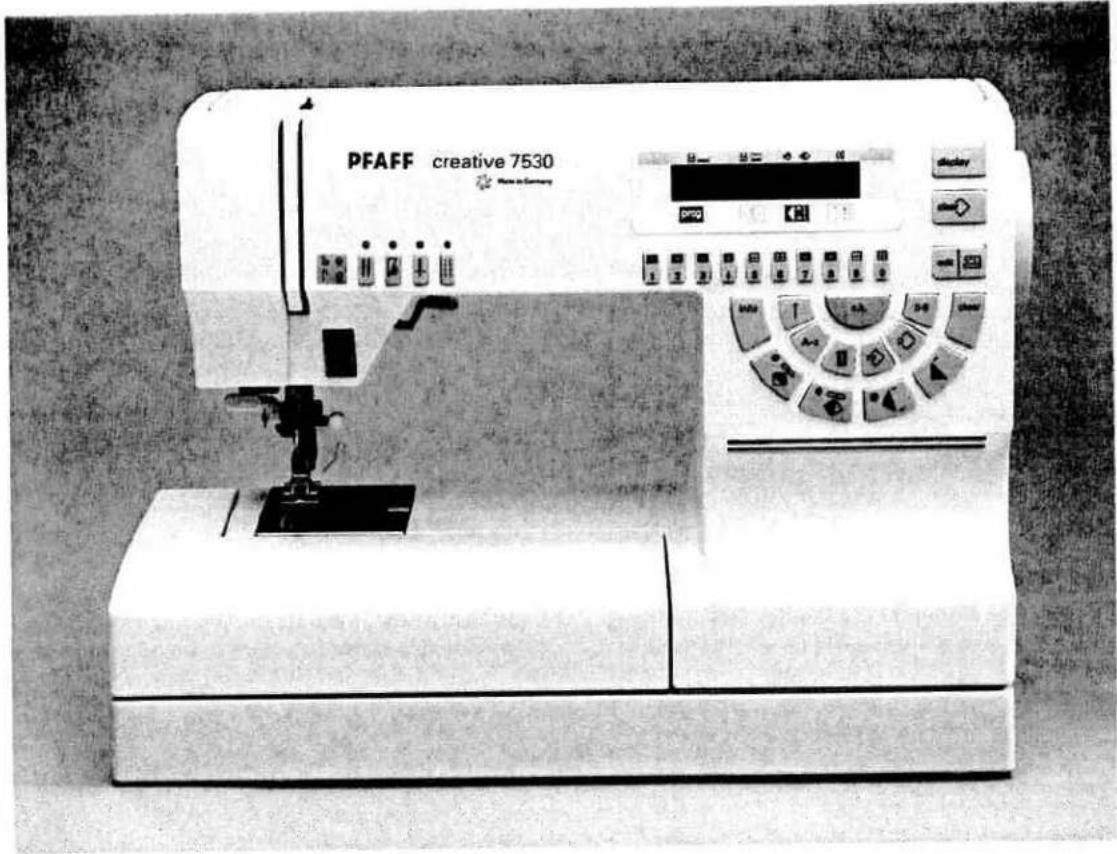
PFAFF creative 7530 52 37 38 39 40 41 42 51 50 53 54 43 44 45 46 47Parts of the creative 7530
(1) Bobbin thread monitor and sewing function light "reverse sewing"
(2) "Twin needle" key
(3) "Slow sewing" key
(4) "Needle up/down" key
(5) "Tacking" key
(6) Multi function display
(7) Numbered keys
(8) "Display" key
(9) "clear" key
(10) "edit|□" key
(11) "Clear" key
(12) Key "0-9" for pattern selection
(13) "o.k." key
(14) "Pattern start" key
(15) "P-Memory" key
(16) "Single pattern" key
(17) "M-Memory" key
(18) "Pattern mirror" key (lateral mirror image)
(19) "Buttonhole" key
(20) "Pattern mirror" key (axial mirror image)
(21) "A-z" key for alphabet selection
(22) "Info" key
(23) "↑" key, straight stitch
(24) Brightness control for the display
(25) On/off switch
(26) Presser foot lifter
(27) "Reverse" key
"Bartack" buttonhole key
(28) Needle holder with fixing screw
(29) Detachable work support with accessory compartment
(30) Sewing foot holder with sewing foot
(31) Needle threader
(32) Thread guide
(33) Threading slots
(34) Needle thread tension
(35) Take-up lever
(36) Carrying handle
(37) Thread guide for bobbin winding
(38) Program table
39) Reel holder with unwinding disk
40) Second reel holder for swinging up
41) Hole for third reel holder (extra accessory)
42) Bobbin winder
43) Hand wheel
44) Hand wheel release disk
45) Connection socket "mains cord"
46) Connection socket "foot control"
47) Base plate
48) Hook cover (sewing hook behind)
49) Free-arm
50) Sewing lamp
51) Thread trimmer
52) Top cover
53) Dual feed/IDT-System
54) Needle plate
natural_image
Black-and-white aerial view of a cityscape with industrial buildings and a prominent chimney, no visible text or signage.Modern and uncomplicated – Sewing at the touch of a button
Congratulations! You have bought a high-quality product that offers unique advantages. Your new sewing machine can take any material in its stride and will sew through thick and thin for you.
Its features are the very latest in design and technology and you will find that your PFAFF sewing machine is just as simple to operate as this instruction book is to read.
If you take a little time to read the instruction book thoroughly, nothing can go wrong.
It's worth it, because there is no other way to see everything the machine can do and to make full use of its features.
If you have any questions, no problem! Your PFAFF dealer is at your service with any help or advice you may need.
So now you can get started! We wish you many enjoyable hours creating your fashion ideas.

text_image
Warning symbol image with exclamation mark inside a triangleNotes on safety
Notes on safety for domestic sewing machines in accordance with DIN 57700, section 28 and/or IEC 335, section 28
- The user must exercise adequate caution with regard to the up and down moving needle and constantly observe the sewing area while working.
- When leaving the machine, during maintenance work or when changing mechanical parts or accessories, always disconnect the machine from the mains by pulling out the mains plug.
- The maximum permissible wattage for the sewing lamp is 15 watts.
- The tension of the drive belt may only be adjusted by a Pfaff mechanic.
- The machine is to be put into operation according to the indications on the specification plate.
- Do not place any objects in openings on the machine.
- Do not use the sewing machine if:
- there is visible damage
-its function is disturbed
- it is wet, e.g. with condensation.
- Do not pull the mains plug out of the socket by its cord.
- No liability will be accepted for any damage caused if this machine is used for any purpose other than that for which it is intended.
- To avoid the risk of electric shock, do not open the machine. There are no parts inside the machine which the user can repair. This is solely the responsibility of our qualified service staff.
- Only original PFAFF parts may be used.
Environment
The recommended environment is: Ambient temperature -10^ to +40^ Humidity 20% to 80% .
This sewing machine is a high-quality electronic-mechanical appliance; it is a machine for supervised use in the home. It should be operated in such a way that it is not subjected to: dust, severe dampness, direct sunlight, static electricity, heat-producing objects, corrosive chemicals or liquids.
The machine is to be used on a firm and even surface which is open for ventilation purposes.
Treatment
Always protect the machine against damage which could be caused by it being hit or dropped.
Cleaning
Housing and display:
To clean the housing use a dry, clean, soft, lint-free cloth.
To remove any stubborn dirt, use a soft cloth with alcohol or paraffin.
Please note!
Do not use any insecticides or chemical products such as petrol or liquid chemicals to clean the housing.
Index
A-z key 42
Accessories and needles 160-170
Accessory compartment 20
Adding stitches to the end of a pattern 84
Alphabet program card 86-91
Alphabets 13,52,140
Decorative stitches and traditional embroidery techniques 133-165
Appliqué 146
Appliqué foot 164
Automatic bartack 100
Automatic darning 100
Balance 47,100,114
Bartack 100
Basting stitch 96
Battery change 171
Battery message 38
Bias tape binder 168
Blind stitch 99
Bobbin case 24, 25
Bobbin monitor 40
Bobbin thread tension 25
Bobbin winding 21-23
Borders 137, 138
For th Buttonhole balance 114
The 16 Buttonhole guide 109
Buttonhole key 42
The W Buttonholes 108-119
Carrying case 18
As the Changing the needle 32
codin Changing the needle plate 172
The w Changing the sewing foot 29
or col Changing the sewing lamp 173
The w Cleaning and lubricating 172
or col Clear key 42
clear key 41
Cut-0 Code lock 49-51
Must Contrast in the display 38
Only Cording foot 165
must Cording foot 166
The p Covering seams 106
suppl Creative Designer 61-91
Pleas Cross stitch 142-145
Cross stitch buttonhole 116
Darning 100, 125, 126
Darning tears 126
Deleting a P-Memory 84
Deleting stitches 83
Detachable work support 20
Display 38
Display key 41
Drawing patterns 65-68
Dropping the feed dog 33
Dual Feed (IDT System) 30
edit/□ key 41
Elastic buttonhole 116
Elastic stitch 104
Index
Electrical connection 18-19 Electronic section
Embroidering 35-59
Embroidering on leather 139
Embroidery stitch programs 139
Eyelet embroidery 11, 12
Eyelet plate 152, 153
Eyelets 152, 153
102
Fagoting stitch 100
Fancy elastic stitch 106
Felling foot 106
Foot control 164
Free-arm 19
Fringe foot 20
165
Gathering 100, 100
General sewing help 122, 123
General tips on embroidering 120
136
Hems with the twin needle
Hemstitching 121
Honeycomb stitch 149-151
Hook cover 104
24
DT-System
info 30
nserting stitches 42,48
83
Joined patterns 75-78
Keyhole buttonhole
Knit-edge foot 118
167
Lace
Languages 130
Light, sewing lamp 39
Light-knit mending stitch 173
Linen embroidery 107
Lubricating and cleaning 147
172
key
Maintenance and trouble shooting 42
Monograms 171-175
Multi-stitch gathering 141
167
Needle chart
Needle stop 169,170
Needle thread tension 40
Needle threader 33,120
Notes on safety 27
Number keys 1
41
Oiling
ok key 172
On/off switch 42
Operational help 19
Overlock stitches 48
105

text_image
Technical section Utility stitches and cultural sewing creative designer Electronic section Technical section5
Index

key
Patching 126
Pattern alteration 79-81
Pattern density 46
Pattern length 45
Pattern mirror 42
Pattern selection 43.44
Pattern selection key 42.44
Pattern sequence 53-59
Pattern start 42
Pattern width 42 45
Practical sewing 93-131
Programming 73.74
Programming a P-Memory into an M-Memory 85
Programming sheet 65 67 71 72
Pulling up the bobbin thread 28
Pullover stitch 28 105
Quilting 154, 155

Reverse key 40
Richelieu 40
Roll hemming 148 120
Round buttonhole 129 117
For tl Round hole needle plate 97
The
The v Saddle stitch 103
Selecting a P-Memory 103 70
Semi-automatic 112
Sewing problems and solutions 174, 175
As tf Sewing feet 174, 175 160, 162
codii Sewing foot lifter 160-162
The Sewing function keys 28 40 42
or cc Sewing help 40-42
The Sewing on buttons 48 101
Sewing on zippers 127, 128
Shell edging 127, 128
Cut- Single pattern 131
mus Single stem stitch 42 104
Only Slow sewing 104
mus Smocking 40
The Special accessories chart 124 163
supi Spool holder 103 22-23
Stabilizers 22, 23
Standard buttonhole 136 111 112
Start-up functions 111, 112
Stitch length 38
Stitch points 45
Stitch width 67
Straight stitch 45
Stretch stitches 96
Stretch triple straight stitch 103-107
Stretch triple zigzag stitch 103 104
Tacking 40
Technical section 40
Thread tension 15-33
Thread trimmer 24, 25, 33, 120
Threading the needle thread 28
Threading the twin needle 26
6
Index
Top cover
Top feed 18
Topstitching 31
Twin needle 120
40, 97, 121, 138
Utility stitch programs
Utility stitches 8-10
93-119
Zigzag stitch
98

text_image
and traditional embroidery techniques Utility stitches and electrical sewing creative designer Electronic section Technical section
Utility stitch programs

text_image
00 | 01 | 02 | 03 | 04 | 05 | 06 | 07 | 08 | 09 | 10 | 11 | 12 | 13 | 14 | 15 | 16 ↑ ≡ > < ~ ~ ~ ~ ~ ~ ~ ~ ~ ~ ~ ~ ~ ~ ~ ~ ~ ~ ~ ~ ~ ~ ~ ~ ~ ~ ~ ~ ~ ~ ~ ~ ~ ~ ~ ~ ~ ~ ~ ~ ~ ~ ~ ~ ~ ~ ~ ~ ~ ~ | ↔ ↔ > < < ~ ~ ~ ~ ~ ~ ~ ~ ~ ~ ~ ~ ~ ~ ~ ~ ~ ~ ~ ~ ~ ~ ~ ~ ~ ~ ~ ~ ~ ~ ~ ~ ~ ~ ~ ~ ~ ~ ~ ~ ~ ~ ~ ~ ~ ~ ~ ~ ~ ~ | ↖ ↖ ↖ ↖ ↖ ↖ ↖ ↖ ↖ ↖ ↖ ↖ ↖ ↖ ↖ ↖ ↖ ↖ ↖ ↖ ↖ ↖ ↖ ↖ ↖ ↖ ↖ ↖ ↖ ↖ ↖ ↖ ↖ ↖
Sa1
For th The le The w
As the codin The w or col The w or col Cut-o must Only must The p supp Pleas
| Program No. | Description | Application | Width up to mm |
| 00 | Straight stitch with 19 needle positions | For all straight stitch and decorative topstitching jobs up to 6 mm wide. | - |
| 01 | Stretch triple straight stitch with 15 needle positions, stitch length 1.5 - 6 mm | For highly durable seams where great strength is needed, e.g. for trouser seams, sports and work wear and for decorative stitching. | - |
| 02 | Zigzag stitch | For finishing seams, appliqué work, inserting lace, sewing with fringe foot, etc. | 9 |
| 03 | Elastic stitch a = 2 stitch points | For sewing on elastic, darning tears and inserting patches. | 7 |
| 04 | Blind stitch | For securing seams invisibly and for shell-edging. | 6 |
| 05 | Elastic blind stitch | For sewing seams invisibly and serging an edge at the same time. Also for stretch materials. | 6 |
| 06 | Closed overlock stitch | For sewing and finishing seams with an edge thread. | 7.5 |
| 07 | Basting stitch | For basting your sewing cuttings. | - |
| 08 | Fully automatic eyelets | Various sizes in the memory. | 9 |
| 09 | Program for sewing on buttons | For sewing on buttons, fully automatic, various sizes. | 6 |
| 10 | Reverse straight stitch with 19 needle positions | For stitch combinations in pattern sequences and continuous sewing in reverse. | - |
| 11 | Saddle stitch with 15 needle positions | For seams on stretch fabric such as leggings etc. | - |
| 12 | Shell edging stitch | For decorative hems on fine fabrics. | 6 |
| 13 | Elastic shell-edging stitch | For decorative hems on stretch fabrics. | 6 |
| 14 | Honeycomb stitch | For sewing on elastic threads, covering terry-cloth seams and for decorative hems (smocking effect). | 7 |
| 15 | Elastic stitch b = 1 stitch point | For sewing on elastic, darning tears and inserting patches. | 7 |
| 16 | Purl stitch | For appliqué work. | 6 |
Utility stitch programs
| 17 | 18 | 19 | 20 | 21 | 22 | 23 | 24 | 25 | 26 | 27 | 28 | 29 | 30 | 31 | 32 |
| Program No. | Description | Application | Width up to mm |
| 17 | Fagoting stitch | For joining corsetry parts. Provides a decorative hemstitching effect. | 7 |
| 18 | Fancy elastic stitch | For overstitching two different fabric plies. | 6 |
| 19 | Cross stitch | Provides a highly elastic seam for sportswear. | 7 |
| 20 | Stem stitch, narrow | Durable elastic seam e.g. for working on leggings and embroidery work. | - |
| 21 | Stem stitch, wide | For embroidering in connection with the embroidery programs. | - |
| 22 | Stretch triple zigzag stitch | For sewing elastic tape onto elastic materials, e.g. sportswear. (Extremely elastic seam for light-knit materials). | 6 |
| 23 | Stretch triple elastic stitch | For sewing elastic tape onto elastic materials, e.g. sportswear. (Extremely elastic seam for light-knit materials). | 6 |
| 24 | Closed overlock stitch | For decorative overstitching of seam edge. | 6 |
| 25 | Pullover stitch | Elastic closing and serging seam for open-knit materials and jersey. | 7.5 |
| 26 | Bartack | For sewing bartacks on pockets, belt loops, loops and zipper ends. | 7 |
| 27 | Embroidery stitch program | For decorative work. | 9 |
| 28 | Darning program lengthwise | For mending damaged areas. | 9 |
| 29 | Darning program lengthwise and crosswise | For mending holes and torn areas. | 9 |
| 30 | Closed overlock stitch | For closing and serging seams on materials that fray easily. | 6 |
| 31 | Edge binding stitch | For serging and embellishing edges. | 7.5 |
| 32 | Variable zigzag stitch from right needle position | For embroidery and bourdoning work. Also as edge stitch in connection with the overlock foot. | 6 |
Utility stitch programs


| Program No. | Description | Application | Width up to mm |
| 33 | Light-knit mending stitch | For sewing and darning light-knit fabrics (underwear etc.). | 7.5 |
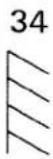
| 34 | Overlock stitch | For sewing and serging in one operation. | 7.5 |
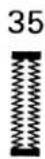
| 35 | Linen buttonhole between 7.0 and 44 mm | For buttonhole sewing in bed linen.Tip: For sewing buttonholes in light-knit materials or very fine fabrics we recommend using sewing foot No. 1a and engaging dual feed. | 5.5 |
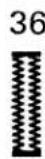
| 36 | Stretch buttonhole, enforced | For buttonholes on open-knit fabrics. | 5.5 |
| 37 | Stretch buttonhole | For buttonholes on stretch materials (jersey etc.). Also as fancy buttonhole. | 5.5 |
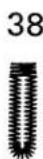
| 38 | Round buttonhole | For buttonholes in leisurewear and blouses. | 7 |
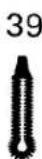
| 39 | Keyhole buttonhole | For buttonholes in jackets and trousers. | 8.5 |
Embroidery stitch programs
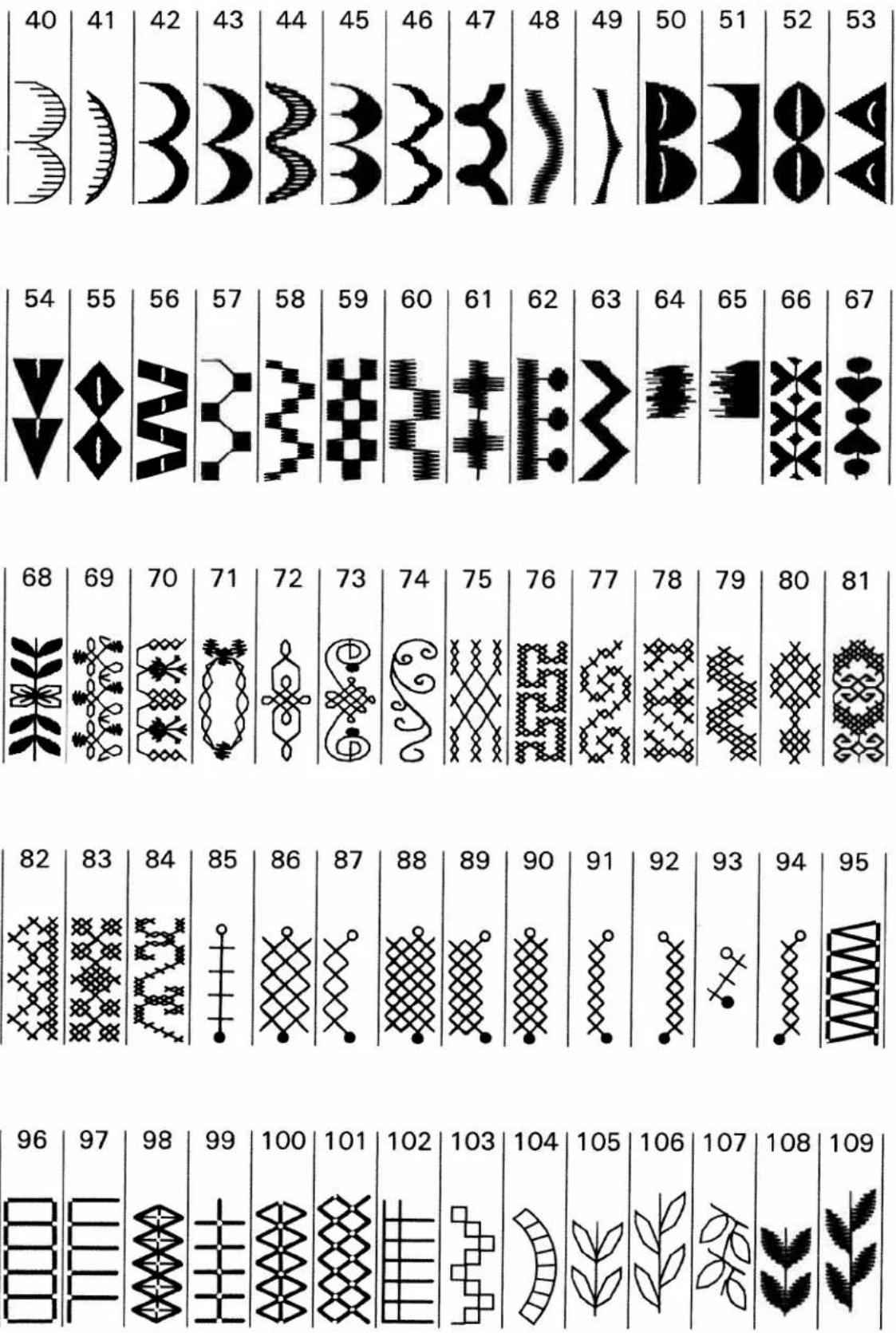
other
| Position | Value | |---|---| | 40 | 41 | | 41 | 42 | | 42 | 43 | | 43 | 44 | | 44 | 45 | | 45 | 46 | | 46 | 47 | | 47 | 48 | | 48 | 49 | | 49 | 50 | | 50 | 51 | | 51 | 52 | | 52 | 53 | | 53 | | | 54 | 55 | | 55 | 56 | | 56 | 57 | | 57 | 58 | | 58 | 59 | | 59 | 60 | | 60 | 61 | | 61 | 62 | | 62 | 63 | | 63 | 64 | | 64 | 65 | | 65 | 66 | | 66 | 67 | | 68 | 69 | | 69 | 70 | | 70 | 71 | | 71 | 72 | | 72 | 73 | | 73 | 74 | | 74 | 75 | | 75 | 76 | | 76 | 77 | | 77 | 78 | | 78 | 79 | | 79 | 80 | | 80 | 81 | | 82 | 83 | | 83 | 84 | | 84 | 85 | | 85 | 86 | | 86 | 87 | | 87 | 88 | | 88 | 89 | | 89 | 90 | | 90 | 91 | | 91 | 92 | | 92 | 93 | | 93 | 94 | | 94 | 95 | | 96 | 97 | | 97 | 98 | | 98 | 99 | | 99 | 100 | | 100 | 101 | | 101 | 102 | | 102 | 103 | | 103 | 104 | | 104 | 105 | | 105 | 106 | | 106 | 107 | | 107 | 108 | | 108 | 109 | [Figure: Two crossed lines on the left and right sides of the right] [Figure: Three crossed lines on the left and right sides of the right] [Figure: Three crossed lines on the right] [Figure: Three crossed lines on the right] [Figure: Three crossed lines on the right] [Figure: Three crossed lines on the right]Embroidery stitch programs

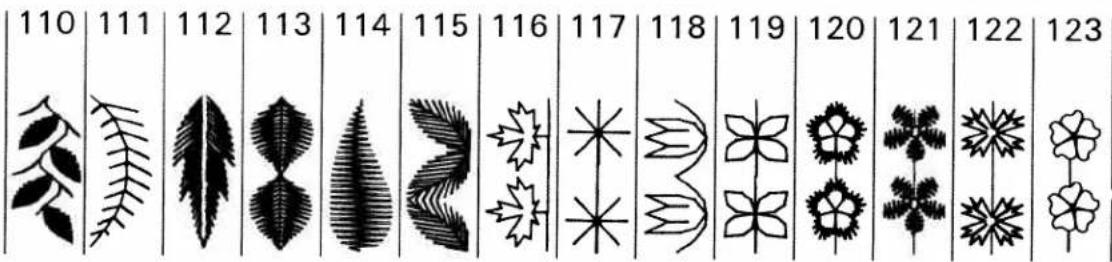
text_image
110 111 112 113 114 115 116 117 118 119 120 121 122 123

text_image
124 125 126 127 128 129 130 131 132 133 134 135 136 137For th The le The w
As the codin The w or col The w or co Cut-c must Only must The p supp Pleas
text_image
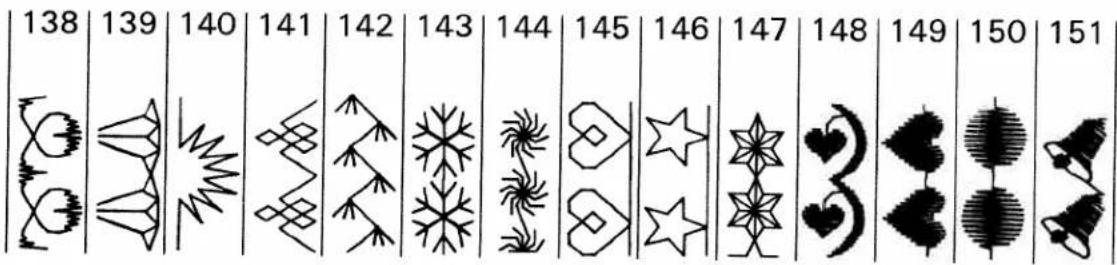
138 139 140 141 142 143 144 145 146 147 148 149 150 151
text_image
152 153 154 155 156 157 158 159 160 161 162 163 164 165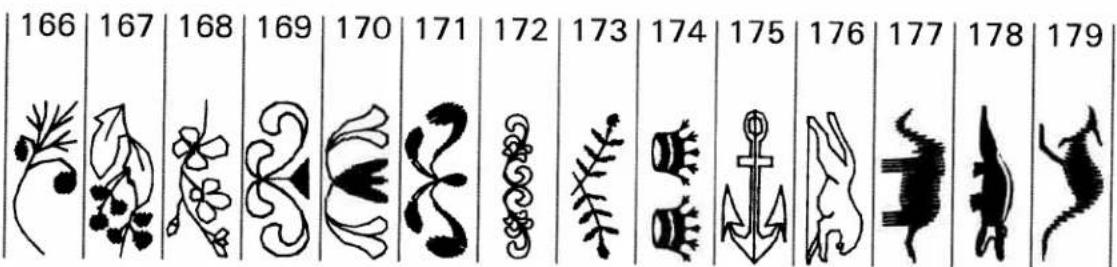
text_image
166 167 168 169 170 171 172 173 174 175 176 177 178 179Alphabets
| aA | a0 | aa | bA | b0 | cA | c0 | dA | d0 |
| 0 | a | A | 0 | 0 | ||||
| 9 | z | Z | 9 | 9 | 9 |
| Problems and Solutions | and traditional embroidery techniques | Utility stitches and optical sewing | creative designer | Electronic section | Technical section |
natural_image
Black-and-white portrait of a woman in a dark coat with decorative embroidery, posing with hands on hips (no text or symbols visible)Operating the sewing machine
Technical section
Pages 15–33
text_image
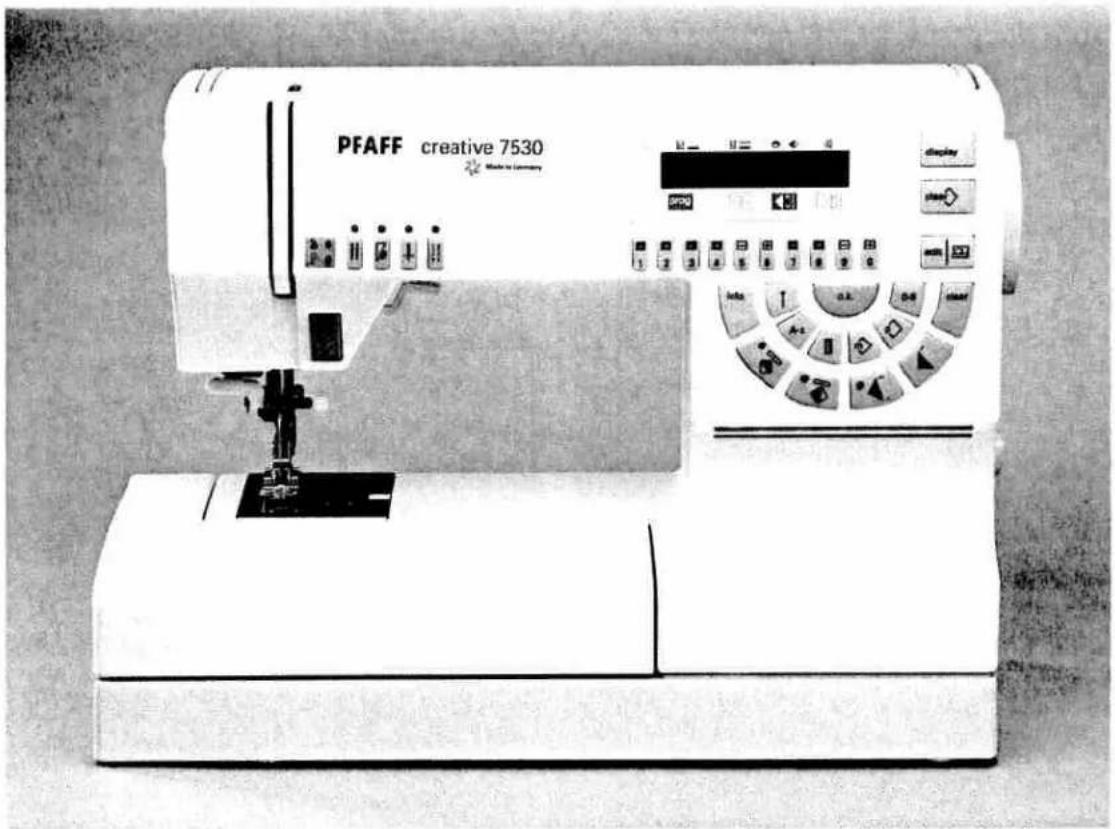
PFAFF creative 7530 Made in January display control control control control control control control control control control control control control control control control control control control control control control control control control control control control control control control control control control control control control control control control control control control control control control control control control control Control panel Control panel Control panel Control panel Control panel Control panel Control panel Control panel Control panel Control panel Control panel Control panel Control panel Control panel Control panel Control panel Control panel Control panel Control panel Control panel Control panel Control panel Control panel Control panel Control panel Control panel Control panel Control panel Control panel Control panel Control panel Control panel Control panel Control panelContents
| Electrical connection | Pages 18, 19 |
| Detachable work support | Page 20 |
| Winding the bobbin | Pages 21–23 |
| Bobbin case | Page 24 |
| Bobbin thread tension | Page 25 |
| Threading the needle thread | Page 26 |
| Needle threader | Page 27 |
| Sewing foot lifter | Page 28 |
| Pulling up the bobbin thread | Page 28 |
| Thread trimmer | Page 28 |
| Changing the sewing foot | Page 29 |
| Dual feed | Pages 30, 31 |
| Changing the needle | Page 32 |
| Needle thread tension | Page 33 |
| Dropping the feed dog | Page 33 |
natural_image
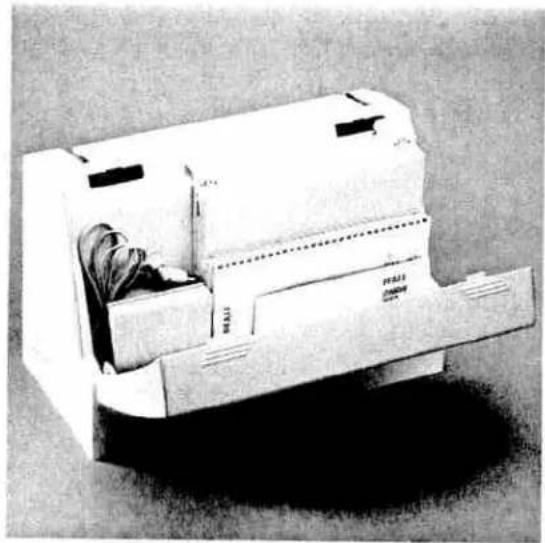
Black-and-white photo of a vintage computer with visible ports and buttons, no text or symbols present.Carrying case
Place the enclosed mains cord, foot control, the Creative Designer, the instruction manual and the programming sheets in the compartment of the carrying case.
text_image
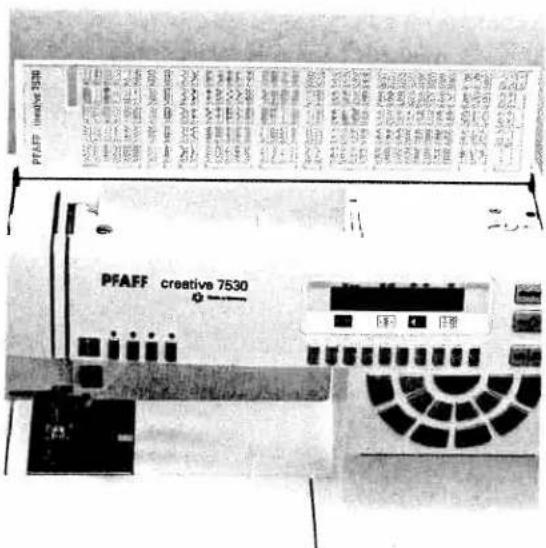
PFAFF creative 7530 PFAFF creative 7530Programs
The programs of the sewing machine are illustrated on the inside of the top cover and divided into groups.
Menu - utility stitches
Gr. 1 - overlock stitches
Gr. 2 - buttonholes
Gr. 3 - scalloped edging
Gr. 4 - fancy stitches
Gr. 5 - stretch stitches
Gr. 6 - hem stitches
Gr. 7 - leaves / flowers
Gr. 8 - edges
Gr. 9 - decorative stitches
A-z - alphabets

text_image
PFAFF creative 7530 Renew & DeereverTop cover
Open the folding cover (52) upwards.

natural_image
Close-up of a mechanical device with a mounted sensor or probe, no visible text or symbolsElectrical connection
Connect the mains cord between the connection socket of the sewing machine (45) and the wall socket.
natural_image
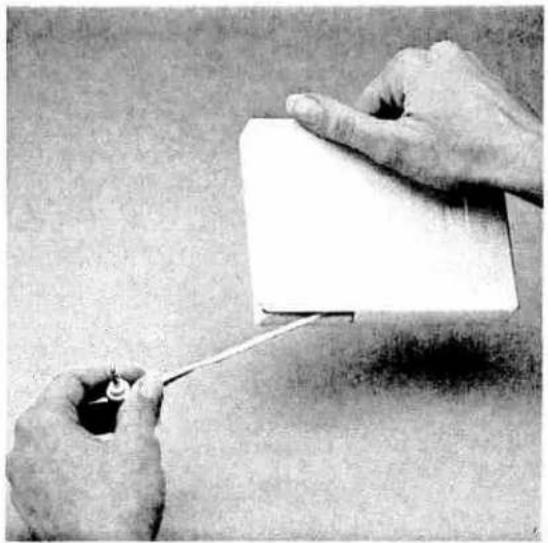
Close-up of two hands holding a white rectangular object with a string attached (no visible text or symbols)Foot control cord
Pull the foot control cord out of the foot control. The foot control has an automatic cord rewind reel.
natural_image
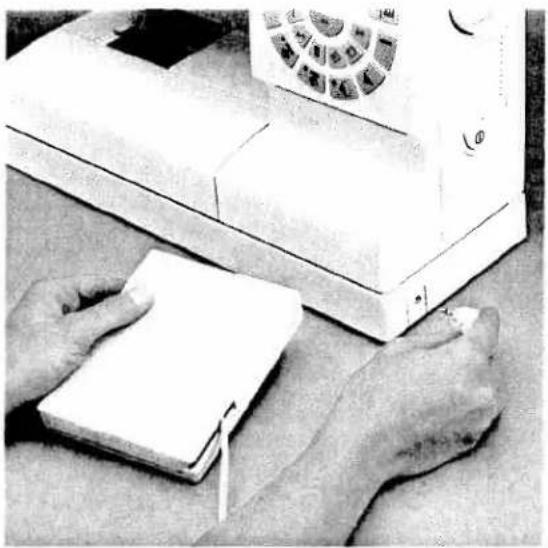
Close-up of hands using a vintage telephone to press a small electronic device (no visible text or symbols)Connecting the foot control
Connect the plug of the foot control with the connection socket of the sewing machine (46).

text_image
Diagram of a shield-like shape with horizontal lines and a circled number ① below it.
natural_image
Close-up of a hand holding a white object against a textured gray background (no visible text or symbols)On/off switch
When the on/off switch (25) is switched on, the sewing lamp lights up. The sewing machine is now ready to use.
natural_image
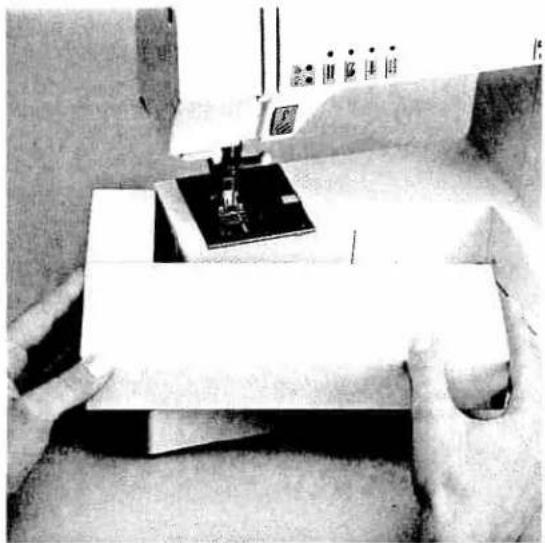
Person operating a sewing machine on fabric, no visible text or symbolsDetachable work support
Swing out the detachable work support (29) to the left.
natural_image
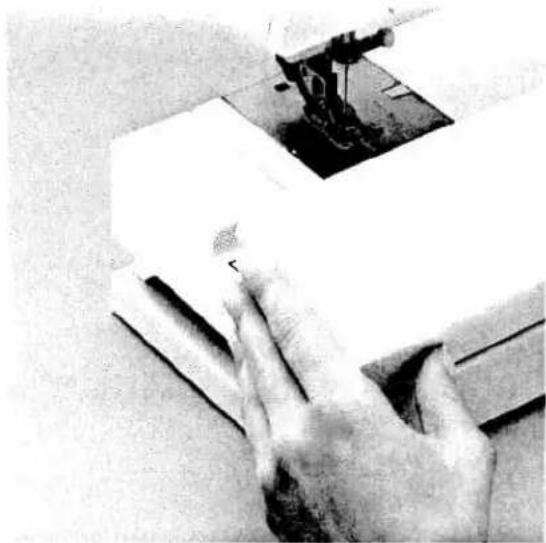
Close-up of hands operating a sewing machine on a flat surface (no visible text or symbols)Accessory compartment
Open the accessory compartment (29).

natural_image
Close-up of a hand using a PFAFF creative 7530 computer to open the circuit board (no visible text or symbols on the board)Sorting the accessories
The enclosed accessories are numbered. Sort them into the corresponding compartments of the accessory box.

natural_image
Person operating a sewing machine with fabric, no visible text or symbols on the device or backgroundRemoving the detachable work support (free-arm)
In order to sew with the free-arm, swing the detachable work support to the left and lift it up. When you swing it back in again, make sure that the detachable work support is flush with the free-arm of the sewing machine.

natural_image
Close-up of hands using a tool to cut or mark a mechanical component (no visible text or symbols)Preparing the machine for bobbin winding
Hold the hand wheel (43) firmly and turn the release disk (44) in the direction of the arrow. The needle will not move during the bobbin-winding procedure.

text_image
1260 158 184 199 148 137 128 150 153 157 157 159 160 163 164 164 165 169 161 162 163 164 172 173 174 175 176 177 178 179 A-2 sA i sO 0 0 0 0 0 0 0 0 0 0 0 0 0 0 0 0 0 0 0 0 0 0 0 0 0 0 0 0 0 0 0 0 0 0 0 0 0 0 0 0 0 0 0 0 0 0 0 0 0 0 TPlacing the bobbin
Switch off the on/off switch.
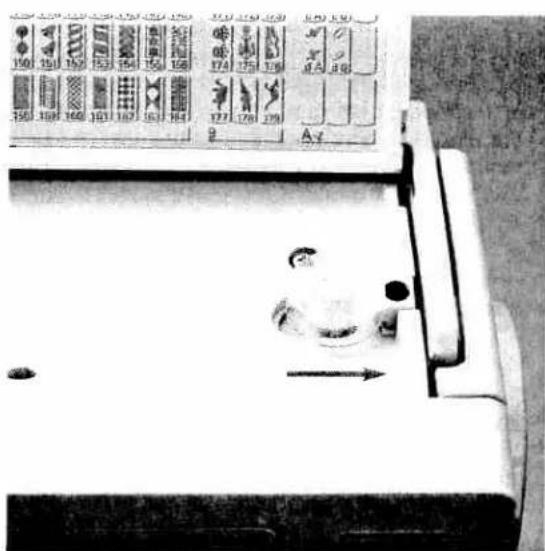
Place the empty bobbin so that the black pin of the bobbin winder (42) snaps into the slot of the bobbin.
text_image
Cropped image of a vintage computer interface with labeled buttons and icons, showing various symbols and numbers.Push the bobbin to the right.
Note:
The bobbin can only be wound when it is moved fully to the right.
| Problems and Solutions | and traditional embroidery techniques | Utility stitches and #ical sewing | creative designer | Electronic section | Bobbin winding |

text_image
PFAFF creative 7530 PFAFF creative 7530Winding the bobbin from the spool holder
Place the sewing thread on the reel holder (39). To guarantee free movement of the thread and to give additional hold to the thread spool, fit an unwinding disk corresponding to the size of the thread spool.
Threading
Place the thread into guide C and pull it under the thread tension disk B with both hands. Wind the thread clockwise a few times around the bobbin. Push the bobbin to the right.
Switch on the on/off switch (25)
Hold the end of the thread firmly and press the foot control. The winding action will stop automatically as soon as the bobbin is full. Cut the thread, push the bobbin to the left and remove it.
Don't forget:
Turn the release disk (44) fully back again. Then turn the hand wheel (43) towards you until it snaps into place.
natural_image
Close-up of a white cylindrical object with a label 'PFA' on its side, against a textured background (no readable text or symbols)
text_image
B C
text_image
PFAFF creative 7530 PFAFF creative 7530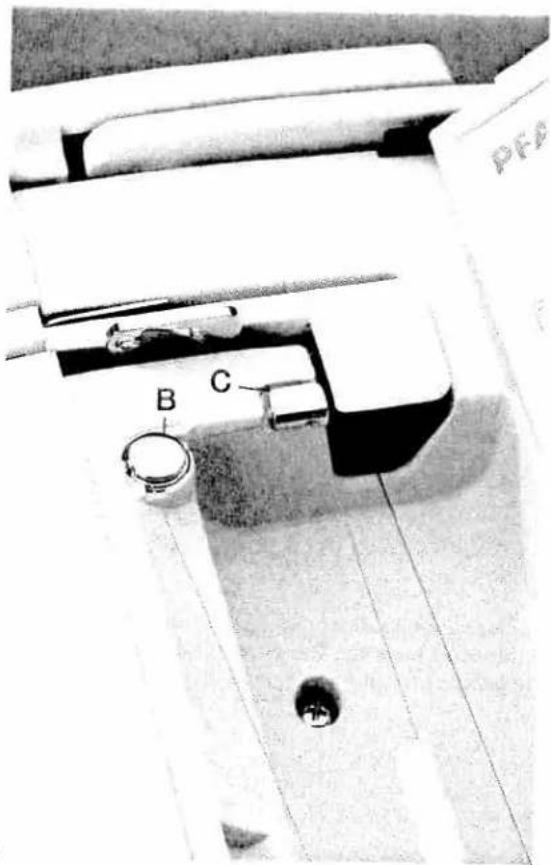
text_image
B C P F-BWinding from the second reel holder
Swing the second reel holder (40) up and place a spool of thread with the corresponding unwinding-disk on it.
Threading
Place the thread into guide C and pull it under the thread tension disk B with both hands. Wind the thread clockwise a few times around the bobbin. Push the bobbin to the right.
Switch on the on/off switch (25)
Hold the end of the thread firmly and press the foot control. The winding action will stop automatically as soon as the bobbin is full. Cut the thread, push the bobbin to the left and remove it.
Don't forget:
Turn the release disk (44) fully back again. Then turn the hand wheel (43) towards you until it snaps into place.
natural_image
Close-up of hands operating a sewing machine on a computer motherboard (no visible text or symbols)Hook cover
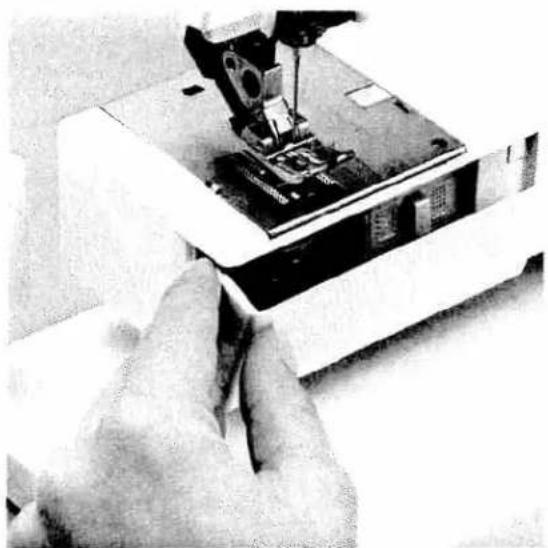
Switch off the on/off switch.
Hold the hook cover (48) at the side and open it towards the front.
natural_image
Close-up of a hand operating a sewing machine with fabric and a small inset image (no visible text or symbols)Taking out the bobbin case
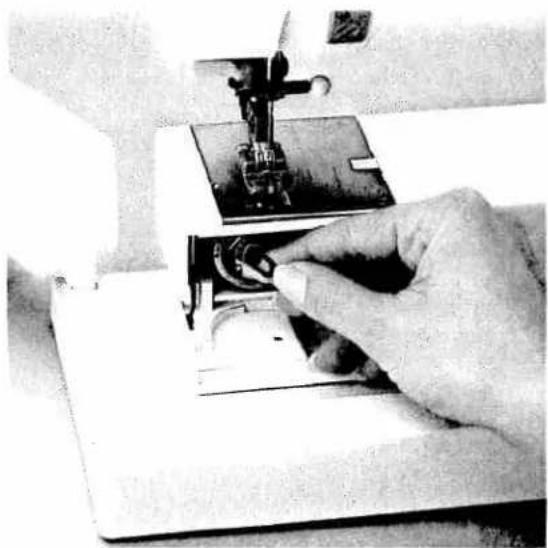
Lift the latch of the bobbin case and pull the bobbin case out. Release the latch and take out the empty bobbin.
natural_image
Close-up of a hand holding a small mechanical component, no visible text or symbolsThread tension
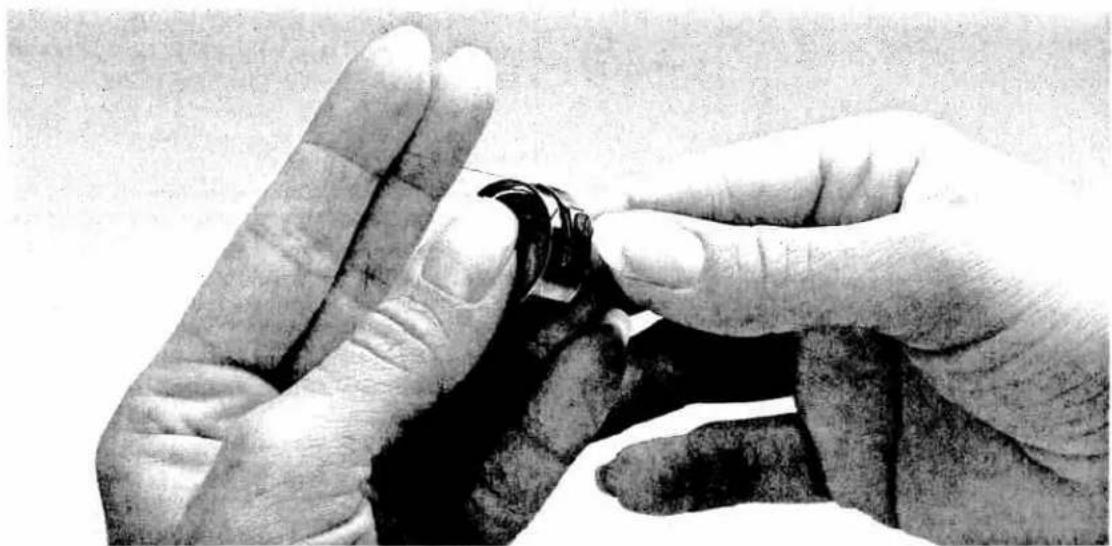
To obtain optimum seam appearance and durability, make sure needle and bobbin thread tensions are correctly adjusted to each other; i.e. the threads are interlaced between the two fabric layers. For fancy seams and buttonholes, the thread interlace should be visible on the reverse side of the fabric.
text_image
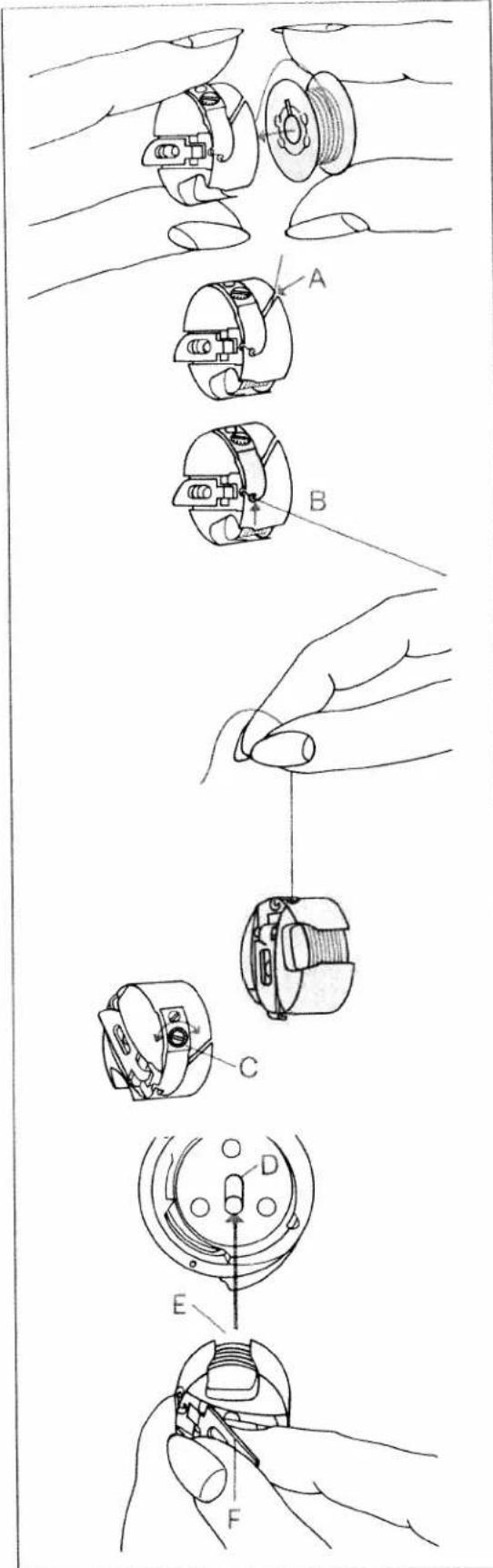
Technical diagram showing a hand assembling mechanical components with labeled parts A through FInserting the bobbin
Insert the full bobbin in the bobbin case. When doing so, pull the thread sideways through slot A and then under tension spring B so that it rests in the opening (see arrow).
Check:
When you pull the thread, the bobbin must turn clockwise.
Checking the bobbin thread tension
Hold the bobbin case by the thread and move your hand sharply upwards. The bobbin case must slip downwards a little with each hand movement.
Correcting the tension:
Turn adjusting screw C just a little counterclockwise to decrease the bobbin thread tension. Turn adjusting screw C just a little clockwise to increase the bobbin thread tension.
Inserting the bobbin case
Lift latch F and push the bobbin case fully onto pin D of the sewing hook. Opening E of the bobbin case must face upwards. Close the hook cover.
Check:
Pull the bobbin thread sharply; the bobbin case must not fall out of the hook.
text_image
A 35 B E P1Threading the needle thread
Switch off the on/off switch
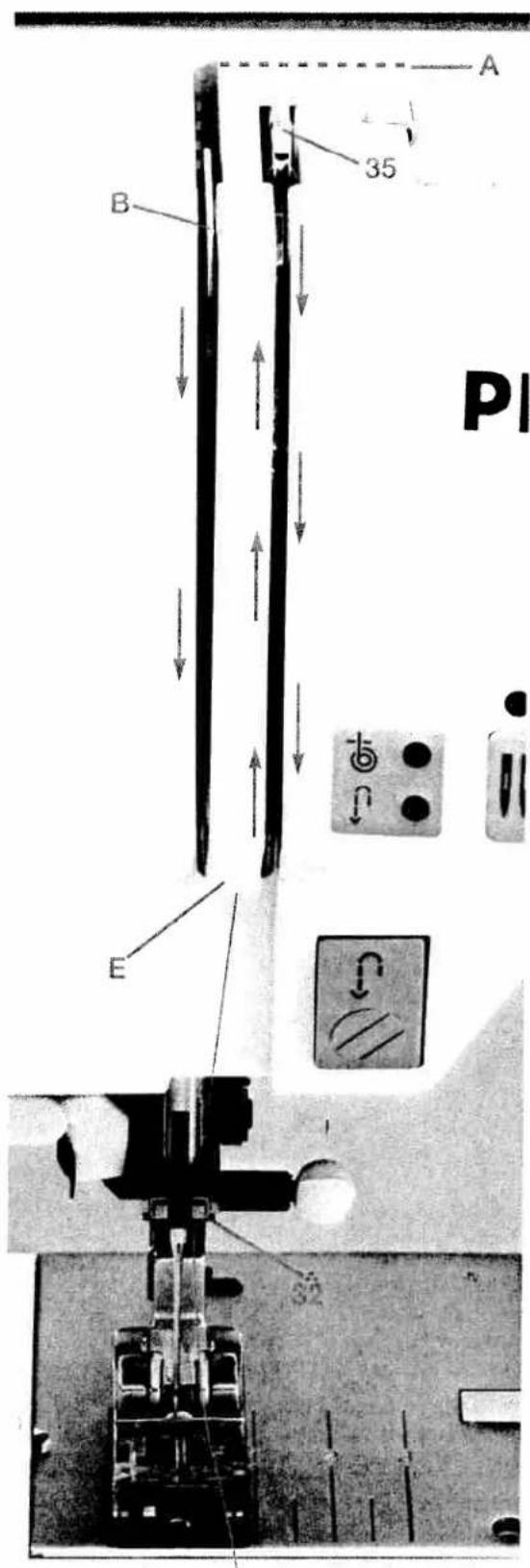
Raise the sewing foot and turn the hand wheel until the take up lever (35) has reached its highest position.
Place the thread on the reel holder (39) and fit the corresponding unwinding disk.
Now pull the thread into guide A, following the arrows. Pass the thread to the right or the left of tension disk B and downwards through the left threading slot (33).
Pull the thread around stop E into the right hand threading slot and upwards to the take up lever (35). The thread must be pulled into the take up lever (35) from left to right and downwards again in the right hand threading slot.
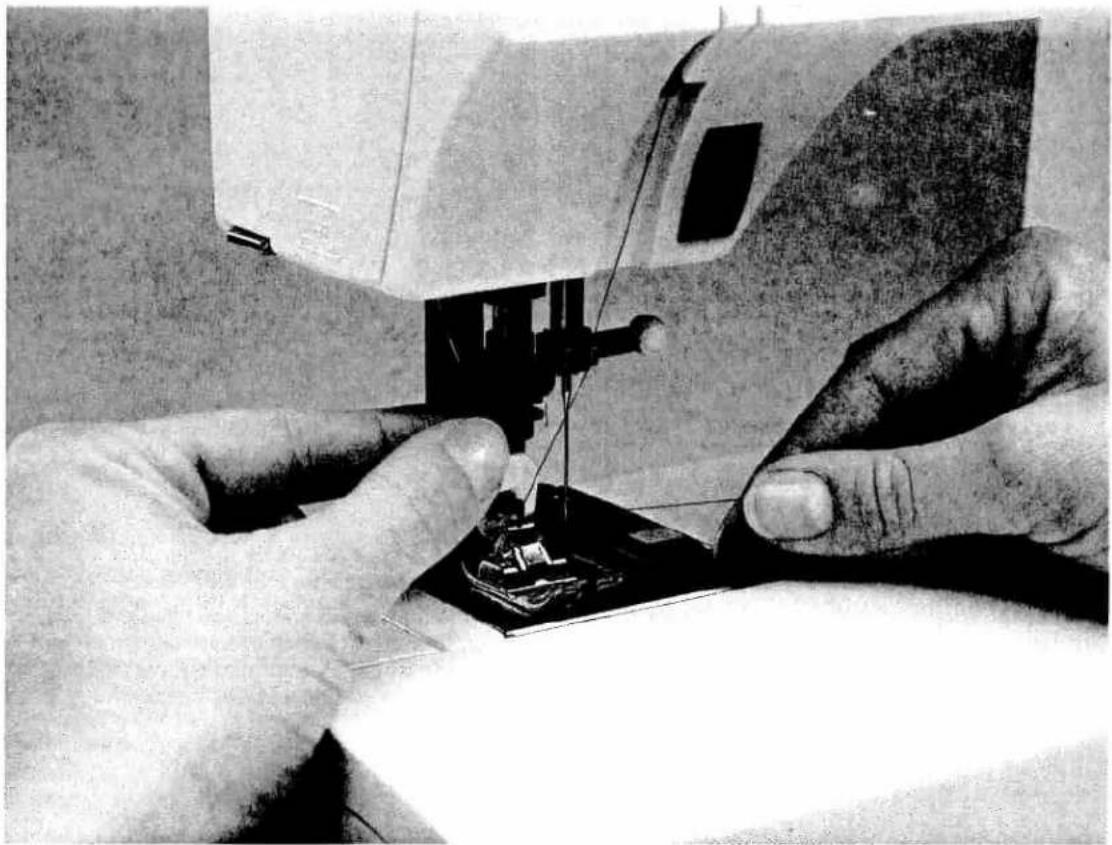
Finally, pass the thread from the side behind one of the two thread guides (32).
natural_image
Close-up of hands operating a sewing machine needle, no visible text or symbols
text_image
Technical diagram of a mechanical device with labeled parts O and R, showing a tool interacting with a component.Needle threader
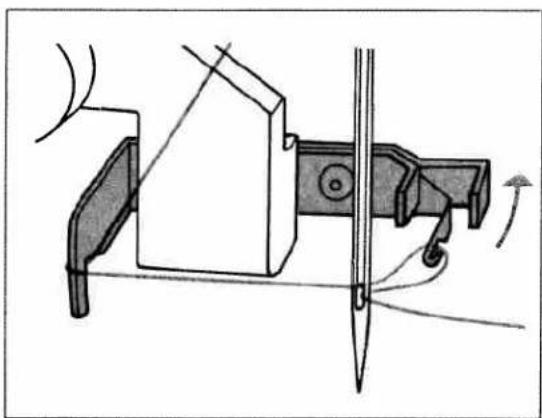
In order to make the threading of the needle easier and quicker the PFAFF needle threader is provided. Lower the sewing foot (see next page). Tap the foot control to take one stitch and the needle will be in the highest position. Place the needle thread under hook O and hold it taut. Move the needle threader (31) fully downwards and turn it towards the needle so that the small hook R goes through the needle eye. Place the thread in to the hook from below.
natural_image
Technical line drawing of a mechanical device with a tool and rotating arm (no text or symbols)Turn the needle threader towards the rear, releasing the thread carefully, and allow the threader to move upwards. You can now pull the thread through the needle eye.
natural_image
Close-up of a hand operating a sewing machine with a hanging hook, no visible text or symbolsPresser foot lifter
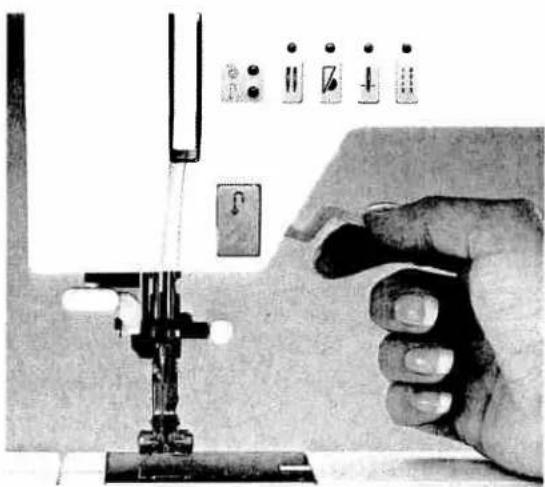
The sewing foot is raised and lowered with the presser foot lifter (26).
natural_image
Close-up of hands operating a sewing machine with a fabric or mechanical component (no visible text or symbols)Pulling up the bobbin thread
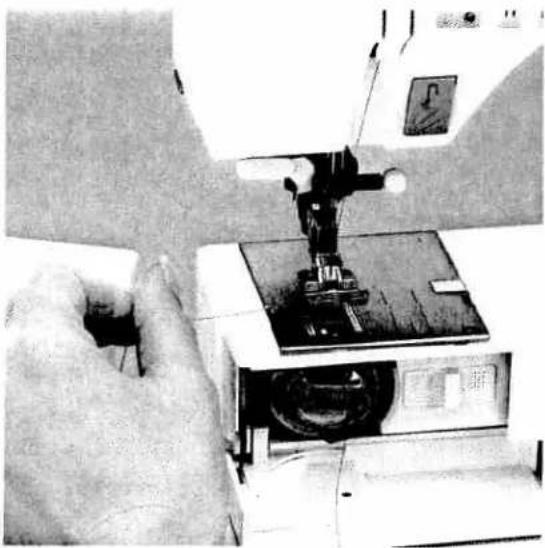
Raise the sewing foot. Hold the needle thread, tap the foot control once to take one stitch and the bobbin thread has formed a loop. Pull the needle thread to bring up the bobbin thread.

natural_image
Close-up of a sewing machine needle stitching fabric, with no visible text or symbolsBobbin thread
Close the hook cover (48) and pull the thread under the sewing foot to the left.

natural_image
Mechanical sewing machine with needle and handle (no visible text or symbols)Thread trimmer
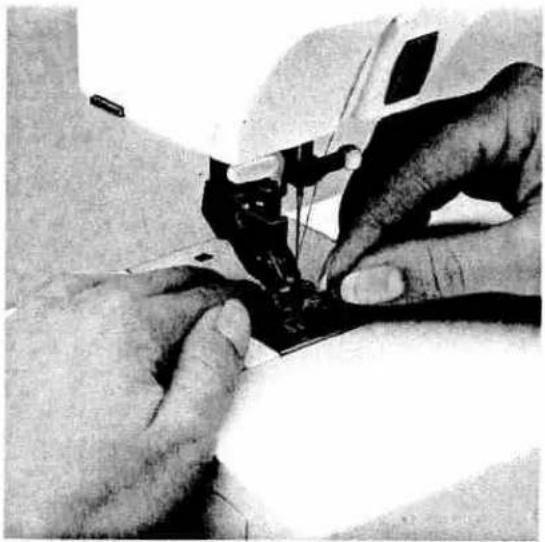
Pull the threads from the back to the front over the thread trimmer (51).
natural_image
Close-up of hands operating a sewing machine needle (no visible text or symbols)Removing the sewing foot Switch off the on/off switch
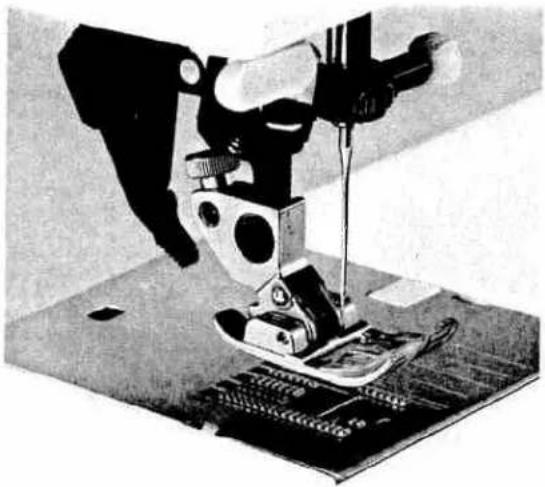
Set the needle at its highest point. Raise the sewing foot and press the foot upwards at the front and downwards at the back at the same time until it snaps out of the sewing foot holder (30). When disengaging buttonhole foot 5A, the runner must be pulled to the back and pressed upwards.
natural_image
Black-and-white photo of a sewing machine needle stitching fabric (no visible text or symbols)Check
Please check that the sewing foot is properly engaged by raising the presser foot lifter.
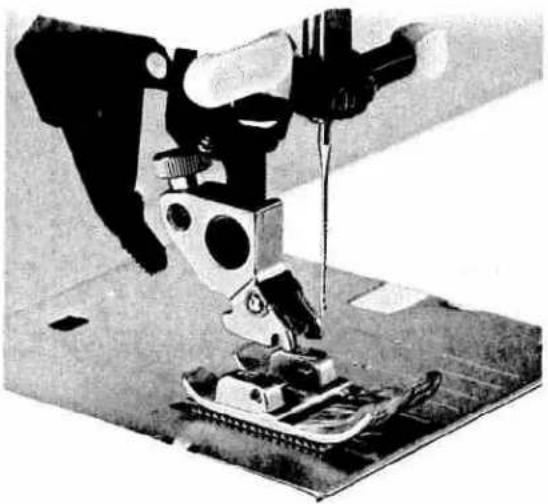
natural_image
Black-and-white photo of a sewing machine needle stitching fabric, no visible text or symbolsEngaging the sewing foot
Place the sewing foot under the sewing foot holder (30) so that the pins of the foot snap into the sewing foot holder when the presser foot lifter (26) is lowered.
natural_image
Close-up of hands operating a sewing machine needle, no visible text or symbolsThe built in Dual Feed / IDT System (Integrated Dual Transport)
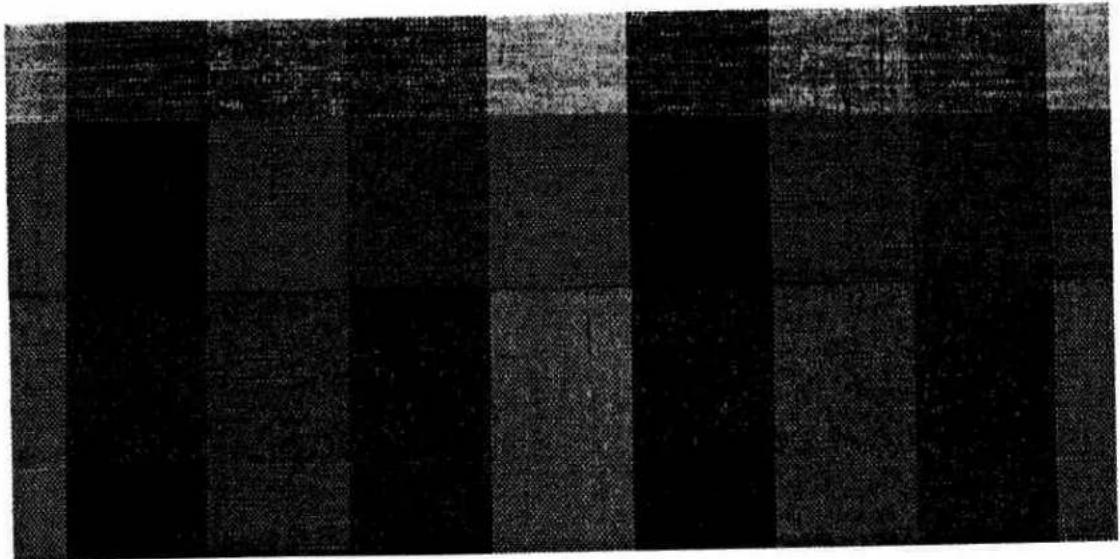
PFAFF offers the ideal solution for sewing difficult materials: the built in Dual Feed. This system feeds the material from the top and the bottom simultaneously just the same as industrial sewing machines. The fabric is fed precisely. On light or difficult materials such as silk and rayon fabrics, the Dual Feed prevents seam puckering. The even feeding action also ensures perfect matching of checked and striped fabrics.

natural_image
Close-up of a sewing machine needle stitching fabric, no visible text or symbols
natural_image
Close-up of a sewing machine needle and screwdriver (no visible text or symbols)Engaging the Dual Feed
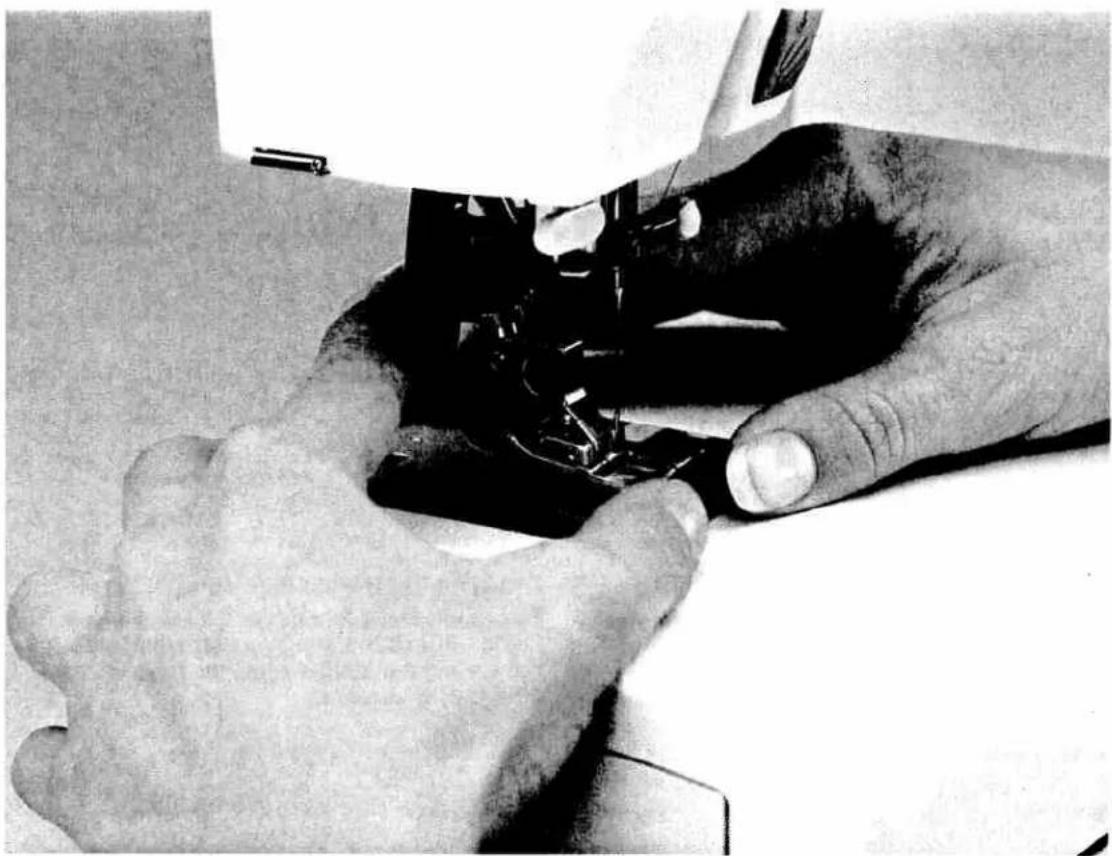
Raise the sewing foot. Then push the Dual Feed (53) downwards until it snaps into place.

natural_image
Close-up of a sewing machine needle and foot assembly (no visible text or symbols)Disengaging the Dual Feed
Hold the Dual Feed with two fingers at the marked places. Push the Dual Feed (53) down a little and out to the rear, then let it move slowly upwards (see page 30).
natural_image
Black and white striped pattern with no visible text, numbers, or symbolsImportant!
For all sewing jobs with the Dual Feed, only use sewing feet with cutout at the back (OA, 1A, 3, 4).
natural_image
Close-up of hands assembling or adjusting a small electronic component, no visible text or symbols
text_image
AChanging the needle
Switch off the on/off switch
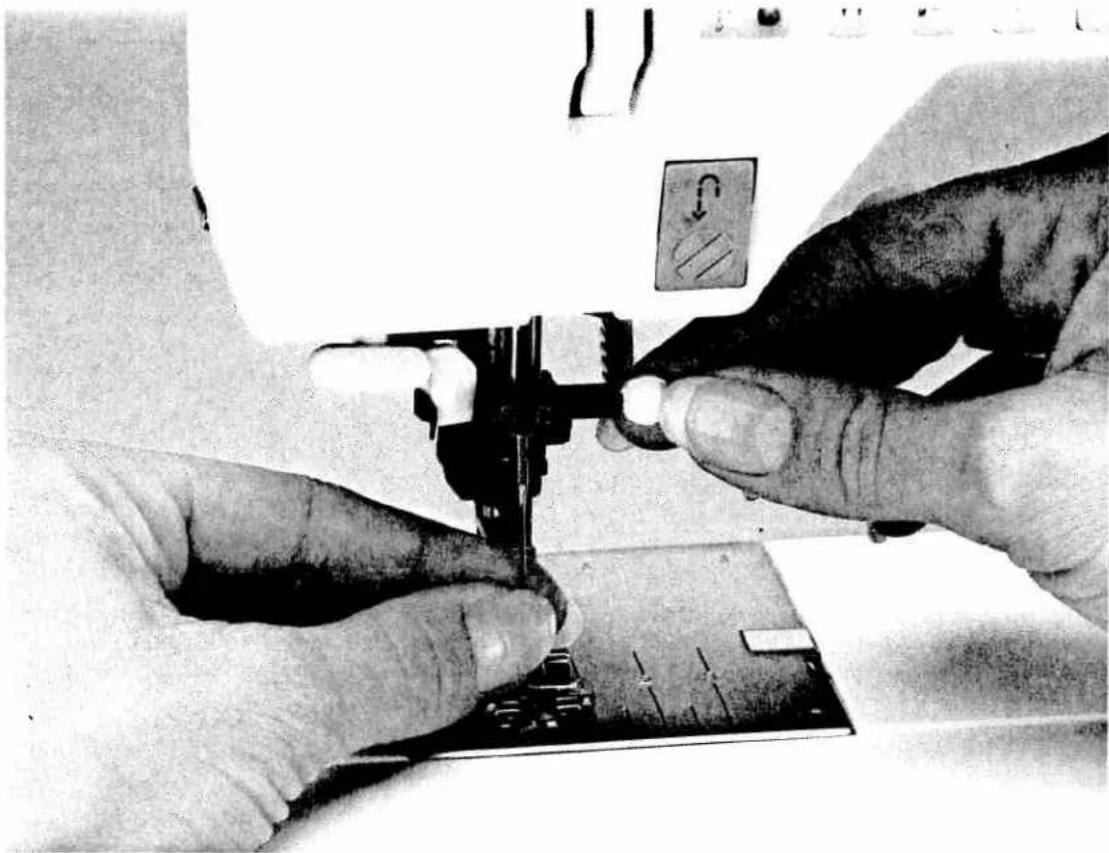
To remove: Lower the sewing foot and set the needle at its highest point. Now loosen the fixing screw (28) and pull the needle downwards.
To insert: The flat side A of the needle must face to the rear. Lower the sewing foot and insert the needle, pushing it up as far as it goes. Hold the needle and tighten the fixing screw (28) firmly.
text_image
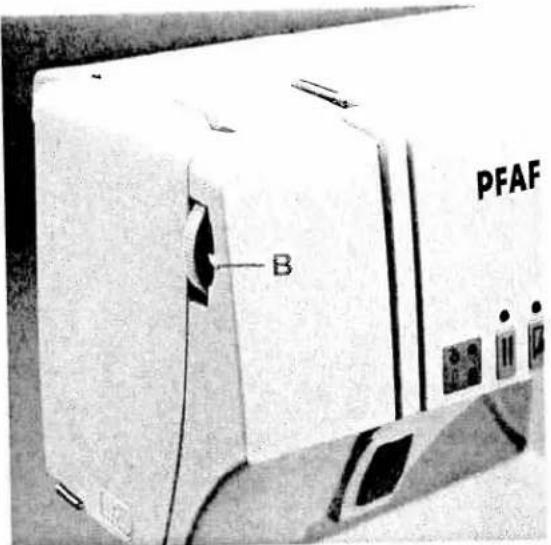
B PFAFSetting the needle thread tension
Set the required needle thread tension (34) with the help of the markings B.
The normal setting for sewing is 4 to 5. For embroidering and buttonhole sewing it is between 2 and 3.

natural_image
Close-up of a textured surface with a dark rectangular object and a horizontal line, no visible text or symbols.
natural_image
Close-up of a mechanical device with a circular component and a labeled component 'C' (no readable text or symbols beyond the label)Dropping the feed dog
For certain sewing work, e.g. darning, the feed dog has to be dropped. To do this, open the hook cover (48) and move slide C fully to the right. Now the feed dog is dropped.
text_image
al r th e le ew s th odir ve v co ve v co ut-t ust nly nus' ho i upf leaElectronic section Sewing functions / Pattern combinations
Pages 35–59
text_image
PFAFF creative 7530 New to NewayContents
| Start-up functions | Page 38 |
| Language selection | Page 39 |
| Sewing function keys | Pages 40-42 |
| Pattern selection | Pages 43, 44 |
| Stitch length and width | Page 45 |
| Pattern density | Page 46 |
| Balance | Page 47 |
| Operational Help | Page 48 |
| Activating the code | Pages 49-51 |
| Alphabets | Page 52 |
| Pattern sequence | Pages 53-59 |

text_image
edit info A-z o.k. 0-9 clearAdjusting the contrast in the display
The contrast setting in the display can change after some use or due to the machine being transported.
This setting can be readjusted with the brightness regulator (24).

text_image
prog <<>Battery message
When the batteries are weak or no batteries have been inserted, the message "Change batteries" will appear in the display when you switch the machine on. If the batteries are too weak, the programmed P-designs and the M-sequences will be lost. Insert new batteries (see page 171). You can sew without batteries.
Simply push the "o.k." key or activate the foot control.

text_image
prog <<>Language selection
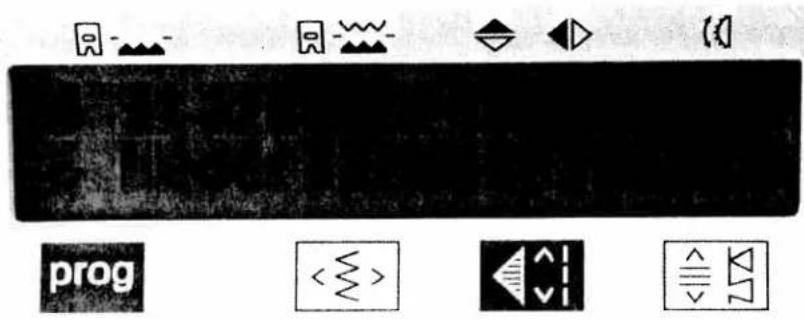
Press and hold key "1" and switch on the sewing machine. A choice of four languages appears in the display.
text_image
prog <<>By pressing the "display" key, the next four languages are displayed. Select the number of your desired language using keys "1-0". From now on any description in the display will be shown in the selected language.
You have the choice of the following languages: German, English, French, Spanish, Italian, Swedish, Dutch and Danish.

text_image
PFAFF creative 7530 Made in GermanyDescription of the sewing function keys
Reverse key (27)
When the reverse key is pressed, the green diode lights up and the machine sews backwards. By pressing this key again, the machine sews forwards.
To tie off, hold this key pressed a little while. In addition, you can use this key to define the bartack for a buttonhole or the length of a darning program.
Bobbin thread monitor (1)
The red diode blinks when the bobbin thread is nearing its end.
|| Twin needle key (2)
Press this key when sewing with twin needles. The stitch width will automatically be decreased by 2 mm to avoid the needle hitting the sewing foot. If the twin needle key is pressed in combination with the program 00, it is not possible to change the needle position. If another pattern is subsequently selected, the message appears in the display:
Twin needle
Round hole needle plate?
Now key (2) must be pressed to disengage the twin needle function and then another pattern can be selected.
Slow sewing (3)
By pressing this key, the sewing speed of the machine is reduced.
↓ Needle stop (4)
With this key you can determine whether the needle should stop in the fabric (down position) or at its highest point (up position) when releasing the foot control.
:: "Tie-off" key (5)
By pressing this key, the beginning and end of your seam will be automatically tied-off.
text_image
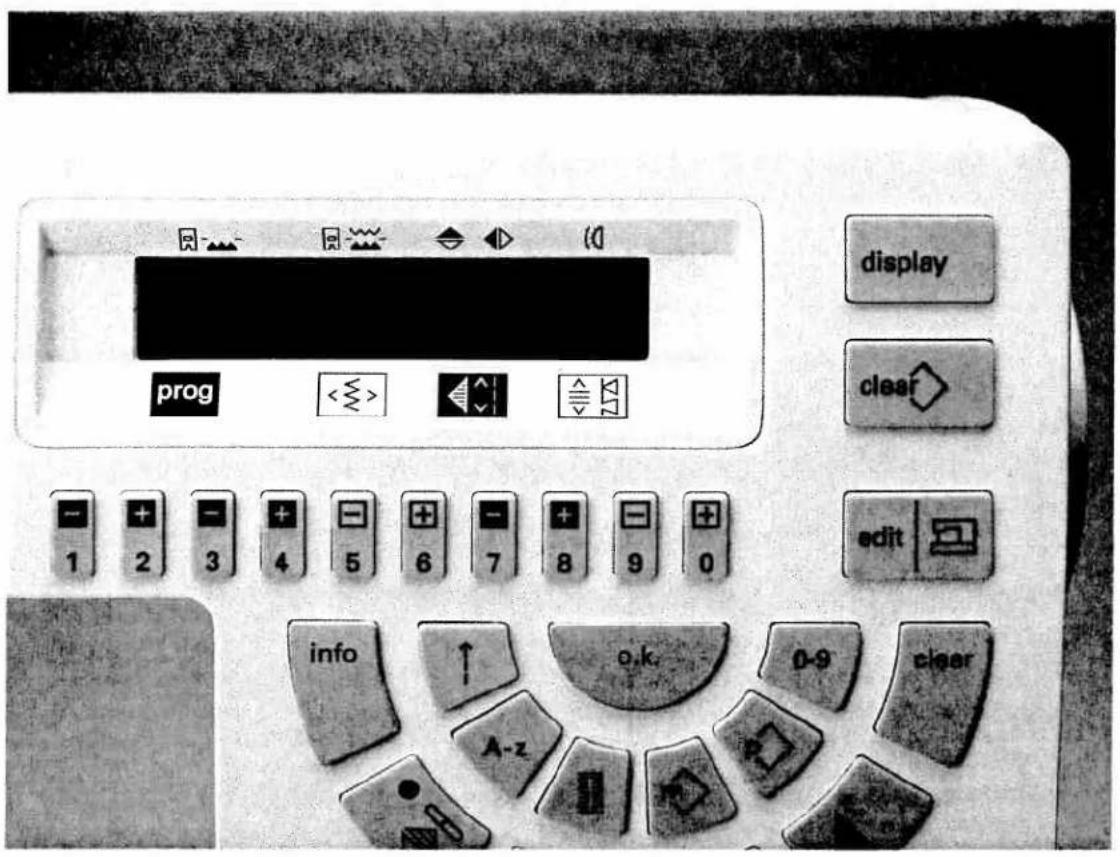
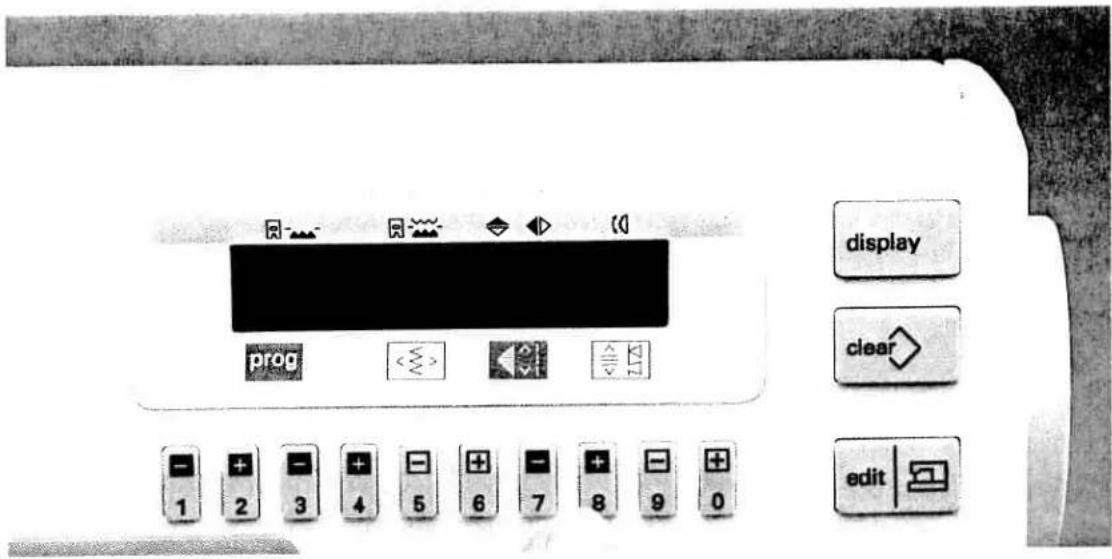
display prog clear edit info A-z o.k. 0-9 clearNumbered keys (7)
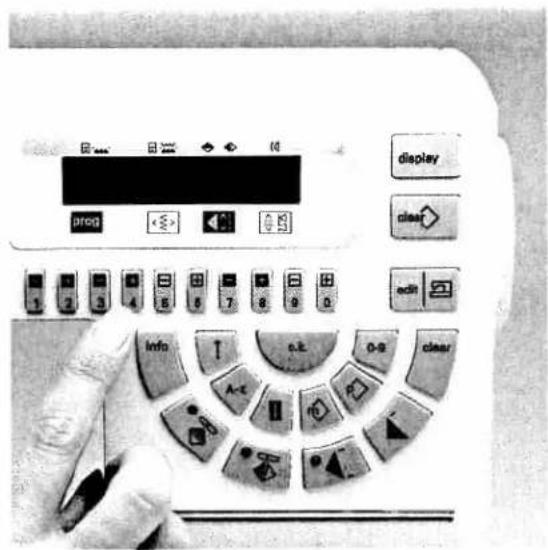
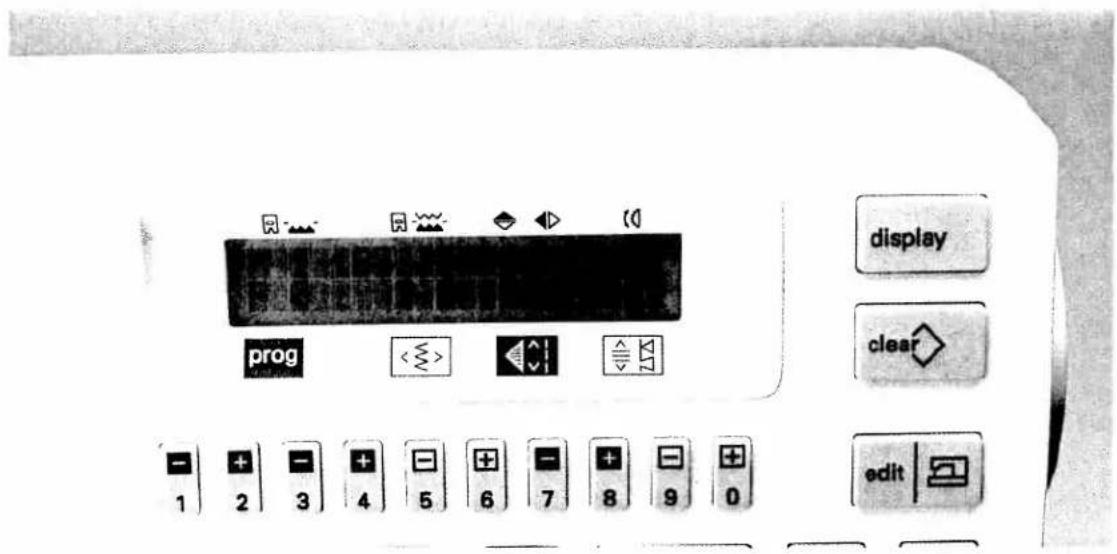
The numbered keys 1–0 consist of 5 key pairings, each of which has two inscriptions. In general, the settings are increased with + and decreased with −.
- With the numbered keys 1 and 2 you 1 2 select the stitch programs in groups of ten and the type of alphabet (Program keys).
- With the numbered keys 3 and 4 you
3 4 select the stitch programs individually.
In the alphabet, these keys can be used to select the letters (Program keys).
☐ ☐ With these keys you determine the stitch 5 6 width and the needle position. -
- With these keys you can determine the 7 8 stitch length and pattern length.
☐ ☐ With the numbered keys 9 and 0 you 9 0 determine the stitch density and the balance.
- With these keys you can determine the 7 8 stitch length and pattern length.
Display (8)
a) With this key you call up the sewing help. In the display you will see, from left to right, the information about the correct sewing foot, patterns and the recommended thread tension.
b) This key switches the revolving display in the pattern sequence on or off.
c) All of the languages are displayed by pressing this key in the "select language" mode.
clear (9)
The "clear" key deletes, after asking for your confirmation, a selected pattern sequence and a selected P-memory.
edit (10)
With this key you can move between the programming screen and the sewing screen.
PAP
creative
7530
B

text_image
PFAFF creative 7530 display 1 2 3 4 5 6 7 8 9 10 A1 A2 ClearInstruction manual

text_image
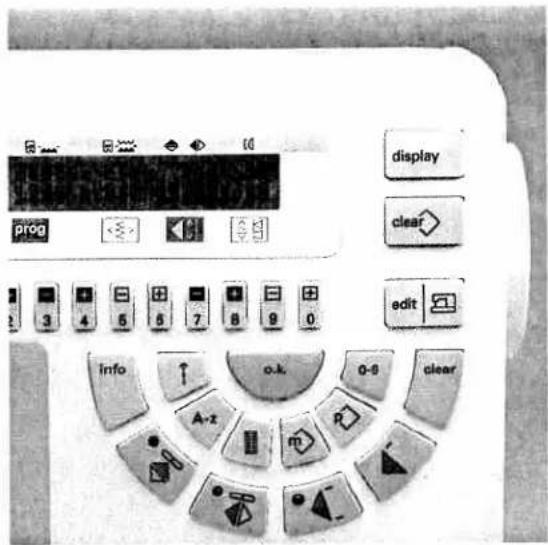
4 5 6 7 8 9 0 edit info ↑ o.k. 0-9 clear A-z m p r r r r"info" (22)
For certain sewing sections (buttonholes, alphabets etc.), the help files under "info" can be called up. A description of the work step and a description of the next step appear in the display. This help file can be closed at any time by pressing a "program" key, a "pattern selection" key or the "o.k." key.

Pattern Mirror inversion (20) (axial mirror image)
The selected pattern will be sewn back to front, i.e. the end of the pattern will be sewn first.

Pattern Mirror inversion (18) (lateral mirror image)
The selected pattern will be sewn as a mirror image.
Pattern start (14)
a) Using this key you can return to the beginning of an already started program.
b) For buttonhole and darning programs the programmed length will be deleted.
clear (11)
a) if the wrong pattern number has been entered, you can delete the number from right to left with this key.
b) This key deletes the last pattern in a pattern sequence or the last stitch in a selected P-Memory stitch.
↑ (23) Straight stitch
This key takes you directly to program 00, straight stitch in needle position center.
A-z (21)
The A-z key is the direct selection key for all types of alphabets.
Buttonhole key (19)
This key is the direct selection key for all types of buttonholes.
m key (17)
This key gives you access to all M-memories.
ρkey (15)
This key gives you access to all P-memories.
0-9 (12)
After pressing key 0-9 you can enter the program number of your choice using the number keyboard.
"o.k." (13)
This key confirms your selection.

text_image
display clear editSummary of the options for program selection
You have various options to select a program on the creative 7530.
a) Selection using the program keys:
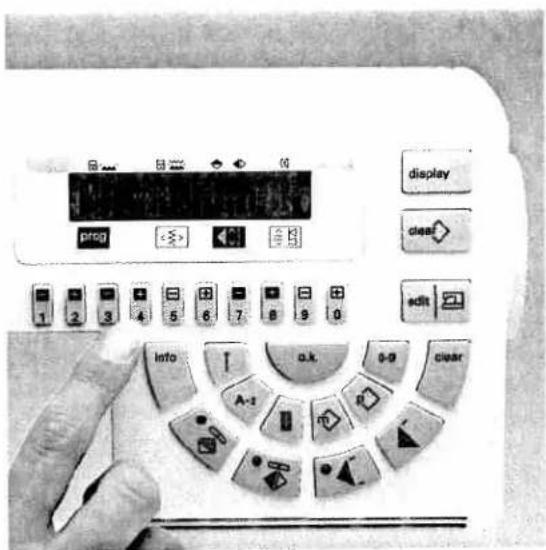
As soon as you switch the machine on, the straight stitch (prog. 00) with center needle position appears automatically.
The upper line of the display shows the program type.
In the bottom line of the display, the program number, the stitch width or needle position, the pattern length or stitch length and the stitch density or balance are displayed from left to right.
The machine is ready to sew with program 00.
text_image
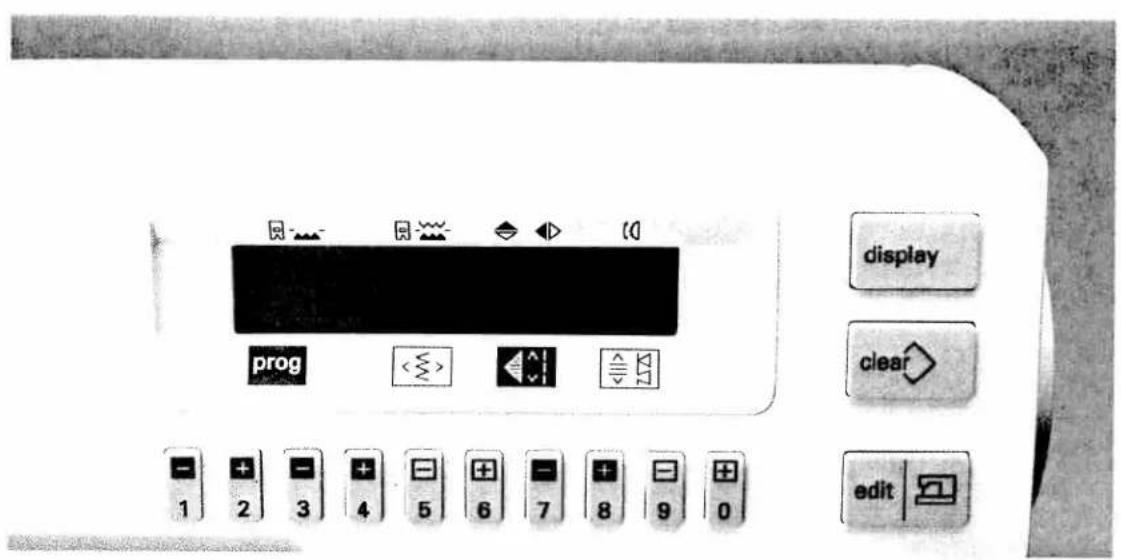
display prog clear 1 2 3 4 5 6 7 8 9 0 edit into a.k. A-1 0-9 clearThe next programs can be called up with the numbered keys 1, 2 and the single-program keys 3, 4.
text_image
display clear prog editb) Numerical program selection
You can also call up a program by entering the program number. When the key "0-9" is pressed, you will see in the display:
Enter the desired pattern number using the number keys "1-0" and press "o.k.". The display shows the selected program.
If the wrong program number is entered, it can be deleted from right to left by pressing the "clear" key (11).
Pattern-No.:

text_image
display clear editc) Program selection key "↑"
The program selection key "↑" (23) takes you directly to program 00, straight stitch with center needle position.
From here you can call up further programs with keys 1, 2, 3 and 4.
text_image
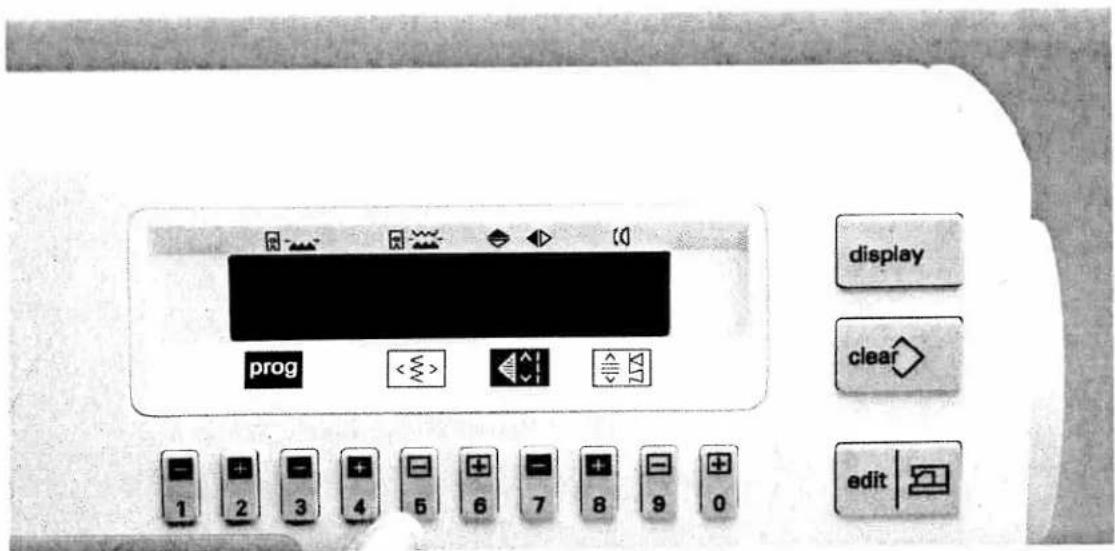
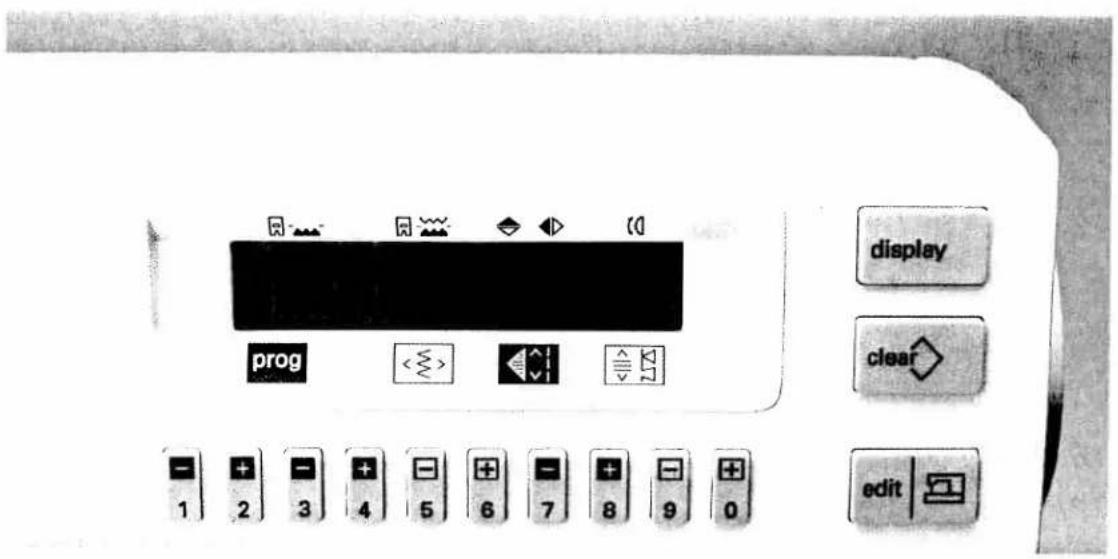
display clear editAltering the stitch width / Pattern width
The machine selects automatically the default stitch or pattern width, every time a new program is selected. These values can be increased and reduced with the number keys 5 and 6.
In the programs 00, 01, 10 and 11, this symbol "←→" appears in the display. Now the needle position and not the stitch width can be changed. You have max. 19 needle positions to choose from. The needle must always be in its highest position when changing the needle position.
text_image
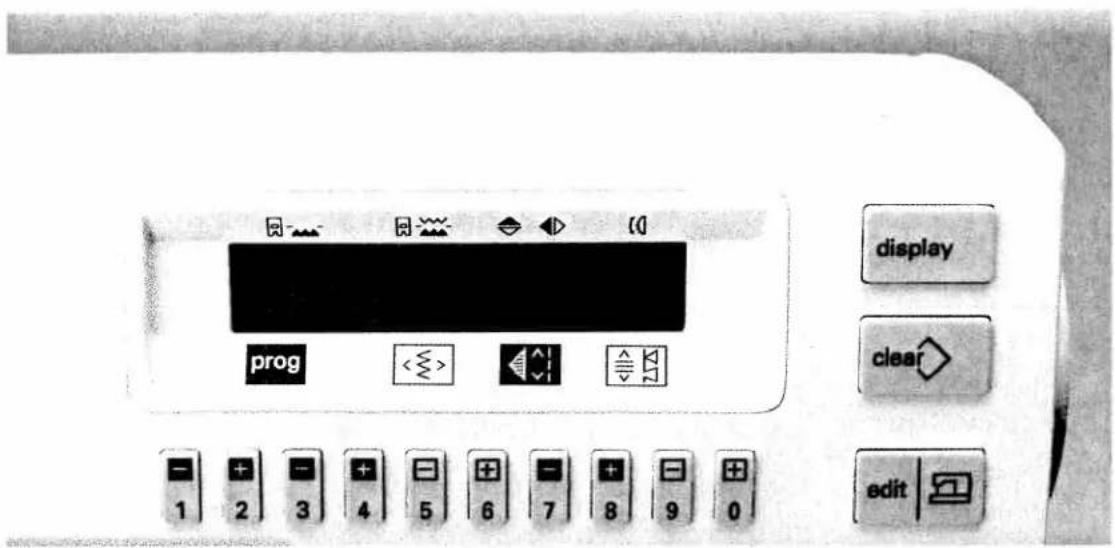
display clear editAltering the stitch length / Pattern length
The machine selects automatically the default stitch or pattern length every time a new program is selected. These values can be increased and reduced with the number keys 7 and 8.

text_image
display clear editAltering the pattern density
Select example program # 47.
It is possible to alter the pattern density in some programs without altering the total pattern length.
As soon as a default value (e.g. 0.35) appears in the bottom right hand corner of the display, you can increase or reduce the value with the numbered keys 9 and 0.

text_image
B105 9:0 10 10 prog display clear editFor patterns whose density cannot be altered, the balance is altered instead.
Balance
Reverse stitch correction
Embroidery patterns, particularly large-scale motifs, can vary on different fabric types – heavy material is fed differently than fine silk. The Creative has a correction system which lets you sew optimum embroidery stitches: the balance. With this system the reverse feed can be adjusted.
text_image
display clear edit info o.k. 0-8 clear A-x1) Reverse feed
To close up or stretch out a 9 mm pattern, the balance for reverse feed is used. After having selected a 9 mm pattern, you will see the value 0 in the bottom right hand corner of the display.

text_image
prop 1 2 3 4 5 6 7 8 9 0 info 0-8 clear display clear editThe standard setting of the balance is "0". Using the number keys 9 and 0 the reverse feed of the machine can be altered within a range of -7 to +7. In the minus range, the reverse stitches become shorter. The overall length of a pattern will sew out longer.

text_image
display prog clear exit info A-z ok 0-9 clearIn the plus range, the reverse stitches become longer. The overall length of a pattern will sew out shorter.

text_image
display clear editSewing help
With the "display" key, you can call up the help file for any pattern.
After having selected a pattern, e.g. 04, press the "display" key. You are given sewing recommendations for optimum sewing results.
The sewing help is divided from left to right into:
Sewing foot (2A) without top feed
目- Sewing foot (3) with top feed
Pattern inversion (x) (axial mirror image) (mirroring is possible when an x appears in the display)
Pattern inversion (x) (lateral mirror image)
Thread tension (3–5)
As soon as the "display" key, a "program" key or a "pattern selection" key is pressed, the sewing help switches off.
text_image
prog 1 2 3 4 5 6 7 8 9 0 display clear editOperational help
For each function that can be activated with the pattern selection keys "↑", "A-z", "■", "m◇",
"◇"and "0-9", you can obtain information on the individual topics by pressing the "info" key.
These details are operational guidelines and can be called up at any time. They describe the current program and provide help for continuing your work.
If an arrow ">" appears on the bottom right hand side of the display, the "info" key must be pressed again to obtain further information.
As soon as a "program" key, a "pattern selection" key or the "o.k." key is pressed, the operational help switches off.
text_image
display clear editActivating the code
You can lock your creative 7530 (e.g. for child safety) by entering a numerical code.
When entering the code for the first time, press the "info" key (22) and the on/off switch simultaneously.
The display shows the message:
"Please enter your code number"
* * * *

text_image
display clear editEnter your code number using keys "1-0", e.g. 1 2 3 4. Your combination will be displayed on the screen. The code consists of four numbers.
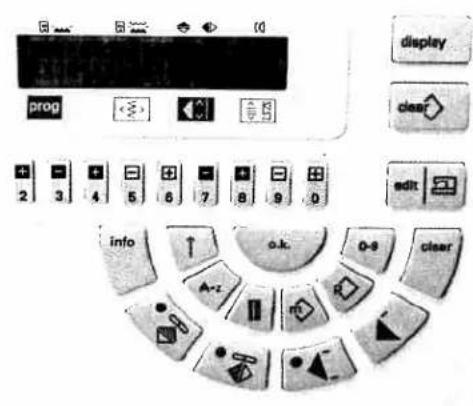
text_image
10 prop display clear edit info o.k. 0-9 clearIf the correct code has been entered, the message appears:
"o.k." = continue
"esc" = delete
"info" = change code

text_image
prop 2 3 4 5 6 7 8 9 0 display clear edit info A-1 0-9 clearConfirm your entry by pressing the "o.k." key. The sewing machine switches to Prog. No. 00 (straight stitch, center needle-position) and is ready to sew.
Every time the machine is switched on, the message appears:
"please enter your code number"
* * * *
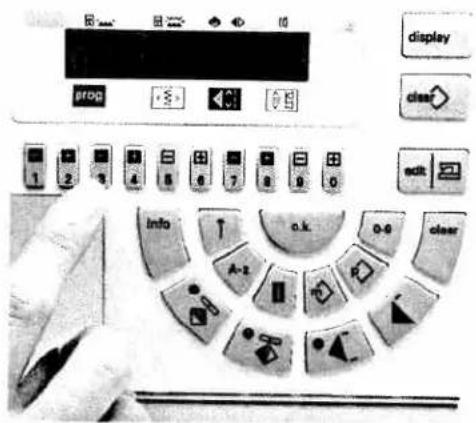
text_image
display prop class 1 2 3 4 5 6 7 8 9 0 edit info A-2 o.k 0-9 clearEnter your code.
The numbers will not be displayed, the "*" simply changes to "+".
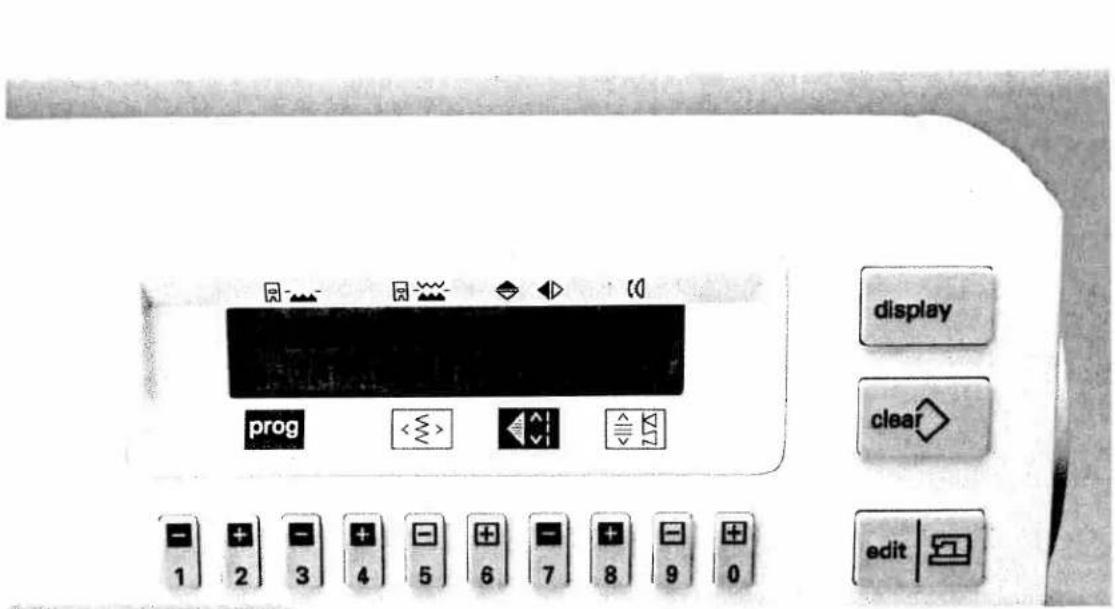
text_image
display clear editAs soon as you press the "o.k." key, the sewing machine switches to pattern 00 and is ready to sew.
If, however, you press the program key 1, the code will be deleted. The machine switches to pattern 00 and is ready to sew.
Press the program key 2, the message appears:
"please enter your code number"
* * * *
You can now enter your new code.

text_image
prog 1 2 3 4 5 6 7 8 9 0 display clear editIncorrect code
If the wrong code is entered, the message appears:
code incorrect machine locked
The machine must be switched off and then on again.
The message appears
"please enter your code number" * * * *
Now enter the correct code number.
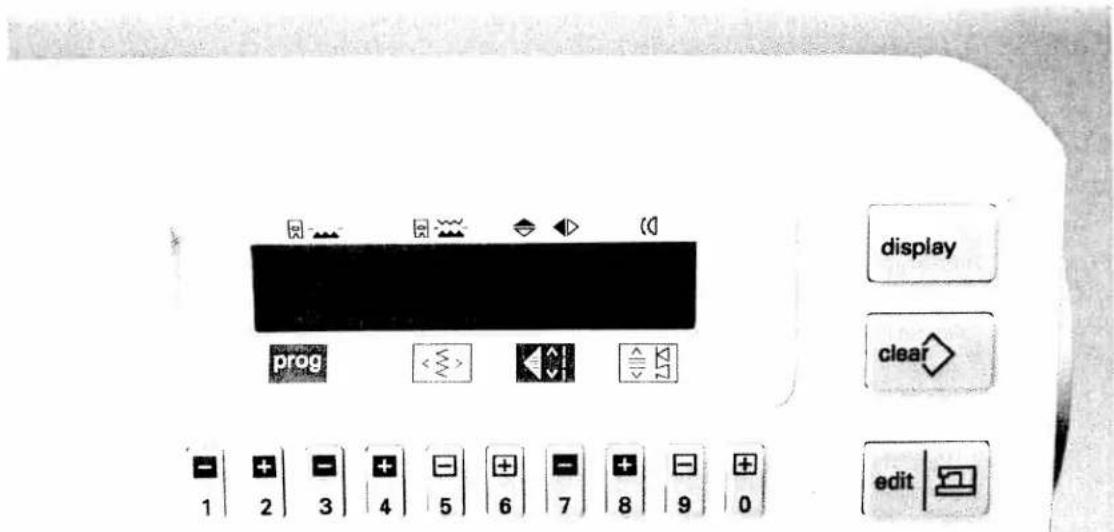
text_image
display clear prog editAlphabets
There are four types of alphabet to choose from: script letters in upper and lower case (aa and aA) block letters in upper case (bA) the outline alphabet in upper case (cA) and the cursive alphabet in upper case (dA) All of the alphabets contain their own numbers and punctuation marks. (e.g. a0)
By pressing the pattern selection key "A-z" (21), the script alphabet is selected. The letter "a" appears immediately and can be sewn. These alphabets can be sewn in a sequences width up to 9 mm and they can be saved as word in an M-memory.

text_image
display clear edit info A-2 D-B clearWith the numbered keys 1 and 2, you can select the desired alphabet and numbers.
text_image
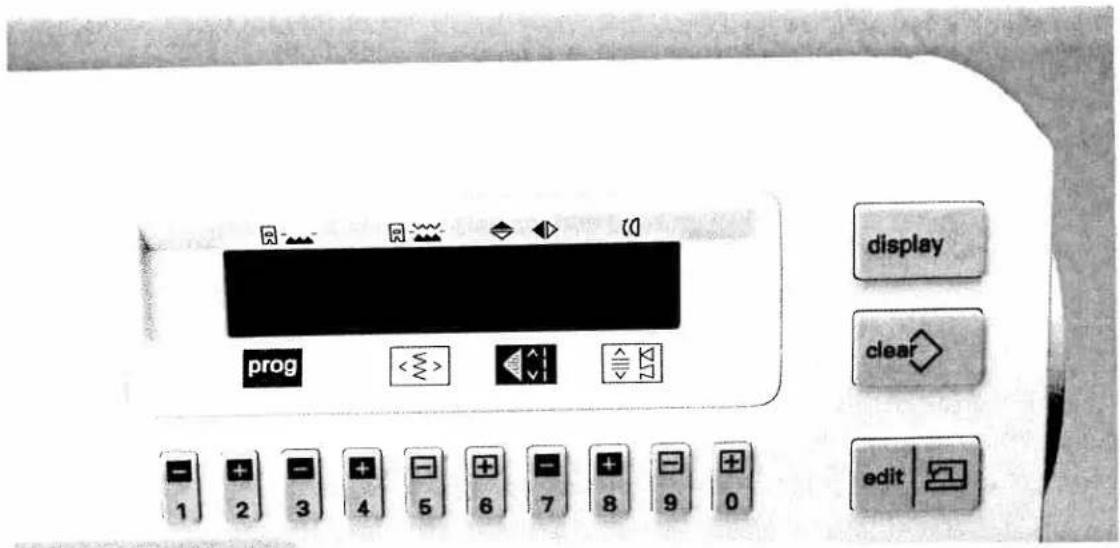
display prop clear edit Info A-ε 0-2 clearWith the numbered keys 3 and 4, you can select the desired letter or digit and punctuation mark. The size of the characters can be altered with keys 5 and 6. You can alter the balance with keys 9 and 0.
text_image
prog 1 2 3 4 5 6 7 8 9 0 display clear editCreating a pattern sequence without the Creative Designer
In order to create a pattern sequence, several patterns or letters must be combined in an M-memory. There are 16 M-memories at your disposal (M0-M15). Up to 84 patterns can be programmed in each memory.
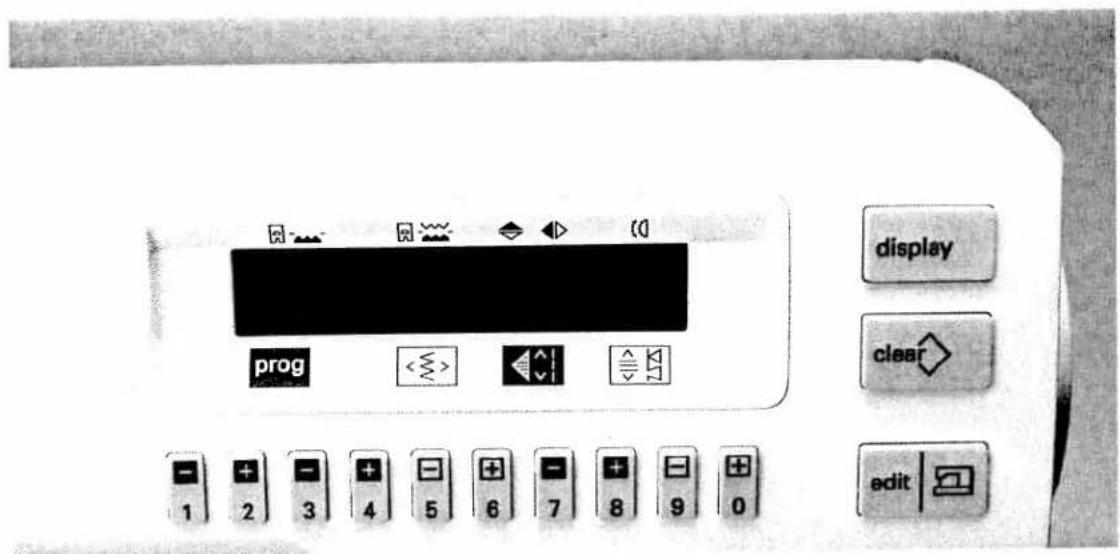
After pressing the "m" key, the message appears in the display:
Pattern sequence 0 M0
text_image
display clear editSelect the desired pattern sequence with the program keys. Now press the "edit/☐" key to get to the programming screen.
The message appears in the display:
$$ \begin{array}{c c c} \text {M1} \ 0 0 & \leftrightarrow & 2, 5 \end{array} $$
The selected memory appears in the top line of the display. In the bottom line of the display, the straight stitch 00 with stitch position center appears.
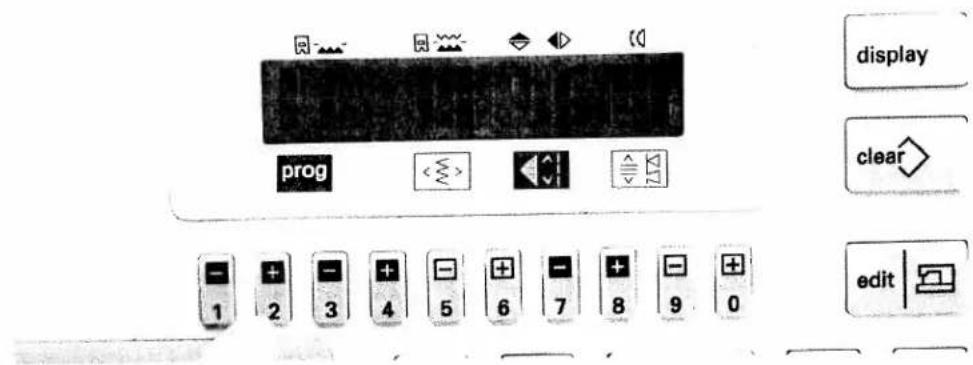
A pattern sequence can only be created when you are in the programming screen. You can recognize the programming screen by the fact that "Pattern sequence" does not appear in the top line of the display but rather only the abbreviation "P" and the number of the selected pattern sequence.
text_image
display prog clear editNow press the "A-z" key. Select the desired alphabet with the numbered keys 1 and 2. With the numbered keys 3 and 4, select your letter, digit or punctuation mark.

text_image
display prog clear editBy pressing the "o.k." key, your selection and the initial symbol "<" is entered into the pattern sequence. The message appears in the display:
M < P cP 9,0 0

text_image
display clear editThe stitch width which is set for the first letter should remain valid for all of the following letters in the word. The stitch width must be altered before entering the letter.
Enter your entire text. In this example "PFAFF".
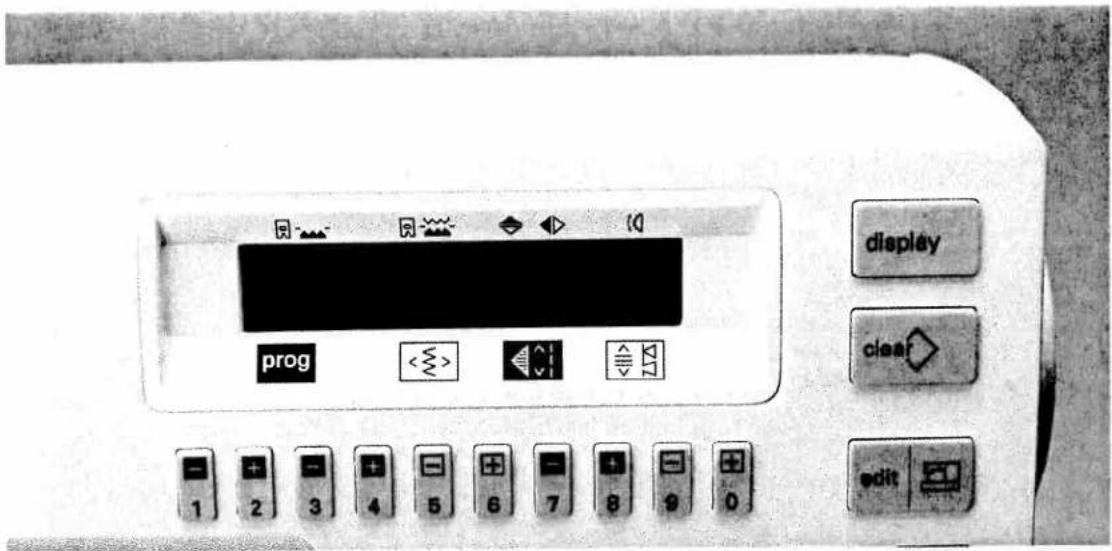
text_image
prog 1 2 3 4 5 6 7 8 9 0 display clear editPress "edit/☐" when you want to sew the word. You are now in the sewing screen and the following message appears in the display.
Pattern sequence 5 M1 < PFAFF
The top line of the display shows that 5 patterns are saved in the pattern sequence. The bottom line of the display shows the M-memory which you are in and what is stored in the memory.
If more than 6 patterns, 16 letters or numbers are entered the moving display can be switched on with the key "display" (8). Pressing the "display" key again stops the moving display. When beginning to sew or when the "edit/☐" key is pressed, the display jumps to the beginning of the sequence.
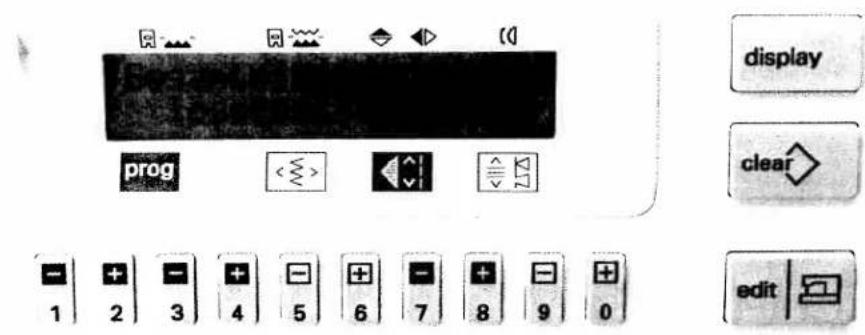
text_image
display clear prog 1 2 3 4 5 6 7 8 9 0 editDelete pattern sequence
If you enter the wrong letter or pattern, you can delete from right to left with the "clear" key (11). With the "clear" key (9), you can delete the entire pattern sequence after the computer asks if you are sure. The message appears:
Entire pattern sequence delete o.k.?
If you now press the "o.k." key, the entire pattern sequence will be deleted. If you do not wish to delete the entire pattern sequence press the "clear" key or "m" and the sewing screen of your pattern sequence will appear in the display.
If the machine is switched on while holding the "clear" key (11), all M-memories and P-memories will be deleted without the computer asking you if you are sure.
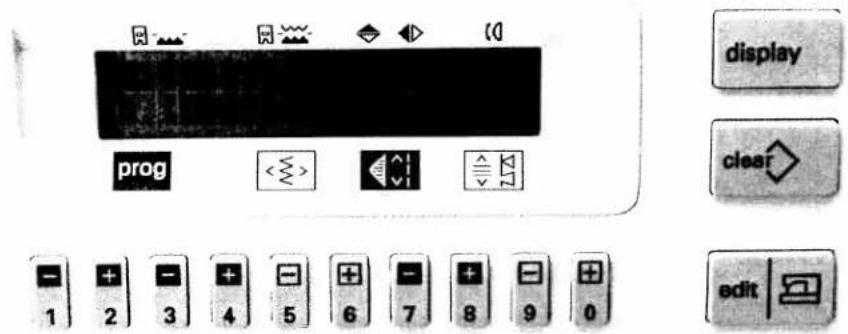
text_image
display clear prog < >> ↑ EditYou can combine not only letters but also patterns in a pattern sequence. Select an empty M-memory and press the "edit/☐" key to get to the programming screen. Now press key "0-9".
The message appears:
M1
Pattern No.: ____

text_image
display clear prog 1 2 3 4 5 6 7 8 9 0 editEnter the pattern number of your choice using the number keys "1-0" (e.g. 83) and press "o.k.". The message appears in the display:
M1 83 9,0 20 0
The width, length and the balance can still be altered. What is more, some patterns can be mirrored with the keys (18) and (20). After this, press "o.k." and the pattern number is taken into the pattern sequence along with the initial symbol "<".
Important: As soon as you press "o.k.", the altered pattern will be displayed once again in its original settings.
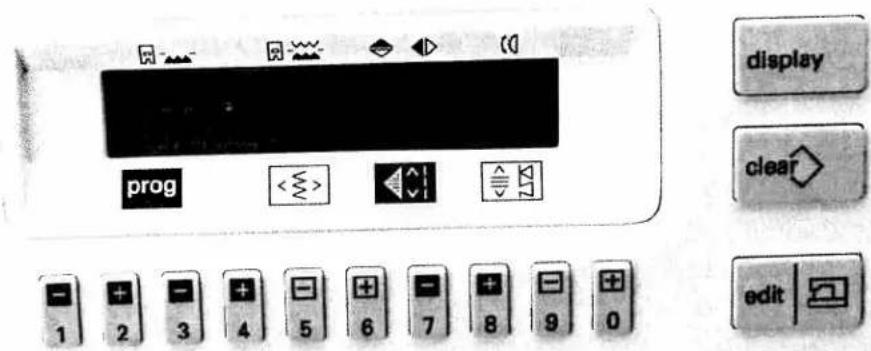
text_image
prog 1 2 3 4 5 6 7 8 9 0 display clear editNow select the pattern of your choice with the program keys 1, 2 or 3, 4 (e.g. 150). The width, length and stitch density can still be altered. Press "o.k."
The message appears in the display:
M1 <83 150 150 9,0 9,0 0.35
With the pattern selection key "↑" (23), you can return immediately to Prog. 00 and you can select further patterns with the numbered keys 1, 2 or 3, 4.

text_image
display clear editWith the pattern selection key "p" (15), you can select already existing patterns from the P-memory (see page 42). After pressing the key "p" the following message appears:
M1 <83 150 P0 9,0 3,0 0
Select your desired pattern from the 16 available P-memories. The width, length and balance can be altered.
text_image
display clear editPress "o.k." and the P-pattern will be taken into the pattern sequence. The message appears in the display:
M1 <83 150 P0 P0 9,0 3,0 0

text_image
display clear editPattern sequence is full
If you try to save more than 84 patterns in one memory, the message appears:
M0 150 32 64 122
Memory full
With "o.k." you return to the selected pattern sequence and can delete patterns or exit the pattern sequence with the "edit/☐" key.
Sa
For The The
As the codi The or ca The or ca Tut-nus Only nus ho up?lea

natural_image
Black-and-white photo of a young child in traditional attire sitting on the floor, holding a small object (no text or symbols visible)creative designer
Pages 61–91
Decorative stitches
Utility stitches and
embroidery techniques - optical sewing
Maintenance Sewing
problems and Solutions
creative designer
text_image
as I od he or c he or c cut nu onl nu he up ple. 62
text_image
PFAFF creative 7530 PFAFF creative designerContents
| Technical section | Page 65 |
| The programming sheet | Pages 66, 67, 71, 72 |
| Placing the stitch points | Page 68 |
| Connecting creative designer | Page 69 |
| Selecting a P-Memory | Page 70 |
| Programming | Pages 73, 74 |
| Combined patterns | Pages 75–78 |
| Changing a pattern | Pages 79–81 |
| Deleting a stitch, inserting a stitch | Page 83 |
| Adding a stitch, Deleting a P-Memory | Page 84 |
| Programming a P-Memory in M-Memory | Page 85 |
| Alphabetic programming sheet | Pages 86–91 |
text_image
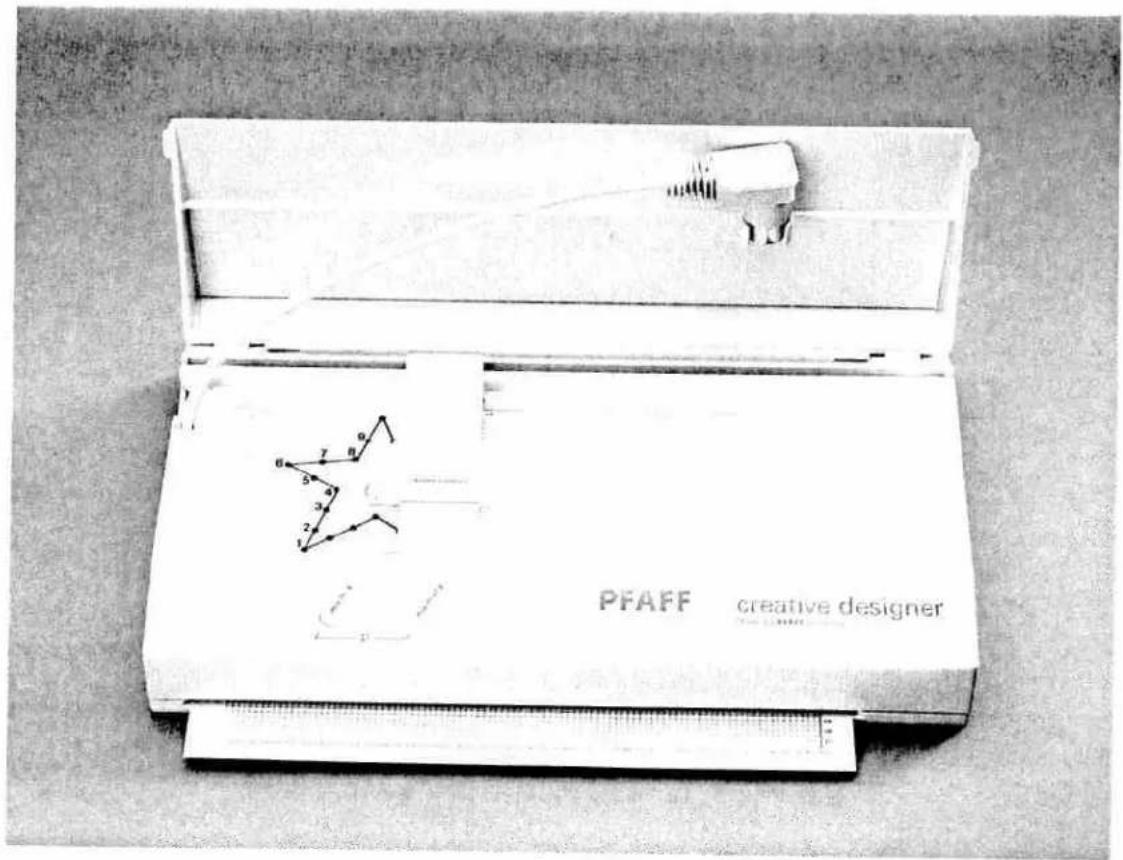
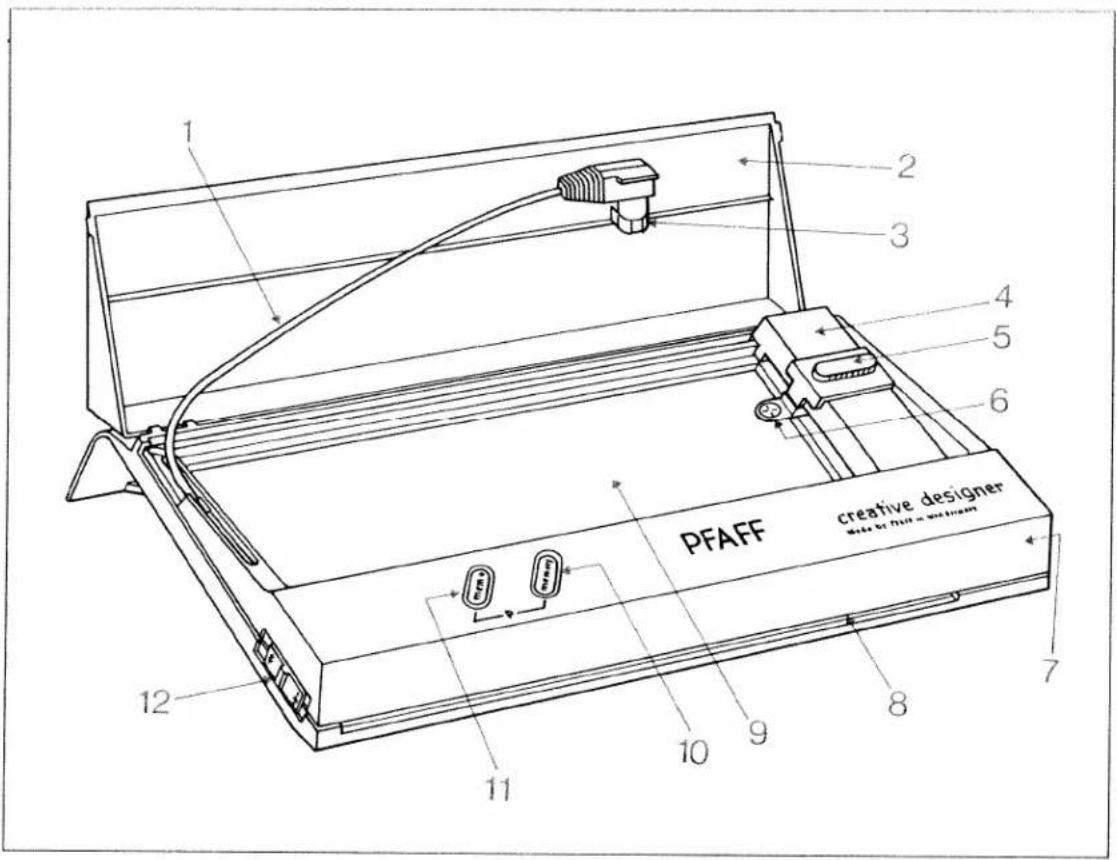
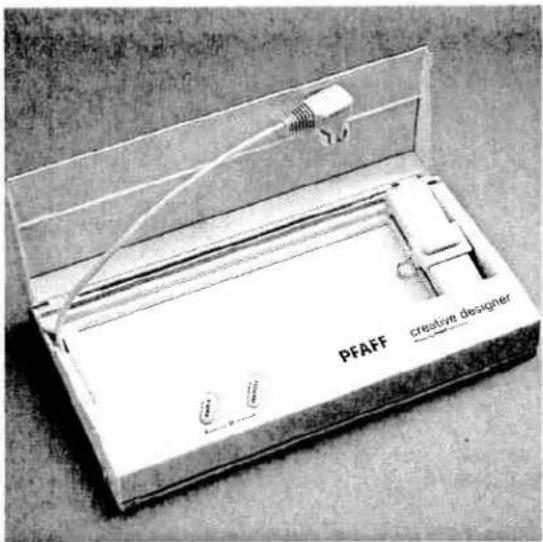
PFAFF creative designerThe Creative Designer is part of the Creative 7530 and enables you to design your own patterns up to a stitch width of 9 mm. The desired motif is drawn on a programming sheet. This template is inserted in the Creative Designer and transferred into the sewing machines computer stitch by stitch with the adjustable magnifier. 16 program-memories are at your disposal, from P0-P15. When switching off the sewing machine, the stored programs will be retained, providing that there are full batteries in the machine.
text_image
PFAFF creative designer Made by: Dura & SuiyuanParts of the Creative Designer
1 Connection lead with plug
2 Cover
3 Lead retainer
4 Adjustable slide
5 Sliding scanner with cross-hair magnifier
6 Cross-hair magnifier
7 Clip slide, right
8 Insertion slot
9 Programming area
10 "Call stitch" key (memory)
11 "Program input" key (m e m +)
12 Clip slide, left
The illustration below shows you how the
Creative Designer is stored in the carrying case.

natural_image
Exterior view of a PFAFF Creative Designer printer (no visible text or symbols on the device body)Programmierbogen - Feuille de programmation - Scheda di programmazione - Programmeerblad Programmeningesk - Programlama kagi di Programmengesk - Ojelmoniature
The programming sheet
The Creative 7550 is provided with a pad of programming sheets. Each programming sheet has two grids. The self-created designs are drawn on the grid. The width of the drawing area is marked with numbers 00-54. This width equals 9 mm of an embroidered motif, i.e. 3 squares = 1 mm. The length of the grid is marked with numbers 00-198, the total pattern length can be up to 33 mm.
A pattern may consist of several programming sheets (grids). If this is the case, each grid has to be placed into a separate P-memory.

line
| X | Y | |----|------| | 0 | 12 | | 48 | 52 | | 196| 26 |Drawing patterns
The pattern should touch the bottom line of the grid. The motif can be designed as a single pattern or as a continuous pattern. The first and last stitch of a continuous pattern should be placed on the same width coordinate of the grid (see red points).

text_image
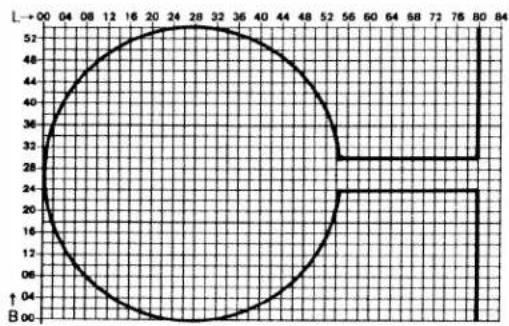
L=00 04 08 12 16 20 24 28 32 36 40 44 48 52 56 60 64 68 72 76 80 84 52 48 44 40 36 32 28 24 20 16 12 08 04 B ↑There are three ways of drawing a pattern into the grid: Example of a simple tree
1. Vertically as a continuous pattern or a single pattern max. height 9 mm max. width 33 mm
text_image
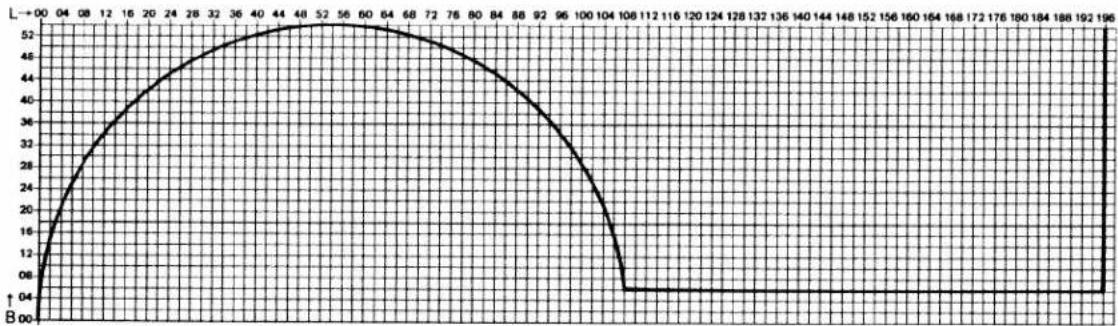
L→00 04 08 12 16 20 24 28 32 36 40 44 48 52 56 60 64 68 72 76 80 84 52 48 44 36 32 28 24 20 16 12 08 04 B ↑ B00- Horizontally as a single pattern
max. height 33 mm
max.width 9 mm
line
| x | y | | ---- | --- | | 0 | 0.00 | | 4 | 12.00 | | 8 | 24.00 | | 12 | 36.00 | | 16 | 44.00 | | 20 | 48.00 | | 24 | 52.00 | | 28 | 52.00 | | 32 | 52.00 | | 36 | 52.00 | | 40 | 52.00 | | 44 | 52.00 | | 48 | 52.00 | | 52 | 52.00 | | 56 | 52.00 | | 60 | 52.00 | | 64 | 52.00 | | 68 | 52.00 | | 72 | 52.00 | | 76 | 52.00 | | 80 | 52.00 | | 84 | 52.00 | | 88 | 52.00 | | 92 | 52.00 | | 96 | 52.00 | | 100 | 52.00 | | 104 | 52.00 | | 108 | 52.00 | | 112 | 52.00 | | 116 | 52.00 | | 120 | 52.00 | | 124 | 52.00 | | 128 | 52.00 | | 132 | 52.00 | | 136 | 52.00 | | 140 | 52.00 | | 144 | 52.00 | | 148 | 52.00 | | 152 | 52.00 | | 156 | 52.00 | | 160 | 52.00 | | 164 | 52.00 | | 168 | 52.00 | | 172 | 52.00 | | 176 | 52.00 | | 180 | 52.00 | | 184 | 52.00 | | 188 | 52.00 | | 192 | 52.00 | | 196 | 52.00 |- Combined pattern by pressing mirror image key (18): max. height 33 mm max. width 18 mm
line
| X | Y | |---|---| | 3 | 8 | | 4 | 7 | | 5 | 6 | | 21 | 20 | | 22 | 19 | | 23 | 18 | | 24 | 0 | | 25 | 0 | | 26 | 0 | | 27 | 0 | | 28 | 0 | | 29 | 0 | | 30 | 0 | | 31 | 0 | | 32 | 0 | | 33 | 0 | | 34 | 0 | | 35 | 0 | | 36 | 0 | | 37 | 0 | | 38 | 0 | | 39 | 0 | | 40 | 0 | | 41 | 0 | | 42 | 0 | | 43 | 0 | | 44 | 0 | | 45 | 0 | | 46 | 0 | | 47 | 0 | | 48 | 0 | | 49 | 0 | | 50 | 0 | | 51 | 0 | | 52 | 0 | | 53 | 0 | | 54 | 0 | | 55 | 0 | | 56 | 0 | | 57 | 0 | | 58 | 0 | | 59 | 0 | | 60 | 0 | | 61 | 0 | | 62 | 0 | | 63 | 0 | | 64 | 0 | | 65 | 0 | | 66 | 0 | | 67 | 0 | | 68 | 0 | | 69 | 0 | | 70 | 0 | | 71 | 0 | | 72 | 0 | | 73 | 0 | | 74 | 0 | | 75 | 0 | | 76 | 0 | | 77 | 0 | | 78 | 0 | | 79 | 0 | | 80 | 0 | | 81 | 0 | | 82 | 0 | | 83 | 0 | | 84 | 0 | | 85 | 0 | | 86 | 0 | | 87 | 0 | | 88 | 0 | | 89 | 0 | | 90 | 0 | | 91 | 0 | | 92 | 0 | | 93 | 0 | | 94 | 0 | | 95 | 0 | | 96 | 0 | | 97 | 0 | | 98 | 0 | | 99 | 0 | | B (bottom) | B (top) for the series 'B' in the chart. The values in the chart are explicitly labeled on the chart, but they are not explicitly provided in the code. There is no additional data series present.Placing the stitch points (stitches)
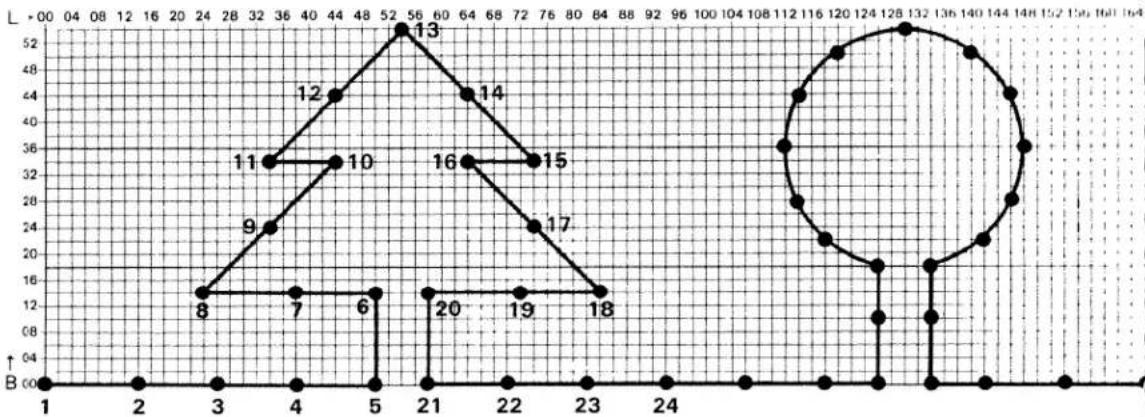
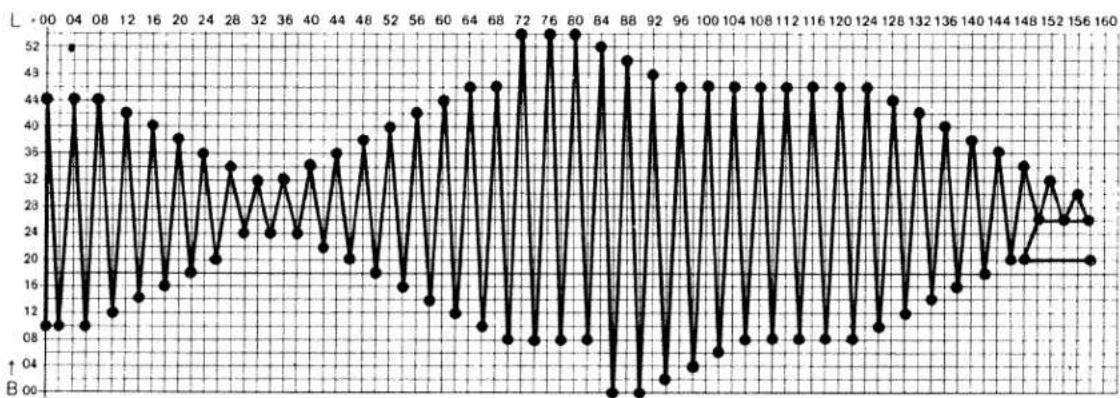
By drawing stitch points on to your design you are setting the stitch length of your pattern at the same time. Each point represents one needle penetration in the material. The optimum distance of the points (width and length) is between 4–7 squares. Only on curves should the points be drawn more densely, at a distance of roughly 2–5 squares.
After that, the stitch points should be numbered consecutively according to the sewing path. This facilitates the input of stitch points for complicated motifs consisting of parts to be re-sewn several times.
The distance between continuous patterns should be 5 or more squares. For single patterns it is possible to determine the distance between the single patterns by shifting the material.
line
| L | Value | |---|---| | 00 | 44 | | 04 | 52 | | 08 | 44 | | 12 | 12 | | 16 | 42 | | 20 | 15 | | 24 | 37 | | 28 | 20 | | 32 | 33 | | 36 | 24 | | 40 | 32 | | 44 | 21 | | 48 | 35 | | 52 | 20 | | 56 | 37 | | 60 | 15 | | 64 | 41 | | 68 | 12 | | 72 | 52 | | 76 | 08 | | 80 | 52 | | 84 | 08 | | 88 | -10 | | 92 | 43 | | 96 | -10 | | 100 | 43 | | 104 | 04 | | 108 | 43 | | 112 | 08 | | 116 | 43 | | 120 | 08 | | 124 | -10 | | 128 | 43 | | 132 | 12 | | 136 | 40 | | 140 | 15 | | 144 | 37 | | 148 | 16 | | 152 | 20 | | 156 | 23 | | 160 | 20 |If you are embroidering a motif with zigzag stitches, the length points must be set very densely. The ideal distance is 1–2 squares.
Make sure to observe a continuous logical sequence corresponding to the sewing course of the machine. (Interruptions within the motif will also be embroidered!)

natural_image
Exterior view of a PFAFF Creative 7530 sewing machine (no visible text or symbols on the device body)Important
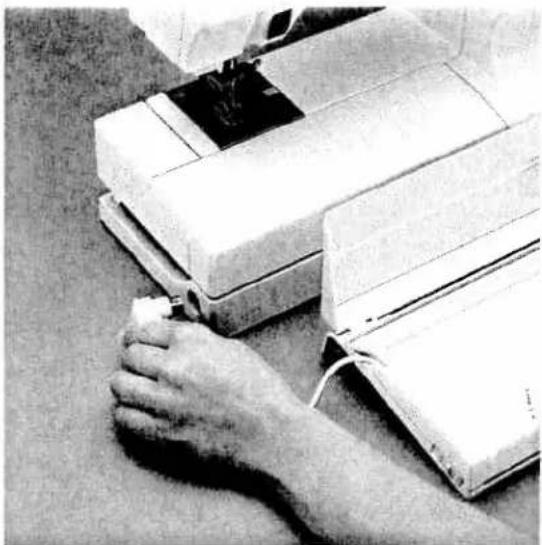
The Creative Designer must be connected before the sewing machine is switched on, this is the only way for the sewing machine to recognize the Creative Designer.
text_image
PFAFF creative designerLift cover 2 to open.
natural_image
Close-up of hands operating a vintage typewriter with a small device (no visible text or symbols)Take connecting plug from retainer 3 and insert it into socket (10) of the machine.
text_image
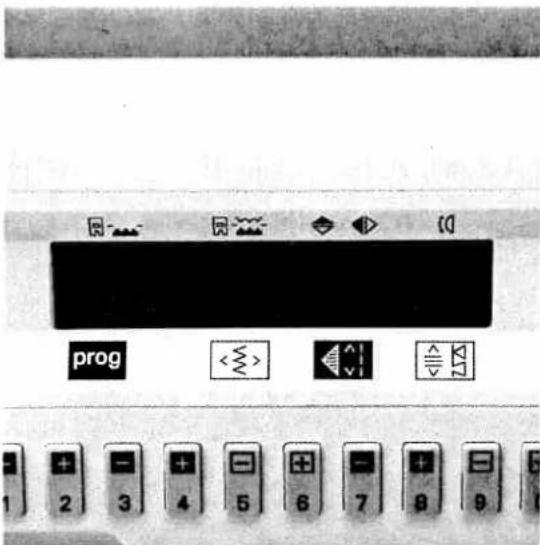
prog 1 2 3 4 5 6 7 8 9Switch on at the on/off switch (25). The display shows straight stitch 00 with center needle position.
text_image
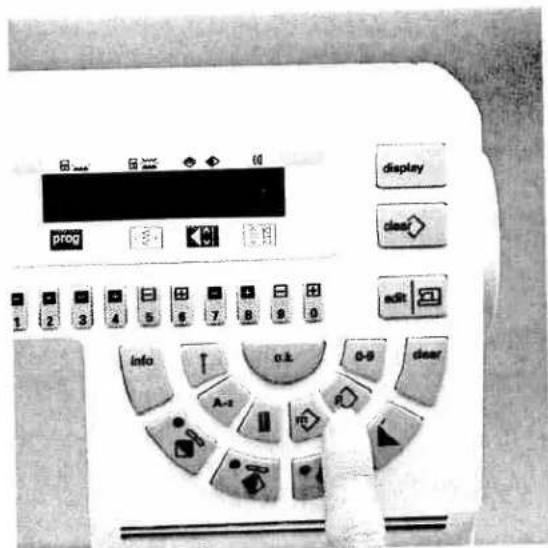
display prop check edit info A-1 0.1 0-9 clearThe key for selection of a P-memory is key "p" (15). You have at your disposal 16 P-memories (P0 to P15).
When pressing key "a" the following appears on the display:
P-pattern
0
PO
text_image
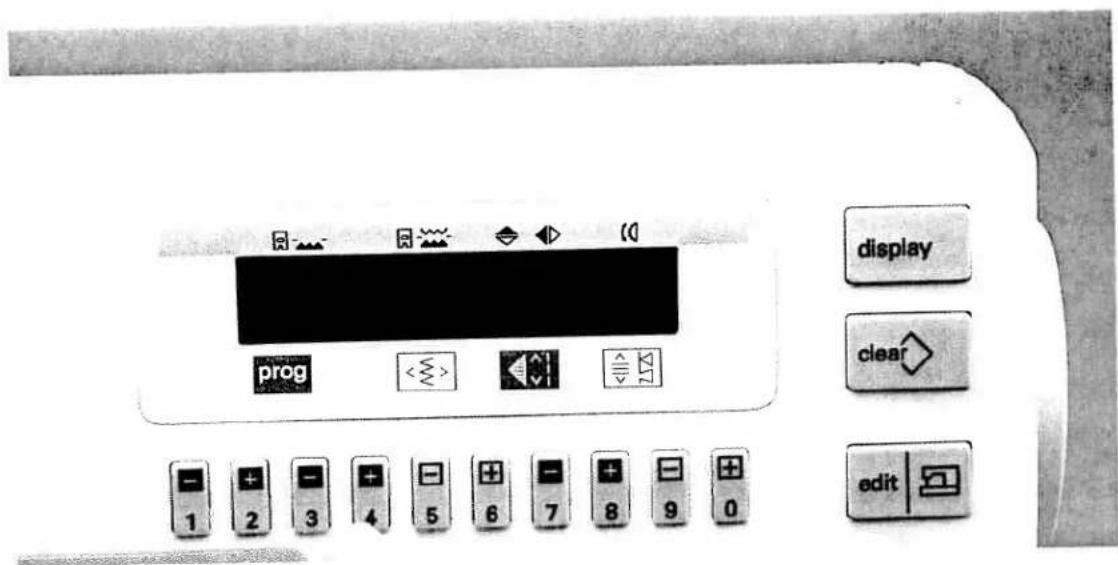
display clear editWith numbered keys 1, 2, 3 and 4 the desired P-memory is selected.
We choose P1 in our example.
P-pattern
0
P1

text_image
PFAFF creative designerInserting the programming sheet into the Creative Designer
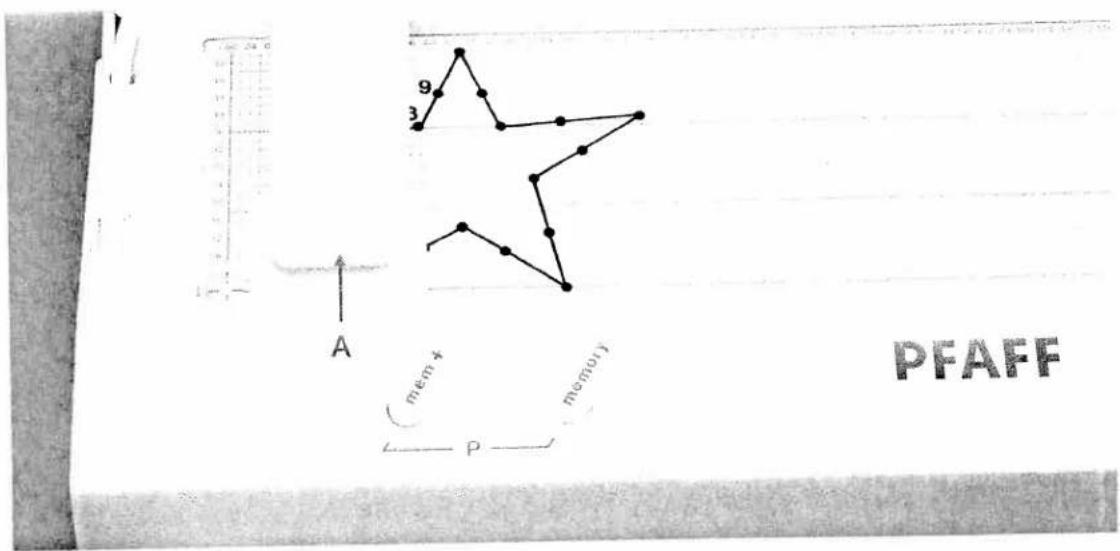
Slide the clip slides 7 and 12 forwards on both sides. Insert the pattern programming sheet in slot (8). Take care not to fold the sheet. Slide it upwards until the top edge of the paper slides under the top cutout edge of the programming area.
line
| Point | Value | |-------|-------| | 1 | 3 | | 2 | 9 | | 3 | 3 | | 4 | 9 | | 5 | 3 | | 6 | 9 | | 7 | 3 | | 8 | 9 | | 9 | 3 | | 10 | 9 | | 11 | 3 | | 12 | 9 | | 13 | 3 | | 14 | 9 | | 15 | 3 | | 16 | 9 | | 17 | 3 | | 18 | 9 | | 19 | 3 | | 20 | 9 | | 21 | 3 | | 22 | 9 | | 23 | 3 | | 24 | 9 | | 25 | 3 | | 26 | 9 | | 27 | 3 | | 28 | 9 | | 29 | 3 | | 30 | 9 | | 31 | 3 | | 32 | 9 | | 33 | 3 | | 34 | 9 | | 35 | 3 | | 36 | 9 | | 37 | 3 | | 38 | 9 | | 39 | 3 | | 40 | 9 | | 41 | 3 | | 42 | 9 | | 43 | 3 | | 44 | 9 | | 45 | 3 | | 46 | 9 | | 47 | 3 | | 48 | 9 | | 49 | 3 | | 50 | 9 | | 51 | 3 | | 52 | 9 | | 53 | 3 | | 54 | 9 | | 55 | 3 | | 56 | 9 | | 57 | 3 | | 58 | 9 | | 59 | 3 | | 60 | 9 | | 61 | 3 | | 62 | 9 | | 63 | 3 | | 64 | 9 | | 65 | 3 | | 66 | 9 | | 67 | 3 | | 68 | 9 | | 69 | 3 | | 70 | 9 | | 71 | 3 | | 72 | 9 | | 73 | 3 | | 74 | 9 | | 75 | 3 | | 76 | 9 | | 77 | 3 | | 78 | 9 | | 79 | 3 | | 80 | 9 | | Note: The values in the chart are not explicitly provided in the code. The numbers 'A' and 'P' appear to be mathematical notation on the chart.Adjusting the programming sheet
Magnifier slide (5) is moved up or down and adjustable slide (4) left or right with the knob on the side.
Push the adjustable slide fully to the left and the magnifier slide fully down.

text_image
Handwritten diagram with a star and connected nodes, possibly indicating a geometric or mathematical concept.Now position the programming sheet so that the red cross-hairs of the magnifier (6) are exactly aligned with the the cross at point 00.

natural_image
Close-up of a hand holding a pen and measuring a ruler, no visible text or symbolsThen clamp the sheet into position by pushing clip slide (12) to the rear.

text_image
PFAFF creative designerMove the adjustable slide (4) as far down and to the right as possible with the magnifier slide. Move the sheet until line 00 aligns with the red horizontal line of the magnifier cross. Then clamp the sheet in this position by pushing clip slide (7) to the rear.
Check:
Push the magnifier back to the bottom left point 00 and check that the red horizontal line of the magnifier aligns with line 00 (Adjust if necessary).
text_image
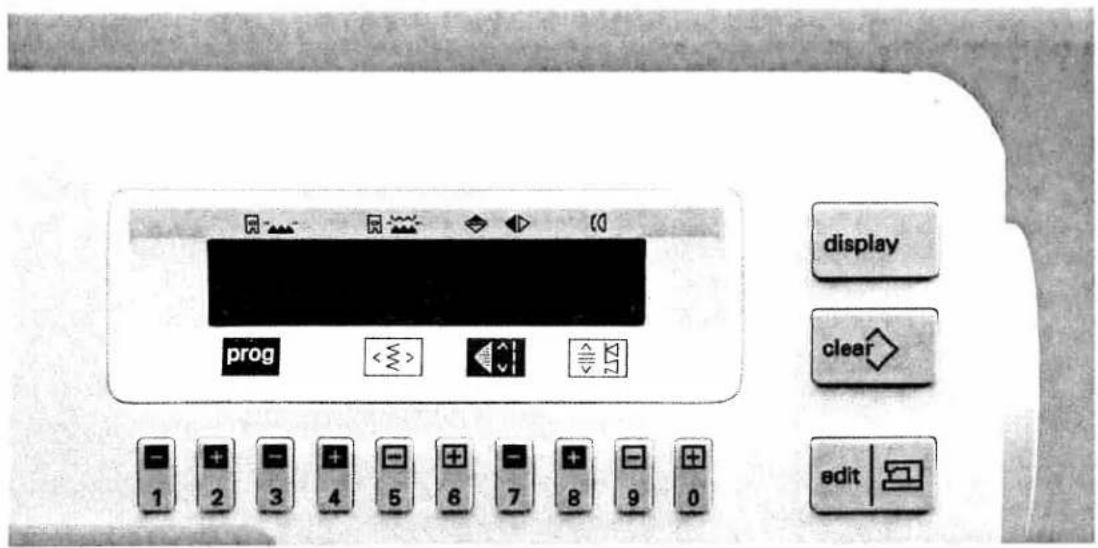
display clear edit"ter having selected a P-memory, press the dit/☐" key to go to the programming screen. The Creative Designer is now active. The message appears in the display:
| P-pattern | edit | ||
| P1 | B0 | L0 | .1 |
you know you are in the programming screen as ng as "edit" can be seen in the top right hand orner of the display.
the bottom line of the display you can see the
selected P-memory. The horizontal and vertical coordinates are in the middle and the stitch number of the next stitch to be entered is on the right. If the Creative Designer is not connected and you press the "edit/☐" key, the message appears in the display: "creative designer?"
Now you must turn the machine off and connect the Creative Designer. Before entering the stitch points, the magnifier slide (5) must be slid along the edge of programming field (9).

text_image
PFAMselect the stitch points of the motif on the programming sheet with the adjustable slide and confirm each individual stitch point by pressing the "mem+" key on the CD. Be sure to maintain the logical sequence corresponding to the sewing path of the machine. (Interruptions in a motif will so be stitched.) The stitch number progresses the number every time the "mem+" key is pres- and the point shows you that the next stitch point can now be programmed.
text_image
display clear prog 1 2 3 4 5 6 7 8 9 0 editAfter having entered all of the stitch points of your pattern, press "edit/☐" and you will see that you are now in the sewing screen. The sewing machine is ready to sew and the message appears in the display:
P-pattern 23 P1 9,0 3,0 0
In the top line on the left you will see P-pattern and on the right the number of stitches which have been entered (23). The selected P-memory
(P1) is on the left of the bottom line, the width (9.0 mm) and the length (3.0 mm) are in the middle and on the right you will see the balance (0).
Important: No patterns will be saved if the sewing machine is switched off during or after the programming without pressing the "edit / " key.

text_image
display prog clear editThe width, length and balance can still be altered. The pattern adjusts to fit the new values.
The sewing machine adds stitches automatically if the distance between two stitches is longer than 6 mm.
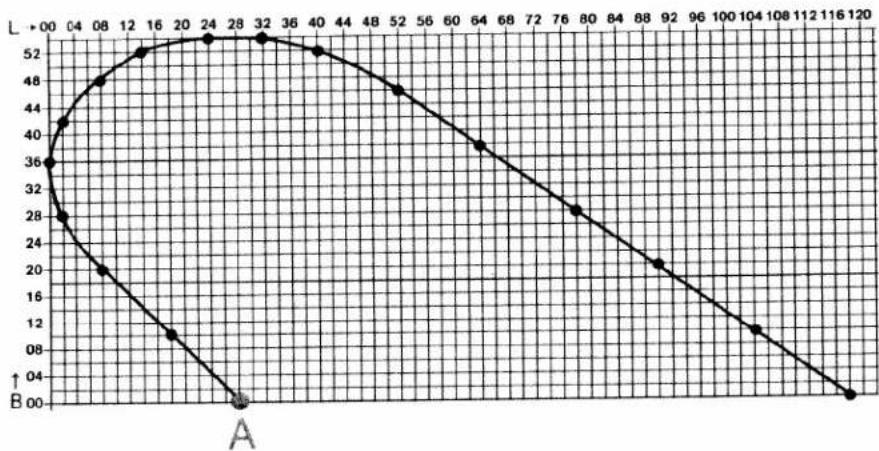
line
| X-Axis | Y-Axis | |---|---| | 0 | 36 | | 4 | 40 | | 8 | 44 | | 12 | 48 | | 16 | 52 | | 20 | 52 | | 24 | 52 | | 28 | 52 | | 32 | 52 | | 36 | 52 | | 40 | 52 | | 44 | 52 | | 48 | 50 | | 52 | 48 | | 56 | 46 | | 60 | 44 | | 64 | 42 | | 68 | 40 | | 72 | 38 | | 76 | 36 | | 80 | 34 | | 84 | 32 | | 88 | 30 | | 92 | 28 | | 96 | 26 | | 100 | 24 | | 104 | 22 | | 108 | 20 | | 112 | 18 | | 116 | 16 | | 120 | 14 | A at bottom center (at B=0) for the curve is explicitly labeled on the graph.Joined patterns (mirrored)
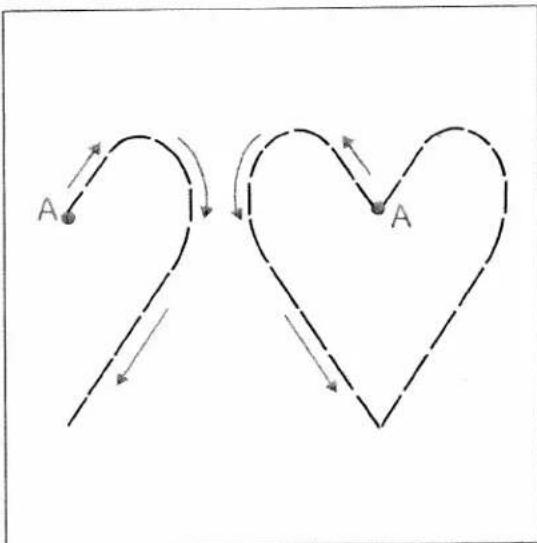
These patterns are sewn in two phases. Draw half a pattern on the programming sheet and enter it into the P-memory.
text_image
A ASew the half-pattern with the "single pattern" key (16). Now press the "pattern mirror" key (18) and sew the mirror image of the pattern. Make sure that the needle enters the fabric at pattern start point "A" of the first pattern.
The maximum width for mirrored patterns is 18 mm.

line
| X | Y | |----|------| | 0 | 0 | | 1 | 1 | | 2 | 2 | | 3 | 3 | | 4 | 4 | | 5 | 5 | | 6 | 6 | | 7 | 7 | | 8 | 8 | | 9 | 9 | | 10 | 10 | | 11 | 11 | | 12 | 12 | | 13 | 13 | | 14 | 14 | | 15 | 15 | | 16 | 16 | | 17 | 17 | | 18 | 18 | | 19 | 19 | | 20 | 20 | | 21 | 21 | | 22 | 22 | | 23 | 23 | | 24 | 24 | | 25 | 25 | | 26 | 26 | | 27 | 27 | | 28 | 28 | | 29 | 29 | | 30 | 30 | | 31 | 31 | | 32 | 32 | | 33 | 33 | | 34 | 34 | | 35 | 35 | | 36 | 36 | | 37 | 37 | | 38 | 38 | | 39 | 39 | | 40 | 40 | | 41 | 41 | | 42 | 42 | | 43 | 43 | | 44 | 44 | | 45 | 45 | | 46 | 46 | | 47 | 47 | | 48 | 48 | | 49 | 49 | | 50 | 50 | | 51 | 51 | | 52 | 52 | | 53 | 53 | | 54 | 54 | | 55 | 55 | | 56 | 56 | | 57 | 57 | | 58 | 58 | | 59 | 59 | | 60 | 60 | | 61 | 61 | | 62 | 62 | | 63 | 63 | | 64 | 64 | | 65 | 65 | | 66 | 66 | | 67 | 67 | | 68 | 68 | | 69 | 69 | | 70 | 70 | | 71 | 71 | | 72 | 72 | | 73 | 73 | | 74 | 74 | | 75 | 75 | | 76 | 76 | | 77 | 77 | | 78 | 78 | | 79 | 79 | | 80 | 80 | | 81 | 81 | | 82 | 82 | | 83 | 83 | | 84 | 84 | | 85 | 85 | | 86 | 86 | | 87 | 87 | | 88 | 88 | | 89 | 89 | | 90 | 90 | | 91 | 91 | | 92 | 92 | | 93 | 93 | | 94 | 94 | | 95 | 95 | | 96 | 96 | | 97 | 97 | | 98 | 98 | | 99 | 99 | | Note: The actual values may vary due to the random nature of the data generation. The provided values are just an example. The actual values may be the result of the data generation. There is no separate data series in this case. Please note that the actual values would be the result of the data generation.Joined patterns in two or more P-memories
It is possible to design wider patterns by using more than one P-memory for the design. Tape two or more programming sheets (in our example 4) together and draw your design on the grid. Decide upon and mark a pattern start "A" for each individual programming sheet.
Ensure that the sewing machine only has to sew in one direction (in our example from top to bottom).
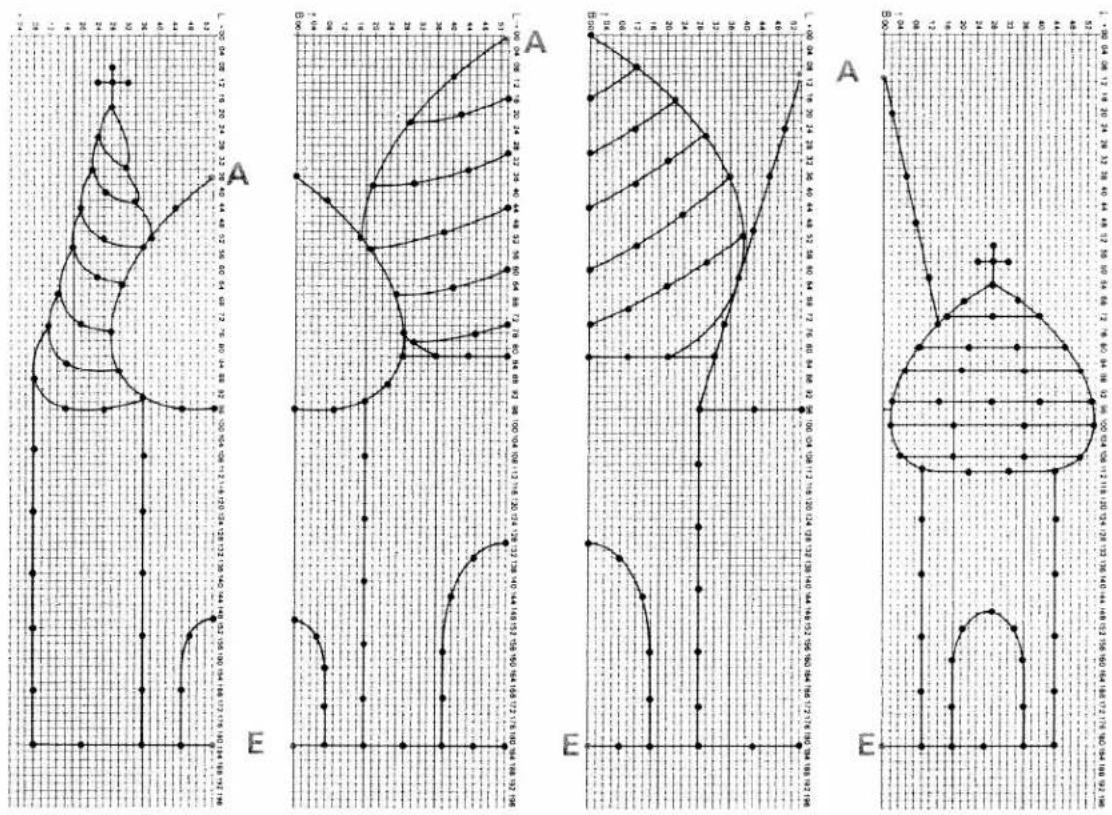
Separate the programming sheets so that you have 4 pattern sections. Enter each section in a separate P-memory. Start at point "A" of the right programming sheet and enter the pattern stitch by stitch (number the pattern if necessary). "E" marks the end of the pattern section on each programming sheet. Enter the second section in the second P-memory beginning here at point
"A" also. Enter the rest of the sections in the same way.
| Accessories and Needles Maintenance Sewing Problems and Solutions | Decorative stitches and traditional embroidery techniques | Utility stitches and Vertical sewing | Combined patterns |
natural_image
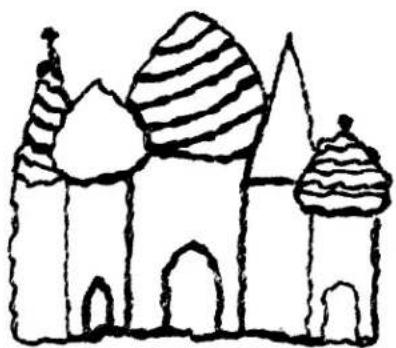
Hand-drawn sketch of a castle with multiple dome structures and pointed roofs (no text or symbols)And this is how it looks when finished. This example was sewn from right to left. Sew the P-memories one after the other with the "single pattern" key (16).
Ensure that the needle enters the fabric at pattern start point "A" of the previously sewn pattern.
Whether sewing a blouse, a shirt, bed linen or whatever you desire, the Creative Designer allows you to realize all of your embroidery ideas.
line
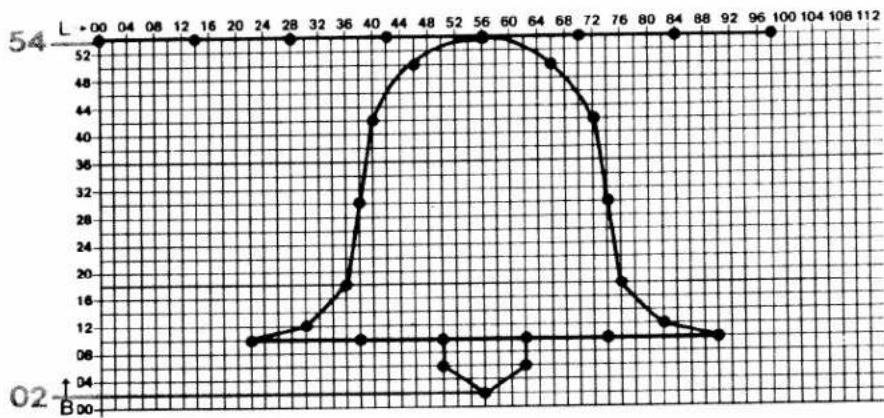
| L | Value | |---|---| | 00 | 54 | | 04 | 54 | | 08 | 54 | | 12 | 54 | | 16 | 54 | | 20 | 54 | | 24 | 54 | | 28 | 54 | | 32 | 54 | | 36 | 54 | | 40 | 54 | | 44 | 54 | | 48 | 54 | | 52 | 54 | | 56 | 54 | | 60 | 54 | | 64 | 54 | | 68 | 54 | | 72 | 54 | | 76 | 54 | | 80 | 54 | | 84 | 54 | | 88 | 54 | | 92 | 54 | | 96 | 54 | | 100 | 54 | | 104 | 54 | | 108 | 54 | | 112 | 54 | L B 02 B 06 B 12 B 16 B 20 B 24 B 28 B 32 B 36 B 40 B 44 B 48 B 52 B 56 B 60 B 64 B 68 B 72 B 76 B 80 B 84 B 88 B 92 B 96Changing the pattern width
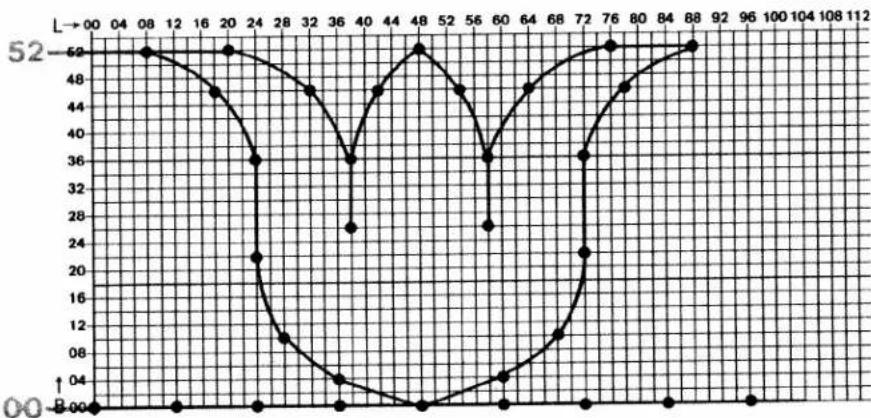
The numbered keys 5 and 6 can be used to change the width of a programmed pattern. If you wish to change your pattern without changing the top edge, the pattern start and pattern end points must lie on B 54. The pattern may not be drawn over the entire width of the grid, i.e. there may not be any stitch points on B 00.
line
| L | Value | |---|---| | 00 | 8 | | 04 | 52 | | 08 | 52 | | 12 | 48 | | 16 | 44 | | 20 | 36 | | 24 | 20 | | 28 | 12 | | 32 | 8 | | 36 | 4 | | 40 | 24 | | 44 | 48 | | 48 | 52 | | 52 | 48 | | 56 | 36 | | 60 | 28 | | 64 | 36 | | 68 | 48 | | 72 | 60 | | 76 | 72 | | 80 | 80 | | 84 | 90 | | 88 | 92 | | 92 | 96 | | 96 | 100 | | 100 | 104 | | 104 | 108 | | 108 | 112 | | 112 | 116 |If you wish to change your pattern without changing the bottom edge, the pattern start and pattern end points must lie on B 00. The pattern may not be drawn over the entire width of the grid, i.e. there may not be any stitch points on B 54.

natural_image
Simple line drawing of five circles arranged horizontally (no text or symbols)fig. 1

natural_image
Simple line drawing of five circles arranged in a row (no text or symbols)fig. 2
Changing the pattern by changing the stitch length and width
The programmed pattern can be scaled up and down by changing the stitch width and length with the numbered keys 7 and 8 (see fig. 1).
By changing both the stitch length and the stitch width, it is possible to change the proportions of the pattern (see fig. 2).

text_image
fig. a fig. b fig. cChanging the pattern with varying distances
Single patterns can be changed by entering less or more intermediate stitches. Be sure to take the desired distances into account when drawing the pattern onto the grid.
If fewer intermediate stitch points are entered, the pattern overlaps (see fig. a). The more intermediate stitch points are entered, the more distance between the individual patterns.

line
| X-Axis | Y-Value (Series 54) | Y-Value (Series 27) | Y-Value (Series 00) | |---|---|---|---| | -00 | 52 | 28 | 00 | | 04 | 52 | 28 | 00 | | 08 | 52 | 28 | 00 | | 12 | 52 | 28 | 00 | | 16 | 52 | 28 | 00 | | 20 | 52 | 28 | 00 | | 24 | 52 | 28 | 00 | | 28 | 52 | 28 | 00 | | 32 | 52 | 28 | 00 | | 36 | 52 | 28 | 00 | | 40 | 52 | 28 | 00 | | 44 | 52 | 28 | 00 | | 48 | 52 | 28 | 00 | | 52 | 52 | 28 | 00 | | 56 | 52 | 28 | 00 | | 60 | 52 | 28 | 00 | | 64 | 52 | 28 | 00 | | 68 | 52 | 28 | 00 | | 72 | 52 | 28 | 00 | | 76 | 52 | 28 | 00 | | 80 | 52 | 28 | 00 | | 84 | 52 | 28 | 00 | | 88 | 52 | 28 | 00 | | 92 | 52 | 28 | 00 | | 96 | 52 | 28 | 00 | | 100 | 52 | 28 | 00 | | 104 | 52 | 28 | 00 | | 108 | 52 | 28 | 00 | | 112 | 52 | 28 | 00 | | 116 | 52 | 28 | 00 | | 120 | 52 | 28 | 00 | | 124 | 52 | 28 | 00 | | 128 | 52 | 28 | 00 | | 132 | 52 | 28 | 00 | The chart displays a single line graph with two series: Series A and Series B. The y-values for Series A are explicitly labeled on the graph, while the y-values for Series B are labeled on the graph. There is no additional data series or labels provided in the image.Changing the pattern
If you wish to enlarge or reduce your pattern starting from the middle, your design must be made so that the outermost stitch points are the same distance from the center line.
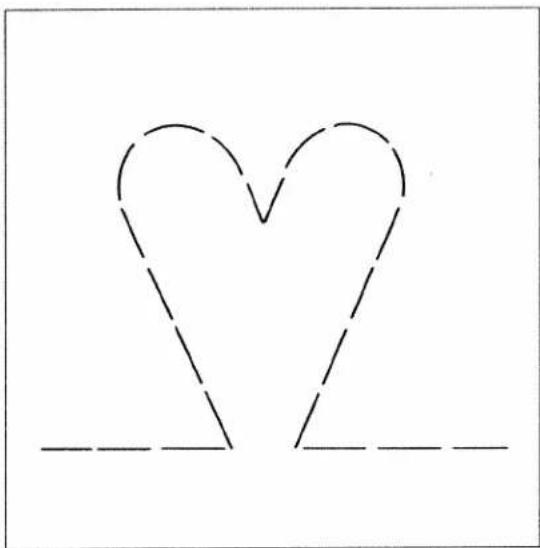
natural_image
Simple line drawing of a heart shape formed by two dashed lines, with no text or symbols present.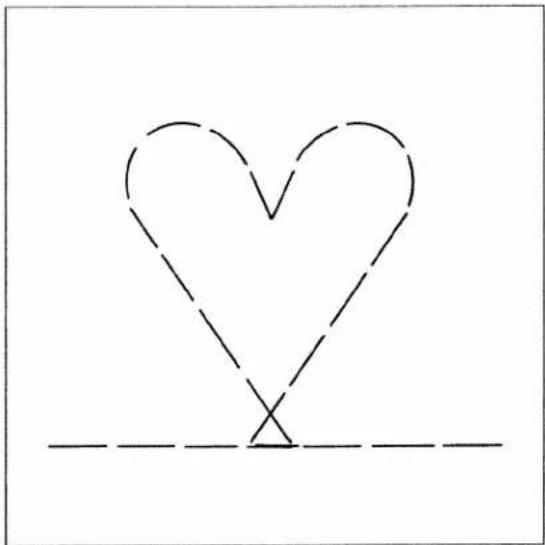
natural_image
Simple line drawing of a heart shape formed by two dashed lines crossing a horizontal line (no text or symbols)Balance
On varying types of fabric, a self programmed pattern can change unexpectedly. The pattern can be corrected with the numbered keys 9 and 0.
If the pattern is not closed, the correction can be made with numbered key 0 between +1 and +7, i.e. the machine makes longer backwards stitches and the pattern is closed.
If the pattern overlaps, the numbered key 9 must be corrected between -0 and -7, i.e. the machine makes shorter reverse stitches and the pattern is sewn more open.
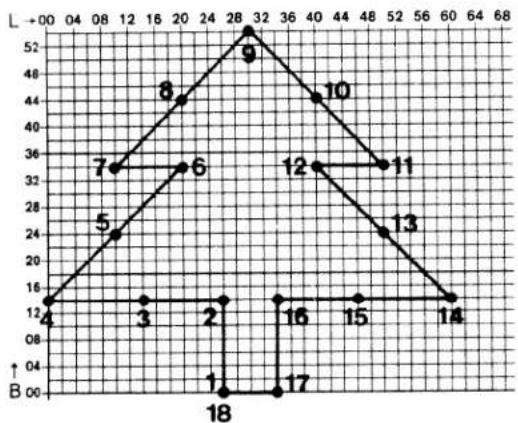
line
| Point | L | B | |---|---|---| | 1 | 12 | 0 | | 2 | 18 | 0 | | 3 | 12 | 15 | | 4 | 0 | 15 | | 5 | 12 | 24 | | 6 | 18 | 36 | | 7 | 12 | 36 | | 8 | 20 | 44 | | 9 | 28 | 52 | | 10 | 40 | 44 | | 11 | 52 | 36 | | 12 | 36 | 36 | | 13 | 52 | 24 | | 14 | 60 | 16 | | 15 | 52 | 16 | | 16 | 36 | 16 | | 17 | 28 | 0 | | 18 | 28 | 0 | The chart displays a single data series with labeled points (1-18) and corresponding numerical values on the Y-axis. The X-axis is unlabeled but corresponds to the horizontal position of each point in the grid.Checking the length and width data of the stitch points
If the final sewn pattern does not correspond to the pattern drawn on the grid, one or more stitch points have been entered incorrectly. In order to find the incorrectly entered stitch points, you must be in the programming screen, i.e. "edit" must be in the top right hand corner of the display. Press numbered key 9. The stitch number of the last stitch point of your pattern appears. The length and width data of this stitch can now be compared with that of the sketch. Press numbered key 9 again. The next stitch appears and can be checked in the same way. This process can be repeated for all of the stitch points.
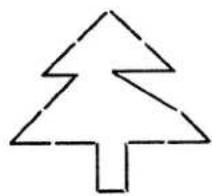
natural_image
Simple line drawing of a three-leafed tree with dashed lines indicating hidden edges (no text or symbols)After stitch 1,.1 appears with the same length and width data with one point. It is useful, when looking for mistakes, to number the individual points in the sewing path from the first stitch to the last on the programming sheet. If a mistake is found, it can be marked on the programming sheet and corrected as described on the following pages. It is possible to find out the stitch number of a particular stitch point using the key "memory" (10). Position the magnifier (6) on the stitch, press "memory" and the stitch number appears in the display. If two dashes appear "--", there is no stitch entered in this position.
30
many
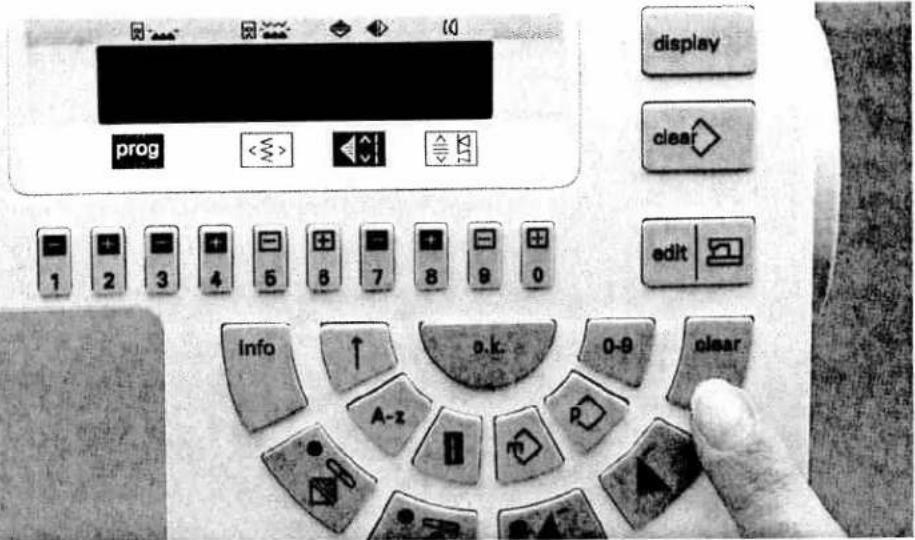
text_image
prog 1 2 3 4 5 6 7 8 9 0 info A-z o.k 0-9 clear display clear editDeleting a stitch
In order to correct stitch points, the Creative Designer must be connected and P-memory selected. Select the programming screen with the "edit/□" key.
The "clear" key deletes the last stitch in the P-pattern.
If you wish to delete a stitch in the middle of a pattern, the stitch must first be selected with the numbered key 9 and the "clear" key pressed. The stitch is now deleted and the machine jumps to the previous stitch. The total number of stitches is reduced by 1.

text_image
PFAFF creative designerAdding a stitch
Select the stitch, with numbered key 9, which is before the place which you wish to add the stitch. Then place the magnifier (6) over the selected stitch and press key "mem+" (11) of the Creative Designer. The stitch is now entered and the stitches following it move up one stitch number.
Deluting a stitch
inserving a stitch
Utility stitches and
- critical sewing
embroidery techniques
Decorative statutes
and traditional
Problems and Solutions
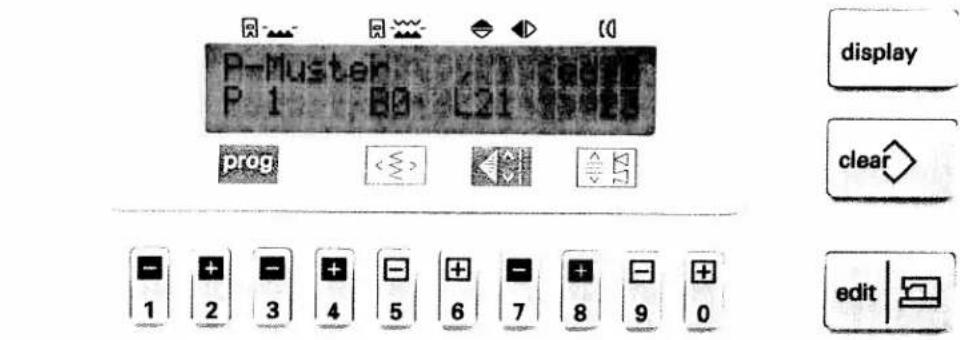
text_image
P-Muster P 1 B0 L21 edit prog 1 2 3 4 5 6 7 8 9 0 display clear editAdding stitches to the end of a pattern
After pressing the "edit/☐" key, the position of the cross hairs appears in the display. Press the numbered key 9 and you will see the width and length coordinates of the last entered stitch. You can now go to the new position with the magnifier (6) and then to get to the end position, press numbered key 0.
Then press the "mem+" key of the Creative Designer and your new stitch is added. If you wish to insert a stitch before the beginning of a motif, go back with key 9 until number .1 appears. Now enter the new point as described

text_image
Mustare Ioschman OK ? prop display clear edit Info A-1 o.k. 0-9 clearDeleting a P-memory
If you have reached the maximum memory capacity of a P-memory, the message appears in the display:
"Memory full"
With "o.k." you can return to the selected P-memory and you can then leave it with "edit/☐". Your P-memory is now ready to sew. You can, however, also delete it by pressing the "clear" key. The computer will ask you to confirm this command.
The message appears in the display:
"Delete pattern" ok?
By pressing the "o.k." key you delete what is saved in the memory.
If the machine is switched on while the "clear" key is pressed, all the P-memories and M-memories are deleted without the computer asking you to confirm the delete.
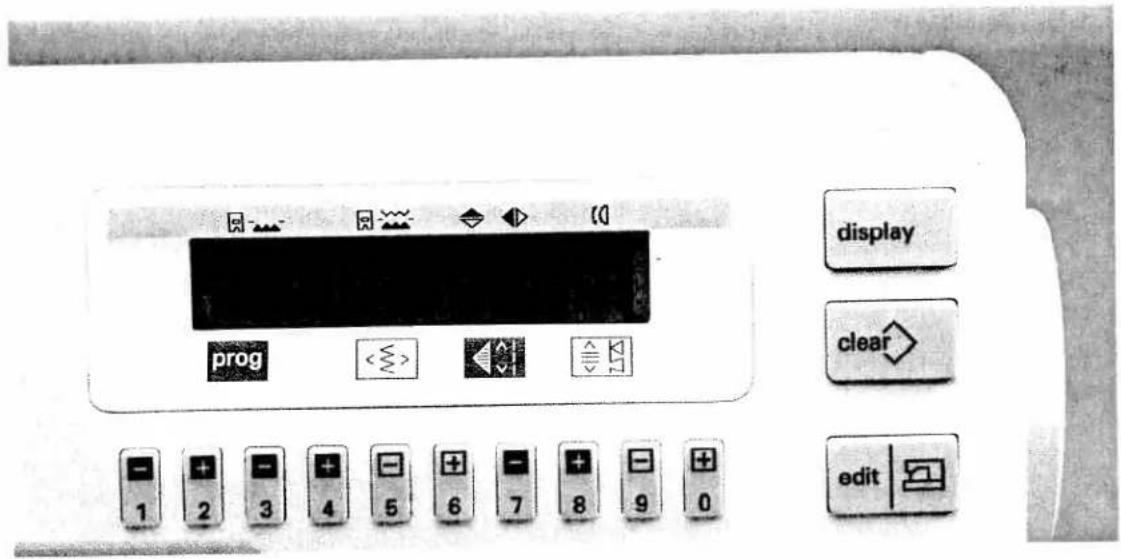
text_image
display clear editProgramming P-memory into M-memory
If you wish to combine your programmed pattern with the programs in the stitch table, you must save the corresponding P-memory into an M-memory. Select an empty M-memory and enter the pattern sequence (in this example 83, 150, 75).
Existing patterns within the P-memory can be selected with the pattern selection key "p". After pressing the key "p", the following message appears:
$$ \begin{array}{c c c c c} \text {M1} & < 8 3 & 1 5 0 & 7 5 \ \text {P0} & & 9, 0 & 3, 0 & 0 \end{array} $$
Select your desired pattern from one of the 16 P-memories. In this example P1.

text_image
display clear editThe width, length and balance can still be altered. By pressing "o.k." the P-pattern will be entered at the end of the pattern sequence.
$$ \begin{array}{c c c c c} \text {M1} & < 8 3 & 1 5 0 & 7 5 & \text {P1} \ \text {P1} & 9, 0 & 3, 0 & 0 \end{array} $$
| 2 | MAFF CRIATIVE | ba | b0 | Ioneer Quotative | ca | co | ||||||||||||||||||||
| 1 | A | B | C | D | E | F | G | H | I | J | A | B | C | D | E | Y | Q | R | I | J | ||||||
| 2 | ||||||||||||||||||||||||||
| 3 | K | L | M | N | O | P | Q | R | S | T | K | L | M | N | O | P | Q | R | S | T | ||||||
| 4 | ||||||||||||||||||||||||||
| 5 | U | V | W | X | Y | Z | A | O | U | U | V | W | X | Y | Z | A | O | W | ||||||||
| 6 | ||||||||||||||||||||||||||
| 7 | A | A | O | O | E | . | , | L | I | - | ? | ! | A | A | O | O | E | L | I | - | ? | I | ||||
| 8 | 0 | 1 | 2 | 3 | 4 | 5 | 6 | 7 | 8 | 9 | 0 | 1 | 2 | 3 | 4 | 5 | 6 | 7 | 8 | 9 | ||||||
| 9 | ||||||||||||||||||||||||||
| 0 | ||||||||||||||||||||||||||
Alphabet program card
The four alphabets and numbering lists saved in the machine are shown on the program card with the code numbers 1–3 (top left hand corner). The code number 1 contains upper and lower case letters in script lettering. The code number 2 contains two alphabets with varying lettering (block lettering and outline).
The code number 3 contains a further alphabet: the cursive lettering. The letters, numbers and special characters can be entered into an M-memory or sewn individually.
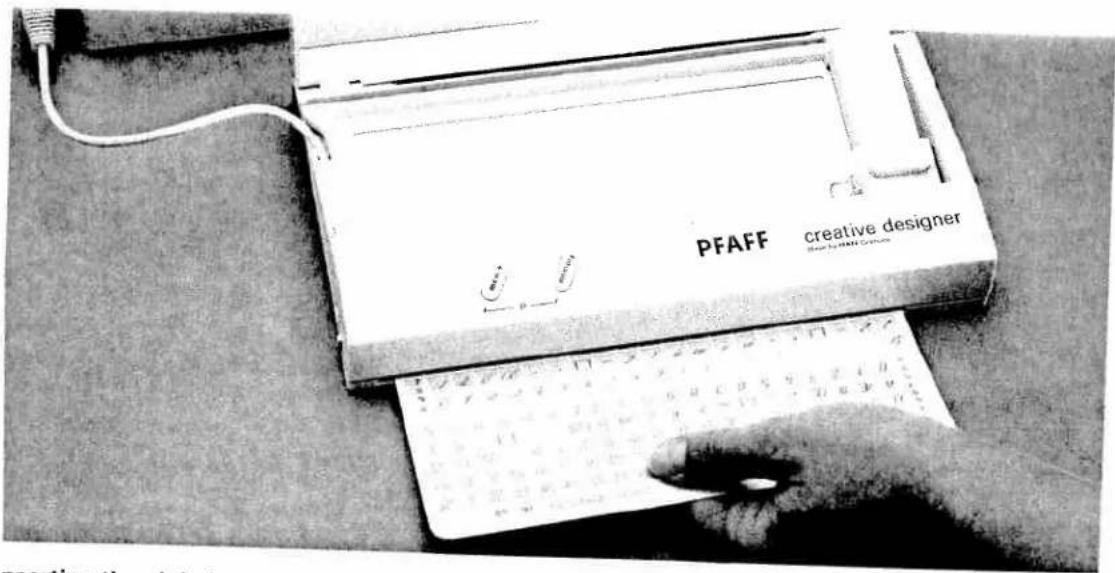
text_image
PFAFF creative designer New Science Pressnserting the alphabet program cards into the Creative Designer
see also page 71)
slide the clip slides 7 and 12 forwards on both ides. Insert the desired alphabet program card 1, or 3 in slot (8).
make care not to fold the card. Slide it upwards until the top edge of the paper slides under the top cutout edge of the programming area.
Position the adjustable slide (4) as far to the right and the magnifier slide (5) as far to the bottom as possible
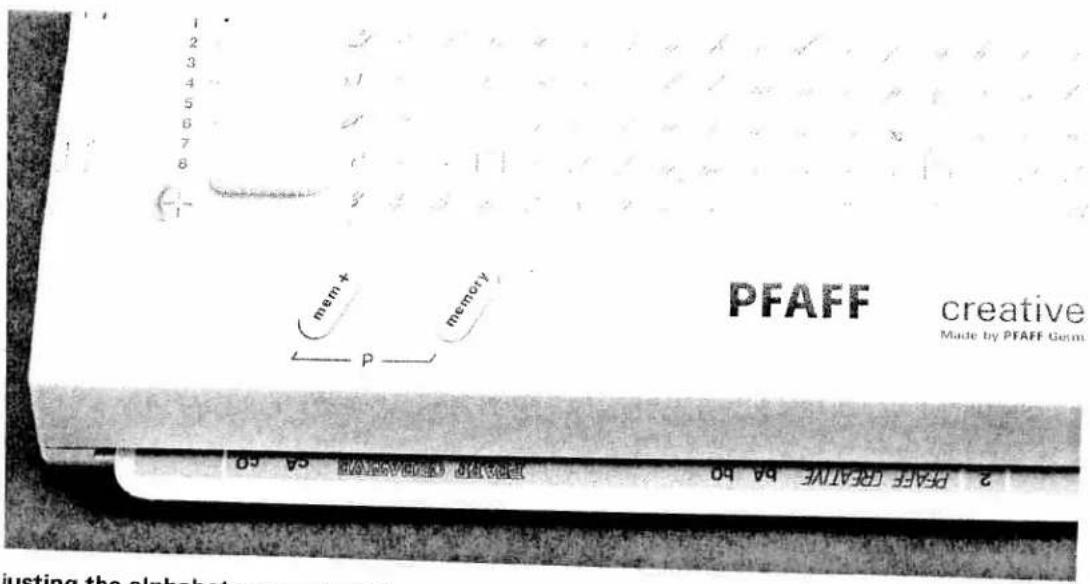
text_image
PFAFF creative Made by PFAFF Germ 1 2 3 4 5 6 7 8 9 10 11 12 13 14 15 16 17 18 19 20 21 22 23 24 25 26 27 28 29 30 31 32 33 34 35 36 37 38 39 40 mem+ memory P 12 PFAEF CREATIVE BA BO 12 PFAEF CREATIVE BA BO 12 PFAEF CREATIVE BA BO 12 PFAEF CREATIVE BA BO 12 PFAEF CREATIVE BA BO 12 PFAEF CREATIVE BA BO 12 PFAEF CREATIVE BA BO 12 PFAEF CREATIVE BA BO 12 PFAEF CREATIVE BA BO 12 PFAEF CREATIVE BA BO 12 PFAEF CREATIVE BA PO 12 PFAEF CREATIVE BA PO 12 PFAEF CREATIVE BA PO 12 PFAEF CREATIVE BA PO 12 PFAEF CREATIVE BA PO 12 PFAEF CREATIVE BA PO 12 PFAEF CREATIVE BA PO 12 PFAEF CREATIVE BA PO 12 PFAEF CREATIVE BA PO 12 PFAEF CREATIVE BA PO 12 PFAEF CREATIVE BA NO 12 PFAEF CREATIVE BA NO 12 PFAEF CREATIVE BA NO 12 PFAEF CREATIVE BA NO 12 PFAEF CREATIVE BA NO 12 PFAEF CREATIVE BA NO 12 PFAEF CREATIVE BA NO 12 PFAEF CREATIVE BA NO 12 PFAEF CREATIVE BA NO 12 PFAEF CREATIVE BA NO 12 PFAEF CREATIVE BA No 12 PFAEF CREATIVE BA No 12 PFAEF CREATIVE BA No 12 PFAEF CREATIVE BA No 12 PFAEF CREATIVE BA No 12 PFAEF CREATIVE BA No 12 PFAEF CREATIVE BA No 12 PFAEF CREATIVE BA No 12 PFAEF CREATIVE BA No 12 PFAEF CREATIVE BA No 12 PFAEF CREATIVE BA NO 12 PFAEF CREATIVE BA No 12 PFAEF CREATIVE BA No 12 PFAEF CREATIVE BA No 12 PFAEF CREATIVE BA No 12 PFAEF CREATIVE BA No 12 PFAEF CREATIVE BA No 12 PFAEF CREATIVE BA No 12 PFAEF CREATIVE BA No 12 PFAEF CREATIVE BA NO 12 PFAEF CREATIVE BA NO 12 PFAEF CREATIVE BA NO 12 PFAEF CREATIVE BA NO 12 PFAEF CREATIVE BA NO 12 PFAEF CREATIVE BA NO 12 PFAEF CREATIVE BA NO 12 PFAEF CREATIVE BA NO 12 PFAEF CREATIVE BA NO 12 PFAEF CREATIVE BA N/A 12 PFAEF CREATIVE BA N/A 12 PFAEF CREATIVE BA N/A 12 PFAEF CREATIVE BA N/A 12 PFAEF CREATIVE BA N/A 12 PFAEF CREATIVE BA N/A 12 PFAEF CREATIVE BA N/A 12 PFAEF CREATIVE BA N/A 12 PFAEF CREATIVE BA N/A 12 PFAEF CREATIVE BA N/Ajusting the alphabet program card
e also page 71)
tion the program card in such a way that the n the left vertical axis is in the middle of the cross hairs of the magnifier (6). Then slide the clamp slide (12) to the back to clamp the d.
Alphabetic
programming sheet
Utility stitches and
biiscal sewing
Decerative stitches
and traditional рие
embroidery techniques
sapien pur salossa
менянае SEwing
Chemms and Solutions

text_image
PFAFF creative designer 2 Part Udality BA do 5 mm x A 5 mm x 6 mm x 6 mm x 6 mm x 6 mm x 6 mm x 6 mm x 6 mm x 6 mm x 6 mm x 6 mm x 6 mm x 6 mm x 6 mm x 6 mm x 6 mm x 6 mm x 6 mm x 6 mm x 6 mm x 6 mm x 6 mm x 6 mm x 6 mm x 6 mm x 6 mm x CA 50Slide the program card to the bottom right hand corner in such a way that the bottom border of the programming field A is parallel to the edge of the cutout of the Creative Designer. Then slide the right clamp-slide 7 up to the back to clamp in the program card.
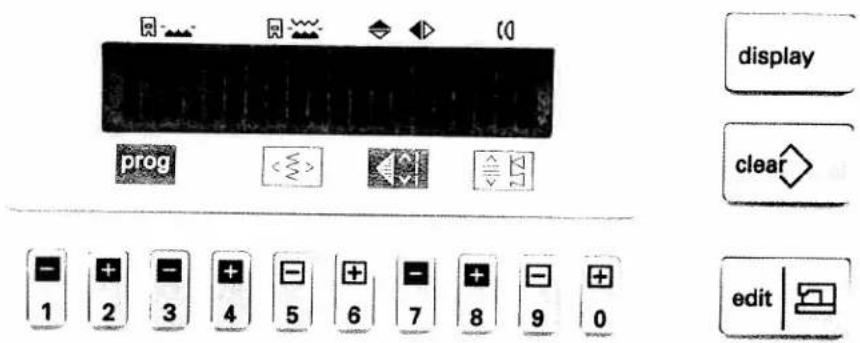
text_image
display clear prog editConnect the Creative Designer (see p. 69) and turn the sewing machine on. Select your desired M-memory (see p. 53). Press "edit/☐" to go to the programming screen. Then press key "A-z". The following message appears in the display:
As soon as you move the magnifier slide, the message appears in the display:
Select program card - CD PROG -
MO aa 7,0 0

natural_image
Hand inserting a small electronic device into a laptop (no visible text or symbols)Now slide the magnifier slide 5 along the edge of programming field 9. Position the magnifier cross-hairs 6 above the code number of the programming field. The code number appears on the left hand side of the bottom line of the display.
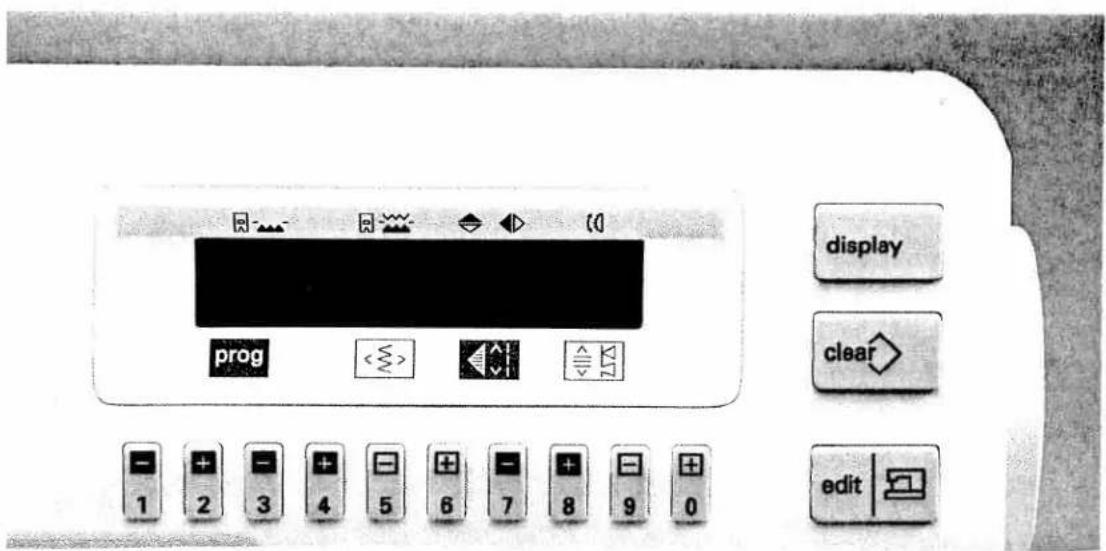
text_image
display clear edithen press "mem+"11 of the Creative Designer. he following message appears in the display:
MO
1 CD PROG 1
Your selected M-memory appears in the top line of the display. The code number is now also to the right of CD PROG.
The letters, numbers and special characters of the programming field belonging to the code number are now at your disposal for entering your pattern sequence.
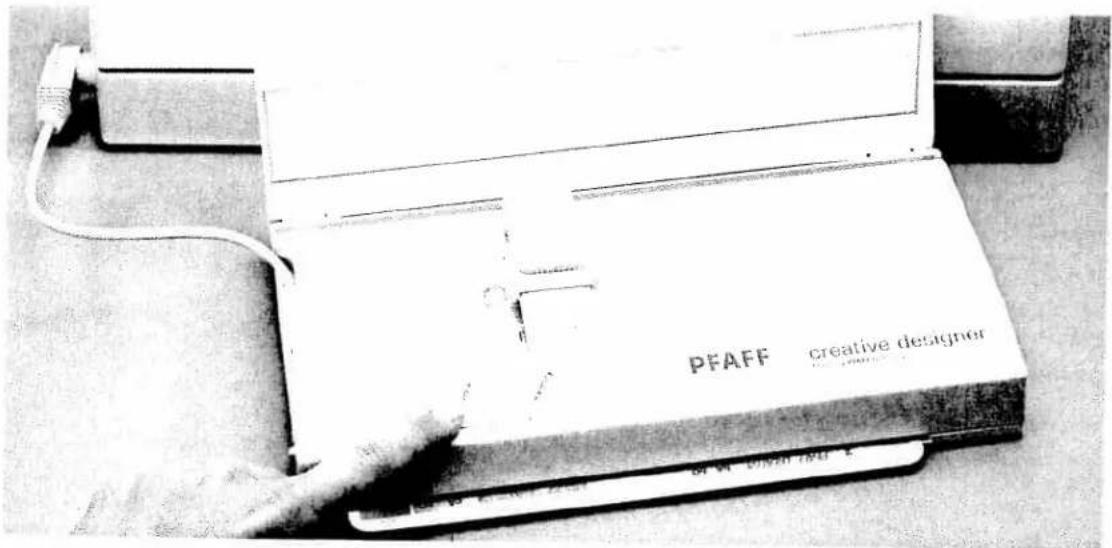
text_image
PFAFF creative designer OF W. D'HAN 140 ECreating a pattern sequence with the Creative Designer
Example: Pfaff
Position the magnifier cross-hairs over the first letter (in this example P) and press the "mem+" 11 key on the Creative Designer. The letter P is now saved and appears in the display. Repeat this procedure for the other letters. The last letter can always be deleted with the "clear" key.
After having entered your text, press the "edit/PP" key. Now the programmed text can be sewn with the "single pattern" key.
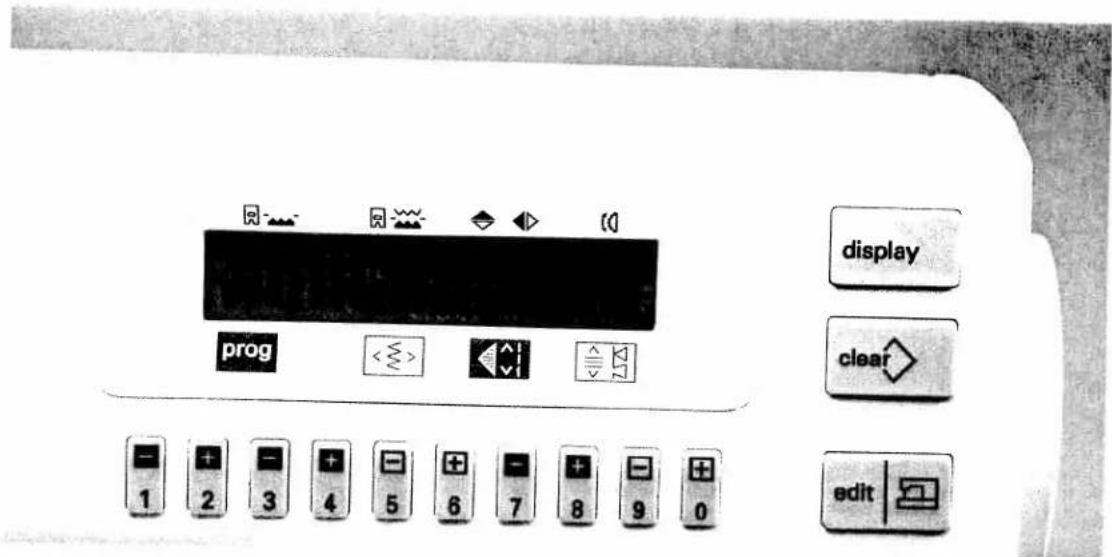
text_image
display prog clear editCombining the card programs with those of the sewing machine
The programs 00–179 are entered with the vertical numbered row on the left hand side of the programming fields 1–3. Enter, for example, pattern number 177. Position the magnifier cross-hairs over number 1 in the row and press the "mem+" key on the Designer. Then position the magnifier over the 7 and press "mem+" twice. Press "mem+" once again and the pattern will
be saved in the pattern sequence. Enter the desired text and program 177 as described above. Press "edit/☐" and you can sew the pattern sequence once by engaging the single pattern key. When entering programs 20 to 99, the display automatically places a 0 in front of the number. For the programs up to 19, you must place a 0 in front of the number.

text_image
display clear editSpacing between programs or program combinations
It is recommended to insert a space between embroidery stitches and words or text. The number of stitches necessary can best be found by viewing a test pattern. The symbol for the spacing stitches in the alphabets of the program cards |—| or —.
Note: If the computer does not accept any further commands, the memory capacity is filled and memories which are no longer needed must be deleted to create more space.
natural_image
Black-and-white photo of a person in a white shirt with embroidered stars, holding hands (no visible text or symbols)
natural_image
Black-and-white portrait of a woman in traditional attire, no visible text or symbolsUtility stitches and practical sewing
Pages 93–131
Utility stitches and
cortical sewing
Decorative stitches
and traditional
oblems and Solutions
natural_image
Black-and-white photo of a woman kneeling in a chair, wearing a patterned blouse and white pants (no visible text or symbols)Contents
| Utility stitches | Pages 96–102 |
| Elastic stitches | Pages 103–107 |
| Overlock stitches | Page 105 |
| Flatlock stitches | Pages 106, 107 |
| Buttonholes | Pages 108–119 |
| Trouble shooting | Page 120 |
| Hem with twin needle | Page 121 |
| Gathering | Pages 122, 123 |
| Smocking | Page 124 |
| Darning | Pages 100, 125, 126 |
| Sewing in zippers | Pages 127, 128 |
| Roll hemming | Page 129 |
| Lace trimmings | Page 130 |
| Shell edging | Page 131 |
Decorative stitches
and traditional
embroidery tech
SAPESUS and NEEDS
aintenance Sewing
oblems and Solutions
Straight stitch
Program 00 is the basic straight stitch in center needle position. The stitch length can be increased up to 6 mm as required.
Some sewing jobs can be done more easily by changing the needle position, e.g. topstitching a collar or sewing in a zipper. With keys 5 and 6 you can select 19 needle positions. When doing so make sure that the needle is in the highest position.

natural_image
Pure architectural floor plan lines without any text, numbers, or symbolsBasting stitch
With program 07 you can baste a garment before trying it on. When you press the foot control the machine will only make one stitch. For each further stitch you have to press the foot control each time.
- Lower the bottom feed and disengage the top feed.
- Place the fabric under the sewing foot.
- Sew one stitch, then pull the fabric the required amount to the rear.
- Repeat this as many times as you need to finish the work.
TIP: To prevent the fabric layers from shifting, insert dress pins crosswise to the basting position. Light fabrics are easier to baste with long straight stitches (6 mm). In this case the bottom feed need not be lowered.
When the sewing help is selected with the "display" key the upper display line shows "lower", i.e. you are reminded that the bottom feed must be lowered.
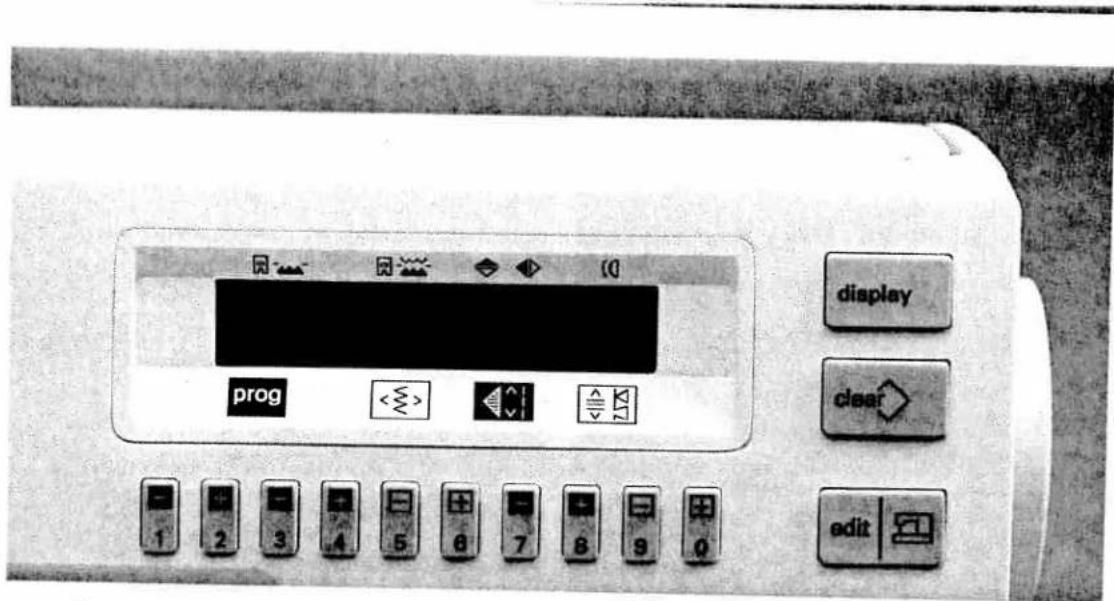
text_image
display clear editThe Creative 7530 has a safety device for using the twin needle and even more importantly for the round hole needle plate (special accessory). To prevent the needles from hitting the needle plate and breaking, one should sew only with straight stitch, center needle position when using the round hole needle plate. If you select other programs, the Creative engages its safety locking device.
In order to do this you switch on the sewing machine, the straight stitch 00 appears. Now press the key "twin needle" (2). The symbol "←→" in the display for the needle position to be hanged disappears. Now it is no longer possible to select further programs.
If you do select another program, the following message appears on the display:
Twin needle
Round hole stitch plate?
To be able to sew the new program, you first have to remove the round hole stitch plate and the key "twin needle" must be pressed again.
However, if you wish to do embroidery with the twin needle (see page 138), select the desired program and then engage key (2) twin needle. Thus the stitch width decreases automatically and the needle is prevented from touching the foot.

natural_image
Black-and-white photo of a spacecraft landing gear with visible tracks and landing gear (no text or symbols)
text_image
Technical diagram of a mechanical assembly with labeled parts A, B, and CZigzag stitch
With zigzag stitch 02, all edges can be serged easily. Make sure that while serging an edge the needle goes into the fabric and over the edge alternately.
In program 32 the width of the zigzag stitch changes from the right needle position on. If you press the pattern mirror key (20), the stitch width changes starting from the left needle position, e.g. for eyelet embroidery and cording work.
For serging thin and difficult materials, blind stitch foot No. 3 is very suitable. When sewing, the thread goes over bar C thus preventing the edge from curling. That way you obtain a beautiful straight seam.
The trimmed edge must be guided along stop B. You can regulate the stop with regulating screw A. Important: Use the blind stitch foot only in program 32, without pattern mirror.
natural_image
Pure black rectangle with a thin white diagonal line on the right edge (no text or symbols)Program 16 is an especially beautiful stitch for appliqué work. The zigzag seam is flat and even and makes the sewing work look professional. The stitch length setting is approximately 0.4–0.5mm.
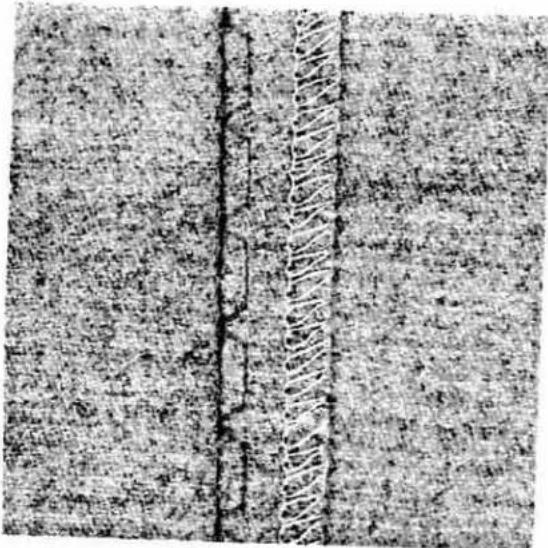
text_image
Scanned text of contract clauses with vertical lines and handwritten annotations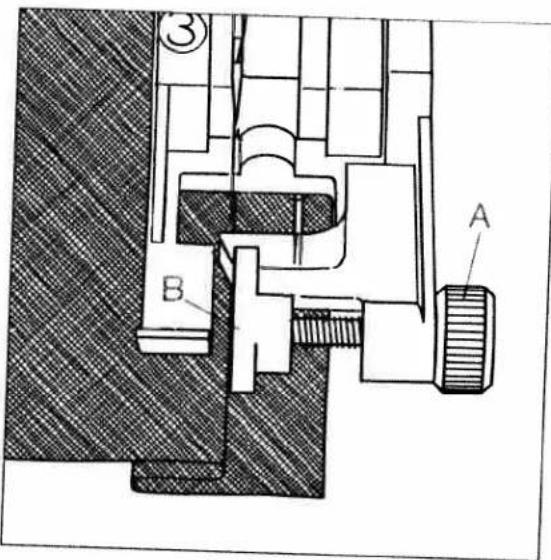
text_image
Technical diagram of a mechanical assembly with labeled parts A and B, showing cross-sectional views and components.3lind stitch
3blind stitch 04 is best suited for invisible hems; sewing by hand is unnecessary.
- Serge the edge of the hem.
- Fold the edge inwards one hem width.
Now unfold the hem again so that the hem edge protrudes by about 1 cm (1/2 inch)
Now place the fabric under blind stitch foot no. 3 so that the crease line runs along edge guide B.
When the needle enters the crease line it must only pick up one fibre of the fabric.
If the stitch punctures are visible on the face side, stop B must be regulated with regulating screw A.

text_image
Prog. 04 Prog. 05Program 05 is a blind stitch for elastic fabrics. The hem is sewn and serged at the same time, thus a serging of the edge is not necessary.
Bindsitch
embroidery techniques
Decorative stitches
and traditional
Sue su
SIGNATURE:

1
2
Automatic darning
The Creative 7530 has two fully automatic darning programs. Program 28 is suited mainly for reinforcing slightly damaged spots, program 29 for darning little holes.
- Stitch over the damaged area to the required length.
- Press the reverse key; the machine finishes sewing the darning program and the darning length is saved.

natural_image
Pure black background with a faint white line segment on the right edge (no text or symbols)Automatic bartack
With program 26 you can sew a fully automatic bartack for strengthening zippers, pockets or belt loops. If you choose a larger size bartack, the stitch density will automatically be increased.
- The darning length that has thus been saved can now be used as often as needed.
Depending on the type of material, the darning pattern may shift to one side. Using keys 9 and 0 you can straighten the pattern again.
III. 1: In this case you have to increase the balance with key 0.
III. 2: In this case you have to reduce the balance with key 9.

natural_image
Dark textured background with a vertical white line and faint horizontal lines, no text or symbols present.With program 03 you have a further possibility to sew bartacks on thick fabric.
- Lower the bottom feed
- Sew on the bartack with program 03. If only a part of the bartack is stitched over, leave the needle in the fabric, turn the fabric and repeat the operation.
creative
7530
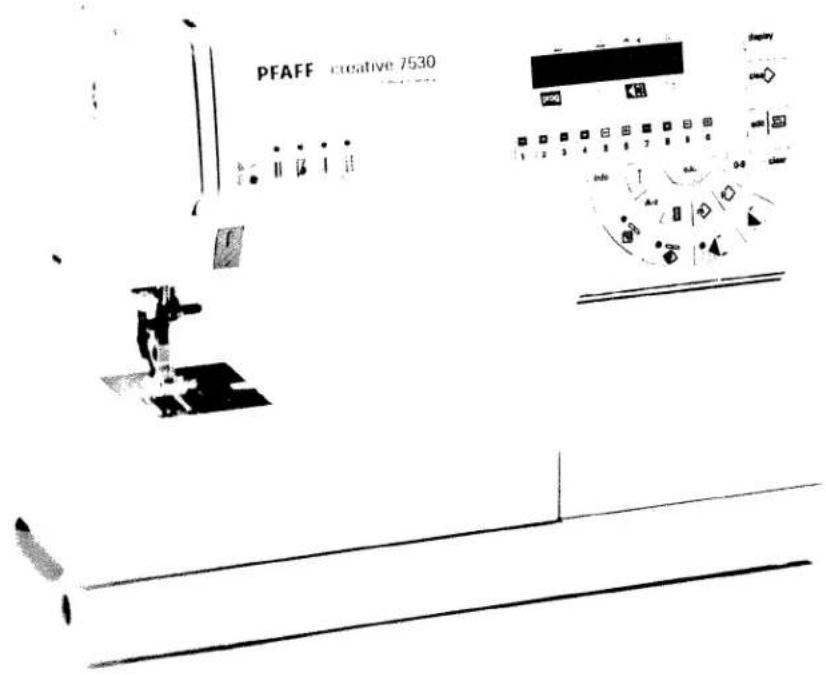
text_image
PFAFF creative 7530 12 2 3 4 5 6 7 8 9 10 11 12 13 14 15 16 17 18 19 20 21 22 23 24 25 26 27 28 29 30 31 32 33 34 35 36 37 38 39 40 41 42 43 44 45 46 47 48 49 50 51 52 53 54 55 56 57 58 59 60 61 62 63 64 65 66 67 68 69 70 71 72 73 74 75 76 77 78 79 80 81 82 83 84 85 86 87 88 89 90 91 92 93 94 95 96 97 98 99 100Instruction manual

natural_image
Mechanical device performing a sewing machine on a circular base (no text or symbols visible)Sewing on buttons
With program 09 you can sew on two- or four-hole buttons without any problems.
- Remove the sewing foot and lower the bottom feed.
- Place the button on the place marked.
- Turn the handwheel towards you and position the button so that the needle enters the left hole in the button.
- Now lower the presser foot lifter; the button is now held by the sewing foot holder.
- Now sew on the button. Make sure that the needle also enters the right hole in the button.
- The machine sews a tack and the program is completed.
When selecting sewing help with the "display" key the upper display line shows "lower", i.e. you are reminded that the bottom feed must be lowered.

natural_image
Technical line drawing of a sewing machine needle stitching a circular base (no text or symbols)Sewing on buttons with thread shanks
- Insert the sewing foot
- Place a match between the holes of the button and sew it on as described on the left.

natural_image
Two mechanical diagrams showing a rotating knob with arrows indicating rotation, no text or symbols present.- Remove the match and pull the button and fabric apart.
- Wrap the shank with sewing thread and knot it.


Eyelets
If you wish to stitch eyelets on a belt or linens, select program 08.
- Place the fabric under the sewing foot.
- Press the "single pattern" key during the sewing operation. The machine now only sews one eyelet and tacks at the end.
- Cut open the eyelet.
The machine offers five eyelet sizes, which can be changed with the number keys.
Program 08 can also be combined with embroidery stitch programs for beautiful embroidery.

natural_image
Close-up of a curved fabric or textile with a dark seam, no visible text or symbolsStretch triple straight stitch
Program 01 is used for sewing all seams where great strength is needed, e.g. inside trouser seams. The heavier the fabric, the longer the stitch length you need. Maximum stitch length is 6.0 mm.
natural_image
Abstract sketch of a zigzag line and a straight diagonal line on textured background (no text or symbols)TIP: If you wish to topstitch a collar edge with this program, extend the stitch length to the desired length up to 4–6 mm. Use the functions "needle down" and "single pattern". Do not press the single pattern key until you reach the last stitch before the corner. The machine stops after the stitch and the needle stays in the material. Now turn the fabric and switch off the "single pattern" key. You can set 15 needle positions with the number keys 5 and 6.
natural_image
Simple diagonal line drawn on a textured background (no text or symbols)Saddle stitch
With saddle stitch program 11 you can sew elastic fabric.
In this program, in contrast to the stretch triple straight stitch, only every second stitch is sewn threefold. It is, therefore, also suitable for top-stitching work on jackets and coats.
Stretch triple straight stitch Slovakia stitch
Decorative stitches and traditional embroidery techniques
accessories and needles maintenance Steering problems and Solutions

natural_image
Close-up of a textured surface with a vertical seam or seam, no visible text or symbolsSingle stem stitch
Due to the zigzag appearance of this stitch, program 20 is particularly suitable for seams on two way elastic materials such as leggings and sportswear.
Tip: This stitch is also suitable for sewing seams where great strength is needed such as on inside-legs.
natural_image
Microscopic view of parallel dark bands with a wavy top line above (no text or symbols)Elastic stitch
Due to their high elasticity, programs 03 and 15 are used for sewing elastic onto fabrics. Program 03 has 2 intermediate stitches and program 15 has one intermediate stitch.
- Divide fabric and elastic into quarters and mark.
- Match marks as you sew, stretching the elastic to fit the fabric.
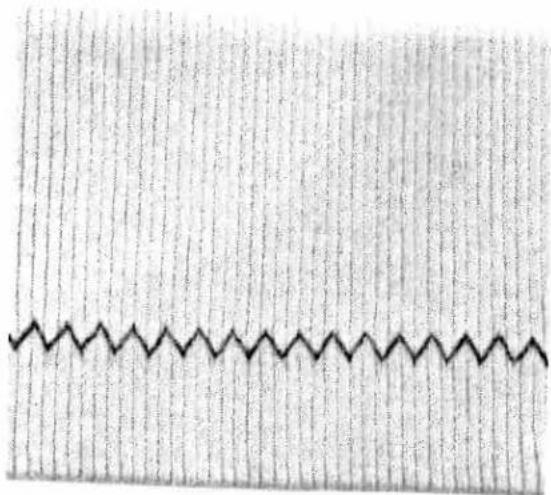
text_image
Cropped image showing a zigzag line pattern on a textured background, possibly indicating a measurement or signal.Stretch triple zigzag stitch
The stretch triple zigzag stitch, Prog. 22/23 produces a highly elastic and decorative seam which is very suitable for hems on T-shirts and underwear.
- Serge the edge of the hem.
- Fold the hem inwards to the desired width.
- Topstitch the hem from the face side.

natural_image
Close-up of a mechanical component with mesh texture and circular elements, no visible text or symbolsHoneycomb stitch
The honeycomb stitch, program 14, is an elastic and decorative hem which is perfectly suited as a hemstitch for underwear and T-shirts.
- Fold the seam edge over twice and overstitch it.
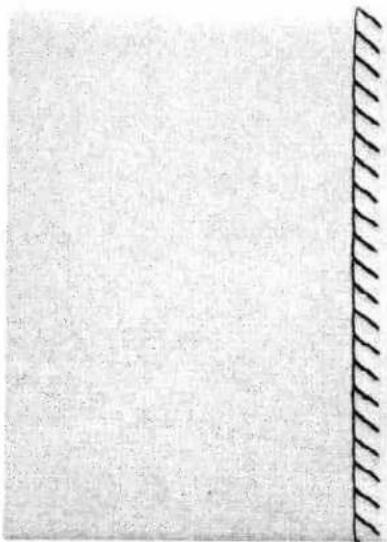
natural_image
Blank white surface with a diagonal hatched border (no text or symbols)What is an overlock stitch?
For knit and other stretch materials, the Creative offers a selection of overlock stitches. These join two layers of fabric and serge them in one operation. They have a higher elasticity than usual stitches, they are more durable and what is more, they are very fast to sew.
Tip: We recommend using blind stitch foot No. 3 when sewing overlock seams. This guides the fabric better and prevents tunneling of the seam at wider stitch widths.
Open overlock stitch
Prog. 34
With this stitch it is easy to join firm materials or fabrics which do not fray too much.
Tip: Make sure that the needle at its farthest right-hand position just misses the edge of the material.
Closed overlock stitch
With program 30 you can sew jersey fabrics perfectly. You can also sew on cuffs and collars.
Tip: Make sure that the cuff is stretched while sewing.

text_image
Scanned document page with dense text and a vertical line of text, likely from a technical or legal document.Closed overlock stitch with edge thread Prog. 06
If you wish to sew a material that frays easily, select program 06. With this stitch an additional edge thread protects the fabric edge against fraying.
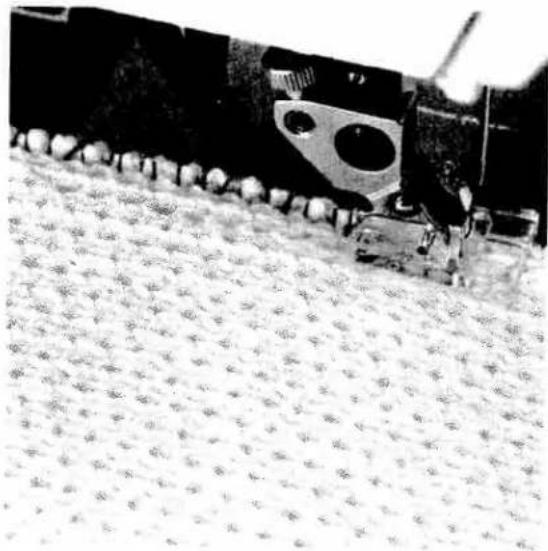
text_image
Black-and-white photo of a machine printing or printing process with visible Chinese text on the paper surface.Pullover stitch
Prog. 25
Used together with the knit-edge foot (special accessories), this stitch can even be used for open-knit fabrics. Fashion-knit garment sections can also be joined effortlessly with this stitch.
Tip: To prevent the seam from stretching while sewing, it is advisable to add a woollen thread or length of yarn under light tension.
| Accessories and Needles Maintenance Sewing Problems and Solutions | Decorative stitches and traditional embroidery techniques | Overlock stitch |

What are flatlock seams?
Where seam allowances and serged edges are inconvenient, flatlock seams are used. These seams are extremely flat, they join butted fabric layers and serge them at the same time. This produces the typical flatlock effect which lends a professional look to collar plackets or raglan seams.
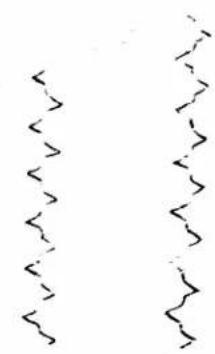
natural_image
Two vertical wavy lines drawn with black zigzag lines on white background (no text or symbols)Fancy elastic stitch
Prog. 18
The fancy elastic stitch is very useful for materials that need a flat seam, for example terry cloth.
- Place the two fabric edges so that they overlap by about 2 cm (3/4 of an inch) and overstitch each edge with fancy elastic stitches.
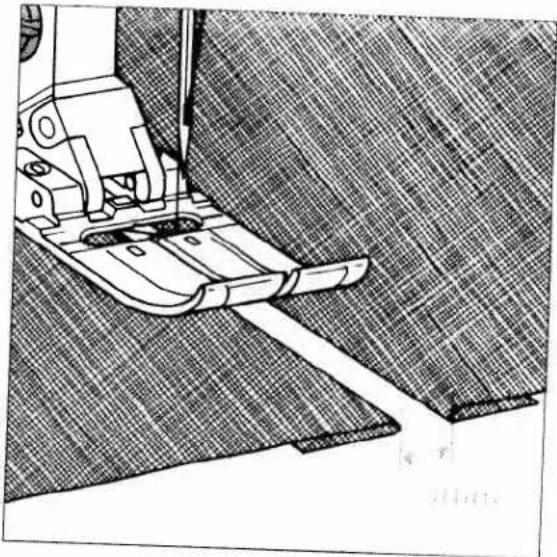
natural_image
Technical line drawing of a sewing machine on fabric, showing mechanical components and stitching (no text or symbols)Fagoting stitch
Prog. 17
With the fagoting stitch you can make very elastic seams with a hemstitching effect, for example on corsetry.
- Serge the fabric edges and tack-baste them onto the reverse side.
- Lay the edges to be sewn with about 3 mm between them under the sewing foot.
- Overstitch from the face side ensuring that the needle catches both the right and left hand side pieces of material.
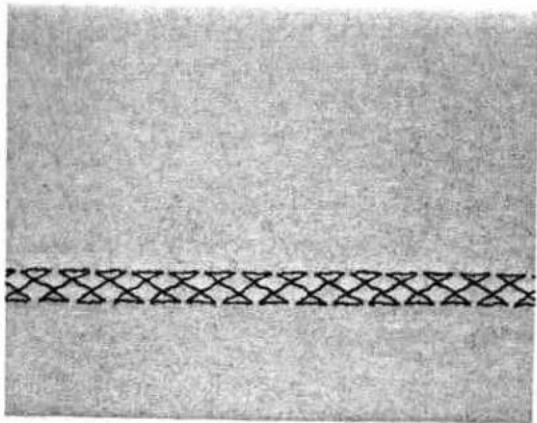
natural_image
Close-up of a textured fabric background with a horizontal black patterned band (no text or symbols):ross stitch
rog. 19
wing to its high elasticity, the cross stitch is very suitable for decorative hems, e.g. on T-shirts and underwear.
Serge the fabric edge.
Baste over the seam margin to the left.
Stitch over the hem from the face side. When doing so, make sure the fabric edge is properly overstitched.

natural_image
Close-up of a textured surface with a wavy, coiled pattern (no text or symbols visible)Light-knit mending stitch
Prog. 33
The light-knit mending stitch is a stretchable covering stitch. It is very suitable for overstitching cuffs in stretch materials, e.g. sweatshirts or sportswear.
- Sew the cuff onto the part with an overlock stitch.
- Now the seam allowance can be overstitched from the face side of the fabric. Make sure that the needle enters the fabric close against the seam.
| Accessories and Needles Maintenance Sewing Problems and Solutions | Decorative stitches and traditional embroidery techniques | Top cover stitches |

natural_image
Black-and-white photo of a woman in a coat holding her head, standing in front of bar stools (no visible text or symbols)Buttonholes
The Creative 7530 offers you the perfect button-hole for all types of materials and garments. Whether you are sewing jackets, trousers, blouses or elastic materials, 5 different buttonhole styles lend a professional finish to your fashions.
You only have to program your buttonhole in the required length once. All further buttonholes will be sewn in the stored length automatically.
Set the needle thread tension at +3.
So that every single buttonhole is exactly the right size, the Creative 7530 is equipped with the buttonhole guide No. 10 and sensor technology. Using this equipment you can sew perfect button-holes even on the most difficult materials such as velvet, plush, heavy knit or woollen fabrics.
Buttonhole foot No. 5 A
Before starting a buttonhole, always push the runner up to the second red mark so that the red arrow is level with this mark. The red marks are 0.5 cm apart. They are for orientation when selecting the length of the buttonhole.
With the following tips you will sew perfect buttonholes even on the most difficult fabrics:
- Buttonholes which are sewn close to an edge cannot be fed optimally using the buttonhole foot. A better result can be achieved by using sewing foot No. 1A with the Dual Feed engaged.
● Materials that tend to stretch easily should be stabilized.
- Keyhole buttonholes are particularly durable and prominent if sewn with a gimp thread (see section "keyhole buttonhole with gimp thread").
- Linen buttonholes look more dense and attractive when embroidery or darning thread is used.

natural_image
Black-and-white photo of a sewing machine in a garment factory setting, no visible text or symbolsf you wish to create perfect buttonholes of a uni-form size, even on the most difficult materials, we recommend you use the buttonhole guide. Attach the buttonhole foot No. 5A. If you are working with thick materials such as overcoats, we recommend using foot 1A and the Dual Feed together with the buttonhole guide.
All of the following buttonholes can be sewn with the buttonhole guide.
nserting the buttonhole guide:
. Remove the detachable work support.
: Push the metal part of the buttonhole guide into the slot below the needle plate from the rear (between the two arrows). The white plastic part is over the needle plate.
. Push the guide forwards until the catch lies against the rear of the free-arm. The guide must spring back a little to obtain a small distance between the needle plate and catch. Without this clearance, the second bartack of the buttonhole will not be sewn.
inserting the buttonhole guide activates the tensor.
Buttonholes
Decorative stitches
and traditional embroidery techniques
assores and Needles
intenance Sewing
blems and Solutions
You can choose from the following buttonholes:

1. Standard buttonhole No. 35
(for blouses, shirts, dresses etc.)
- fully automatic
- semi automatic

2. Stretch buttonhole No. 36
for highly elastic materials and heavy knit fabrics.
- fully automatic
- semi automatic
3. Cross stitch buttonhole No. 37
for fine elastic materials and for decorative buttonholes.
- fully automatic
- semi automatic
4. Blouse buttonhole No. 38
for ladies' fashion, especially blouses and dresses.
- fully automatic
5. Keyhole buttonhole No. 39
for jackets, overcoats and trousers
- fully automatic

text_image
display crog 1 2 3 4 5 6 7 8 9 0 info A-2 0-0 clearWith key No. (19) you can directly select the buttonhole programs. In the display you will see the buttonhole program 35. With the numbered keys 3 and 4 you can call up all further button-hole programs.
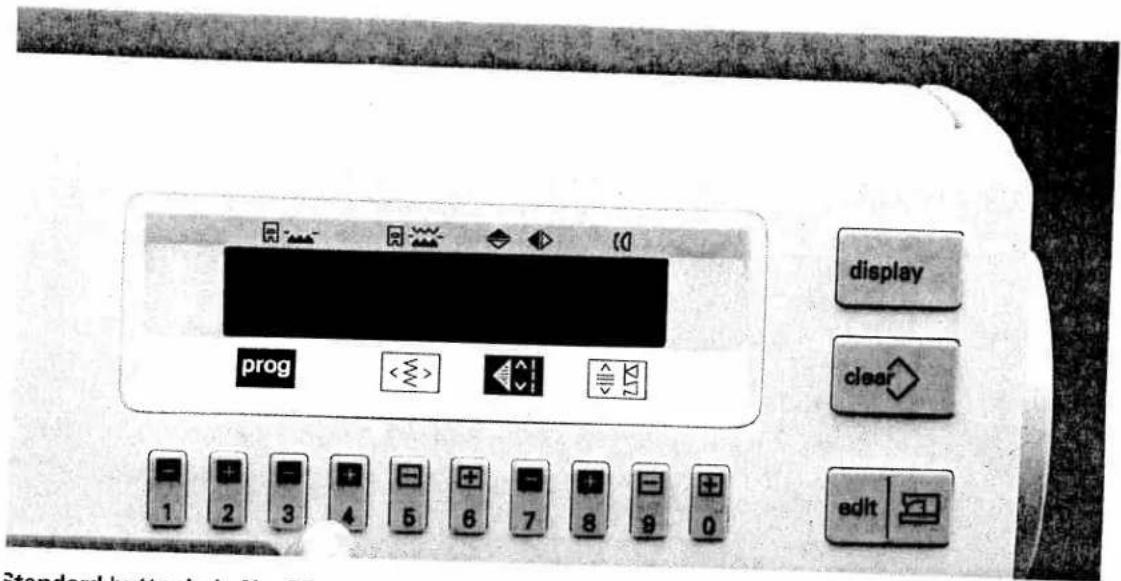
text_image
display clear editStandard buttonhole No. 35
Fully automatic with the buttonhole guide 10 and he buttonhole foot 5 A.
Select the buttonhole program 35. This is the standard buttonhole with a length set at 14mm that can be varied from 7.0mm to 44mm as desired with numbered keys 7 and 8. The width
can also be varied from 2.5 mm to 5.5 mm with the numbered keys 5 and 6. Use the buttonhole guide and the buttonhole foot and sew the buttonhole.
The sewing machine sews the buttonhole fully automatically in the programmed length and ties off at the end.

text_image
id 10 display prob clear 1 2 3 4 5 6 7 8 9 0 edit info A-2 o.k. 0-9 clear display prob clear 1 2 3 4 5 6 7 8 9 0 edit info A-2 o.k. 0-9 clearStandard buttonhole semi automatic
For this buttonhole the length and bartack are entered while sewing.
After having programmed the first buttonhole, the following buttonholes are sewn fully automatically.
For semi automatic buttonholes, not only the buttonhole length and stitch width can be set, but also the stitch density.
Select the buttonhole program 35 and press the numbered key 4. In the display you will see buttonhole No. 35 with the message "prog. buttonhole".
The machine displays a standard width of 4.5 mm and a stitch length of 0.5 mm. You can alter the width with the numbered keys 5 and 6. If you require a particularly dense buttonhole, select the setting 0.35 or 0.3 with the numbered keys 7 and 8.

text_image
display clear prog 1 2 3 4 5 6 7 8 9 0 editThe total length of the buttonhole is defined during the sewing operation with the help of the "reverse" key (27). Sew the first buttonhole seam in the length required. You can orientate yourself on the red markings on the buttonhole foot. Press the "reverse" key. The machine now sews the first bartack and the second buttonhole bead.
Shortly before the buttonhole is finished, the sewing machine reduces sewing speed. As soon as the second buttonhole bead has reached the length of the first bead you must press the "reverse" key again. The machine sews the second bartack and ties off. When the buttonhole is finished, all following buttonholes can be sewn fully automatically in the same length. In the display you will see the message:
"auto buttonhole".
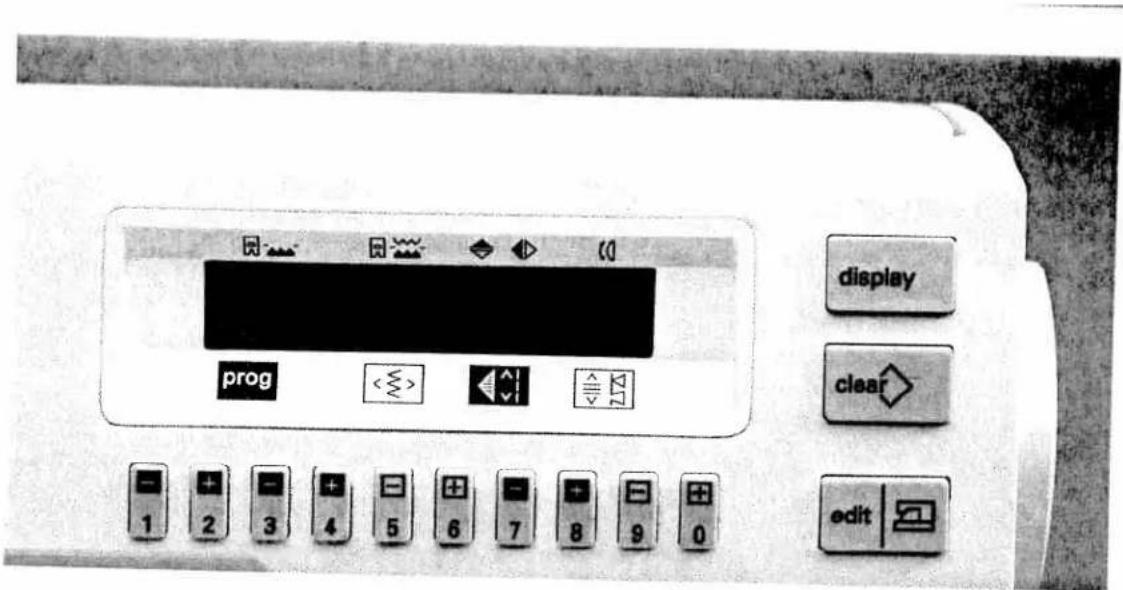
text_image
display clear editSelf defining the second bartack (semi automatic)
With difficult fabrics such as velvet, it can happen that the machine feeds the fabric unevenly and that the buttonhole beads are therefore not the same length.
It is possible to define the second seam yourself for all of the programmed buttonholes. If you press the "reverse" key before you start sewing or while sewing, the message appears: "Finish manually".
The buttonhole will then be sewn automatically, however, the sewing machine will reduce the sewing speed before the buttonhole is finished. As soon as the second buttonhole bead is as long as the first seam, press the "reverse" key. The Creative will sew the second bartack and tie-off.
Important: The self definition of the second bartack with "finish manually" must be carried out for each buttonhole separately.
Tip: You can stop the slow sewing at the end of the reverse bead by removing your foot from the foot control. As soon as you re-engage the foot control, the machine finishes sewing the button-hole at normal speed.
Deleting the programming:
The programming of the buttonhole is deleted by selecting another program.
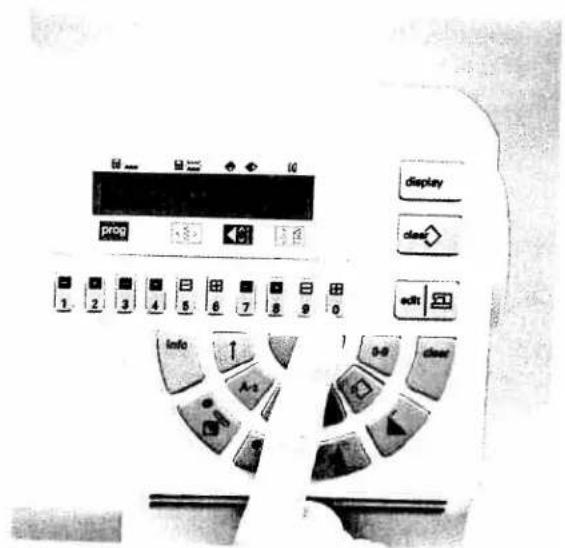
text_image
display prop class 1 2 3 4 5 6 7 8 9 0 info A-1 0-0 classAdapting the buttonhole bead length with the balance
On highly slippery fabrics it may happen that the stitch density of the left bead turns out differently to that of the right bead. In this case, the bead density can be adjusted using the balance. The balance appears on the right in the display and can be set with the numbered keys 9 and 0.

text_image
d + bAnd this is how to adjust the balance:
If the seam is too short (ill. a) you must use key 0 to move more to the plus side.
The higher the plus number, the longer the reverse stitches, i.e. the left buttonhole bead becomes automatically longer.
If the left buttonhole seam is too long (ill. b) you must use the 9 key to move more to the minus side. The higher the number in the minus area, the shorter the reverse stitches, i.e. the left buttonhole seam becomes automatically shorter.
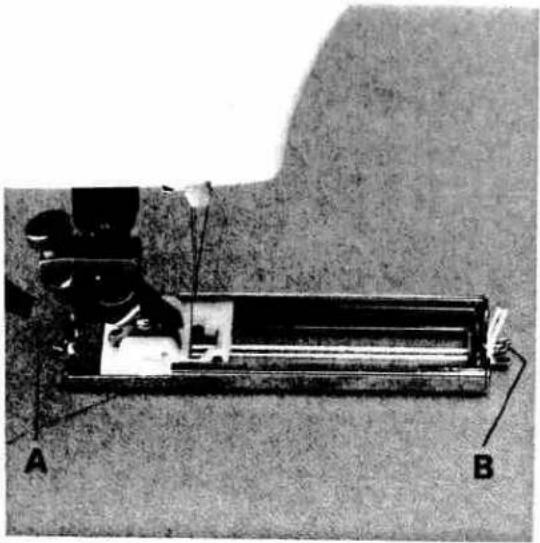
natural_image
Technical diagram of a mechanical device with labeled parts A and B, no readable text or symbols beyond labelsButtonholes with gimp thread
Buttonholes which are sewn with a gimp thread are more durable and neater. Use pearl cotton or regular gimp thread as available at your sewing machine dealer.
Place the gimp thread over the back ridge A of the buttonhole foot, pull the thread ends forwards and clamp them to the right and left respectively of the front ridge B.
natural_image
Close-up of a black rectangular object with a curved white line extending from it, against a textured gray background (no visible text or symbols)After finishing the buttonhole, pull the left thread until the loop is covered by the button-hole bartack.
- Push the runner forwards up to the second marking.
- Now sew buttonhole No. 35 or 36.
text_image
Scanned text of contract clauses with a black horizontal line and handwritten signature- Cut off the loose ends close to the bartack.

Stretch buttonholes / Cross stitch buttonholes
These buttonholes are particularly suitable for stretch fabrics such as jogging suits. They can, however, also be used as decorative buttonholes.
Stretch buttonhole No. 36 and cross stitch buttonhole No. 37 can be sewn
- fully automatically
- or semi automatically (see standard button-hole).
The procedure for the self definition of the second bartack is the same as for the standard button-hole.
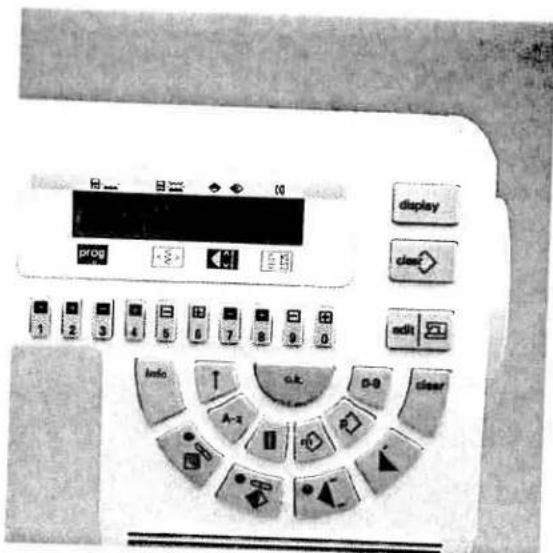
text_image
PROG 1 2 3 4 5 6 7 8 9 0 info A-1 D-0 clear display class editRound buttonhole
Important! The round buttonhole should be placed with the round end facing the edge. The sewing of the buttonhole, however, begins at the bartack.
Always sew the buttonholes from the inside outwards towards the edge.
Mark the length of the buttonhole on the fabric first, making sure to measure from the starting point inwards.
The round buttonhole is automatically sewn between a length of 7 and 40 mm. The width is between 4 and 7 mm.

- Select buttonhole No. 38.
- The pre-programmed buttonhole length of 22 mm appears in the display. If you wish, you can alter this length with the numbered keys 7 and 8.
- The second bartack can also be self defined for this buttonhole (see standard buttonhole).
The stitch density cannot be changed for this buttonhole. Therefore you should sew this button-hole with a stronger thread or gimp thread if required (see section "Buttonhles with gimp thread").
The stitch density of the second bead can be adjusted with the balance.
Important! Before you start the buttonhole, push the runner of buttonhole foot No. 5 A forwards up to the second red mark.
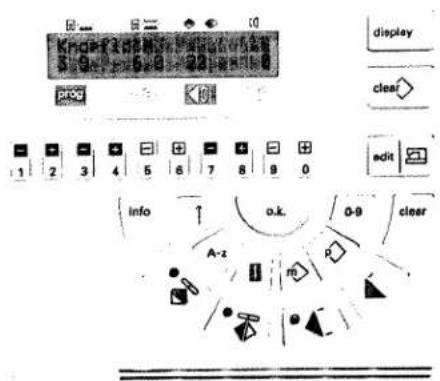
text_image
KHOPE 3 PHEE 5 Gp 2 Pd 0 22 prog 1 2 3 4 5 6 7 8 9 0 info A-2 o.k. m 0-9 clear display clear editKeyhole buttonholes
Important! The keyhole buttonhole should be placed with the round end facing the edge. The sewing of the buttonhole, however, starts at the bartack. Mark the buttonhole length on the fabric first, making sure to mark from the starting points to the inside.
Always sew the buttonholes from the inside outwards to the edge.
The keyhole buttonhole is automatically sewn between a length of 10 and 40 mm. The width is between 5.5 and 8.5 mm.

- Select buttonhole No. 39.
- The pre-programmed buttonhole length of 22 mm appears in the display. If you wish, you can alter this length with the numbered keys 7 and 8.
- The second bartack can also be self defined for this buttonhole (see standard buttonhole).
- The stitch density cannot be changed for this buttonhole. Therefore you should sew this buttonhole with a stronger thread or gimp thread if required (see section "Buttonholes with gimp thread").
Important! Before you start the buttonhole, push the runner of buttonhole foot No. 5 A forwards up to the second red mark.
Tip: Cut open all buttonholes with the seam ripper. Use an awl to perforate the round end of the keyhole buttonhole.

natural_image
Close-up of a mechanical device with a base and mounting bracket, resting on a textured surface (no visible text or symbols)Keyhole buttonhole with gimp thread
- Place the gimp thread over the front ridge. Pull the thread ends taut backwards under the sewing foot. Clamp them right and left of the back ridge respectively.
- Push the runner forwards up to the second red mark.
- Before you start sewing, press the "needle down" key (4).
- Sew the first buttonhole seam.
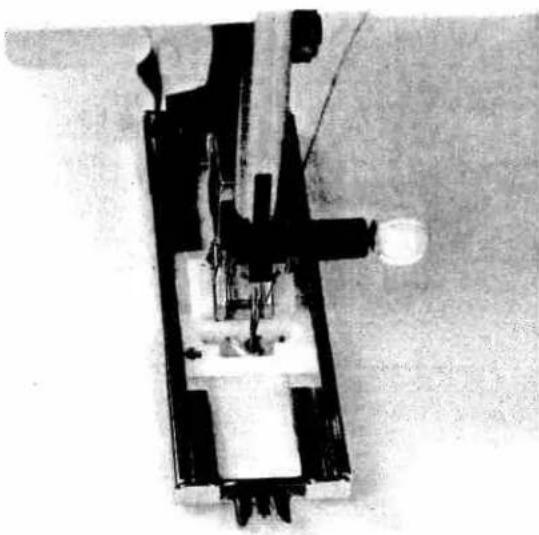
natural_image
Mechanical device with a light bulb and mechanical components (no visible text or symbols)- When the machine sews the first stitches of the eyelet, pull down the gimp thread from the back ridge using an ordinary pin.
Important: The sewing foot may not be raised during this procedure!
- Pull the gimp thread to the left and backwards until the loop is just in front of the needle.
- Now sew the eyelet carefully.
- Then, hold the gimp thread slightly tauter and finish sewing the buttonhole. Cut off the loose ends of the gimp thread. The round buttonhole with gimp thread is sewn in the same way.
natural_image
Pure electrical circuit lines without any symbolsNeedle thread tension
To achieve the optimum results from your sewing machine, the needle thread tension and the bobbin thread tension must be correctly adjusted to each other. The normal setting for utility stitches is between 3 and 5.
Check the tension with a wide zigzag stitch. The thread interlace must be between the layers of fabric.
If the needle thread tension is too tight, the thread interlace will be on the upper side of the fabric. If the needle thread tension is too loose, the thread interlace will be on the reverse side of the fabric.
The adjustment of the bobbin thread tension is described on page 25.
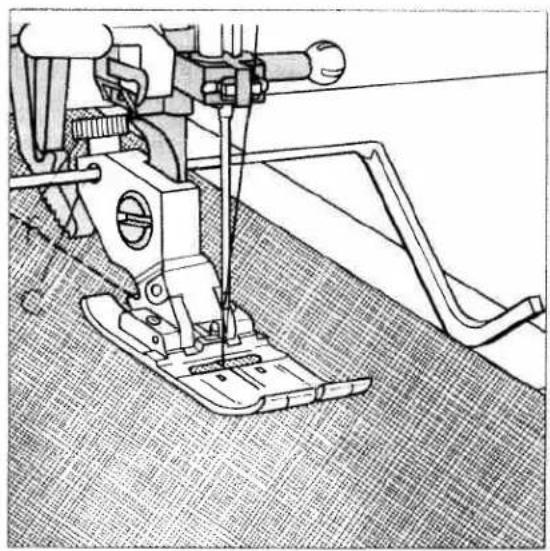
natural_image
Technical line drawing of a sewing machine needle stitching fabric (no text or symbols)Top stitching
The program 00 allows you to change the needle position with the numbered keys 5 and 6 in such a way that you can guide the sewing foot along the edge of the fabric while doing top stitching. If, however, you wish to carry out wider spaced top stitching, this is made easier for you by the engraved guide-lines on the needle plate or by the guide rule 8. The guide rule is placed in hole C and screwed tight with set screw F.
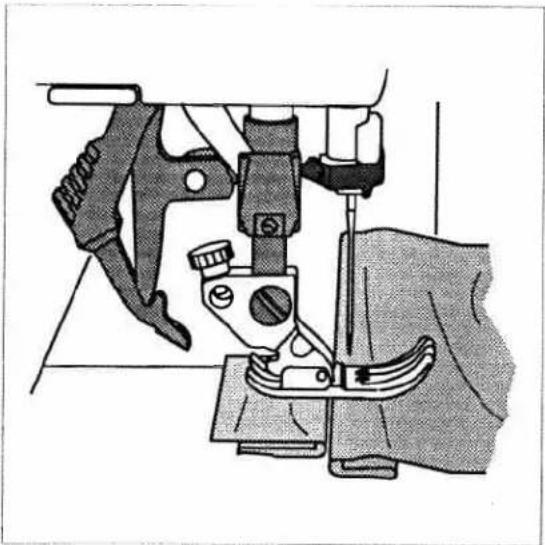
natural_image
Line drawing of a sewing machine needle stitching fabric, no text or symbols presentSewing help for thick seams
In order to guarantee the uniform feed of the fabric when beginning sewing, we recommend that the sewing foot be propped up to the height of the fabric by a piece of fabric of the same thickness.

natural_image
Close-up of a textured surface with vertical striations and a horizontal line (no text or symbols)Hems with the twin needle
Prog. 00
You can sew professional hems quickly and easily on stretch fabrics such as T-shirts, knits or bicycle shorts with the twin needle. The twin needle is available in various widths. The normal width for top stitching is 4 mm. Before switching on the prog. 00, press key 2 "twin needle".
- First iron the hem crease at the desired width.
- Then sew through the hem from the face side of the fabric.
- Finally cut the overhanging edge of the hem up to the seam.
Tip: For difficult fabrics such as ribbing knits it is advisable to baste the hem over before sewing.
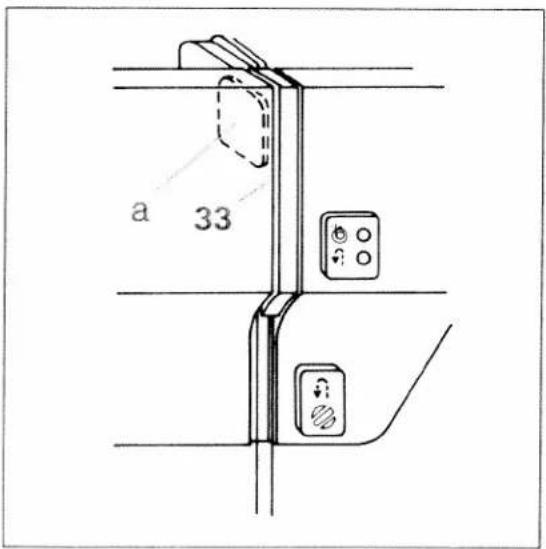
text_image
a 33Threading the twin needle
Replace the sewing needle with the twin needle.
- Swing the second spool holder up and place one spool onto each spool holder.
- The tension disk a is in the threading slot (33). Take care when threading that one of the threads passes on the left and the other on the right of the tension disk.
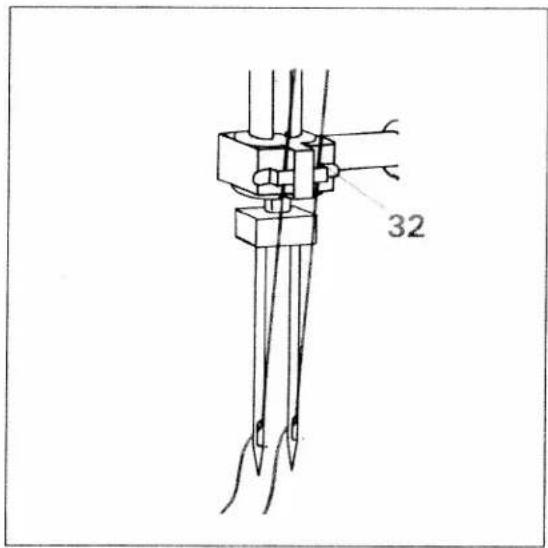
text_image
32- The threads are the threaded as usual, taking care that they do not get twisted with each-other.
- Pull the threads into the right and left thread guide (32) respectively and thread the needles
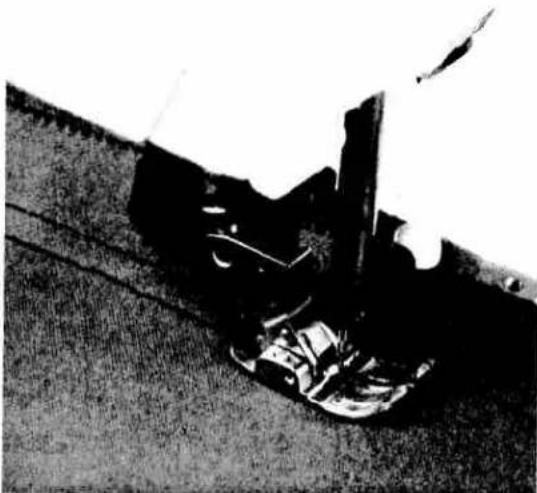
natural_image
Close-up of a person's foot stepping on a shoe, showing the sole and legs (no text or symbols visible)
natural_image
Black-and-white abstract image with vertical dark shapes and textured background, no discernible text or symbolsGathering with straight stitch
If you wish to gather sleeves, skirts, cuffs or valances, this technique is the easiest and most commonly used. To obtain neat and even gathers, you should sew two or three gathering seams.
Select program 00 and lengthen the stitch length to 6 mm. The needle thread tension should be reduced to 3.
- Mark the first line on the face side of the fabric and sew this seam. Leave about a 10–20 cm thread tail.
● Further seams can be sewn at one sewing foot width from each other.
● Gather the fabric by pulling the bobbin threads of the seams. You determine the amount of gather yourself.
- Spread out the folds created by the gathering evenly and then tie the thread on the reverse side. This secures the gather.
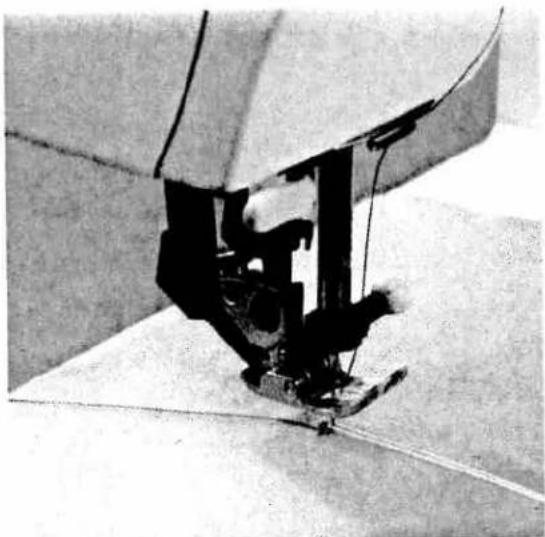
natural_image
Close-up of a sewing machine needle stitching fabric, showing mechanical components and stitching (no text or symbols visible)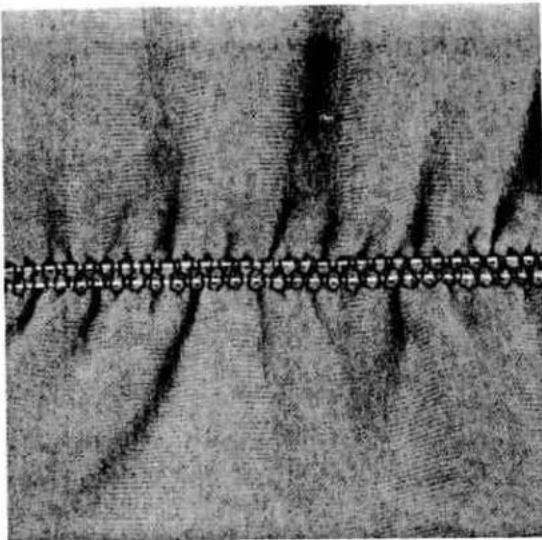
natural_image
Close-up of a textured surface with diagonal dark lines and a horizontal black line (no text or symbols)Gathering with elastic threads
This kind of gathering is particularly suitable for visible, elastic gathering on blouse sleeves, waist seams or neck cutouts.
- Mark the first gathering seam line on the reverse side of the fabric.
- Allow program 14 to sew a few stitches and stop with the needle in the fabric. The needle must be positioned in the middle of the sewing foot. Then lift the sewing foot and place the elastic thread around the needle.
-
Lower the sewing foot and sew a few stitches. Then pull both ends of the elastic threads.
-
You determine the amount of gather by the amount you pull the threads as you sew.
- You can also change the amount of gather after sewing by pulling the ends of the elastic threads.
- Tie off the threads.
Tip: The pintuck foot (special accessories) is particularly suitable for gathering. Due to its guide grooves, the elastic is fed uniformly during the sewing process.
natural_image
Black and white photo of a person operating a sewing machine (no visible text or symbols)Smocking
Smocking is a technique with which several seams sewn parallel to each other produce a gathering effect which is mainly used for children's wear and corsetry. There are different techniques:
1) Smocking with gimp thread (non-elastic)
Prog. 14 or 18
For beautiful smocking effects you will need two and one half to three times the desired finished width of fabric. The smocked section is usually made before the rest of the garment. Light, firm materials such as batiste or fine linen are best suited for this technique. Draw a straight line on the fabric as a guideline for the first gathering seam using a disappearing-ink marker or almost invisible non-greasy chalk. Attach the appliqué foot (special accessories) and the edge guide bar. Place the fabric to be smocked face side down under the sewing foot and introduce the gimp thread under the sewing foot in such a way that it runs exactly along the groove in the foot. Now sew the first row of smocking and leave about a 10 cm (4-5 inches) thread tail at the beginning and end of the seam. Then place the edge guide bar at the desired distance to the first row (approx. 2–2.5 cm = 1/2–3/4 of an inch). Varying the distance between rows creates different gathering effects. Now sew the next row of smocking using the edge guide bar on the first row as a guideline. Continue in this manner until you have sewn as many rows as the design requires. Then carefully pull the ends of the gimp thread and gather the fabric uniformly over its entire width.

natural_image
Abstract black-and-white pattern with wavy, cloud-like textures and no discernible text or symbols2) Smocking with elastic thread Prog. 00
For this technique, elastic thread is wound onto the bobbin without tension. The needle thread is a regular sewing or embroidery thread. Since elastic threads are much thicker than normal bobbin threads, the tension on the bobbin case must be set extremely loose. However, the tighter you set the bobbin-thread tension, the greater the gathering effect you obtain. We recommend that an additional bobbin case be used for this work. For this kind of smocking, fine and light materials such as light-knit fabric, silk or satin are also suitable.
- Always sew a test seam first, to test the level of gather.
- Draw the first line on the face side of the fabric and then sew along this line.
- The following seams can be sewn at one sewing-foot width to the first row.
- When sewing several, parallel seams, the material must be stretched to its original length to avoid uneven gathers.
- Tie off the threads on the reverse side.

text_image
Technical diagram of a sewing machine with labeled parts including D, E, F, G, C, and numbered lines 2 and 3.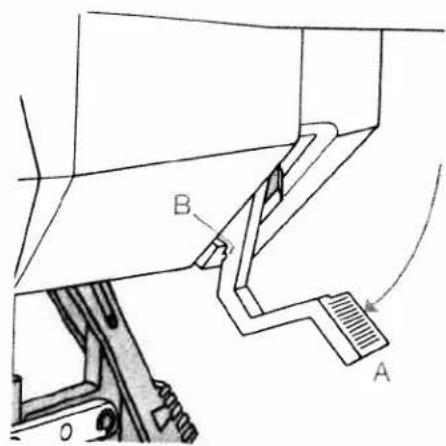
text_image
Technical diagram showing mechanical assembly with labeled parts A and B, likely from an engineering or manufacturing context.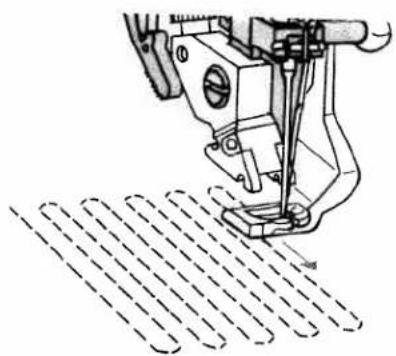
natural_image
Technical line drawing of a sewing machine needle stitching a patterned surface (no text or symbols)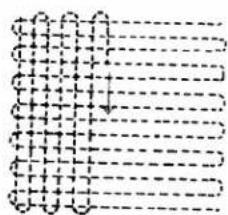
natural_image
Pure diagram of parallel lines with arrows indicating direction, no text or symbols presentDarning with straight stitch Prog. 00
Attach the darning foot:
Set the needle at its highest position and push the pin of the darning foot fully into the hole C of the sewing foot holder. When doing this, the guide fork G should position itself around the presser bar. The arm E must be behind the fixing screw F. Now tighten screw D.
Darning position:
Lower the presser-foot lifter while pushing it lightly to the rear. This snaps the presser-foot lifter into notch B (darning position).
- Place the darning work in the darning hoop.
- Drop the feed dog.
- Pull up the bobbin thread and hold the threads when you start sewing.
- Darn the damaged area by guiding the fabric back and forth evenly in the prescribed direction while ensuring that each line ends with a small curve. This helps to avoid the fabric ripping again.
- When you have finished sewing the damaged area, rotate the fabric a half turn and darn the area once again.
You determine the stitch length yourself by moving the fabric back and forth at the required speed.
Tip: If you are moving the fabric too slowly, small knots will appear on the reverse side of the fabric.
Darning with straight stitch
Decorative stitches
and traditional
embroidery techniques
cessories and Needles
Maintenance Sewing
problems and Solutions

text_image
Scanned text of dense, illegible handwritten or printed charactersDarning with elastic stitch
Prog. 03
The elastic stitch is very suitable for repairing holes, tears and damaged areas.
Depending on the size of the damaged area, sew over this area with rows of elastic stitches until it is well covered. When doing so, make sure that the stitch rows overlap each other.
Sewing on patches
The best way to darn larger holes is to cover the damaged area with a piece of new material.
Baste the piece of new material from the face side and overstitch its edges with the elastic stitch 03. Now cut back the damaged material up to the seam on the reverse side.
Tip: In order to turn at the corners more easily, use the "needle down" function.
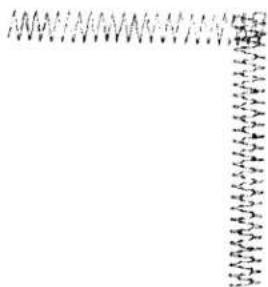
text_image
Scanned text of contract clauses with partially visible Chinese characters and a vertical line of lines.Darning tears
When mending tears, frayed edges or small holes, it is advisable to lay a small piece of fabric under the reverse side of the material. This piece of fabric strengthens the material and guarantees a perfect dam.
Place a piece of fabric under the reverse side of the material to be darned. The piece of fabric used should be a little larger than the damaged area. Overstitch the damaged area in accordance with the size of the tear using prog. 03. Cut back the piece of fabric as far as possible.

natural_image
Technical line drawing of a sewing machine tool, showing two views of the mechanism (no text or symbols present)Sewing in zippers
Prog. 00
There are different ways to sew in zippers. For skirts we recommend the zipper concealed on both sides, for ladies' or mens'trousers, the zipper concealed on one side. Several types of zippers are available at retail outlets. We recommend metal zippers for strong fabrics such as jeans. For all other materials we recommend a plastic zipper.
for all types of zippers it is important to sew close to the teeth of the zipper. This is why the zipper foot can be engaged on the left or the right side of the sewing-foot holder.
additionally, you can set the needle so that it enters close to the edge of the zipper teeth by sing one of the Creative's 19 needle positions. The foot is engaged right, the needle must only be moved to the right. If the foot is engaged left, the needle must only be moved to the left.
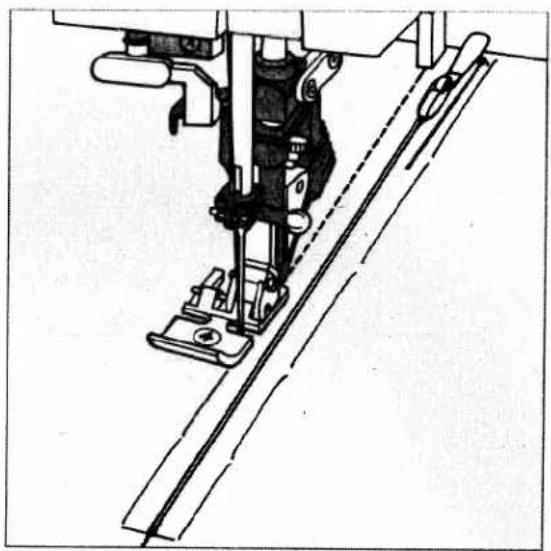
natural_image
Technical line drawing of a sewing machine needle and foot (no text or symbols)Inserting zippers concealed on both sides
- Attach the zipper foot on the right side.
- Baste the zipper on and place it under the sewing foot so that the teeth run at the side of the foot. Bring the needle into the desired, right hand position.
- Sew in half of the zipper, leave the needle in the material, raise the sewing foot and zip the zipper closed.
- Now you can sew the rest of the seam to the end of the zipper and stitch the crosswise seam.
| Decorative stitches and traditional embroidery techniques | Sewing in zippers |

natural_image
Technical line drawing of a sewing machine needle and chain assembly (no text or symbols)- Sew in the second half of the zipper parallel and at the same distance.
- Stop shortly before the seam end and leave the needle in the material. Raise the sewing foot and open the zipper.
- Now the seam can be finished.
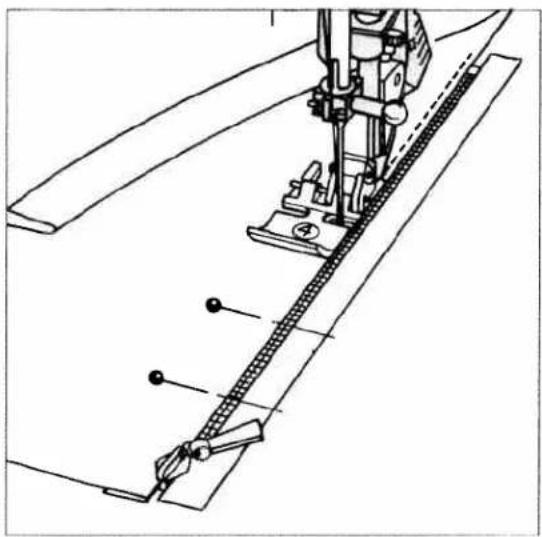
natural_image
Technical line drawing of a sewing machine needle and chain (no text or symbols)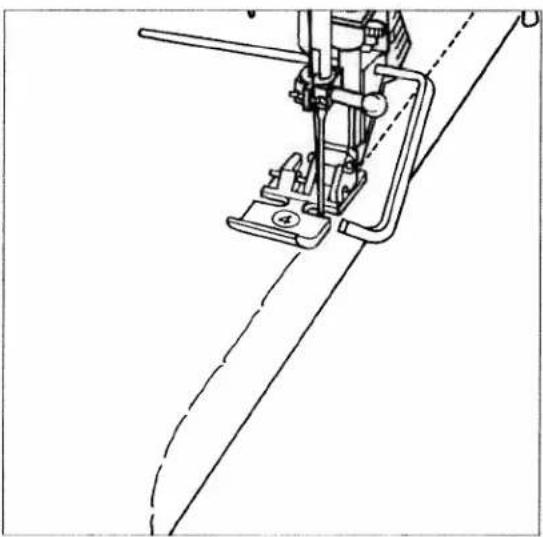
natural_image
Technical line drawing of a sewing machine needle and fabric (no text or symbols)Trouser zippers
- Iron a fold into the seam allowance on the zipper seam ensuring that the overlap protrudes about 4 mm.
- Baste the zipper under the overlapping edge so that the teeth are still visible.
- Engage the zipper foot on the right and set the needle at the required position.
-
Stitch along the edge of the zipper.
-
Shortly before the end of the seam, open the zipper and finish sewing the seam.
- Close the zipper and baste the overlap evenly onto the other zipper half.
• The stitch along the basted seam.
Tip: Using the edge guide you will achieve an accurate second seam.
natural_image
Close-up of a mechanical component with no visible text or symbolsRoll hemming
With hemmer No. 7 and Prog. 00 you can hem blouses, silk scarves and vallances quickly and easily without having to pre-iron the edges. Hemming secures the edges against fraying, in a tidy and durable way.
- Fold the beginning of the fabric edge twice (each time approx. 2 mm).
- Place the folded fabric-edge under the hemmer and sew a few stitches.
- Leave the needle in the fabric, lift the sewing foot, and pull the fabric into the scroll of the hemmer.
- Lower the foot and pull the fabric uniformly into the scroll of the hemmer. Make sure that the fabric does not come under the right half of the foot.
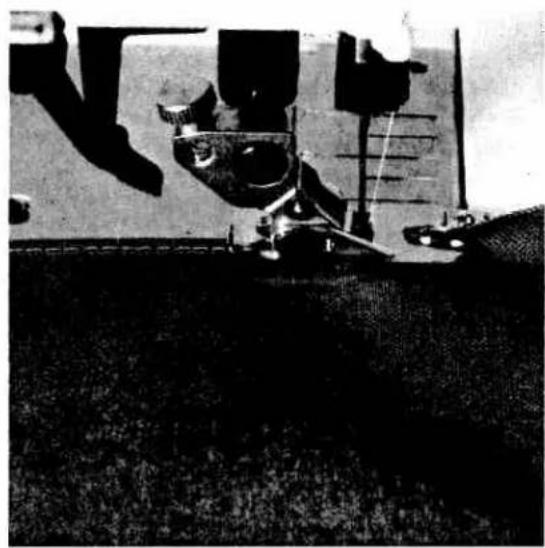
natural_image
Close-up of a mechanical device with a mounted component and ladder, no visible text or symbolsTip: A roll hem with a zigzag stitch is especially suitable for silk, rayon and chiffon.

natural_image
Close-up of a sewing machine needle stitching fabric (no visible text or symbols)
natural_image
Abstract black-and-white pattern with no discernible text, symbols, or structured elementsInserting lace
Prog. 00
You can produce beautiful effects by inserting lace, in for example, children's clothing.
- First, baste the lace onto the face side of the fabric.
-
Stitch both sides of the lace using a narrow zigzag.
-
Cut open the fabric under the lace at the middle and iron it over to the side.
- Stitch over both edges of the lace with small and dense zigzag stitches.
- Cut back the excess material.
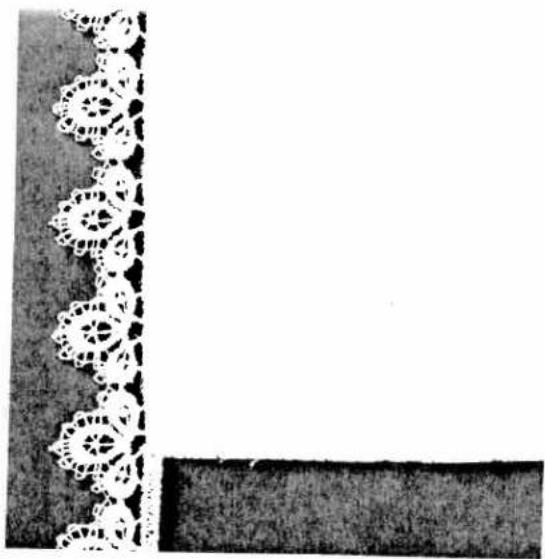
natural_image
Decorative corner border with white lace patterns on dark textured background (no text or symbols)
natural_image
Black-and-white decorative corner frame with white lace patterns on a textured background (no text or symbols)Lace trims
You can beautify or simply change the look of table cloths, napkins or garments with lace trims.
And this is how it's done:
- Serge the raw edges.
-
Stitch the lace onto the face side of the fabric up to the first corner.
-
Fold over the corners and stitch them diagonally.
- Repeat this procedure for the other sides.
natural_image
Black and white abstract pattern with no discernible text, symbols, or structured elements
natural_image
Close-up of a wavy, repeating pattern of white oval shapes against a black background (no text or symbols);hell edging
'rog. 04 with "pattern mirror" ◀ key
shell edging is especially attractive on thin, soft materials such as silk and rayon. It is often used as a border on lingerie. The higher the needlebread tension, the deeper the shell edge.
Serge the edge of the fabric and iron the inlay to the reverse side.
Take care that only half of the fabric lies under the sewing foot. This intensifies the shell-edge effect.
Tip: By sewing a colored woollen yarn or pearl cotton into the shell edging, you strengthen the shell edge while at the same time producing a colourful contrast.
Shell ending
Decorative stitches
and traditional
embroidery techniques
essources and Needles
intenance Sewing
dlems and Solutions
natural_image
Black-and-white still life photo of a traditional ceramic tea set with floral patterns, accompanied by embroidered fabric and a teapot (no visible text or symbols)Decorative stitches and traditional embroidery techniques
Pages 133–155
Decorative stitches
and traditional
embroidery techniques
Accessories and Needles
Maintenance Sewing
Problems and Solutions
PFAFF
creative
7530
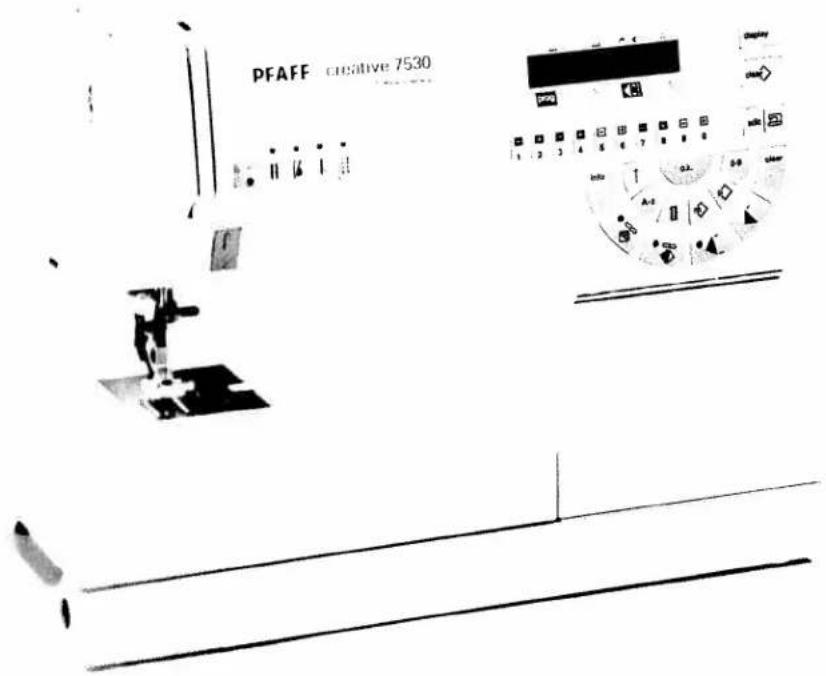
text_image
PFAFF creative 7530 12.1.1 12.1.1 12.1.1 12.1.1 12.1.1 12.1.1 12.1.1 12.1.1 12.1.1 12.1.1 12.1.1 12.1.1 12.1.1 12.1.1 12.1.1 A2 B2 C2 D2 E2 F2 G2 H2 I2 J2 K2 L2 M2 N2 O2 P2 Q2 R2 S2 T2 U2 V2 W2 X2 Y2 Z2 A2 B2 C2 D2 E2 F2 G2 H2 I2 J2 K2 L2 M2 N2 O2 P2 Q2 R2 S2 T2 U2 V2 W2 X2 Y2 Z2Instruction manual
The image contains no legible text or symbols. The OCR result "____" is a hallucination and does not correspond to any content in the source image. Therefore, the correct OCR output is an empty string.
natural_image
Black-and-white portrait of a smiling woman in traditional attire, no visible text or symbolsContents
| General embroidery tips | Page 136 |
| Borders | Page 137 |
| Twin needle sewing | Page 138 |
| Embroidering large motifs | Page 139 |
| Leather embroidery | Page 139 |
| Alphabets | Page 140 |
| Monograms | Page 141 |
| Cross stitch | Pages 142–145 |
| Appliqué | Page 146 |
| Linen embroidery | Page 147 |
| Richelieu | Page 148 |
| Hemstitching | Pages 149–151 |
| Eyelet embroidery | Pages 152, 153 |
| Quilting | Pages 154, 155 |

text_image
KOSMETIKGeneral tips on embroidering
Embroidering does require some practice, but with the right tips and hints, it can be easy to achieve beautiful embroidery results.
Thread tension
In general, a looser thread tension is used for embroidery work than for utility sewing ( ±3 ).
In addition, the bobbin thread tension has to be increased by turning the adjusting screw on the bobbin case slightly to the right. This makes the embroidery more uniform and bolder (see page 25).
Sewing feet
The most suitable sewing foot for embroidery work is No. 2A.
Remember! Never engage the Dual Feed when doing embroidery work as this could cause a distortion in the embroidery pattern.
Balance
Each pattern in the machine is pre-programmed with its optimum length and width settings. If you are embroidering on difficult materials such as jersey, silk or heavy woollens however, you should adjust your pattern with the balance. (see page 47).
Stabilizing the fabric
Whether working on heavy or thin materials, the result will be better if the fabric has been stabilized. Many materials tend to pucker, particularly when using dense embroidery stitches. Therefore, we recommend:
Apply iron-on or tear-away stabilizer under the fabric to be embroidered. This will stabilize it and can be removed quickly and easily after the embroidery work has been completed.
Water soluble stabilizers are transparent gelatine stabilizers which you place under the fabric and overstitch. After the embroidery work has been completed, this stabilizer can be effortlessly removed by rinsing under running water. Alternatively, a gel stabilizer can be used to stabilize the fabric. The gel has a similar effect to spray-on starch. It has to dry after being applied but it becomes very stiff and can be embroidered on most materials without a paper underlay. After the completion of the embroidery work, the gel can be washed out easily.

natural_image
Abstract pattern of black zigzag lines and dots on a textured gray background (no text or symbols)Borders
Here are some examples of how you can create borders of any width by combining various embroidery programs. Machine embroidery-threads are particularly suitable here. They are available in many colors and thicknesses. You should however, always use threads of the same thickness when embroidering.

natural_image
Abstract pattern of repeating oval shapes with diagonal lines, no text or symbols presentYou can also achieve additional effects through the use of variegated embroidery thread. This is available in many different colors at your Pfaff dealer.
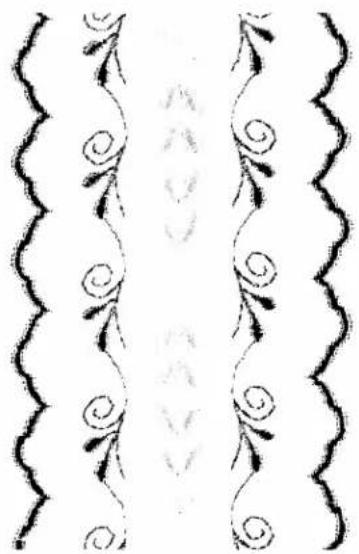
natural_image
Decorative black-and-white line art with floral and vine patterns (no text or symbols)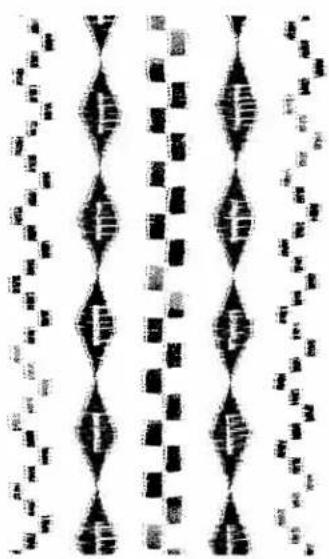
natural_image
Abstract black-and-white pattern with repeating diamond shapes and vertical lines (no text or symbols)Borders
Accessories and Needles Maintenance Steering Problems and Solutions

text_image
Scanned page with vertical columns of dense text and circular patterns, likely from a document or book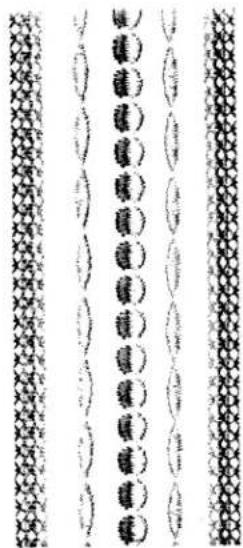
text_image
Scanned text of Chinese characters arranged in vertical columns, possibly from a document or form.Twin-needle sewing
You can achieve beautiful effects when embroidering with the twin needle. Embroideries turn out best with a stitch width of 1.6–3 mm. Embroideries are particularly effective if two embroidery threads of similar shades are chosen.
If you wish to sew embroidery programs with the twin needle, press the "twin needle" key (2). The stitch width is then automatically reduced to avoid the needle hitting the sewing foot.

text_image
a 33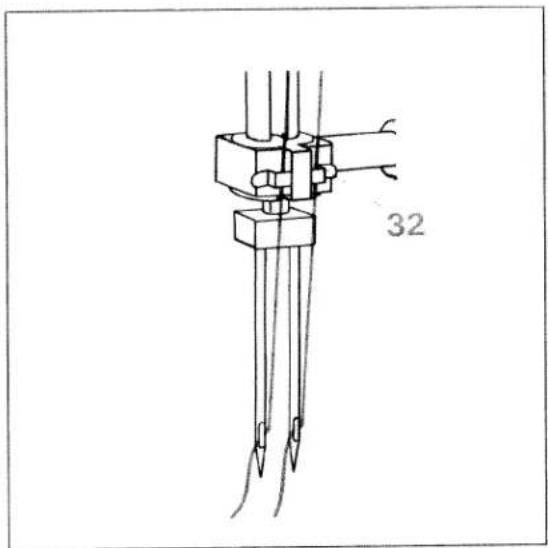
natural_image
Technical line drawing of a mechanical component with three vertical rods and a central housing, labeled '32' (no text or symbols on the diagram itself)Threading the twin needle
Replace the sewing needle with a twin needle.
- Swing the second spool holder up and place one spool on each of the spool holders.
-
The tension disk a is in the left threading slot (33). Take care when threading that one thread passes to the left and one to the right of this disk.
-
Thread the threads as usual, taking care not to get them tangled.
- Pull the threads into the thread guide (32), one to the left and one to the right, and thread the needles.

natural_image
Black-and-white photo of vintage shoes with floral embroidery, no visible text or symbolsEmbroidering large motifs
With a little imagination, you can combine the embroidery programs of the Creative 7530 to create any number of new embroidery patterns. Geometrical forms are particularly suitable for the foundation. These can be transferred to the material by means of templates. An oval served as the basis for the baby shoes pictured.

natural_image
Black-and-white photo of a camera lens resting on a textured white surface (no text or symbols visible)Leather embroidery
You can embroider leather without any problems what so ever with the Creative 7530.
Do not set the stitch length too dense because leather perforates very easily.
Embroidering on leather is even easier with the teflon foot (special accessories). Due to its teflon layer, the foot glides easily over the leather. Depending on the thickness of the leather and the thread, we recommend a special leather-needle or a needle with a large eye (130 N).
Embroidering
large motifs
Leather embroidery
Accessories and Needles
Maintenance Sewing
Problems and Solutions
natural_image
Black-and-white illustration of a smiling girl in a hat holding a large bag, sitting with a child beside her (no text or symbols visible)Alphabets
You can "write" initials, names or whole texts like a professional with the Creative. In this way you can quickly and easily transform clothing and lend towels, handkerchiefs, scarves, almost anything, an individual touch. The Creative 7530 offers you 4 different alphabets:
Script a in lower case "a"
Script a in upper case "A"
Block letters in upper case "A"
Outline c in upper case "A"
Cursive d in upper case "A".
All of the Alphabets contain numbers and punctuation marks (e.g. a "0").
By pressing the pattern selection key "A-z" (21), you select the script alphabet. The letter "a" is displayed and can be sewn immediately.
With the numbered program keys 1 and 2 you select your desired alphabet with its numbers and punctuation marks.
With the numbered program keys 3 and 4 you can select the desired letter or number. The size of the characters can be changed with keys 5 and 6.
These letterings can be sewn in a pattern width of up to 9 mm and can be combined in the M-Memory as letter sequences (see pages 53-59).
Lf
text_image
EFMonograms
Whether working with terry-cloth or woven fabric, with the help of the darning foot and program 02 you can embroider initials of your own design.
Sewing this way without a set pattern does, however, require a little practice.
Here is how it is done:
- Draw the initials onto the fabric with an invisible-ink marker.
- Drop the feed dog and attach the darning foot (see page 125).
- Place stabilizer under the fabric.
- Place the fabric in an embroidery hoop and embroider in accordance with program 02. Don't forget the darning position.
- Tie off the threads and remove the stabilizer.
Tip: By sewing quickly and moving the material slowly, you stitch densely.
When embroidering on terry cloth, the monogram must first be sewn with a narrow zigzag stitch and then overstitched with a wider zigzag stitch. In this way the terry cloth loops are completely sewn over.
Embroidering block letters is somewhat easier. Here the feed dog is not dropped, you can simply sew along the lines with program 02.
- Stabilize the fabric.
- Draw the monogram onto the fabric.
- Sew along the lines you have sketched with program 02.

natural_image
Black-and-white photo of two patterned slip-on shoes with embossed text, placed on a textured surface (no readable signage or symbols)Cross stitches
Cross stitch embroideries have always been important within traditional, ethnic embroidery techniques.
What used to be stitched by hand with a great deal of effort can now be sewn with the Creative 7530 surprisingly quickly and easily.
Whether you select the pre-programmed cross stitch borders or create your own combinations with the cross stitch programs, these patterns look as if they have been sewn by hand and lend a special touch to table linen, towels or garments.
Tips for cross stitch embroidering:
- Always sew your work using the "slow sewing" function (3).
- Use stitch foot No. 2A. Its red guide lines are exactly adapted to the size of the cross stitches.
- Use only machine embroidery threads for cross stitching, e.g. MEZ embroidery.
- Place a stabilizer under the fabric.
- We recommend using an embroidery hoop when working with very soft materials.
- you can also use Aida material as used for cross stitches done by hand. You can change the length and width of the cross stitches of your Creative 7530 in accordance with the size of the Aida count.
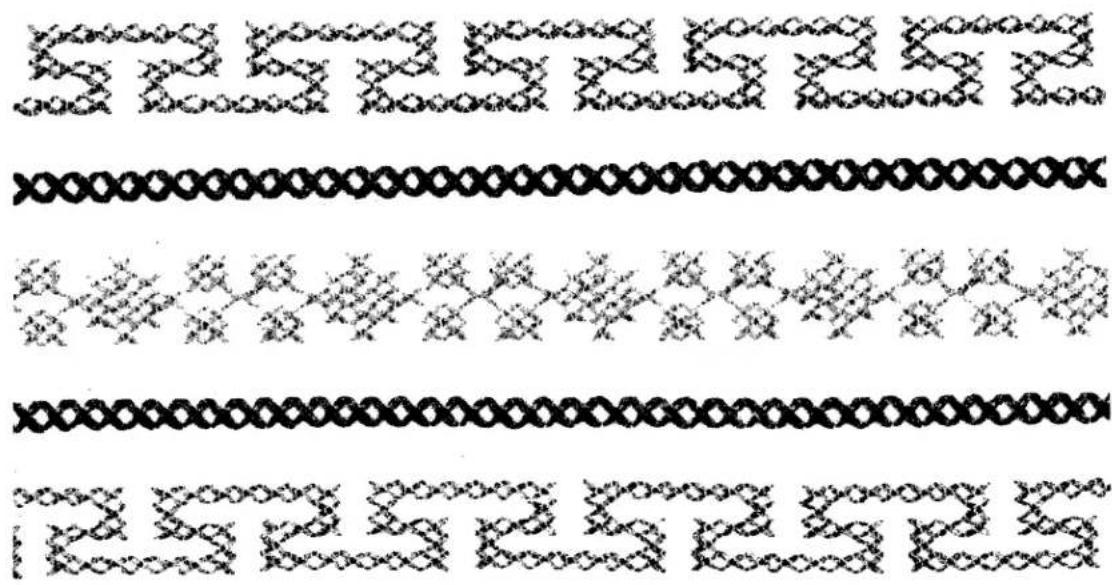
natural_image
Repeating black-and-white decorative pattern with repeating geometric motifs (no text or symbols)viewing pre-programmed cross stitch borders embroidery programs No. 75-84 consist of mall cross stitches and are especially suitable or border embroideries. They have been pro- grammed into the machine with optimum stitch length and width, however you can change these settings if required.
Tip: Programs 76,78,79, 82 and 84 are symmetrical designs and are very suitable for sewing opposite one another.

natural_image
Abstract pattern of repeating diamond and star-like shapes in black and white (no text or symbols)Accessories and Needles Maintenance Sewing Problems and Solutions Cross stitches

natural_image
Black-and-white still life photo of a dining table with plates, teacups, fruit, and a window (no text or symbols visible)Embroidering cross stitch motifs with programs 85-94
You can combine the individual cross stitch programs using your imagination to achieve large area cross stitch motifs or beautiful borders. These combinations are entered into different M-memories which are then sewn successively next to each other. To do this follow these steps:
Draw the desired cross stitch motif on graph paper.
Divide this motif into blocks which can be entered into the memories as pattern combinations.
Now mark the starting point of the first cross stitch in each memory. The start and end points of the cross stitches are particularly important as they determine the stitch direction. A cross stitch that finishes on the right can only be combined with a cross stitch that starts on the right. The starting points are marked with a small circle and the end points are marked with a dot.
ip: With the "☐" key, you can transfer starting points from left to right and from right to left.
- Mark each memory with a number and arrows for the respective sewing direction.
- Press the "m" key for pattern sequence.
- Now enter the selected cross stitches into an empty M-Memory.
- To sew the pattern, recall the programmed memories successively by pressing the "single pattern" key "◀".
- After you have finished sewing the first memory, pull the threads to the reverse side of the fabric and knot them together.
- Select the next memory. When you position the sewing foot, watch the crosswise lines on stitch foot 2A. They should be aligned with the starting points of the adjoining cross stitches.
- Allow the left metal edge in the window of the foot to move exactly along the line of the previously sewn pattern. In this way you can avoid spaces between adjoining pattern sequences.
- Sew the individual memories one after the other. Then iron the embroidered motif on the reverse side of the fabric.
Cross stitch motif "rabbit"
for this motif, the following combinations have been stored:
V1- 4×90/91
V2- 2×92/4×90/91/3×90/2×91/3×90/92
VI3- 9×91
V4- 3×90
V5- 2×91/4×90/92/3×90/2×92/3×90/91
V6- 4×90/92
V7- 92/5×90/92
VI8- 3×92
VI9- 3×91
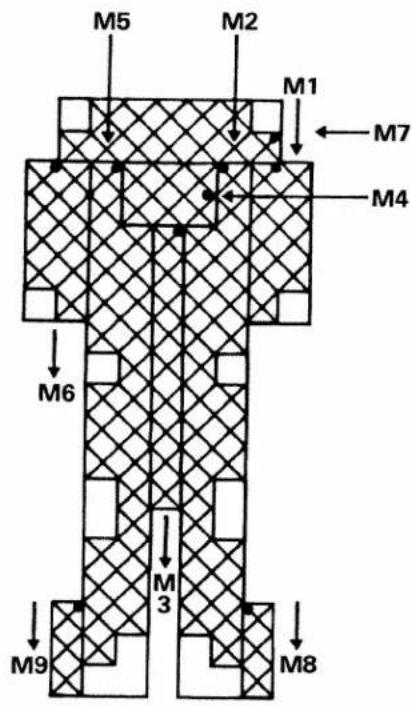
text_image
M5 M2 M1 M7 M4 M6 M3 M9 M8
natural_image
Black-and-white photo of a cheerful young girl sitting on the floor, wearing a floral hair accessory (no text or symbols visible)Appliqué
Appliqués are quickly made and always produce a beautiful effect. The appliqué foot (special accessories) allows you to achieve perfect, densely stitched seams because it has a special cutout on the underside for the purl seam. It also allows you to turn on corners and curves with ease.
Prepare the appliqué as follows: Design a motif that you would like to appliqué onto the background. Iron paper-backed fusing web onto the back of the pieces of the motif. Now pull the paper off the pieces to be appliquéd and iron these onto the fabric according to the motif.
Now you can start: Overstitch all of the contours with the zigzag stitch, the finer the thread, the more densely the stitch length should be set. When you reach a curve, use the "needle down" function to help you guide the work more easily and achieve a more uniform seam. Make sure that the needle stitches completely over the outer edge so that no fraying occurs later.
Tip: A particularly attractive stitch for appliqué work is stitch No. 16. The zigzag seam is broader and flatter with this stitch. Nevertheless, take care to use a very fine thread for this stitch and set the stitch length at approx. 0.4–0.5.
natural_image
Black-and-white artistic composition featuring a seated figure with floral patterns, a vase of flowers, and a mirror (no text or symbols)Linen embroidery
Linen embroidering is a very well known and well-loved technique. For this special white-on-white embroidery, filled in embroidery designs are most suitable to make the embroidery more prominent. Always use special embroidery threads and tear-away stabilizer as an underlay. Transfer the desired pattern, i.e. an iron-on pattern or a pattern drawn with a disappearing ink pen, onto the face side of the fabric. Our example consists of the following programs:
- For the petals select program No. 114. Press the key "single pattern" (16).
Pattern length: 35 mm
Stitch width: 6 mm
- Using program No. 150, stitch the points at the top end of the petals.
Stitch width: ∅ 5 mm
- Now stitch the contours using zigzag stitch No. 02.
Stitch width: 2 mm
Stitch length: 0.35 mm
- For the flowers right and left of the motif use pattern No. 122.
Stitch width: 7 mm
Pattern length: 14 mm
- Embroider the edge of the napkin using zigzag stitch No. 02.
Stitch width: 4 mm
Stitch length: 0.35 mm
natural_image
Black-and-white photo of a textured, spiky surface with no visible text or symbolsRichelieu
This very artistic form of bar and eyelet embroidery is easy to create with your sewing machine.
- Transfer your pattern onto the face side of the fabric using a disappearing ink pen.
- Then place two layers of water soluble stabilizer under the area to be embroidered and tighten the fabric and backing in an embroidery hoop.
-
To make the embroidery more stable, sew around all contours twice in straight stitch No. 00 (stitch length at approx. 1 mm).
-
Then carefully cut out the fabric from the areas that will form the cutouts at about 2 mm from their contours. Do not cut away the stabilizer!
- Embroider the contours with a dense zigzag stitch No. 02.
- The backing material provides this part of the work with much more shape and stability.
- Finally, all you have to do is dissolve the stabilizer in cold water and your piece of unique embroidery is ready.

natural_image
Black-and-white photo of a woman wearing a wide-brimmed hat, holding flowers (no visible text or symbols)lemstitching
Everyone knows this technique – but only done by hand. With the Creative 7530, you can produce hemstitching much quicker and easier. 0 special hemstitching programs are at your disposal and by changing the stitch lengths and widths, you can achieve new effects every time. for hemstitching you need a wing needle. Only for very fine fabrics is a normal sewing needle, size 80, used. Coarse-weave fabric from which you can pull individual threads is the most suitable for hemstitching. Embroidery and darning thread, particularly cotton, is very suitable. Use the hemstitching programs of your Creative 7530 to produce different techniques.
Hemstiching
Accessories and Needles Maintenance Sewing Toblements and Solutions

text_image
Scanned text of a document with dense, fragmented and low-resolution black-and-white text blocks.Hemstitching patterns
• Programs No. 95, 98, 103 and 104.
For these programs use wing needle 130/705 H Wing, size 100, without pulling threads.
Careful: When using the wing needle, the stitch width must not be any larger than 8 mm.

text_image
Scanned page of dense text with a horizontal line and scattered black dots, likely from a historical or literary manuscript.Program No. 104 can also be stitched as curved edging and hem strengthener
text_image
Scanned text of a formal letter or document with dense, illegible handwritten or typed characters.
natural_image
Repeating pattern of black and white geometric shapes with no text or symbols"Ladder" hemstitching
• Programs No. 96, 97, 99 and 102.
- Pull the threads at the desired width out of the fabric, the same as when hemstitching by hand.
- Embroider along both fabric edges with the respective programs. When doing this, the needle must enter at the side of the edges into the pulled threads thus bunching the threads.
natural_image
Close-up of a textured fabric with a dotted line at the bottom (no visible text or symbols)Hemstitching as edging
This edging is used on very fine, thin fabrics. It is particularly suitable for valances or ruffles. For these the threads must be pulled.
• Programs No. 96, 97 and 102.
- Sew at one sewing foot length along the fabric edge.
- Cut the extra fabric at the hemstitching edge with a small pair of scissors.
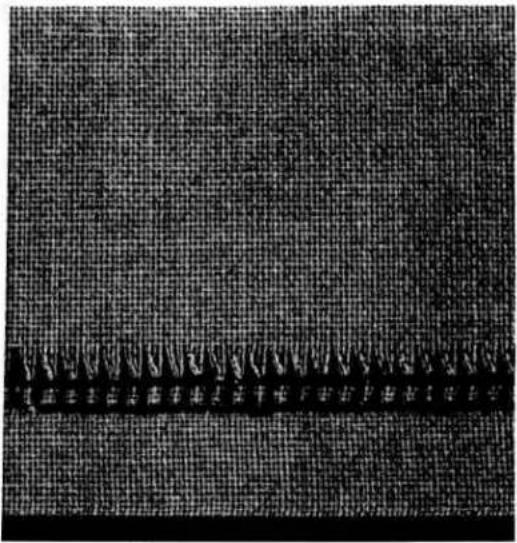
natural_image
Close-up of a textured fabric with repeating dark patterns and small white marks (no text or symbols visible)Making a hem with a hemstitch seam
"his seam provides a perfect edge finish to hem-stitching work on table cloths, napkins or towels.
▶ Programs No. 96, 97 and 102.
- Iron the hem over twice in the desired width.
- Pull one or more of the threads just above the hem.
- Using one of the above mentioned programs, sew along the pulled threads. When doing this, the needle must enter the right side of the hem and bunch the pulled threads to the left.
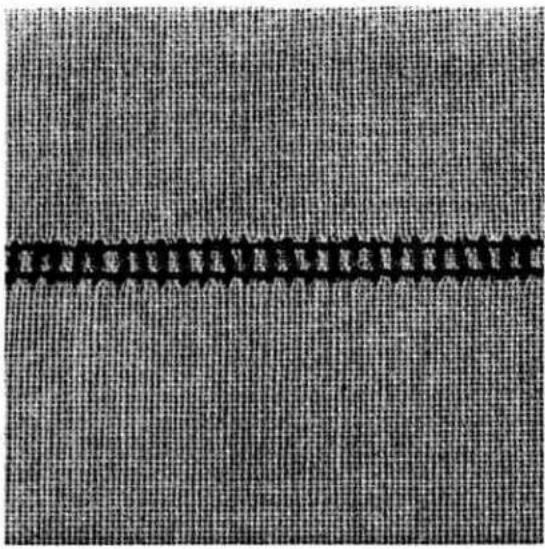
text_image
Scanned text of a document with dense, low-resolution Chinese characters at the bottom.Traditional hemstitching
• Programs No. 95, 99 and 101.
- Using "single pattern", sew the program onto a piece of waste fabric.
- Count the threads on the inside of the pattern to determine the pattern width.
- Pull 1-3 threads from the fabric to the right and left of the pattern width.
- Overstitch the remaining threads with the selected program. When you do this, the needle must enter the pulled threads on both sides close to the edges.

natural_image
Black-and-white illustration of a teapot and teacup on saucers, no text or symbols visible
natural_image
Abstract black-and-white wavy pattern with scattered black dots (no text or symbols)Eyelet embroidery
With the help of the eyelet plate (special accessories) you can produce beautiful eyelet embroideries with your Creative which traditionally required a great deal of time and trouble.
It is very effective in blouses and bed and table linen. Nearly every pattern in the Creative 7530 is suitable, whether utility stitches such as the zigzag stitch, blind stitch, elastic stitch or fancy stitches.
Program 32 in combination with the "pattern mirror" key (18) is particularly suitable for classical eyelet embroidery. Here the needle position is left and the machine stitches uniformly around the hole at the stitch width that you have selected.

text_image
AAnd here is how it is done:
- Remove the sewing foot.
- Place the eyelet plate onto the needle plate making sure that pin A fits into the middle cut-out of the needle plate. Then push the eyelet plate down at the front.
- Place the marked fabric in an embroidery hoop.
- Cut one or two fabric threads and push the fabric over the pin in the eyelet plate.
The fabric must fit tightly around the pin.
- Place the presser foot lifter in darning position.
- Pull up the bobbin thread and hold it for the first few stitches.
- Stitch around the cut with your chosen program. While doing so, turn the hoop slowly. The stitches must be very close to each other.
- Then secure with a few straight stitches.

natural_image
Six circular and star-shaped diagrams arranged in a cross pattern, no text or symbols present.Tip: Select another program such as 150, 43 or 63. In this way the cut in the fabric will not be stitched around or only partly stitched around. To complete this, select program 32 and stitch around the cut uniformly. Thus you create beautiful petal forms.
Eylet embroidery
Accessories and Needles
Maintenance Sewing
Problems and Solutions
natural_image
Black-and-white photo of a person wearing a patterned jacket, standing beside a curved wall (no visible text or symbols)Quilting
Quilting is a traditional sewing technique. This method which was developed by the wives of American settlers to make use of leftover materials, has become an artistic hobby with many enthusiasts worldwide.
A quilt always consists of three layers of material. Lots of geometrically shaped pieces of material are joined together in continually changing patterns to form the top layer of the quilt. This is then tacked to the middle layer made of batting and connected to the back layer of the quilt that usually consists of one uniform piece of material.
The entire quilt is often also bordered with the back layer. Of course, the work of piecing the individual bits of material together must be very precise. The Dual Feed (IDT-System) is of great importance when doing this, so that the parts do not move and so that they join up to each other exactly. Even when sewing and embroidering over the three layers of a quilt, you achieve optimal sewing results with the Dual Feed. The quilt or patchwork foot (special accessories) is particularly suitable for quilting. Here the distance between the needle and the edge of the foot is 1/4 of an inch/0.635 cm.
natural_image
Black-and-white abstract composition with geometric shapes and textures (no text or symbols)and this is how it is done:
Cut out the pieces of your quilt with templates you have made or bought. A seam allowance of 0.635 cm (0.4 of an inch) should already be included in the templates.
- Arrange the pieces as in the pattern and form small squares that you can match together. These squares are then sewn together to form the surface of the quilt.
The seam allowances of quilts are not serged.
- Baste your finished quilt top onto the layer of batting with the back layer of the quilt underneath.
- In traditional quilts, these three layers of material are sewn together by hand with small stitches but this is quicker and more practical with the sewing machine.
natural_image
Black-and-white photo of a checkered pillow with visible stitching and texture (no text or symbols)When your quilt is finished, you can make it into a cushion, a wall hanging or a bedspread.
natural_image
Decorative square frame with black triangular border and faint diagonal lines, no text or symbols presentEmbroidery stitches are particularly suitable for tone on tone quilting.

natural_image
Black-and-white photo of a woman walking with a bag, no visible text or symbolsAccessories and Needles Maintenance Sewing Problems and Solutions
Pages 157–175
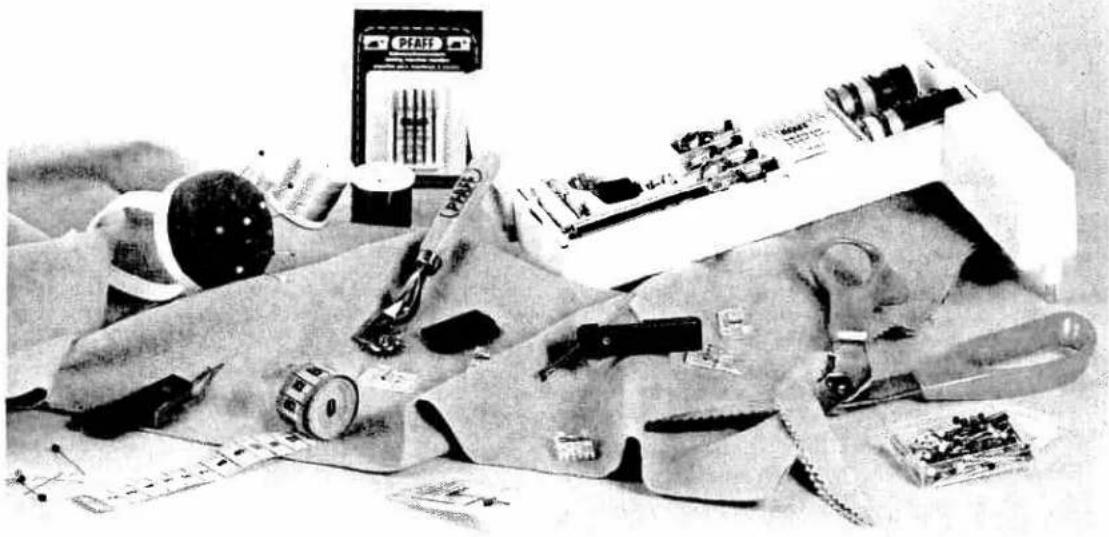
natural_image
Black-and-white photo of a cluttered desk with tools and objects, no visible text or symbolsAccessories and needles Maintenance Sewing Problems and Solutions
| Accessories | Pages 160–162 |
| Special accessories table | Page 163 |
| Felling foot / Appliqué foot | Page 164 |
| Fringe foot / Cording foot | Page 165 |
| Cording foot / Shirring foot | Page 166 |
| Knit edge foot /Multi stitch gathering foot | Page 167 |
| Bias tape binder | Page 168 |
| Needle chart | Pages 169–170 |
| Changing the batteries | Page 171 |
| Changing the needle plate | Page 172 |
| Cleaning and lubricating | Page 172 |
| Changing the sewing lamp | Page 173 |
| Sewing Problems and Solutions | Pages 174, 175 |

natural_image
Top-down view of two white toy cars on a flat surface (no visible text or symbols)Sewing feet (standard accessories)
Standard sewing-foot No. 0A
Part No.: 98-694 828-00
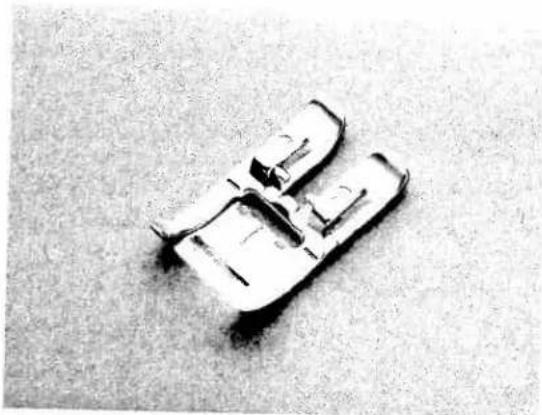
natural_image
Black-and-white photo of a mechanical component with two curved parts and a central slot, lying on a textured surface (no visible text or symbols)Fancy stitch foot for Dual Feed No. 1 A
Part No.: 98-694 836-00
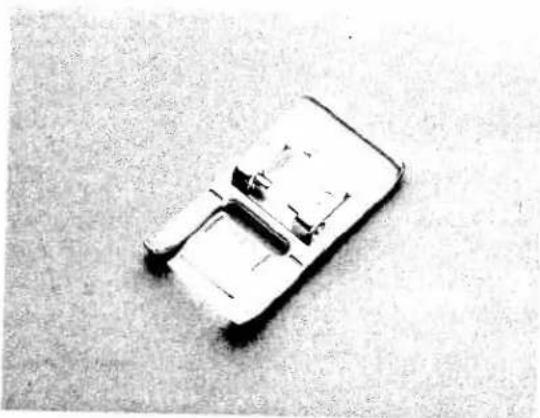
natural_image
Top-down view of a small mechanical component or vehicle (no visible text or symbols)Fancy stitch foot No. 2 A
Part No.: 98-694 838-00
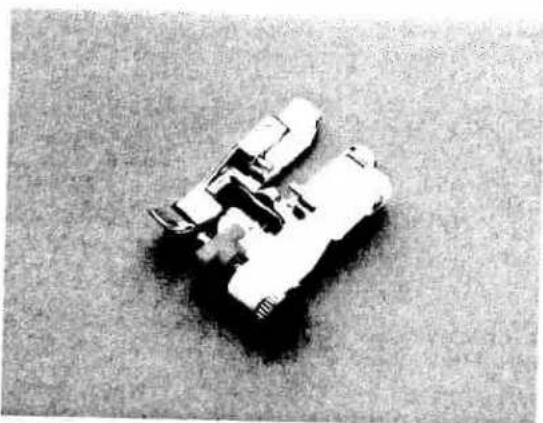
natural_image
Top-down view of a small white vehicle with two wheels and a person standing on the ground (no visible text or symbols)Blind stitch and overlock foot No. 3
Part No.: 98-694 890-00
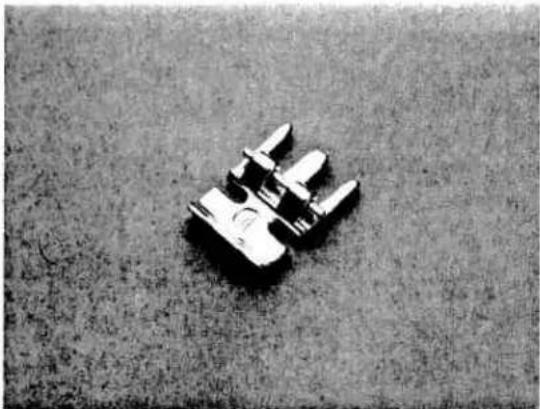
natural_image
Black-and-white photo of a small aircraft on a flat surface (no visible text or markings)Zipper and edge sewing foot No. 4 Part No.: 98-694 884-00
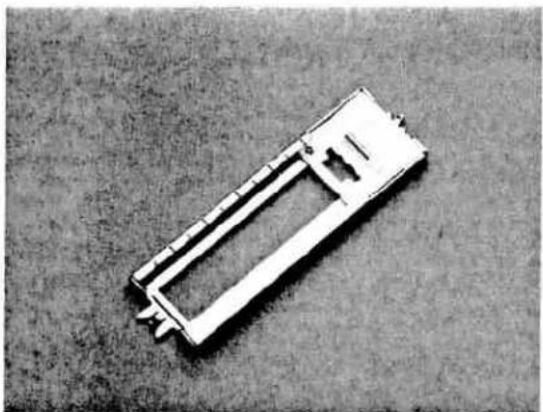
natural_image
Mechanical component with rectangular body and internal structure, resting on textured surface (no visible text or symbols)Buttonhole foot No. 5 A Part No.: 98-694 830-00
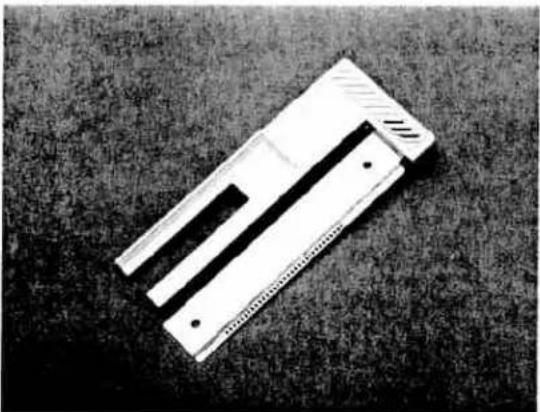
natural_image
Close-up of a metallic electronic component with a black rectangular slot and a hatched top surface (no visible text or symbols)Buttonhole guide No. 10 Part No.: 93-037 595-91

natural_image
Black-and-white photo of a small mechanical component lying on grass (no visible text or symbols)Darning foot No. 6 Part No.: 93-035 960-91

natural_image
Close-up of a metallic mechanical clamp or bracket component on a textured surface (no text or symbols visible)Roll hemmer foot No. 7
Part No.: 98-694 818-00

natural_image
Metal angle tool with a curved tip, lying on a textured surface (no text or symbols visible)Edge guide No. 3
Part No.: 98-802 422-00
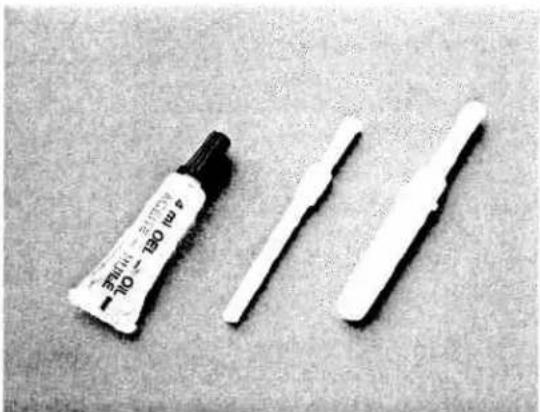
natural_image
Three white plastic tool tips on a plain surface, no text or symbols visibleSeam ripper
Part No.: 99-053 016-91
Soft brush
Part No.: 93-847 979-91
Oil tube
Part No.: 93-035 910-91
ewing feet (special accessories)
he special accessories allow you to do special sewing work.
he listed sewing feet are available at your PFAFF dealer.
| Accessory | Part No. | Sewing work |
| Appliqué foot | 93-042 941-91 | For appliqué work |
| Open toe appliqué foot, 9 mm | 93-036 933-91 | For appliqué work |
| Cording foot, 5 grooves (twin needle with needle spacing 1.6-2.0) 130/705 H-ZWI | 93-042 950-91 | For pin tucks (needle size 80) |
| Cording foot, 7 grooves (twin needle with needle spacing 1.6-2.0) 130/705 H-ZWI | 93-042 953-91 | |
| Cording blade (2) | 93-035 952-45 | |
| Finger guard | 93-036 910-91 | For all sewing work |
| Fringe foot | 93-042 943-91 | For sewing loop embroidery |
| Third spool holder | 93-033 063-44 | For sewing with the triple needle |
| Straight stitch foot with round hole (for Dual Feed) | 98-694 821-00 | Caution! Only use straight stitch in center needle position |
| Felling foot, 4.5 mm | 93-042 946-91 | For lap felled seams |
| Felling foot, 6.5 mm | 93-042 948-91 | |
| Single needle cording foot, 3 grooves | 93-036 915-91 | For cording |
| Shirring foot | 93-036 998-91 | For shirring, gathering etc. |
| Eyelet plate | 93-036 977-45 | For eyelet embroidery |
| Multi stitch gathering foot | 98-999 650-00 | For placing pleats at regular intervals.Caution! Only use straight stitch in center needle position |
| Quilt and patchwork foot (for Dual Feed) | 93-036 927-91 | For quilting |
| Roll hemmer 2 mm | 98-694 873-00 | For hemming |
| Hemmer 4 mm (for Dual Feed) | 98-694 823-00 | For hemming |
| Bias tape binder (remove foot holder) | 98-053 484-91 | For binding edges with bias tape |
| Needle plate with round hole | 98-694 422-00 | For topstitching seams and sewing very light and soft materials (silk, jersey etc.)Caution! Only use straight stitch in center needle position |
| Knit-edge foot | 93-042 957-91 | For sewing knitted fabrics |
| Teflon foot (for Dual Feed) stitch width up to 6 mm | 93-036 917-91 | For sewing leather and synthetics |
| Teflon embroidery stitch foot (stitch width up to 9 mm) | 93-036 922-91 | For embroidering leather and vinyl |
The following pages contain application examples of some special accessories.
Special
accessories
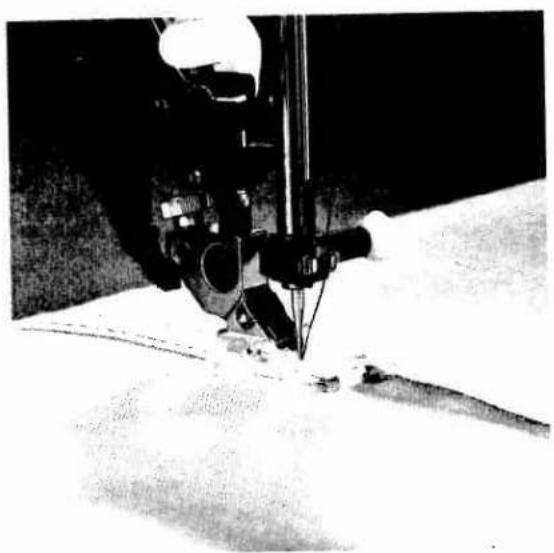
natural_image
Close-up of a sewing machine needle stitching fabric (no visible text or symbols)Felling foot
Lap-felled seams are particularly durable and therefore well known as the typical denim seam. They are also suitable for sportswear, children's wear, blouses and shirts. You can make these seams particularly decorative by using a sewing thread of a contrasting color. The felling foot is available in two different widths (for light-weight and heavy-weight fabrics).
- Attach the felling foot.
- Place the fabric wrong sides together.
- Overlap the raw edge of the lower layer by about 1–1.5 cm (3/8 to 5/8).
- Now place this overlapping edge over the tongue of the felling foot. The fabric must be placed fully under the sewing foot.
- Sew along the folded edge with straight stitch.
- Afterwards, pull the fabric layers apart and feed the protruding hem into the felling foot. The hem is turned over by the foot and top-stitched along the edge. Pull the two fabric layers apart during sewing.
Program: 00
Stitch length: 3
Tension: 3-5

natural_image
Close-up of a sewing machine needle stitching fabric (no visible text or symbols)Appliqué foot
Appliqués are quickly done and always produce a beautiful effect. By using different materials and patterns you can create countless new designs. You can make a perfect, densely stitched seam with the appliqué foot which has a special cutout on the underside for the zigzag seam.
- Attach the appliqué foot onto the sewing machine.
- Transfer your drafted pattern to the paper side of the fusible web. Remember that any numbers or letters have to be drawn as a mirror image.
- Now iron the backing fabric onto the appliqué material. Cut the motif out and pull the paper off.
- Iron the appliqué parts onto the base material.
- Then stitch all contours with narrow and dense zigzag stitches. When you reach a curve, use the "needle down" function to help you guide the work more easily. Also make sure that the needle stitches over the outer edge so that no fraying occurs later.
Program: 02 or 16
Stitch length: 0.35
Stitch width: 1.5–2.0
Tension: 2-3
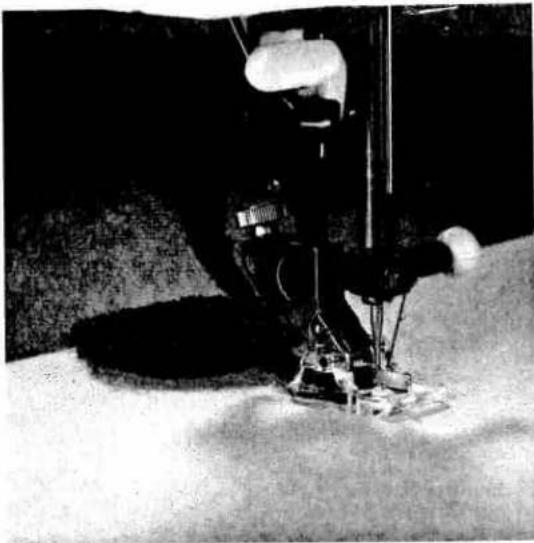
natural_image
Black-and-white photo of a robotic arm operating a platform, with no visible text or symbolsFringe foot
With this special foot for loop embroidery you can produce fantastic effects in no time.
- Mark out your desired pattern with chalk or a disappearing ink pen.
- Use a stabilizer for the material.
- Attach the fringe foot.
- Embroider the motif row by row. For circles you have to work from the outside inwards.
- When using thicker threads you may have to select a longer stitch length; it is best to sew a test seam first.
- When you have finished, pull the work out of the machine carefully because if you pull too fast, you will pull the loops tight.
- Knot the threads on the reverse side.
Program: 02
Stitch length: 0.35-1
Stitch width: 1.5–2.5
Tension: 2-3
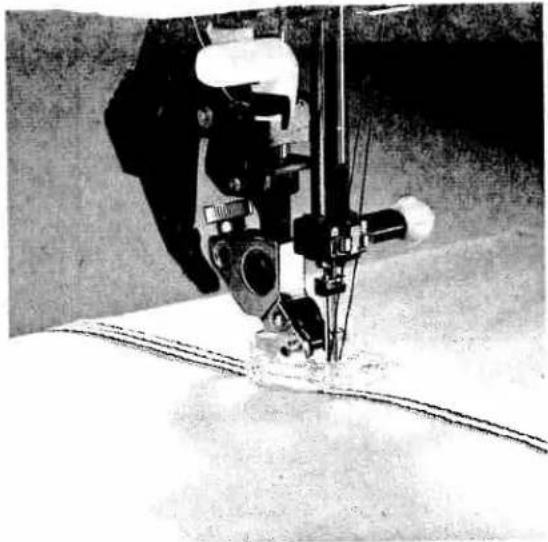
natural_image
Close-up of a sewing machine needle stitching fabric (no visible text or symbols)Cording foot
The classical sewing technique of pin tucking can be used perfectly well on many fabrics such as cottons and light woollens.
- Attach the cording foot (5 grooves for thicker materials, 7 grooves for finer materials).
- Change the needle to a twin needle (1.6 or 2 mm needle clearance) e.g. 130/705 H-ZWI needle thickness 80.
- Thread up the two needles.
- Now set the needle thread tension tight (at about 5) to make the seam more prominent.
- Sew one row of tucking. When you sew the second row you can let the first row run parallel in one of the foot's grooves. This ensures that the spaces between the rows always remain the same.
Tip: If you wish to emphasize the cording effect, you can fit a "cording blade" on the front edge of the needle plate.
Cording foot with 5 grooves – large cording blade Cording foot with 7 grooves – small cording blade Sewing with a gimp thread makes a similar effect. However, with a gimp thread you work without a cording blade.
- First remove the needle plate.
- Thread the gimp thread upwards through the hole in the needle plate.
- Return the needle plate to its position. The notch between the needle plate and the sewing machine provides space for the gimp thread. This thread must be fed under the detachable work support, so that it does not become tangled during sewing.
- While sewing the cording, the material must be pulled lightly.
Program: 00
Stitch length: 2.5
Tension: 5

natural_image
Close-up of a sewing machine needle stitching fabric (no visible text or symbols)Single needle cording foot
Cording is a technique in which pearl cotton or a fine cord is overstitched to produce a purl seam. With this technique you can obtain a similar effect to braiding. Appliqués can also be made more impressive by this seam.
- Attach the single needle cording foot.
- Place the gimp thread into the foot so that it leads through one of the grooves at the front and lies under the sewing foot at the back.
- Now overstitch the gimp thread with narrow, dense zigzag stitches.
Tip: You can obtain a remarkable effect by over-stitching a medium pearl thread with a thread of a different color.
Program: 32
Stitch length: 0.35-1
Stitch width: 1.5-2.0
Tension: 3
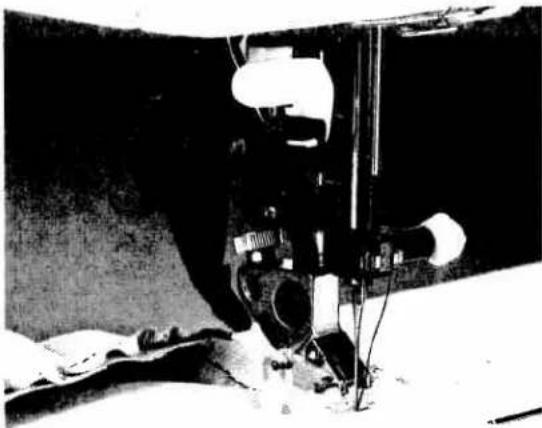
natural_image
Close-up of a sewing machine needle stitching fabric (no visible text or symbols)Shirring foot
Beautiful gathering effects on, for example, children's wear or curtains, can be achieved quickly and easily with the shirring foot.
- Attach the shirring foot by hooking the rear bar of the foot into the rear groove of the foot holder. Push the foot upwards until it snaps into the front bar.
- Place the fabric to be gathered under the sewing foot and the fabric to remain flat, downwards through the foot cutout. The fabric layers lie face side to face side.
- During sewing, you must pull the top fabric a little. The harder you pull, the greater the gathering effect you create.
- Be sure to guide the fabric edges evenly through the foot.
- Disengage the shirring foot by pushing it down at the front and remove it in the direction of the groove of the sewing foot holder at the back.
Tip: By increasing the needle thread tension and the stitch length, you can increase the gathering effect.
Program: 00
Stitch length: 3
Tension: 3-5

natural_image
Close-up of a sewing machine needle stitching a textured surface (no visible text or symbols)Knit edge foot
The knit-edge foot makes it easy to sew thick seams on knitted fabrics or imitation fur. To obtain a perfect seam on shapecut parts, we recommend adding a yarn under slight tension and overstitching it at the same time.
Program: 24
Stitch width: 6.0
Tension: 3-5

natural_image
Black-and-white photo of a sewing machine in progress, no visible text or symbolsMulti-stitch gathering foot
With the multi-stitch gathering foot you can make narrow or wide spaced pleats automatically while sewing. This is very useful for ruffles, home textiles etc.
The multi-stitch gathering foot can be used in three different ways:
- Folding the fabric in pleats.
- Folding the fabric in pleats and sewing them on simultaneously.
- Folding the fabric in pleats, sewing them on and sewing lace on all at the same time.
When you buy the multi-stitch gathering foot from your PFAFF dealer, you receive a full description with it.
Program: 00
Stitch length: 3
Tension: 3-5
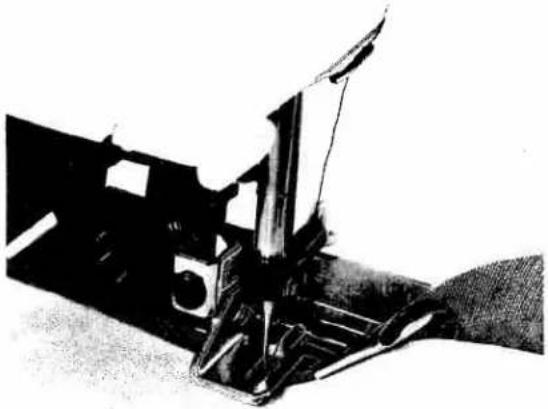
natural_image
Close-up of a sewing machine needle stitching fabric (no visible text or symbols)Bias tape binder
Binding with bias tape is a very easy method of giving fabric edges a smooth and neat appearance. For this you need unfolded bias tape about 24 mm (one inch) wide.
- Remove the sewing foot holder and the sewing foot and screw on the binder.
- Cut the beginning of the bias tape at a diagonal.
- Push the tape into the scroll of the binder and pull out to the back.
- Adjust the binder so that the needle enters at about 1–1.5 mm (1/16") from the folded-in edge of the bias tape. This can also be achieved by changing the needle position.
- Stitch a few centimetres (about an inch) along the bias tape.
- Insert the edge to be bound into the slot of the binder. The raw edge must be placed between the bias tape edges. The bias tape encloses the raw edge automatically.
Tip: You can obtain an additional effect by using zigzag stitches or fancy stitches.
Program: 00
Stitch length: 2.5
Tension: 3-5
Needle chart
Using the correct needle guarantees a better processing of the material
| Fabric weight light Needle size: 60 70 75 | Fabric weight medium Needle size: 80 90 | Fabric weight heavy Needle size: 100 110 120 | ||
| Needle points | ||||
| System and No. | Profile | Point and eye | Suitable for | |
| 130/705 H Needle size: 70/80 |  | Light ball point | Universal needle for fine synthetics, fine linen, chiffon, batiste, organdy, woolens, velvet, fancy seams and embroidery | |
| 130/705 H-SUK Needle size: 70/110 |  | Medium ball point | Coarse knitted fabrics, spandex, double jersey fabrics and Quiana | |
| 130/705 H-PS Needle size: 75 + 90 |  | Medium ball point | Stretch-fabric needle developed especially for Pfaff. Particularly suitable for delicate stretch and knitted fabrics | |
| 130/705 H-SKF Needle size: 70/110 |  | Heavy ball point | Wide-meshed corsetry, Lycra, Spandex | |
| 130/705 H-J Needle size: 90-110 |  | Acute ball point | Twill, workwear, heavy linen, denim, and light canvas | |
| 130/705 H-LL Needle size: 70-120 |  | Narrow wedge points (cuts right) | Leather, suede, kid leather, goatskin | |
| 130/705 H-PCL Needle size: 80-110 |  | Narrow wedge points with left twist groove | Imitation leathers, plastics and oil cloth | |
| 130 H-N Needle size: 70-110 |  | Light ball point, long eye | Seams topstitched with buttonhole silk or No. 30/3 synthetic thread | |
| 130/705 H-WING Needle size: 100 |  | Hemstitching point | Attractive hemstitching on heavily starched materials, organdy and batiste | |
| 130/705 H-E Needle size: 75/90 |  | Medium ball point | Especially for embroidery work | |
| 130/705 H-Q Needle size: 75/90 |  | Light ball point | Specially developed quilting needle | |
| 130/705 H-M Needle size: 60-80 |  | Acute round point | For working with micro fibres | |
Needle chart
| System & No. | Stitch length | Stitch width | Needle spacing | Suitable for | |
| 130/705 H-ZWI80 | 2.5 mm2.5 mm | -- | 1.6 mm2.0 mm | Medium-wide cording | |
| 130/705 H-ZWI8090100 | 2.5 mm2.5 mm3.0 mm | -- | 2.5 mm3.0 mm4.0 mm | Wide cordingExtra wide cordingExtra-wide cording | |
| Decorative designs sewn with twin needlesBefore you start sewing, turn the handwheel and check to make sure the needles stitch into the fabric properly. In this way, needle breakage can be largely prevented. | |||||
| Decorative and zigzag patterns | |||||
| 130/705 H-ZWI808080 | 0.5-1.5 mm0.5-1.5 mm0.5-1.5 mm | widenarrownarrow | 1.6 mm2.0 mm2.5 mm | OrnamentationsOrnamentationsOrnamentations | |
| Special hemstitching twin needle | |||||
| 130/705H-ZWI-Ho80100 | 2.0-3.0 mm2.0-3.0 mm | very narrowvery narrow | -- | Decorative hem-stitching effect.Heavily dressed fabrics are particularly suitable. | |
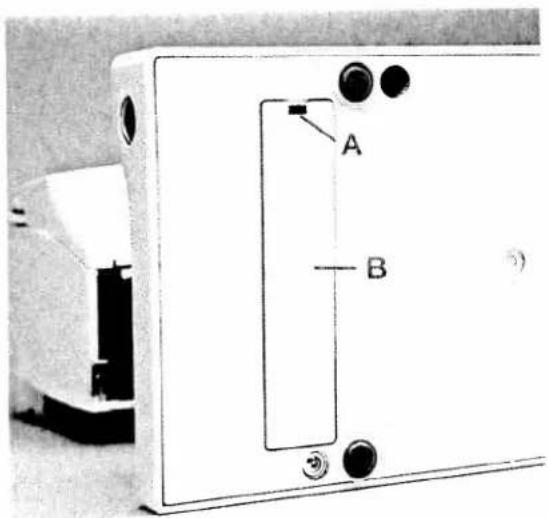
text_image
A B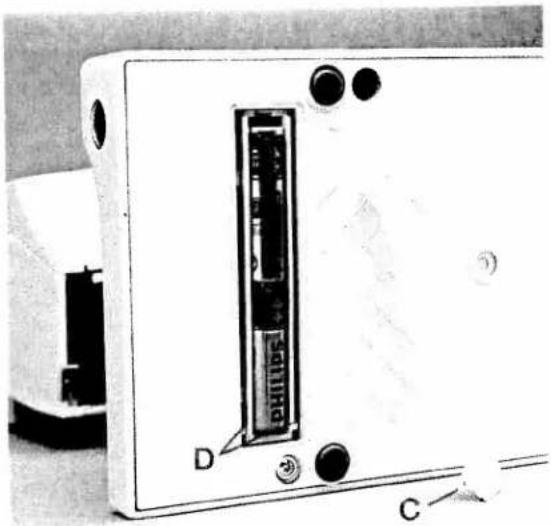
natural_image
Front view of a white electronic device with a vertical internal component and labeled ports (D, C), no readable text or symbols beyond labels.Changing the batteries:
Switch on the sewing machine to avoid erasing the memories during the battery change. Tilt the machine over backwards. The battery compartment is installed in the base. Using a screwdriver lift cover B at the catch in recess A and remove the cover. Take out the batteries. Insert the new
batteries with the + side facing upwards. Replace cover B so that the hinges C engage in the recesses D and press the cover until it snaps into place.
Note: After changing the batteries, the contents of the memories should be checked. Spare batteries: 2 AA cells 1.5 V; type LR 6. Only use leak-proof batteries!
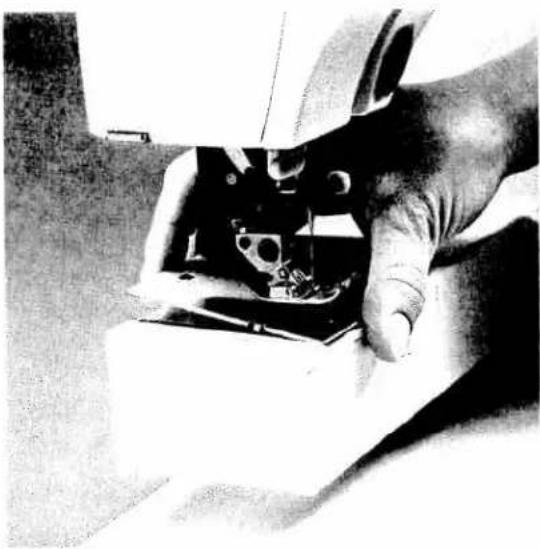
natural_image
Close-up of hands operating a sewing machine (no visible text or symbols)Changing the needle plate Switch off the on/off switch
Removal
- Raise the sewing foot and remove the detachable work support.
- Pull the needle plate upwards at the back and remove it.
Replacement
- Lay the back of the needle plate down flat and push it down at the front until you hear it snap into place. Before you start sewing, check that the needle plate is lying flat.

natural_image
Close-up of a laboratory optical instrument with internal components and a circular component (no visible text or symbols)Cleaning and lubricating
Switch off the on/off switch
- Remove the needle plate and lower the feed dog.
- Clean the feed dog and hook area with the brush.
- Apply one drop of oil to the hook as shown above. The machine is otherwise maintenance free and must not be oiled in other places.
- Clean and oil the sewing machine every 10 to 15 hours of operation.
Cleaning the display
To clean the display, use a dry, soft, lint-free cloth. Do not use chemical cleaners or solvents!
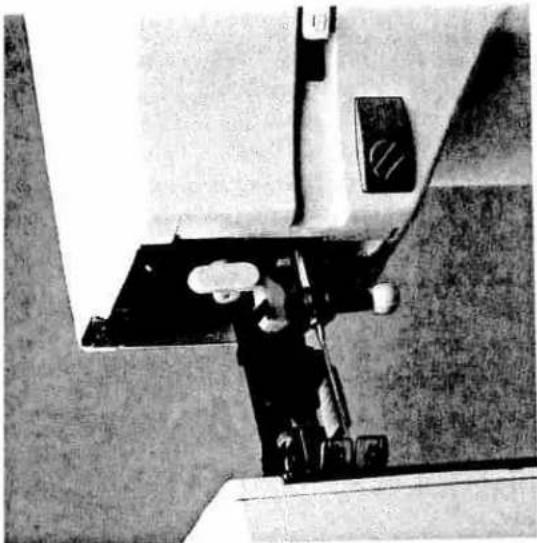
natural_image
Top-down view of a mechanical assembly with a worker and tools (no visible text or symbols)Changing the sewing lamp
Switch off the on/off switch
- Disconnect the mains plug and the foot control from the machine.
- Remove the detachable work support.
The sewing lamp (bulb) is located inside the head of the sewing machine.

natural_image
Close-up of a hand operating a mechanical device with a clamped handle (no visible text or symbols)Removal
To make it easier to change the bulb, we recommend placing the sewing machine on the handwheel as illustrated.
- Hold the machine securely.
- Push the bulb into its holder as far as it will go and turn it counter-clockwise (half a turn) to remove it.
Insertion
- Insert the bulb in the diagonal holder and turn it so that both stops of the bulb engage.
- Now push the bulb fully into the holder and turn it clockwise until it is held firmly.
Important
The maximum permissible bulb wattage is 15 Watts!
Tip: If you lift the carrying handle, you will see a small hole on its left hand side. By inserting edge guide No. 3 into this hole, you press down the lamp housing a little, making it easier to change the light bulb.
Sewing Problems and Solutions
Cause:
Solution:
1. The machine skips stitches
Needle is not properly inserted.
A wrong needle has been inserted.
Needle is bent or blunt.
Machine is not properly threaded.
Needle is too small for thread.
Push needle fully upwards,
flat side to the back.
Use needle system 130/705 H.
Insert a new needle.
Check the threading paths.
Use a larger needle.
2. The needle thread breaks
See 1.
Thread tension is too tight.
Thread is poor or has slubs in it or it has become dry after too long in storage.
Thread is too thick.
See 1.
Adjust thread tension.
Only use quality threads.
Use a needle with a larger eye (System 130 N).
3. Needle breaks off
Needle not pushed in fully.
Needle is bent.
Needle is too thick or too thin.
Needle is bent and hits the needle plate because you are pulling or pushing the fabric.
The bobbin case is not properly inserted.
Insert new needle and push it fully in.
Insert new needle.
See needle chart (Pages 169/170).
Let the machine feed the fabric.
Only guide the fabric lightly.
Push the bobbin case in fully when inserting it.
1. Seam is sewn unevenly
The tension needs adjusting.
Thread is too thick, slubbed or hard.
The bobbin thread is unevenly wound.
Thread loops above or below stitches.
Check needle-thread and bobbin-thread tensions.
Use only quality threads.
Do not wind free-hand. Run the thread through the primary tension.
Thread up correctly. Check needle-thread and bobbin-thread tensions.
5. The machine does not feed or feeds irregularly
Sewing lint has collected between the feed dog eeth rows.
feed dog is lowered. Slide B (see page 31) s at right.
Remove needle plate, remove lint with brush.
Push slide B (see page 31) to the left.
3. Machine binds
.oose threads in the hook race:
Remove loose thread and apply one drop of oil to the hook.
1. Machine does not sew the entered program
Switch off the machine and back on again after about 10 seconds. Enter desired program again.
important notes:
Before changing the sewing feet or needles, you must switch off the on/off switch.
Do not start the threaded machine without fabric in it.
f you leave the machine, even for a short time, do not forget to switch off the on/off switch.
This is especially important when children are nearby.
natural_image
Black-and-white photo of a child wearing a hat and sitting with flowers, accompanied by a small bird (no text or symbols)| 1 | A | B | C | D | E | F | G | H | I | J | A | B | G | D | H | E | M | G | H | I | J |
| 2 | |||||||||||||||||||||
| 3 | |||||||||||||||||||||
| 4 | |||||||||||||||||||||
| 5 | |||||||||||||||||||||
| 6 | |||||||||||||||||||||
| 7 | |||||||||||||||||||||
| 8 | |||||||||||||||||||||
| 9 | |||||||||||||||||||||
| 0 |
PAVLT QEDAWAY CA CO
2. PFAAF: CREFATIVE BA BO
PFAFF
G. M. PFAFF
Aktiengesellschaft
Subject to technical modifications