
MY3088 - Mobile Phone SAGEM - Free user manual and instructions
Find the device manual for free MY3088 SAGEM in PDF.


| Product Type | Mobile Phone |
| Brand | SAGEM |
| Model | MY3088 |
| Dimensions (H x W x D) | 105 x 45 x 20 mm |
| Weight | 90 g |
| Display | Monochrome LCD, 96 x 64 pixels |
| Battery | Lithium-ion 700 mAh |
| Standby Time | Up to 200 h |
| Talk Time | Up to 3 h |
| Network | GSM 900/1800 |
| Main Functions | Calls, SMS, phonebook, alarm, calculator, games |
| SIM Card | Mini-SIM |
| Connectivity | None |
| Care and Cleaning | Clean with a soft, dry cloth. Avoid moisture. |
| Safety | Keep out of reach of children. Do not expose to extreme temperatures. |
| Spare Parts and Repairability | Removable battery, removable back cover. Repair possible by a professional. |
| General Information | Made in France. User manual available in PDF. |
Frequently Asked Questions - MY3088 SAGEM
User questions about MY3088 SAGEM
0 question about this device. Answer the ones you know or ask your own.
Ask a new question about this device
Download the instructions for your Mobile Phone in PDF format for free! Find your manual MY3088 - SAGEM and take your electronic device back in hand. On this page are published all the documents necessary for the use of your device. MY3088 by SAGEM.
USER MANUAL MY3088 SAGEM
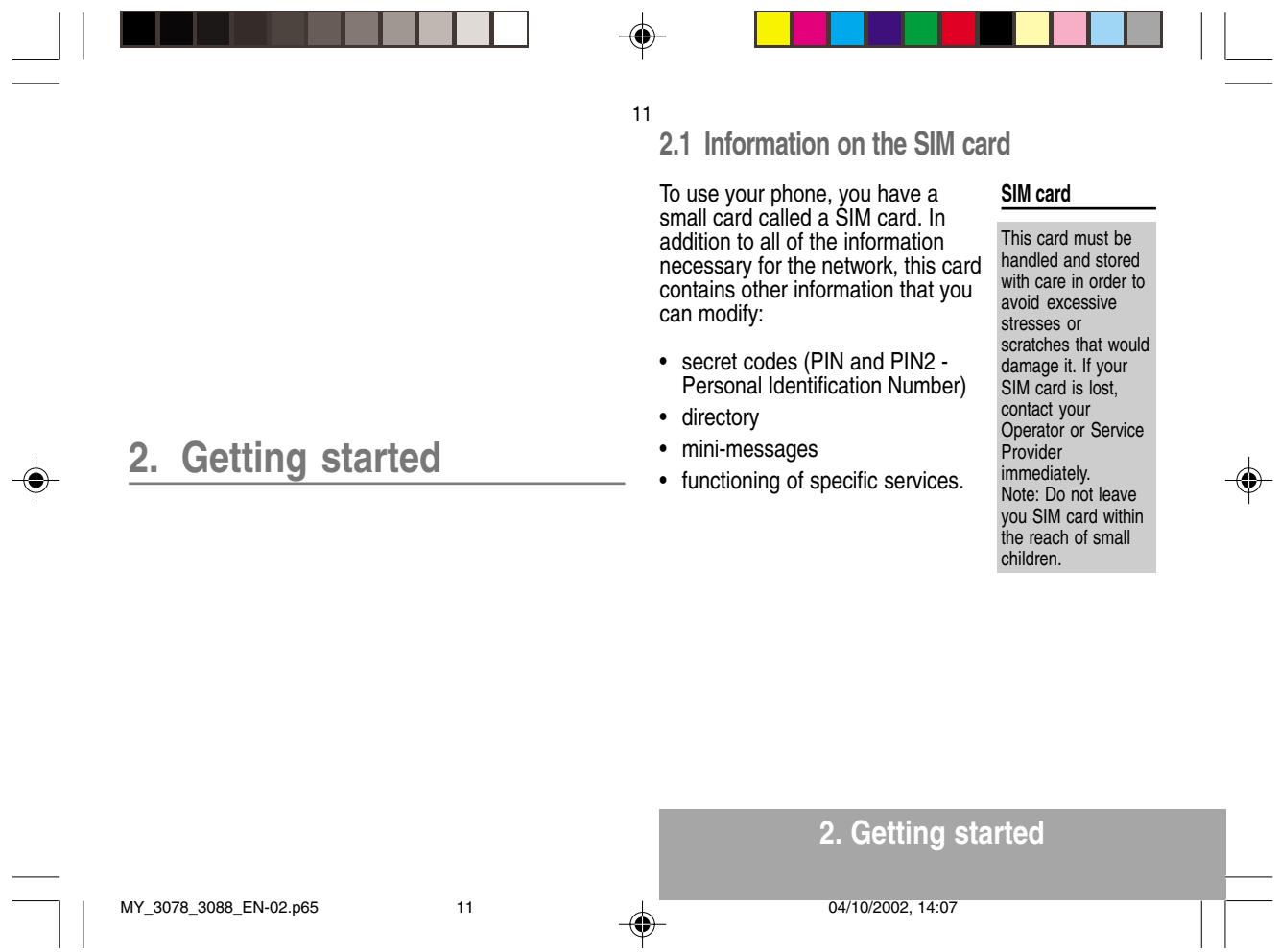
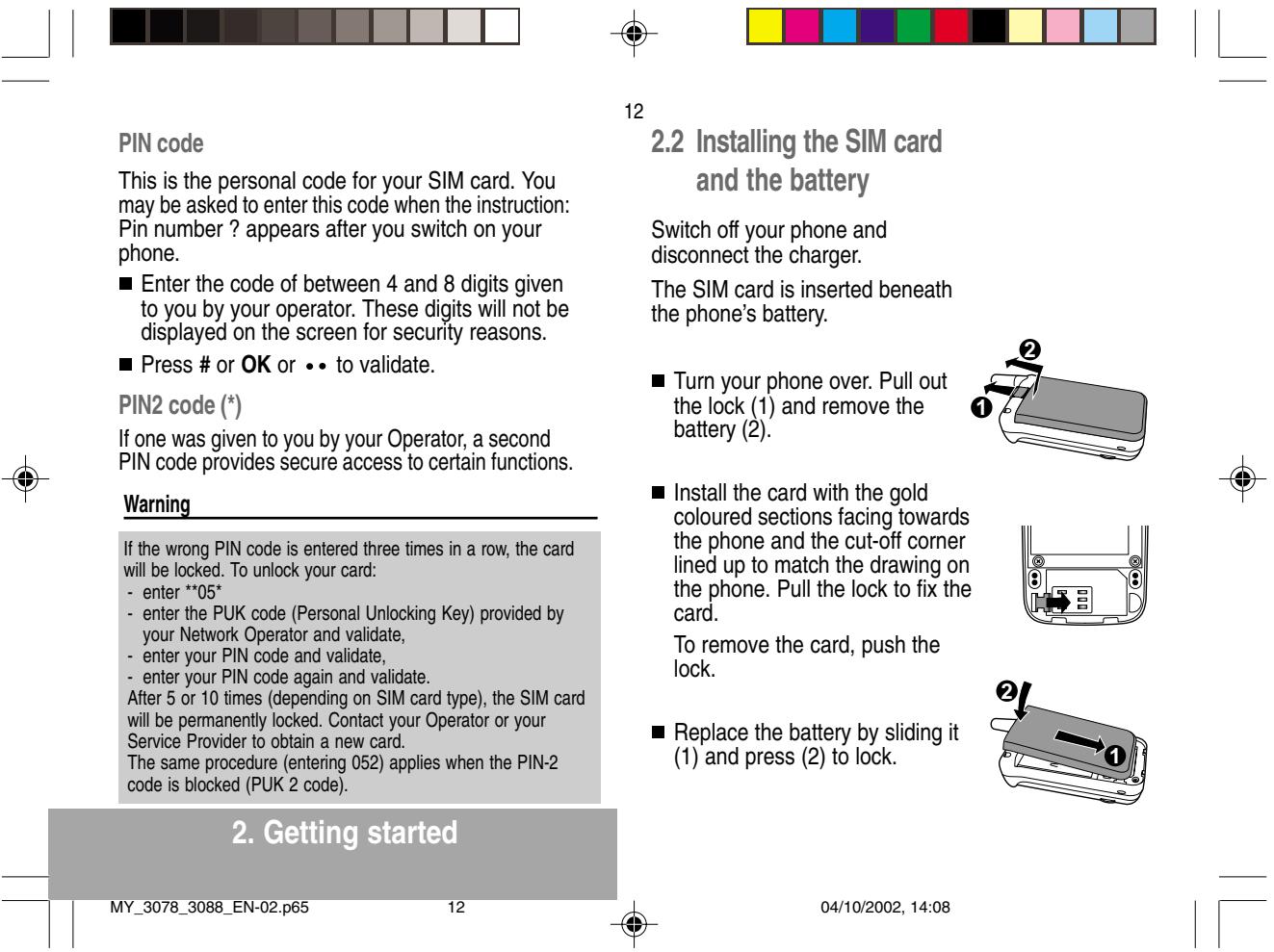
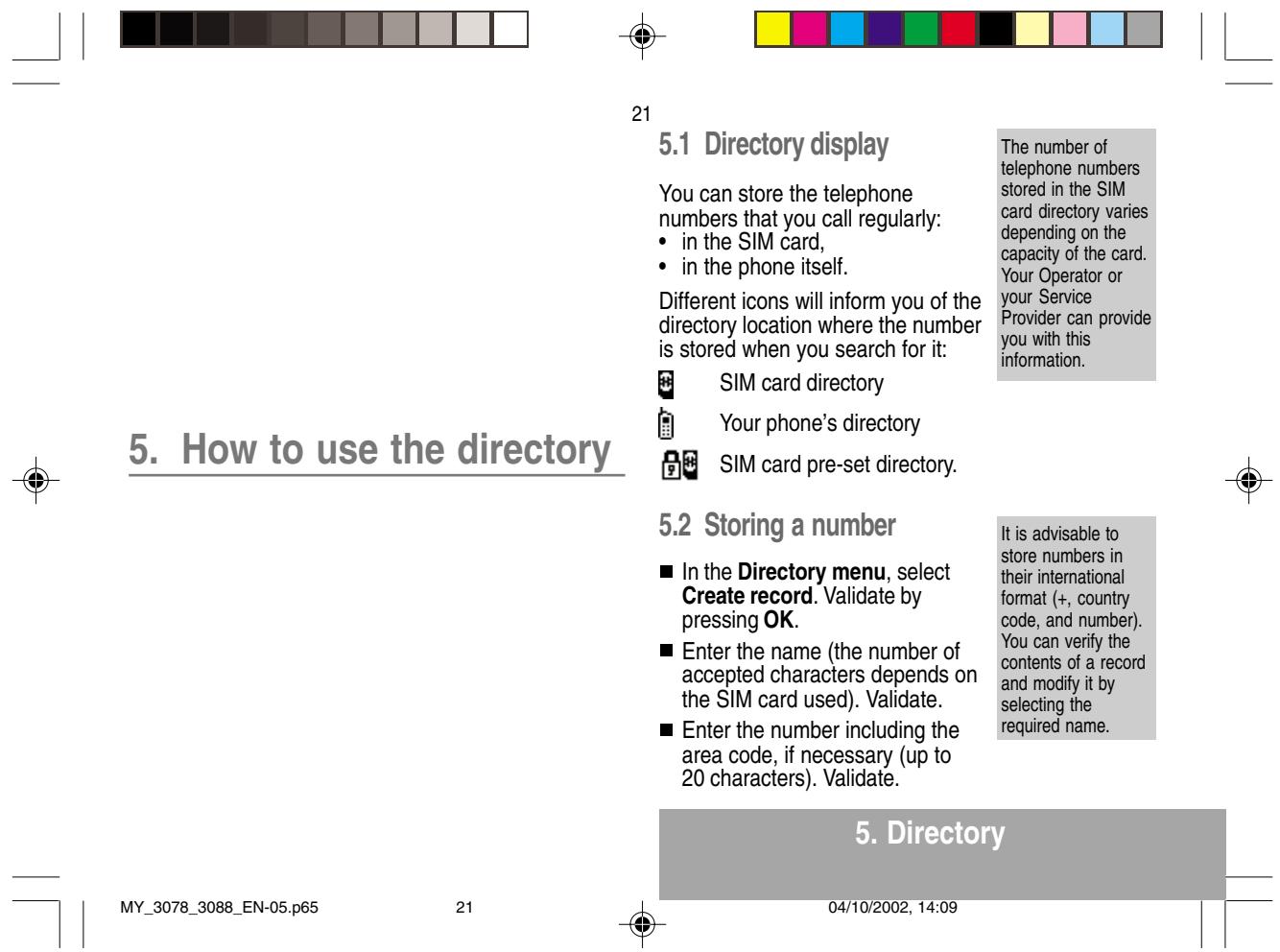
| You have just bought a mobile phone and we congratulate you on your choice. Your phone will allow you to use different international networks depending on the roaming agreements between the operators. We would like to remind you that this phone is approved to European standards. To get the most out of using your phone, we recommend that you read this manual carefully and keep it handy for future reference if needed. WARNING According to the configuration of the networks and associated subscriptions, certain functions may not be available (indicated by *). If an incompatible SIM card is inserted, a message will be displayed when switching on your phone. For further information, contact your Operator. The SAGEM logo and trademark are the property of SAGEM SA. AT is a registered trademark of Hayes Microcomputer products Inc. Hayes is a registered trademark of Hayes Microcomputer Products Inc. T9TM Text Input is a registered trademark of ©Tegic Communications Inc. T9 is licensed under one or more of the following U.S. Patents: 5,818,437, 5,953,541, 5,187,480, 5,945,928, 6,011,554 and additional patents are pending worldwide. MY_3078_3088_EN-00.p65 | 3 GLOSSARY Outgoing call Incoming call SIM card PIN PIN2 Phone code IMEI SMS Service provider or Operator | A call made from your phone. A call received by your phone. The card containing your subscription and access rights to services. The detachable part is the "micro-SIM". The personal code linked to your SIM card. The second personal code linked to your SIM card to access certain functions (*). The phone code is a secret code intended to protect the phone in case of theft. The identification number of your phone. Short Message Service: sending and receipt of text messages, icons, animated screen savers and melodies. Company which manages the network subscription. |



- Presentation of the phone 7
- Getting started 11
2.1 Information on the SIM card 11
2.2 Installing the SIM card and the battery 12
2.3Charging the battery 13
2.4 Switching on/switching off, starting up 14
2.5 Menu access 15
2.6 Deleting characters 15 - Initial communication 16
3.1 Making a call 16
3.2 Receiving a call 17
3.3 Volume control 17
3.4 Ending a call 17 - Menu list 18
- How to use the directory 21
5.1 Directory display 21
5.2 Storing a number 21
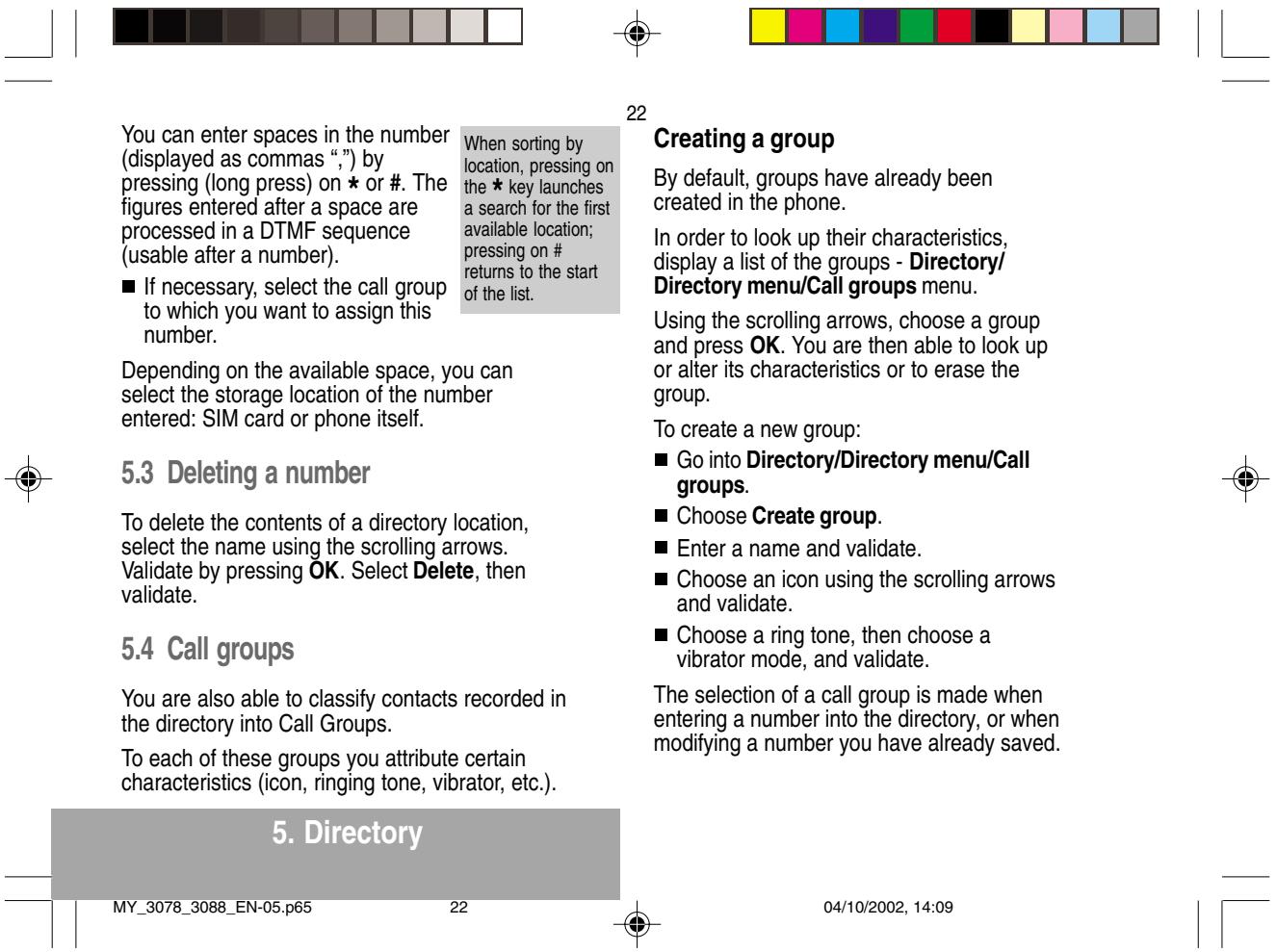
5.3 Deleting a number 22
5.4 Call groups 22
5.5 Sorting 24
5.6 Sending a short message to a stored number .. 24
5.7 Directory space memory 24
5.8 Displaying personal numbers 24
5.9 Making a call with a stored number 24
5
6.SMS 26
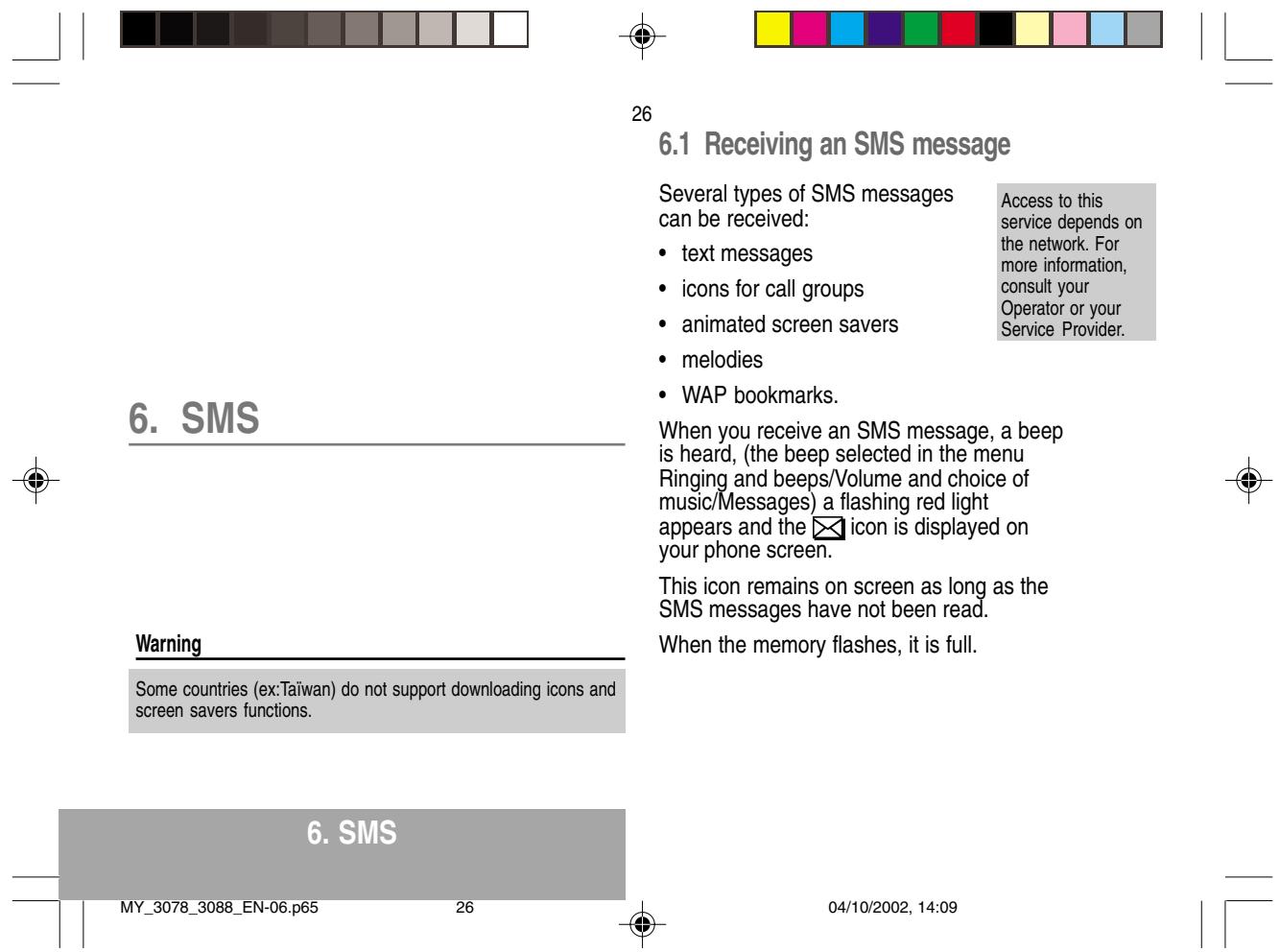
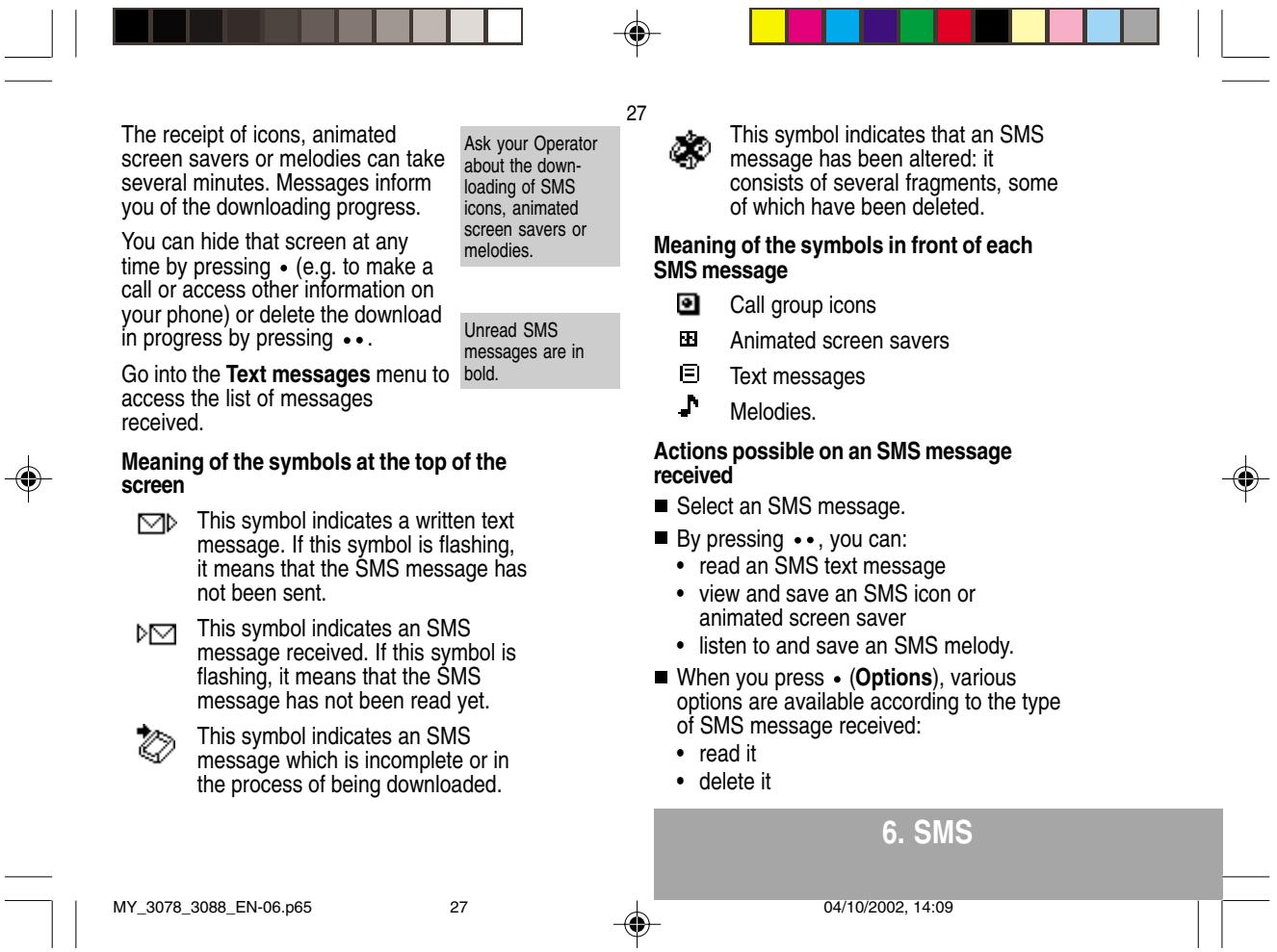
6.1 Receiving an SMS message 26
6.2 Editing a message using Easy Message T9™ .. 29
6.3 Edited messages 31
- How to use the call related features 32
7.1 Forwarding calls 32
7.2 Viewing the list of the last numbers used 33
7.3 Monitoring the duration and cost of calls (^*) 33
7.4 Displaying the numbers 34
7.5 Authorising double call 35
7.6 Configuring automatic radial 35
7.7 Voice mail number 35
7.8 Local information distribution 35
7.9 Replacing the international prefix 35
7.10 Placing calls on hold 35
7.11 Multi-conferencing (^) 36
- How to adjust the ringing tones and the vibrator . 37
8.1 Selecting the volume and the type of ringing tone 37
8.2 Call groups 38
8.3 Personalising the ringing tone 38
8.4 Setting the vibrator 38
8.5 Selecting silent mode 39
8.6 Setting the beeps 39
8.7 DeletingDTMF tones 39



- How to adjust and customize your phone 40
9.1 Customizing your phone 40
9.2 Selecting the display language 42
9.3 Select the type of response 42
9.4 Selecting the network 42
9.5 Setting the time and date 43
9.6 Controlling screen contrast 43
9.7 Converting currencies 44
9.8 Active flap 44
10.How to use the security features of your phone .. 45
10.1 Changing the PIN number 45
10.2 Changing the PIN2 number () 46
10.3 Changing the phone code 46
104 Changing the operator password (^) 47
10.5 Limiting incoming calls (^) 47
10.6 Limiting outgoing calls (^) 47
10.7 Setting up the pre-set directory (^) 48
10.8 Charge checking (^) 48
- Other functions 49
11.1 Calculator 49
11.2 Setting the alarm 50
11.3 Setting the timer 50
11.4 Data parameters 50
12.WAP Function Mobile Internet 51
13Games 54
6
- Available accessories 55
15.Upkeep 56
16.Recommendations 57
Answers to your questions 60
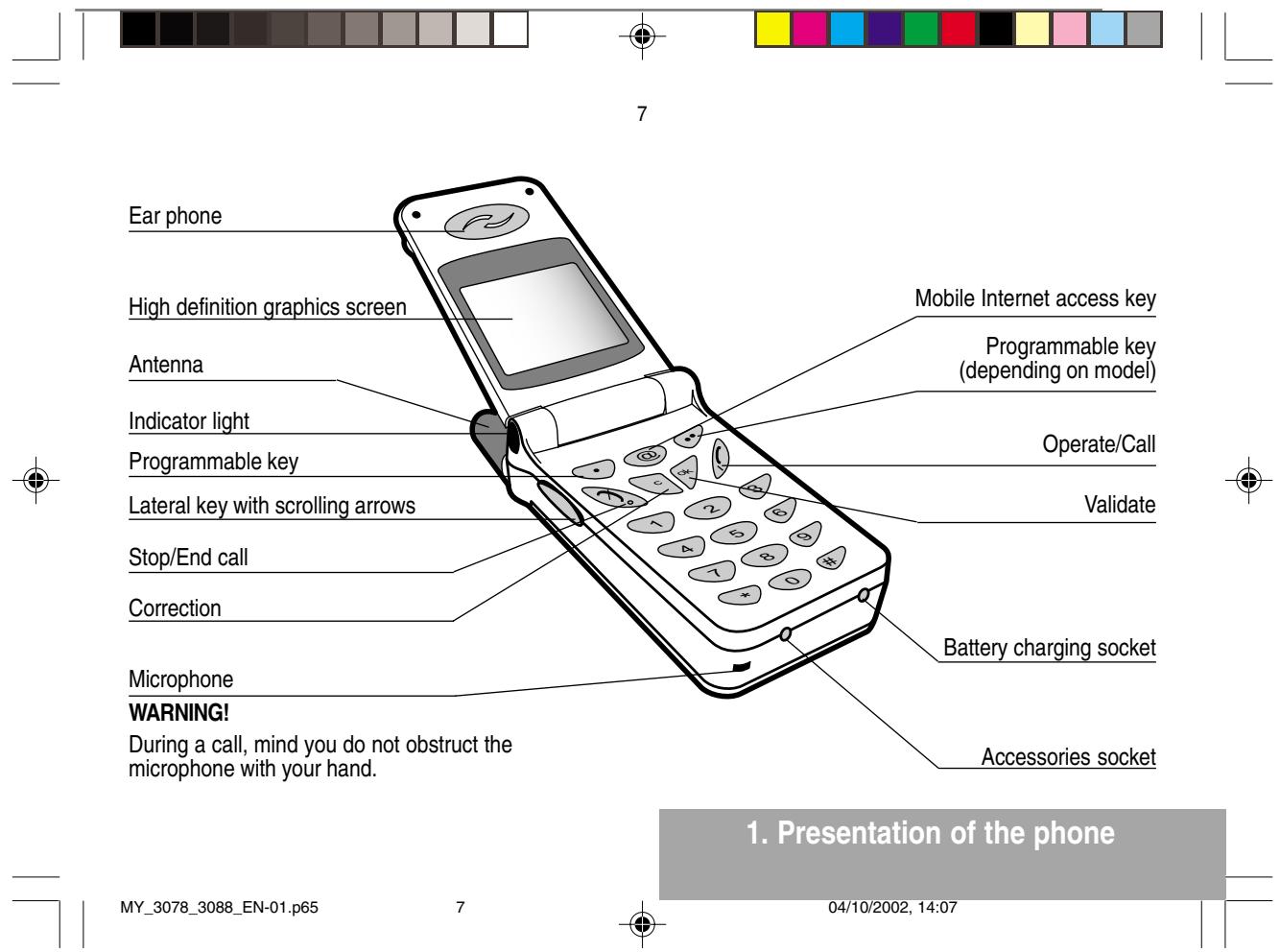

Function keys
Stop-Rejectacall-Hangup
Go-Callanumber-Receiveacall
C Short press: Return to the previous menu - Delete a character Long press: Exit menu mode - Complete deletion of the entry
OK Validate
- Programmable keys for direct access to the functions that you have selected (depending on model)
-
Contextual action
-
Mobile Internet access key
- Flap activation / deactivation
and Entry and scrolling through the menus.
- Volume control during conversation (▼ key: lower, ▲ key: louder)
1. Presentation of the phone

8
Alphanumeric keyboard
Made up of 12 keys: 0 to 9, and #.
To obtain a number or letter, hold down the relevant key until the desired number or letter appears.
Letters with accents are obtained by a long press on after entering the letter with no accent.
Punctuation marks and special symbols are obtained by a long press on the # key.
Key 1
A long press on key 1 allows you to access the voicemail service (depending on model).
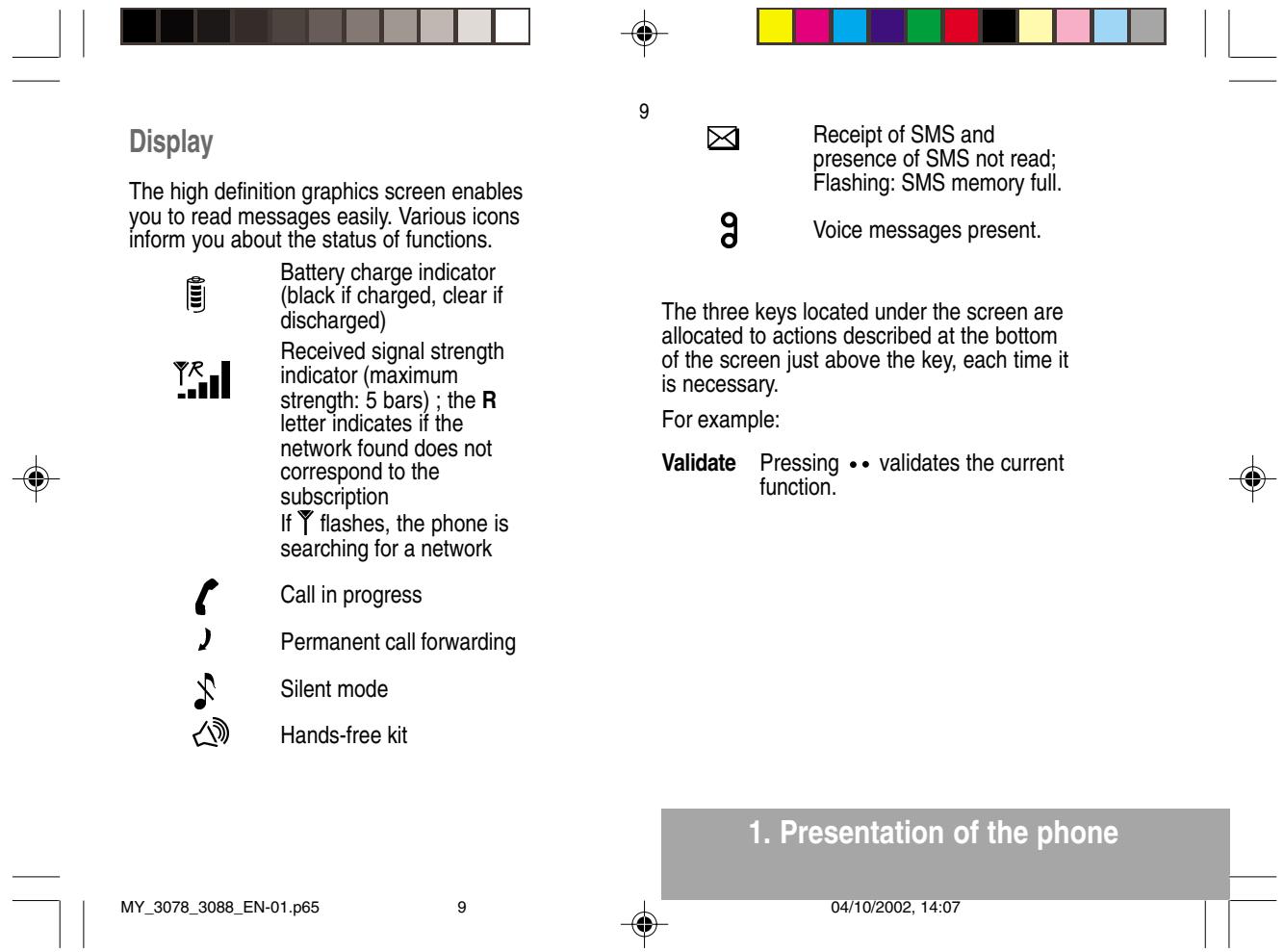
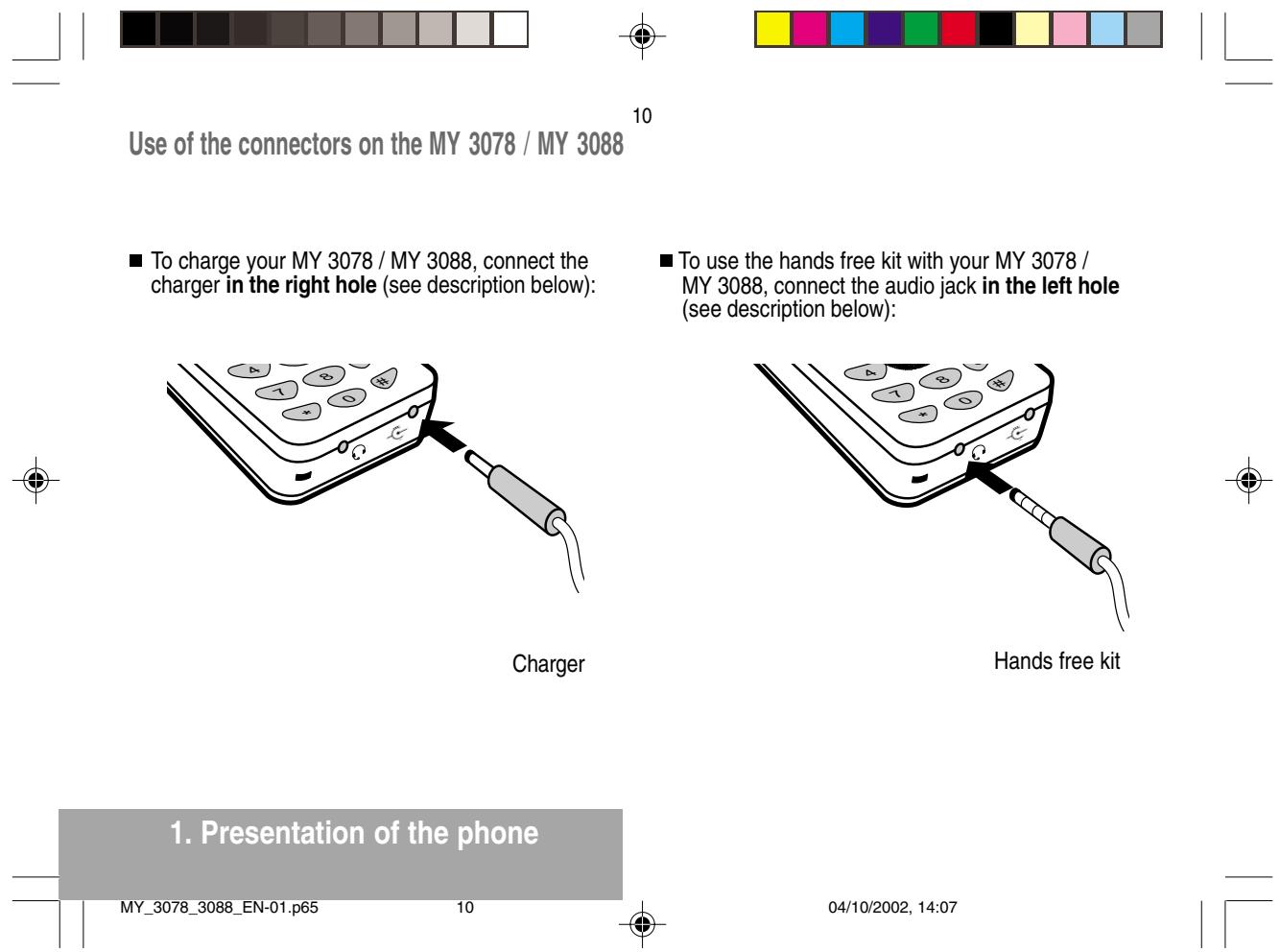
| MY_3078_3088_EN-02.p65 | 13 | 04/10/2002, 14:08 |
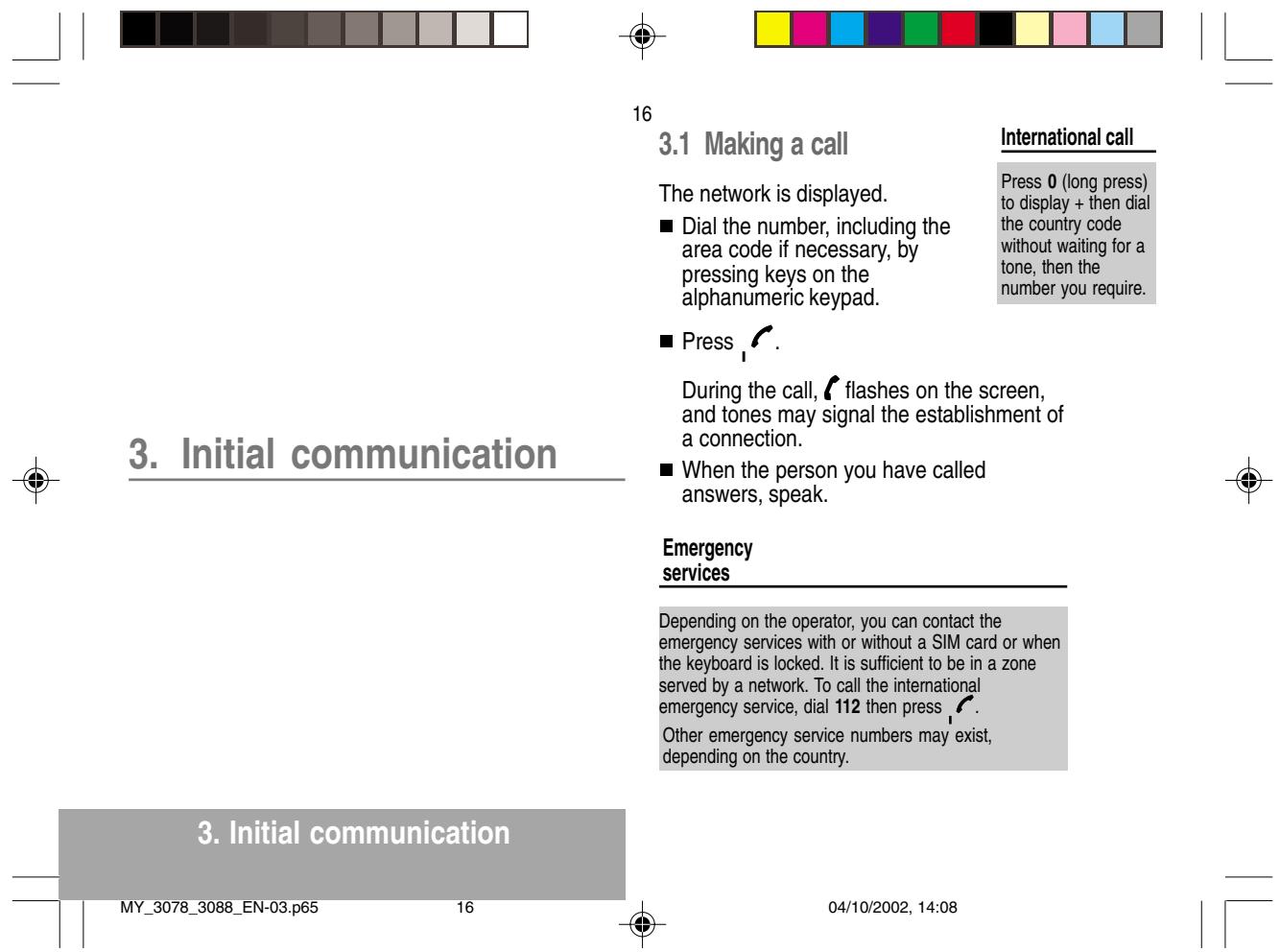
| 17 |
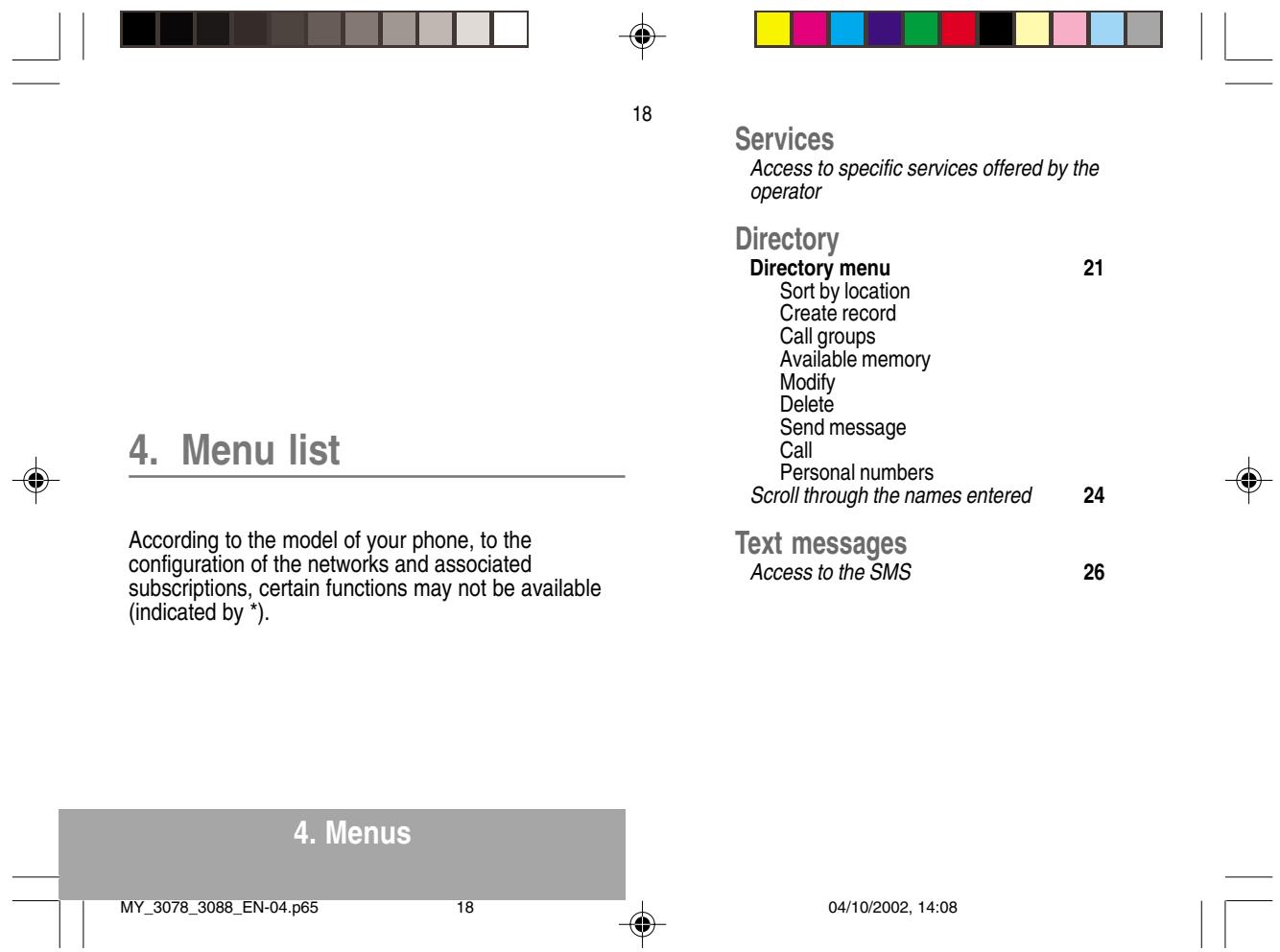
| Call services Call forwarding 32 All voice calls All conditional fwd Cancel voice forwards Forward if busy Forward if no answer Forward if unavailable Data forwarding Faxes forwarding View last numbers 33 Options Call Duration and cost of calls (*) 33 Counters Delete durations Costs (°) Delete costs (°) Display of duration Display numbers 34 Anonymous mode Your number Callers' number Double call Activation De-activation Status 35 | 19 Automatic radial 35 Voice mail number 35 Local information (°) 35 Replace "+" prefix (°) 35 Ringing and beeps Volume and choice of music 37 Call groups 38 Personalised ringing tone 38 Create a tune 38 Vibrate 38 Vibrate and ring Vibrate then ring Inactive vibrate Only vibrate Silent mode 39 Beeps 39 Keypad beeps Network beep Low battery beep Tones (°) 39 Controls Customization 40 Energy saving Screen Saver Greeting message (°) Prog. Key (°) |
| 20 | ||
| Select language | 42 | Incoming voice calls |
| Automatic response | 42 | Incoming data calls |
| Auto. answer | Incoming fax calls | |
| Any key | All incoming calls | |
| Network selection | 42 | Limit outgoing calls (*) 47 |
| Networks available | Outgoing voice calls | |
| Preferred networks | Outgoing data calls | |
| Setting time/date | 43 | Outgoing fax calls |
| Display contrast | 43 | All outgoing calls |
| Currency converter | 44 | Pre-set directory (*) 48 |
| Rapid exchange | Costs (*) 48 | |
| Exchange rate | Settings | |
| Currencies | Limitation | |
| Active flap | 44 | Accessories |
| Security | Calculator 49 | |
| PIN number | 45 | Alarm 50 |
| Modify | Timer 50 | |
| Control PIN | Data parameters 50 | |
| PIN2 number (*) | 46 | Games |
| Phone code | 46 | |
| Modify | ||
| Control phone code | ||
| Operator password (*) | 47 | |
| Limit incoming calls (*) | 47 |


Using T9 mode
Press the key corresponding to the letter required, compose the word by continuing to press the keys corresponding to the different letters, without worrying about the display, until the whole word is entered: it will appear in negative, white on black.
If the word proposed corresponds to the one you are looking for, press 0 to validate it, create a space and go on to the next word.
It is possible that there are several words in the dictionary that contain the same sequence of keys pressed. If the word that appears is not the one you want, press @ to scroll through the words present in the dictionary, corresponding to this sequence of keys. When you find the word you want, press 0 to validate, type a space and go on to the next word.
If the word that you want does not appear in the dictionary, several additional modes allow you to vary the nature of the words entered.
As you go along, depending on the keys pressed, the software looks in a dictionary for the corresponding words that are most frequently used.
6. SMS

30
Additional entry modes
The key selects one mode or another.
The 123 mode inserts numbers.
The Insert symbol mode displays a list of symbols and the figures from 0 to 9 that correspond to them.
To enter a symbol, simply type the number that appears above the character required, for example: 6 for ?. The symbol is inserted into the text and you return automatically to Easy Message T9TM mode. Several lists are accessible using the scrolling arrows.
The ABC mode enters words that do not exist in the dictionary or in another language. To obtain a letter, hold down the corresponding key. The letters and numbers scroll. Release the key when the required letter appears.
Capital letters
- You can type capital letters, by pressing the key before entering the relevant character. The following characters will automatically return to lowercase.


Call voice mail
- Validate Call voice mail.
When you press the key you will automatically call your mailbox number.
Text messages
- Validate Text messages.
- When you press the key you can read the short messages stored in the SIM card or in the phone itself.
View calls
- Validate View calls
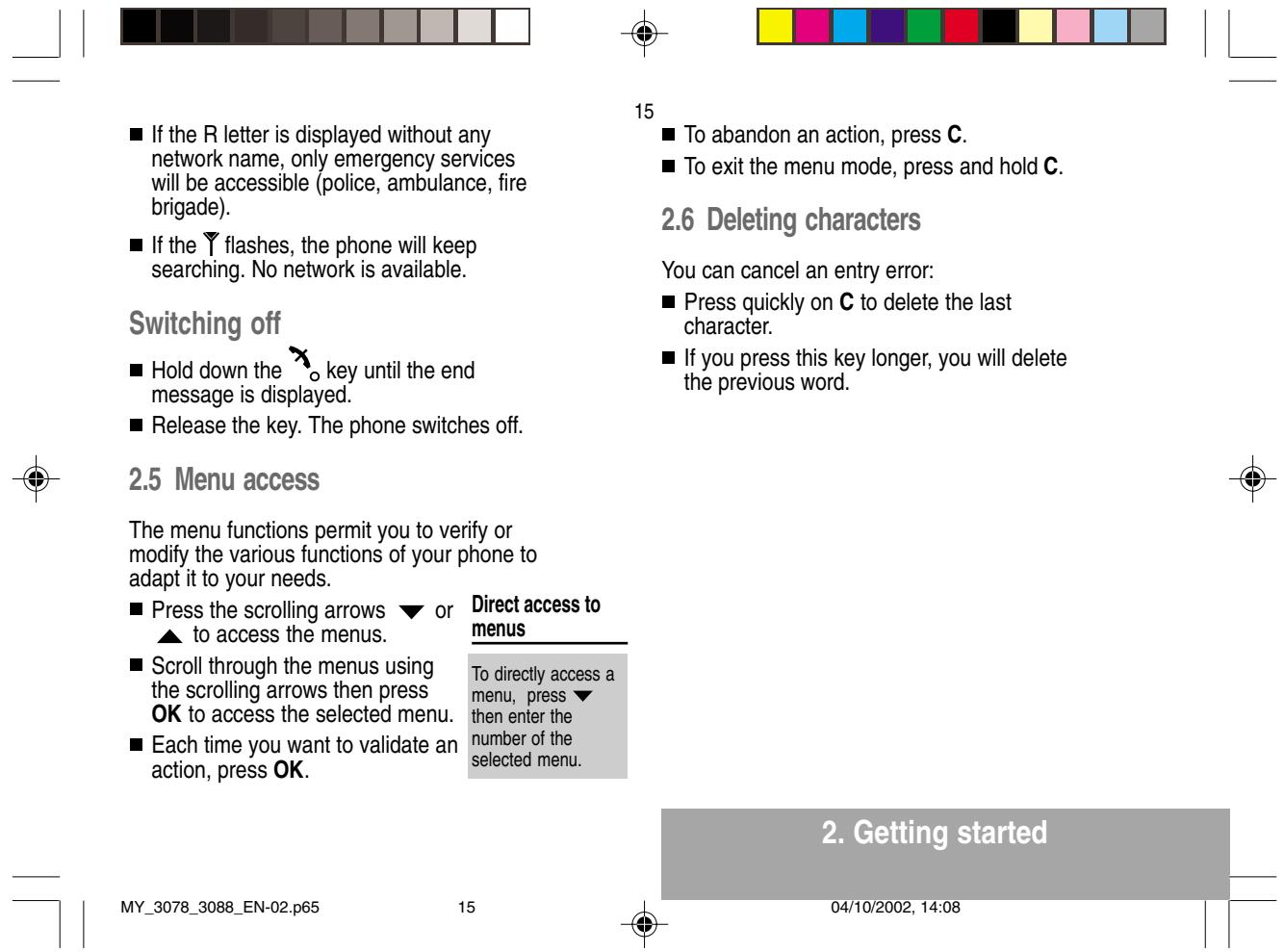
- When you press the key, you can view the list of the last calls made and received if available.
9.2 Selecting the display language
You can select the language in which you wish your phone display to operate:
Automatic selection. The display language will be that of your SIM card (if available).
- otherwise select the language of your choice using the scrolling arrows and validate by pressig OK.
9. Phone adjustment

42
9.3 Select the type of response
You can reply to a telephone call:
either automatically, if you have ticked the Automatic ans. box (for a hands free kit) and validated by pressing OK.
or by pressing any numeric key if you have ticked the Any key and validated by pressing OK.
9.4 Selecting the network
Every SIM subscription card can store an ordered list of preferred networks.
If the list has not been programmed, or if none of the networks on the list are available or authorised, the phone searches for an authorised network providing the highest level of signal.
■ If none of the available network is authorized, you can use your phone to make emergency calls only until a network connection can be re-established.
Network
When your home network is not accessible (abroad, for example), your phone automatically searches for another available and authorised network in the order of preference indicated by the list on the SIM card.

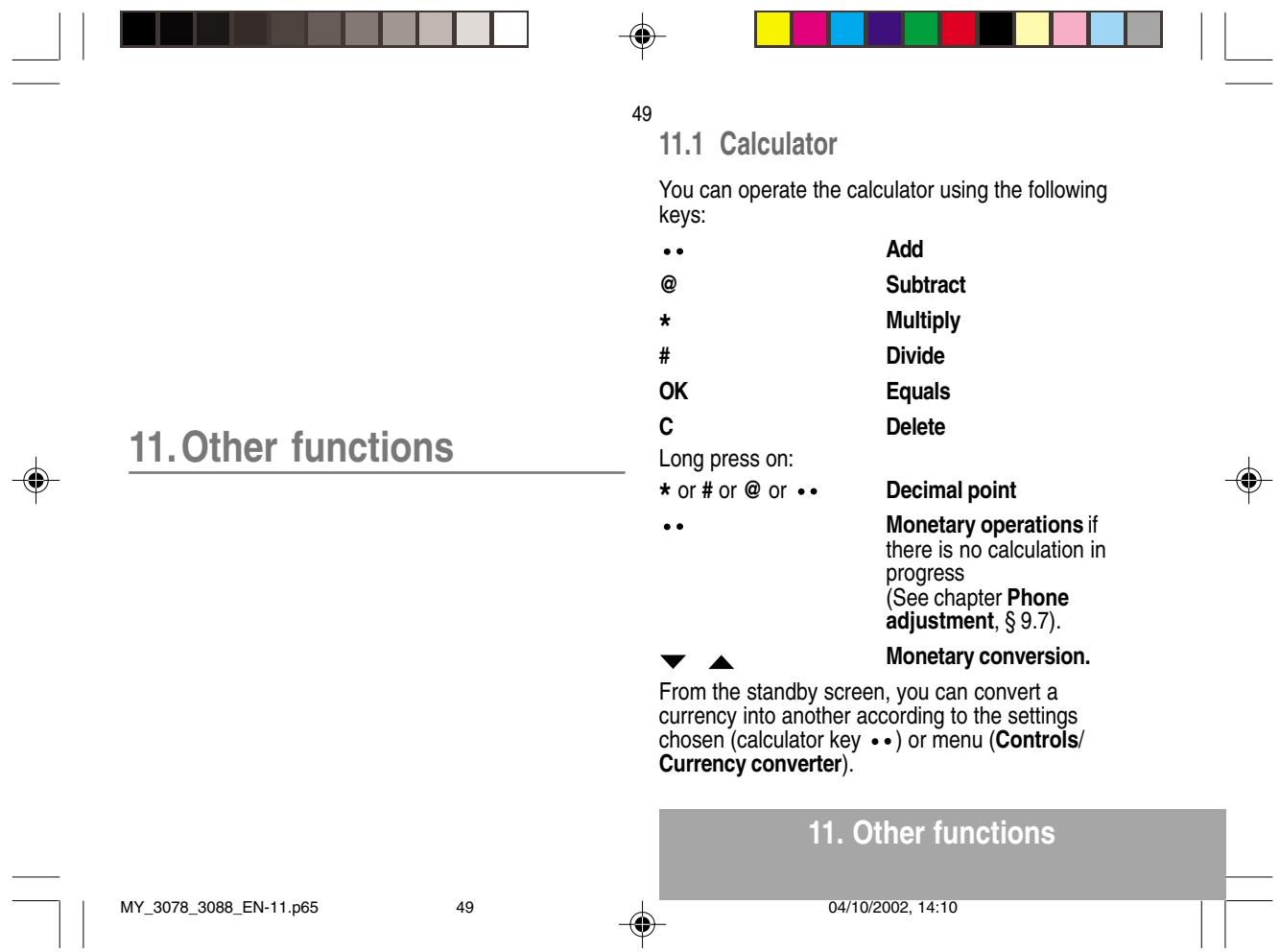
9.7 Converting currencies
This menu enables you to convert one currency into another. Using the scrolling arrows, you can select:
Rapid exchange
If you tick the Rapid exchange box, the converter will operate on the standby screen, enter the digits required and use the scrolling arrows to perform a conversion.
Exchange rate
Enter the conversion rate corresponding to the two selected currencies.
Currencies
- Enter the symbols of the two currencies to convert. A long press on C returns to the beginning of the line to enter them (if the symbols are already entered).


44
9.8 Active flap
By default, incoming calls will be answered by opening flap and terminated by closing flap.
Through Active flap menu, you will be able:
To choose not to answer incoming calls by unticking "On Opening" box.
To choose not to terminate current call by unticking "On Closing" box.
Press @ to tick or untick boxes.
Use lateral key to go from "On Opening" box to "On Closing" box.

9. Phone adjustment
MY_3078_3088_EN-09.p65
44
04/10/2002, 14:10
| Airplane safety In an airplane, your phone must be switched off to ensure that it does not interfere with the planes systems. Its use is illegal and you could be prosecuted or banned from using cellular networks in the future if you do not abide by these regulations. Areas containing combustibles It is advisable to switch your phone off in the vicinity of gas stations. Regulations limit the use of radio equipment in chemical factories, gas depots and any area where there are mines. You are advised to abide by these rules. Road safety Except in an emergency, do not use your phone when driving without a hands-free kit that enables you to maintain your freedom of movement. Always keep your eyes on the road when you are driving. To make a call, pull to the side of the road, then make your call. Abide by the current laws. 16.Recommendations MY_3078_3088_EN-16.p65 58 04/10/2002, 14:10 |

General precautions
- Do not attempt to open your phone and repair it yourself. The manufacturer cannot be held responsible for any damage/accident that may result from this.
- Any work carried out by non-authorised personnel will invalidate your warranty.
- Do not use your phone in damp areas (bathroom, swimming pool, ...). Protect it from water and other liquids.
- Do not expose your phone to extreme temperatures.
- Do not leave your phone within the reach of small children (certain removable parts may be accidentally ingested).
- Use your phone with original accessories, or your warranty will be rendered invalid.
- The physicochemical processes created by chargers impose temperature limits when charging the battery. Your phone automatically protects the batteries in extreme temperatures.
- Removing the battery may mean that the time is lost.

59
- You are strongly advised not to connect your phone to the charger if it doesn't contain a battery.
- To avoid the risk of demagnetisation, do not let electronic devices close to your phone for a long time.
Warning
The constructor cannot be held responsible if the above recommendations are not followed or if the phone is incorrectly used.
Note on downloading facilities
You can use your mobile phone to download ringing tones, icons and animated screen savers. Some of these items may contain data that causes your mobile phone to malfunction or to lose data (viruses for example).
Sagem declines all responsibility for (1) the reception of data that has been downloaded or loss of said data, (2) the consequences on the operation of the mobile phone and (3) damage resulting from the reception of said downloaded data or loss of said data. Moreover, Sagem draws attention to the fact that problems caused by the reception of downloaded data that does not comply with Sagem's specifications are not covered by the guarantee. Consequently, the cost of diagnosing and repairing mobile phones affected by said downloaded data will be charged to customers.
The software program developed by SAGEM remains the exclusive property of SAGEM SA. It is therefore highly prohibited to modify, translate, de-compile or disassemble this software program or any part thereof.
16. Recommendations

Answers to your questions
The telephone does not turn on
Remove the battery and then replace it.
or
- Connect the phone to the charger (check that this is plugged in) for approximately 30 minutes.
No network recognised
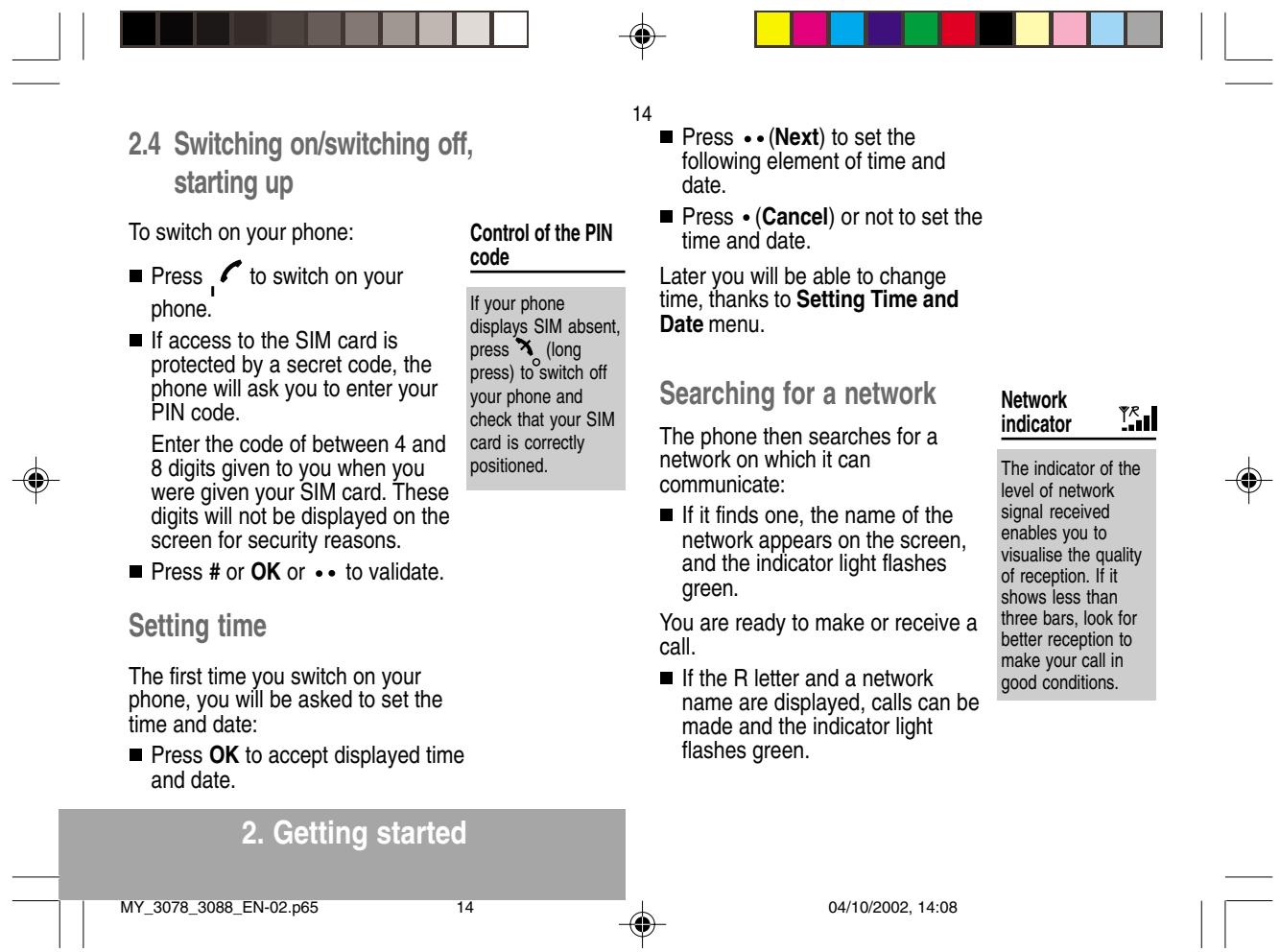
- Remove the SIM card. Check that there is no dust or grit in the SIM slot. Replace the SIM card being sure to push it right up to the stop point.
Calls to a messaging service or voice server do not get through
Check in the Ringing and beeps/Tones menu that the box is ticked.
Unable to turn the phone on
- Charge the phone for 30 minutes before turning it on.
Check the battery charging indicator: cycling: charging normally
Answers to your questions
MY_3078_3088_EN-QR.p65
60


60
not cycling: disconnect the charger, reconnect and then check the battery charging indicator: if it is still not cycling, disconnect the charger and re-connect several times.
If the battery is still not charging, contact the after sales service.
When the battery charging indicator is continuously on, the battery is fully charged.
Error message: BATTERY STATUS NOT KNOWN
The battery pack is not recognised by the phone. Check that the battery pack is correctly fitted in the phone.
Error message: LOW BATTERY
This message is displayed when the battery charge is too low. The phone turns off automatically. Charge the phone.
Error message: SIM NOT PRESENT
Check that the SIM card has been inserted correctly.
04/10/2002, 14:10


Examine the SIM card. If it is damaged, contact your mobile phone operator sales point. If the message is still displayed, contact the after sales service.
Error message: INCORRECT PIN
The PIN has been incorrectly entered. If the PIN is entered incorrectly three times, the SIM card is blocked.
Error message: SIM BLOCKED
The PIN has been incorrectly entered three times. Use your Personal Unblocking Key (PUK) to unblock the SIM card.
Enter:
05PUKPIN*PIN#
PUK: your PUK code supplied by your Operator.
PIN: your PIN code.
After 10 (or 5 depending on the type of SIM card) unsuccessful attempts, the SIM card is blocked permanently. You must then contact your Operator to get a new card.

61
Error message: SIM LOCKED
The Operator may require certain types of SIM card to be used. This message indicates that the SIM card is not accepted.
- Remove the SIM card and turn the phone on again. If you get the SIM not present error message, check with your phone dealer whether your SIM card is compatible. Otherwise, contact the after sales service.
The phone display does not change
Press a key. If nothing is displayed, check the position of the SIM card. If the problem continues, contact the after sales service.
No connection made
Check the form of the number called.
- Check that there is at least one field strength dot showing. If R is displayed but there is no mobile phone operator name, only emergency calls are allowed.
- Check that you have not used all your credit with the mobile phone operator.
Check that the SIM card provides the service you required and that it has not expired.
Answers to your questions
| 62 ■ Check and, if necessary, disable the outgoing call lock. ■ The network is saturated. Please try later. ■ If you still have problems getting a connection, contact the Hotline. Unable to receive calls ■ Try to make a call to check that the phone and the network are operational. ■ Check and, if necessary, disable the permanent call redirection (permanent call redirection icon displayed). ■ Check and, if necessary, disable the incoming call lock. ■ If you still have problems receiving calls, contact the Hotline. Cannot send messages ■ Check that the SIM card provides this service. ■ Check that the message server is correctly set up. ■ Try to make a call to check that the phone and the network are operational. ■ Try sending the message later. | No voice box ■ Check that the SIM card provides this service. ■ Set up the redirection to the voice box using the information provided by the Operator. |
| Answers to your questions | |
| MY_3078_3088_EN-QR.p65 62 | 04/10/2002, 14:11 |
SAGEM SA
MOBILE PHONES DIVISION
Public Limited Company with an Executive Board and a Supervisory Board
with capital of € 36,044,360 - 562 082 909 RCS PARIS
- 6
- Function keys
- OK Validate
- Presentation of the phone
- Alphanumeric keyboard
- Key 1
- Using T9 mode
- SMS
- 30
- Additional entry modes
- Capital letters
- Call voice mail
- Text messages
- View calls
- Selecting the display language
- Phone adjustment
- Select the type of response
- Selecting the network
- Network
- Converting currencies
- Rapid exchange
- Exchange rate
- Currencies
- Active flap
- General precautions
- 59
- Warning
- Recommendations
- Answers to your questions
- The telephone does not turn on
- No network recognised
- Calls to a messaging service or voice server do not get through
- Unable to turn the phone on
- 60
- Error message: BATTERY STATUS NOT KNOWN
- Error message: LOW BATTERY
- Error message: SIM NOT PRESENT
- Error message: INCORRECT PIN
- Error message: SIM BLOCKED
- 61
- Error message: SIM LOCKED
- The phone display does not change
- No connection made
- SAGEM SA
- MOBILE PHONES DIVISION
Brand : SAGEM
Model : MY3088
Category : Mobile Phone