BSPORT-B2-N-A-R - Smartwatch BRIGMTON - Free user manual and instructions
Find the device manual for free BSPORT-B2-N-A-R BRIGMTON in PDF.


User questions about BSPORT-B2-N-A-R BRIGMTON
0 question about this device. Answer the ones you know or ask your own.
Ask a new question about this device
Download the instructions for your Smartwatch in PDF format for free! Find your manual BSPORT-B2-N-A-R - BRIGMTON and take your electronic device back in hand. On this page are published all the documents necessary for the use of your device. BSPORT-B2-N-A-R by BRIGMTON.
USER MANUAL BSPORT-B2-N-A-R BRIGMTON
natural_image
Abstract curved shape with a white ring and black outline, no text or symbols present.BRIGMTON
surfing technology
natural_image
Line drawing of a wristband device with buttons and ring (no text or symbols)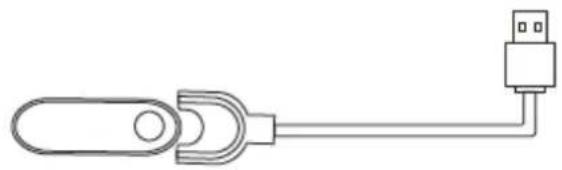
natural_image
Pure electrical connector diagram without any text, numbers, or symbolsANDROID

IOS
natural_image
Abstract curved white shape on white background, no text or symbols presentBRIGMTON
surfing technology
natural_image
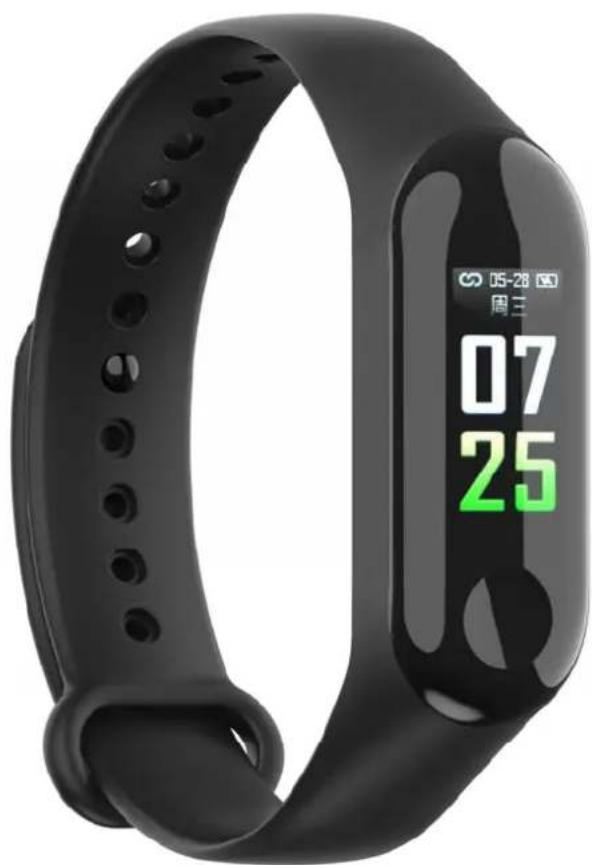
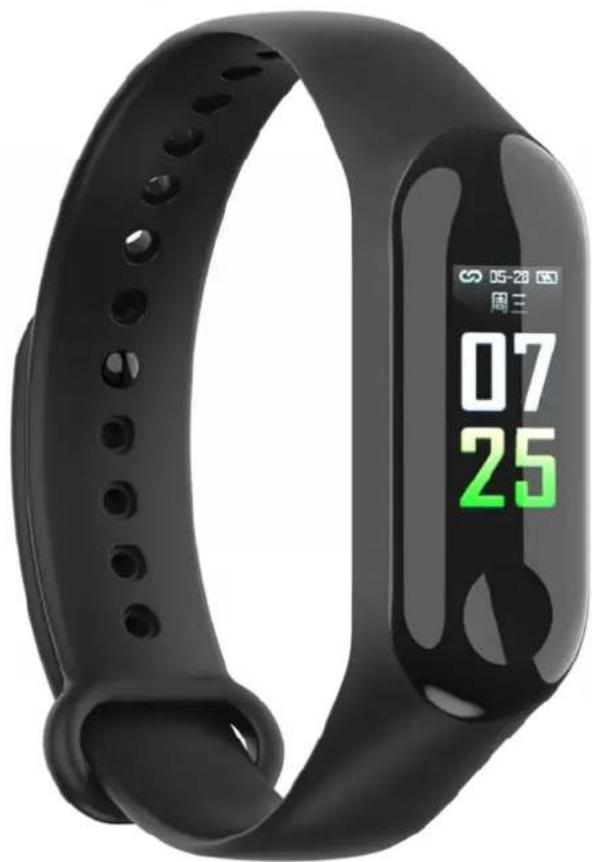
Black fitness tracker with digital display showing time 07:25 (no text or symbols on the device itself)INSTRUCTION MANUAL
SPORT BRACELET - BLUETOOTH
Charge the battery completely before first use. Remove the center part of the bracelet and connect the charger as indicated.
natural_image
Line drawing of a wristband device with circular buttons and textured grip (no text or symbols)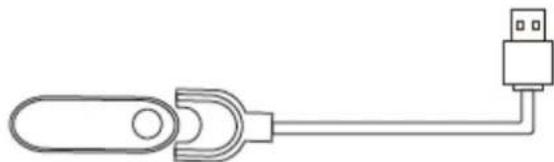
natural_image
Simple line drawing of a USB connector with a port and cable (no text or symbols)The sensor should be in contact with the skin when measurements are taken. Always keep the sensor part clean.
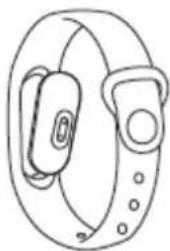
Adjust the bracelet as indicated:
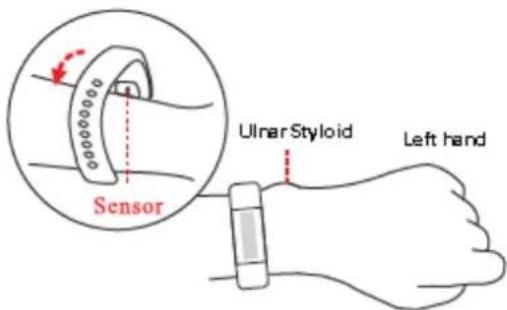
Press and hold the button to turn on. In the initial screen of the watch if you keep pressing you can change the style of the watch.
By turning the wrist to see the bracelet, the screen will turn on automatically.
HOW TO USE
APPLICATION
Scan the code and download the Flagfit 2.0 application:

ANDROID

IOS
Before using for the first time, pair the bracelet and your phone. Open the application and look for your bracelet. It will automatically pass the information every time it is connected. Configure the parameters requested in the application.
Once you connect the wristband to your phone through the application, select your language and the wristband will auto configure in your language.
STEPS
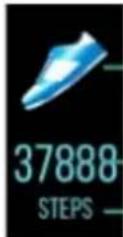
Indicates the number of steps, the distance traveled and the unit of measurement.
DISTANCE
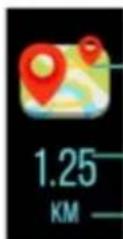
Indicates the number of km traveled.
CALORIES
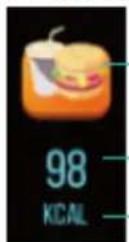
Based on the number of steps, height and weight, calculate the number of calories burned.
CARDIAC RHYTHM MONITOR
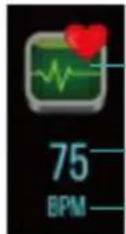
Select this function and the measurement will start automatically. If they are kept in that function the battery will be reduced more quickly.
TENSION
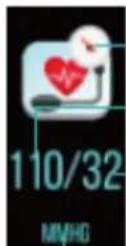
Select this function and the measurement will start automatically. If they are kept in that function the battery will be reduced more quickly.
SPORTS
Press and hold to enter the sub-menu and select the desired sport: Rope-Swimming-Table Tennis-Tennis-Badminton. To confirm the sport press again and the measurement will begin. Press and hold again to stop.
MESSAGE
Press and hold to access notifications of messages such as WhatsApp, Twitter, SMS, etc.
FUNCTIONS
Press and hold to access other functions:
- Search mode: Press and hold to access the "find the device" function.
- Information: Press and hold to get information about the firmware.
Restart: Press and hold to reset the parameters.
Close-Off: press and hold to turn off the device.
"Features can change without notice"
BRIGMTON
surfing technology
IMPORTED
FERSON ELECTRÓNICA, S.A.
CIF: A-41111881
SANTA CLARA DE CUBA 12
SEVILLA
ESPAÑA
DECLARATION OF CONFORMITY
Ferson Electrónica, S.A. declares under our responsibility that the equipment meets the requirements indicated in the following directives:
ECM DIRECTIVES
EN55032-2015
EN55024:2010/A1:2015
EN61000-3-2:2014
EN61000-3-3: 2013
EN50581:2012
EN62321: 2008
EN14582: 2007
IEC62321-4-5:2013
EPA3540C:1996
EPA8270D: 2007
EN14372:2004
Description of apparatus:
Model BRIGMTON BSPORT-B2
Wireless device

BRIGMTON
surfing technology