BML-16-A - Speaker BRIGMTON - Free user manual and instructions
Find the device manual for free BML-16-A BRIGMTON in PDF.


User questions about BML-16-A BRIGMTON
0 question about this device. Answer the ones you know or ask your own.
Ask a new question about this device
Download the instructions for your Speaker in PDF format for free! Find your manual BML-16-A - BRIGMTON and take your electronic device back in hand. On this page are published all the documents necessary for the use of your device. BML-16-A by BRIGMTON.
USER MANUAL BML-16-A BRIGMTON
natural_image
Abstract black circular logo design with curved lines (no text or symbols)BRIGMTON
surfing technology
natural_image
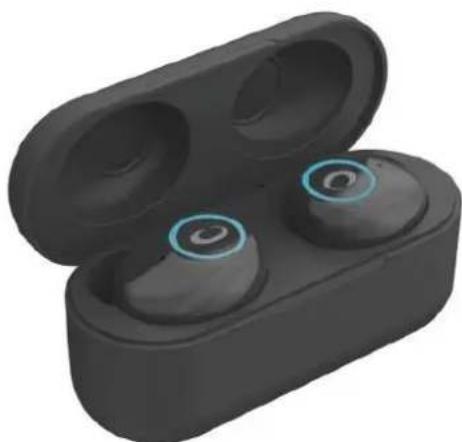
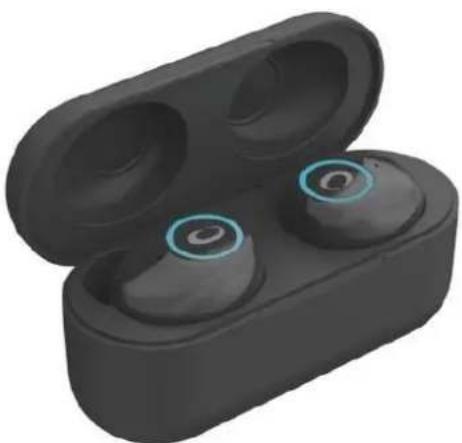
Black wireless earbuds with blue circular ear filters, open to reveal the case (no text or symbols visible)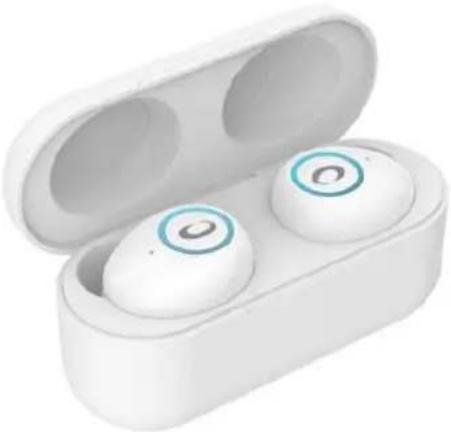
natural_image
White wireless earbuds with two buttons, open to reveal the case (no text or symbols visible)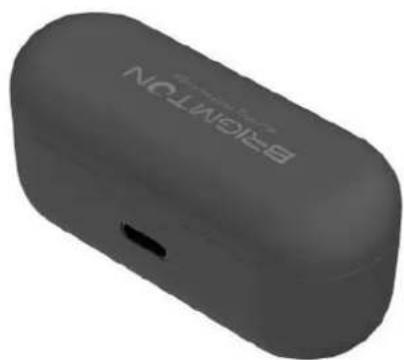
natural_image
3D rendering of a black wireless earbuds with 'BEETON' branding on the front face (no additional text or symbols visible)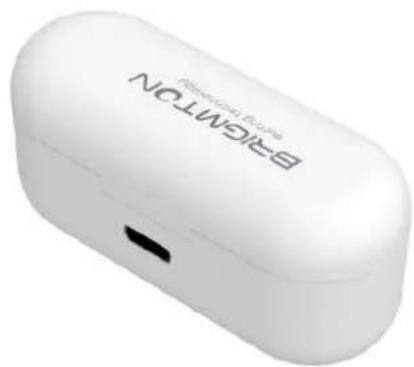
natural_image
White wireless earbuds with 'BRIGHTON' branding and a black port, no visible text or symbols beyond the label.natural_image
Black wireless earbuds with three red dots on the front panel (no text or symbols visible)natural_image
Black wireless earbuds with three colored dots on a white background (no text or symbols visible)natural_image
Black wireless earbuds with a red indicator light on the front panel (no text or symbols visible)natural_image
Black wireless earbuds with a small blue indicator light on the front panel (no text or symbols visible)natural_image
Black wireless earbuds with two red dots on the front face (no text or symbols visible)natural_image
Black wireless earbuds with two blue dots on front (no text or symbols visible)natural_image
Abstract black circular logo design with curved lines and a triangular shape (no text or symbols)BRIGMTON
surfing technology
natural_image
Black wireless earbuds with blue circular highlights, open to reveal the case (no text or symbols visible)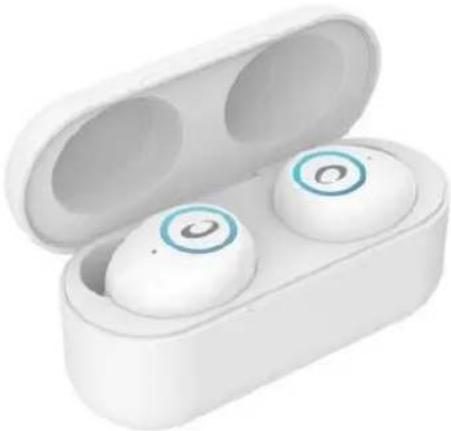
natural_image
White wireless earbuds with blue circular buttons, open to reveal the case (no text or symbols visible)
natural_image
3D rendering of a black wireless earbuds with 'EIGHTON' branding on the front face (no additional text or symbols visible)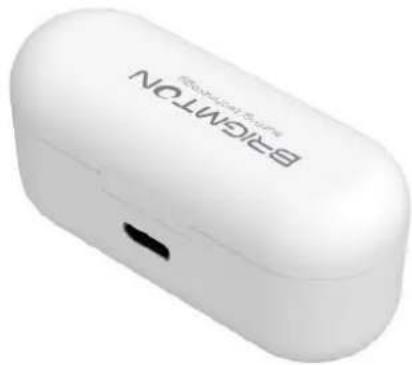
natural_image
White wireless earbuds with 'BRIGHTON' branding and a black port, no visible text or symbols beyond the label.INSTRUCTION MANUAL
BLUETOOTH EARPHONE
BML-16-B-N-A-R
CONTROLS AND ADJUSTMENT
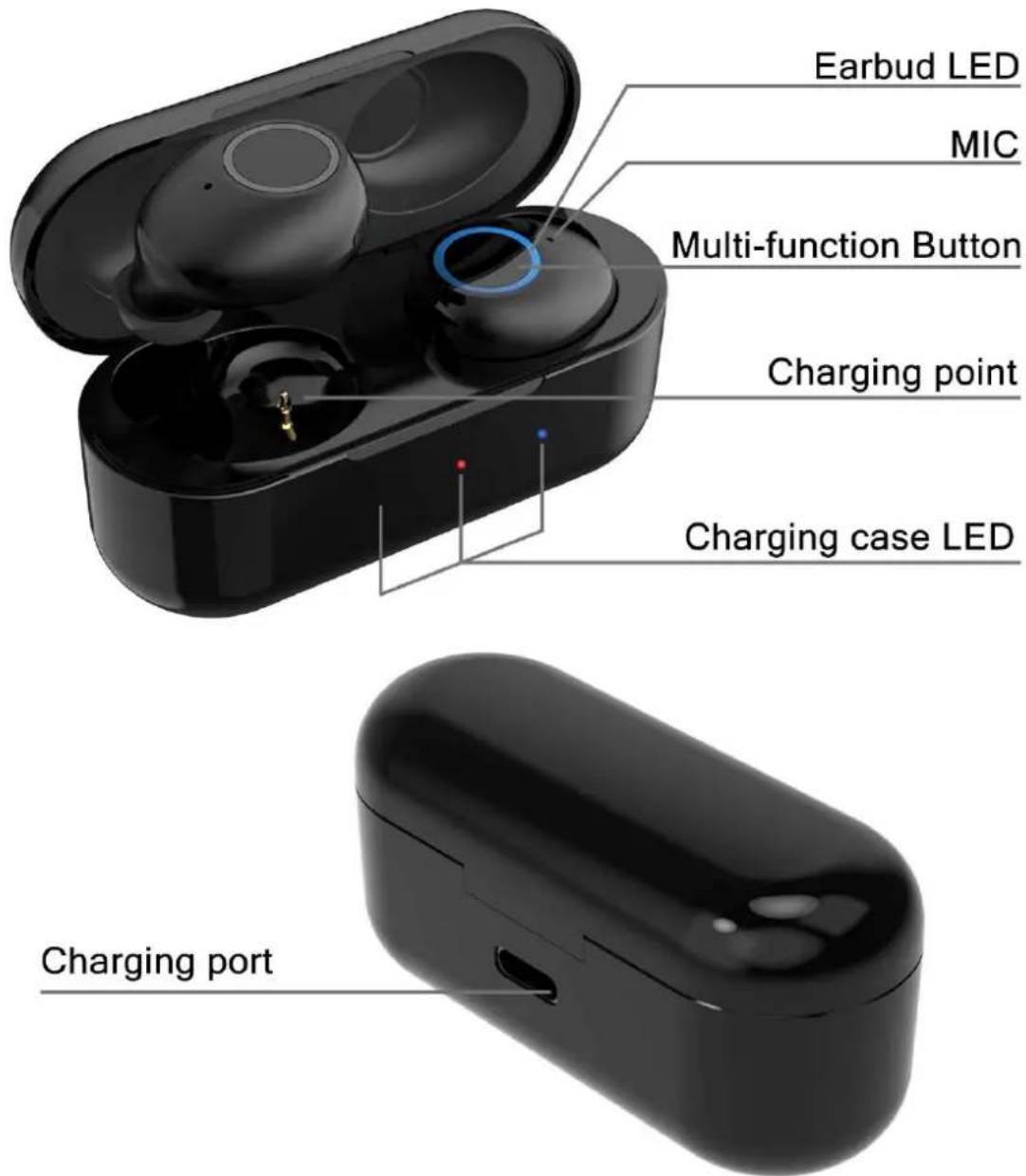
PLAYING
BATTERY CHARGE
Before first use make sure that both the headset and the charging base are fully charged.
- Make sure the headphones are properly connected in place.
- Close the cover of the charging base, connect the box to a power outlet.
- When you see the 3 red lights (left, middle and right) at the base of the load.
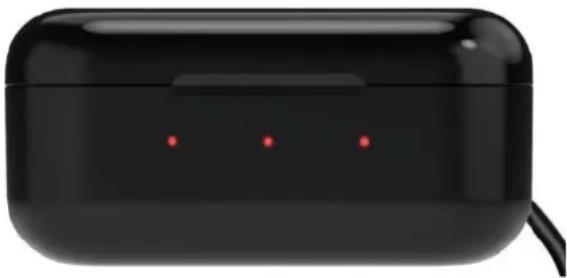
natural_image
Black wireless earbuds with three red dots on a white background (no text or symbols visible)- When the headphones are fully charged, blue-red-blue will be displayed:
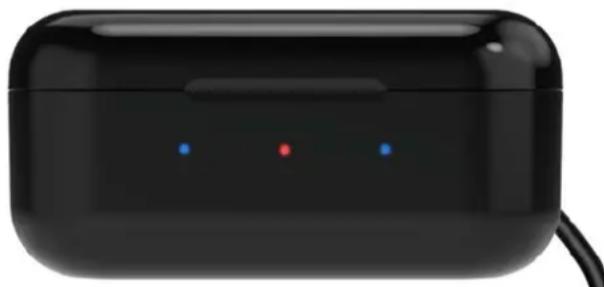
natural_image
Black wireless earbuds with three small dots on the front panel (no text or symbols visible)After 10 seconds, the blue lights will disappear and only the base will remain in charge, with only a red light appearing:
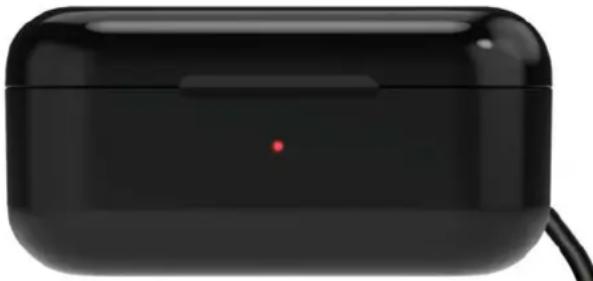
natural_image
Black wireless earbuds with a red dot on the front panel (no visible text or symbols)When the light in the middle turns blue, the base will be charged:
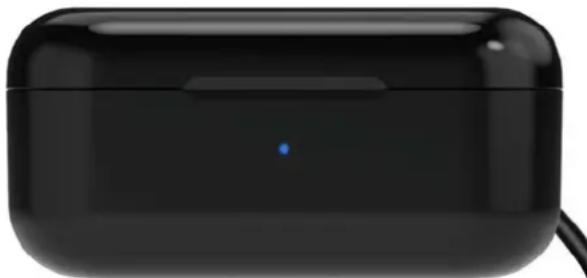
natural_image
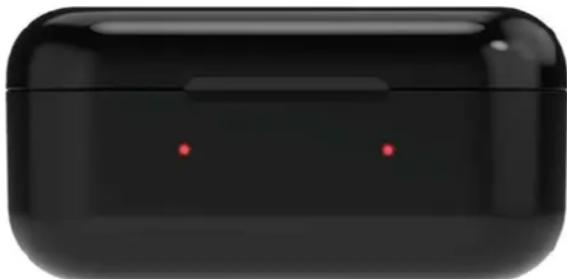
Black wireless earbuds with a small blue indicator light on the front panel (no text or symbols visible)The charging base works like a "power bank" so you can charge the headphones an average of 4/5 times per charge. Position the headphones correctly inside and close the lid. Two red lights will be displayed indicating that the headphone batteries are being charged:
natural_image
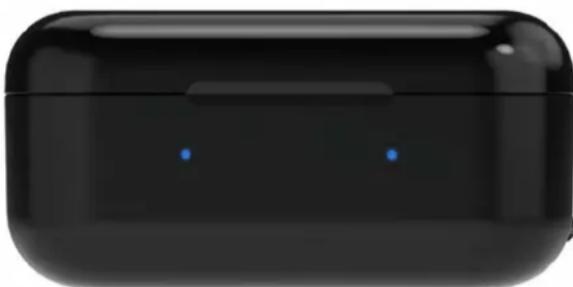
Black wireless earbuds with two red dots on the front face (no text or symbols visible)Once they are fully charged, the lights will be shown in blue:
natural_image
Black wireless earbuds with two blue dots on front (no text or symbols visible)The blue lights will be turn off after 10 seconds.
NOTES: If you do not use the headphones for a long period of time, charge the base and headphones at least once every 3 months. Unplug the charger once they are charged.
SWITCHED ON
To turn on the headphones, open the base cover. They will turn on and connect automatically. To turn them on from the off position press for 3 seconds each of the buttons on each handset. It will light blue.
To turn off the headphones, place the headphones in the base and close the lid. If they are on and you want to turn them off, press each of the buttons on each headset for 5 seconds. They will light red.
PAIRED UP
A. Match 2 headphones:
-
Open the base cover and pull out the headphones will be paired with each other emitting a blue light.
-
Connect the bluetooth of your device, search and click on the model and the headphones will connect with your device.
NOTE: If one of the headphones has the battery low and is disconnected, you can charge that headset separately in the charging cradle.
NOTE: When you have paired the two headphones with one device, if you turn off one, the other will automatically turn off.
B. Match 1 headset only:
-
Open the lid of the charging case, remove only one of the headphones and close the lid of the cargo box. You can also take out the two headphones and turn off one by pressing the desired headset for 5 seconds.
-
Open the bluetooth of your device, search and click on the model. That single headset will connect to your device.
NOTE: If you only use the left earphone, you can use the left button to raise and lower the volume and pass the tracks. If you only use the right earphone, you can use the right button to raise and lower the volume and pass the tracks.
OTHER FUNCTIONS
Music: To play or pause a song, press on any of the two headphones.
Volume:
+: Quick press 2 TIMES the left button.
-: Quick press 3 TIMES the left button.
Tracks: To pass the track:
Next: Quick press 2 TIMES the right button.
Previous: Quick press 3 TIMES the right button.
Calls: When a call comes in, click on any of the buttons to pick up. To reject a call, press and hold any of the buttons for two seconds. To hang up during the call, press on any of the two buttons.
Activate Siri / Others: Press and hold for two seconds.
Each action will be marked with a "beep" sound.
SECURITY / WARNING
-
Keep the device away from extreme heat, humidity or corrosive environments.
-
Please prevent the device from hitting or falling, misshapen, get wet, etc.
-
Do not disassemble the headphones or charging cradle.
-
Please do not overload the device for a long time, since decrease battery life.
-
Please stop using the device immediately if it causes discomfort or pain.
-
Use certified DC-5V / 1A chargers / adapters.
The recharging and unloading of the headphones repeatedly will decrease the performance of the battery over time, which is normal.
"Features can change without notice"
BRIGMTON
surfing technology
IMPORTED
FERSON ELECTRÓNICA, S.A.
CIF: A-41111881
SANTA CLARA DE CUBA 12
SEVILLA
ESPAÑA
DECLARATION OF CONFORMITY
Ferson Electrónica, S.A. declares under our responsibility that the equipment meets the requirements indicated in the following directives:
ECM DIRECTIVES
EN 60950-1:2006+A11:2009+A1:2010+A12:2011+A2:2013
IEC 60950-1
ETSI EN 300 328 V2.2.0 (2017-11)
ETSI EN 301 489-1 V2.2.0 (2017-03)
ETSI EN 301 489-17 V3.2.0 (2017-03)
EN 55032:2015
EN 55035: 2017
EN 62479: 2010
EU2015/863
Description of apparatus:
Model BRIGMTON BML-16
EARPHONES
CE
BRIGMTON
surfing technology