
HPX-B200 - Unspecified AMX - Free user manual and instructions
Find the device manual for free HPX-B200 AMX in PDF.


| Product Type | Touch Panel |
| Display Size | 7 inches widescreen |
| Resolution | 1024 x 600 pixels |
| Touch Technology | SmoothTouch resistive glass overlay |
| Connectivity | Wired Ethernet, PoE (802.3af), Bluetooth, USB |
| Audio | Intercom, VoIP, streaming |
| Video | Full motion streaming video (M-JPEG) |
| Processor | Quad-core (est.) |
| Memory | 512 MB RAM |
| Storage | 4 GB flash |
| Power | PoE (Power over Ethernet) |
| Dimensions (H x W x D) | 4.5 in x 7.375 in x 0.1875 in (11.4 cm x 18.7 cm x 0.48 cm) |
| Weight | Approx. 0.5 lb (0.23 kg) |
| Operating Temperature | 0°C to 40°C (32°F to 104°F) |
| Certifications | FCC, CE |
| Warranty | 2 years |
| Accessories Included | Mounting kit, power injector (if PoE switch not used) |
| Control System | Compatible with AMX NetLinx controllers |
| Energy Saving | Up to 82% energy savings with RMS integration |
| Cleaning & Maintenance | Wipe with a soft, dry cloth; avoid liquids |
| Safety | Use only with PoE; keep away from moisture |
| Spare Parts | Contact AMX support for replacement parts |
Frequently Asked Questions - HPX-B200 AMX
User questions about HPX-B200 AMX
0 question about this device. Answer the ones you know or ask your own.
Ask a new question about this device
Download the instructions for your Unspecified in PDF format for free! Find your manual HPX-B200 - AMX and take your electronic device back in hand. On this page are published all the documents necessary for the use of your device. HPX-B200 by AMX.
USER MANUAL HPX-B200 AMX
Enova DVX Models and Comparison Chart....8-9
Enova DVX-3156HD 10-11
Inside SmartScale Technology 12-13
DIGITAL MEDIA SWITCHERS
DXLink Fiber and Epica DGX 288 Fiber 14-15
Enova DGX Digital Media Switchers 16-19
Enova DGX / DXLink Board Options Chart....20-21
Enova DGX Resources....22-23
DXLink Twisted Pair, DXLink Fiber, DXLink Power....24-29
DEVICE CONTROL
NetLinx Integrated Controllers and Comparison Chart....30-31
ICSLan Device Control Boxes 32-33
ENERGY MANAGEMENT
Power Distribution Unit.... 34-35
BMS/Energy Management 36-37
SOFTWARE
Resource Management Suite Enterprise....38-41
Rapid Project Maker (RPM) 42-43
SALES AND PROGRAMS
AMX Showrooms 44-45
InConcert Partnership Program 46-47
US Commercial / Residential Sales 48-49
Global Sales Contacts ....50-51

infoComm®
NSCA EDUCATION FOUNDATION

NSCA BUILDING CONNECTIONS

AIA

© 2013 AMX. A rights reserved. AMX does not assume responsibility for errors or omissions.
AMX, AMX Device Discovery, CalPro, DXI ink, Funva, Faica, HydraPort, InspiredSignage, IntConcert, InstaGale Pro, Melreau, Mio, Modero, Modern X Series, Modero S Series, NetLinx, Network Media, Novara, Precis, Rapid Project Maker Driver Design, Resource Management Suite, RMS, RMS Enterprise, SmartScale, SmoothTouch, Verizon2, XPert, XPort and XPress are trademarks/registered trademarks of AMX.
AIA, Android, Apple, Apple iPod iPhone and iPod, Bang, BICS, Canon, Cisalo, CEDIA, CEA, Chet, Christie, Cisco, DENT PowerScout, Digital Signage Association. EH Pub shing, Escon, Field Server Technologies, Google, HBA, Hitachi, InfoComm, Kensington, KNX, Lutron, Lutron Clear Connect, Microsoft, Microsoft Windows 8, XP and Vista, Mitsubishi, NAB, NAHB, NEC, NSCA, Panasonic, Parks Associates, Red Mere Technology, Rukus, Sony, Trill am, TouchPanelControl, TPCControl, USGRC and Zigbee are trademarks/registered trademarks of their respective companies.
The product specifications/information provided specific to these designated products are not confirmed as of printing on 07-23-13 and are subject to change. The information included is solely intended as a basis for comparison and forecasting. AMX reserves the right to change said product specifications without prior notification.
THINK
The perfect interface. It's in here.
Presentations
Audio Conferencing
Video Conferencing
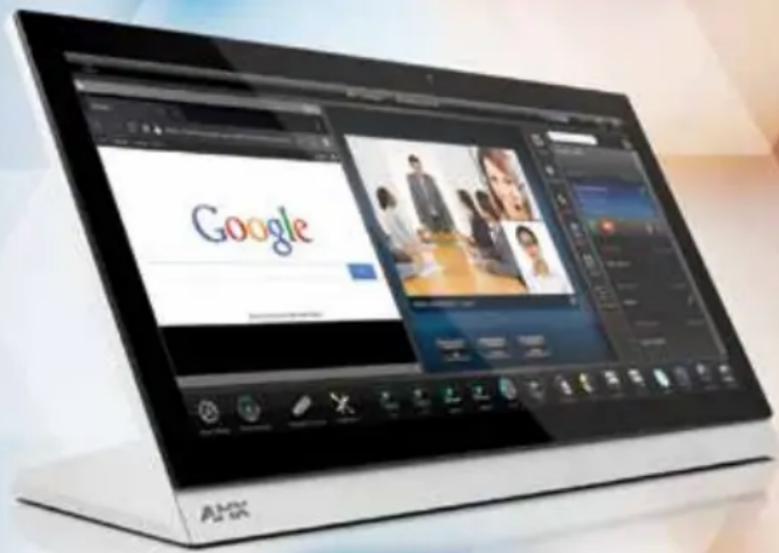
AMX MODERO X SERIES PANORAMIC TOUCH PANELS
AMX has unified technologies to simplify your world. Whether you are a CEO meeting with 24 attendees in a global video conference or a teacher lecturing for a multi-continent distance learning session—everything is accomplished with ease from the Modero X Series Panoramic Touch Panel. This new aspect ratio is a revolutionary way of combining the form and function of the touch panel by introducing a new form factor that celebrates the functionality you expect. The end result is an interface that has never so strikingly put the user in such direct contact with the simplification of technology.
• Audio Video Conferencing
- Presentations
- Distance Learning
- Automation/Control
• Media Management
enova
The perfect automated...
Presentations Audio Conferencing Video Conferencing

It's in here.
AMX has unified technologies to automate and simplify auditorium, classroom and conference room equipment to ensure meetings and presentations run seamlessly. Enova DVX All-In-One Presentation Switchers combine AV switching, control, audio processing, amplification and category cable distribution in a single 3U chassis that can be supported and serviced remotely over your current IT infrastructure.
DVX
...auditorium

...conference room
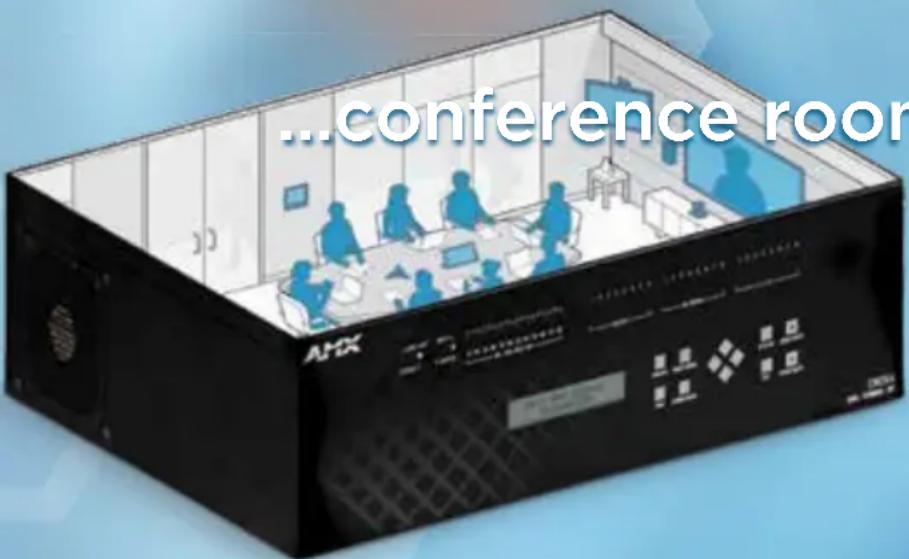
• Media Switching • Control
- Amplification • Audio Processing
• Video Scaling • Media Distribution
bringing the PERFECT
Enova DVX All-In-One Presentation Switchers are the centerpiece of the Perfect Meeting. They dramatically simplify AV control and distribution in conference rooms, classrooms and auditoriums and are ideal for any room with a mix of analog and digital sources,
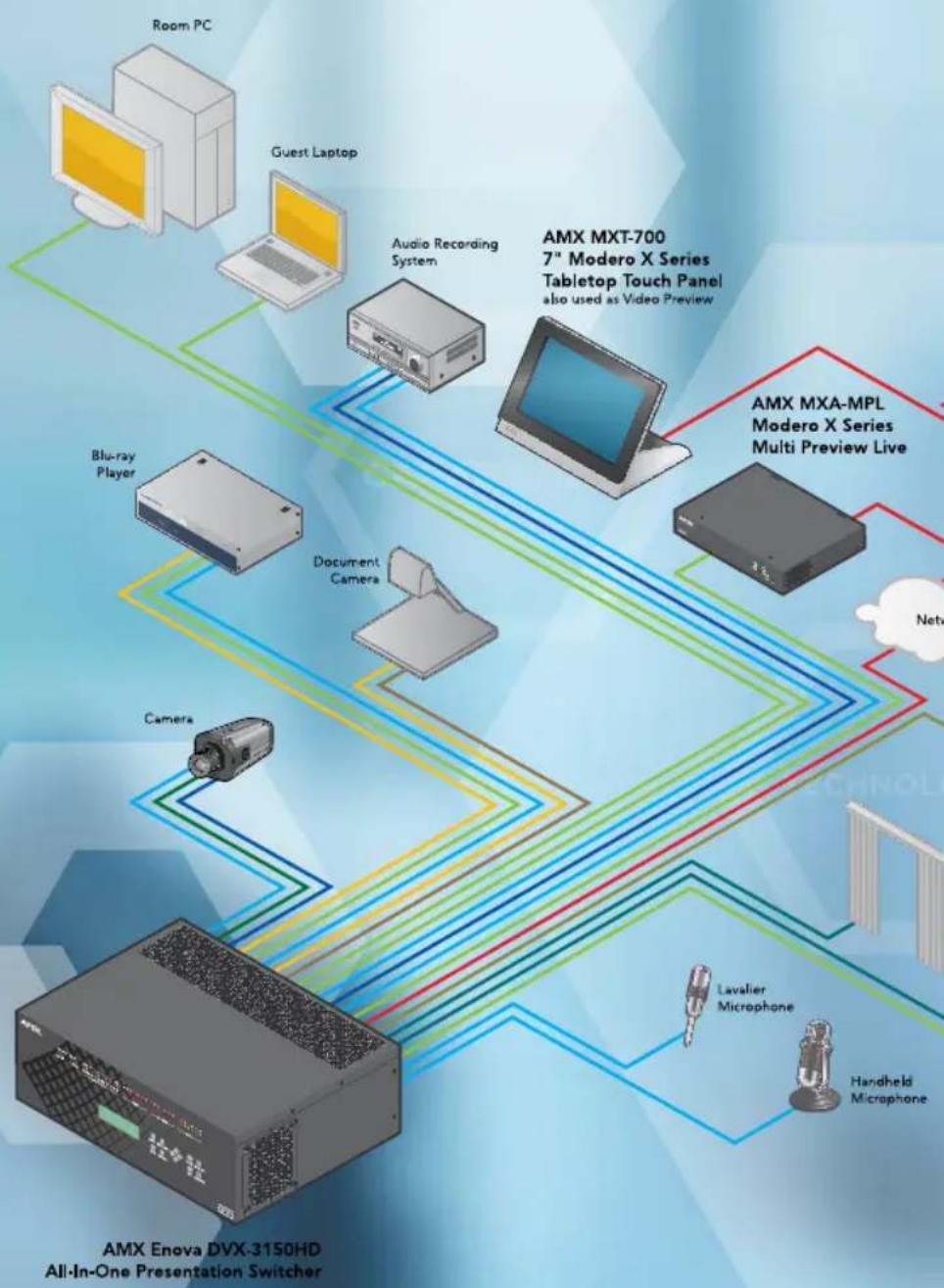
flowchart
graph TD
    A["AMX Enova DVX-3150HD All-In-One Presentation Switcher"] --> B["Room PC"]
    A --> C["Guest Laptop"]
    A --> D["Audio Recording System"]
    A --> E["Document Camera"]
    A --> F["Blu-ray Player"]
    A --> G["Camera"]
    A --> H["Lavalier Microphone"]
    A --> I["Handheld Microphone"]
    A --> J["AMX MXT-700 7" Modero X Series Tabletop Touch Panel also used as Video Preview"]
    A --> K["AMX MXA-MPL Modero X Series Multi Preview Live"]
MEETING together
multiple displays, or rooms that require support for video conferencing. Exclusive technologies like SmartScale® and InstaGate Pro® ensure perfect video scaling on every output and hassle-free HDMI/HDCP installations.
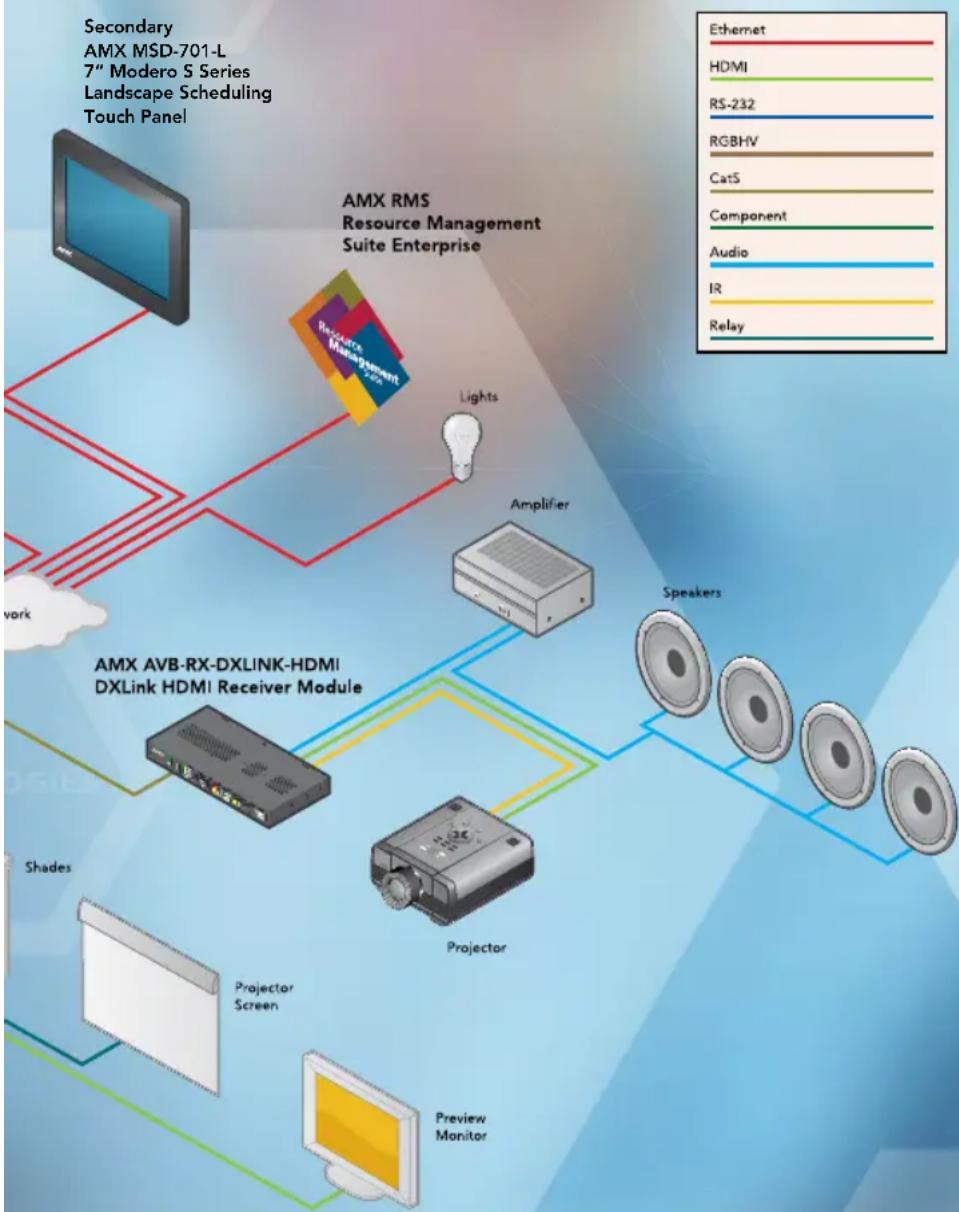
flowchart
graph TD
    A["Secondary AMX MSD-701-L 7" Modero S Series Landscape Scheduling Touch Panel"] --> B["AMX RMS Resource Management Suite Enterprise"]
    B --> C["Resource Management Suite"]
    B --> D["Lights"]
    B --> E["Amplifier"]
    B --> F["Speaker"]
    B --> G["Projector"]
    B --> H["Preview Monitor"]
    B --> I["Shades"]
    B --> J["Projector Screen"]
    B --> K["Speaker"]
    style A fill:#f9f,stroke:#333
    style B fill:#ccf,stroke:#333
    style C fill:#cfc,stroke:#333
    style D fill:#fcc,stroke:#333
    style E fill:#cff,stroke:#333
    style F fill:#ffc,stroke:#333
    style G fill:#cfc,stroke:#333
    style H fill:#fcc,stroke:#333
    style I fill:#ffc,stroke:#333
    style J fill:#fcc,stroke:#333
    style K fill:#ffc,stroke:#333
enova DVX
All-In-One
10x4s
Includes 4 independent scaled HDMI outputs and 2 DXLink outputs (unpowered) that mirror two of the scaled HDMI outputs
DVX-3156HD-SP
10 Video Inputs: 2 Multi-Format DVI (HDMI/HDCP capable), 4 HDMI/HDCP, 4 DXLink, Amplifier: 2x25w - 8 Ohm
DVX-3156HD-T
10 Video Inputs: 2 Multi-Format DVI (HDMI/HDCP capable), 4 HDMI/HDCP, 4 DXLink, Amplifier: 75w - 70V/100V
DVX-3155HD-SP
10 Video Inputs: 4 Multi-Format DVI (HDMI/HDCP capable), 4 HDMI/HDCP, 2 DXLink, Amplifier: 2x25w - 8 Ohm
DVX-3155HD-T
10 Video Inputs: 4 Multi-Format DVI (HDMI/HDCP capable), 4 HDMI/HDCP, 2 DXLink, Amplifier: 75w - 70V/100V
DVX-3150HD-SP
10 Video Inputs: 4 Multi-Format DVI (HDMI/HDCP capable), 6 HDMI/HDCP, Amplifier: 2x25w - 8 Ohm
DVX-3150HD-T
10 Video Inputs: 4 Multi-Format DVI (HDMI/HDCP capable), 6 HDMI/HDCP, Amplifier: 75w - 70V/100V

6x3s
Includes 2 independent, scaled HDMI outputs and 1 independent DXLink output with power
DVX-2150HD-SP
6 Video Inputs: 2 Multi-Format DVI (HDMI/HDCP capable), 4 HDMI/HDCP, Amplifier: 2x25w - 8 Ohm
DVX-2150HD-T
6 Video Inputs: 2 Multi-Format DVI (HDMI/HDCP capable), 4 HDMI/HDCP, Amplifier: 75w - 70V/100V
DVX-2155HD-SP
6 Video Inputs: 2 Multi-Format DVI (HDMI/HDCP capable), 2 HDMI/HDCP, 2 DXLink, Amplifier: 2x25w - 8 Ohm
DVX-2155HD-T
6 Video Inputs: 2 Multi-Format DVI (HDMI/HDCP capable), 2 HDMI/HDCP, 2 DXLink, Amplifier: 75w - 70V/100V
DVX-2150HD-SP

DVX-2150HD-T

DVX-2155HD-SP
DVX-2155HD-T
Presentation Switchers
| Switcher Model Amplifier | Multi-Format Inputs | HDMI Inputs | DXLink Inputs | Analog Audio Inputs | Scaled HDMI Outputs | DXLink Outputs | Analog Audio Outputs | Control Ports (Serial/IR/IO/Relay) | |
| 6x3 | DVX-2150HD-SP 2x25w - 8 Ohm 240421* 33/4/4/4 | ||||||||
| DVX-2150HD-T 75w -70V/100V 240421* 33/4/4/4 | |||||||||
| DVX-2155HD-SP 2x25w - 8 Ohm 222421* 33/4/4/4 | |||||||||
| DVX-2155HD-T 75w -70V/100V 222421* 33/4/4/4 | |||||||||
| 10x4 | DVX-3150HD-SP 2x25w - 8 Ohm 460842** 46/8/8/8 | ||||||||
| DVX-3150HD-T 75w -70V/100V 460842** 46/8/8/8 | |||||||||
| DVX-3155HD-SP 2x25w - 8 Ohm 442842** 46/8/8/8 | |||||||||
| DVX-3155HD-T 75w -70V/100V 442842** 46/8/8/8 | |||||||||
| DVX-3156HD-SP 2x25w - 8 Ohm 244642** 46/8/8/8 | |||||||||
| DVX-3156HD-T 75w -70V/100V 244642** 46/8/8/8 |
* DVX-21xx DXLink output is an independent, unscaled output with power. Scaling occurs at DXLink Receiver.
** DvX-315x DXLink outputs are unpowered, asired with an HDMI output & certain identical audio & video content & resolution as companion HDMI output.
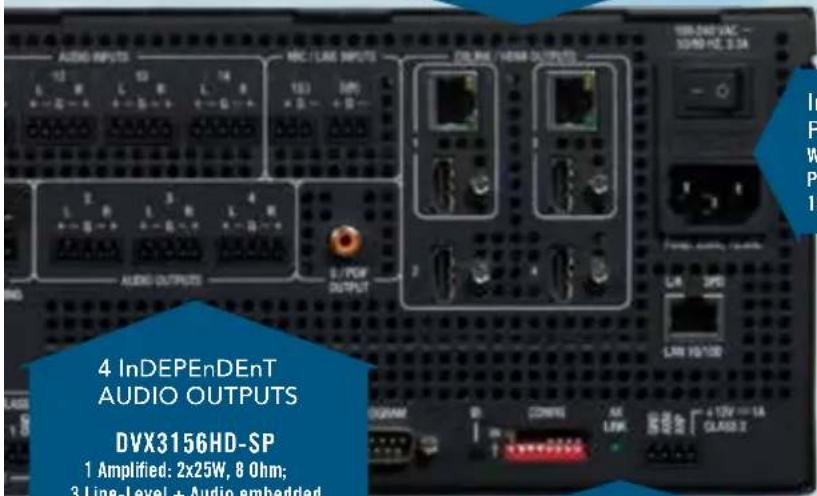
DISSECTING
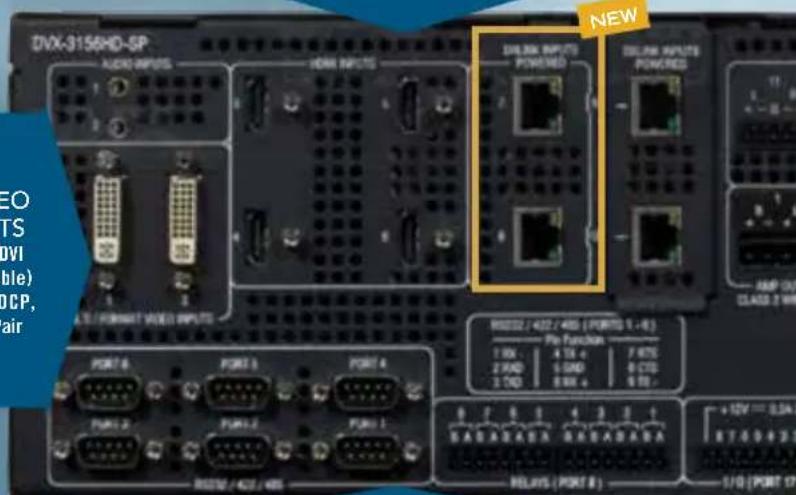
INNOVATION - COMBINING AN INCREDIbIE AMOuNT Of fuNCTIONAIITy IN A 3ru SPACE

FrOnT PAnEl COnTrOl
14 AUDIO + 2 MIC InPUTS
6 Analog, 4 Audio on HDMI,
4 Audio on DXLink + 2 Microphone
10 VIDEO InPUTS
2 Multi-Format DVI (HDMI/HDCP capable) 4 HDMI/HDCP, 4 DXLink Twisted Pair
AUDIO DSP
10-band Parametric EQ + Microphone Gating, Ducking and Limiting
THE
NEW
DVX
3156HD

MUTE
6 VIDEO OUTPUTS
4 Independent HDMI/HDCP, 2 Mirrored
DXLink Twisted Pair (unpowered)
InTErnAI
POWER
Worldwide
Power Supply
10D-240V AC
4 InDEPEnDEnT
AUDIO OUTPUTS
DVX3156HD-SP
1 Amplified: 2x25W, 8 Ohm;
3 Line-Level + Audio embedded
on any HDMI or S/PDIF
DVX-3156HD-T
1 Amplified: 75W, 70V/100V;
3 Line-Level + Audio embedded
on any HDMI or S/PDIF
nETIInX 3101
InTEGrATED COnTrOllEr
6 Serial Ports, 8 IR Ports, 8 I/O Ports, 8 Relay
Ports, 1 Ethernet Port, 1 AxLink Port

smartscale®
GET THE PICTURE
SmartScale automatically responds to the display's declared EDID information to deliver a custom-scaled image, based not only on the preferred resolution but also additional information such as horizontal and vertical pixel count, detailed timing, color space chromaticity and more. No other manufacturer provides automatic video resolution
Every display shows content at its optimal resolution.

flowchart
graph TD
    A["PC Monitor"] -->|1280 x 720p 60Hz\n720 x 480p 60Hz| B["Projector"]
    B -->|1920 x 1080p 60Hz\n1920 x 1080i 30Hz\n1280 x 720p 60Hz\n720 x 480p 60Hz| C["TV Screen"]
    C -->|1920 x 1200 60Hz\n1920 x 1080p 60Hz\n1920 x 1080i 30Hz\n1280 x 720p 60Hz\n720 x 480p 60Hz| D["AMX E All-In-One"]
enova
e answer
support with this level of detail. SmartScale eliminates the incompatibilities between sources and displays operating at different resolutions by accepting the highest resolution of every source device to ensure that every display operates at its preferred resolution. SmartScale guarantees every picture looks its best, with no manual adjustments.
EDID Data Transfer

flowchart
graph LR
    A["BLU-ray Player"] -->|1920 x 1080p 60Hz| B["EDID from DVX-3150HD"]
    A -->|1920 x 1080i 30Hz| B
    A -->|1280 x 720p 60Hz| B
    A -->|720 x 480p 60Hz| B
    style A fill:#f9f,stroke:#333
    style B fill:#ccf,stroke:#333
Scaled To Best Resolution
The 'Smart' in SmartScale means the picture is automatically scaled to match the display's best resolution with no manual setup.
SmartScale is available in Enova DVX, Enova DGX, DXLink Twisted Pair and Fiber Receivers.
New Links to Fiber
NEW
New DXLink Fiber Single Mode and Multimode Transmitters, Receivers, Input and Output Boards expand the reach of HDMI campus-wide – at industry leading speed with 10 Gbps data transfer rate. Now clear, uncompressed, digital video including HDCP protected content can be delivered with maximum security.
- HDMI with HDCP up to 10 Km (6 miles) – Extend the reach of your digital video well beyond the capabilities of twisted pair
- 10 Gbps – Leading the industry with the fastest optical transport data rate
- Secure and isolated – Fiber inherently provides extra security and electrical isolation making it the transport method of choice for many mission-critical secure environments
- Fiber your way – DXLink Fiber TX/RX and I/O Boards are available in single mode or multimode; simplex or duplex to meet the needs of any installation
InTRODuCInG DXLInK FIBER –
EXTEnDInG THE rEACH
OF THE EnOVA DGX
UP TO 6 MILES
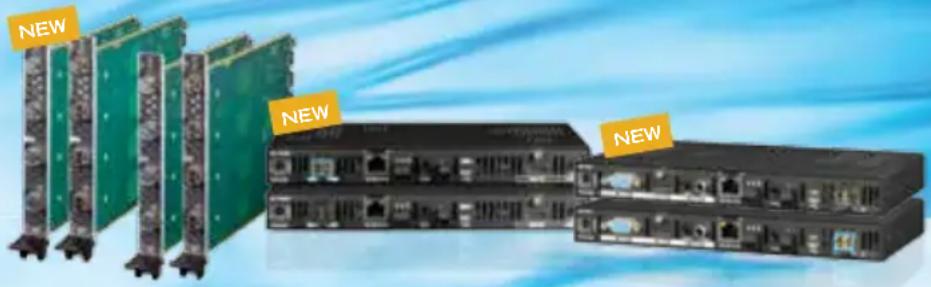
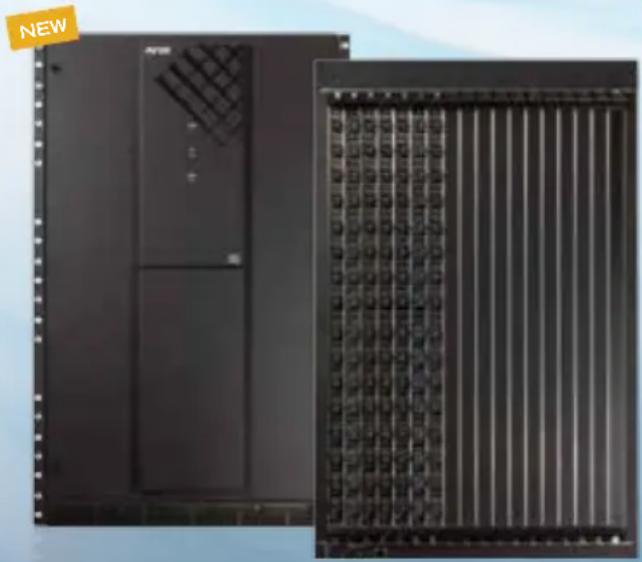
Epica DGX 288 Fiber Matrix Switcher
natural_image
Exterior view of a black server rack unit with ventilation grilles and a separate inset showing its grid layout (no text or symbols visible)The DXLink Fiber Single Mode Transmitters and Receivers are also compatible with the new Epica DGX 288 Fiber Matrix Switcher. The industry's fastest jumbo-sized optical matrix switcher that securely transports uncompressed video over fiber including HDMI with HDCP.
Boards for All
The new Enova DGX 64 Enclosure utilizes the same board sets as the Enova DGX 8/16/32 lower the total cost of ownership through reduction in spare/expansion inventory
Fiber Your Way
Input/Output Boards available in single mode or multimode fiber each in simplex or duplex customize the Enova DGX with any combination of boards for campus-wide distribution
SmartScale® Technology
Automatically outputs video that is perfectly scaled for each connected display, preventing inferior video quality which occurs when sources and displays have different supported resolutions
NEW
natural_image
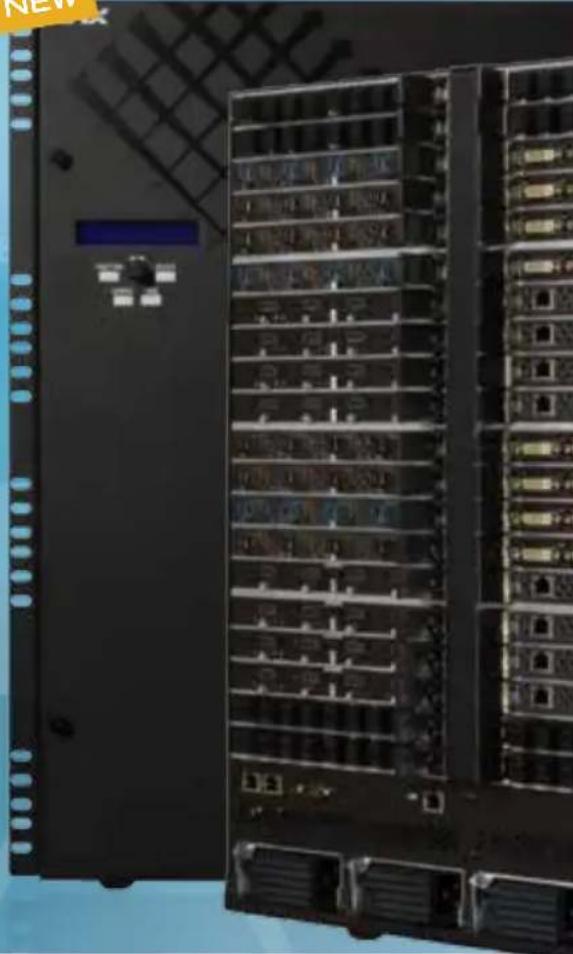
Front view of a black server rack unit with multiple drive bays and ventilation slots (no visible text or labels)Enova DGX 64 + DXLink Fiber = 100x Greater Distribution Footprint
All the Features, Capabilities and Functionality of the Enova DGX Family Now in an I/O Range of 64x64 and Distribution up to 6 Miles
The new Enova DGX 64 Enclosure includes all the features that have made the Enova DGX Series the leader in the world of digital media switchers including Integrated NetLinx Controller, redundant power supplies, SmartScale, InstaGate Pro, integrated Ethernet Switch and more. Does it get any better? Yes, actually, how about distribution up to 6 miles? The addition of new single mode and multimode fiber board options (each available in simplex or duplex) campus –wide distribution of uncompressed content (including HDCP protected content) a breeze.
Key Features
- HDCP With Simplicity of Analog – Hassle free plug and play operation eliminates the need for time consuming cumbersome work around tools to deal with HDCP key constraints and resolution incompatibilities
- All-In-One Control and Distribution Solution – Powerful combination of modular matrix switcher, built-in controller, embedded Ethernet switch and
natural_image
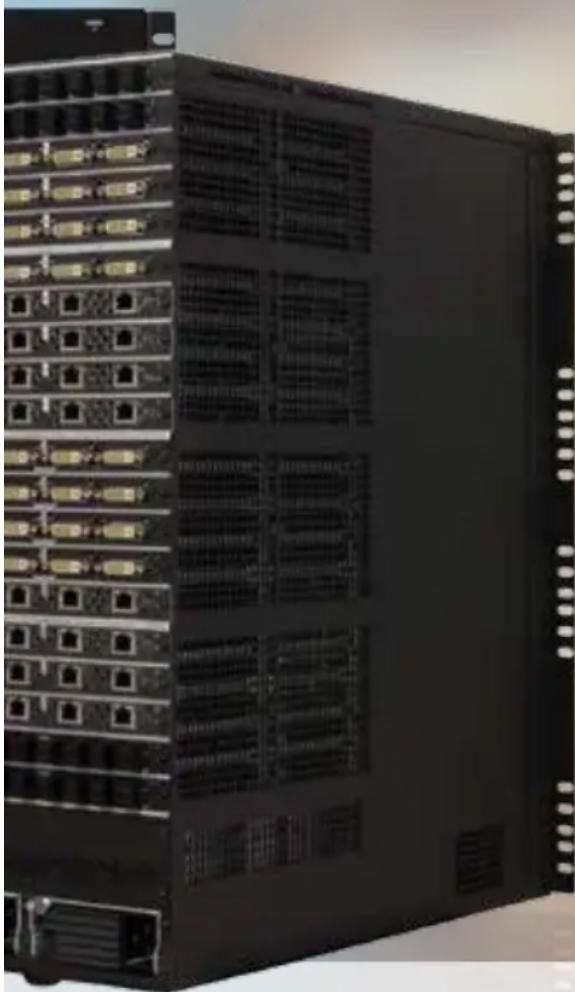
Front view of a black server rack unit with multiple Ethernet ports and ventilation grilles (no visible text or labels)DXLink Twisted Pair Input and Output Boards
HDCP Compliant boards send audio, video, control, Ethernet and power over one standard twisted pair cable up to 200m 100m to the matrix switcher and 100m after the matrix switcher
HDCP Compliant
Distribute, convert, and scale HDMI signals with full HDCP compliance without interruption using any of the Enova DGX DVI, HDMI or DXLink Boards
Secure and Isolated
Fiber inherently provides maximum security and electrical isolation making it the transport method of choice for mission-critical environments
Quick Facts Enova DGX 64 System
| Control | Max Inputs/ Max Outputs | AIE Board Slots | Video Audio | Integrated Technologies | Enclosure Size (HWD) | |
| Integrated NetLinx Central Controller | 64 x 64 | 4 in 4 out | HDMI, DVI, DisplayPort++, RGBHV, Component, S-Video, Composite | Dolby TrueHD, Dolby Digital, DTS-HD Master Audio, DTS, L-PCM, Analog Stereo | DXLink Fiber Single Mode & Multimode Distribution, DXLink Twisted Pair Distribution, Embedded Ethernet Switch, HDCP Compliance | 22 11/16" x 19" x 20 1/8" (13 RU) |
video scaling on every output simplifies the end-to-end distribution and management of audio, video and control throughout multiple rooms
- Fast Easy Installation – Easily incorporate HDCP into system designs - No tools, no delays, and no key constraints – it just works
Common Applications
The Enova DGX 64 can route and transmit up to 64 pure high resolution analog and digital video sources up to 6 miles making it the perfect solution for government agencies, command-and-control environments, universities, hospitals, casinos, retail environments or any facility that demands the highest quality video be shared campus-wide.

Now with Fiber!
New DXLink Fiber TX/RX and I/O Boards available in single mode or multimode; simplex or duplex are compatible with Enova DGX 8, 16, 32 and 64 Enclosures

Even More
High Powered
Enova DGX 8/16/32 enclosures can now power even more devices over DXLink with new 1200 (DGX 32) and 850 (DGX 8/16) watt power supplies - two per enclosure
SmartScale® Technology
Automatically outputs video that is perfectly scaled for each connected display, preventing inferior video quality which occurs when sources and displays have different supported resolutions

natural_image
Close-up of a black network switch device with multiple ports and connectors (no visible text or labels)
natural_image
Front view of a black server rack with multiple ports and ventilation grilles (no visible text or labels)Combining Switching and Control Plus a Whole Lot More
The Enova DGX is the most reliable end-to-end analog, digital and HDMI/HDCP signal distribution solution on the market today. And now it also includes control, transcoding, scaling – all in a single box that's half the size of the competition.
Key Features
- HDCP With Simplicity of Analog – Hassle free plug and play operation eliminates the need for time consuming cumbersome work around tools to deal with HDCP key constraints and resolution incompatibilities
- All-In-One Control and Distribution Solution – Powerful combination of modular matrix switcher, built-in controller, embedded Ethernet switch and video scaling on every output simplifies the end-to-end distribution and management of audio, video and control throughout multiple rooms
- Fast Easy Installation – Easily incorporate HDCP into system designs - No tools, no delays, and no key constraints – it just works
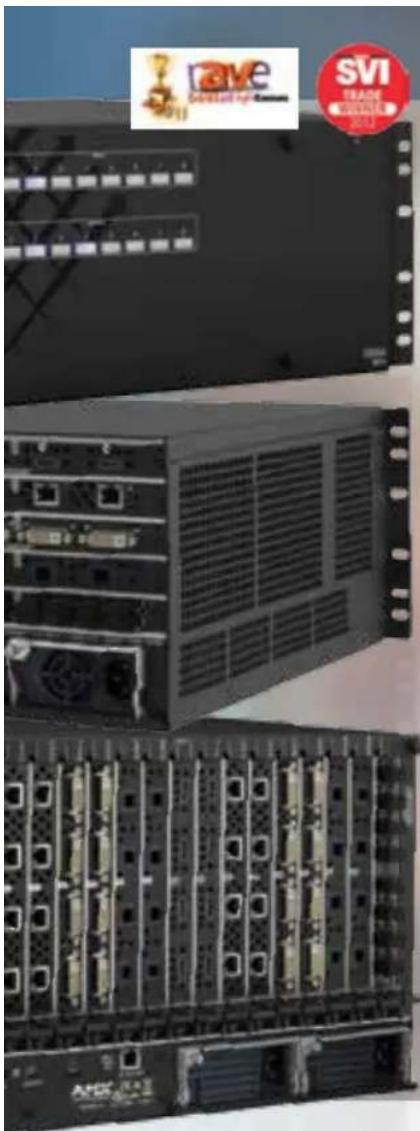
natural_image
Exterior view of a rack-mounted server unit with multiple drive bays and a 'SVI TRADE WINATE 2013' badge (no readable text on equipment)


Built in NetLinx Controller
Easily program and manage the entire solution including source equipment and display devices located across multiple rooms all from a single point of control
InstaGate Pro® Technology
Easily integrate HDCP into system designs and enjoy hassle-free matrix switching to all compliant displays. No tools, no delays, and no key constraints – it just works
HDCP Compliant
Distribute, convert, and scale HDMI signals with full HDCP compliance without interruption using any of the Enova DGX DVI, HDMI or DXLink Boards
DXLink Twisted Pair Input and Output Boards
HDCP Compliant boards send audio, video, control, Ethernet and power over one standard twisted pair cable up to 200m – 100m to the matrix switcher and 100m after the matrix switcher
Quick Facts Enova DGX 8 System
| Control Max I/O | AIE Board Slots | Video Audio | Integrated Technologies | Enclosure Size (HWD) | |
| Integrated NetLinx Central Controller | 8 x 8 | 1 in 1 out | HDMI, DVI, DisplayPort++, RGBHV, Component, S-Video, Composite | Dolby TrueHD, Dolby Digital, DTS-HD Master Audio, DTS, L-PCM, Analog Stereo | DXLink Twisted Pair Distribution, Embedded Ethernet Switch, HDCP Compliance |
Quick Facts Enova DGX 16 System
| Control Max I/O | AIE Board Slots | Video Audio | Integrated Technologies | Enclosure Size (HWD) | |
| Integrated NetLinx Central Controller | 16 x 16 | 1 in 1 out | HDMI, DVI, DisplayPort++, RGBHV, Component, S-Video, Composite | Dolby TrueHD, Dolby Digital, DTS-HD Master Audio, DTS, L-PCM, Analog Stereo | DXLink Twisted Pair Distribution, Embedded Ethernet Switch, HDCP Compliance |
Quick Facts Enova DGX 32 System
| Control Max I/O | AIE Board Slots | Video Audio | Integrated Technologies | Enclosure Size (HWD) | |
| Integrated NetLinx Central Controller | 32 x 32 | 1 in 1 out | HDMI, DVI, DisplayPort++, RGBHV, Component, S-Video, Composite | Dolby TrueHD, Dolby Digital, DTS-HD Master Audio, DTS, L-PCM, Analog Stereo | DXLink Twisted Pair Distribution, Embedded Ethernet Switch, HDCP Compliance |
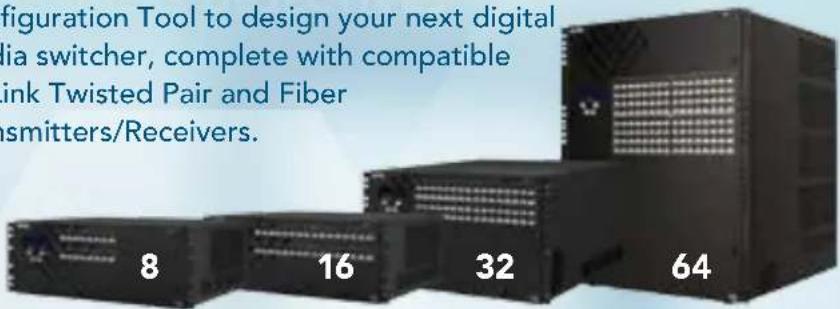
Boards for
ALL Enova DGX, DXLink and DXLink Fiber boards fit in any Enova DGX Enclosure. Visit AMX.com and use the Enova DGX
Configuration Tool to design your next digital media switcher, complete with compatible DXLink Twisted Pair and Fiber Transmitters/Receivers.
| BOARD MODEL CONNECTIONS | HDCP | ||
| Local | |||
| HDMI Input Board | AVS-ENOVADGX32-VI-HDMI | 4 HDMI Yes | |
| DVI Input Board | AVS-ENOVADGX32-VI-DVI | 4 DVI-D Yes | |
| HDMI Output Board | AVS-ENOVADGX32-VO-HDMI | 4 HDMI Yes | |
| DVI Output Board | AVS-ENOVADGX32-VO-DVI | 4 DVI-D Yes | |
| Audio Insert / Extract Board | AVS-ENOVADGX32-AUD-INS-EXT | 8 pluggable, dual three-position, terminal blocks each containing two single-ended stereo contacts | n/a |
| DXLink Twisted Pair | |||
| Twisted Pair Input Board | AVS-ENOVADGX32-VI-DXLINK | 4 RJ-45 Yes | |
| Twisted Pair Output Board | AVS-ENOVADGX32-VO-DXLINK | 4 RJ-45 Yes | |
| DXLink Fiber, Multimode Fiber featuring Field Serviceable SFP Modules | |||
| Multimode Fiber Input Board (Duplex) | ENOVADGX-VI-DXLINK-MMF-D | 4 LC Duplex Yes | |
| Multimode Fiber Input Board (Simplex) | ENOVADGX-VI-DXLINK-MMF-S | 4 LC Simplex | Yes |
| Multimode Fiber Output Board (Duplex) | ENOVADGX-VO-DX-LINK-MMF-D | 4 LC Duplex Yes | |
| Multimode Fiber Output Board (Simplex) | ENOVADGX-VO-DX-LINK-MMF-S | 4 LC Simplex | Yes |
| DXLink Fiber, Single Mode Fiber featuring Field Serviceable SFP Modules | |||
| Single Mode Fiber Input Board (Duplex) | ENOVADGX-VI-DXLINK-SMF-D | 4 LC Duplex Yes | |
| Single Mode Fiber Input Board (Simplex) | ENOVADGX-VI-DXLINK-SMF-S | 4 LC Simplex | Yes |
| Single Mode Fiber Output Board (Duplex) | ENOVADGX-VO-DX-LINK-SMF-D | 4 LC Duplex Yes | |
| Single Mode Fiber Output Board (Simplex) | ENOVADGX-VO-DX-LINK-SMF-S | 4 LC Simplex | Yes |
ALL
Enova DGX Enclosures
All Enova DGX Enclosures are also equipped with Integrated NetLinx Control, Redundant Power Supplies, SmartScale, InstaGate Pro and Built-In Ethernet Switch
| ENOVADGX 8 | ENOVADGX 16 | ENOVADGX 32 | ENOVADGX 64 | |
| Input / Output Board Slots(4 Connections / Board) | 2 / 2 | 4 / 4 | 8 / 8 | 16 / 16 |
| Audio Insert / Extract Board Input /Output Slots | 1 / 1 | 1 / 1 | 1 / 1 | 4 / 4 |
| CE | TRANSMISSION DATA RATE | TRANSMITTED EMBEDDED IR / RS-232 / NETLINX CONTROL | SMARTSCALE | |
| 30.5 m / 100 ft* n/a n/a n/a | ||||
| 30.5 m / 100 ft** n/a n/a n/a | ||||
| 15 m / 49 ft*** n/a n/a Yes | ||||
| 15 m / 49 ft*** n/a n/a Yes | ||||
| n/a n/a n/a n/a | ||||
| 100 m / 328 ft**** | 10.2 Gbps Yes n/a | |||
| 100 m / 328 ft**** | 10.2 Gbps Yes Yes, at DXLink RX | |||
| 300 m / 984 ft | 10 Gbps | Yes n/a | ||
| 300 m / 984 ft | 10 Gbps | n/a n/a | ||
| 300 m / 984 ft | 10 Gbps | Yes | Yes, at DXLink Fiber RX | |
| 300 m / 984 ft | 10 Gbps | n/a | Yes, at DXLink Fiber RX | |
| 10 Km / 32,808 ft / 6.21 miles | 10 Gbps | Yes n/a | ||
| 10 Km / 32,808 ft / 6.21 miles | 10 Gbps | n/a n/a | ||
| 10 Km / 32,808 ft / 6.21 miles | 10 Gbps | Yes | Yes, at DXLink Fiber RX | |
| 10 Km / 32,808 ft / 6.21 miles | 10 Gbps | n/a | Yes, at DXLink Fiber RX | |
*Features Input Equalization, adoptive up to 100ft (30m) at 225 MHz (cable distance support dependent on cable type and signal format) **Features Input Equalization, adaptive up to 100ft (30m) at 165 MHz (cable distance support dependent on cable type and signal format) ***Dependent on cable quality and display ***For more details and the out-cabling information, please reference the AMX white paper titled "Cabling for Success with DXLink"
enova DGX
There are many marketing resources available to AMX integrators to better understand the capabilities and ideal applications for Enova DGX Digital Media Switchers. These include our DGX
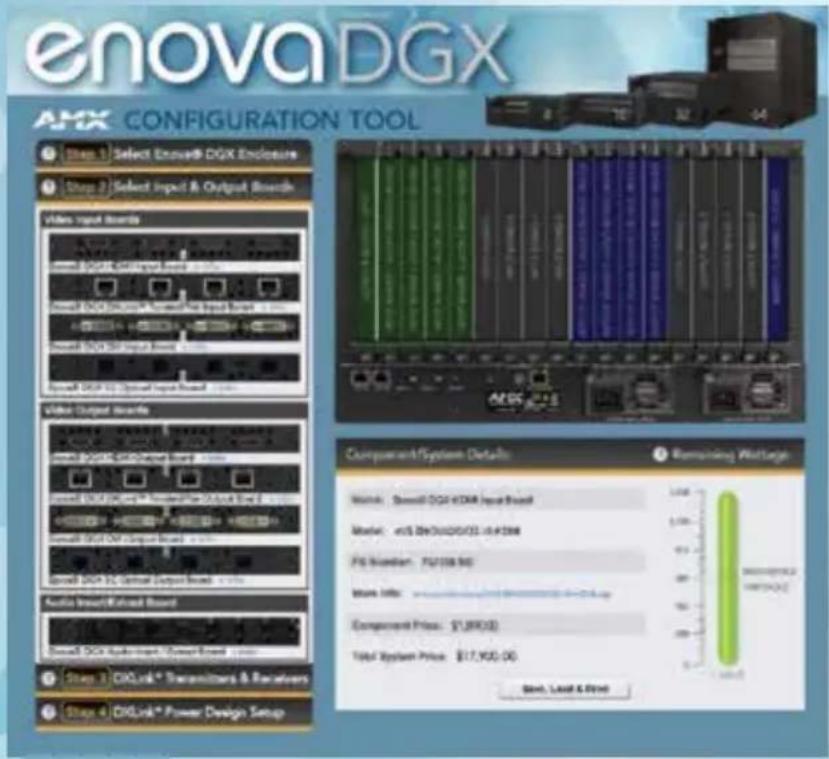
Enova DGX Configuration Tool
This web tool allows you to quickly design an Enova DGX system by dragging and dropping module boards onto an enclosure. Once designed, you can save and print the Enova DGX module layout and related parts list. Simply follow the step-by-step process and click on the question marks for help along the way.
Application Guides
Several one-page Application Guides are available that illustrate excellent applications for the DGX.
• Centralized Management of AV
• Network Operations Centers
• Divisible Conference Rooms
- Sport Bars
rESOurCES
Configuration Design Tool, DGX Building Software, Application Guides, Feature Guides and Videos. They're all available online, amx.com/enova.
Enova Feature Guides
Our Feature Guides discuss the technological capabilities that make our solutions unique.
- SmartScale
- InstaGate Pro
• Rapid Project Maker (RPM)

flowchart
graph TD
    subgraph SmartScale
        A["AMX Device"] --> B["Network"]
        B --> C["AMX Module"]
    end

    subgraph Network_Consulation
        D["AMX Device"] --> E["Network"]
        E --> F["AMX Module"]
    end

    subgraph SmartScale_Production
        G["AMX Module"] --> H["Network"]
        H --> I["AMX Module"]
    end

    subgraph SmartScale_Forum_1
        J["AMX Module"] --> K["Network"]
        K --> L["AMX Module"]
    end

    subgraph SmartScale_Forum_2
        M["AMX Module"] --> N["Network"]
        N --> O["AMX Module"]
    end

    subgraph SmartScale_Forum_3
        P["AMX Module"] --> Q["Network"]
        Q --> R["AMX Module"]
    end

    subgraph SmartScale_Forum_4
        S["AMX Module"] --> T["Network"]
        T --> U["AMX Module"]
    end

    subgraph SmartScale_Forum_5
        V["AMX Module"] --> W["Network"]
        W --> X["AMX Module"]
    end

    subgraph SmartScale_Forum_6
        Y["AMX Module"] --> Z["Network"]
        Z --> AA["AMX Module"]
    end

    subgraph SmartScale_Forum_7
        AB["AMX Module"] --> AC["Network"]
        AC --> AD["AMX Module"]
    end

    subgraph SmartScale_Forum_8
        AE["AMX Module"] --> AF["Network"]
        AF --> AG["AMX Module"]
    end

    subgraph SmartScale_Forum_9
        AH["AMX Module"] --> AI["Network"]
        AI --> AJ["AMX Module"]
    end

    subgraph SmartScale_Forum_10
        AK["AMX Module"] --> AL["Network"]
        AL --> AM["AMX Module"]
    end

    subgraph SmartScale_Forum_11
        AN["AMX Module"] --> AO["Network"]
        AO --> AP["AMX Module"]
    end

    subgraph SmartScale_Forum_12
        AQ["AMX Module"] --> AR["Network"]
        AR --> AS["AMX Module"]
    end

    subgraph SmartScale_Forum_13
        AT["AMX Module"] --> AU["Network"]
        AU --> AV["AMX Module"]
    end

    subgraph SmartScale_Forum_14
        AW["AMX Module"] --> AX["Network"]
        AX --> AY["AMX Module"]
    end

    subgraph SmartScale_Forum_15
        AZ["AMX Module"] --> BA["Network"]
        BA --> BB["AMX Module"]
    end

    subgraph SmartScale_Forum_16
        BC["AMX Module"] --> BD["Network"]
        BD --> BE["AMX Module"]
    end

    subgraph SmartScale_Forum_17
        BF["AMX Module"] --> BG["Network"]
        BG --> BH["AMX Module"]
    end

    subgraph SmartScale_Forum_18
        BI["AMX Module"] --> BJ["Network"]
        BJ --> BK["AMX Module"]
    end

    subgraph SmartScale_Forum_19
        BL["AMX Module"] --> BM["Network"]
        BM --> BN["AMX Module"]
    end

    subgraph SmartScale_Forum_20
        BO["AMX Module"] --> BP["Network"]
        BP --> BQ["AMX Module"]
    end

    subgraph SmartScale_Forum_21
        BR["AMX Module"] --> BS["Network"]
        BS --> BT["AMX Module"]
    end

    subgraph SmartScale_Forum_22
        BU["AMX Module"] --> BV["Network"]
        BV --> BW["AMX Module"]
    end

    subgraph SmartScale_Forum_23
        BX["AMX Module"] --> BY["Network"]
        BY --> BZ["AMX Module"]
    end

    subgraph SmartScale_Forum_24
        BZ --> CA["AMX Module"]
        CA --> CB["AMX Module"]
    end

    subgraph SmartScale_Forum_25
        CC["AMX Module"] --> CD["Network"]
        CD --> CE["AMX Module"]
    end

    subgraph SmartScale_Forum_26
        CF["AMX Module"] --> CG["Network"]
        CG --> CH["AMX Module"]
    end

    subgraph SmartScale_Forum_27
        CI["AMX Module"] --> CJ["Network"]
        CJ --> CK["AMX Module"]
    end

    subgraph SmartScale_Forum_28
        DA["AMX Module"] --> DE["Network"]
        DE --> DF["AMX Module"]
    end

    subgraph SmartScale_Forum_29
        DG["AMX Module"] --> DH["Network"]
        DH --> DI["AMX Module"]
    end

    subgraph SmartScale_Forum_30
        DJ["AMX Module"] --> DK["Network"]
        DK --> DL["AMX Module"]
    end

    subgraph SmartScale_Forum_31
        DM["AMX Module"] --> DM["Network"]
        DM --> DMB["AMX Module"]
    end

    subgraph SmartScale_Forum_32
        EQ["AMX Module"] --> EQA["Network"]
        EQA --> EQB["AMX Module"]
    end

    subgraph SmartScale_Forum_33
        AR["AMX Module"] --> AS["Network"]
        AS --> ASB["AMX Module"]
    end

    subgraph SmartScale_Forum_34
        AZL["AMX Module"] --> AZLBA["Busch & Inverter"]
        AZLBA --> AZLCA["Busch & Inverter"]
        AZLCA --> AZLCAB["Busch & Inverter"]

    subgraph SmartScale_Forum_35
        BAZ["Alexch & Inverter"] --> BAZBA["Busch & Inverter"]
        BAZBA --> BAZCA["Busch & Inverter"]

    subgraph SmartScale_Forum_36
        BZL["Alexch & Inverter"] --> BZLBA["Busch & Inverter"]

    subgraph SmartScale_Forum_37
        BZLBA["Busch & Inverter"] --> BZLCA["Busch & Inverter"]

    subgraph SmartScale_Forum_38
        BZLCA["Busch & Inverter"] --> BZLCAB["Busch & Inverter"]

    subgraph SmartScale_Forum_39
        BZLCAB["Busch & Inverter"] --> BZLCAB["Busch & Inverter"]

    subgraph SmartScale_Forum_40
        BZLCAB["Busch & Inverter"] --> BZLCAB["Busch & Inverter"]

    subgraph SmartScale_Forum_41
        BZLCAB["Busch & Inverter"] --> BZLCAB["Busch & Inverter"]

    subgraph SmartScale_Forum_42
        BZLCAB["Busch & Inverter"] --> BZLCAB["Busch & Inverter"]

    subgraph SmartScale_Forum_43
        BZLCAB["Busch & Inverter"] --> BZLCAB["Busch & Inverter"]

    subgraph SmartScale_Forum_44
        BZLCAB["Busch & Inverter"] --> BZLCAB["Busch & Inverter"]

    subgraph SmartScale_Forum_45
        BZLCAB["Busch & Inverter"] --> BZLCAB["Busch & Inverter"]

    subgraph SmartScale_Forum_46
        BZLCAB["Busch & Inverter"] --> BZLCAB["Busch & Inverter"]

    subgraph SmartScale_Forum_47
        BZLCAB["Busch & Inverter"] --> BZLCAB["Busch & Inverter"]

    subgraph SmartScale_Forum_48
        BZLCAB["Busch & Inverter"] --> BZLCAB["Busch & Inverter"]

    subgraph SmartScale_Forum_49
        BZLCAB["Busch & Inverter"] --> BZLCAB["Busch & Inverter"]

    subgraph SmartScale_Forum_50
        BZLCAB["Busch & Inverter"] --> BZLCAB["Busch & Inverter"]

    subgraph SmartScale_Forum_51
        BZLCAB["Busch & Inverter"] --> BZLCAB["Busch & Inverter"]

    subgraph SmartScale_Forum_52
        BZLCAB["Busch & Inverter"] --> BZLCAB["Busch & Inverter"]

    subgraph SmartScale_Forum_53
        BZLCAB["Busch & Inverter"] --> BZLCAB["Busch & Inverter"]

    subgraph SmartScale_Forum_54
        BZLCAB["Busch & Inverter"] --> BZLCAB["Busch & Inverter"]

    subgraph SmartScale_Forum_55
        BZLCAB["Busch & Inverter"] --> BZLCAB["Busch & Inverter"]

    subgraph SmartScale_Forum_56
        BZLCAB["Busch & Inverter"] --> BZLCAB["Busch & Inverter"]

    subgraph SmartScale_Forum_57
        BZLCAB["Busch & Inverter"] --> BZLCAB["Busch & Inverter"]

    subgraph SmartScale_Forum_58
        BZLCAB["Busch & Inverter"] --> BZLCAB["Busch & Inverter"]

    subgraph SmartScale_Forum_59
        BZLCAB["Busch & Inverter"] --> BZLCAB["Busch & Inverter"]

    subgraph SmartScale_Forum_60
        BZLCAB["Busch & Inverter"] --> BZLCAB["Busch & Inverter"]

    subgraph SmartScale_Forum_61
        BZLCAB["Busch & Inverter"] --> BZLCAB["Busch & Inverter"]

    subgraph SmartScale_Forum_62
        BZLCAB["Busch & Inverter"] --> BZLCAB["Busch & Inverter"]

    subgraph SmartScale_Forum_63
        BZLCAB["Busch & Inverter"] --> BZLCAB["Busch & Inverter"]

    subgraph SmartScale_Forum_64
        BZLCAB["Busch & Inverter"] --> BZLCAB["Busch & Inverter"]

    subgraph SmartScale_Forum_65
        BZLCAB["Busch & Inverter"] --> BZLCAB["Busch & Inverter"]

    subgraph SmartScale_Forum_66
        BZLCAB["Busch & Inverter"] --> BZLCAB["Busch & Inverter"]

    subgraph SmartScale_Forum_67
        BZLCAB["Busch & Inverter"] --> BZLCAB["Busch & Inverter"]

    subgraph SmartScale_Forum_68
        BZLCAB["Busch & Inverter"] --> BZLCAB["Busch & Inverter"]

    subgraph SmartScale_Forum_69
        BZLCAB["Busch & Inverter"] --> BZLCAB["Busch & Inverter"]

    subgraph SmartScale_Forum_70
        BZLCAB["Busch & Inverter"] --> BZLCAB["Busch & Inverter"]

    subgraph SmartScale_Forum_71
        BZLCAB["Busch & Inverter"] --> BZLCAB["Busch & Inverter"]

    subgraph SmartScale_Forum_72
        BZLCAB["Busch & Inverter"] --> BZLCAB["Busch & Inverter"]

    subgraph SmartScale_Forum_73
        BZLCAB["Busch & Inverter"] --> BZLCAB["Busch & Inverter"]

    subgraph SmartScale_Forum_74
        BZLCAB["Busch & Inverter"] --> BZLCAB["Busch & Inverter"]

    subgraph SmartScale_Forum_75
        BZLCAB["Busch & Inverter"] --> BZLCAB["Busch & Inverter"]

    subgraph SmartScale_Forum_76
        BZLCAB["Busch & Inverter"] --> BZLCAB["Busch & Inverter"]

    subgraph SmartScale_Forum_77
        BZLCAB["Busch & Inverter"] --> BZLCAB["Busch & Inverter"]

    subgraph SmartScale_Forum_78
        BZLCAB["Busch & Inverter"] --> BZLCAB["Busch & Inverter"]

    subgraph SmartScale_Forum_79
        BZLCAB["Busch & Inverter"] --> BZLCAB["Busch & Inverter"]

    subgraph SmartScale_Forum_80
        BZLCAB["Busch & Inverter"] --> BZLCAB["Busch & Inverter"]

    subgraph SmartScale_Forum_81
        BZLCAB["Busch & Inverter"] --> BZLCAB["Busch & Inverter"]

    subgraph SmartScale_Forum_82
        BZLCAB["Busch & Inverter"] --> BZLCAB["Busch & Inverter"]

    subgraph SmartScale_Forum_83
        BZLCAB["Busch & Inverter"] --> BZLCAB["Busch & Inverter"]

    subgraph SmartScale_Forum_84
        BZLCAB["Busch & Inverter"] --> BZLCAB["Busch & Inverter"]

    subgraph SmartScale_Forum_85
        BZLCAB["Busch & Inverter"] --> BZLCAB["Busch & Inverter"]

    subgraph SmartScale_Forum_86
        BZLCAB["Busch & Inverter"] --> BZLCAB["Busch & Inverter"]

    subgraph SmartScale_Forum_87
        BZLCAB["Busch & Inverter"] --> BZLCAB["Busch & Inverter"]

    subgraph SmartScale_Forum_88
        BZLCAB["Busch & Inverter"] --> BZLCAB["Busch & Inverter"]

    subgraph SmartScale_Forum_89
        BZLCAB["Busch & Inverter"] --> BZLCAB["Busch & Inverter"]

    subgraph SmartScale_Forum_90
        BZLCAB["Busch & Inverter"] --> BZLCAB["Busch & Inverter"]

    subgraph SmartScale_Forum_91
        BZLCAB["Busch & Inverter"] --> BZLCAB["Busch & Inverter"]

    subgraph SmartScale_Forum_92
        BZLCAB["Busch & Inverter"] --> BZLCAB["Busch & Inverter"]

    subgraph SmartScale_Forum_93
        BZLCAB["Busch & Inverter"] --> BZLCAB["Busch & Inverter"]

    subgraph SmartScale_Forum_94
        BZLCAB["Busch & Inverter"] --> BZLCAB["Busch & Inverter"]

    subgraph SmartScale_Forum_95
        BZLCAB["Busch & Inverter"] --> BZLCAB["Busch & Inverter"]

    subgraph SmartScale_Forum_96
        BZLCAB["Busch & Inverter"] --> BZLCAB["Busch & Inverter"]

    subgraph SmartScale_Forum_97
        BZLCAB["Busch & Inverter"] --> BZLCAB["Busch & Inverter"]

    subgraph SmartScale_Forum_98
        BZLCAB["Busch & Inverter"] --> BZLCAB["Busch & Inverter"]

    subgraph SmartScale_Forum_99
        BZLCAB["Busch & Inverter"] --> BZLCAB["Busch & Inverter"]

    subgraph SmartScale_Forum_100
        BB(Alex) --> BC(BMax)
      end

end
YouTube Videos on AMXtalk
YouTube.com/AMXtalk is a great location to see hands on demonstrations of our Enova solutions. Some of our most popular videos include:
• Product Overview
• Technical Summary
• DGX Input/Output Boards
Field Serviceable Fiber Modules
Easily remove and replace SFP modules in the field
HDCP Compliant
Distribute, convert, and scale HDMI signals with full HDCP compliance without interruption
Fiber Your Way
DXLink Fiber TX/RX and I/O Boards are available in single mode or multimode; simplex or duplex to meet the needs of any installation

FIBER
Great Distances at High Speeds
Use the Enova DGX DXLink Fiber Input and Output boards in conjunction with DXLink Fiber Transmitters and Receivers to send audio, video, control and Ethernet over fiber up to 10 Km at 10 Gpbs that's the fastest optical transport data rate in the industry. These DXLink Fiber solutions are available in single mode or multimode and simplex or duplex to provide exactly what any facility requires.
Compatible with all Enova DGX Enclosures including the 8, 16, 32 and 64 it's easier than ever to design and expand any system. The Enova DGX system provides end-to-end distribution of analog and digital AV (including pure, uncompressed HDMI with HDCP compliance) throughout any corporate or mission-critical campus. The compatible Enova DGX Digital Media Enclosures have integrated NetLinx, and the duplex versions of DXLink Fiber extend that native NetLinx to control end-point devices.
Key Features
- HDCP With Simplicity of Analog – Hassle free plug and play operation eliminates the need for time consuming cumbersome work around tools to deal with HDCP key constraints and resolution incompatibilities
- Campus-Wide Signal Distribution – Distribute video between buildings without constraints or quality loss
- MaximumSecurity – Attract customers who demand the enhanced security transport of fiber
Secure and Isolated
Fiber inherentlyprovides extrasecurity andelectrical isolationmaking it thetransport methodof choice for manymission-criticalsecure environmen
InstaGate Pro® Technology
Easily integrate HDCP into system designs and enjoy hassle-free matrix switching to all compliant displays. No tools, no delays, and no key constraints – it just works
SmartScale® Technology
Automatically outputs video that is perfectly scaled for each connected display, preventing inferior video quality which occurs when sources and displays have different supported resolutions
NEW
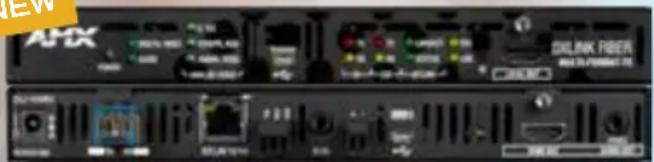
natural_image
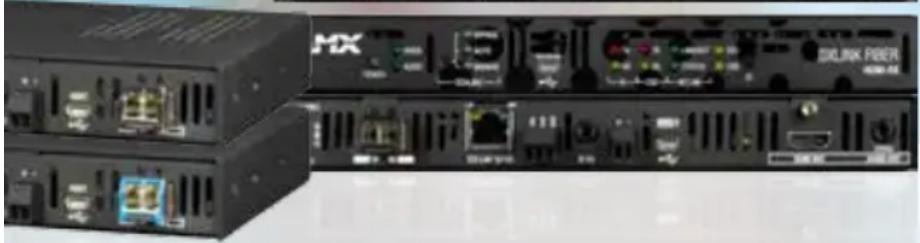
Front view of a black industrial network device with ports and connectors (no visible text or symbols)Quick Facts DXLink Fiber Transmitters
| DXLink Transport Connector | Video Connectors | Audio Connectors | Control Connectors | Video Audio | Integrated Technologies | |
| 4 LC DUPLEX OR 4 LC SIMPLEX | HD-15, 2 HDMI (1 Input, 1 Local Out that Mirrors Transmitted Output) | 3.5mm Stereo, RCA | 2 Phoenix-style, 3.5mm Stereo, USB B, RJ-45 | HDMI, DVI, DisplayPort++, RGBHV, Component, S-Video, Composite | Dolby TrueHD, Dolby Digital, DTS-HD Master Audio, DTS, L-PCM, Analog Stereo | HDCP Compliance, Embedded Ethernet Distribution, Embedded NetLinx Control |
Quick Facts DXLink Fiber Receivers
| DXLink Transport Connector | Video Connectors | Audio Connec-tors | Control Connec-tors | Video Audio | Integrated Technologies | |
| 4 LC DUPLEX OR 4 LC SIMPLEX | HDMI | 3.5mm Stereo | 2 Phoenix-style, 3.5mm Stereo, USB B, RJ-45 | HDMI, DVI | Dolby TrueHD, Dolby Digital, DTS-HD Master Audio, DTS, L-PCM, Analog Stereo | SmartScale, Embedded Ethernet Distribution, Embedded NetLinx Control, HDCP Compliance |
Quick Facts DXLink Fiber Input Boards
| DXLink Transport Connector | Video Connectors Audio Connectors | |
| 4 LC DUPLEX OR 4 LC SIMPLEX | Video from DXLink Fiber Transmitters | Audio from DXLink Fiber Transmitters |
Quick Facts DXLink Fiber Output Boards
| DXLink Transport Connector Video Connectors Audio Connectors | ||
| 4 LC DUPLEX OR 4 LC SIMPLEX | Video to DXLink Fiber Receivers | Audio to DXLink Fiber Receivers |
Send HDMI signals up to 100 meters
Extend the reach of uncompressed HDMI signals far beyond the capabilities of typical HDMI cabling
Standard Twisted Pair
Save time and effort in installation by leveraging pre-existing cost effective twisted pair cable
Hot Swappable Video Input / Output Boards
Easily add or replace I/O boards at any time after deployment - the system automatically recognizes the new configuration and activates the boards
natural_image
Exterior view of network equipment including AMX devices and a power interface (no readable text or symbols)Only One Twisted Pair Cable
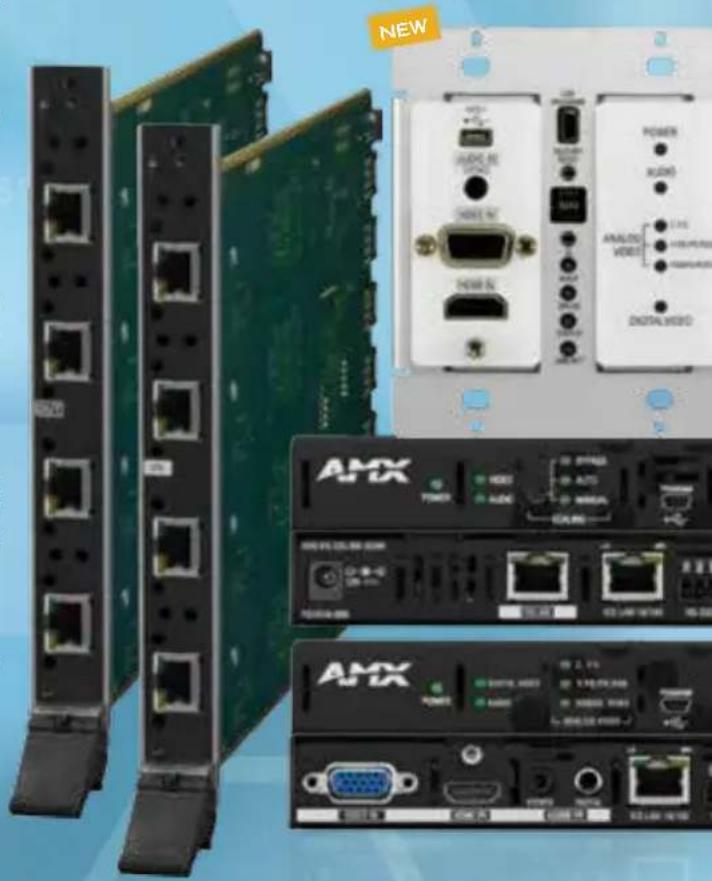
Use the Enova DGX DXLink Input and Output boards in conjunction with the DXLink Transmitters and Receivers to send audio, video, control, Ethernet and power over a single twisted pair cable up to 200m – 100m to the matrix switcher and 100m after the matrix switcher. Expand the Enova DGX input and output size by increments of 4 using the DXLink Input and Output boards. The Enova DGX system provides end-to-end distribution of analog, digital and HDMI/HDCP signals plus control signals throughout a residence or commercial facility. Ideal for environments that demand the highest quality video be shared between rooms or even buildings.
Key Features
- HDCP With Simplicity of Analog – Hassle free plug and play operation eliminates the need for time consuming cumbersome work around tools to deal with HDCP key constraints and resolution incompatibilities
- All-In-One Control and Distribution Solution — Power combination of modular matrix switcher, built-in controller, embedded Ethernet switch and video scaling on every output simplifies the end-to-end distribution and management of audio, video and control throughout multiple rooms
- Fast Easy Installation – When used with the DGX DXLink Input/Output boards, the DXLink Transmitters and Receivers are powered over the single category cable connection eliminating additional wiring hassles and need for additional power outlets.
USB Support
Pass keyboard and mouse USB signals to control a remote computer
Built-in Control Ports in the Transmitters and Receivers
Control the connected source or display using the built-in IR or RS-232 control ports
SmartScale® Technology
Automatically outputs video that is perfectly scaled for each connected display, preventing inferior video quality which occurs when sources and displays have different supported resolutions

Quick Facts DXLink HDMI Receiver
| DXLink Transport Connec-tor | Video Con-nectors | Audio Connec-tors | Control Connec-tors | Video Audio | Integrated Technologies | |
| DXLINK RJ-45 | HDMI | 3.5mm Stereo | 2 Phoenix-style, 3.5mm Stereo, USB A, RJ-45 Ethernet | HDMI, DVI | Dolby TrueHD, Dolby Digital, DTS-HD Master Audio, DTS, L-PCM, Analog Stereo | SmartScale®, DXLink Twisted Pair Distribution, Power over DXLink, Embedded Ethernet Distribution, Embedded NetLinx Control, HDCP Compliance |
Quick Facts DXLink Multi-Format Transmitters
| Video Con-nectors | Audio Con-nectors | Control Connec-tors | DXLink Transport Connector | Video Audio | Integrated Technologies | |
| HDMI, HD-15 | 3.5mm Stereo (TX Module also has RCA) | 2 Phoenix-style, 3.5mm Stereo, USB B (TX Module also has RJ-45 Ethernet) | DXLink RJ-45 | HDMI, DVI, DisplayPort++, RGBHV, Component, S-Video, Composite | Dolby TrueHD, Dolby Digital, DTS-HD Master Audio, DTS, L-PCM, Analog Stereo | DXLink Twisted Pair Distribution, Power over DXLink, HDCP Compliance (TX Module also has Embedded Ethernet Distribution, Embedded NetLinx Control) |
NEW
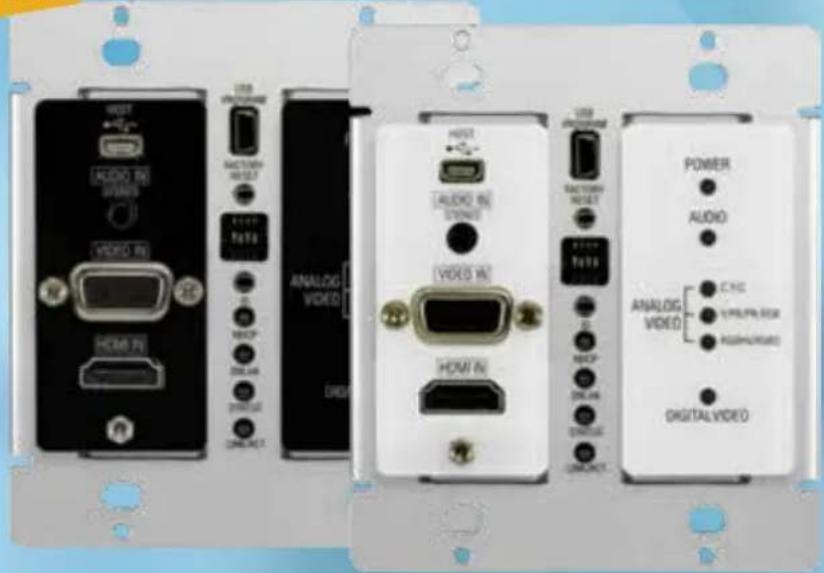
Decor Style DXLink
Multi-Format Wallplate Transmitters
= More Install Options
The DXLink Multi-Format Decor Style Wallplate Transmitter sends analog or digital video including HDMI/HDCP, along with embedded audio or supplemental analog audio up to 100 meters to an Enova DGX Digital Media Switcher, Enova DVX All-In-One Presentation Switcher (DVX-3155/3156HD/DVX-2155HD), or directly to a DXLink Receiver. It receives power over twisted pair cable from the Enova DGX, compatible Enova DVX (3155/3156HD or 2155HD), PS-POE-AT-TC High Power over Ethernet (PoE) Injector, or the new Dual Power Over DXLink Controller (PDXL-2). These wallplates feature a multi-format analog port to support legacy devices and an HDMI port to support newer digital devices.
A single DXLink device can also be powered by the new DXLink-compatible PoE injector or up to 2 DXLink devices by the Dual Power over DXLink Controller. Note that, other third party PoE injectors are not supported for use with DXLink.
Key Features
- Only One Cable – Send audio and video, while passing power over one twisted pair cable
- Multi-Format Analog Port and HDMI Port – Supports legacy analog signals - RGBHV, Component, S-Video, and Composite, and digital HDMI/HDCP, DisplayPort++ and DVI signals
- Send HDMI signals up to 100 meters – Extend the reach of HDMI signals far beyond the capabilities of typical HDMI cabling
30 Watts Per Output
Each powered output can distribute up to 30 watts of power, over 300 feet of twisted pair cable
Remote Power On/Off
Individual power on/off control capability for each remotely connected device
4 x RJ45
Four RJ45 ports are built into the enclosure
NEW

Electrifying Double Feature Introducing the Dual Power over DXLink™ Controller
The Dual Power over DXLink Controller (PDXL-2) is a DXLink-compatible Power over Ethernet (PoE) injector which allows for data transport and remote powering of a DXLink Transmitter (including a Wallplate) and a Receiver. It provides DC power for PoE-equipped devices by “injecting” DC power through a twisted pair cable. It also allows for I/O control from a NetLinx controller to power down any connected DXLink devices allowing them to be included in an overall room power savings mode.
The PDXL-2 allows for DXLink devices to be powered over DXLink from a centralized location and eliminates the need for an AC outlet at each transmitter or receiver location. This enables a stand-alone point-to-point DXLink Transmitter to DXLink Receiver installation in a single room application.
Up to two DXLink devices can be powered by the PDXL-2. Note that other third party PoE injectors are not supported for use with DXLink.
Key Features
- Simplifies Installation - Perfect for situations where a local power supply at the DXLink device would not be viable
- Provides Flexibility - Enables DXLink Wallplates to be used in a point-to-point solution
- Saves Energy - By allowing DXLink devices to be powered down when environments are not in use
NETLINX NI-SERIES
NI-700 Simple Solutions
Ideal for a smaller set of devices. Includes seven control ports plus Ethernet and AxLink connectivity - all in a 1/3 rack-style enclosure.

NI-700
NI-900 Smaller Single Room Solutions
Includes eight control ports including up to three third-party IR devices and one serial device, plus Ethernet and AxLink connectivity - all in a 1/3 rack-style enclosure.
NI-900
NI-2100 Medium-Size Room Solutions
Includes as many as 15 distinct control ports, Ethernet, AxLink and optional ICSNet connectivity.
NI-2100
ENOVA DVX-2100hD NetLinx Control and All-In-One Presentation Switching Combined
In addition to video matrix switching, audio amplification, audio mixing and more, this Enova All-In-One Presentation Switcher includes a fully functional, NI-2100 Controller onboard incorporating as many as 15 distinct control ports plus Ethernet and AxLink connectivity.

DVX-2100HD
NI-3100 & NI-3100/256 Larger, Multiple Room Solutions
Includes as many as 31 distinct control ports, Ethernet, AxLink and optional ICSNet connectivity. The NI-3100/256 also includes an upgraded 256 MB of onboard memory RAM.
NI-3100
ENOVA DVX-2150/2155/3150/3155/3156hD
NetLinx Control and All-In-One Presentation Switching
In addition to video matrix switching, audio amplification, audio mixing and more, these Enova All-In-One Presentation Switchers include a fully functional, NI-3100 Controller onboard, incorporating up to 31 distinct control ports (up to 15 in DVX-2150/2155HD models) plus Ethernet and AxLink connectivity.

natural_image
Exterior view of a black electronic device with control buttons and indicator lights (no visible text or symbols)DVX-3150HD
NI-3101-SIG Sleek, Stylish and Powerful
The ultra-slim 1U form factor with the stylish, shiny black faceplate and blue led bar set this controller apart. The 3101 also features extended depth for easier rack connections plus a USB programming port.

NI-3101-SIG
NI-4100 & NI-4100/256
Superior Functionality Solutions
Integrates up to 31 distinct control ports with the flexibility of four additional expansion card slots, plus Ethernet, AxLink and ICSNet connectivity - all in a 3U rack-style enclosure, The NI-4100/256 also includes an upgraded 256 MB of onboard memory RAM.

NI-4100
CONTROLLERS
NEW
| FEATURE NI-700 NI-900 NI-2100 | DVX-2100HD | NI-3100/ NI-3100/256 | DVX-2150/2155/ 3150/3155/3156HD | NI-3101-SIG | NI-4100/ NI-4100/256 | |||
| Integrated NetLinx Master Yes Yes Yes Yes Yes | ||||||||
| Integrated A/V Switcher/Scaler | No | No | No | Yes | No | Yes | No | No |
| Digital I/O Control Ports | 4 | 4 | 4 | 4 | 8 | 4* / 8** | 8 | 8 |
| RS-232/RS-422/RS-485 Ports | 2 | 1 | 3 | 3 | 7 | 3* / 6** | 6 | 7 |
| IR-Serial Output Ports | 1 | 3 | 4 | 4 | 8 | 4* / 8** | 8 | 8 |
| Relay Ports | - | - | 4 | 4 | 8 | 4* / 8** | 8 | 8 |
| IR Receiver Port | Yes | Yes | No | No | No | No | No | No |
| Programming via Serial Port/Ethernet | Yes/Yes | Yes/Yes | Yes/Yes | USB/Yes | Yes/Yes | Yes/Yes | USB/Yes | Yes/Yes |
| Processor Speed | 304 MIPS | 304 MIPS | 404 MIPS | 404 MIPS | 404 MIPS | 404 MIPS | 404 MIPS | 404 MIPS |
| On-Board Memory RAM | 64 MB | 64 MB | 64 MB | 64 MB | 64 MB/256 MB | 256 MB | 64 MB | 64 MB/256 MB |
| FLASH Memory | 32 MB | 32 MB | 2 GB CF Card | 256 MB | 2 GB CF Card | 256 MB | 256 MB | 2 GB CF Card |
| Non-Volatile RAM | 512 KB | 512 KB | 1 MB | 1 MB | 1 MB | 1 MB | 1 MB | 1 MB |
| Rack Space | 1 RU x 1/3 | 1 RU x 1/3 | 2 RU | 2 RU | 2 RU | 3 RU | 1 RU | 3 RU |
| AxLink Interface | Yes Yes Yes Yes Yes Yes Yes | |||||||
| ICSNet Interface | No | No | Optional | No | Optional | No | No | Yes |
| Expansion Card Slots | No | No | No | No | No | No | No | Yes |
* DVX 2150/2153HD Models ** DVX 3150/3155/3156HD Models
ICSLAN DEVICE
Single Cable
Onboard Power over Ethernet (PoE) eliminates the need for a power source at the install location.
Programming Made Simple
Programming is identical to any other device ports on the controller.
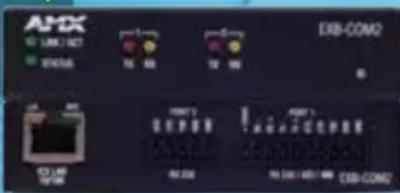
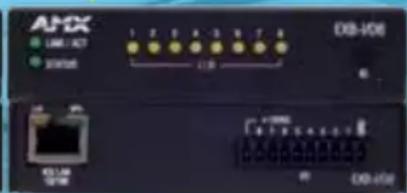
EXB-COM2 EXB-I/08
Add Control Ports
Anywhere All Over Ethernet
Ethernet is the industry standard for connecting devices and ICSLan Device Control Boxes make it easy to introduce control to projectors and other equipment that lack Ethernet connectivity. Oftentimes, these devices are located remote distances from the Controller or it may be necessary to expand the number of ports on a fully populated controller. ICSLan Device Control Boxes are ideal for a wide range of residential applications with devices that lack Ethernet connectivity.
Key Features
- New Markets – Offers a great opportunity to sell to markets that seemed previously unapproachable because of the cost of having a Controller in every room
- Larger Facilities – The ability to market to homeowners with larger residences with many rooms requiring control may now be available
- Cost Effective – Offers an extremely cost effective solution for users needing to expand their control capabilities
CONTROL BOXES
Future Proof
Provides a future proof solution to add ports anywhere.
Easily Deployed
Configuration tools make ICSLan Device Control Boxes easy to deploy.
Sleek and Svelte
Compact design makes it easy to hide for a clean installation.
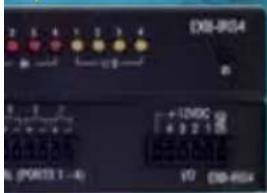

EXB-IRS4 EXB-REL8 EXB-MP1
QUICK FACTS ICSLAN DEVICE CONTROL BOX
CONNECTIVITY OPTIONS
ICSLan Device Control Boxes are available in five models to meet the connectivity needs of just about any application. Just install the model that contains the appropriate connection type for your device, and you'll have complete control of it over your Ethernet network.
ICSLAN PRODUCT DETAILS
| EXB-COM2 | Serial Interface, 2 Ports |
| EXB-I/08 | Input/Output Interface, 8 Channels |
| EXB-IRS4 | IR/S Interface, 4 IR/S and 4 Inputs |
| EXB-REL8 | Relay Interface, 8 Channels |
| EXB-MP1 | Multi-Port, 1 COM, 1 IR/S, 2 I/O, 1 IR RX |
NETLINX POWER
Power Management of Connected Devices
Reduces standby energy usage (vampire power/phantom load).
Built-in Power Current
Sensing on Each AC Outlet Makes it easy to tell if a device is powered on or off.

Control and Reset Power Right from the Rack
The Power Distribution Unit (PDU) allows you to control the rack as well as control the room. With 8 individually monitored and controlled AC outlets, built-in 12 Volt power supply, 2 sets of 4 AxLink Bus Strips, and power monitoring for each outlet, the PDU adds a basic level of control by allowing remote reset of devices via a power cycle. With Native NetLinx control over AxLink, it's also easy to integrate with Resource Management Suite (RMS) software.
Key Features
- Introduces Control at the rack level for Dealers
- Combines power supply and power distribution into one device saving equipment and installation costs
- Provides easy method to add an environmentally friendly Green element to an installation
- AMX PDU now supported in RPM. Power on and shut off devices connected to the PDU outlets within the RPM macros.





DISTRIBUTION UNIT
Individually Controlled Outlets
Allows a remote reboot for devices in the rack reducing on site service calls.
Switched and Monitored
AxLink Bus Strips
Allows power and switching of AxLink or 12V powered devices (in banks of four).

NETLINX POWER MANAGEMENT
NXA-POU-1588-8

RESET
Quick Facts NXA-PDU-1508-8
Dimensions (HWD) AC Ports AxLink Ports
1 3/16" x 17" x 9 11/16" (2.97cm x 43.18cm x 9.66cm)
1 INPUT - 110 - 220VAC
8 OUTPUTS - 110-220VAC
1 AXLINK MASTER PORT
8 AXLINK DEVICE PORTS (2 BANKS OF 4)
NetLinx Power Management Family
LOCATION:
Rack Mount, Shelf, Table
EXTERNAL BUTTONS:
1 Reset
CONFIGURATION:
8-position DIP switch sets the AxLink device address for the unit

NXA-PDU-1508-8 | 8 OUTLET PDU
SMART BUILDINGS
Leveraging Seamless Integration with BMS/ BAS systems, RMS, facility scheduling and Network Media for a holistic enterprise solution
Fire / Life
Safety
Security /
Access Control
HVAC
Facility / Power
Management
Daylight
Management
Occupancy
Sensor
Lighting
Bridging the gap between technology and building/energy management systems, AMX Smart Building solutions can talk to building systems including building access, CCTV/security, fire safety, HVAC, digital signage, mass notification, lighting control and power management utilizing popular network communication protocols like KNX ^® ; protocol translators including Tridium ^® and FieldServer Technologies; and devices like DENT PowerScout ^™ . AMX has the hardware and software that satisfies the needs of building owners, facility manages and IT professionals.
START WITH SMART AMX TECHNOLOGIES
ILDING MANAGEMENT SYSTEM
Resource
Management
Suite

Signage
Scheduling
Monitoring
Control
natural_image
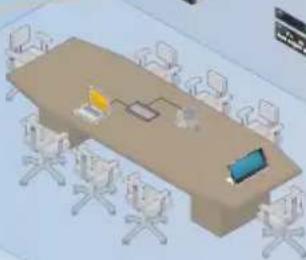
3D illustration of a conference room with a long table, chairs, and a laptop (no text or symbols visible)Building-wide Resource Management/Scheduling – Our award winning
Resource Management Suite software is the primary connection with the existing building management backbone to provide a seamless way to see and manage 'IT' all.
AV Room Automation — Our Enova DVX is a all-in-one presentation switcher designed to manage all the technologies in any space.
Video Distribution – Our Enova DGX delivers high definition digital video content throughout a facility.
Network Media – Vision ^2 breaks through the distance barriers of AV infrastructures to share content around the world.
RMS ENTERPRISE IS NOW IN THE CLOUD
Introducing the virtually maintenance-free, monthly subscription based RMS Enterprise solution hosted from the Cloud – all with seamless integration with RPM
RMS Enterprise provides IT-like remote management capabilities for AV assets and building systems and features a user-friendly dashboard making it easy to centralize the management and

monitoring of AV equipment, lights, HVAC and other building functions. End users can proactively maintain AV devices before a bulb burns out or receive immediate notification when a display goes offline. IT and AV managers can improve their response times and end users will reduce the amount of lost productivity while waiting for meeting room equipment to function.


Resource
Management
Suite
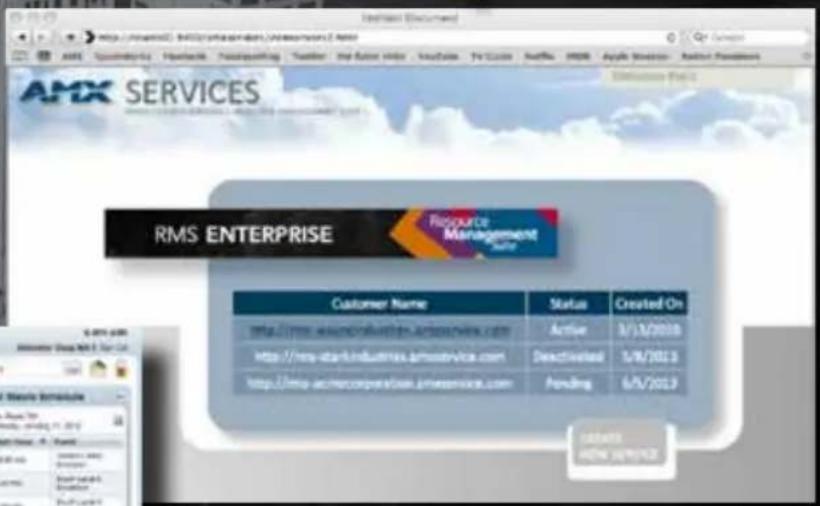
The new AMX Services portal purchase and manage all your RMS cloud hosted services.
- Visual Bar Graphs – Multicolor Graphics Elements with user defined stages for Device Status
- Hotlists – Priority Levels and System Filtering – Push important rooms and devices to the top of the list
- Energy Dashboard Widget – Display Energy Consumption over time for locations and assets by device type
- Reports – Pie Charts, Graphs with Multicolor Graphical Elements

pie
| Category | Percentage (%) | | :--- | :--- | | Revenue | 100 | | Sales | 85 | | Marketing | 70 | | Research & Development | 65 | | HR & IT | 60 | | Earnings | 55 | | Operations | 50 | | Financial Services | 45 | | Other | 35 |RMS ENTERPRISE SERVER SOFTWARE
RMS Enterprise is especially ideal for managing conference rooms, auditoriums and data centers where IT and AV managers can benefit from a centralized remote management tool with multiple capabilities to monitor and manage equipment or provide reports on energy usage and maintenance schedules.
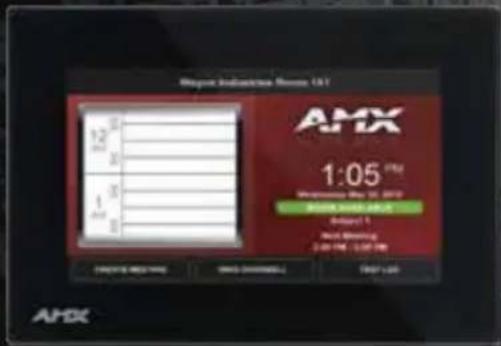
RMS Enterprise supports a wide variety of external scheduling applications. With RMS 4, users can even grab an open meeting room via the touch panel outside – or even inside – the room.
- Extensive Calendar and Scheduling Support
• Display room appointments on an AMX touch panel - Create, end or extend appointments from an AMX touch panel
- Integrates with Exchange, Lotus and other popular scheduling systems
| PRICING FREE TRIAL | SOFTWARE MAINTENANCE & UPDATES | |||
| RMS ENTERPRISE (SERVER SOFTWARE) | One-Time Purchase Installed on Your Server | 90 days | Software Maintenance Available | |
| RMS ENTERPRISE (HOSTED CLOUD SERVICE) | Monthly Subscription with No Contract | 30 days | Software Maintenance and Updates Included | |
Resource
Management
Suite
NEW
QRS Quick Response Scheduling
No Touch Panel? Use QRS Quick Response Scheduling to provide a view of the room schedule on any mobile device – simply by scanning the QR code mounted near the room entrance. This effective low-cost method is the perfect way to increase productivity for any room that lacks a scheduling panel.
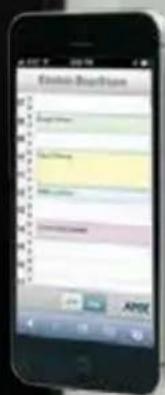
Scan for Schedule

Scan to learn more.
| TECHNICAL SUPPORT | QR SCHEDULING SCHEDULING SNMP | AMX MANAGED SERVICES & UPDATES | ||
| 1st Year Included | Integration with Exchange & Lotus Notes Included | Integration with Exchange & Lotus Notes Included | Full Support | |
| Included N/A N/A N/A Included |
AMY | RPM
rAPID PrOJECT MAKEr
Design, Configure, Deploy
Design, configure, deploy AMX systems in less than an hour with Rapid Project Maker (RPM), a cloud-based software application.
Create the Perfect Meeting in Under an Hour
You need to create an environment to hold The Perfect Meeting – where your presentation material, video, audio and room control technology work together seamlessly to make your meeting a success.
But why do so many meetings fail? It's frequently because of difficulties with the technology that manages the crucial presentation material in your conference rooms and classrooms. The system is too complex, it's unreliable, or it's ta nightmare to set up and configure in the first place.
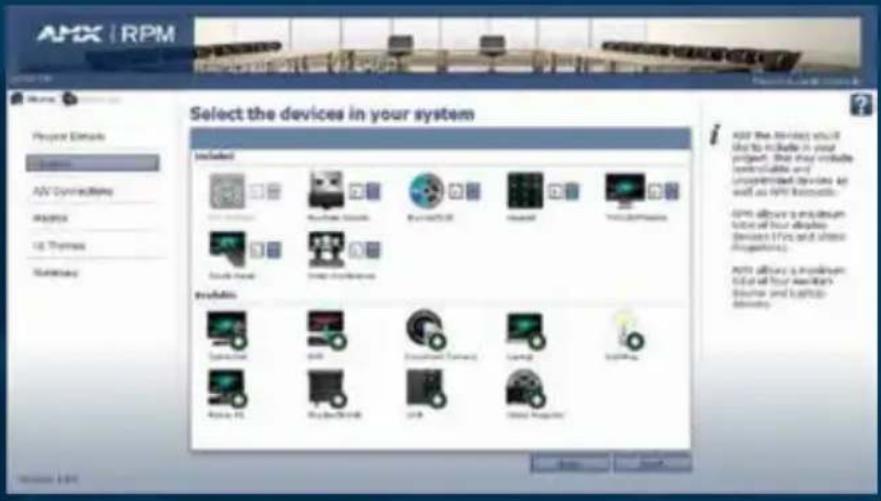
Rapid Project Maker (RPM) is an application designed to eliminate your meeting room technology problems. AMX leveraged decades of experience to bring you a software system that guides you through the process of setting up all of your conference room or classroom technology quickly, easily and reliably - so that everything works perfectly from the start.
For complete details and to get started with RPM today, visit the RPM Portal at www.amxrpm.com.
| WITHOUT RPMAutomating a Conference Room is: | WITH RPMAutomating a Conference Room is: |
| Difficult.Requires extensive programming skills. | Simple.No programming or sophisticated technical knowledge required. |
| Time Consuming.Takes days or weeks to program a system. | Fast.Set up a complete system in an hour or less that works perfectly from the start. |
| Expensive.Programming costs can consume a budget. | Affordable.RPM is free and eliminates expensive programming and integration costs. |
| Unreliable.Complex programming can lead to complex & unreliable installations, resulting in failed meetings. | Rock-Solid.RPM system designs and code are tested and backed by AMX, resulting in the Perfect Meeting. |
| Inconsistent.Custom programming is difficult to replicate. | Easy to Duplicate.Projects are saved to the AMX Cloud and can be deployed to any number of similar rooms. |
FEATURES
Cloud-Based Tool – Design, configure and manage systems over the web – no software required.
No Programming Required – Dramatically simplifies configuration of an AMX control system.
Configure Systems in Less Than an Hour – With no programming required, complete multiple installations with greater consistency, reliability and efficiency.


LONDON

NEW YORK
AMX SHOW
ARE YOUR
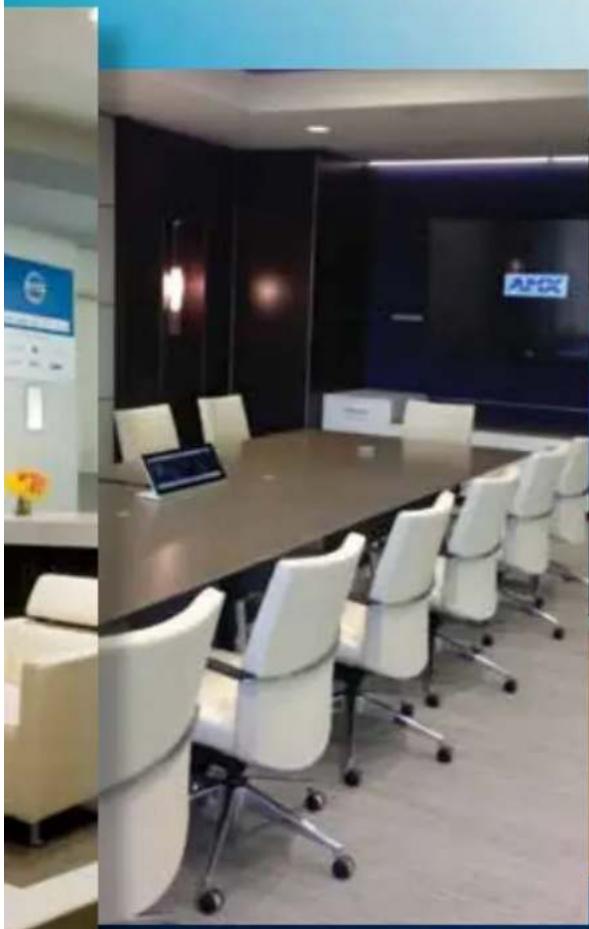
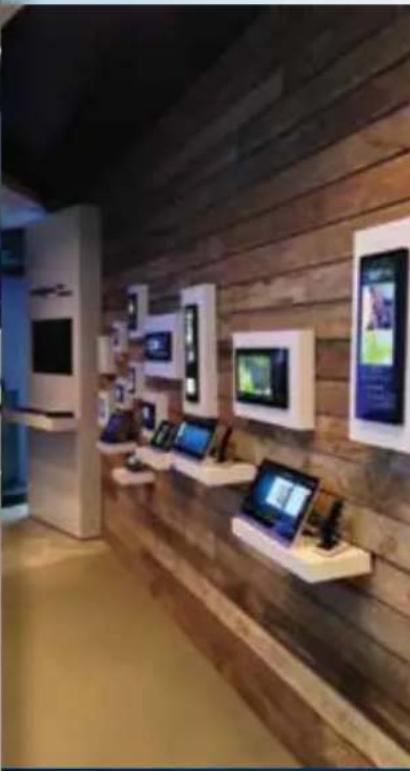
In addition to welcoming you to visit any of our direct sales and support offices around the world, we also invite you to visit any of our full service Showrooms located in Dallas, New York, Newport Beach and London. Each of our Showrooms offers visitors the ability to experience an interactive demonstration of more than 350 AMX products and includes several examples of AMX technology at work. Additionally, each of our Showrooms includes a full-size, fully integrated boardroom with video conferencing capabilities as well as a full-time AMX University Training Center.
natural_image
Interior view of a modern office with a long conference table, white chairs, and a tablet (no visible text or symbols)AMX
NEWPORT BEACH
natural_image
Interior of a modern retail store with wooden walls and display kiosks (no visible text or signage)AMX
DALLAS
ROOMS
SHOWROOMS
Please contact any of our Showrooms directly for hours of operation, to request a demonstration and tour, inquire about AMX University training, or schedule a meeting with your customers.
• See technology demonstrations
- Invite customers to see over 350+ products
• Schedule videoconference meetings
• Attend AMX University training
READY, SET,
Most Popular Electronics Manufacturers to Deliver Device Drivers/Modules Faster

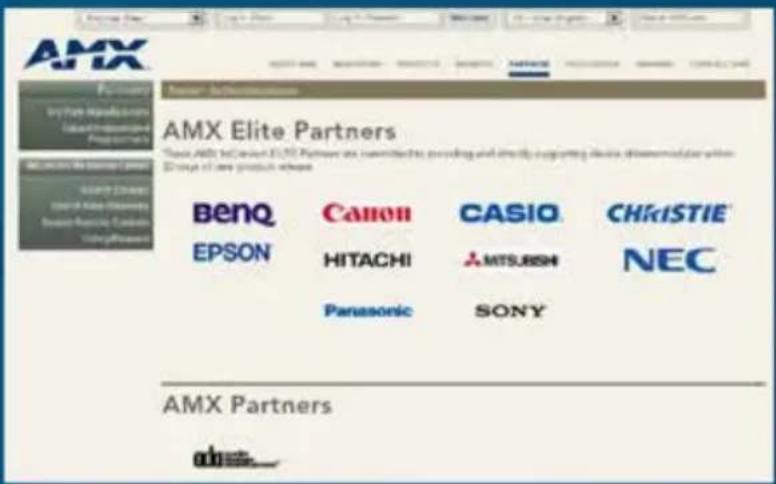
AMX is pleased to announce a new partnership level to the acclaimed InConcert Partner program called the ELITE Partner. This elite group of manufacturers are partnering with AMX and stepping up their commitment to getting device drivers/modules completed and delivered to sealers/integrators quicker and easier.
- Participating Elite Partners agree to post Device Drivers/Modules within 30 days of product release
- Device Drivers/Modules will be created and supported by the manufacturer directly
DONE!

BenQ
Canon
CASIO
CHKISTIE®
EPSON®
HITACHI

MITSUBISHI
NEC
Panasonic
SONY
Manufacturer Testimonials
"Driver Design allows our company to directly add AMX support to our projectors in a proactive fashion, giving us the tools to create an extensive library of supported products." – Christie
"I have never seen an application made so simple to develop drivers. Others require knowledge of a specific software language and a good understanding of how the control system works. AMX made is easy." – Sony
US Commercial Sales Leaders
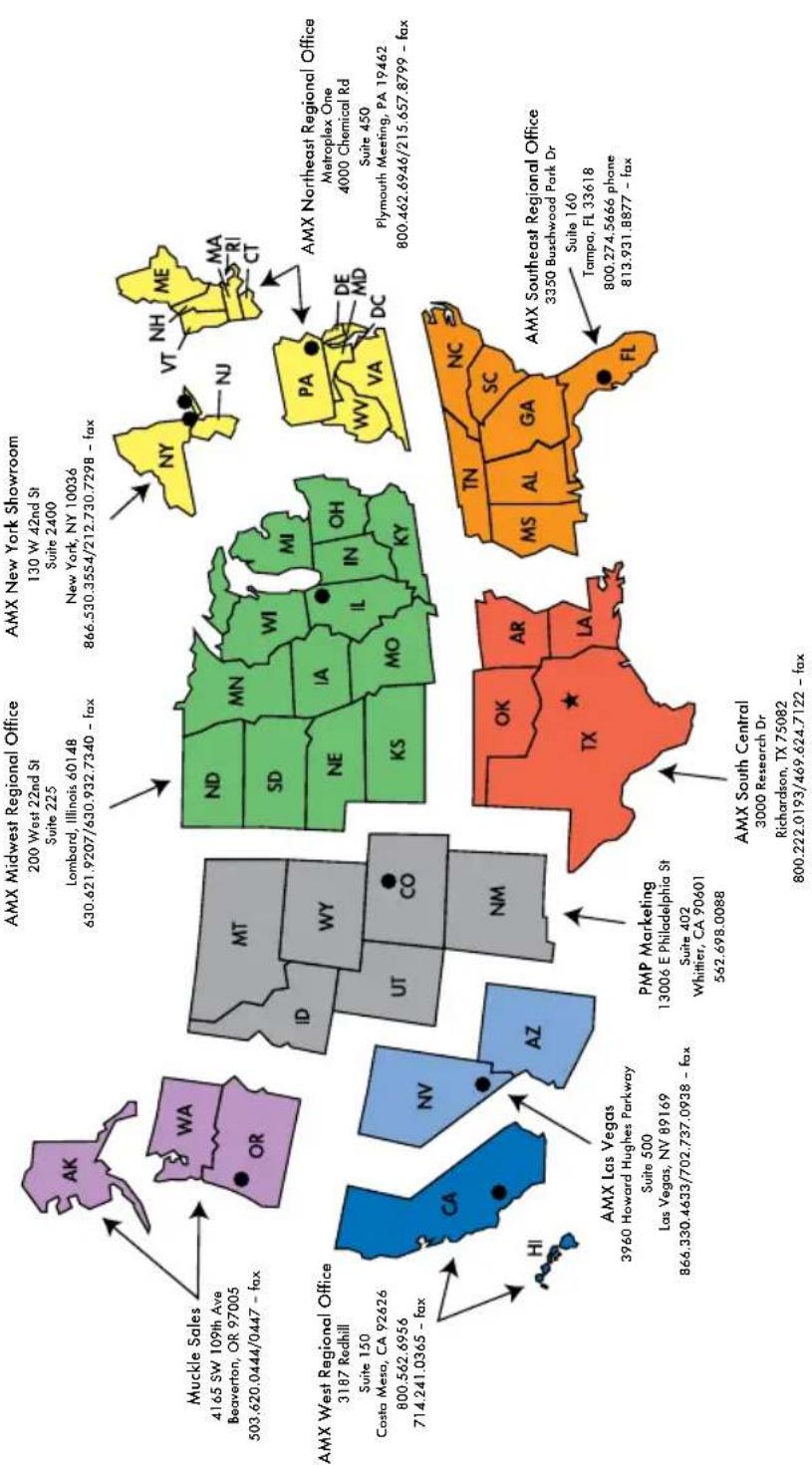
esidential Sales LeaderSales Leaders
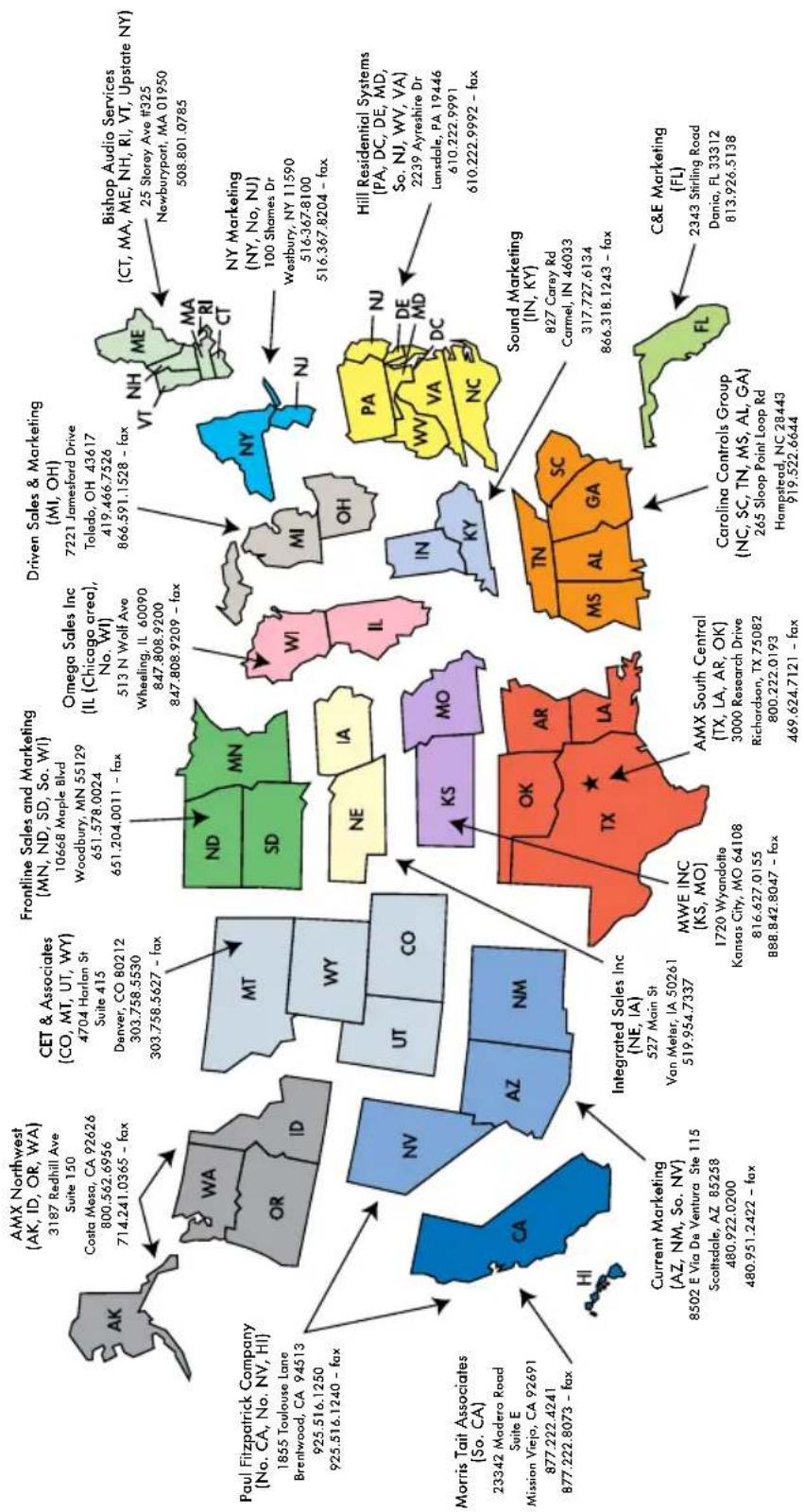
geo
| Region | State/Region | Address | Address Name | | :--- | :--- | :--- | :--- | | North Carolina | GA | MS | AL | | South Carolina | SC | TX | AL | | Texas | LA | MA | AL | | Florida | FL | FL | FL | | California | CA | AZ | NM | | New York | NY | NY | NY | | Pennsylvania | NC | NC | NC | | Illinois | IL | IL | IL | | Ohio | OH | OH | OH | | Michigan | MI | MI | MI | | Indiana | VT | VT | VT | | Tennessee | TN | TN | TN | | Kentucky | KY | KY | KY | | Tennessee | KS | KS | KS | | Tennessee | MO | MO | MO | | Tennessee | OK | OK | OK | | West Virginia | DC | DC | DC | | Virginia | WV | WV | WV | | Washington | ME | ME | ME | | Massachusetts | MA | MA | MA | | Connecticut | MT | MT | MT | | Rhode Island | SD | SD | SD | | Connecticut | WI | WI | WI | | New Jersey | NJ | NJ | NJ | | Vermont | NE | NE | IA | | Maine | NE | NE | IA | | Maryland | MD | MD | MD | | Delaware | NC | NC | NC | | Delaware-Franklinburg, OR-WV | NC | NC | NC | | Delaware-Savannah, OR-WV | NC | NC | NC | | Delaware-Central Virginia, OR-WV | NC | NC | NC | | Delaware-Rhode Island, OR-WV | NC | NC | NC | | Delaware-Savannah, OR-WV (South) | NC | NC | NC | | Delaware-Turquoise, OR-WV (South) | NC | NC | NC | | Delaware-Savannah, OR-WV (West) | NC | NC | NC | | Delaware-Turquoise, OR-WV (East) | NC | NC | NC | | Delaware-Savannah, OR-WV (East) - West Virginia, OR-WV (East) - West Virginia, OR-WV (East) - West Virginia, OR-WV (East) - West Virginia, OR-WV (East) - West Virginia, OR-WV (East) - West Virginia, OR-WV (East) - West Virginia, OR-WV (East) - West Virginia, OR-WV (East) - West Virginia, OR-WV (East) - West Virginia, OR-WV (East) - West Georgia, OR-WV (West Georgia), OR-WV (West Georgia), OR-WV (West Georgia), OR-WV (West Georgia), OR-WV (West Georgia), OR-WV (West Georgia), OR-WV (West Georgia), OR-WV (West Georgia), OR-WV (West Georgia), OR-WV (West Georgia), OR-WV (West Georgia), OR-WV (West Georgia), OR-WV (West Georgia), OR-WV (West Georgia), OR-WV (West Georgia), OR-West Virginia, OR-WV (West Virginia), OR-West Virginia, OR-West Virginia, OR-West Virginia, OR-West Virginia, OR-West Virginia, OR-West Virginia, OR-West Virginia, OR-West Virginia, OR-West Virginia, OR-West Virginia, OR-West Virginia, OR-West Virginia, OR-West Virginia, OR-West Virginia, OR-West Virginia, OR-West Virginia, OR-West Virginia, OR-West Virginia, OR-West Virginia, OR-West Virginia, OR-West Virginia, OR-West Virginia, OR-West Virginia, OR-West Virginia, OR-West Virginia, OR-West Virginia (OR-West Virginia), OR-West Virginia, OR-West Virginia, OR-West Virginia, OR-West Virginia, OR-West Virginia, OR-West Virginia, OR-West Virginia, OR-West Virginia, OR-West Virginia, OR-West Virginia, OR-West Virginia, OR-West Virginia, OR-West Virginia, OR-West Virginia, OR-West Virginia, OR-West Virginia, OR-West Virginia, OR-West Virginia, OR-West Virginia, OR-West Virginia, OR-West Virginia, OR-West Virginia, OR-West Virginia, OR-West Virginia, OR-UT-SD-SD-SD-SD-SD-SD-SD-SD-SD-SD-SD-SD-SD-SD-SD-SD-SD-SD-SD-SD-SD-SD-SD-SD-SD-SD-SD-SD-SD-SD-SD-SD-SD-SD-SD-SD-SD-SD-SD-SD-SD-SD-SD-SD-SD-SD-SD-SD-SD-SD-SC-SC-SC-SC-SC-SC-SC-SC-SC-SC-SC-SC-SC-SC-SC-SC-SC-SC-SC-SC-SC-SC-SC-SC-SC-SC-SC-SC-SC-SC-SC-SC-SC-SC-SC-SC-SC-SC-SC-SC-SC-SC-SC-SC-SC-SC-SC-SC-SC-SC-CCS-CSS-CSS-CSS-CSS-CSS-CSS-CSS-CSS-CSS-CSS-CSS-CSS-CSS-CSS-CSS-CSS-CSS-CSS-CSS-CSS-CSS-CSS-CSS-CSS-CSS-CSS-CSS-CSS-CSS-CSS-CSS-CSS-CSS-CSS-CSS-CSS-CSS-CSS-CSS-CSS-CSS-CSS-CSS-CSS-CSS-CSS-CSS-CSS-CSS-CSS-CCTCCTCCTCCTCCTCCTCCTCCTCCTCCTCCTCCTCCTCCTCCTCCTCCTCCTCCTCCTCCTCCTCCTCCTCCTCCTCCTCCTCCTCCTCCTCCTCCTCCTCCTCCTCCTCCTCCTCCTCCTCCTCCTCCTCCTCCTCCTCCTCCTCCTCCTTCA71420365 - fax AK: 3187 Redhill Ave Suite 150 CA: 92626 800.562.6956 CO: 4704 Harlan St Suite 415 CO: 80212 303.758.5530 CO: 303.758.5627 - fax CA: 3187 Redhill Ave Suite 150 CA: 92626 800.562.6956 CO: 4704 Harlan St Suite 415 CO: 80212 303.758.5530 CO: 303.758.5627 - fax CA#: 3187 Redhill Ave Suite 150 CA#: 92626 800.562.6956 CA#: 3187 Redhill Ave Suite 150 CA#: 92626 800.562.6956 CA#: 3187 Redhill Ave Suite 150 CA#: 92626 800.562.6956 CA#: 3187 Redhill Ave Suite 415 CA#: 92626 800.562.6956 CA#: 3187 Redhill Ave Suite 415 CA#: 92626 800.562.6956 CA#: 3187 Redhill Ave Suite 415 CA#: 92626 800. CA#: 3187 Redhill Ave Suite 415 CA#: 92626 800.562.6956 CA#: 3187 Redhill Ave Suite 415 CA#: 92626 800.562.6956 CA#: 3187 Redhill Ave Suite 441 CA#: 92626 800.562.6956 CA#: 3187 Redhill Ave Suite 441 CA#: 92626 800.562.6956 CA#: 3187 Redhill Ave Suite 441 CA#: 92626 800. CA#: 3187 Redhill Ave Suite 441 CA#: 92626 800.562.6956 CA#: 3187 Redhill Ave Suite 441 CA#: 92626 800.562.6956 CA#: 3187 Redhill Ave Suite 471 CA#: 92626 800.562.6956 CA#: 3187 Redhill Ave Suite 471 CA#: 92626 800.562.6956 CA#: 3187 Redhill Ave Suite 471 CA#: 92626 80OVA-AW-AW-AW-AW-AW-AW-AW-AW-AW-AW-AW-AW-AW-AW-AW-AW-AW-AW-AW-AW-AW-AW-AW-AW-AW-AW-AW-AW-AW-AW-AW-AW-AW-AW-AW-AW-AW-AW-AW-AW-AW-AW-AW-AW-AW-AW-AW-AW-AW-AW-Aw-BWA-AW-AW-AW-AW-AW-AW-AW-AW-AW-AW-AW-AW-AW-AW-AW-AW-AW-AW-AW-AW-AW-AW-AW-AW-AW-AW-AW-AW-AW-AW-AW-AW-AW-AW-AW-AW-AW-AW-AW-AW-AW-AW-AW-AW-AW-AW-AW-AW-AW-AU-NY-INN-INN-INN-INN-INN-INN-INN-INN-INN-INN-INN-INN-INN-INN-INN-INN-INN-INN-INN-INN-INN-INN-INN-INN-INN-INN-INN-INN-INN-INN-INN-INN-INN-INN-INN-INN-INN-INN-INN-INN-INN-INN-INN-INN-INN-INN-INN-INN-INN-INN-INHIN-INN-INN-INN-INN-INN-INN-INN-INN-INN-INN-INN-INN-INN-INN-INN-INN-INN-INN-INN-INN-INN-INN-INN-INN-INN-INN-INN-INN-INN-INN-INN-INN-INN-INN-INN-INN-INN-INN-INN-INN-INN-INN-INN-INN-INN-INN-INN-INN-INMININININININININININININININININININININININININININININININININININININININININININININININININININININININININININININININININININININININININININININININININININININININININININININININININININININ INILMNIONA INILMNIONA INILMNIONA INILMNIONA INILMNIONA INILMNIONA INILMNIONA INILMNIONA INILMNIONA INILMNIONA INILMNIONA INILMNIONA INILMNIONA INILMNIONA INILMNIONA INILMNIONA INILMNIONA INILMNIONA INILMNIONA INILMNIONA INILMNIONNA INILMNIONNA INILMNIONNA INILMNIONNA INILMNIONNA INILMNIONNA INILMNIONNA INILMNIONNA INILMNIONNA INILMNIONNA INILMNIONNA INILMNIONNA INILMNIONNA INILMNIONNA INILMNIONNA INILMNIONNA INILMNIONNA INILMNIONNA INILMNIONNA INILMNIONNA INILMNIONA INILMNIONNA INILMNIONNA INILMNIONNA INILMNIONNA INILMNIONNA INILMNIONNA INILMNIONNA INILMNIONNA INILMNIONNA INILMNIONNA INILMNIONNA INILMNIONNA INILMNIONNA INILMNIONNA INILMNIONNA INILMNIONNA INILMNIONNA INILMNIONNA INILMNIONA INILMNIONA INILMNIONNA INILMNIONNA INILMNIONNA INILMNIONNA INILMNIONNA INILMNIONNA INILMNIONNA INILMNIONNA INILMNIONNA INILMNIONNA INILMNIONNA INILMNIONNA INILMNIONNA INILMNIONNA INILMNIONNA INILMNIONNA INILMNIONNA INILMNIONA INILMNIONNA INILMNIONA INILMNIONNA INILMNIONNA INILMNIONNA INILMNIONNA INILMNIONNA INILMNIONNA INILMNIONNA INILMNIONNA INILMNIONNA INILMNIONNA INILMNIONNA INILMNIONNA INILMNIONNA INILMNIONNA INILMNIONNA IN ILMAIA-ME-NH-NH-NH-NH-NH-NH-NH-NH-NH-NH-NH-NH-NH-NH-NH-NH-NH-NH-NH-NH-NH-NH-NH-NH-NH-NH-NH-NH-NH-NH-NH-NH-NH-NH-NH-NH-NH-NH-NH-NH-NH-NH-NH-NH-NH-NH-NH-NH-NH-NH-NHI- PAULFZPATRICK COMPANY [No.CA.No.NV.HI] PAULFZPATRICK COMPANY [No.CA.No.NV.HI] PAULFZPATRICK COMPANY [No.CA.No.NV.HI] PAULFZPATRICK COMPANY [No.CA.No.NV.HI] PAULFZPATRICK COMPANY [No.CA.NO.NV.HI] PAULFZPATRICK COMPANY [No.CA.NO.NV.HI] PAULFZPATRICK COMPANY [No.CA.NO.NV.HI] PAULFZPATRICK COMPANY [No.CA.NO.NV.HI] PAULFZATRICK Associates [So.CA] PAULFZATRICK Associates [So.CA] PAULFZATRICK Associates [So.CA] PAULFZATRICK Associates [So.CA] PAULFZATRICK Associates [So.CA] PAULFZATRICK Associates [So.CA] PAULFZATRICK Associates [So.CA] PAULFZATRICK Associates [So.CA] PAULFZATRICK Associates [So.CA] PAULFZATRICK Associates [So.CA] PAULFZATRICK Associates [So.CA] PAULFZATRICK Associates [So.CA] PAULFZATRICK Associates [So.CA] PAULFZATRICK Associates [SO.CA] PAULFZATRICK Associates [SO.CA] PAULFZATRICK Associates [SO.CA] PAULFZATRICK Associates [SO.CA] PAULFZATRICK Associates [SO.CA] PAULFZATRICK Associates [SO.CA] PAULFZATRICK Associates [SO.CA] PAULFZATRICK Associates [SO.CA] PAULFZATRICK Associates[SO.CA] PAULFZATRICK Associates[SO.CA] PAULFZATRICK Associates[SO.CA] PAULFZATRICK Associates[SO.CA] PAULFZATRICK Associates[SO.CA] PAULFZATRICK Associates[SO.CA] PAULFZATRICK Associates[SO.CA] PAULF Z AT R WTA, PAULF Z AT R WTA, PAULF Z AT R WTA, PAULF Z AT R WTA, PAULF Z AT R WTA, PAULF Z AT R WTA, PAULF Z AT R WTA, PAULF Z AT R WTA, PAULF Z AT R WTA, PAULF Z AT R WTA, PAULF Z AT R WTA, PAULF Z AT R WTA, PAULF Z AT R WTA, PAULF Z AT R WTA, PAULF Z AT R WTA, PAULF Z AT R WTA, PAULF Z AT R WTA, PAULF Z AT R WTA, PAULF Z AT R WTA, PAULF Z AT R WTA, PAULF Z AT R WTA, PAULF Z AT R WTA, PAULF Z AT R WTA, PAULF Z AT R WTA, PAULF Z AT R WTA, PAULF Z AT R WTA, PAULF Z AT R WTA, Current Marketing (AZ,NM,SO.NV) 8502 E Via De Ventura Ste 115 Scottsdale,AZ 85258 480.922.0200 480.951.2422 - fax Integrated Sales Inc (NE, IA) 527 Main St Van Meter, IA 50261 519.954.7337 AMX INC (KS,MO) 1720 Wyandotte Kansas City,MO 64108 816.627.0155 888.842.8047 - fax AMX South Central (TX,LA,AKOK) 3000 Research Drive Richardson,TX75082 800.222.0193 469.624.7121 - fax AMX South Central (TX,LA,AKOK) 3000 Research Drive Richardson,TX75082 800.222.0193 469.624.7121 - fax AMX South Central (TX,LA,AKOK) 3000 Research Drive Richardson,TX75082 317.727.6134 469.624.7121 - fax AMX South Central (TX,LA,AKOK) 3000 Research Drive Richardson,TX75082 317.727.6134 469.624.7121 - fax AMX South Central (TX,LA,AKOK) 3000Research Drive Richardson,TX75082 317.727.6134 469.624.7121 - fax AMX South Central (TX,LA,AKOK) 3000Research Drive Richardson,TX75082 317.727.6134 469.624 .7121 - fax AMX South Central (TX,LA,AKOK) 3000Research Drive Richardson,TX75082 317.727.6134 469.624 .7121 - fax AMX South Central (TX,LA,AKOK) 3000Research Drive Richardson,TX7508B 317.727.6134 469.624 .7121 - fax AMX South Central (TX,LA,AKOK) 3000Research Drive Richardson,TX7508B 317.727.6134 469.624 .7121 - fax AMX South Center (NC,TS,NM,SO.AL,GAA) 319.522.6644 Carolina Controls Group (NC,SC,TX,NM,SO.AL,GAA) 319.522.6644 319.522.6644 319.522 .6644 Carolina Controls Group (NC,SC,TX,NM,SO.AL,GAA) 319.522 .6644 Carolina Controls Group (NC,SC,TX,NM,SO.AL,GAA) 319.522 .6644 Carolina Controls Group (NC,SC,TX,NM,SO.AL,GAA) 319.522 .6644 Carolina Controls Group (NC,SC,TX,NM,SO.AL GAA) 319.522 .6644 Carolina Controls Group (NC,SC,TX,NM,SO.AL,GAA) 319.522 .6644 Carolina Controls Group (NC,SC,TX,NM,SO.AL,GAA) 319.522 .6644 Carolina Controls Group (NC,SO.AL,GAA) 319.522 .6644 Carolina Controls Group (NC,SO.AL,GAA) 319.522 .6644 Carolina Controls Group (NC,SO.AL,GAA) 319.522 .6644 Carolina Controls Group (NC,SO.AL,GAA) 319.52AMX Global Sales Contacts
AFRICA
North Africa
(Algeria, Morocco, Tunisia)
AMX France
+33.1.47.24.0501
www.amx.com
South Africa
(Republic of South Africa, Angola, Botswana,
Kenya, Lesotho, Malawi, Mozambique, Namibia,
Swaziland, Tanzania, Zambia, Zimbabwe)
Peripheral Vision CC
+27.11.840.0860
http://www.peripheralvision.co.za
ASIA & THE PACIFIC RIM
Australia and New Zealand
AMX Australia
+61.7.5531.3103
http://www.amx.com/aunz
AMX New Zealand
+64.9.415.2257
http://www.amx.com/aunz
North Asia
(China, Hong Kong, Korea, Taiwan)
AMX Asia Limited
+852.3422.8732/42
http://www.amxasia.com
AMX Asia Limited (China - Beijing)
+86.10.84464880
http://www.amxasia.com
AMX Asia Limited (China - GuangZhou)
+86.20.3758.2820
http://www.amxasia.com
AMX Asia Limited (China - Shanghai)
+86.21.5301.7233
http://www.amxasia.com
AMX Asia Limited (Korea)
+82.2.523.0771
http://www.amxasia.com
AMX Asia Limited (Taiwan)
+886.2.2721.5625
http://www.amxasia.com
Southeast Asia
(Singapore, Brunei, Cambodia, Indonesia.
Laos, Malaysia, Myanmar, Philippines,
Thailand, Vietnam)
AMX Asia Pacific Pte. Ltd.
+65.6846.7960
www.amx.com
India
AMX India
+91.80.4902.1000
www.amx.com
Japan
Electori Co. LTD.
+81-3-3530-6190
http://www.electori.co.jp
CANADA
AMX Canada
+1.514.695.4883
http://www.amx.ca
CARIBBEAN ISLANDS/CENTRAL AMERICA
(Anguilla, Antigua and Barbuda, Aruba
the Bahamas, Barbados, British Virgin
Islands, Cayman Islands, Dominica.
Dominican Republic, Grenada, Guadeloupe,
Haiti, Jamaica, Martinique, Montserrat,
Netherlands Antilles, Puerto Rico, Saint
Barthelemy, Saint Kitts and Nevis, Saint
Lucia, Saint Martin, Saint Vincent and the
Grenadines, Trinidad and Tobago, Turks
and Caicos Islands, United States Virgin
Islands, El Salvador, Guatemala, Nicaragua,
and Honduras)
Polaris Controls, Inc. (Sales Rep.)
+1.305.406.2488
http://www.polariscontrols.com
CENTRAL AMERICA
(Colombia, Costa Rica, Ecuador, Panama,
Venezuela)
SYNERC (Sales Rep.)
+571.756.0761
http://www.synerc.com
SOUTH AMERICA
Argentina
Distecna S.A.
+54.11.5166.3400
www.distecna.com
Brazil
Axyon Distribuidora
+55-11-3728-4400
(England, Northern Ireland, Scotland, Wales,
Albania, Belarus, Bosnia and Herzegovina,
Bulgaria, Croatia, Czech Rep, Estonia, Greece,
Hungary, Kosovo, Latvia, Lithuania, Macedonia,
Moldavia, Montenegro, Poland, Romania,
Serbia, Slovakia, Slovenia, Turkey)
AMX Europe
+44.1.904.343.100
www.amx.com
AMX London
+44.207.652.9450
www.amx.com
Norway, Sweden, Denmark, Finland
AMX Scandinavia
+46.0.31.761.0333
www.amx.com
MEXICO
AMX Soluciones Tecnologicas, S.A. de C.V. d/b/a
AMX Mexico
+52.55.5280.4800
http://www.amxmexico.com
MIDDLE EAST
(Lebanon, United Arab Emirates,
Kingdom of Saudi Arabia, Kuwait, Qatar,
Oman, Yemen, Bahrain, Jordan, Egypt,
Pakistan)
AMX Middle East (AMX-me)
+971.4.204.5690
http://www.amxme.com
AMX Lebanon
+961.9.901120
http://www.amxme.com
For dealer information in countries not covered
by World Partner Distributors or Representatives,
please contact the AMX International Team at
+1.469.624.7400.
PowerPoint presentations.
H.264, MWV 9 for SD motion video as well as implantation of
JPEG, PNG, GIF, and SVG for still image format and MPEG-2, MPEG-4,
software allows for the use of content already developed such as
- Wide Variety of Graphics Supported The design aspect of IS XPress
quickly, and are scalable without resolution loss.
Graphics (SVG) and XML produce graphics that are smaller, transmit more
• Standards Based Architecture Technology such as Scalable Vector
create and manage their content and distribution.
- Easy-To-use Inspired Press software allows administrators to very easily

IS Xpress players.
templates and content, and publish that content to
web page. Inspired XPress allows staff to create
languages. Content design is fluid, similar to a
event venues and other public spaces in multiple
information to customers of retailers, hotels, banks,
inspired Xpress is ideal for delivering dynamic
A Dynamic Software Solution
XPERES
| Maximum Resolution video output audio cadecs enclosure size (HWD) | |||
| 1280 x 720 (16:9), 1024 x 640 (16:10), 124 x 768 (4:3) | 720P (HD READY), 576P, 480P, VGA, 50 OR 60 FPS | MPEG AUDIO LAYER 1/23, TTU G.711, 6.722, G.729, PCM, MICROSOFT WMA, REXL AUDIO | 1^in × 6l/4^in × 3l/4^in 1 RU |
Quick Facts 15 XPRESS SPx-1300
• Green The player uses only 3 watts of power
• Powerful compact Player This tiny player is small, light, with no moving parts, yet is packed with capabilities that most PC-based solutions can't match like live video and video wall support
• HDMI and VGA Outputs The IS-SPX-1300 features 2 simultaneous, independent, active video output connections, one digital and one analog
• View Content Being Played From the IS-SPX-1300 embedded web server an administrator can take a snapshot showing exactly what is playing on the connected display for status or reporting purposes
Don't let its compact size tool you. While it has no moving parts and uses a mere three watts of power the IS-SPX-1300 has an embedded web server, metric collection capability and HDMI/VEA video outputs.
A Small Giant!

INSPIERED
nETWORK MEDIA

- Our experienced team of graphics designers work directly with customers to develop a custom set of templates
AVAILABLE CUSTOM CONTENT

• Corporate Template Pack includes designs relevant to businesses • Education Template Pack includes designs relevant to schools
AVAILABLE TEMPLATE PAKS

- Generates high-res images up to 1080p at 30 frames per second - Compact player can be mounted behind display - NetLink integration allows for content control from a NetLink system
PLAYER(15-XPT-2100)

flowchart
graph TD
    A["Input Data"] --> B{Decision 1}
    B -->|Yes| C["Process Data"]
    B -->|No| D["User Interaction"]
    C --> E["Output Data"]
    D --> F["User Interaction"]
    E --> G["User Interaction"]
    F --> G
    style A fill:#f9f,stroke:#333
    style G fill:#bbf,stroke:#333
- Supports LDAP authentication - Software installed on user's PC or a server enables updates to content - Permissions-based workflow management enables an approval process for created content
COMPOSER SOFTWARE
XPERT
• Native integration with RMS Enterprise allows system administrators to monitor and control the signage player and its connected display device
environment
- Mellux integration provides the ability to combine inspired Xpert with AMX Control systems to create messaging solutions that incorporate the entire
Google calendar
• Supports multiple sources for data integration beyond standard RSS feeds including sources such as Twitter, Flickr, Yahoo! News, Google docs and
effective than subscription-based solutions
• With no on-going software license fees, inspired Xpert is more cost
approval cycle before it is published to displays
• Enables groups to manage their own content, while allowing a review and
professionally designed, easy-to-use message templates
- Addresses customer's content challenges with the availability of
video, images, text, and internet feeds
• The IS-XP-2100 is a compact player that can be mounted behind displays and features high resolution 1080P processing power to support HD
managing digital messages simple.
inspired Xpert provides digital signage with the industry's best content tools to make creating and
Easy-To-Use Solution
Digital Signage in an
Sophisticated
inSPRIERED
nETWORK MEDIA
Devices
Mobile
Digital Signage
Touch Panels

natural_image
Five circular icons representing data storage, database, email, Wi-Fi, and cloud services (no text or symbols)• Deliver content to touch panels, digital signage and mobile devices
• Offers mobile friendly HTML output
custom feeds
• Simpile intuitive software gives anyone the ability to create
With XPort Data Integration Software, you can pull data from a variety of sources and distribute it to touch panels, digital signage and mobile devices. It provides an easy and secure method to manage internal and external data feeds.
Now You Can XPort Your Data Exactly the Way You Want!
XPORT
nETWORK MEDIA
a corporation.
Vision ^2 now integrates with NAS (Network Attached Storage) and SAN (Storage Area Network) to easily integrate with existing infrastructure and backup procedures, and has enhanced roles and privileges allowing ownership delegation to various groups within
NEW
for review with a patient or student. can be enabled such as recording medical procedure
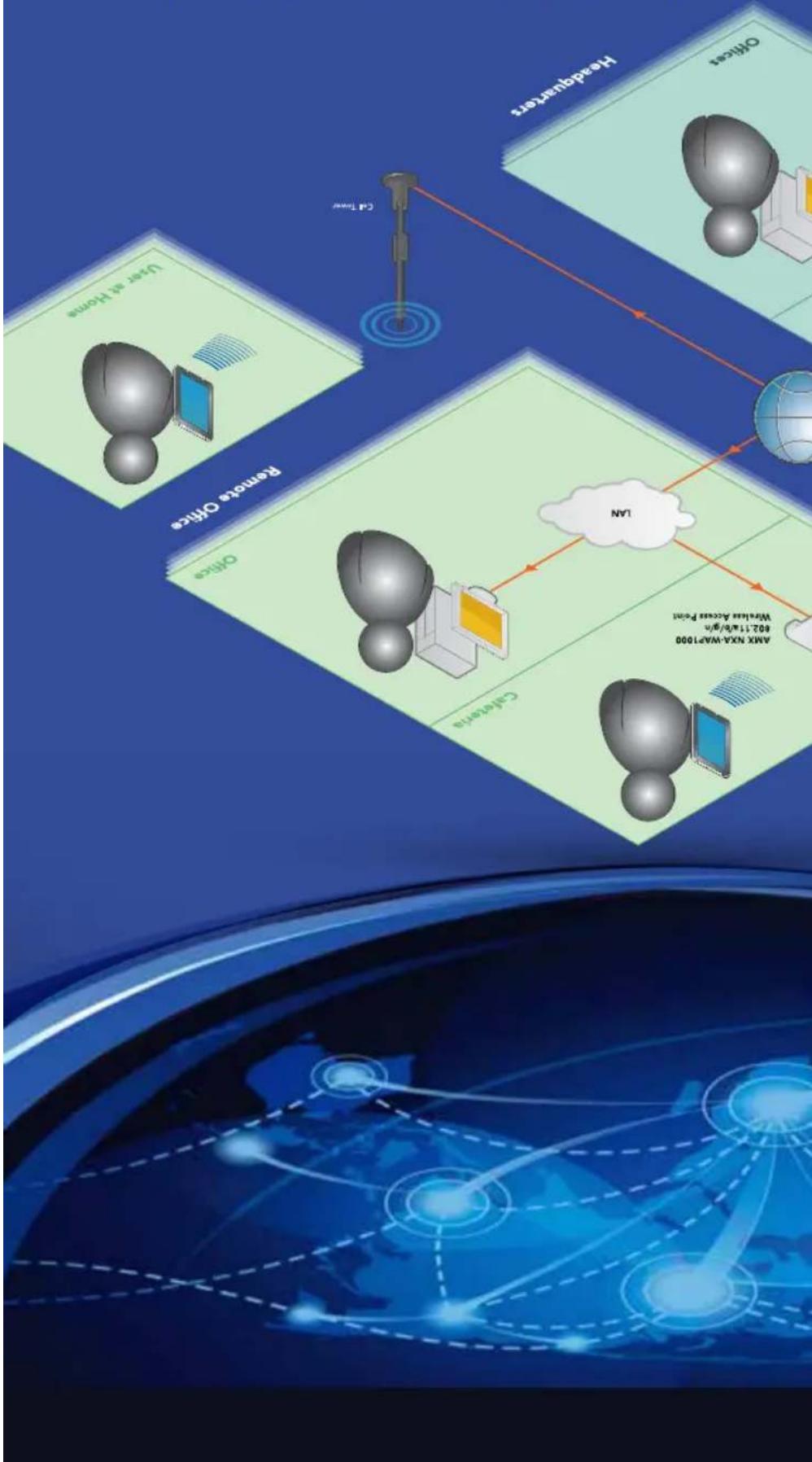
flowchart
graph TD
    A["Remote Office"] --> B["Headwaters"]
    B --> C["Cloud"]
    C --> D["Computer"]
    D --> E["Server"]
    E --> F["Web Lab"]
    F --> G["Internet"]
    G --> H["Mobile Device"]
    H --> I["User at Home"]
    I --> J["Camera"]
    J --> K["Network"]
    K --> L["AMX NX4-WAP1000"]
    style A fill:#f9f,stroke:#333
    style B fill:#ccf,stroke:#333
    style C fill:#cfc,stroke:#333
    style D fill:#fcc,stroke:#333
    style E fill:#cff,stroke:#333
    style F fill:#ffc,stroke:#333
    style G fill:#cfc,stroke:#333
    style H fill:#fcc,stroke:#333
    style I fill:#ffc,stroke:#333
    style J fill:#fcc,stroke:#333
    style K fill:#cfc,stroke:#333
    style L fill:#fcc,stroke:#333
Global organizations can benefit from video playback as some events and activities can only take place during specific timeframe. And infinite applications
Vision ^2 makes it beautifully simple to watch recorded digital videos anywhere, anytime. During the record and store process, videos can be meta-tagged with information that makes it easy to search for them later by keyword, subject or other metadata.
video on demand
watch recorded
use Vision ^2 to
DEMAND
VIDEO ON
VISIOIN ^2
nETWORK MEDIA
cateteria, PCS at a desk or on a laptop when working remotely. As video viewing on mobile devices grows in popularity, AMX has a solution by providing a user interface that makes it simple to watch while on the go. Whether it's an iPhone, iPad or Android device, vision ^2 can provide a beautiful quality video that will enhance communication within an organization.
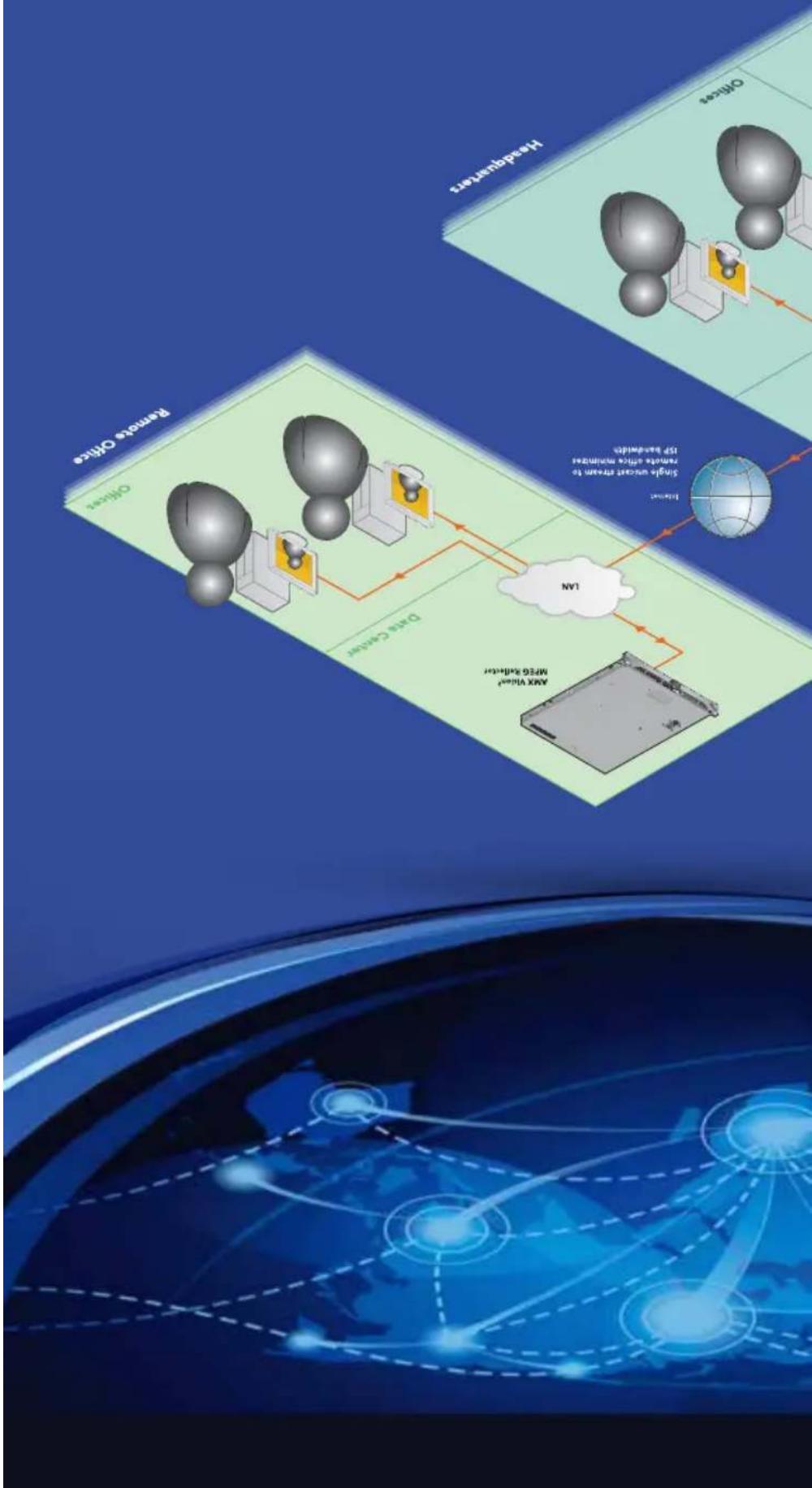
flowchart
graph TD
    A["Remote Optics"] --> B["Optical Devices"]
    B --> C["Max Value Micro-Scale"]
    C --> D["Global Network"]
    D --> E["Optical Devices"]
    E --> F["Max Value Micro-Scale"]
    F --> G["Global Network"]
    style A fill:#f9f,stroke:#333
    style B fill:#ccf,stroke:#333
    style C fill:#cfc,stroke:#333
    style D fill:#fcc,stroke:#333
    style E fill:#cff,stroke:#333
    style F fill:#ffc,stroke:#333
    style G fill:#fcf,stroke:#333
Vision ^2 allows you to leverage your corporate infrastructure to stream five events such as all hands meetings, sales conferences or training classes to any number of destinations staff located around the globe – while effectively managing network impact. With a simple button press, a live event can be captured and streamed to employees watching on displays in a

flowchart
graph TD
    A["Max NLSX IN.700"] --> B["Data Center"]
    B --> C["Max Model X Signal GS MX100S TO 1000000"]
    C --> D["Max Model X Signal GS MX100S TO 1000000"]
    D --> E["Data Center"]
    E --> F["Max NLSX IN.700"]
    F --> G["Max Model X Signal GS MX100S TO 1000000"]
    G --> H["Data Center"]
    H --> I["Max NLSX IN.700"]
    I --> J["Data Center"]
    J --> K["Max NLSX IN.700"]
    K --> L["Data Center"]
    L --> M["Max NLSX IN.700"]
    M --> N["Data Center"]
    N --> O["Max NLSX IN.700"]
    O --> P["Data Center"]
    P --> Q["Max NLSX IN.700"]
    Q --> R["Data Center"]
    R --> S["Max NLSX IN.700"]
    S --> T["Data Center"]
    T --> U["Max NLSX IN.700"]
    U --> V["Data Center"]
use Vision ^2 to stream liveto multiple viewers
| Steaming | Maximum Resolution | |
| MPEG-2 TS over UDP, RTP | 1080p30 | |
| MPEG-2 TS over UDP, RTP | 1080p30 |
NMX-ENC-1100 | H.264 ENCODER MULTI-FORMAT

NMX-ENQ-1105 | H 264 ENCODER MULTI-FORMAT + SDI

natural_image
Front panel of a network device showing ports, connectors, and connectors (no readable text or symbols)
ENCODERS
| Model Video Inputs Video Codes Audio Code Streaming Maximum Resolution | ||
| NMX-ENC-110 | Multi-Format H.264 (MPEG-4 Part 10) AIC-LC MPEG-2 15 over UDP, RTP 1c | |
| NMX-ENC-115 | Multi-Format, SDI | H.264 (MPEG-4 Part 10) AIC-LC MPEG-2 15 over UDP, |
Quick Facts H.264 ENCODES
is being picked up
• Audio level meter on front of unit makes it easy to validate that user audio
• Built-in managed Ethernet switch allows for installation of one or more encoders in a location without having to run additional Ethernet cables
• Encoded video can be recorded for on-demand playback
• Audio/video pass-through outputs allow you to daisy chain encoders together for low and high bandwidth streams, or to monitor your encoded source
• SDL input for encode of SD-SDL, HD-SDL, and 3G-SDL
• Multi-format video input for encode of analog and digital video signals
If you have a PC, camera or set top box that you want to stream on a network, you need an encoder to convert the audio and video outputs of those sources to a format that can be streamed. The AMX H.264 Encoder offers standardized, bandwidth-efficient encoding for SD and HD sources.
NETWORK MEDIA
The On-Ramp to
H.264
NETWORK MEDIA
flexible ways to maximize impact. video, data, presentations and more around the globe while capturing and presenting it in existing and

MEDIA
Network Media breaks through the distance boundaries of audiovisual infrastructure. Bridge room AV to the globe – share live / pre-recorded / broadcast
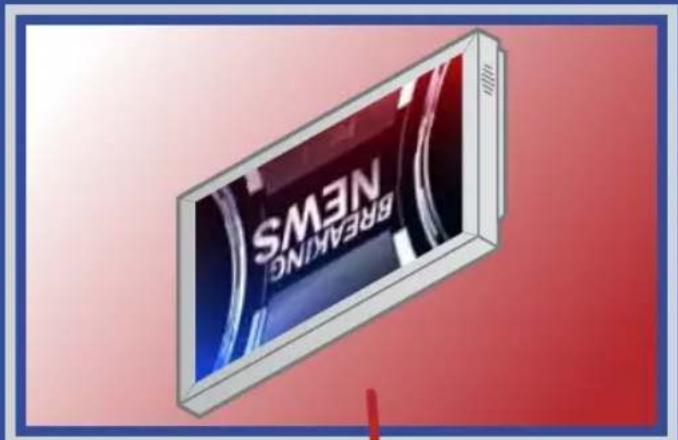

natural_image
Vertical toolbar with four app icons (Internet, Wi-Fi, Google, and Windows) on blue background, no text or symbols present.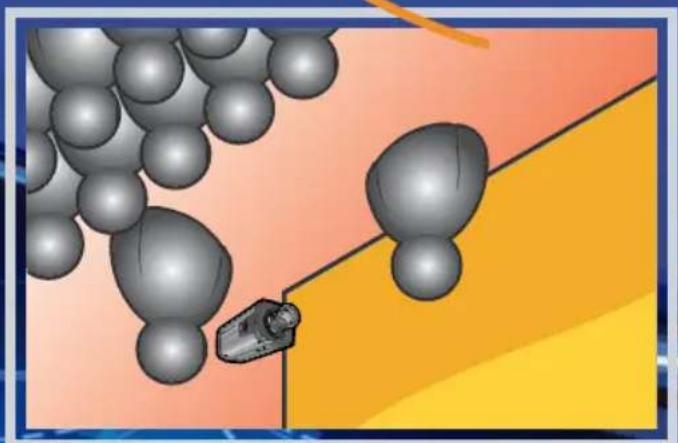
natural_image
Illustration of a vehicle approaching toward a large sphere on a road, with no visible text or symbols.nETWORK
Open THE WORLD WITH
| AVAILABLE IN EUROPE | |
| NXB-CCG-K | NXB-CCG-K, 868 MHz NetLine Clear Connect Gateway |
| CCD3-CCRB-P-WH | CCD3-CCRB-P-WH, 868 MHz Clear Connect Radio Power Saver Ceiling Mount Occupancy/Vacancy Sensor |
| AVAILABLE IN THE US & CANADA | |
| NXB-CCG | NXB-CCG, NetLine Clear Connect Gateway |
| CCD-6D | CCD-6D, Clear Connect 600V incandescent/MLY Dimmer |
| CCD-F6AN-DY | CCD-F6AN-DY, Clear Connect 6A Fluorescent Dimmer |
| CCD-6NA | CCD-6NA, Clear Connect Phase Adaptive Dimmer |
| CCD-8S-DY | CCD-8S-DY, Clear Connect 120/277Y Switch |
| CCD-RD | CCD-RD, Clear Connect 120Y Accessory Dimmer |
| CCD-RS | CCD-RS, Clear Connect 120Y Accessory Switch |
| CCD-OCRB-P | CCD-OCRB-P, Clear Connect Radio Power SaverTM Ceiling Mount Occupancy/Vacancy Sensor |
| CCD-OCRB-P | CCD-OCRB-P, Clear Connect Radio Power SaverTM Ceiling Mount Occupancy/Vacancy Sensor |
| CCD-LSAPS-I | CCD-LSAPS-I, Clear Connect Switching Plug in Device - 15A Softwitch |
| CCD-W6BR-L | CCD-W6BR-L, Clear Connect Wall Keypad - 6-Button with Raise/Lower |
Quick Factors Clear Connect

CLEAR CONNECT™ WIRELESS LIGHT CONTROL FROM AMX AND LUTRON
No Wires Needed Clear Connect Is Ideal for retrofit applications because you never have to run new wires to key pads, switches. dimmers and occupancy sensors.
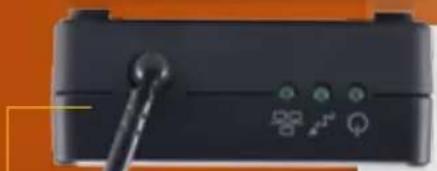
natural_image
Close-up of a black electronic device with indicator lights and a pen, no visible text or symbols
natural_image
Simple diagram of a rectangular frame with vertical bars and two horizontal lines, no text or symbols present.interference.
essentially free of
system devices is
communication between
quiet band to ensure
Technology uses a
Lutron's patented RF
Interference Free
ContactTM Enabild
facility energy management
- Easy installation - Simplify customer installs without running wires by specifying Clear Connect-enabled key pads, switches, dimmers, occupancy sensors - Reliable Light Control - Ensure ultra-reliable wireless communication between your clients' components using Lutron's patented Clear Connect RF Technology - Simplified AMX Integration – And devices, create scenes and program the system with no installed software tools using an intuitive web browser - RMS ready – trigger events based on motion such as turning everything off it no motion is detected for X minutes. Ties into RMS for complete
KEY FEATURES
sensors and keypads. The Clear Connect™ system integrates with existing electrical infrastructure and works with almost any type of lighting, offering light and AV control plus occupancy sensing. Best of all, whether you're using a Modero Touch Panel, RA Remote or iPad, Clear Connect is easily controlled through any AMX interface.
The Clear Connect™ Wireless Gateway allows light control to be added to virtually any location, without pulling wires and connects NetLink controllers with Lutron Clear Connect dimmers, switches.
Shine a Light and Control it Wierlessly
accordingly
accurately sensing when someone is in the room and when they're not to turn lights on and off
Smart Sensing The Clear Connect Occupancy Sensor ensures maximum energy efficiency by
M3N
every time.
Don't Be Left in the Dark With a solution designed by the industry leaders of Light and Control. Your Light control commands are executed flawlessly
Lighting, shades, room temperatures and more. These Windows 8/RT devices can seamlessly communicate with an AMX control system via 3G, GPRS and EDGE cellular networks, or WIFI, to allow the convenience of remote use. Supported devices include: Windows 8 PCs, Windows 8 Tablets.
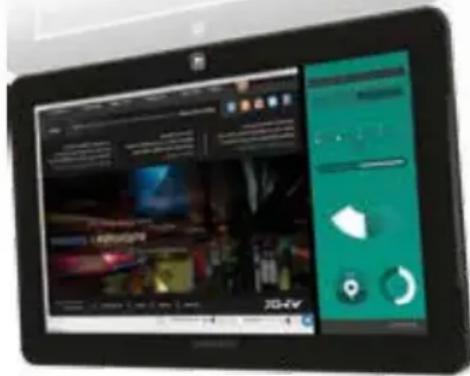
its here. TP Control enables Windows 8 PCs and tablet devices to transform into a fully functional touch panel for controlling AMX system platforms. This easy-to-use application provides real-time, touch control of AV systems.
The demand for a Windows 8 ^® TP control App was incredible so the team at Touch Panel Control went to work and now
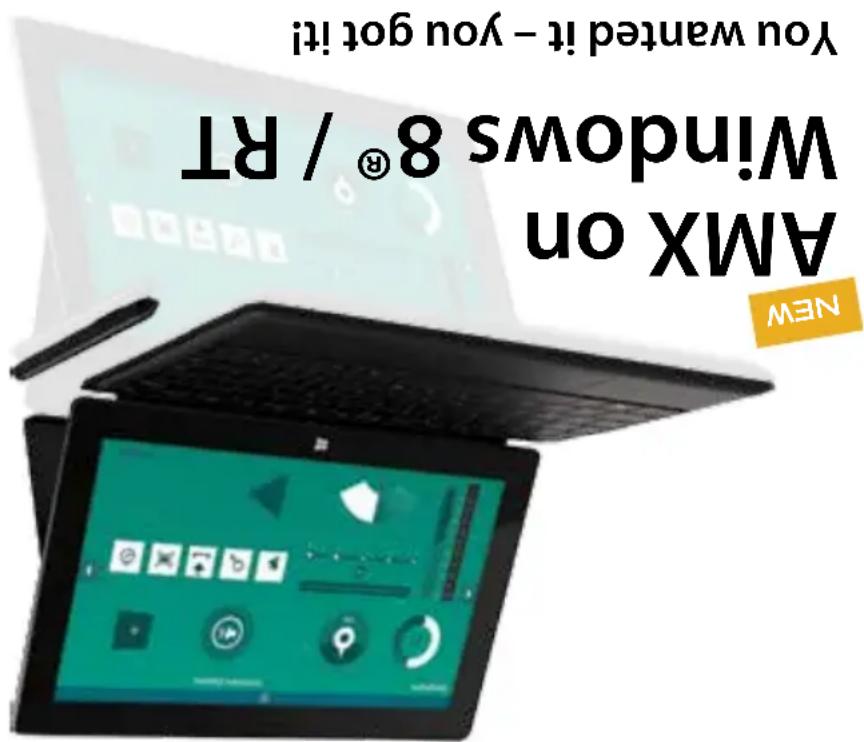
App licenses.
TPControl Apps are available for Apple Pads, Phones and iPod Touches and work seamlessly no matter which device you are using. All Apple Apps are available for a free, fully-functional, 21-day trial download. For detailed information, download instructions and support, visit touchpanel control.com. Contact your AMX Representative to purchase Apple
AMX on Apple

licenses.
Contact Your AMX Representative to Purchase Android App
21-day trial download. For detailed information, download instructions and support, visit touchpanel control.com.
TPControl Apps are available for Android Phones and Tablets and work seamlessly no matter which device you are using. All Android Apps are available for a free, fully-functional.
AMX on Android
natural_image
Two tablet devices displaying a futuristic action scene with dynamic poses and a small screen showing text (no readable document content)www.touchpanelcontrol.com


connections
• EICSP - Encrypted, verify and secure ICSF data for your local and remote
of the Touch Panel Control website
- TPCloud - Cloud power lets you update TPA files, change device settings or even apply tokens to TPCront devices, right from the MY Account section
enabled devices
- Intercom - Converse from TControl to devices such as the AMX Metraeu Communicator, AMX intercom enabled touch panels, and other TControl
the same device
- Multi-Profiles - Dynamically and instantly change connection profiles such as office or home, connecting seamlessly to different control systems from
TPControl environment
- AppControl - Launch installed applications directly from TControl; start an SMS, launch an email client, web pages and much more without leaving the
to you.
• VoiceControl - Using Speech-to-Text and Text-to-Speech functionality within TPCrontal allows you to talk to your control system and have it talk
of the enhanced TPControl features listed below.
Touch Panel Control, the only AMX authorized product partner to provide touch panel functionality from Apple® or Android™ mobile devices, has added several exciting enhancements, including the ability to verbally, "voice-activate", control functions. Now you can simply say "adjust lights to daytime setting" and "Control will do the rest - instructing your AMX control system to execute the requested action and confirm with the audio response" the lights have been adjusted to 50% of full brightnesses. Check out a spotlight
TPControl Features Including Voice Control
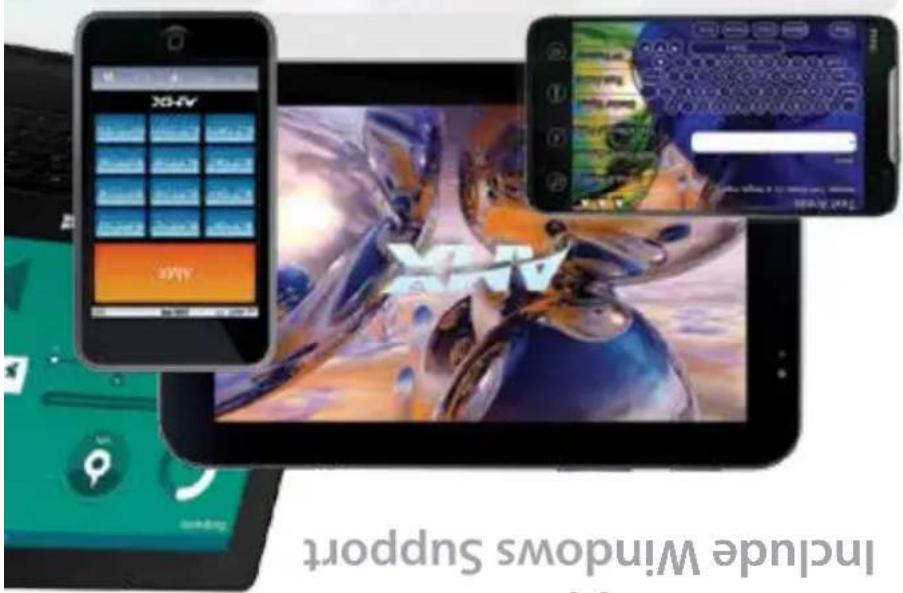
Include Windows Support
TPControl Apps Now
8 Windows 8 ^®
Android,Apple®
natural_image
Front view of a computer tower front panel showing function keys and control buttons (no readable text or symbols)Simple Control
natural_image
Vertical black panel with white icons and a grid pattern, no visible text or symbolsNovara Control
natural_image
Vertical toolbar with icons representing various functions (no text or labels visible)NetLinx Control
your customer or as a double check for yourself. You can also print a parts list and eliminate the hassles of looking up part numbers, verifying the details PLUS you can save the information for instant retrieval. And don't worry, this intuitive interface monitors module space allocation and won't let you overload a side. It's like having a little connection device angel on your shoulder.
Print both sides of your conversion point for reference, to accompany a sales order, for your records or to show your customer.

natural_image
Two identical black electronic device units with control knobs and display screens, shown side by side (no text or symbols visible)
Select from standard configurations of the most popular modules to ensure you have the right connections.

connection preview
natural_image
Vertical toolbar with icons and labels (no readable text or symbols)Connectivity

natural_image
Vertical black-and-white image of a vertical menu or control panel with icons, no visible text or labelsCat5
confusion.
eliminate time, effort and
connectivity layouts that help
are pre-designed common
Configuration Layouts
Hyderabad Standard
Hydarch Port Preview is a web application on AMX.com designed to help you build the perfect connection port for all your AV, control, network, and power requirements. Select the appropriate base (HPX-600, HPX-900, HPX-1200 or HPX-1600), then simply select the modules you'd like to include. When you are done, enter the job details and print a color preview of your custom designed configuration as a visual reference for
Build TO suit

connection preview
hydroport
hydrophy
HPG-20-SL 2" Grommet Matte Silver Plastic
HPG-20S-F6 2" Grommet Frosted in Silver Metal
HPG-205-GS 2" Grommet Gloss Silver in Silver Metal
HPG-20S-MB 2" Graphmet Matte Black in Silver Metal
HPG-205-G8 2" Grommet Gloss Black in Silver Metal
HPG-208-FG 2" Grommet Frosted in Black Metal
HPG-20B-GS 2" Grommet Gross Silver in Black Metal
HPG-20B-MB 2" Graphite Match Black in Black Metal
HPG-20B-G8 2" Grommet Gross Black in Black Metal

natural_image
Stack of six oval-shaped objects with gradient shading, arranged vertically against a dark background (no text or symbols)3/4" Mini-Grmmet HPG-10

natural_image
Close-up of a black and green electronic component with two leads, no visible text or symbolstables.
The HPG-20 and HPG-10 HydAport Grommets provide an elegant cable management solution for smaller tables or special locations on larger
GROMMETS
HYDRAPORT
Custom Text Labels
HPX-B050-L (not pictured)
Custom Text Labels
(not pictured)
HPX-B100-L
Black - 1 Module space Black -
Blank - 2 Module space
HFX-BO50
Hpx-B100
HPX-B200


Module Blanks & Labels
connect to header on power inlet assembly of all power outlet modules
The HFX-1600 compatible modules have discrete hot, neutral and ground wires have been added that
HPX-N102-USB-PC Dual USB Module with printed Charging Symbol, includes Power Source
(4U) for HPX-1600 Power Outlet Module HPX-P200-AU
HPX-P250-IN Power Outlet Module (India) for HPX-1600

(HPX-P200-UK) for HPX-1600 Power Outlet Module
natural_image
Dark square with three small rectangular shapes in the center (no text or symbols)HPX-P200-EU Power Outlet Module (Europe) for HPX-1600

(US) for HPX-1600 Power Outlet Module HPX-P200-US
Power Modules
HFX-U200-MOD Modero Touch Panel Connection

Single USB Hpx-N100-u5B
HPX-N102-RJ45 Dual Ethernet RJ45

Hpx-N101-ETH-R Single Ethernet R45 Refractable Cable Version
HPX-N102-USB-PG Dual USB Module with printed Charging Symbol, includes Power Source
HPX-N102-USB Cable Pass-Three Module for HPX-1600
Networking Modules
GBL-RGB+A-FL-16 RGB with Audio Flat Cable, 16.5" (5 m)

GBL-ETH-FL-16 Ethernet Flat Cable, 16.5" (5 m)

CBL-DP-FL-16 DisplayPort to HDMI Flat Cable with RadMerew Technology, 16.5" (5 m)
HDMI High Spread Flat Cable with RedMere, Technology, 16.5" (5 m) NEW

Hpx-Cp1200-W Cable Pass-Three Module for Hpx-600, 900 & 1200
HPX-CPT200 Cable Pass-Three Module for HPX-1600
Cables & Cable Pass-Thru Modules
8-Button
HPX-u400-CP-1008 Novara Controlled -
HPX-u400-SP-08-AX Novara KeyPad with AxLink - 8-Button
HPX-100-BTN Single Button Module with LED

HPX-400-R-MET-7 Metrau-7 Keypad Ramp Mount Kit (with HPX Carrier) for HPX-600, 900 & 1200
Hpx-4400-MET-7 Metrau-7 Keypad kit - 7-Button (with Hpx Carrier) for HPX-1600
HPX-0400-R-MET-13 Metcreu -13 Keypad Ramp Mount Kit (with HPX Carrier) for HPX-600, 900 & 1200
Hpx-4400-MET-13 Metrau-13 Keypad KIT - 13-button (with Hpx Carrier) for Hpx-1600
HPX-4400-R-MET-6N Metrau-5N Keypad Ramp Mount Kit (with HPX Carrier) for HPX-600, 900 & 1200
Control Modules

HPX-C5400-CS+A Composite Video + Stereo Audio to UPX CAT5 Wallplate Kit (with HPX

natural_image
Close-up of a black electronic device front panel with four colored buttons (white, red, blue, green) and a 'SALAD' label at the bottom (no readable text beyond labels)Hpx-AV101-OP-R DisplayPort Module Retractable Cable Version
HFX-AV100-R6B+A R@HV video with Stereo Audio HPX-AV102-R6B+A-R Retractable Cable Version

Hpx-AV100-CS+A Composite Video with Stereo Audio

HPX-AV101-HDMI Single HDMI Module HPX-AV101-HDMI-R Retractable Cable Version

HPX-C5400-CN+A Component Video + Stereo Audio to UPX CAT5 Wallplate Kit (with HPX carrier)
Integrated Cable Single DVL-D Module with

HPX-AV101-HDMI-R Single HDMI Module HPX-AV101-HDMI
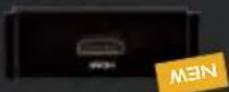
Audio/Video Modules
natural_image
Close-up of a black mechanical component with mounting holes and a metallic connector, set against a striped yellow background (no text or symbols visible)Simple, compact design is 85% smaller than the competition
HPX-AV102-RGB+A-R RGB with Stereo Module with Rotatable Cable
HPX-N101-ETH-R Ethernet Module with Retractable Cable
HPC-AV101-OP-R DisplayPort Module with Retractable Cable
Hpx-AV101-HOMI-R Single HDMI Module with Retractable Cable
Retractable Cable Modules
Introducing New Retractable Cable Modules
Port Black Anodized Aluminum Base
Hydraport 12 Module Connection
HPX-1200BL
Port Silver Anodized Aluminum Base
Hydraport 12 Module Connection
HPX-1200SL
Port Black Anodized Aluminum Base
HyderPort 9 Module Connection
Hpx-9008L
Port Silver Anodized Aluminum Base
Hydraport 9 Module Connection
HFX-9005L
Port Black Anodized Aluminum Base
Hydraport 6 Module Connection
HFX-6008L
Port Silver nodized Aluminum Base
Hydraport 6 Module Connection
HFX-600SL
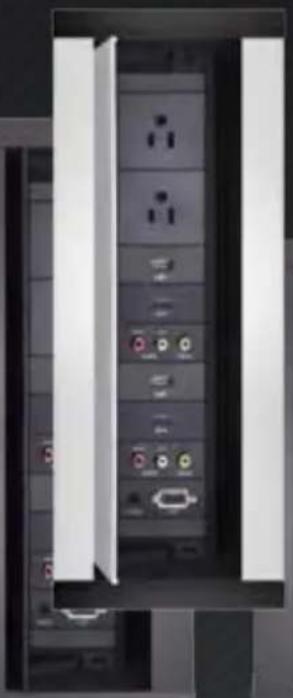
natural_image
Interior view of a server rack with multiple connected ports and connectors (no visible text or labels)
natural_image
Interior view of a server rack with multiple connected ports and connectors (no visible text or labels)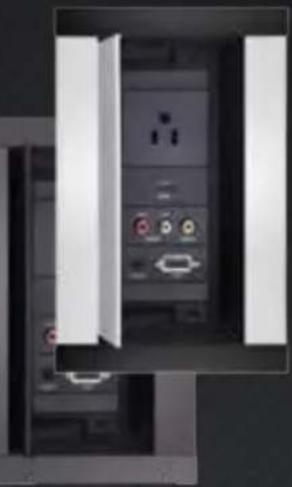
natural_image
Interior view of a computer tower case showing front panel, rear panel, and internal components (no visible text or labels)Assembly with Power inlet
Sliver Anodized Aluminum Base
HPX-1600-SL
Assembly with Power inlet
Black Anodized Aluminum Base
HPX-1600-BL
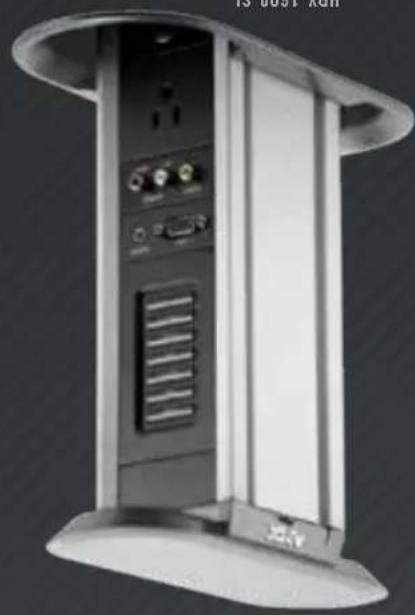
natural_image
Exterior view of a modern office building (no signage)
natural_image
Exterior view of a modern office building (no signage)Base Assemblies
Architectural Connection Port
hydrophy
NOVA RA 6 BUTTON
CONTROLPAD
NOVARA 8 BUTTON
CONTROLPAD

NOVARA 17-BTN+NAV, 2-6ANG CONTROLPAD

the top edge of a podium.
Podium Mounting Kits are available for the CP-3008-B-button and CP-3017-NA 17-button Controls pads to provide a simple and elegant means for mounting ControlsPads flush into
PODUM MOUNTING KITS.
Ethernet Switch.
The new Ps-PoE-EXO.9 Power Over Internet (P0E) Extractor Simplices Novara 3000 Series instails and eliminates long power cable runs. Power is extracted from the data cable coming from a PoE-enabled switch such as the new AMX NXA-ENT8-2PoE Signal P0E
POWERED BY POE:
17-button Novara 3000 Series.
The new CP-RC01 infrared remote control offers convenient, in-room control of the 8- and
IR REMOTE CAPABILITY:
FOR THE NOVARA 3000 SERIES
* Metric dimensions available at AMX.com
| BUTTON TYPE Feedback Indicator | SIZE/Backbox Type | Dimensions (HWD) |
| BLUE BACKLUT BUTTONS(6-8-10-10N)RGB BACKLUT BUTTONS(8 & 17-8-10N) | SINGLE GANG(US, UK, EU), TWO GANG (US, UK, EU), FOUR GANG (US) | VARIES BY MODEL |
QUICK FACTS NOVARA 3000 CONTROLPADS
NOVARA 3000 SERIES
Network Configurable Configure and update an entire facility or campuses simultaneously over your network.

Simulted Programming Device Configuration Software (DCS) is used to configure the Controlled, which means there is no programming required for system setup.
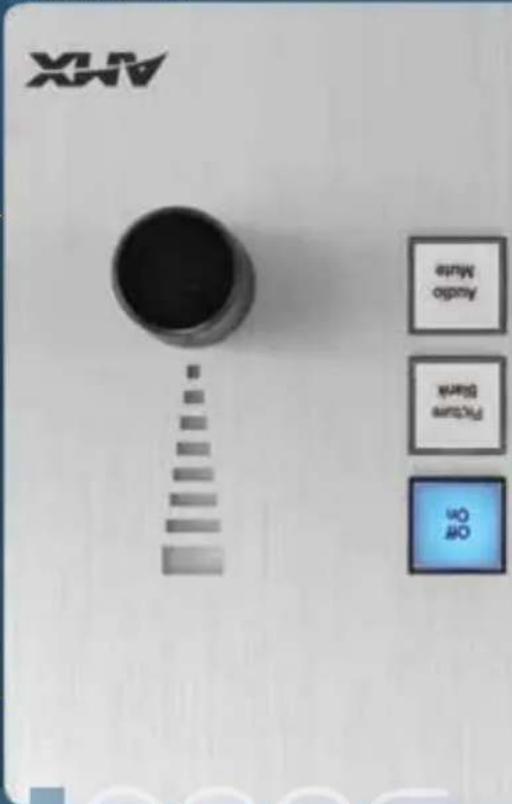
0009
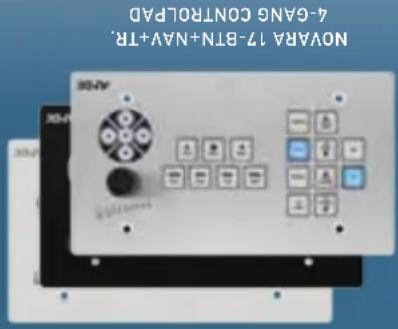
BLACK, WHITE, ALUMINUM
COLORS:
VOLUME KNOW (8 & 17 BUTTONS)
- 8 OR 17 PUSHBUTTONS, ROTARY
NAVIGATION:
WALL, FUSH-MOUNT, TABLE TOP
LOCATION:
PORTRAIT, LANDSCAPE (MODELS VARY)
ORIENTATION
OPTIONS
NOVARA 3000 SERIES FAMILY
- Complete Solution - Simply add the Novara 3000 ControlPad to an Enova - AYX Cat5 Presentation Switcher for a complete AY solution with a keypad/controller, AY switching, microphone mixing and application - Simple device configuration - Extended port allows device configuration from a central location and enables the ControlPad to be part of a larger RMS installation
KEY FEATURES
connected rooms using RMS.
Now featuring an integrated Ethernet Port, the Nova 3000 Series Controls Pads are cost-effective user interfaces for classrooms and conference rooms that offer unprecedented levels of control and an instant interface with AMX Resource Management Suite Software. This gives users the ability to cost effectively control equipment and devices while also being able to monitor and maintain it and schedule
Onboard Ethernet = Cost Effective RMS Interface
AMX.com.
pre-existing AMX IR files on
- leverage thousands of
WORKS WITH AMX IR ITEMS
Thousands Awalt
network.
control of every room on the
Room management and
based remote diagnostics,
software for enabling web-
Suite Enterprise (RMS-ENT)
Resource Management
communicate with AMX
allows the Controlled to
The built-in Ethernet port
RMS Compatible


natural_image
Two elongated gray rectangular objects with faint internal patterns, possibly mechanical parts or containers (no visible text or symbols)JPEGs for later use
Embedded Annotation – with TakeVote Embedded ^1 you can annotate right over any video source (including your PC) without the need for any additional PC application. So presenters can write or draw on any of the live video images or a still picture, and annotations can be saved as
- Integrated KVM Switch – Route a single keyboard and mouse to up to four computers (both Macs and PCs)

natural_image
Front panel of a computer monitor with ports and indicator lights (no visible text or labels)
A CLOSER LOOK
TOTAL PRESENTATION INTERFACE | TPI-PRO-DVI-4

Annolate directly over any video source including your PC - straight out of the box. No additional PC applications needed.

(ON DWI-1 CONNECTORS)
DVI AND R68 UP TO 1920X1200 AT 60 HZ
2 VIDEO OUTPUTS:
(ON DV-I CONNECTORS)
COMPLETE, S-VIDEO, COMPONENT, RGB AND DVI
EACH INPUT SUPPORTS.
2OR4
# OF INPUTS:
OPTIONS
PRESENTATION INTERFACE FAMILY
Flexible Video - Display video from up to four sources in windows of independent size and position alongside optional 54 touch panel controls
• Both Analog or Digital – Displays and converts multiple video sources (Composite, S-video, Component, RGB, and DVI)
KEY FEATURES
directly on a touch-enabled monitor. the source and annotate over the video from an AMX touch panel, or Review up to four sources, select one to show full screen, control it takes place in a boardroom, classroom, or any room in between. The TPI-PRO-DVI is the perfect tool for any presentation whether
The Perfect Answer to Every President's Dreams
every time.
Providing true colors
image color information
transmission of source
provides accurate
inherenty digital
bandwidth loss, And,
common analog video
brightnesss due to
edges and loss of
of blurred images.
eliminating the chance
picture every time by
provides a brilliant
applications. Digital
in computer video
Digital is a standard
Why digitate?
Ethernet Port
Reset Button
Status LEDs
A tighter look
. Metric dimensions available at AMX.com
| Wired / Wireless | Communication power | Dimensions (HWD) | Memory + Storage |
| Wired ETHERNET | POWER OVER ETHERNET (POE) | 1.5/8" x 5 1/2" x 4" | 64 S10 256 FLASH |
Quick Facts Virtual ModeRO
Point to Touch To navigate your Touch Panel screens, use the PCS mouse and screen pointer to touch buttons and sectors of the touch panel to initiate actions just like touching the touch panel.
Remote Diagnostics Diagnose issues with the client's pool/SPA heaters remotely using Resource Management Suite and the NXV-300.

of control.
• Great way to introduce budget-sensitive customers to the possibilities
- Easy to install – Rack Mountable
• Provides ability to remotely control the AMX system for support
KEY FEATURES
Virtual Network Connection (VNC).
When you need the intelligence and ease of use that only a touch panel can offer but from remote locations, this small rack-mountable device allows you to access Netlinx Control systems from any PC or Mac via
WITHOUT the Panel
Power and Functionality
484008 resolutions. 800x480
and is viewable in two
appears on the screen
touch panel interface
password and your
with a username/
the NXV-300. Login
over the Internet to
Mac, simply navigate
With either a PC or
PC or MAC
before they go out.
you can change lights
client's pool lighting so
Lamp hours on your
number of remaining
you can check the
Right from your laptop.
Check the Hours

natural_image
Exterior view of a modern office building (no signage)
natural_image
Exterior view of a dark rectangular electronic device with two small circular holes (no text or symbols visible)
We added several international fonts to the user interface including right to let the new language such as Arabic A completion of language styles can be used and this environment is available now through a new firmware acceptance for the MVP-30001. MVP-52001 and additional tough orders will be eligible soon.
SPACKING YOUR LANGUAGE
Now with a simple swipe of the screen, users can 'gesture' from page to page. Just like turning the pages of a book.
FILIP
A CLOSER LOOK
..Encry surveys is an estimated value based on integration of risks and Smart Programming.
. Relative dimensions available at AMX.com
| Wired / Wireless | Screen Ratio | Screen Resolution | Dimensions (HWD) | Intercom Capability | Video Capability | Memory + Storage | ENERGY SAVINGS |
| PoE WIRED/ 802.11 A/B/G WIRELESS | 16 x 9 | 800 x 480 | 75/8" x 11" x 1/16" | YES | FULL MOTION JPEC | 256 STD 1.1GB FLASH | 80%++ |
Quick Factors 9" MODERO
MODERO VIEWPOINT 9000! | 9" WIDESCREDEN
The Whole Nine Yards WITH a full nine inches of touch screen real estate and integrated full motion video, multi-window video-conferencing is easy to see and control.
Touch and Go The convenient capacitive navigation pad offers simplified up, down, right and left navigation just by touching the direction you would like to go in.

[Unreadable]
COLORS
CROCCOLIVE MANAGEMENT INC
I S T E W T I N O X I H N A B B O S - N O R U M
a PROD.AMMATE CAPOTIVE CULTURES
EXTERNAL BUTTONS:
HANDWRID TABLE WALL
LOCATION
LANDSCAPE. Portugal
ORIENTATION:
TOUCH PANEL OPTIONS
9" MODERO FAMILY
variety of uneven or solid surfaces
Leave your PC at home and easily update your customer's firmware or transfer new touch panel pages directly from a micro-SD or USB stick Attenna diversity improves wireless reliability by integrating two antennas that smartly switch to the strongest signal, which ultimately decreases the number of lost connections and unhappy users decreases the number of lost connections and unhappy users Rough-in box (optional) can be mounted in drywall, concrete, brick and a
KEY FEATURES
our most versatile touch panels.
The all new MVP-9000! combines the speed and security of a Power over Ethernet (PoE) wired connection with the freedom of an 802.11 a/b/g wireless connection by simply removing the panel from the docking station. Integrated telephone/intercom calling, expensive "9" widespread display and greating and page transitions make this one of
Wired & Wireless
The Choice is Simple:
the globe.
down the hall or around
telephone or intercom calls
easily place and receive
and intercom capability.
With integrated telephone
you Make the call

Compatible
CISCO
•••••
installations.
financial and other secure
ideal for government.
certified wireless security.
Features Cisco CCKV4
Cisco Certified Wireless



| MODEL RACK SECURE TABLE FLUSH | |||
| MXT-2001-PAN / MXT-2000X-L-PAN | MXA-STMK-20 | ||
| MXD-2001-PAN-P / MXD-2000X-L-PAN-P | MXA-FMK-20 | ||
| MXD-2001-PAN-L / MXD-2000X-L-PAN-L | MXA-RMK-20 | MXA-FMK-20 | |
| MXT-1901-PAN / MXT-1900L-PAN | MXA-STMK-19 | ||
| MXD-1901-PAN-P / MXD-1900L-PAN-P | MXA-FMK-19 | ||
| MXD-1901-PAN-L / MXD-1900L-PAN-L | MXA-RMK-19 | MXA-FMK-19 | |
| MXT-1901-PAN / MXT-1900L-PAN | MXA-FMK-19 | ||
| MXT-1001 / MXT-1000 | MXA-STMK-10 | ||
| MXT-1001 - P / MXT-1000-P | MXA-FMK-10 | ||
| MXD-1001-L / MXT-1000-L | MXA-RMK-10 | MXA-FMK-10 | |
| MXT-701 / MXT-700 | MXA-STMK-07 | ||
| MXD-701-P / MXT-700-P | MXA-FMK-07 | ||
| MXD-701-L / MXT-700-L | MXA-RMK-07 | MXA-FMK-07 | |
| MXD-701-L / MXT-700-L | MXA-RMK-07 | MXA-FMK-07 | |
| MXD-430 | MXA-FMK-43 |
MODERO X SERIES TOUCH PANEL MOUNTING OPTIONS
All Modero S Wall Mount Touch Panels Ship with standard wall mount hardware
| MODEL RACK SCURE TABLE MULTI MOUNT | |
| MSD-1001-L-MSA-RM-S-10-MSA-MMK-10 | |
| MSD-1001-L-MSA-RM-S-10-MSA-MMK-10 | |
| MST-1001-MSA-STWK-10 | |
| MSD-701-L-MSA-RM-S-07-MSA-MMK-07 | |
| MSD-701-L-MSA-RM-S-07-MSA-MMK-07 | |
| MSD-431-L-MSA-MMK-43 | |
| MST-701-MSA-STWK-07 | |
| MSD-431-L-MSA-MMK-43 | |
| MST-431-MSA-STWK-43 |
MODERO S SERIES TOUCH PANEL MOUNTING OPTIONS
options NEW MODER
Touch Panels can be mounted directly to an equipment rack.

Modero X 7", 10.1", 19.4" and 20.3" landscape wall mount Touch Panels, and Modern S 7" and 10.1" wall Mount
BEAUTY IN THE SERVER ROOM

natural_image
Exterior view of a black industrial machine (no visible text or symbols)farther out.
All Modero X Wall Mount Touch Panels can now sit perfectly flush within the walls. Want access to the side better audio? Simply press on the touch panel and the spring-loaded mechanism allows the panel to sit slightly
TOTALY FLUSH
natural_image
Digital display screen showing a red and white abstract design (no readable text or symbols)The Modelo S Touch Panels can be mounted to any smooth surface including glass, blending the beauty of Modelo S with the ever-growing trend towards glasses surfaces in education and corporate facilities.
MULTI MOUNT
New secure table mounting hardware is a beautifully styled plate that when attached to the Modero X or S 7", 10.1", 19.4", 20.3" or 4.3". Tabletop Touch Panels and secured with the virtually perfect proof. Need a solution that doesn't virtually they proof. Require the touch panel be mounted to the table? The secure mounting plate can be attached to the touch panel (but not the table) and then secured with a Kenvington Lock. You can even use both.
24/7 SECURITY

natural_image
3D rendered image of a modern open-screen device with a digital display screen (no visible text or symbols)Make sure the most simply beautiful and beautifully simple touch panels stay safely where you put them with our variety of secure and stylish mounting options. These cost-effective, intelligently designed solutions provide the flexibility to solve any integration challenge.
Secure Your Panels in Style
mouning
MODERO MOUNTING OPTIONS
Modero Series Touch Panels
natural_image
Front view of a network switch device showing ports, connectors, and ventilation (no readable text or symbols)source
- Perfect your clients' meeting presentations even further with a simple and more visually effective way of selecting video input sources for displaying during meetings - For the most accurate preview point of source video being output the MXA- - MPL offers the ability to view a live HD video stream being output from the
DEALER BENEFITS
MODERO X/S SERIES MXA-MP | MULTI REVIEW MODERO X/S SERIES MXA-MP | MULTI REVIEW

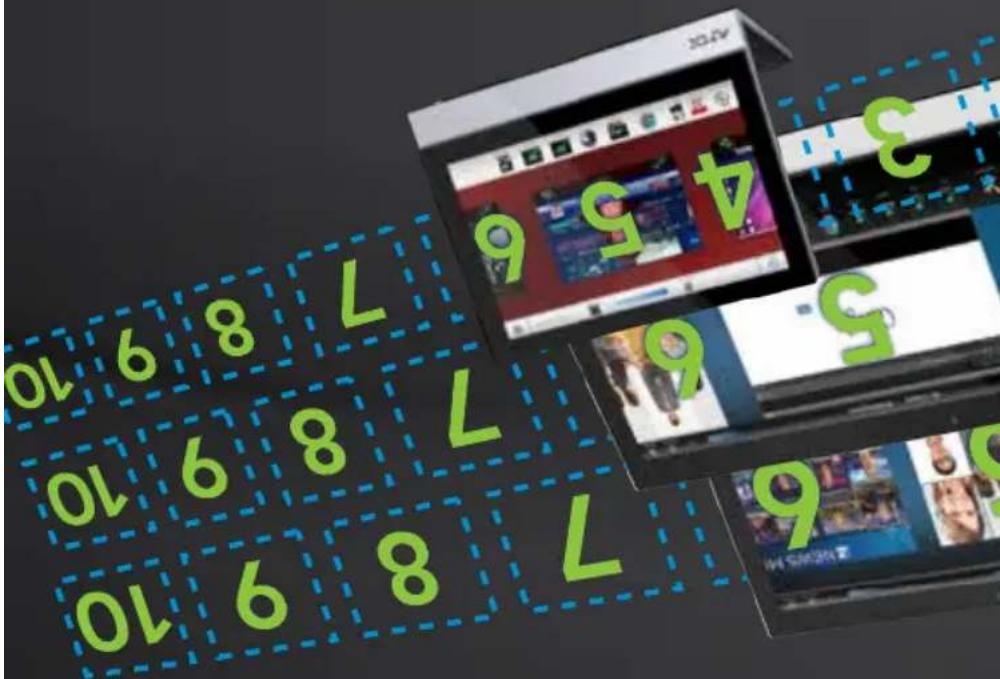
moderox/s
natural_image
Front view of a network equipment unit with ports, connectors, and ventilation (no visible text or symbols)The Multi Preview (MXA-MP) and Multi Preview Live (MXA-MPL) simplicity the perfect meeting user experience by giving presenters an easy way of identifying and selecting the video they want from up to 1 source devices. Users no longer have to guess what video is being output from what source. Instead, they simply choose from a row of preview images (selected image can be converted to an HD video stream with the MXA-MPL) on their Modero X or Modero S series touch panel. So instead of guessing what's on „PCI”, they can touch an easily recognized source image and have it immediately show answeren.
Preview the Perfect Meeting: Visually Select from up to 10 Input Sources

1 2 3 1
multi preview accessories


See AMX.com for other 4.3" Widescreen Modern S Series model dimensions and all metric dimensions
| Wired / Wireless | Screen Ratio | Screen Resolution | Dimensions (HWD) | Intercom + Phone | Video Capability | Memory + Storage | ENERGY SAVINGS |
| Wired 16 | x 9 480 x 272 | 3 3/8"x5 1/16"x 2 5/8" | YES M-JPEC | 512 MB RAM | 80%** | ||
Quick Factors 4.3" Widescreen Modeo S Services
See AHX.com for other / Widescreen Modern S Series model dimensions and all metric dimensions
| Wired / Wireless Ratio | Screen Resolution | Dimensions (HWD) | Intercom + Phone | Video Capability | Memory + Storage | ENERGY SAVINGS |
| Wired 16 | x 9 1024 | x 600 | 4 1/2" x 7 3/8" x 2 5/16" | YES | FULL MOTION | 512 MB RAM |
Quick FACTS 7" WIDESCREEN MODERO S SERIES
See AMX.com for other 10.1.1 Widescenwodero S series model dimensions and all metric dimensions
| Wired / Wireless Ratio | Screen Resolution | Dimensions (HWD) | Intercom + Phone | Video Capability | Memory + Storage | ENERGY SAVINGS |
| Wired 16 | 9 1280 x 800 | 6 3/16" x 10 3/8" x 2 5/16" | YES | FULL MOTION | 512 MB RAM | 82%.. |
Quick Factors 10.1 "Widescreen MODERO SERVICES
MODERO S SERIES 430 | 4.3" WIDESCRIPT

MEN

WIDESCREDEN WALLS
modero
MODERO S SERIES 1000
KEYBOARD & MOUSE
MOUSE. BLUETOOTH FOR AUDIO /
TELEPHONE.USB FOR KEYBOARD 8
STREAMING VIDEO, INTERCOM / VOIP
EXTRAS:
WALL
LOCATION:
LANDSCAPE
ORIENTATION
OPTIONS
MODERO S SERIES FAMILY
connect with the user via indirect touches like a glued hand, stylus, or prospective
noise than capacitive touch glass overlays. Smooth touch is also ideal for its ability to
into a single overly that is more rugged and has a greater tolerance to electrical
- SmoothTouch™ Glass Overlay Technology – Combines resistive touch and glass
Panels on any surface including glass
Stylish low profile mounting options — mount the Modero S Wall Mount Touch
spaces are occupied
Elegant room availability light bars – easily glance down the hall to see it meeting
4.3", 7" and 10.1" in both table and wall mounds
• Architectural design consistency with both Modero S and X - available in
KEY FEATURES
this just about any installation budget.
and even reserve it right there at the panel – and get all of this at a price that
Touch Panel outside every meeting room to view the room schedule at a glance
surprisingly difficult to answer. Until now, Place a Modelo 5 Series Wall Mount
Can I reserve the room yet; These are all very simple questions that can be
Is that meeting room available? Who's in there? When will they be done?
a Thing of Beauty
Scheduling Can Be
MODERO S SERIES 700 | 7" WIDESCREDEN
MODERO S SERIES 1000 | 10.1" WIDESCREEN
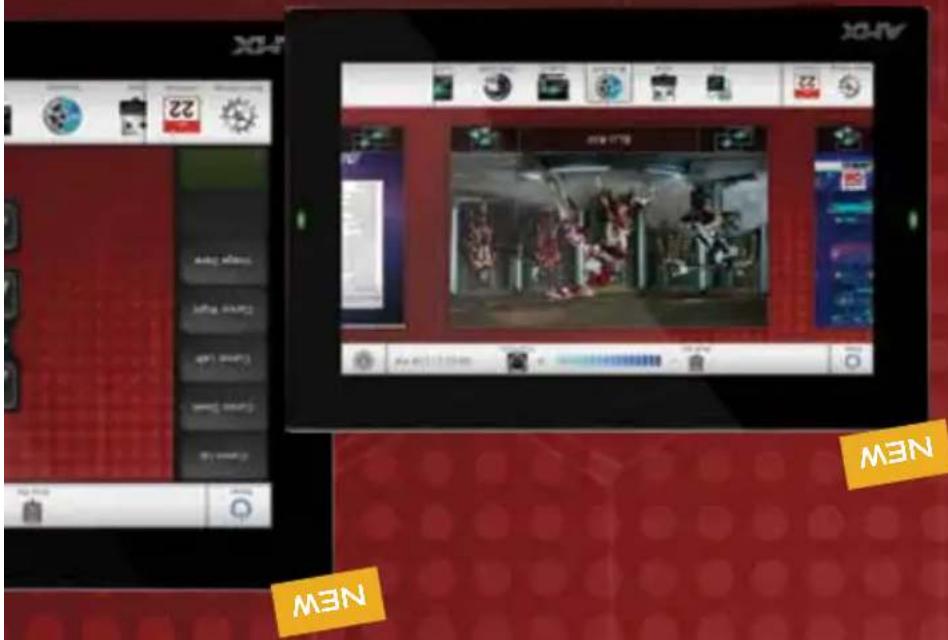
101"7",43"
MODEO TOUCH PANELS
See AMX com for other 4.3 "Widascaran Modern 5 Series model dimensions and all finite dimensions
| Wired / Wireless | Screen Ratio | Dimensions (HWD) | Intercom + Phone | Video Capability | Memory + Storage | ENERGY SAVINGS |
| Wired 16 x 9 480 x 272 | 2 3/16" x 5"x 1 1/16" | YES M-JFK | 512 MB RAM | 80% | ||
Quick Factors 4.3" Widescreen MODERO S SERIES
MODERO S SERIES 430 | 4.3" WIDESCRED
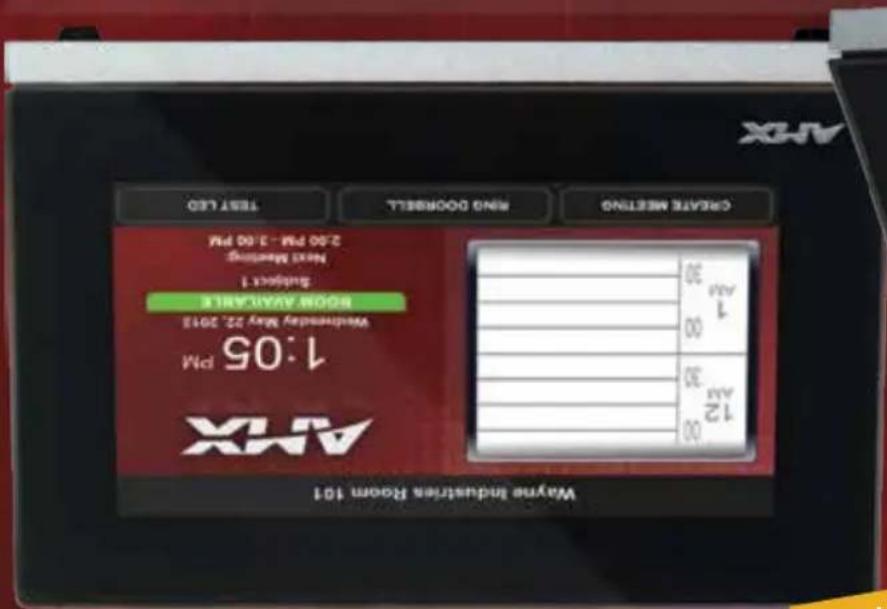
MEN
MODERO S SERIES 430
FOR AUDIO / KEYBOARD & MOUSE
FOR KEYBOARD & MOUSE, BLUETOOTH
V01P TELEPHONE. TABLETOP ONLY: USB
M-JPEG STREAMING VIDEO, INTERCOM/
EXTRAS:
TABLE
LOCATION:
LANDSCAPE
ORIENTATION
OPTIONS
MODERO S SERIES FAMILY
SmoothtouchTM glass overlay technology – combines resistive touch and grass into a single overly that is more rugged and has a greater tolerance to electrical noise than capacitive touch grass overlays. Smoothtouch is also ideal for its ability to connect with the user via indirect touches like a glued hand, stylus, or prosthetic
Reasoning their deterrent
Secure Table Mount Kits – Attack customers like higher education with this
budget, the new Modero S line perfectly complements the original Modero X
Maintain Design Consistency on a Budget – No need to compromise style to meet
KEY FEATURES
beauty and functionality of a touch panel.
price and secure table mounting seven the smallest huddle space can afford the
The smallest of our Modern S tablet touch panels, the Modern S 4.3" provides full room control, VoIP, brilliant 24-bit color depth, POE connectivity, Bluetooth, USB and streaming video. With all this, new ruggedized plastic housing, budget
Bring ring Touch Panel Control to the Kids' Table
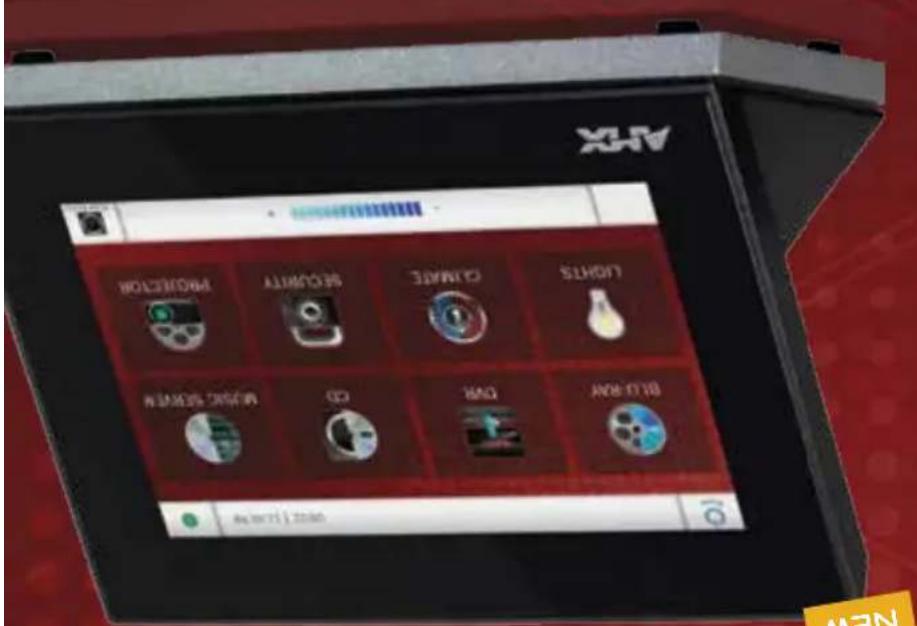
MEN
4.3"


.. Energy savings is an estimated value based on integration of RMS and Smart Programming
“See AMX.com for other 7” Widesclean Modero S Series model dimensions and all metric dimensions
| Wired / Wireless | Screen Ratio | Dimensions (HWD) | Intercom Capability | Video Capacity | Memory + Storage | ENERGY SAVINGS |
| Wired 16 x 9 1024 x 600 | 4/1/2" x 7/3/8" x 3/16" | YES | FULL MOTION | 512 MB RAM | 82%** | |
Quick Factors 7" Widescreen ModeRO S SERIES
. Every saying is an estimated value based on integration of RMS and Smart Programming
See AMX.com for other 10.1 Widescreen Modern 5 Series model dimensions and all metric dimensions
| Wired / Wireless | Screen Ratio | Dimensions (HWD) | Interaction | Video Capability | Memory + Storage | ENERGY SAVINGS |
| Wired 16 x 9 1280 x 800 | 6 3/16" x 10 3/8" x 4" | YES | FULL MOTION | 512 MB RAM | 82%** | |
Quick Factors 10.1 "Widescreen MODERO SERVICES
MODERO S SERIES 700 | 7" WIDESCREDEN

NEW
MODERO S SERIES 1000

KEYBOARD & MOUSE
MOUSE, BLUETOOTH FOR AUDIO /
TELEPHONE.USB FOR KEYBOARD 8
STREAMING VIDEO, INTERCOM / VOIP
EXTRAS:
TABLE
LOCATION:
LANDSCAPE
ORIENTATION:
OPTIONS
MODERO S SERIES FAMILY
Reasoning that deterrent SmoothTouch™ Glass Overlay Technology – Combines resistive touch and glass into a single overlay that is more rugged and has a greater tolerance to electrical noise than capacitive touch glass overlays. SmoothTouch is also ideal for its ability to connect with the user via indirect touches like a glued hand, stylus, or prosthetic
Maintain Design Consistency on a Budget – No need to compromise style to meet budget, the new Modelo S line perfectly complements the original Modelo X Secure Table Mount Kits – Attack customers like higher education with this
KEY FEATURES
mounting they have a place at every table.
Now there's a tabletop Modern for seven the most budget conscious basic meeting spaces. The Modern S 7" and 10.1" panels provide full room control, Valor, brilliant 24-bit color depth, POE connectivity, Bluetooth, USB and streaming video. With all this and new ruggedized plastic housing and secure
Rugged Form
Basic Beauty,
MODERO S SERIES 1000 | 10.1" WIDESCREDEN

NEW
10.1.17
MODERO TOUCH PANELS
• Architectural design consistency with both Modero S and X - available in 4.3", 7" and 10.1" in both table and wall mounts • The perfect meeting partner - it's like having a scheduling assistant outside every meeting space with elegant room availability light bars, a simple interface to view and create events, and beautiful glass/multi-surface mounting options • Secure mounting options – discourage theft with secure leather/table mount options into a single overlay that is more rugged and has a greater tolerance to electrical noise than capacitive touch glass overlays. SmoothTouch is also ideal for its ability to connect with the user via indirect touches like a gloved hand, stylus, or prosthetic
sophistication of any architecture. Want to bring the same sleek styling, control and scheduling functionality of the award-winning Moderno X Series into all your meeting functionality of the award-winning Moderno X Series. These designs — even those with budget constraints? The new Moderno S Series perfectly complements the design of the Moderno X but is more applicable for cost sensitive installations such as smaller middle spaces. It's also perfect for dedicated wall scheduling outside meeting rooms. Even though the Moderno S is priced significantly less, you still get much of the core functionality that makes the Moderno X so powerful, including beautiful 24 bit color depth, streaming video, and elegant low profile mounting options like surface/ glasses and secure LCDern/tabletop. With the range of options available, the Moderno S will enhance the
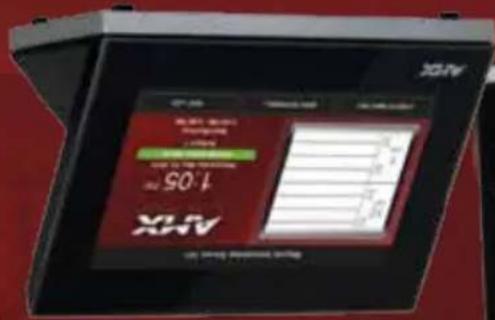
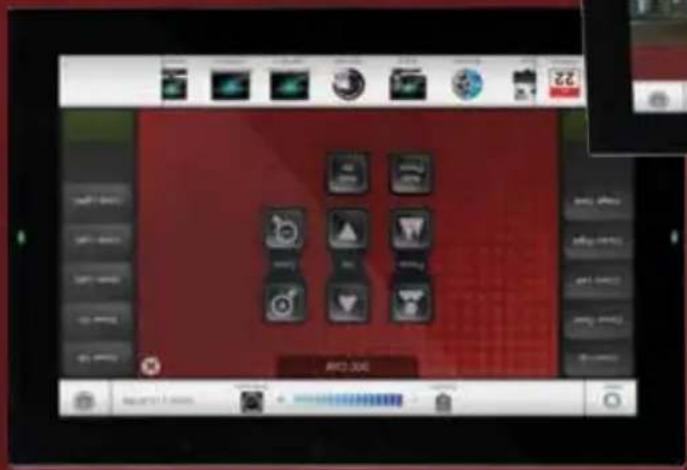
S###

Simply Beautiful, Beautifully Simpile Sccheduling and Control - Now in a Gorgeously Cost Effective New Touch Panel Family

modero
*Energy savings is an estimated value based on integration of RMS and Smart Programming.
| Wired / Wireless | Screen Ratio | Dimensions (HWD) | Intercom Capability | Video Capacity | Memory + Storage | ENERGY SAVINGS |
| Wired 9 x 16 480 x 800 | 4 7/8" x 3 1/4" x 2 3/8" | YES | FULL MOTION | 512 STD FLASH | 80%** |
Quick Factors 4.3" Widescreen MODERO X SERIES
MODERO X SERIES 430 | 4.3" WIDESCRED
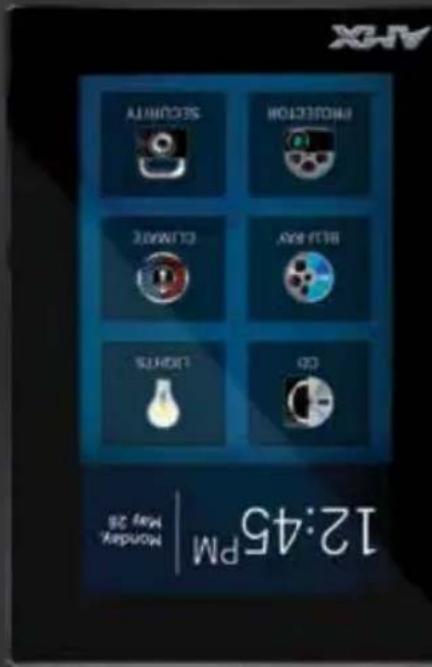



WIDESCREDEN WALLS
modero
MODEO X SERIES 430
BLACK
COLOR:
NE-READY
Pose ENABLED, BLUETOOTH SUPPORT.
MULTI-TOUCH, LIGHT/MOTION SENSOR
EXTRAS:
WALL
LOCATION:
PORTRAIT
ORIENTATION:
OPTIONS
MODERO X SERIES FAMILY
features unmatched in the industry
• Differentiate Yourself – The Modero X Series offers design and technology
control to more rooms and smaller spaces
- Expand Design Opportunities – Extend the beauty of Modero X touch panel
KEY FEATURES
Rooms for scheduling.
Don't underestimate the smallest of the Modero X Touch Panels. This unique portrait Modero 4.3" Wall Mount Panel offers the same edge-to-edge capacitive touch glass and multi-touch capabilities as the larger Modero X panels. It enhances any residential architecture by fitting nicely into small spaces such as kitchens and hallways. The 4.3" is also ideal for education settings because it can be flush-mounted into a podium or wall-mounted outside classrooms and conference
Small and Mighty
4.3"

natural_image
Exterior view of a modern office building (no signage)
natural_image
3D rendered image of a flat-screen electronic device with a display screen (no visible text or symbols)Energy savings is an estimated value based on integration of RMS and Smart Programs mine
| Wired / Wireless | Screen Ratio | Screen Resolution | Dimensions (HWD) | Intercom Capability | Video Capability + Storage | Memory SAVINGS | ENERGY SAVINGS |
| Wired 16 x 9 1024 x 600 | 5" x 7 5/16" x 4 1/8" | YES | FULL MOTION | 512 STD 4 GB FLASH | 82%.. |
Quick Factors 7" Widescreen ModeRO X Services
Energy savings is an estimated value based on integration of RMS and Smart Programming
| Wired / Wireless | Screen Ratio | Screen Resolution | Dimensions (HWD) | Intercom + Phone | Video Capability | Memory + Storage | ENERGY SAVINGS |
| Wired 16 x 9 1280 x 800 | 6 7/8" x 9 7/8" x 4 7/8" | YES | FULL MOTION | 512 STD 4 GB FLASH | 82%** |
Quick Factors 10.1 "Widescreen MODERO X SERIES
MODERO X SERIES 700 | 7 WIDESCRED


WIDESCREEN TABLETOPS
modero
- Attack More Corporate Customers – The elegant design and simple beauty of the Modelo X Series will create demand from both new and current customers - Addresses Unique Requirements – With a long, low profile, edge-to-edge grass and capacitive touch, the Modelo X Series Touch Panels provide dealers with a control surface that is unobtrusive and simple to use Rapid Project Maker (RPM) Compatible – Allows rooms to be installed and programmed using RPM, a quick and easy, wizard-based installation tool
KEY FEATURES
The 7" and 10.1" Modero X Tablet Top Touch Panels offer the same powerful graphics engine, industry leading processor speed and enhanced capabilities of the larger panels. Ideal for a second means of control in large spaces or the primary control interface in smaller spaces, these touch panels round out the Modero X Series Family.
The Perfect Compliment
MODERO X SERIES 1000 | 10.1" WIDESCRED
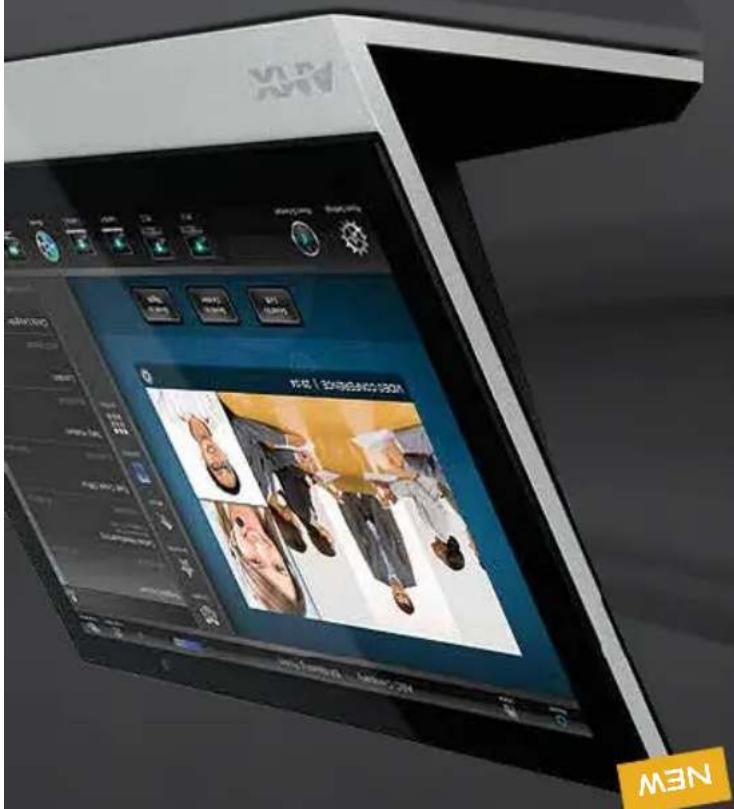
NEW
10.1"17"

natural_image
Exterior view of a modern high-rise building with visible windows and a blue sky reflection (no signage or text)
* Energy savings is an estimated value based on interpretation of RMS and Smart Programs.
| Wired / Wireless | Screen Ratio | Screen Resolution | Dimensions (HWD) | Intercom + Phone | Video Capability | Memory + Storage | ENERGY SAVINGS |
| WIRED | 16 x 9( LandscAPE)9 x 16(portfall) | 1024 x 600( LandscAPE) | 4 13/16"x7"x2 1/2" (LANDSCAPE) | YES | FULL MOTION | 512 STD 4 GB FLASH | 82%++ |
Quick Factors 7" Widescreen MODERO X SERIES
Energy savings is an estimated value based on integration of RMS and Smart Programming
| Wired / Wireless | Screen Ratio | Screen Resolution | Dimensions (HWD) | Interface + Phone | Wide Capability | Memory + Storage | ENERGY SAVINGS |
| WIRED | 16 x 9 (LANDSCAPE)9 x 16 (PORTRAIT) | 1280 x 800 (LANDSCAPE) | 6 11/16"x9 7/18"x2 5/8" (LANDSCAPE) | YES | FULL MOTION | 512 STD 4 GB FLASH | 82%-- |
Quick Factors 10.1" Widescreen MODERO X SERIES
MODERO X SERIES 1000 | 10.1 "WIDESCREDEN
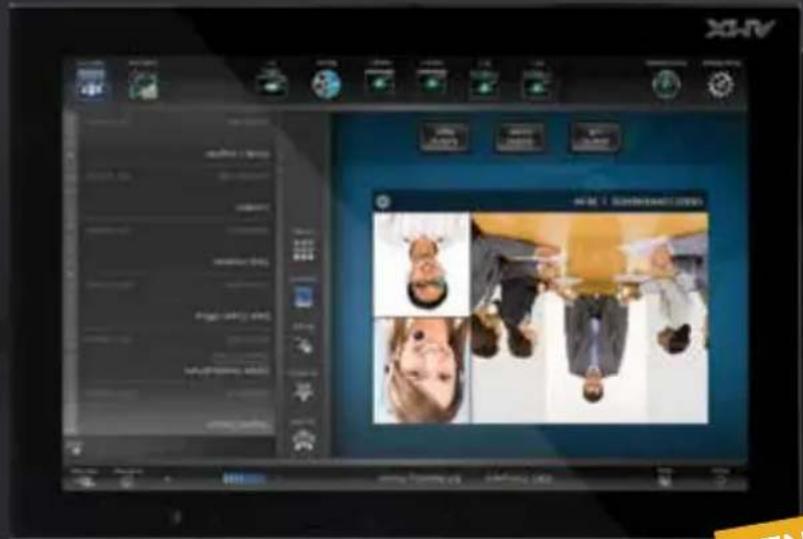
MEN



WIDESCREDEN WALLS
modero
MODERO X SERIES FAMILY
• Rapid Project Maker (RPM) Compatible – Allows rooms to be installed and programmed using RPM, a quick and easy, wizard-based installation tool
room
simple option for adding room scheduling capabilities outside conference
Schooling Assistant – Offers clients a simply beautiful and beautifully
K-12 and Higher Education
Entryway to Education – These mid-size touch panels are just the right size for classrooms and podlums and offer dealers the right panel size to sell to
KEY FEATURES
X does it with brilliant graphics and a lighting fast processor.
home orDisplayingscheduling outside a conference space the Modelo
The 7 and 10.1" Widescreen Modero X Series Touch Panels are available in landscape and portrait. Ideal for any control application including
Right at Home, Even in the Boardroom
MODERO X SERIES 700 | 7' WIDESCRED
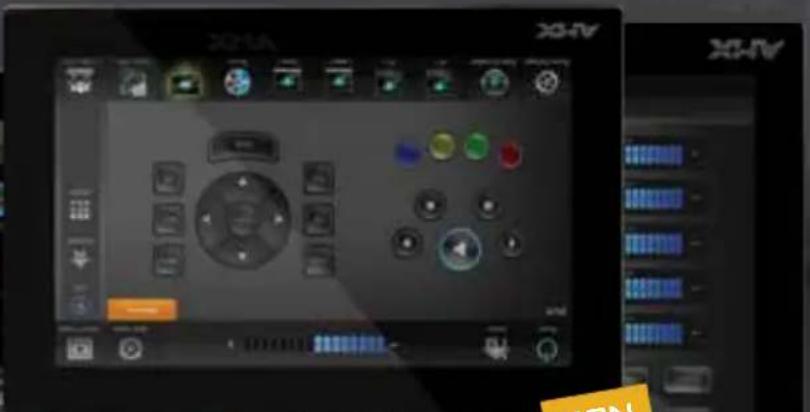
NEW
Energy savings is an estimated value based on integration of RMS and Small Programming.
| Wired / Wireless | Screen Ratio | Screen Resolution | Dimensions (HWD) | Intercom Capability | Video Capability + Storage | Memory Savings |
| Wired | 9 x 32 (LANDSCAPE) | 530 x 1920 (LANDSCAPE) | 6/7/8" x 11/16" (LANDSCAPE) | YES | FULL MOTION | 512 STD 4 GB FLASH |
| WIRED | 9 x 32 (LANDSCAPE) | 1920 x 530 (PORTRAIT) | 20/3/8" x 11/16" (LANDSCAPE) | YES | FULL MOTION | 512 STD 4 GB FLASH |
Quick Factors 19.4" PANORAMIC WALL MODERO X SERIES
Energy savings is an estimated value based on integration of RMS and Smart Programming
| Wired / Wireless | Screen Ratio | Screen Resolution | Dimensions (HWD) | Interface + Phone | Video Capability | Memory + Storage | ENERGY SAVINGS |
| Wired | 5 x 12(LANDSCAPE) | 800 x 1920(LANDSCAPE) | 9 1/2" x 11/16" (LANDSCAPE) | YES | FULL MOTION | 512 STD 4 GB FLASH | 85%~ |
| WIRED | 12 x 5(PORTRATT) | 1920 x 800(PORTRATT) | 20 3/8" x 9 1/2" x 11/16" |
Quick Factors 20.3" Panoramic Wall Modero X Services
MODERO X SERIES 1900L | 19.4° PANGRAMIC
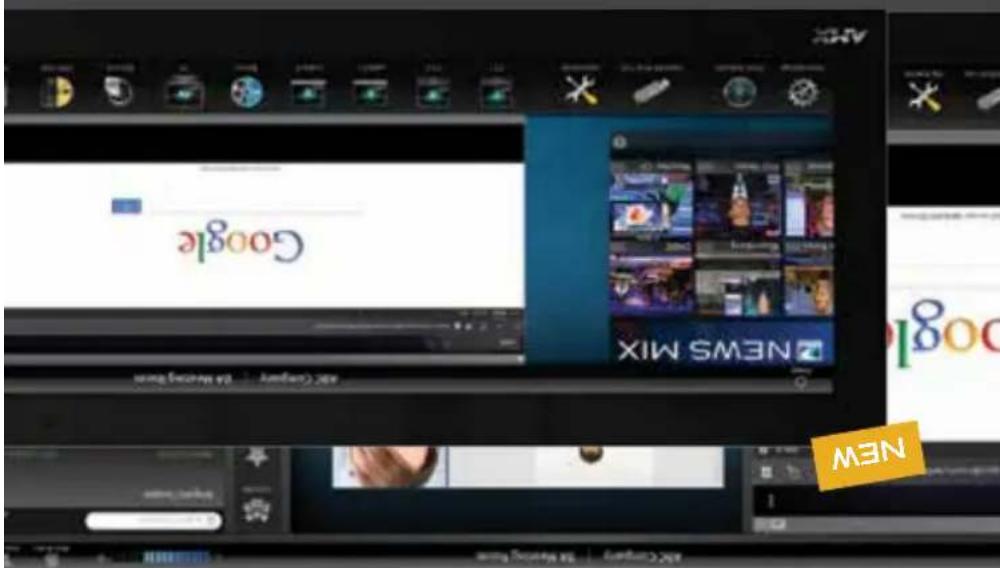





PANORAMIC WALLS
modero
20.3."8.19.6."PANORAMICWALL
BLACK
COLOR
BLUETOOTH SUPPORT, NFC-READY
INTERGATED CAMERA SPEAKERS/MIC
MULTI-TOUCH, LIGHT/MOTION SENSOR
EXTRAS:
WALL
LOCATION:
PORTRAIT AND LANDSCAPE
ORIENTATION:
OPTIONS
MODERO X SERIES FAMILY
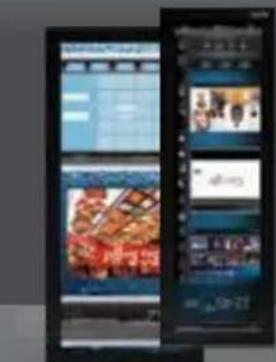

MODERO X SERIES 2000XL | 20.3" PANORAMIC
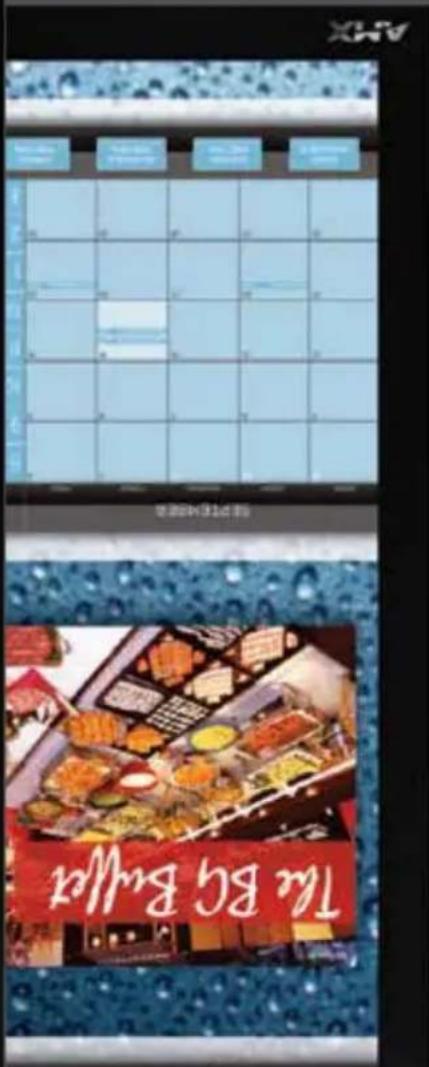
M3N
MEN
PIMINLL
12:32PM
MEN
20.5" / 194"

natural_image
Exterior view of a modern office building (no signage)
other equipment.
telephone calling to any room without having to install additional telephone wiring or into fully featured VoIP (Voice over Internet Protocol) telephones. And wireless capabilities of the Modelo X Series Touch Panels even further by transforming them Add Calling Capability – The Bluetooth Handset (MXA-HST) expands the
exchanging data/denrites.
communication by sharing, pairing and transaction between RF devices – like provide a set of short-range wireless technologies that will deliver peer-to-peer ready to support Near Field Communication (NFC) technologies. NFC promises to
Energy solutions is an estimated value based on integration of RMS and Smart Programming.
See AMX.com for other 19.4" Widescreen Modero 5 Series model dimensions and all metric dimensions
| Wired / Wireless Ratio | Screen Resolution | Dimensions (HWD) | Intercom + Phone | Video Capability | Memory + Storage | ENERGY SAVINGS |
| Wired 32 x 9 1920 x 530 | 6/7/8" x 20 3/8" x 11/16" | YES | FULL MOTION | 512 STD 4 GB FLASH | 85%". | |
Quick Factors 19.4" PANORAMIC TABLE MODERO X SERIES
.. Every saying is an estimated value based on interpretation of RMS and Small Programming.
See AMX.com for other 20.3" Midescreer Modern S Series model dimensions and all metric dimensions
| Wired / Wireless Ratio | Screen Resolution | Dimensions (HWD) | Intercom + Phone | Video Capability | Memory + Storage | ENERGY SAVINGS |
| Wired 12 x 5 1920 x 800 | 9/316" x 20/3/8" x 5/7/8" | YES | FULL MOTION | 512 STD 4 GB FLASH | 85%~ | |
QUICK FACTS 20.3" PANORAMIC TABLE MODERO X SERIES
19.4.7 PANORAMIC
MODERO X SERIES 1900L





MODERO X SERIES FAMILY
- Promote Future Technologies – The Modern X Series Touch Panels are hardware-
determine
- New Mounting Options – Secured table mounts provide an added layer of theft
network URL
- Remote Updates to Touch Panel Files – Deploy and update touch panel files from a
years to come
smooth animations and transitions with the power to run applications today and for
• New Graphics Engine and the Fastest Processor in the Industry – Fast.
KEY FEATURES
capacitive, multi-touch control surface.
video and more on the touch panel with a framesless/bezel-less glass,
meetings with easy sophistication: control the room, suit the web, preview
built-in web browsing take multi-tasking to a whole new level. Take control of
simplied commissioning and enterprise touch panel file management, and
technology in a whole new way now has new features. Faster processing,
The unigue panoramic control surface that lets the user interact with
INNOVA TION?
Putting an X in
MODERO X SERIES 2000XL | 203 PANORAMIC
MEN
MEN
30.5" / 194"
Are you ready to experience the all new Modiro X?
Built-in web browsing and document viewing perfect the meeting room experience even further and to simplify life for the aggregator, the new modeo x features the ability to deploy and update touch panel files from a network URL to greatly simplify touch panel file management. The best just got way better.
enhanced aesthetics and their deterrence
More Mounting Options Including Flush Wall Mount and Secured Lectery
Table Mount – now available in a sleek, in-wall/lectern/table mounting solution for
and presenting documents during meetings
• Building-in Web Browser and Document Viewers – Connectivity Simplifies accessing
• demanding applications today and for years to come
- New 65 Graphics Engine – renders graphics faster and smoother for an even better looking user experience
• New Quad Core Processor – provides improved processing power to run the most
even more demanding applications to come in the future.
under the hood, we decided to quadupile the processing horsepower with a new Guid Gore Processor – the fastest in the industry. It launches and runs today's applications quicker than ever and has enough processing power on tap to run

SOS


While many consider the Modero X Seres family of touch panels to be leaps and bounds in design and functionality above anything else on the market, we knew it could be improved even further. And now it is The all new Modero X Seres has been significantly enhanced to include a new 65 Graphics Engine to provide faster and smoother animations and transitions for a UI that redethes simply beautiful, beautifully simple. While we were dropping a new graphics engine
More Functionality and More Speed
Modero X Series G5 Evolves With... More Power,
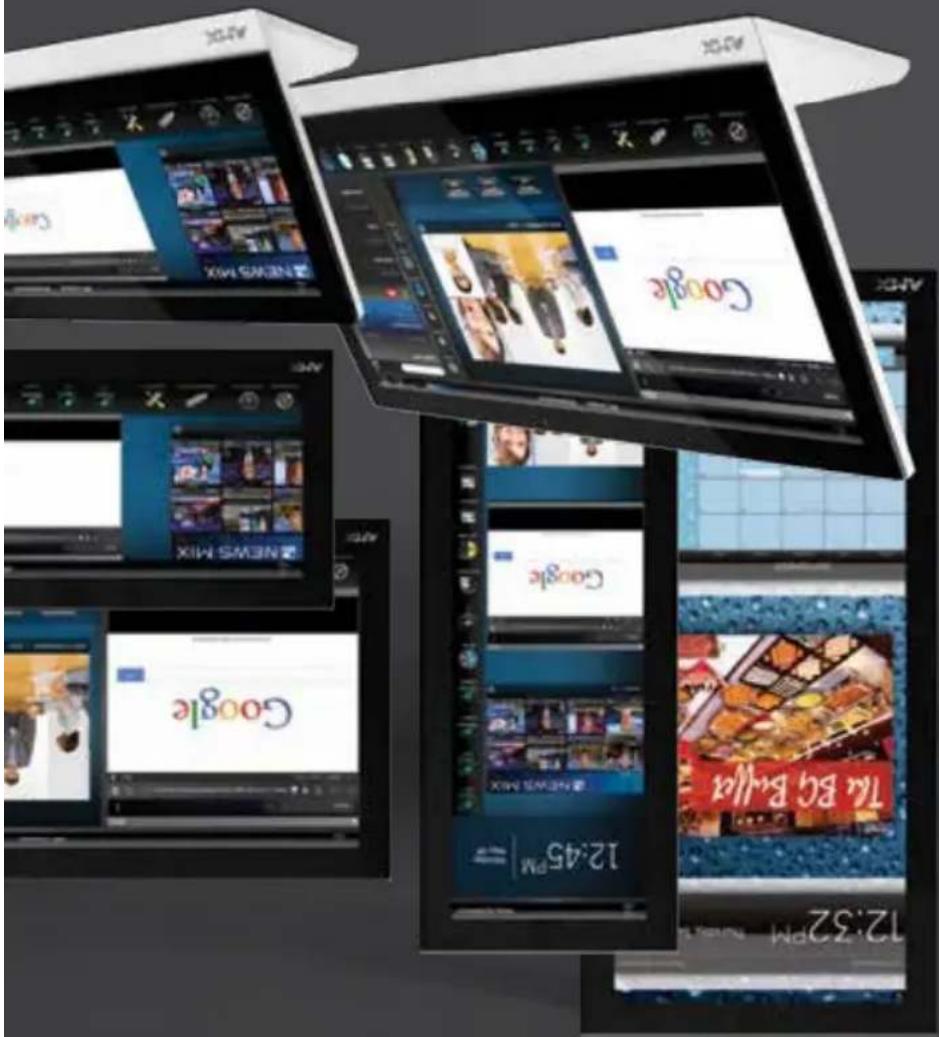
modero

award winning
OZUə
WW.Amx.com
Instanity accessing and sharing your content
Enzo, because collaboration is all about
presenflation and other fliers.)
(Afendees simplify scan the QR code on screen to get the
Others Want Your Preservation Materials?

INSTART SHARE
7
(Your content lives in the cloud, not on your phone)
the Web or USB.
Locate your content on Dropbox,
natural_image
Three gray square icons: a green USB device, a circular globe with light beams, and a flat document (no text or symbols)INSTART CONTENT
2
Want to Control the Devices in the Room? (Add control of the lights, volume, etc., right from enzo)
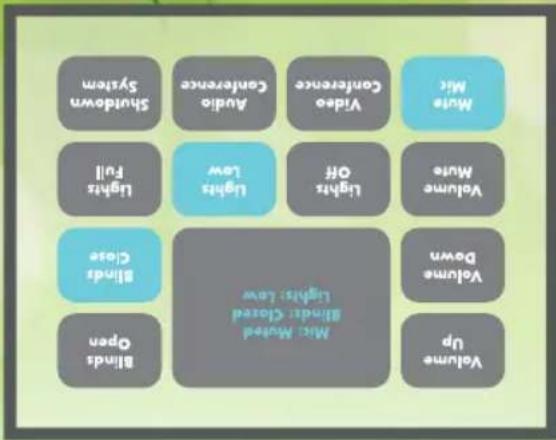
INSTART CONTROL

(Get started with your meeting right away without delays)
Open Your File and Go

natural_image
Silhouette of a person reacting to a presentation screen showing a line graph, with no text or symbols present.INSTART MEETING

(No extended boot timers or PC logins)
Walk in. Touch Any Button. You're On.

natural_image
Abstract graphic with a laptop, gear, line chart, and droplet (no text or symbols)INSTART ON

through RMS
• Native NetLink Device - Managed and maintained
Factor - Easy to install practiceally anywhere
- PoE, Pass-Through Ethernet and Small Form
confidential information
• End of session data purge – Eliminates disclosure of
manageable
related maintenance hassles and costs, and is enterprise
• ITFriendly – Avoids OS updates, viruses and other PC
entering the room
web content or USB thumb drive flies within seconds of
• "Instant-On" File and Web Browning - Access
KEY FEATURES

Ideal for any conference room Enzo is the simplest, fastest way to present and share information during a meeting or lecture.
or in the cloud.
Enzo is a device purposely designed for the collaboration space to easily access content and documents stored on USB, on the web,
OZUa
M3N
INTRODUCES




NATIONAL ASSOCIATION OF HOME BUILDERS
NAHB


Consumr. Hectonics Association A sector of HA


inspired Xpert, inspired XPress 62-65
XPort 60-61
69 ·s 56 - 59
H.264 Encoders 54-55
Network Media. 52-53
NETWORK MEDIA
Lutron Clear Connect Enabled Devices....50-51
Control via Android, Apple and Windows 8 46-49
DEVICE CONTROL
Hydraport Cable Connection System 40-45
ENVIRONMENT ACCESSORIES
Novara 3000 ControlPads. 38-39
Vitual Modero / TPI-PRO-DVI 34-37
32-33 Modero ViewPoint Touch Panel: 9"
Modero X / Modero S Mounting Options 30-31
Modero X / Modero S Comparison Chart 28-29
Multi Review / Multi Review Live 26-27
Modero S Series Touch Panels: 4.3", 7", 10.1" 18-25
Modero X Series Touch Panels: 4.3", 7", 10.1", 19.4", 20.3", 6-17
USER INTEFACE
Enzo 3-5
2013 POCKET GUIDE
OZUə
INSTART ACCESS TO YOUR WORLD
XV

- DIGITAL MEDIA SWITCHERS
- DEVICE CONTROL
- ENERGY MANAGEMENT
- SOFTWARE
- SALES AND PROGRAMS
- THINK
- The perfect interface. It's in here.
- AMX MODERO X SERIES PANORAMIC TOUCH PANELS
- enova
- The perfect automated...
- It's in here.
- DVX
- bringing the PERFECT
- MEETING together
- All-In-One
- 10x4s
- DVX-3156HD-SP
- DVX-3156HD-T
- DVX-3155HD-SP
- DVX-3155HD-T
- DVX-3150HD-SP
- DVX-3150HD-T
- 6x3s
- DVX-2150HD-SP
- DVX-2150HD-T
- DVX-2155HD-SP
- DVX-2155HD-T
- Presentation Switchers
- DISSECTING
- THE
- 3156HD
- smartscale®
- GET THE PICTURE
- e answer
- Scaled To Best Resolution
- New Links to Fiber
- Boards for All
- Fiber Your Way
- SmartScale® Technology
- Enova DGX 64 + DXLink Fiber = 100x Greater Distribution Footprint
- Key Features
- DXLink Twisted Pair Input and Output Boards
- HDCP Compliant
- Secure and Isolated
- Common Applications
- Combining Switching and Control Plus a Whole Lot More
- Built in NetLinx Controller
- InstaGate Pro® Technology
- Boards for
- ALL
- Enova DGX Enclosures
- enova DGX
- Enova DGX Configuration Tool
- Application Guides
- rESOurCES
- Enova Feature Guides
- YouTube Videos on AMXtalk
- Field Serviceable Fiber Modules
- FIBER
- Great Distances at High Speeds
- Send HDMI signals up to 100 meters
- Standard Twisted Pair
- Hot Swappable Video Input / Output Boards
- Only One Twisted Pair Cable
- USB Support
- Built-in Control Ports in the Transmitters and Receivers
- Decor Style DXLink
- Multi-Format Wallplate Transmitters
- = More Install Options
- Watts Per Output
- Remote Power On/Off
- x RJ45
- Electrifying Double Feature Introducing the Dual Power over DXLink™ Controller
- NETLINX NI-SERIES
- NI-700 Simple Solutions
- NI-900 Smaller Single Room Solutions
- NI-2100 Medium-Size Room Solutions
- ENOVA DVX-2100hD NetLinx Control and All-In-One Presentation Switching Combined
- NI-3100 & NI-3100/256 Larger, Multiple Room Solutions
- ENOVA DVX-2150/2155/3150/3155/3156hD
- NetLinx Control and All-In-One Presentation Switching
- NI-3101-SIG Sleek, Stylish and Powerful
- NI-4100 & NI-4100/256
- Superior Functionality Solutions
- CONTROLLERS
- ICSLAN DEVICE
- Single Cable
- Programming Made Simple
- Add Control Ports
- Anywhere All Over Ethernet
- CONTROL BOXES
- Future Proof
- Easily Deployed
- Sleek and Svelte
- QUICK FACTS ICSLAN DEVICE CONTROL BOX
- CONNECTIVITY OPTIONS
- NETLINX POWER
- Power Management of Connected Devices
- Built-in Power Current
- Control and Reset Power Right from the Rack
- DISTRIBUTION UNIT
- Individually Controlled Outlets
- Switched and Monitored
- NETLINX POWER MANAGEMENT
- Quick Facts NXA-PDU-1508-8
- NetLinx Power Management Family
- SMART BUILDINGS
- START WITH SMART AMX TECHNOLOGIES
- ILDING MANAGEMENT SYSTEM
- RMS ENTERPRISE IS NOW IN THE CLOUD
- Resource
- Management
- Suite
- RMS ENTERPRISE SERVER SOFTWARE
- QRS Quick Response Scheduling
- AMY | RPM
- Design, Configure, Deploy
- Create the Perfect Meeting in Under an Hour
- FEATURES
- AMX SHOW
- ARE YOUR
- ROOMS
- SHOWROOMS
- READY, SET,
- Most Popular Electronics Manufacturers to Deliver Device Drivers/Modules Faster
- DONE!
- Manufacturer Testimonials
- US Commercial Sales Leaders
- esidential Sales LeaderSales Leaders
- AMX Global Sales Contacts
- AFRICA
- ASIA & THE PACIFIC RIM
- CANADA
- CARIBBEAN ISLANDS/CENTRAL AMERICA
- CENTRAL AMERICA
- SOUTH AMERICA
- AMX London
- Norway, Sweden, Denmark, Finland
- MEXICO
- MIDDLE EAST
- AMX Lebanon
- Quick Facts 15 XPRESS SPx-1300
- INSPIERED
- DEMAND
- VIDEO ON
- VISIOIN 2
- Quick Facts H.264 ENCODES
- nETWORK
- Quick Factors Clear Connect
- Shine a Light and Control it Wierlessly
- AMX on Apple
- AMX on Android
- Module Blanks & Labels
- Networking Modules
- Cables & Cable Pass-Thru Modules
- Audio/Video Modules
- FOR THE NOVARA 3000 SERIES
- QUICK FACTS NOVARA 3000 CONTROLPADS
- MODERO X SERIES TOUCH PANEL MOUNTING OPTIONS
- MODERO S SERIES TOUCH PANEL MOUNTING OPTIONS
- BEAUTY IN THE SERVER ROOM
- TOTALY FLUSH
- MULTI MOUNT
- 24/7 SECURITY
- Quick Factors 4.3" Widescreen Modeo S Services
- Quick FACTS 7" WIDESCREEN MODERO S SERIES
- Quick Factors 10.1 "Widescreen MODERO SERVICES
- MODERO S SERIES FAMILY
- a Thing of Beauty
- Scheduling Can Be
- Bring ring Touch Panel Control to the Kids' Table
- Quick Factors 7" Widescreen ModeRO S SERIES
- Quick Factors 7" Widescreen ModeRO X Services
- Quick Factors 7" Widescreen MODERO X SERIES
- MODERO X SERIES FAMILY
- Right at Home, Even in the Boardroom
- Quick Factors 19.4" PANORAMIC WALL MODERO X SERIES
- Quick Factors 20.3" Panoramic Wall Modero X Services
- Quick Factors 19.4" PANORAMIC TABLE MODERO X SERIES
- QUICK FACTS 20.3" PANORAMIC TABLE MODERO X SERIES
- INNOVA TION?
- Putting an X in
- More Functionality and More Speed
- modero
- OZUə
- INSTART SHARE
- INSTART CONTROL
- INSTART MEETING
- NETWORK MEDIA
- ENVIRONMENT ACCESSORIES
- USER INTEFACE
Brand : AMX
Model : HPX-B200
Category : Unspecified