ZXMSP2 - Subwoofer PHOENIX GOLD - Free user manual and instructions
Find the device manual for free ZXMSP2 PHOENIX GOLD in PDF.


User questions about ZXMSP2 PHOENIX GOLD
0 question about this device. Answer the ones you know or ask your own.
Ask a new question about this device
Download the instructions for your Subwoofer in PDF format for free! Find your manual ZXMSP2 - PHOENIX GOLD and take your electronic device back in hand. On this page are published all the documents necessary for the use of your device. ZXMSP2 by PHOENIX GOLD.
USER MANUAL ZXMSP2 PHOENIX GOLD
text_image
ZD series INTEGRATIONZXMSP2
ZXM500.1
natural_image
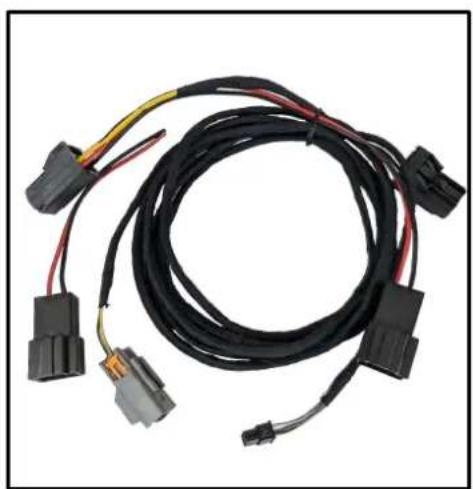
Coiled black automotive electrical connector with terminal connectors (no text or symbols visible)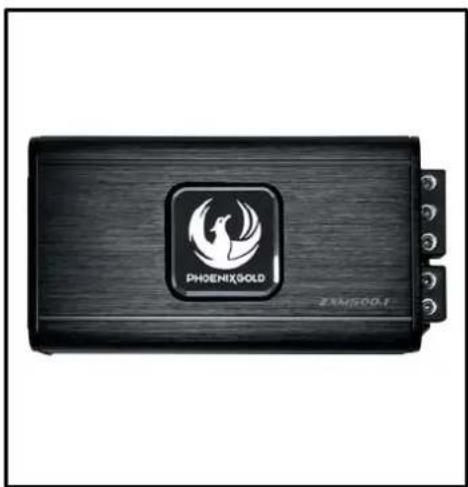
natural_image
Exterior view of a black Phoenix Gold 201500.1 electronic device (no readable text beyond branding)Speaker WireSOT Ca
natural_image
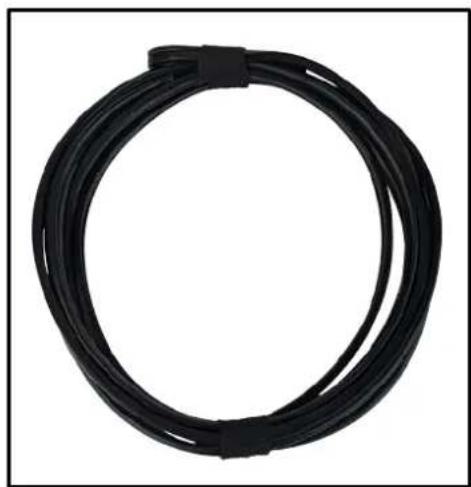
Black cable with coiled wire, no visible text or symbolsInstallation Tools Required
Vehicle used for installation:\*
Polestar 2 (2019 ->)
Harman Kardon
*Some differences may occur between different car and year models.
8mm Wrench or Socket
natural_image
Simple line drawing of a wrench (no text or symbols)Plastic Pry Tool
natural_image
Simple black vertical line with gray triangular shapes on both sides (no text or symbols)ZXMSP2 Installation 1
Tools required:

1x 8mm Wrench
1. Remove the luggage floor
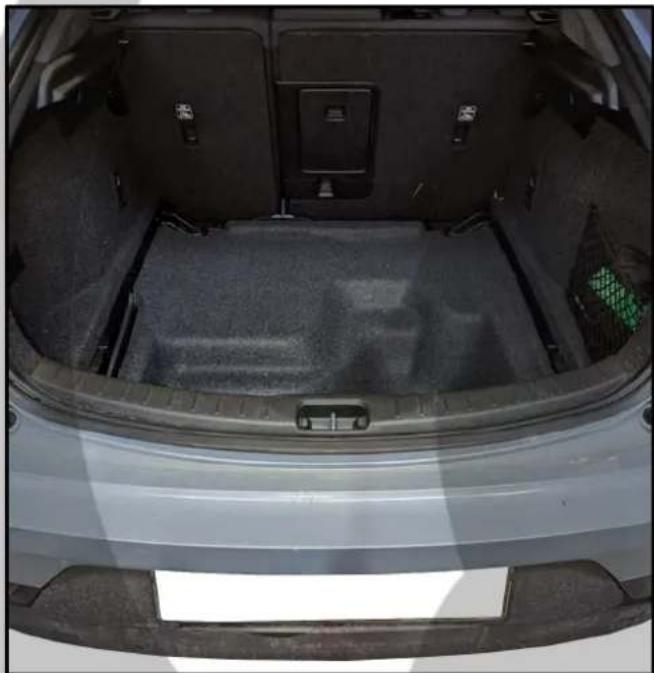
natural_image
Top-down view of a car trunk showing internal compartments and storage areas (no text or symbols visible)3. Unscrew the two bolts
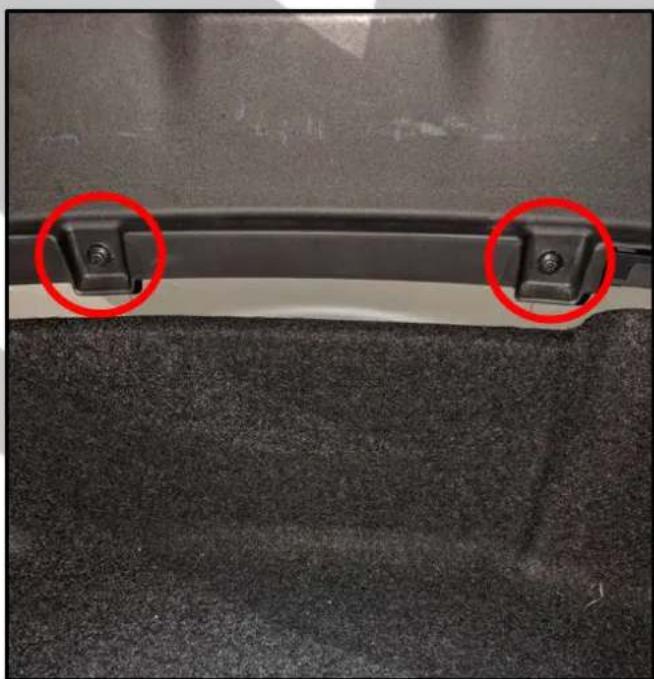
natural_image
Close-up of a car seat cover with two red-circled clips on the side (no text or symbols visible)2. Locate the two bolts

natural_image
Close-up of a car trunk with two red circular markers highlighting specific areas (no text or symbols visible)4. Pull up the threshold to remove it
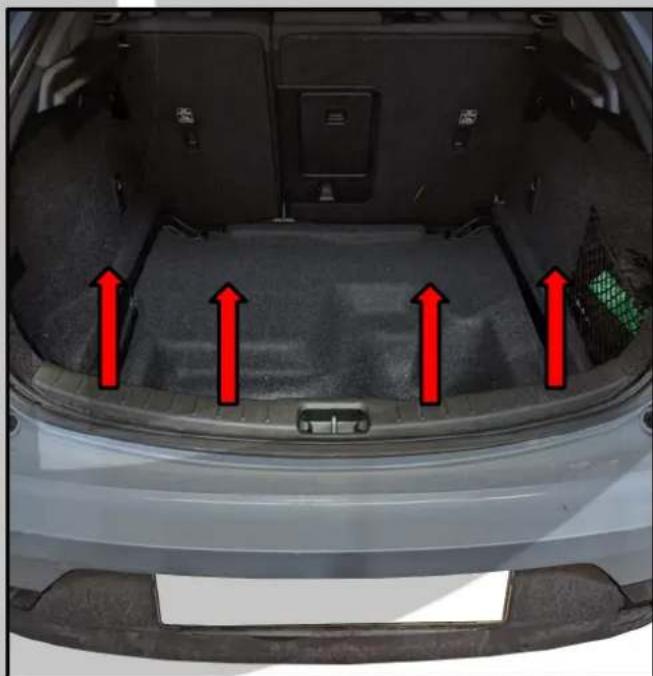
natural_image
Top-down view of a car trunk with red arrows pointing upward to the rear canopy area (no text or symbols visible)ZXMSP2 Installation 2
Tools required:

1x Plastic Pry Tool
5. Remove the luggage mat
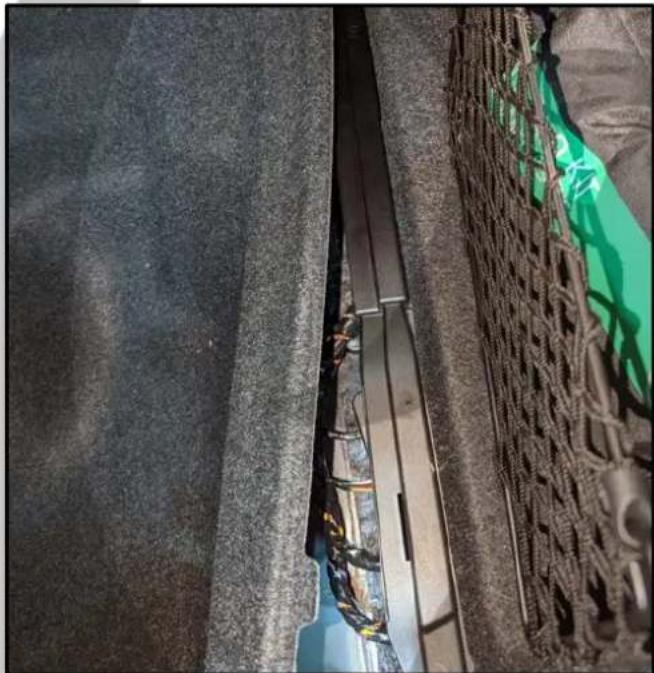
natural_image
Close-up of a damaged metal structure with visible wiring and debris, next to a woven mat (no text or symbols)7. Left side panel pulled out

natural_image
Close-up of a car's front wheel assembly showing internal components and wiring (no visible text or symbols)6. Pull out the left side panel
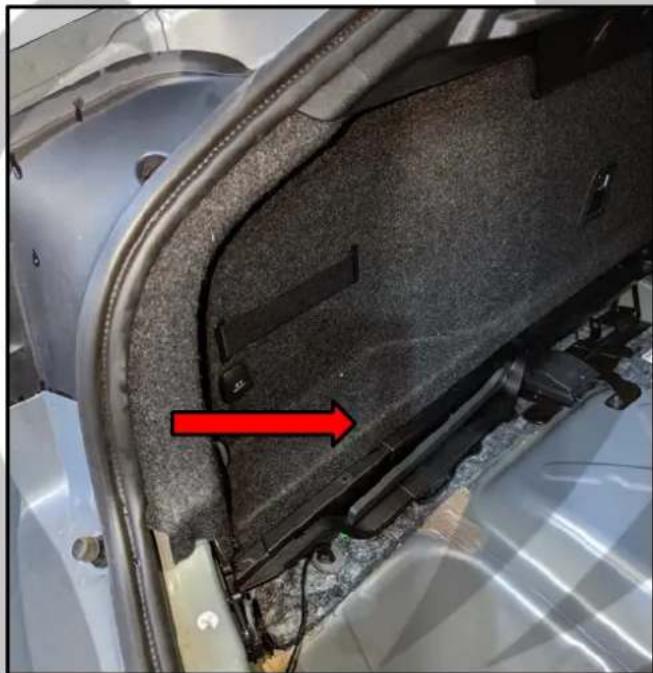
natural_image
Close-up of a car's front panel showing internal components and a red arrow indicating a specific area (no text or symbols present)8. Remove the two clips

natural_image
Close-up of fabric pieces with red circles highlighting specific areas (no text or symbols visible)ZXMSP2 Installation 3
Tools required:
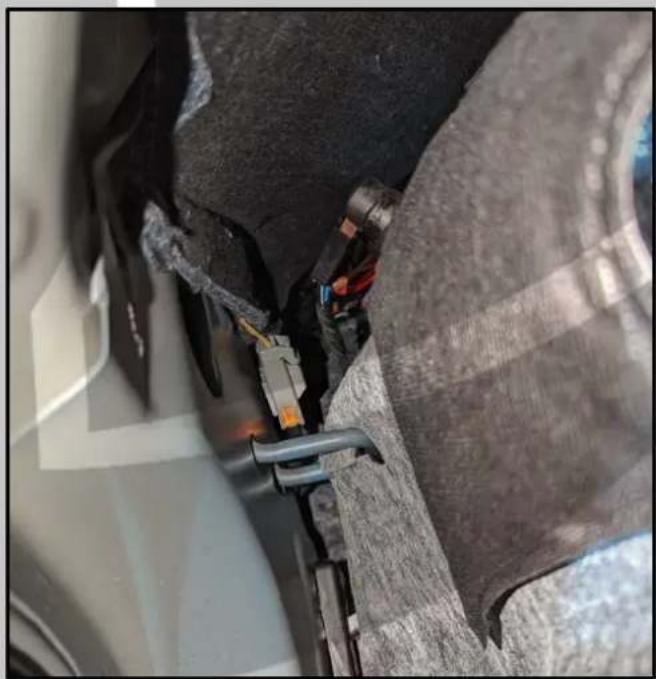
- Disconnect the connector
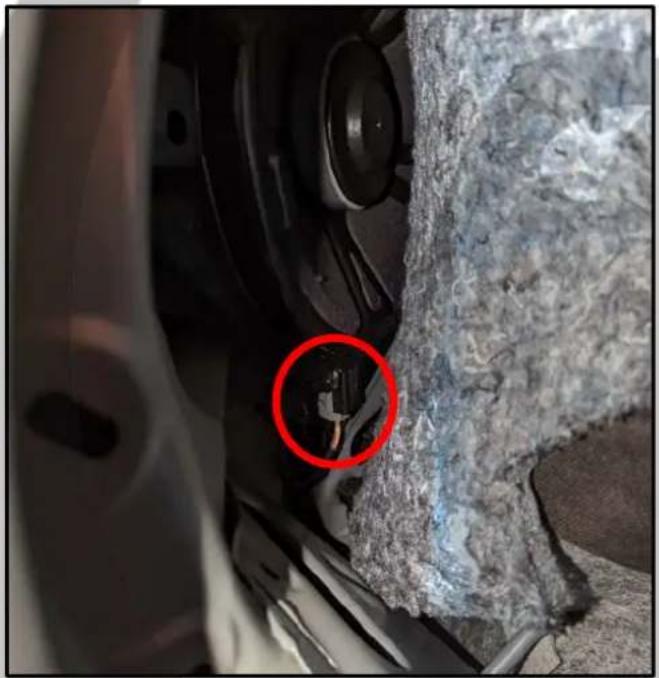
natural_image
Close-up of a car's front wheel and side panel showing a red circle highlighting a small component (no text or symbols visible)- Connect connector to SOT cable
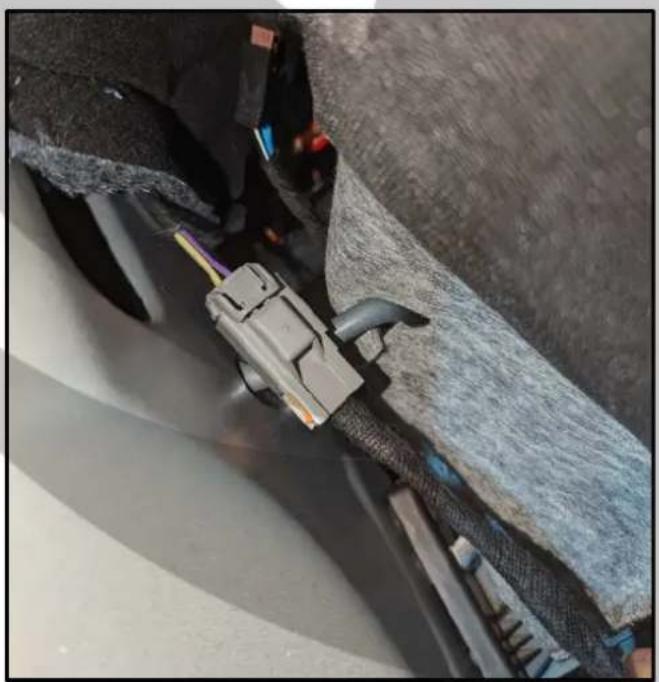
natural_image
Close-up of a car's electrical connector with visible wiring and cable (no text or symbols)- Connector disconnected

natural_image
Close-up of a zipper on fabric with mesh texture and metal clamps (no visible text or symbols)- Route SOT cable under the carpet
natural_image
Close-up of a car's front wheel assembly showing internal components and mounting brackets (no visible text or symbols)ZXSKP2 Installation 4
Tools required:
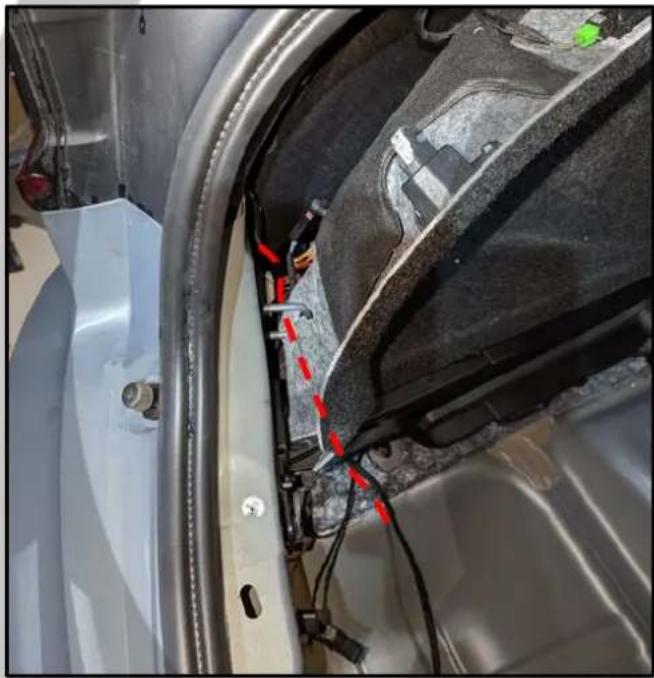
- Route SOT cable under the panel
natural_image
Close-up of a car's front wheel assembly with visible wiring and mounting brackets (no text or symbols)- Route the cable at the back

natural_image
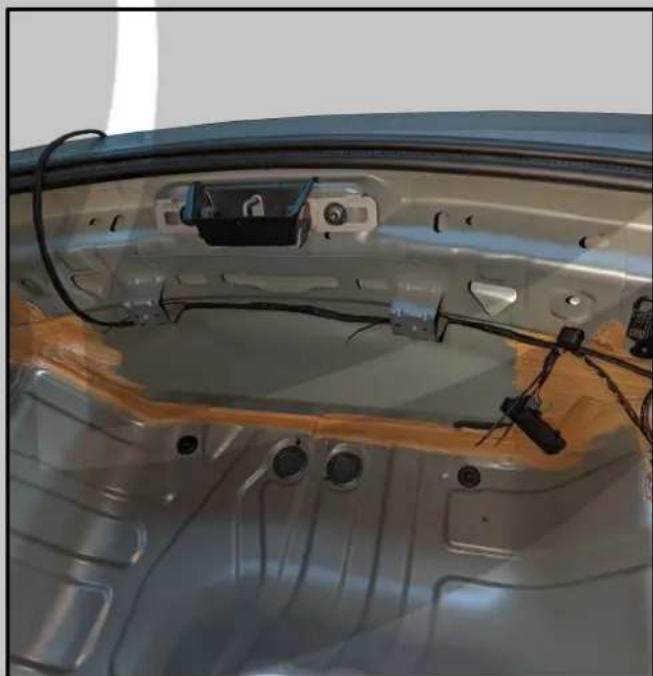
Close-up of a car's front panel with visible wiring and components, no text or symbols present.- Cable routed under the panel

natural_image
Close-up of a car's front suspension system with wires and connectors (no visible text or symbols)- Cable tie the cable at the back
natural_image
Interior view of a car's front panel showing wiring, sensors, and structural components (no visible text or symbols)ZXMSP2 Installation 5
Tools required:
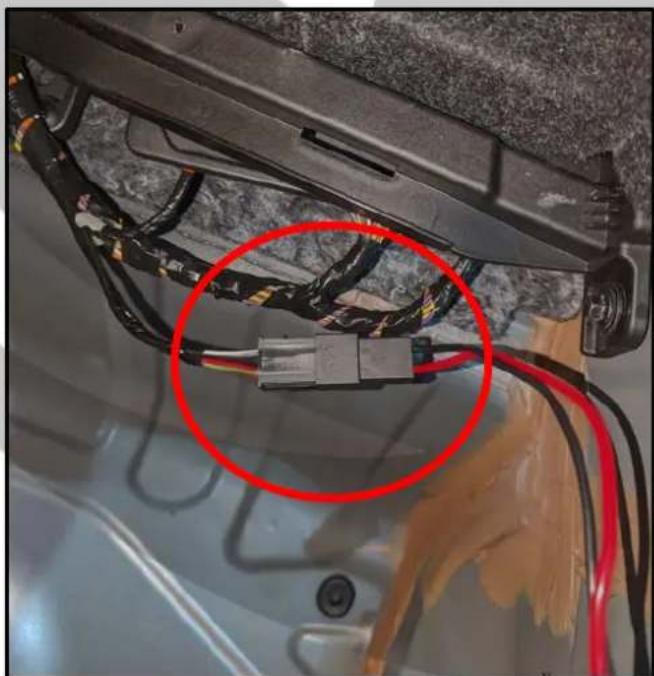
- Amp at the right side of the trunk

natural_image
Close-up of a car's rear air vent with exposed wiring and mesh grille (no text or symbols visible)- Connect SOT cable to connector
natural_image
Close-up of a car's front panel showing exposed wiring and a red circle highlighting a component (no text or symbols visible)- Disconnect the power connector
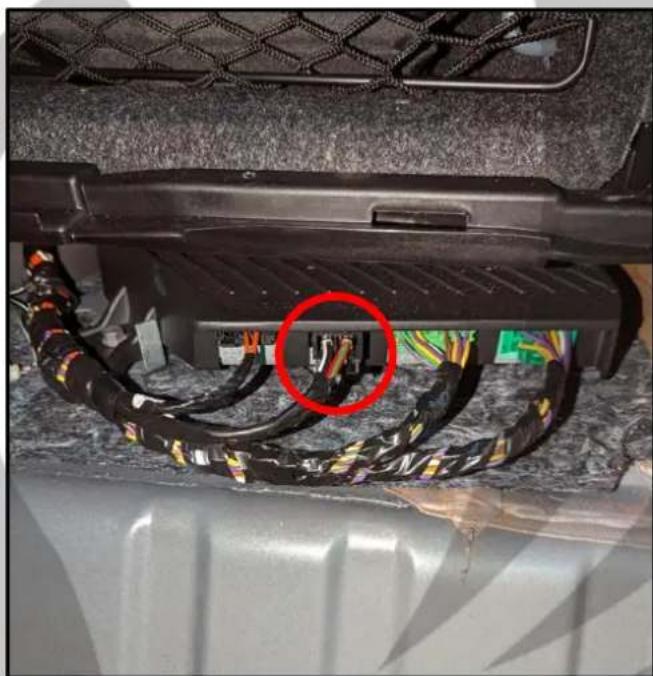
natural_image
Close-up of a car rear panel with exposed wiring and a red circle highlighting a component (no text or symbols visible)- Connect SOT connector to amp
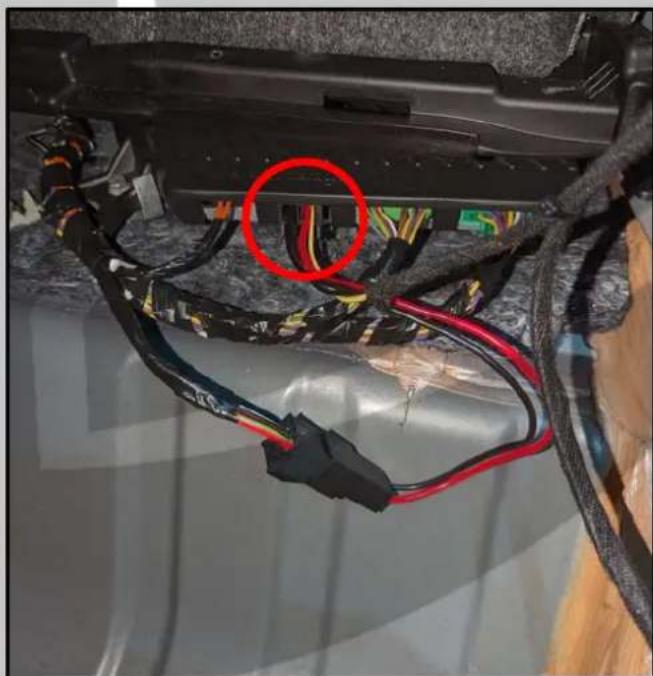
natural_image
Close-up of electrical wiring and connectors with a red circle highlighting a component (no text or symbols visible)ZXMSP2 Installation 6
Tools required:
- Route SOT to the front of the trunk
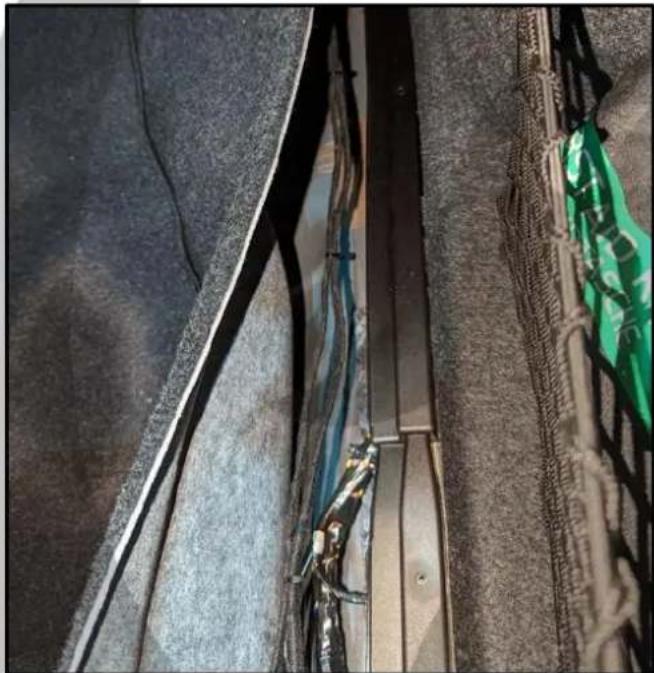
natural_image
Close-up of a damaged metal structure with visible cracks and debris, no text or symbols present- Install the cables to the ZXM500.1
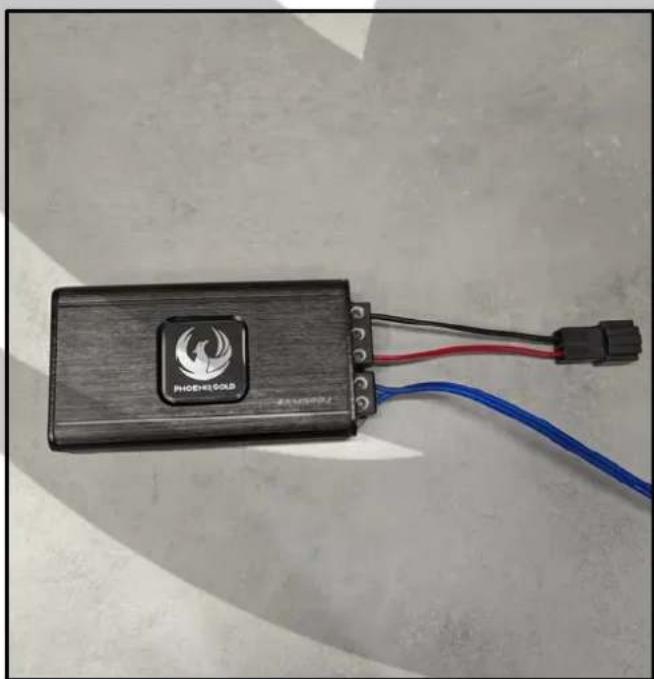
natural_image
Black handheld device labeled 'PHOENEOUS' with red and blue wires, placed on a plain surface (no readable text beyond label)- Put back the trunk carpet
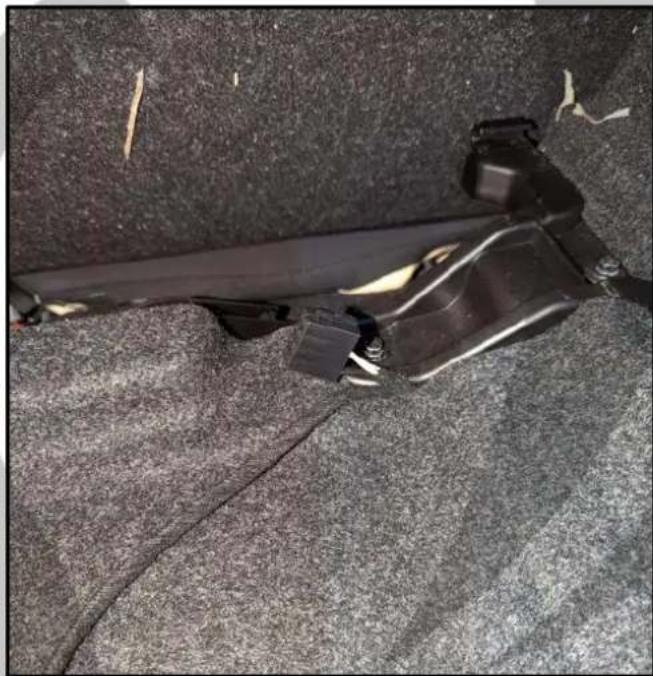
natural_image
Close-up of a black mechanical component mounted on a textured gray surface (no visible text or symbols)- Connect ZXM500.1 in the car

natural_image
Close-up of a car's seatbelt with attached black connector and blue cable, no visible text or symbolsZXMSP2 Installation 7
Tools required:
- Connect the high-level connector
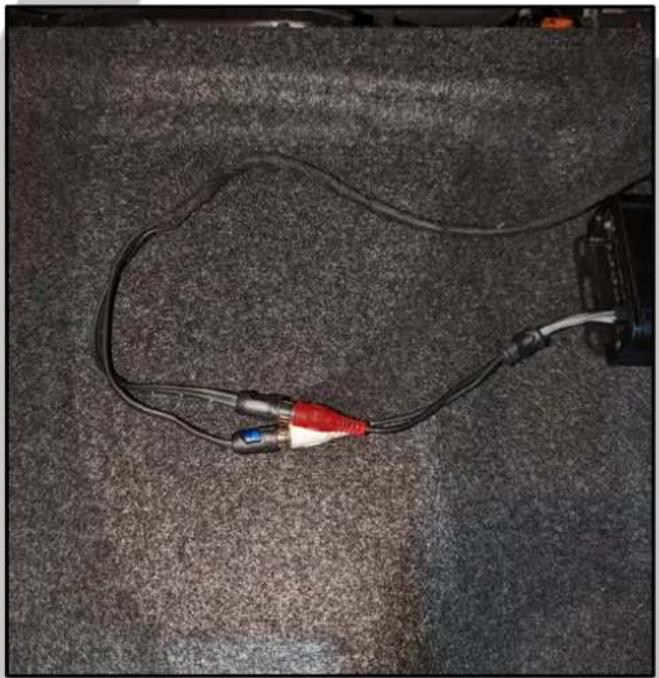
natural_image
Close-up of a black cable with red and blue connectors lying on a textured gray surface (no text or symbols visible)- Reassemble trunk in reverse order

natural_image
Top-down view of a car trunk showing internal compartments and storage areas (no visible text or symbols)- Run speaker wire to subwoofer
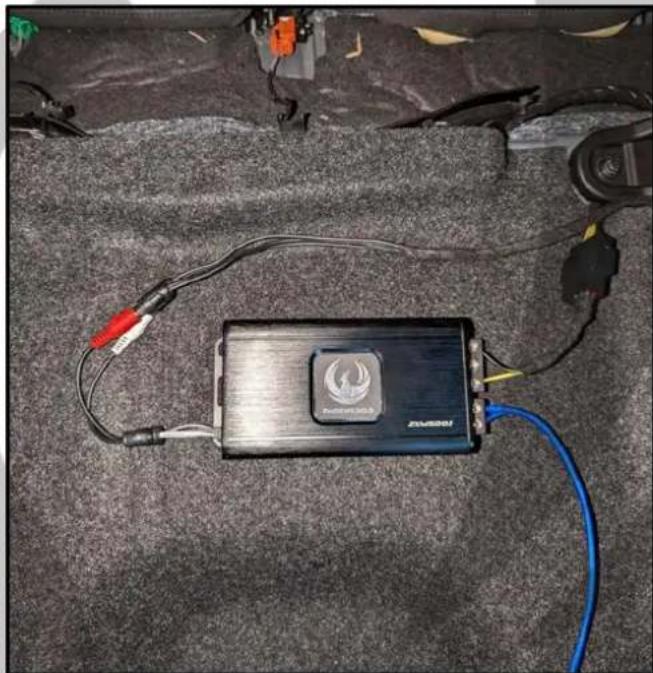
natural_image
Black and white photo of a device labeled 'ZONATO' with cable, placed on a textured gray surface (no readable text or symbols beyond branding)- Install is now complete

natural_image
Stylized orange phoenix logo with curved wings and a bird silhouette (no text or symbols)On Behalf of the Phoenix Gold team, Thank you for choosing us!
Your installation is complete and we hope that your new upgraded system will bring you joy and happiness for many years to come when listening to your favorite music. As always, our goal is bringing you The Gold Standard in Sound.