HED-NPF1000 - Uncategorized Hedbox - Free user manual and instructions
Find the device manual for free HED-NPF1000 Hedbox in PDF.


User questions about HED-NPF1000 Hedbox
0 question about this device. Answer the ones you know or ask your own.
Ask a new question about this device
Download the instructions for your Uncategorized in PDF format for free! Find your manual HED-NPF1000 - Hedbox and take your electronic device back in hand. On this page are published all the documents necessary for the use of your device. HED-NPF1000 by Hedbox.
USER MANUAL HED-NPF1000 Hedbox
Operating Instructions
Before operating the unit, please read this manual thoroughly and save it for future reference.
- Please consult the store where you purchased this battery pack or your sales representative before using the battery pack in a product whose Operation Manual/Operating Instruction does not explicitly state that the battery pack can be used, or before using the battery pack in conjunction with another power supply. Inappropriate use of the battery pack may result in unit misoperation.
- Use the battery pack only with equipment whose operating instructions recommend its use.
Important Safety Instructions
- If the battery pack is mishandled, the battery pack can burst and cause a fire.
- Do not disassemble and never attempt to open the battery pack.
- Do not crush and do not expose the battery pack to any shock or force such as hammering, dropping or stepping on it, avoid mechanical shock.
- Do not short circuit and do not allow metal objects to come into contact with the battery terminals.
- Do not expose to temperatures higher than 60^ (140°F) direct sunlight or in car parked in the sun.
- Do not incinerate or dispose of in fire.
- Be sure to charge the battery pack using a genuine Hedbox battery charger or a device that can charge the Li-Ion battery pack.
- Keep the battery pack out of the reach of small children.
- Keep the battery pack dry and clean only with a dry cloth.
- Do not use this battery pack near water, or expose the battery pack to rain or moisture.
- Do not install near any heat sources such as radiators, heat registers, or appliances that produce heat.
- Unplug this battery from the supply unit during thunderstorms or when unused for long periods.
• Refer all servicing to qualified service personnel only.
- Servicing is required when the battery pack has been damaged in any way, such as power plug damage, IDR Puch Button damage, the battery has been exposed to rain or high moisture, does not operate normally, or has been dropped, and the battery housing damaged significantly.
• This battery pack uses Lithium-Ion battery cells.
- A large discharge amount may accelerate the deterioration of the battery pack's internal cells.
To prevent this, use the battery pack with a discharger amount of about 3 A or less.
Continuous use at levels beyond the maximum discharge level may cause the protection circuit to shut off the current to protect the internal cells.
Charging the battery pack
- You don't have to discharge the battery pack before recharging.
- Charging while some capacity remains does not affect the original battery capacity.
• To charge the battery efficiently, fully charge it in an ambient temperature of 10°C - 30°C (50°F - 86°F).
- The battery pack discharges naturally over time. To extend battery life, it is recommended that you fully charge the battery pack before using it.
- The battery pack may become warm while used or being charged. This is normal.
- Battery pack performance decreases in low-temperature surroundings.
• To conserve battery power, we recommend that you keep the battery pack dry and warm, and only insert it in your electronic device just before use.
- If the power goes off even though the remaining battery time shows that it has enough power to operate, charge the battery pack fully again so that the correct remaining battery time is shown.
- Note that the remaining battery time is sometimes not restored if used in high temperatures for a long time or left in a fully charged state, or if the battery pack is frequently used.
- Remaining battery time is shown as the approximate recording time.
Important Information
Battery life
- Battery life may be shortened due to storage or operation in high temperatures.
• The performance and operating time of the battery may drop under cold conditions. - Replace the battery pack when the operating time with a completely charged battery pack becomes noticeably short.
- The battery life is limited and varies in each battery pack according to the storage, operating conditions, and working operational environment.
If you can't charge the battery pack
- If the charging process encounters no response under the following conditions:
- During the initial attempt to recharge the battery.
- After the battery has been idle for an extended period.
- When the battery has been left inside the camera for an extended duration.
- Right after the purchase.
In such instances, disconnect the battery from the charger and then reconnect it.
- If the second attempt at charging proves unsuccessful, there could be a potential issue with either the battery or the charger. Stop using them and reach out to your authorized Hedbox dealer, or contact us at support@hedbox.com for assistance.
- If the battery pack terminals become dirty or dusty, clean them with a soft cloth.
How to store the battery pack
- Store the battery pack in environment that is dry at temperatures between 0^ to 23^ (32°F to 73°F).
- If the battery pack is to be stored for a short period (approximately more than 24 hours and a month or less), discharge or charge it to 90% of its total capacity to prevent deterioration of its internal cells.
- When storing the battery pack for an extended period (more than a month) it is recommended to discharge or charge it to about 60% of its full capacity. The 60% capacity provide the best number of cycles-to-usage ratio. In this case charge it until the capacity reaches 60% once every six months.
How to transport the battery pack by Airplane
When traveling by airplane and intending to carry Hedbox batteries, it is essential to adhere to specific air transportation regulations. To ensure compliance with safety guidelines, travelers must take special precautions. These include
- Ensure the battery is discharged to less than 30% of its total capacity.
- Store the battery in your carry-on baggage during check-in.
- Inform the airport security officer about the battery in your baggage.
- You are allowed to carry a maximum of for (4) batteries per trip.

text_image
ON BOARD READYCompliance Statements
EUROPEAN UNION COMPLIANCE STATEMENTS
Hedbox declares that the radio equipment described in this document comply with the EMC Directive 2041/30/EU & RoHS 2011/65/EU and the amendment directive (EU) 2015/863
European standards:
• EN 55032:2015: Electromagnetic Interference (Emission)
• EN 55035:2017: Electromagnetic Susceptibility (Immunity)
This product is intended for use in the following Electromagnetic Environments:
E1 (residential),
E2 (commercial and light industrial),
E3 (urban outdoors),
E4 (controlled EMC environment, ex. TV studio).

text_image
C€
text_image
REACH COMPLIANCE
text_image
RoHS COMPLIANCEWASTE ELECTRICAL AND ELECTRONIC EQUIPMENT (WEEE)
The Waste Electrical and Electronic Equipment (WEEE) mark applies only to countries within the European Union (EU). This symbol on the product means that used electrical and electronic products should not be mixed with general household waste. For proper treatment recovery and recycling, please take this product to designated collection points where it will be accepted.
Ensuring that these batteries are disposed of correctly will help prevent potentially negative consequences for the environment and human health, which could otherwise be caused by inappropriate battery waste handling.
The recycling of the materials will help to conserve natural resources.
To ensure that the battery will be treated properly, hand over the product at the end of its life to the applicable collection point to recycle electrical and electronic equipment.

natural_image
Simple line drawing of a trash bin with crossed lines indicating no waste or discharge (no text or symbols)- Hand the battery to the applicable collection point to recycle waste batteries.
- For more detailed information about recycling this product or battery, please contact your local Civic Office, your household waste disposal service, or the shop where you purchased the product.
UN38.3 CERTIFICATION FOR SAFE BATTERY TRANSPORTATION
The Li-ion Battery Pack had passed the UN 38.3 test and is classified as non-dangerous goods and also complies with the UN Recommendations on the Transport of Dangerous Goods; IATA Dangerous Goods regulations, and applicable U.S. DOT regulations for the safe transport of Li-ion Battery Pack. The Li-ion Battery Pack is transported according to the PACKING INSTRUCTION 965 Section B of IATA DGR 65rd edition (Proper shipping name and UN ID number: LITHIUM ION BATTERIES, UN No.: UN3480).
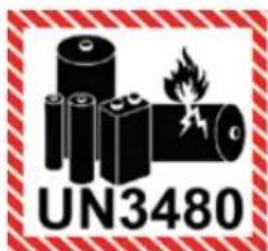
text_image
UN3480Related laws and regulations are, however, subject to change. For detailed conditions regarding the transport of battery packs, please consult your chosen shipping transport company.
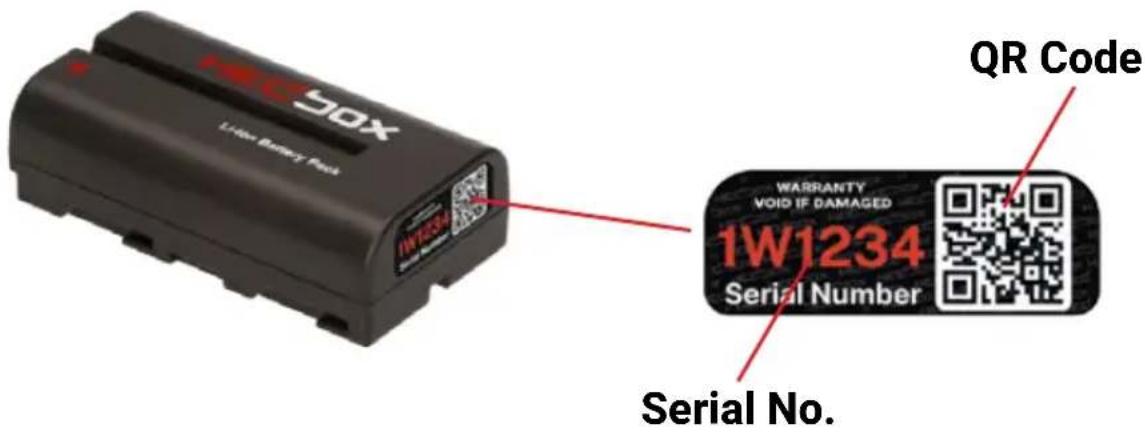
Security QR Holo Serial Number Label
text_image
1W1234 50X 1W1234 WRARRANTY VOID IF DAMAGED 1W1234 Serial Number QR Code Serial No.Multy level High Security QR Hologram product authentication Label
• The product is marked with the Security QR Holo serial number label on the bottom of the battery.
• The QR Holo Label serves as the primary means for confirming the product's authenticity and originality.
- The label incorporates multi-layer high-definition protection including 365 Nm mark.
- It features a distinctive security holographic protection.
- The product has a unique serialization linked to the global Hedbox database.
- Durable, robust, self-adhesive label material; kindly refrain from attempting to peel off the label.
NOTE:
Attempting to remove the security label will cause it to self-destruct, resulting in the forfeiture of the product warranty in this particular case.
Product registration and verification
To verify your product and proceed with registration, please follow the next steps
- Go and visit the verification section on the Hedbox web page at www.hedbox.com/verification.
- Follow the verification procedure

text_image
Product Registration Product Registration Product RegistrationSpecification
| Model: | HED-NPF555 |
| Mount Type: | Sony BP-F |
| Battery Capacity (mAh): | 3600 mAh |
| Battery Capacity (Wh): | 26.65 Wh |
| Maximum Load: | Up to 6A / 45W ( Max ) |
| Nominal Voltage: | 7.4V |
| Cell Chemistry: | Li-Ion |
| IATA Transportation: | UN38.3 / UN3480, Class 9 |
| Internal Protection: | Cells Framing Construction System |
| Recomend Charging On: | RP-DC50, HED-DC55, HED-DC45 |
| Operating Temperature: | -20°C to +45°C (-4°F to +113°F) |
| Dimensions (W/H/D): | 70 x 38 x 20 mm | 2.75 x 1.5 x 0.78" |
| Net Weight: | 110 g | 3.88 oz |
No reimbursement for the recorded content.
- Compensation for the recording content is not feasible in the event of a malfunction in the battery pack on other devices, preventing shooting or reproduction.
- Please note that design and specifications may change without prior notice.
If you want to know more about HEDBOX Products please visit our website: www.hedbox.com
DISCLAIMER
Hedbox has made every effort to provide clear and accurate information in these User's Manual. All the data of this User's Manual (e.g. illustrations, text, specifications and data) are based on the latest information available and every care has been taken in compilation of the contents herein and in verification of its accuracy at the time of printing. As the aim of Hedbox is to give customers the most updated and state-of-the-art products, it may operate some technical modifications and improvements in time. Hedbox may consequently alter the information contained in this User's Manual without notice.
Hedbox has taken every care to ensure that this User's Manual contains accurate information and has published it on the basis that it is not responsible for the results of any actions taken by users of information contained in it, on the basis of information contained in this manual, nor for any error in or omission from it. Hedbox disclaims any responsibility whatsoever for misrepresentation by any person whatsoever of the information contained in this User's Manual and expressly disclaims all and any liability and responsibility to any person, whether a reader of this User's Manual or not, in respect of claims, losses or damage or any other matter, either direct or consequential arising out of or in relation to the use and reliance, whether wholly or partially, upon any information contained or products referred to in this User's Manual.
If you find that some technical features or external appearance of your product differ from the ones inserted in this User's Manual, please send a detailed e-mail to support@hedbox.com.
TRADEMARK DISCLAIMER
Names, logos, and other trademarks mentioned or used are the property of their respective owners and are used here for identification purposes only. These trademark owners are not affiliated with Hedbox, and they do not endorse or sponsor Hedbox or its products or services.
Any use of third-party trademarks mentioned on this User's Manual is intended to refer to the products or services of their respective owners and is not intended to imply any connection between Hedbox and these trademark owners.
Note:
Always ensure that the unit is operating properly before use.
HEDBOX WILL NOT BE LIABLE FOR DAMAGES OF ANY KIND INCLUDING, BUT NOT LIMITED TO, COMPENSATION OR REIMBURSEMENT ON ACCOUNT OF THE LOSS OF PRESENT OR PROSPECTIVE PROFITS DUE TO FAILURE OF THIS UNIT, EITHER DURING THE WARRANTY PERIOD OR AFTER EXPIRATION OF THE WARRANTY, OR FOR ANY OTHER REASON WHATSOEVER
www.hedbox.com

text_image
PREMIUM QUALITY ......HECBOX
We Power Your Bussines
natural_image
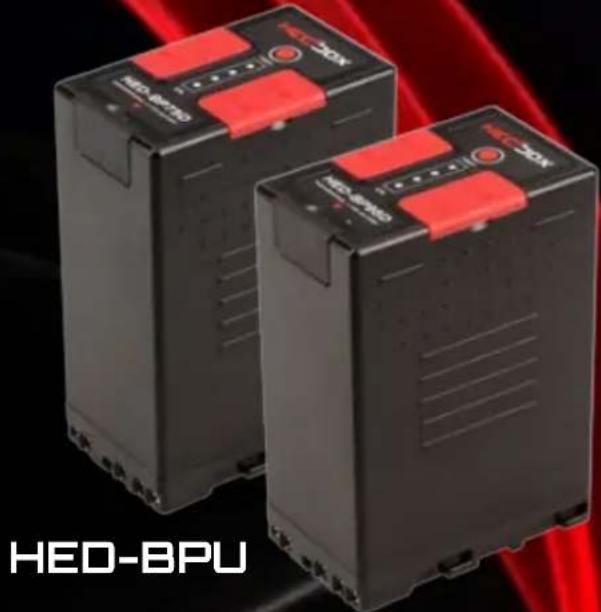
Two black HED-BPU industrial control units with red buttons, displayed against a red laser background (no visible text or symbols on the devices themselves)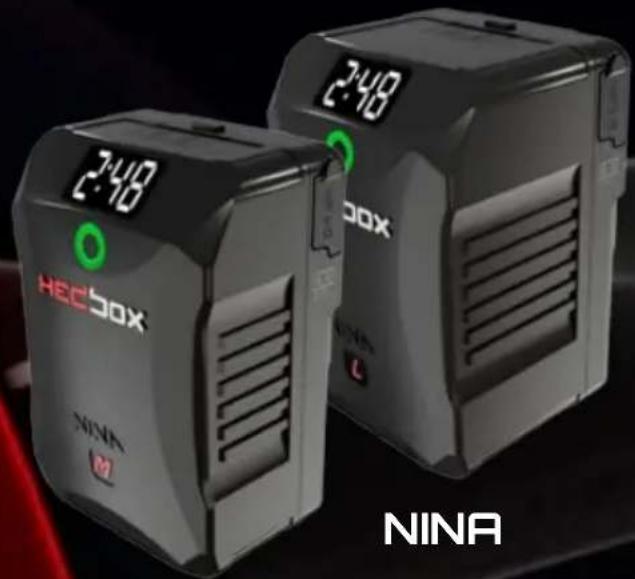
natural_image
Two NINA HEC50X devices with digital display and green control buttons, displayed against a dark background (no readable text or symbols on devices themselves)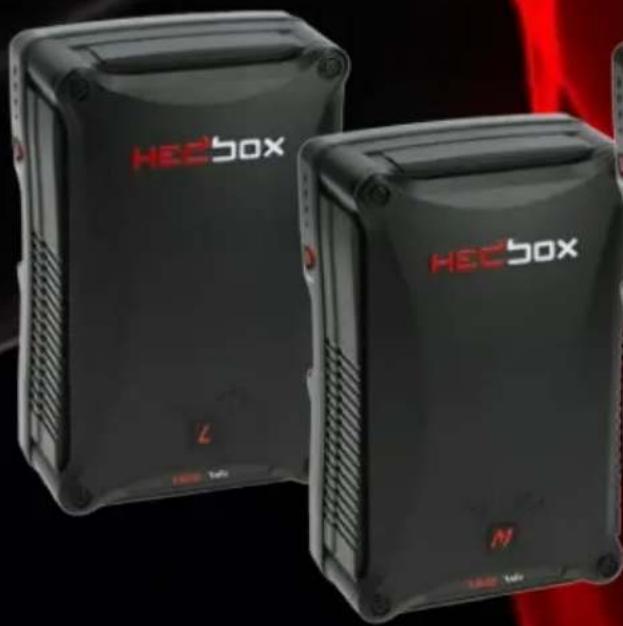
natural_image
Two black HECBox devices with red branding, displayed against a red abstract background (no visible text or symbols on the devices themselves)
natural_image
Exterior view of a black HEC Box device with red LED indicators (no readable text beyond branding)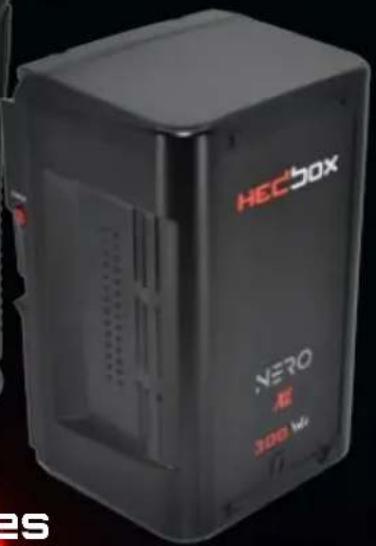
text_image
HECBOX NEVO 300 Wt ESNERO Series

natural_image
Exterior view of a HeCBox electronic device with control panel and display (no readable text or symbols beyond branding)
text_image
XDC Power 58 V 60V
natural_image
Exterior view of a black HecSOX device with attached cable and connector (no visible text or symbols)BATTERY CHARGERS

natural_image
Black rectangular electronic device with red control panel and indicator lights, set against a red background (no visible text or symbols)RP-VBD78

natural_image
Exterior view of a black industrial control unit with red buttons and indicator lights (no visible text or symbols)HED-A60
natural_image
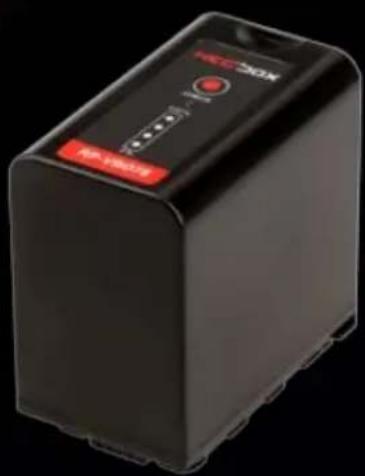
Black rectangular electronic device with red control panel and 'NOM' branding (no visible text beyond branding)RP-BP975
natural_image
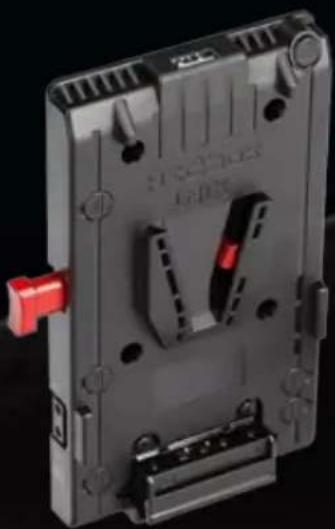
3D rendering of a mechanical device with red handle and mounting holes (no visible text or symbols)UNIX

natural_image
Close-up of a black MEMSOS chip with red background (no visible text or symbols)RP-LPE6H
natural_image
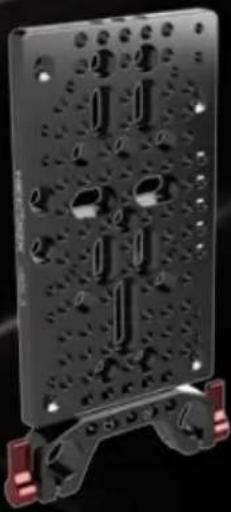
Black perforated metal plate with bolt holes and red clamps at the base (no text or symbols visible)HOLD II

natural_image
Black HCBox 30X device with red buttons and control panel, no visible text or symbols on the device itself.4CH CHARGER