
BSPORT-14-A - Sports Watch BRIGMTON - Free user manual and instructions
Find the device manual for free BSPORT-14-A BRIGMTON in PDF.


| Product Type | Sports Watch / Fitness Tracker |
| Model | BSPORT-14-A |
| Brand | Brigmton |
| Display | Digital (LED/LCD) |
| Connectivity | Bluetooth |
| Heart Rate Monitor | Yes (real-time and all-day mode) |
| Pedometer | Yes |
| Distance Tracker | Yes (km) |
| Calorie Counter | Yes |
| Sleep Monitoring | Automatic (21:00 - 9:00) |
| Swimming Mode | Yes (strokes, time, calories) |
| Battery | Rechargeable lithium-ion (approx. 100 mAh) |
| Battery Life | Approx. 5-7 days (varies with usage) |
| Water Resistance | Yes (for swimming) |
| Compatibility | Android and iOS |
| Dimensions (approximate) | 250 x 20 x 10 mm (band length adjustable) |
| Weight (approximate) | 30 g |
| Material | Silicone strap, plastic body |
| Care and Cleaning | Clean with soft damp cloth; avoid extreme temperatures |
| Safety | Not for medical use; consult a doctor if concerned |
| Spare Parts and Repairability | Spare parts not available separately; limited repairability |
| General Information | Manufactured by Ferson Electrónica, S.A., Spain. Conforms to ECM directives. |
Frequently Asked Questions - BSPORT-14-A BRIGMTON
User questions about BSPORT-14-A BRIGMTON
0 question about this device. Answer the ones you know or ask your own.
Ask a new question about this device
Download the instructions for your Sports Watch in PDF format for free! Find your manual BSPORT-14-A - BRIGMTON and take your electronic device back in hand. On this page are published all the documents necessary for the use of your device. BSPORT-14-A by BRIGMTON.
USER MANUAL BSPORT-14-A BRIGMTON
natural_image
Abstract curved white shape on white background, no text or symbols presentBRIGMTON
surfing technology
natural_image
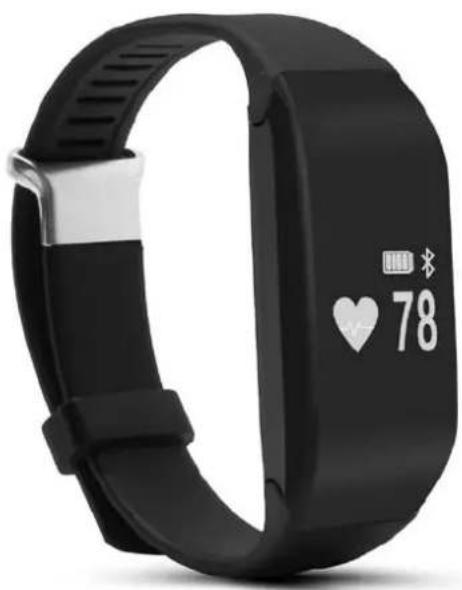
Black fitness tracker with digital display showing heart rate 78 and battery icon (no text or symbols on the device itself)natural_image
Close-up of a black wristband with metallic contacts, resting on a human leg (no text or symbols visible)
natural_image
Close-up of a hand adjusting a black wristband on a person's arm (no text or symbols visible)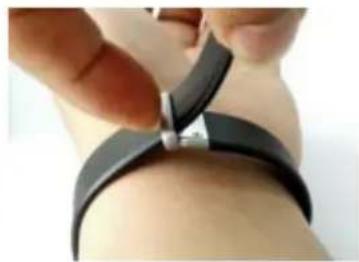
natural_image
Close-up of hands adjusting a black wristband with a metallic clip (no text or symbols visible)CONTROLES

FUNCIONES-PANTALLAS
natural_image
Three white icons on black background: lightbulb, battery, and mouse cursor (no text or symbols)Pantalla de estado:

Apagado:
flowchart
graph LR
    A["HPIT 397F V2.17"] --> B["OK"]
    B --> C["✓"]
    C --> D["✓"]
Reset:
ANDROID
IOS

pie
| Report Type | Light time (%) | Sleep time (%) | Complete target (%) | | :--- | :--- | :--- | :--- | | SleepReport | 14.5 | 28.0 | 0.0 | | SpermReport | 32.5 | 16.0 | 0.0 |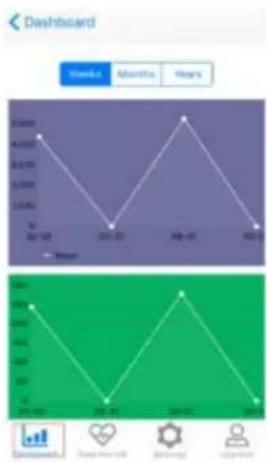
line
| Month | Value | |---|---| | Jan | 45000 | | Feb | 3000 | | Mar | 45000 | | Apr | 2000 | | May | 3000 | | Jun | 45000 | | Jul | 2000 | | Aug | 3000 | | Sep | 45000 | | Oct | 2000 | | Nov | 3000 | | Dec | 45000 |Configuración:
ANDROID

- Social Notice:


ANDROID

natural_image
Abstract curved white shape on white background, no text or symbols presentBRIGMTON
surfing technology

natural_image
Black fitness tracker with white display showing heart rate and battery icons (no text or symbols on the device itself)INSTRUCTION MANUAL
SPORT BRACELET - BLUETOOTH PULSOMETER - SWIMMING
BSPORT-14-B-N-A-M
ADJUSTING BELT
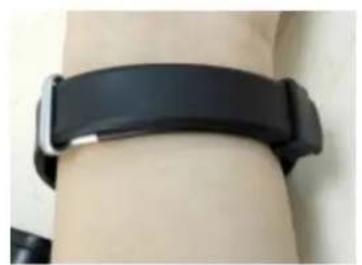
To adjust the belt, put the bracelet on his wrist, pass the strap through the buckle and tighten until it locks. Insert the excess through the eye.
To put or remove the new up or down strap bracelet. With the move you can make fixed or release it.
natural_image
Close-up of a black wristband with metallic contacts, resting on a human leg (no text or symbols visible)
natural_image
Close-up of a hand holding a black wristband with a metallic clip, showing the wrist area (no text or symbols visible)
natural_image
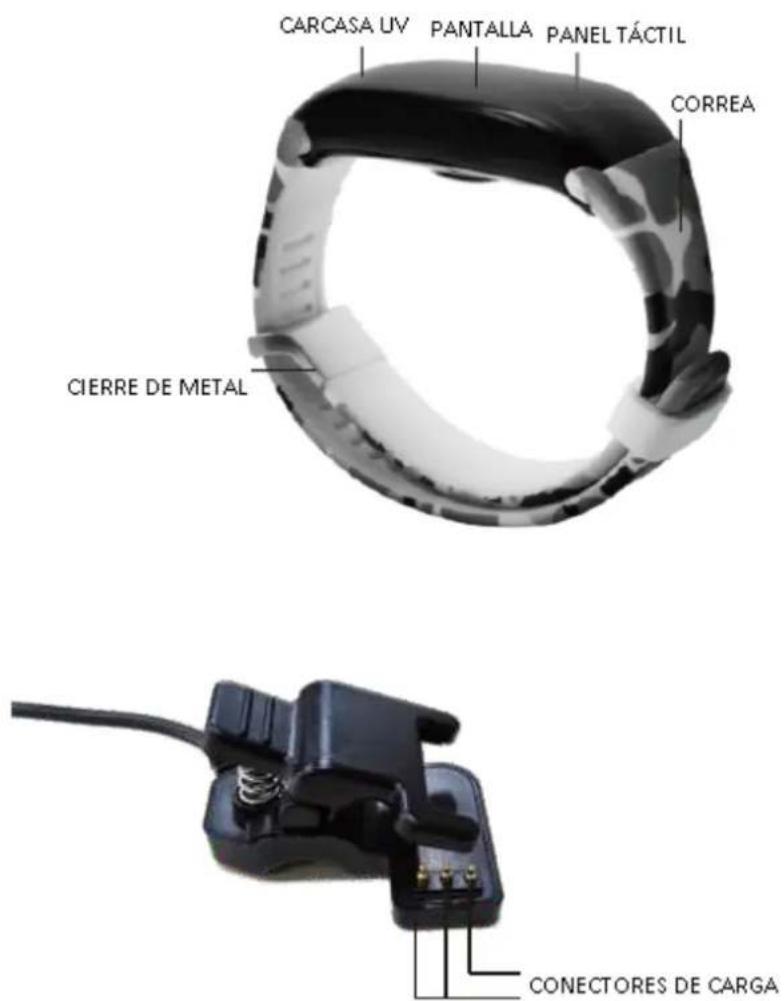
Close-up of hands adjusting a black wristband with a metallic clip (no text or symbols visible)CONTROLS


FEATURES-SCREEN
Date/Time/Battery Level

Heart rate monitor: Once lit, hold the touch button for 2 seconds to activate the heart rate monitor:

Pedometer: the steps are shown.

Distance: the distance in kilometers is shown.

Calories
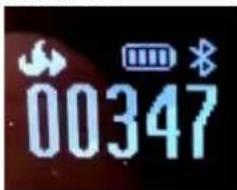
On screen: Hold for 2 seconds to change the display mode and activate on hand to turn on or off.

natural_image
Pure electrical circuit components without any text or symbolsStatus Display:

When the Bluetooth icon is displayed as indicated by the display device is connected to your phone.
Swimming function:
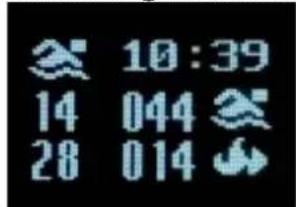
The display shows the time, strokes and calories during exercise.
To enable/disable swim mode press and hold on the screen and select the icon swimming activated and then hold to confirm activation/deactivation.
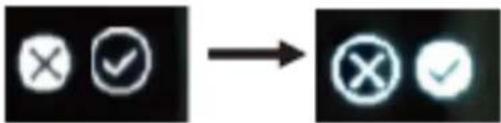
Off:
On the home screen:

Hold for two seconds, off screen appears. Hold two seconds to enter the selection and press and hold again for two seconds to confirm.

flowchart
graph LR
    A["HPIT 397F V2.17"] --> B["Power Symbol"]
    B --> C["× ✓"]
    C --> D["✓ ✓"]
Reset:
On the home screen, press and hold for two seconds, off screen appears. Press again to access reset, hold two seconds to enter the selection and then hold two seconds to confirm.

flowchart
graph LR
    A["HFIT 350°F U2.17"] --> B["Power Circle Icon"]
    B --> C["Reset Arrow Icon"]
    C --> D["OK ✓"]
    D --> E["OK ✓"]
Back to the main menu:
On the home screen, press and hold for two seconds, off screen appears. Double-click to access the function to return to the main menu and hold to return to the main menu:

BLUETOOTH CONNECTION
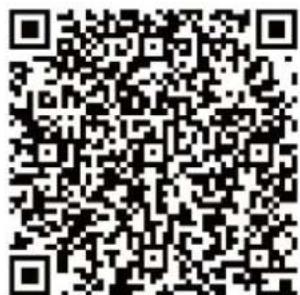
Scan the QR code as needed your device:

ANDROID
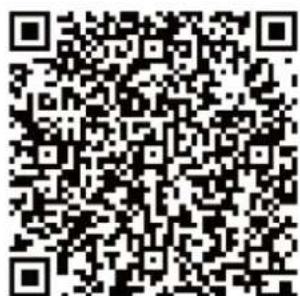
IOS
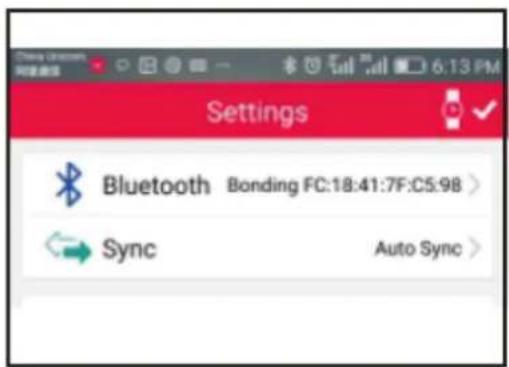
Open the application, go to settings and match the bracelet with the device through the application:
IOS

To disconnect your device bracelet go to the section in the option Bluetooth application settings and select disconnect.
SYNCHRONIZATION
In the configuration section of the application, press SYNC. Note: Android will automatically synchronize.
OTHER FEATURES
Automatic backlight: From 00:00 to 6:00 automatic lighting of the display will remain off to avoid discomfort during the sleep period.
Setting the device: It is recommended to take the bracelet on his left hand. Make sure the heart rate monitor sensor is in contact with the skin.
Sleep monitoring: The device automatically will monitor the quality of sleep from 21:00 to 9:00 hours.
HEART RATE MONITOR IN REAL TIME
In the menu heart rate monitor (heart) hold until the device vibrates and
start heart rate measurement. It will measure for up to 15 seconds and display the result on the screen:

A green light will stay on for the duration of the measurement.
ALL-DAY Function: You must select and activate this function from the application. Every 10 minutes bracelet make a heart rate measurement. To disable this feature you must do so from within the application. NOTE: This function increases battery consumption.
APPLICATION
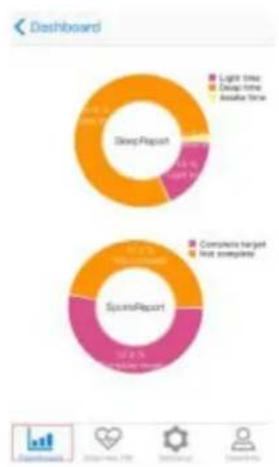
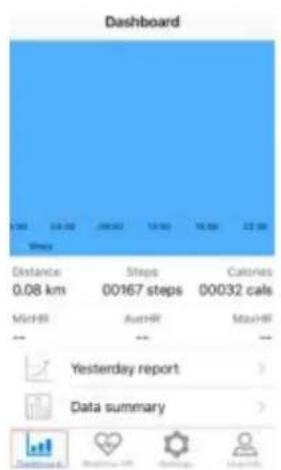
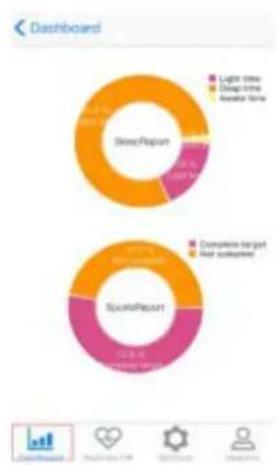
On the initial screen you can check data today, yesterday and a total summary:
pie
| Report Type | Light time | Drop time | Not satisfied | | :--- | :--- | :--- | :--- | | ShortReport | 14.5 | 83.0 | 27.0 | | SportsReport | 22.3 | 69.0 | 21.0 |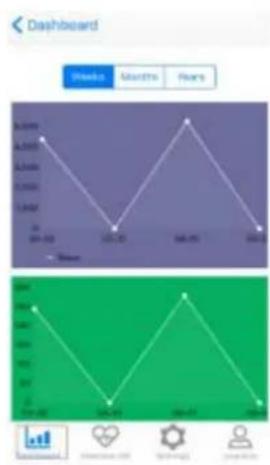
Screen measuring heart rate:

Configuration:
- Bluetooth to configure the connection and pair the device.
- SYNC: To synchronize information bracelet with the device. - NOTE: In Android this function is performed automatically.
- Alarm: Set the alarm.
- Notifications: To configure the receipt of notifications.
IOS
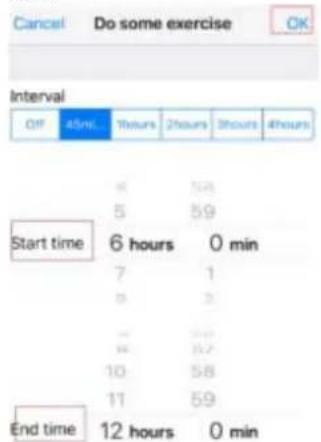
ANDROID

- Time: Select 12 hours or 24 hours
- Selection of measure: Meters / Imperial
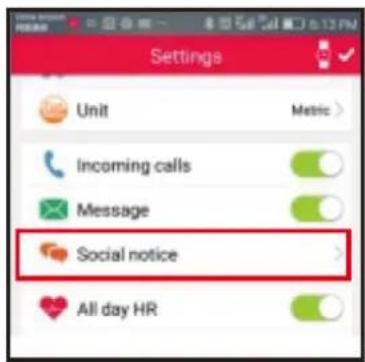
- Notification of messages and calls
IOS: Activate the incoming call. Message notifications arrive automatically:

ANDROID: Activate the incoming call. Enable the message notification:

- Social Notice:

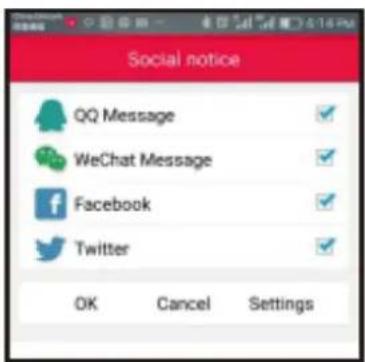

- ALL-DAY Function: Activate the measurement function and take heart rate measurement every 10 minutes.
- Screen saving mode
- Erasing data:
IOS:
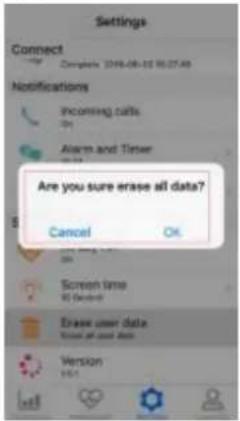
ANDROID
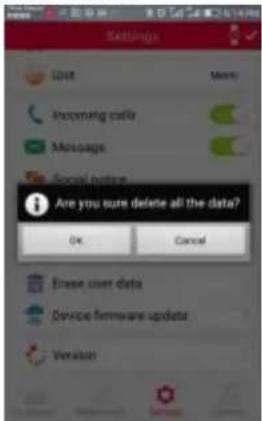
- Upgrade / Version
- User information:
| UserInfo | |
| Goal | 10000 steps |
| Height | 165 cm |
| Weight | 65 kg |
| Age | 30 years |
| Gender | Male |
| BMI | 23.88 |
"Features can change without notice"
BRIGMTON
surfing technology
IMPORTED
FERSON ELECTRÓNICA, S.A.
CIF: A-41111881
SANTA CLARA DE CUBA 12
SEVILLA
ESPAÑA
DECLARATION OF CONFORMITY
Ferson Electrónica, S.A. declares under our responsibility that the equipment meets the requirements indicated in the following directives:
ECM DIRECTIVES
EN60950-1:2006+A11:2009+A1:2010+A12:2011+A2:2013
EN62479:2010
EN301 489-1 V1.9.2 (2011-09)
EN301 489-17 V2.1.1 (2012-09)
EN300 328 V1.9.1 (2015-02)
Description of apparatus:
Model BRIGMTON BSPORT-14
Wireless device


BRIGMTON
surfing technology

Brand : BRIGMTON
Model : BSPORT-14-A
Category : Sports Watch