Beauty Shine - Shaver Garett - Free user manual and instructions
Find the device manual for free Beauty Shine Garett in PDF.


User questions about Beauty Shine Garett
0 question about this device. Answer the ones you know or ask your own.
Ask a new question about this device
Download the instructions for your Shaver in PDF format for free! Find your manual Beauty Shine - Garett and take your electronic device back in hand. On this page are published all the documents necessary for the use of your device. Beauty Shine by Garett.
USER MANUAL Beauty Shine Garett
natural_image
White and pink decorative object resembling a stylized egg or cream cup, placed on a textured base (no text or symbols visible)GEGARETT
Beauty Shine
natural_image
Close-up of hands holding a small white cushioned object, possibly a cosmetic or cosmetic item (no visible text or symbols)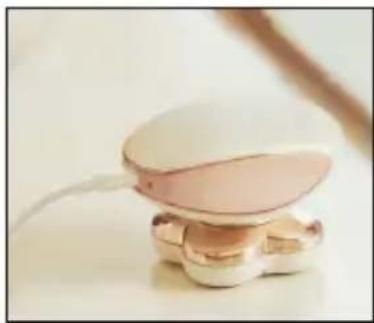
natural_image
Close-up of a small, pink and white dental implant device with a curved base (no text or symbols visible)natural_image
Close-up of hands holding a white plastic tray with four circular cavities (no text or symbols visible)natural_image
Close-up of hands holding a white and gold electronic device with a circular lens (no visible text or symbols)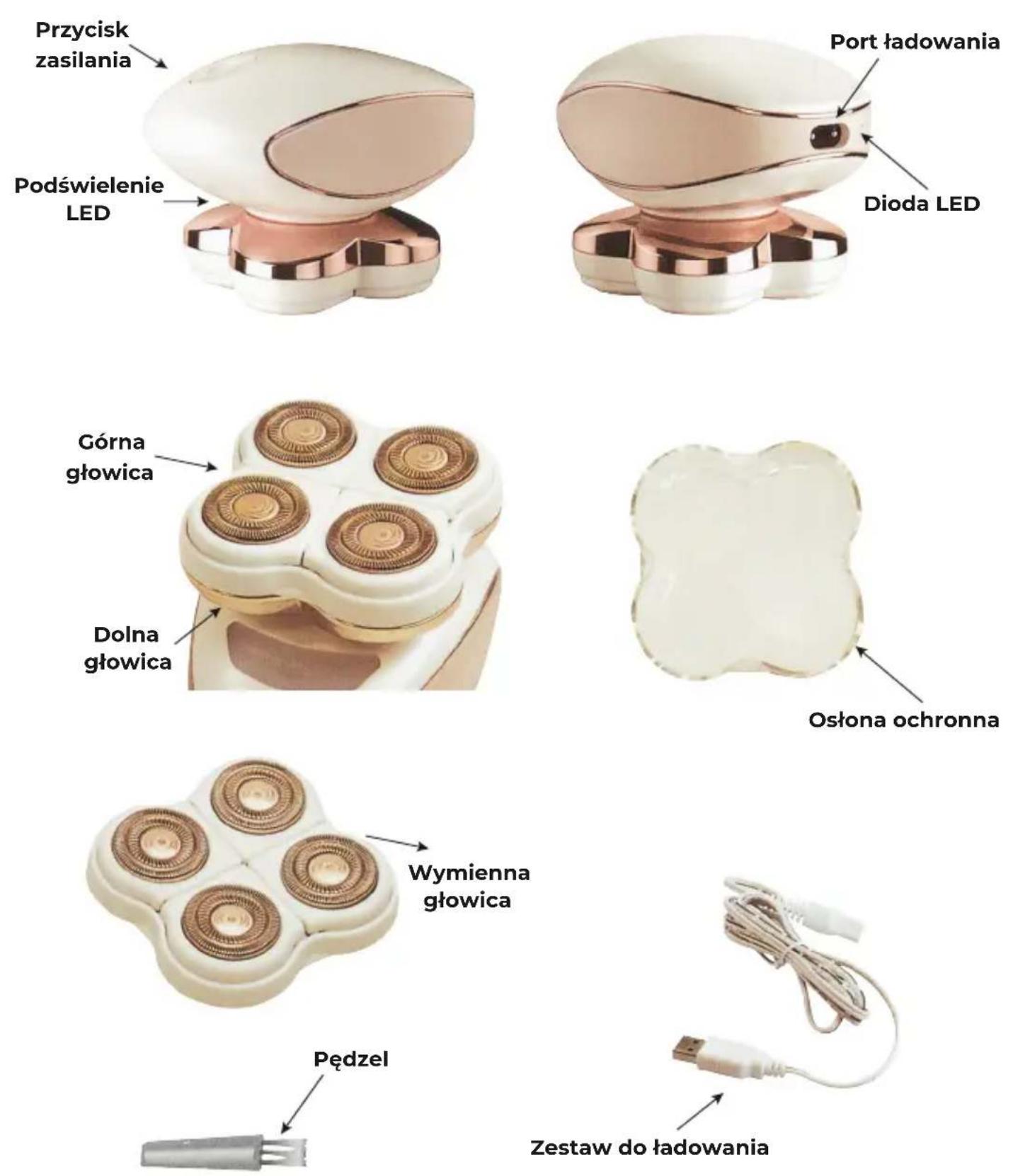
natural_image
Close-up of hands holding a white and pink electronic device with a transparent lens (no visible text or symbols)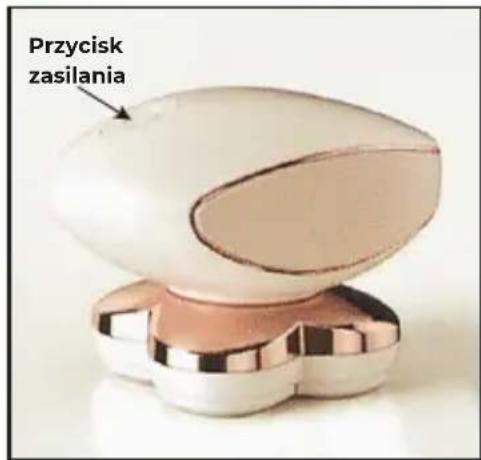
natural_image
Close-up of a person applying a product to their lower leg, with a curved arrow indicating rotation (no text or symbols)natural_image
Close-up of a white ceramic pendant with three circular decorative rings, held in hand (no text or symbols visible)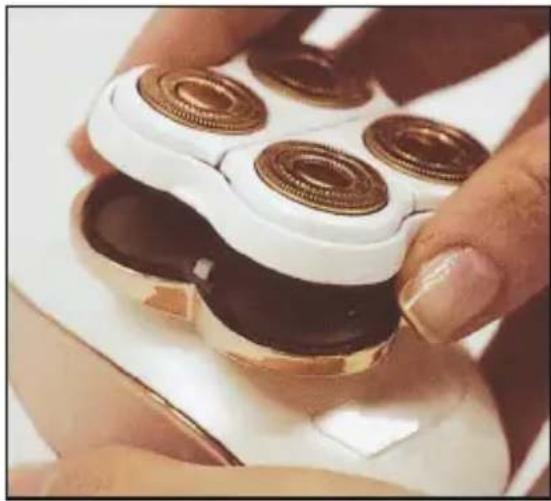
natural_image
Close-up of hands using a power shaver with four copper rings on a white base (no text or symbols visible)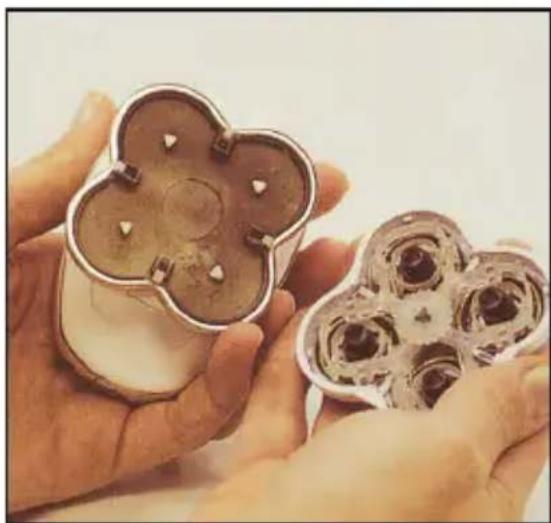
natural_image
Close-up of hands holding a decorative chocolate chip with four petal-like cutouts (no text or symbols visible)natural_image
White and pink decorative object resembling a stylized egg or cream cup, placed on a textured base (no text or symbols visible)GEGARETT
Beauty Shine
Safety issues
- The product is a body shaver. Do not use it for any other purpose.
- Please do not use on areas with skin problems, after plastic surgery, sunburn, on irritated, allergic or inflamed skin.
- Do not use accessories that are not supplied with this product, as it may be dangerous.
- In the event of damage or problems with the device, stop using it.
- Children should not be allowed to use the device.
- Store in a cool or dry place.
- The device contains a lithium-ion battery. Please dispose it in accordance with all applicable regulations.
Tips for the user
- For best results, use on hair that is 7mm or shorter in length.
- Use on clean and completely dry skin without any cream or cosmetics residue. If the device starts to slow down, clean the lower part of the head and the body of the device of any hair residues (see Care and maintenance).
- If the device is still slow, check the charge level and connect the device to charging, if necessary.
- There are no contraindications to use the device every day.
First time use
Note: Test the shaver on a small area of skin before using it for the first time.
If hypersensitivity or allergic reactions occur, stop using it immediately.
Note: As with all trimmers/shavers, be careful around sensitive areas of the body to prevent nicks or cuts.
Charging
- Before using the device for the first time, check whether the device is charged.
- If there is no reaction after pressing the power button, connect the device for charging.
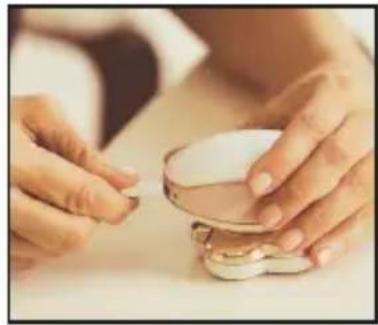
- Plug the small end of the charging cable into the charging port and then into the USB adapter.
- When the device is discharged, it takes about 2.5 hours to charge the battery fully.
• The charging cable is designed to fit only one way.
5. The operating time is approximately 1 hour when the battery is fully charged.
6. While charging, the LED will turn red to indicate that the device is connected to charging.
7. When it is fully charged, the light will turn green.
Note: The device can be used while charging.
natural_image
Close-up of hands holding a small white foam roller with a small brown object on the surface (no text or symbols visible)
natural_image
Close-up of a pink and white foam roller with a flared top (no text or symbols visible)Disassembly / replacement of the head
For the proper operation of the device and achieving optimal results, it is recommended to replace the head every 3-6 months. Depending on the intensity of use, the head may need to be replaced earlier.
• Make sure your device is fully charged before determining the effectiveness of the device.
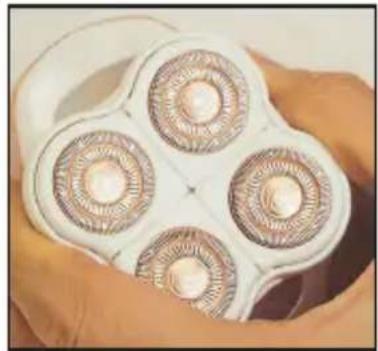
natural_image
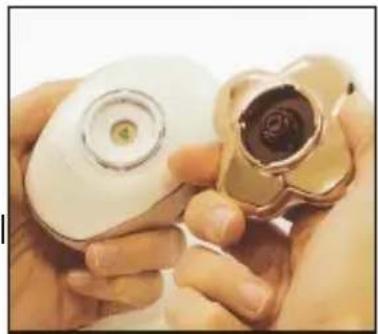
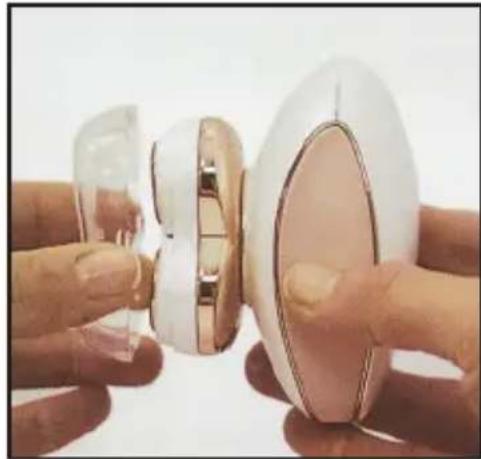
Close-up of four circular electronic components held in a white case, no visible text or symbolsTo remove the head, hold the device with one hand, turn the entire upper part of the head counter clockwise and gently pull it upwards. To put the head back on, hold the device with one hand and place the new head on the device, making sure that the internal cuts are aligned, gently press down, turn the mounted head clockwise. After the head is properly seated, it will click into place and lock.
natural_image
Close-up of hands holding a white and gold electronic device with a circular lens (no visible text or symbols)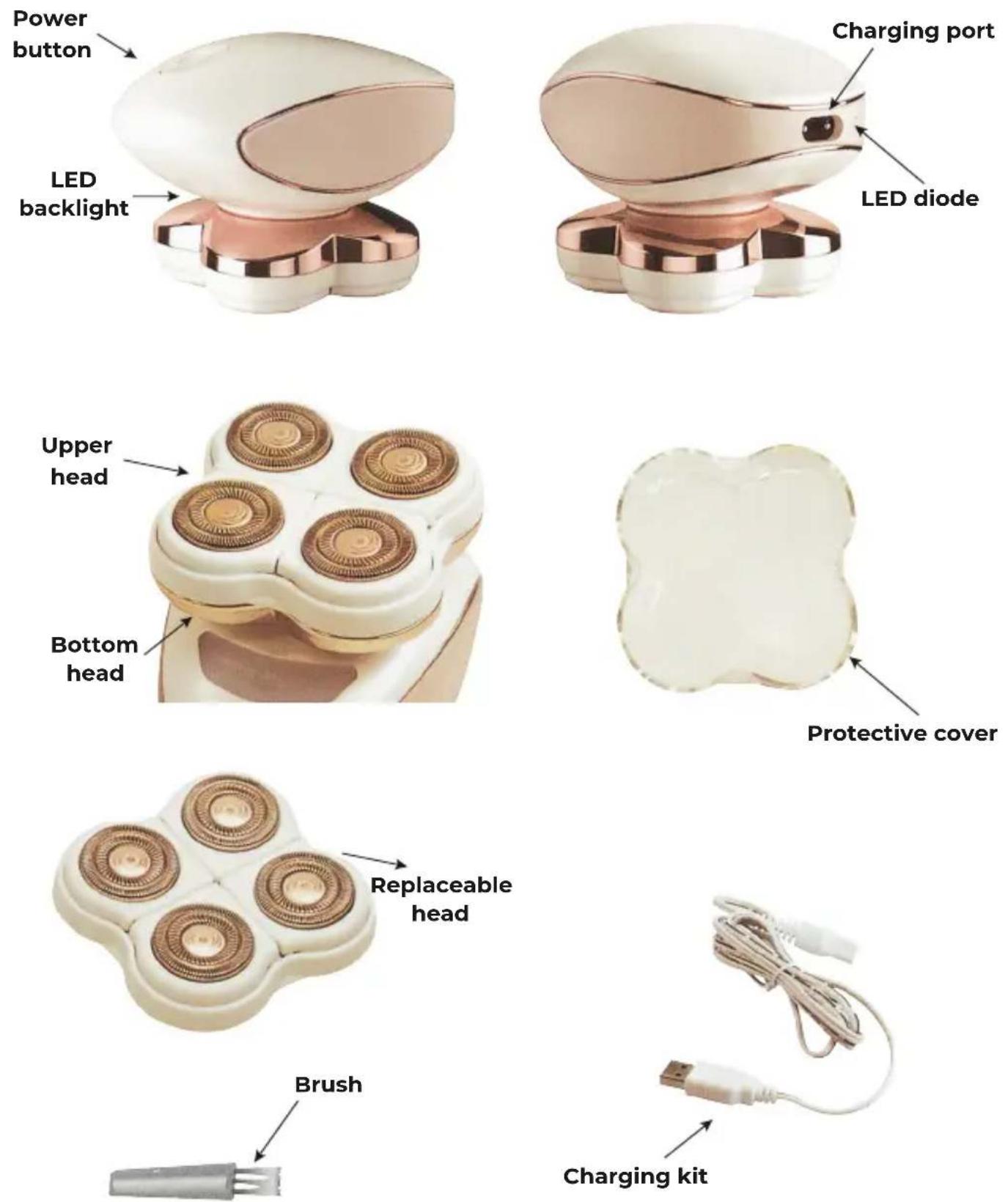
Instructions for use
The shaver should be used on clean and completely dry skin without any creams or cosmetics.
- Remove the protective cover.
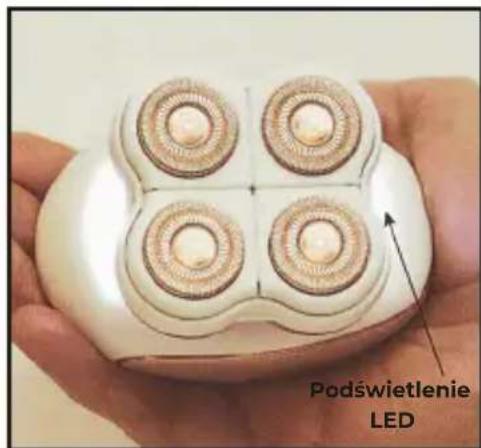
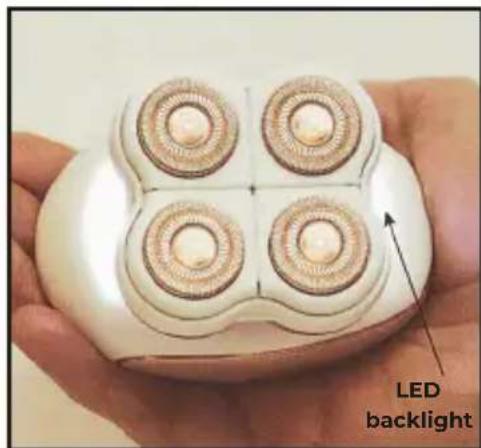
2 Press the power button on the top of the device to turn it on. The backlight on the bottom of the device will light to show that the device is turned on. - Once turned on, place the blades against the skin to begin removing hairs.
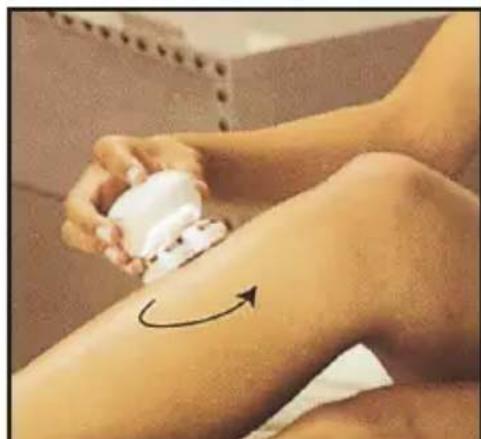
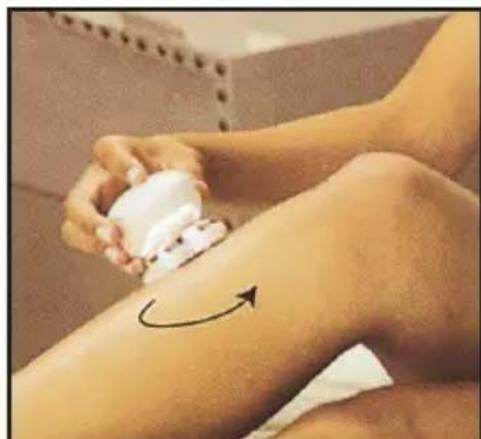
- Move the shaver over your skin gently with small circular movements.
zNote: It is normal for the lower part of the head to heat up during use.
- Do not apply excessive pressure during use to avoid damaging the skin or the shaver head.
- Stop using it if any skin irritation occurs.
- After treatment is complete, press the power button again to turn off the device. The backlight on the bottom of the device will turn off to indicate that the device is turned off.
- Clean the lower part of the head according to the instructions in the section about
- After cleaning put the protective cover on its place.
„Repair and maintenance”.
Note: Store in a cool, dry place or in a box.
Note: Initial use of the shaver may cause skin irritation. In this case, consider using the device carefully and wait at least two weeks for the skin to get used to the device.
natural_image
Close-up of hands holding a white and pink electronic device with a transparent lens (no visible text or symbols)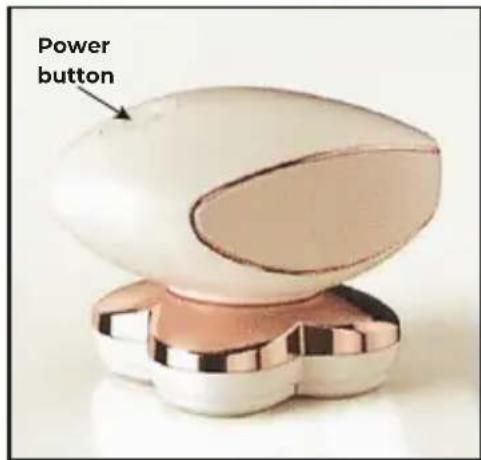
natural_image
Close-up of a person applying a product to their lower leg, with a curved arrow indicating rotation (no text or symbols)Repair and maintenance
For optimal performance, the device should be cleaned after each use.
- The shaver head is designed to be easily removed and cleaned.
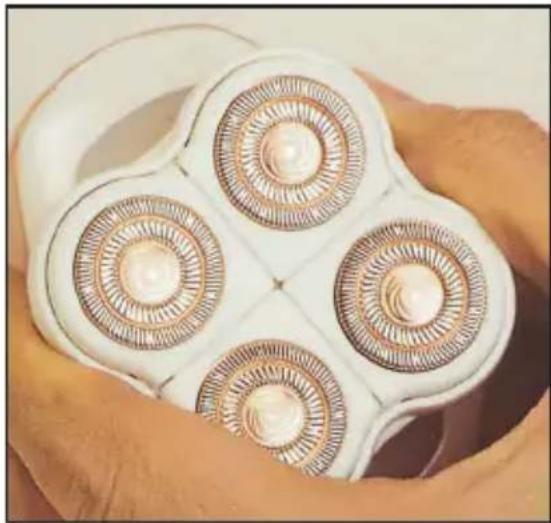
- Holding the main body of the shaver with one hand, grasp the tabs on the bottom of the shaver head with your fingers and gently pull it upwards to remove the top shaver head.
- To remove residues, invert the disassembled head and shake it gently to remove cut hairs and residues.
- The included cleaning brush can also be used to clean the device and removing stuck dirt.
- In the event of damage or failure, please stop using this product and contact the Garett service. Any attempts to repair it on your own may damage the device and will invalidate the warranty.
natural_image
Close-up of a white ceramic pendant with three circular decorative rings, held in hand (no text or symbols visible)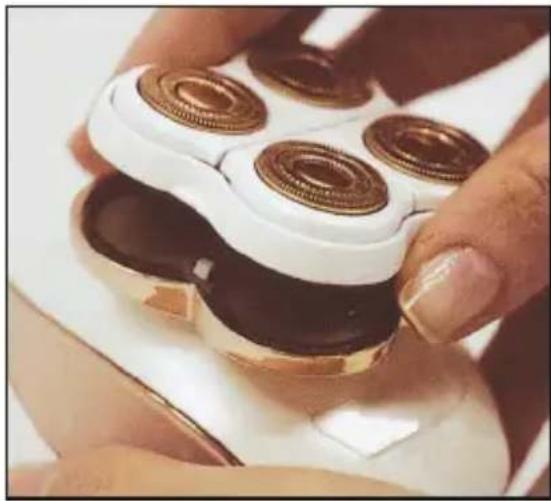
natural_image
Close-up of hands using a power shaver with four copper rings on a white base (no text or symbols visible)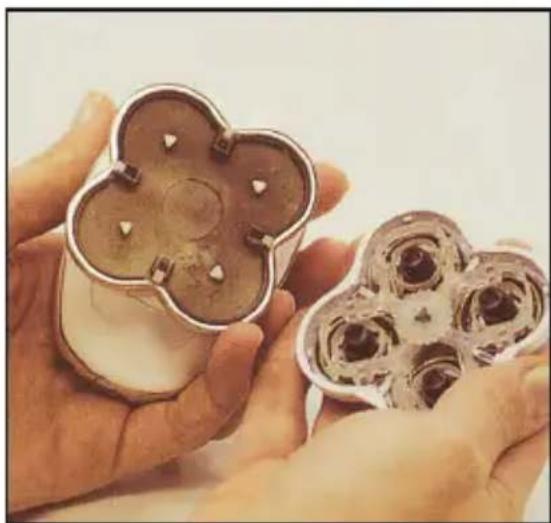
natural_image
Close-up of hands holding a decorative chocolate chip with four petal-like cutouts (no text or symbols visible)Technical specification
● Product name: Garett Beauty Shine
- Input voltage: 110-240 V
• Output voltage: 5 V/1000 mA
● Battery: 500 mAh, charging time: approx. 2 hours
- Weight: 350 g
● Material: plastic + ABS
- Dimensions: 90 × 60 × 65 ~mm
- Warranty: 24 months
Warranty / Complaint
The product is covered by a 24-month manufacturer's warranty. The warranty does not cover: defects and damage caused by the user's fault or as a result of improper use (not in accordance with the intended use), mechanical damage and resulting from the use of accessories other than those included in the set, consumables. When complaining about the product, please complete the warranty card attached to the device and send it together with the proof of purchase to the service address provided on the warranty card.
Contact details available on the website:
www,garett.eu
Producer:
Correct Disposal of this Product
(Waste Electrical & Electronic Equipment)
The marking on the product or in related texts indicates that it should not be disposed of with other household wastes at the end of its working life. To avoid harmful effects on the environment and human health due to uncontrolled waste disposal, please separate the product from other types of waste and recycle responsibly to promote the reuse of material resources as permanent practice. Household users may obtain information on where and how to recycle this product for the environment in a safe way from the retailer where they purchased the product or from local authorities. Business users should contact their supplier and check the terms of the purchase contract. The product should not be disposed of with other commercial waste.

Made in P.R.C.