MR1826 - Scale Maestro - Free user manual and instructions
Find the device manual for free MR1826 Maestro in PDF.


User questions about MR1826 Maestro
0 question about this device. Answer the ones you know or ask your own.
Ask a new question about this device
Download the instructions for your Scale in PDF format for free! Find your manual MR1826 - Maestro and take your electronic device back in hand. On this page are published all the documents necessary for the use of your device. MR1826 by Maestro.
USER MANUAL MR1826 Maestro
Dear customer, we thank you for purchase of goods

Functionality, design and conformity to the quality standards guarantee to you reliability and convenience in use of this device.
Please read and comply with these original instructions prior to the initial operation of your appliance and store them for later use of subsequent owners.
This scale is designed for domestic use only.
Under condition of observance of user regulations and a special-purpose designation, a parts of appliance do not contain unhealthy substances.
Technical specifications
Model MR: 1820, 1821, 1822, 1823, 1824, 1825, 1826
Battery 1x3V lithium battery (CR2032)
Max weight capacity 150kg (200 kg for MR1822)
Scale of division 100g
Protective class III
Protection class IPX0
Use and care
- The glass platform will be slippery when it is wet. Keep it dry.
- Keep standing still during the course of weighing.
- DO NOT strike, shock or drop the scale.
- Treat the scale with care as it is a precise instrument.
- Clean the scale with a damp cloth and avoid water getting inside the scale. DO NOT use chemical/abrasive/cleaning agents.
- Keep the scale in cool place with dry air.
- Always keep your scale in horizontal position.
- If failed to turn on the scale, check whether battery is installed, or battery power is low. Insert or replace new battery.
- If there is error on display or can not turn off the scale for a long time, please take off the battery for about 3 seconds, then install it again to remove soft-fault. If you can not resolve the problem, please contact your dealer for consultation.
- Do not use it for commercial purpose.
Picture 1
Picture 2.1
Picture 2.2
Picture 2.3
Picture 2
Battery
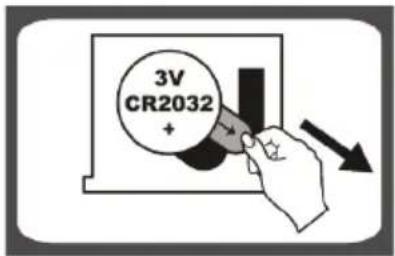
1x3V lithium battery (CR2032). Please remove the isolation sheet from the battery contact before use Picture 1.
To replace battery
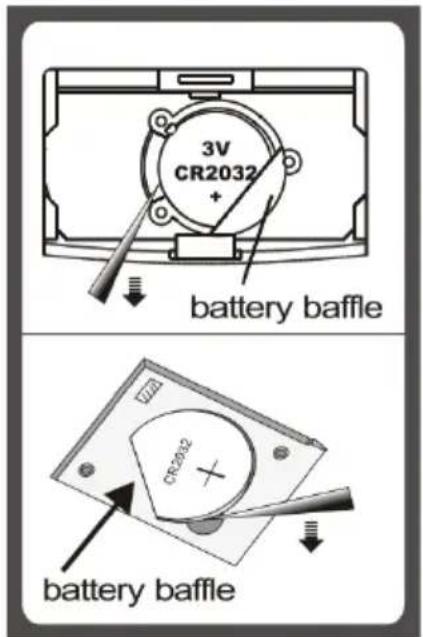
Condition 1: Open battery case cover on the back of scale, if battery case is the type shown in picture 2.1.
A. Take out the used battery with the aid of a cuspidal object, as shown in picture 1.
B. Install new battery by putting one side of the battery beneath the battery baffle and then pressing down the other side. Please take note the polarity.
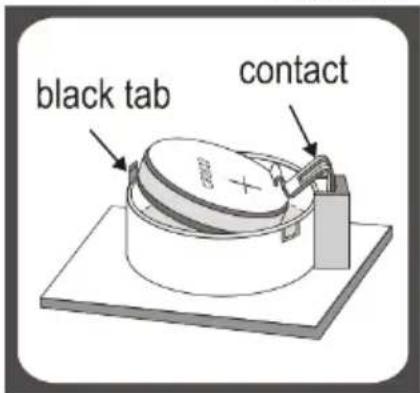
Condition 2: Open battery case cover on the back of scale, if battery case is the type shown in picture 2.2
A. Pull the back tab outwards and the battery will come out.
B. Install new battery by putting one side of the battery beneath the contact ant then pressing down the other side. Please take note to the polarity.
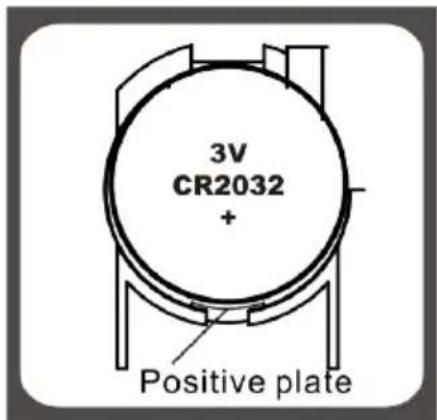
Condition 3: Open battery case cover on the back of scale, if battery case is the type shown in picture 2.3
A. Press battery gently, the battery will pop up automatically.
B. Install new battery by connecting one side of battery to the positive plate first, then pressing down the other side/ Please observe the polarity.
EN
Operation
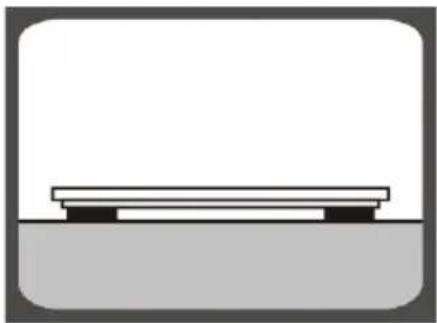
natural_image
Simple line drawing of a bench placed on a platform (no text or symbols)Picture 3
Step 1: To make sure accuracy, place the scale on a hard, flat floor and avoid carpet and soft surface.
Remark: If the scale is one of our «slim» series (indicated on package), make sure to put it on hard surface such as marble, floor tile etc., and make sure no foreign bodies beneath the scale before weighing.
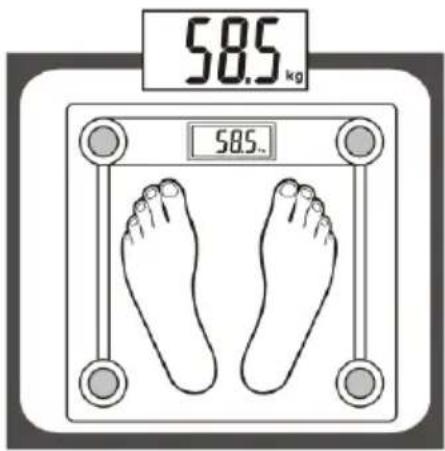
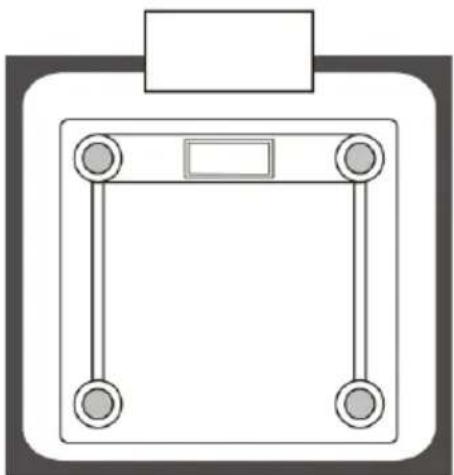
Picture 4
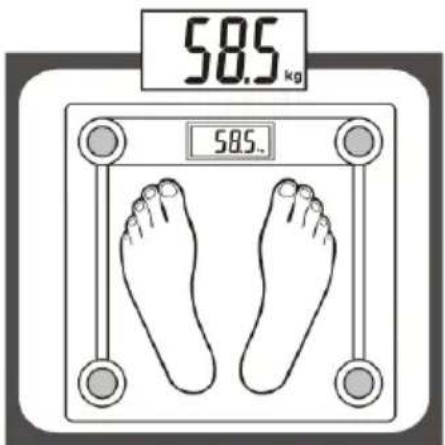
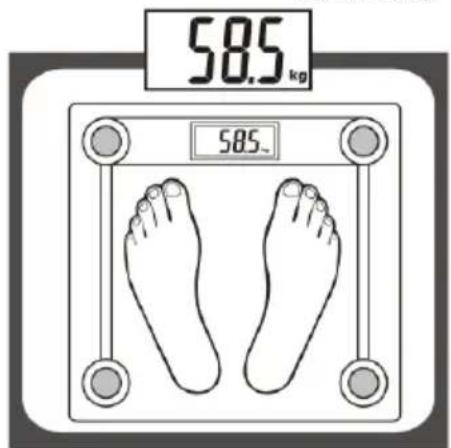
Step 2: Gently step on the scale, then scale will be automatically turned on. Stand evenly on the scale without moving and wait until your weight shown on display in stable and locked.
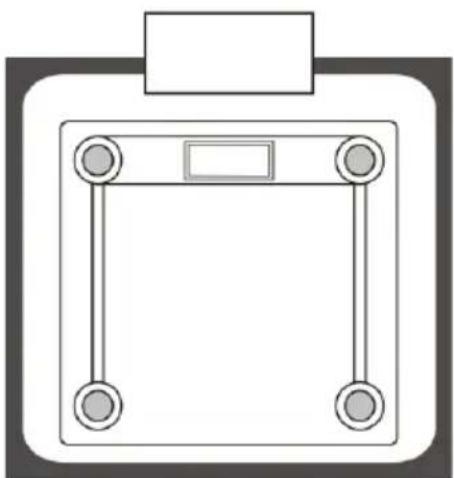
natural_image
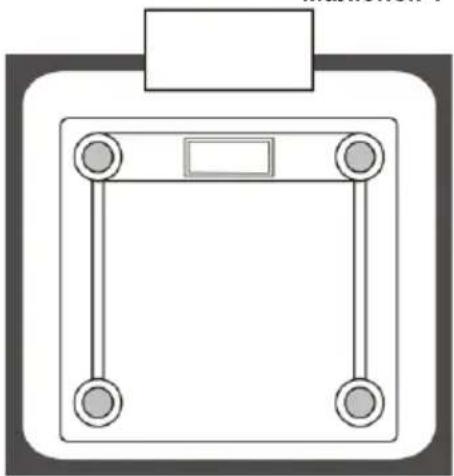
Simple line drawing of a four-legged balance scale with a rectangular top and four legs (no text or symbols)Picture 5
Automatically switch off
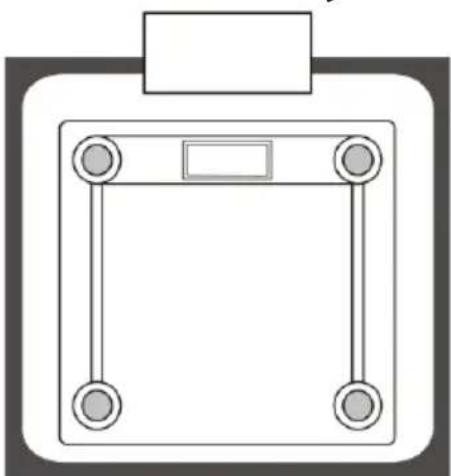
When you step off the scale, it will automatically switch off. Auto shut-off occurs if display shows the same weight reading for approximate 8 seconds.
Overload indication
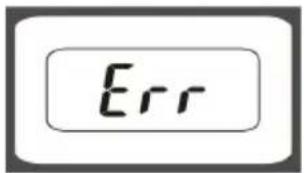
Picture 6
Scale overload (max weight capacity is indicated on the scale). Please step off to avoid the damage.
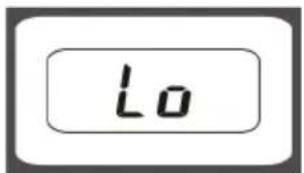
Picture 7
Low battery indication Battery power is low. Please install new battery.
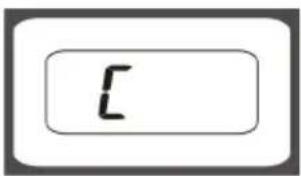
Picture 8
Re-test Display «C» when you step off the scale, means this weight reading with error. Please re-test.
To convert weight unit
If scale is with both measuring system of Metric (kilograms) and Imperial (pounds, stones), you can convert weight unit as follow:
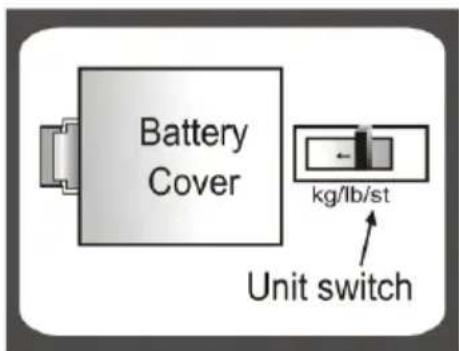
Picture 9.1
Condition 1: If the unit switch is inside battery case, Picture 9.1
A. Open battery case cover on the back of scale.
B. Pull up and down the unit switch to convert scale unit between kg-lb-st.
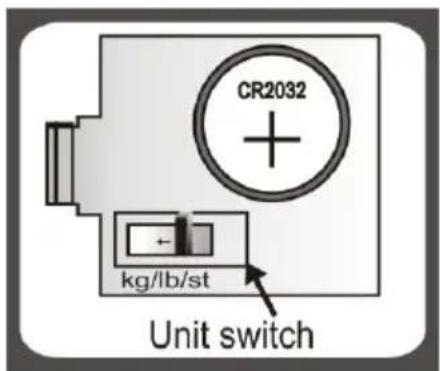
Picture 9.2
Condition 2: If the unit switch is on the back of scale, Picture 9.2
A. Find unit switch on the back of scale.
B. Pull up and down the unit switch to convert scale unit between kg-lb-st.
Picture 9.3 Picture 9
Condition 3: If the unit switch is on the back of scale, Picture 9.3
A. Find unit switch on the back of scale.
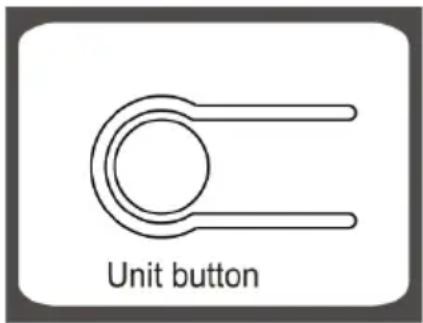
B. Press the unit conversion button when scale is power on, LCD shows weigh unit. Press the button again to convert weight unit.
Environmental protection
Old appliances contain valuable materials that can be recycled. Please arrange for the proper recycling of old appliances. Please dispose your old appliances using appropriate collection systems.
Subject to technical modifications!
natural_image
Simple line drawing of a bench placed on a platform (no text or symbols)Rysunek 3
Rysunek 4
natural_image
Simple line drawing of a square meter with four legs and a central display (no text or symbols)Rysunek 5
Rysunek 9.1
natural_image
Simple line drawing of a bench placed on a surface (no text or symbols)Figura 3
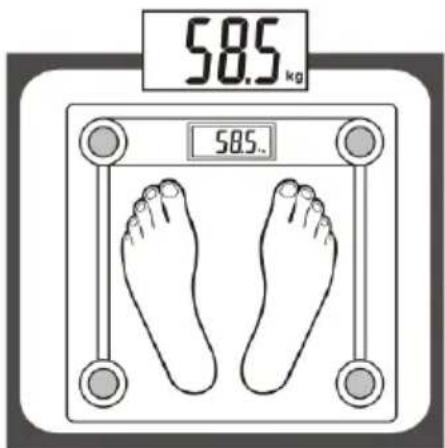
Figura 4
natural_image
Simple line drawing of a square meter with four legs and a central display (no text or symbols)Figura 5
Figura 9.1
Figura 9.3 Figura 9
natural_image
Simple line drawing of a bench placed on a surface (no text or symbols)Рисунок 3
Рисунок 4
natural_image
Simple line drawing of a square meter with four legs and a central display (no text or symbols)Рисунок 5
Рисунок 9.1
Малюнок 2.1
natural_image
Simple line drawing of a bench placed on a platform (no text or symbols)Малюнок 3
Малюнок 4
natural_image
Simple line drawing of a square meter with four legs and a central display (no text or symbols)Малюнок 5
Малюнок 9.1