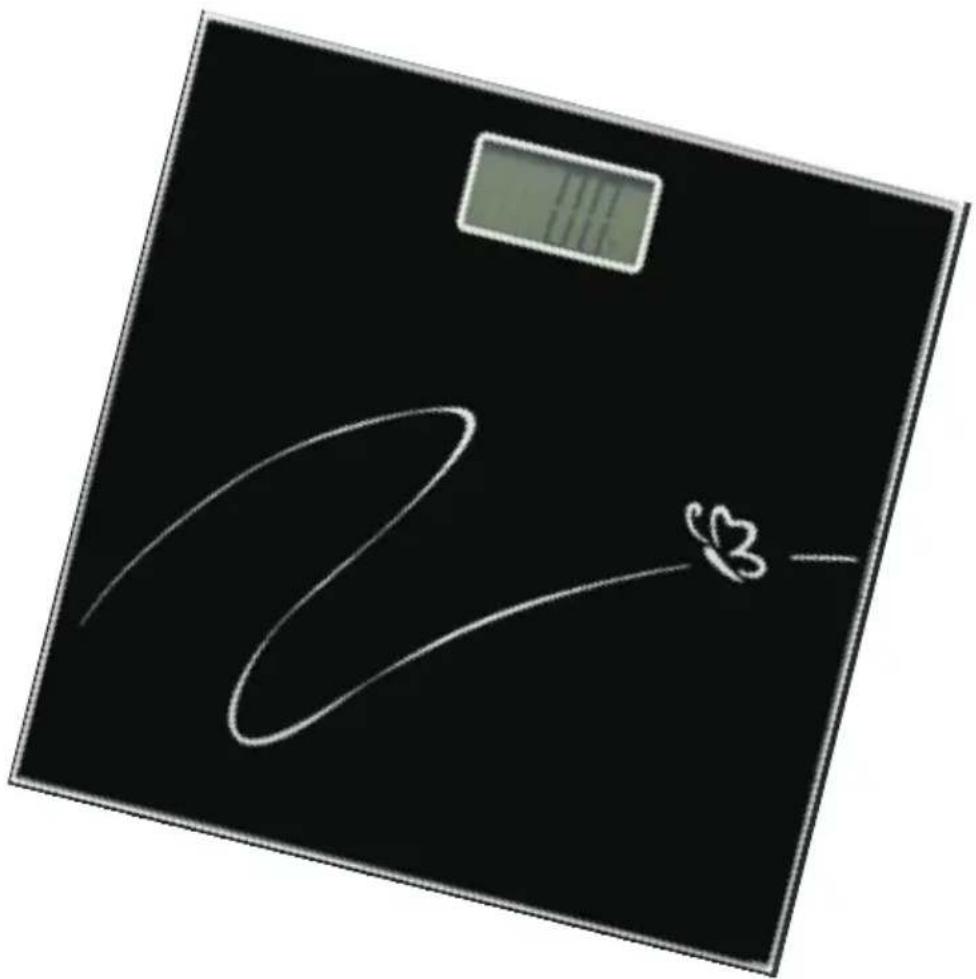
PG220 - Scale CENTURION - Free user manual and instructions
Find the device manual for free PG220 CENTURION in PDF.


| Product Type | Bathroom Scale |
| Model | PG220 |
| Brand | Centurion |
| Power Supply | 1 x CR2033 battery |
| Display | LCD |
| Weight Capacity | 180 kg (400 lb) |
| Accuracy | 0.1 kg (0.2 lb) |
| Weight Units | kg |
| Auto Power Off | After 15 seconds of inactivity |
| Power On Method | Tap scale with foot, wait for "0.0" |
| Overload Indicator | "ERR" displayed on overload |
| Low Battery Indicator | "Lo" displayed |
| Surface Requirement | Level, hard floor |
| Water Resistance | Not waterproof; keep dry |
| Foot Placement | Center of platform; avoid edges |
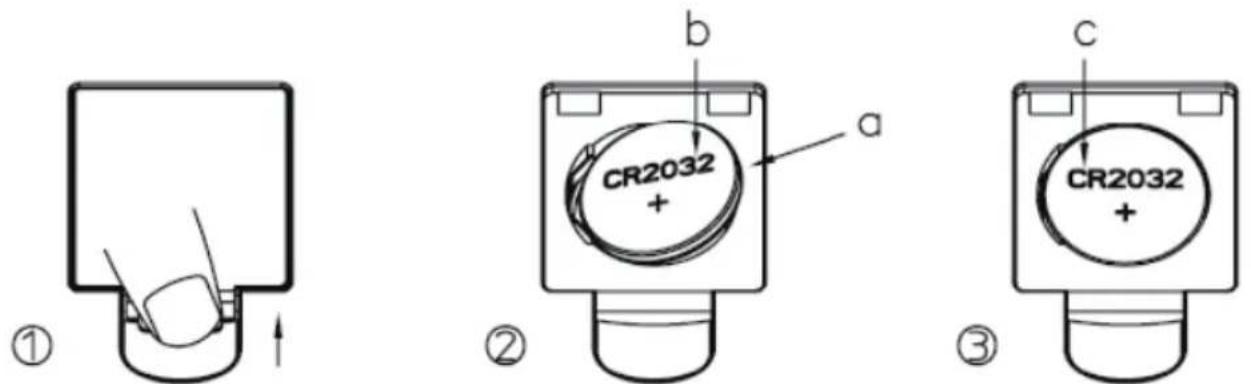
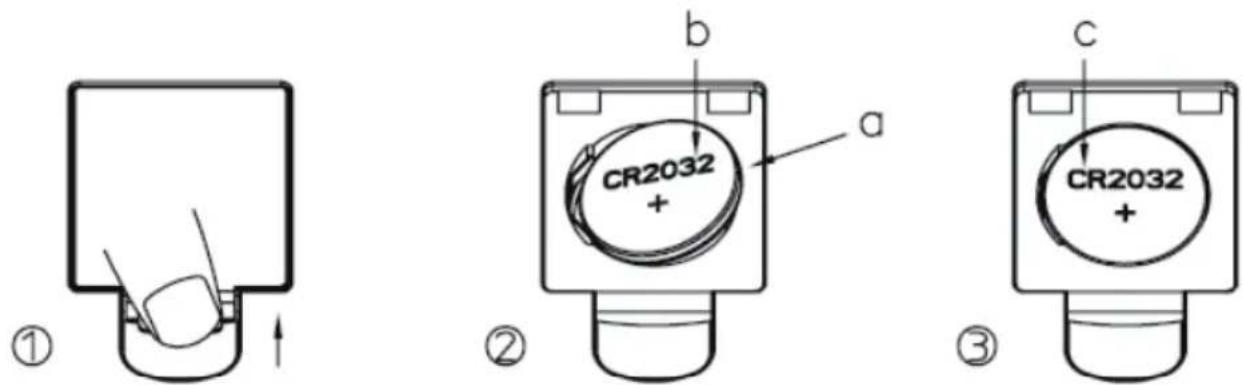
| Battery Removal | Press C position to release battery |
| Care Instructions | Wipe with damp cloth; no abrasive cleaners |
| Disposal | Separate collection for WEEE (electronic waste) |
| Repair | Do not open; qualified technician only |
Frequently Asked Questions - PG220 CENTURION
User questions about PG220 CENTURION
0 question about this device. Answer the ones you know or ask your own.
Ask a new question about this device
Download the instructions for your Scale in PDF format for free! Find your manual PG220 - CENTURION and take your electronic device back in hand. On this page are published all the documents necessary for the use of your device. PG220 by CENTURION.
USER MANUAL PG220 CENTURION
natural_image
Abstract black circular shape with segmented segments, resembling a stylized letter C or segmented ring (no text or symbols)CENTURION™
Bruksanvisning
Badrumsvåg
Modell:PG220
INNANDUANVÄNDERVÅGEN
- Tabortalltemballage.
2.Öppnabatterifacketochläggi1stCR2032-batteriibatterifacket.Stängbatterifacket.
natural_image
Simple line drawing of a foot pressing down on a horizontal surface with a downward arrow indicating motion (no text or symbols)- Vänta tills du ser "0.0" i displayen:

natural_image
Simple line drawing of two footprints with a battery icon above (no text or symbols)- DinviktvisaspåLCD-displayen(sebild):
$$ 6 8. 5 _ {\mathrm{kg}} $$
natural_image
Simple line drawing of an umbrella with raindrops falling (no text or symbols)natural_image
Simple line drawing of a wine glass inside a square frame (no text or symbols)- Stäintepåkanten.

natural_image
Symbol of a trash bin crossed with no text or numbers, representing waste sorting or disposal (no text present)natural_image
Abstract black circular shape with segmented segments, resembling a stylized letter C or segmented ring (no text or symbols)CENTURION™
Bruksanvisning
Badevekt
Modellnr.:PG220

FÖRDUBRUKERVEKTEN
- Fjern all emballasje.
- Åpne batteridekselet, sett inn 1 stk. CR2032-batteri i batterirommet. Lukk deretter batteridekselet.
natural_image
Simple line drawing of a foot pressing down on a horizontal surface (no text or symbols)natural_image
Simple line drawing of two feet with a battery icon above (no text or symbols)natural_image
Simple line drawing of an umbrella with raindrops (no text or symbols)natural_image
Simple line drawing of a wine glass inside a square frame (no text or symbols)natural_image
Symbol of a trash bin crossed with a diagonal line, no text or numbers presentnatural_image
Abstract black circular graphic with segmented segments (no text or symbols)CENTURION™
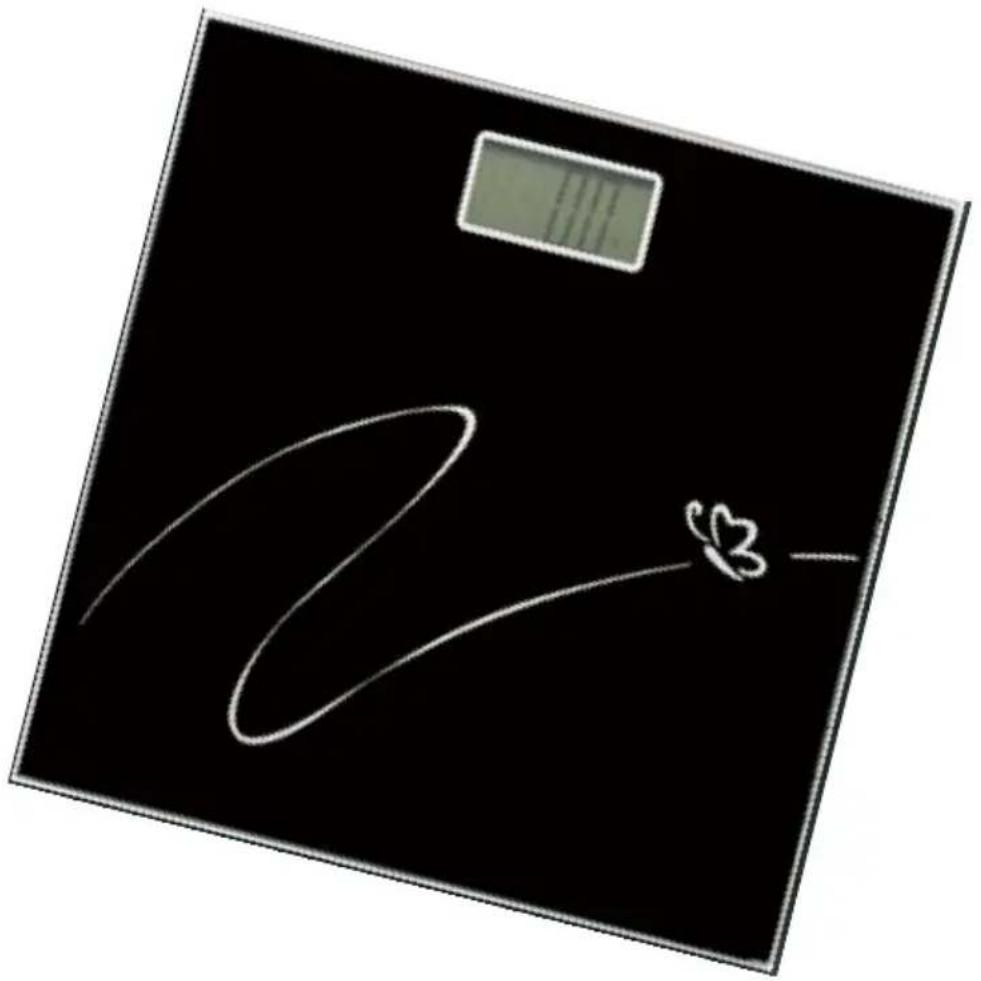
Instruction Manual
Bathroom Scale
Model No:PG220
BEFOREUSINGSCALE
- Remove all packaging materials.
- Open the battery cover, insert 1 x CR2032 batteries to the battery case. Then close the battery cover.

-
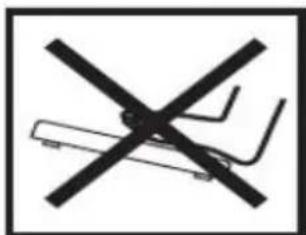
Set scale on floor, Surface must be level for accurate operation.
-
Press C position to remove batteries easily.
ToMeasureWeight
Before your first using, please follow below step:
- Tap the scale by your foot to turn it on, than the LCD will light up as follows :
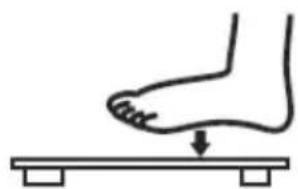
natural_image
Simple line drawing of a foot pressing down on a horizontal surface (no text or symbols)- Wait until "0.0" turns up as follows:
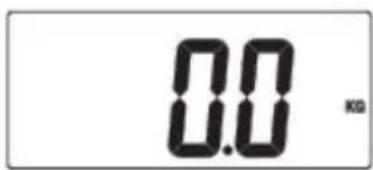
3.Step onto the scale and keep your body steady:
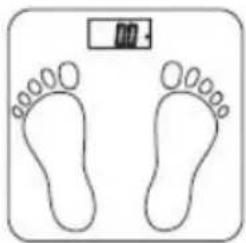
natural_image
Simple line drawing of two footprints with a small battery icon above them (no text or symbols)4.The LCD displays your Weight: As shown in the follow picture
68.5kg
scale will turn off automatically after 15 seconds without any operations.
NOTE。
step on the scale before "0.0" appears, the scale will not function properly.
- “ERR” will appear if the scale is overloaded (Over 180kg/400lb).
Err
2."Lo" will appear if battery is low and needs to be replaced.
Lo
CAUTION
- Keep the scale off water
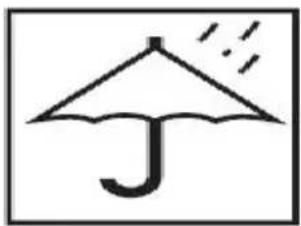
natural_image
Simple line drawing of an umbrella with raindrops falling (no text or symbols)- Do not put it on uneven floor while weighing

- Keep the scale with care

natural_image
Simple line drawing of a wine glass inside a square frame (no text or symbols)- Do not step on the edge of the platform
natural_image
Symbol of crossed-out electrical circuit lines without any text or labels- Do not step on the scale with wet feet
- Do not use the scale under electromagnetic interference condition
- Please take the batteries out if the scale is not used for a long time
- Do not attempt to open the scale or to remove any components. Servicing should be done by qualified technicians only.

natural_image
Symbol of a trash bin crossed with no text or numbers, representing waste sorting or restriction (no text present)This symbol on the product or in the instructions means that your electrical and electronic equipment should be disposed at the end of its life separately from your household waste. There are separate collection systems for recycling in the EU. For more information, Please contact the local authority or your retailer where you Purchased the product.
Brand : CENTURION
Model : PG220
Category : Scale