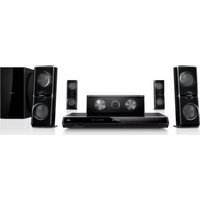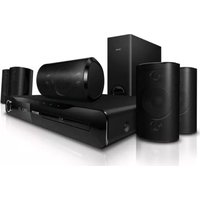
PHILIPS HTS3560X - Home Theater

HTS3560X - Home Theater PHILIPS - Free user manual and instructions

Find the device manual for free HTS3560X PHILIPS in PDF.

📄 8 pages English EN Download 💬 AI Question 10 questions ⚙️ Specs
Notice PHILIPS HTS3560X - page 1
Pick your language and provide your email: we'll send you a specifically translated version.
Product TypeHome Theater System
ModelHTS3560X
BrandPhilips
Main Unit Dimensions (W x H x D)435 x 58 x 310 mm
Main Unit Weight3.5 kg
Speaker Dimensions (Front/Center)260 x 1100 x 260 mm (tower)
Speaker Weight (each)3.0 kg
Subwoofer Dimensions200 x 450 x 320 mm
Subwoofer Weight5.0 kg
Total System Power Output1000 W RMS
Supported Disc TypesDVD, DVD±R, DVD±RW, CD, CD-R, CD-RW, DivX, MP3, JPEG
Video PlaybackDivX Ultra, MPEG1, MPEG2
Audio FormatsDolby Digital, DTS, Dolby Pro Logic II
ConnectivityHDMI 1.4a output, Component Video output, Composite Video output, Analog Audio input, Digital Coaxial input, Digital Optical input, USB 2.0
Power Consumption (Standby)< 0.5 W
Power Consumption (Operation)150 W
Power Supply220-240V, 50-60Hz
Speaker System5.1 channel (Front L/R, Center, Rear L/R, Subwoofer)
Frequency Response (Main Unit)20 Hz - 20 kHz
Signal-to-Noise Ratio> 65 dB
Total Harmonic Distortion< 0.5%
Remote ControlIncluded

Frequently Asked Questions - HTS3560X PHILIPS

How do I connect the HTS3560X to my TV?
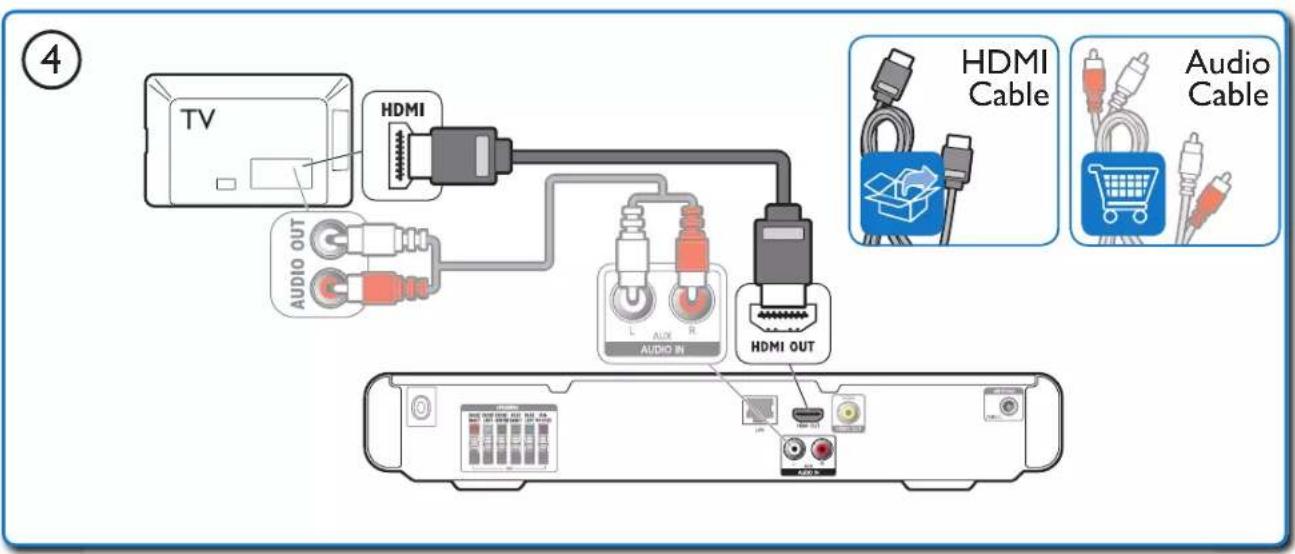
Use an HDMI cable to connect the HDMI OUT jack on the system to the HDMI IN jack on your TV. Alternatively, use component video or composite video outputs if HDMI is not available.
Can I play movies from a USB drive?
Yes, insert a USB drive into the USB 2.0 port on the front panel. The system supports playback of DivX, MPEG, MP3, and JPEG files.
Why is there no sound from the speakers?
Check that the speakers are properly connected to the corresponding terminals. Ensure the system is not muted and the volume is turned up. Also verify the audio source is selected correctly (e.g., DVD, AUX, HDMI).
How do I reset the system to factory settings?
Press the SETUP button, navigate to Reset or Factory Default in the menu, and confirm. Alternatively, if unresponsive, unplug the power cord for 30 seconds and reconnect.
Does this system support Bluetooth?
No, the Philips HTS3560X does not have built-in Bluetooth. You can connect external devices using the AUX input or USB port.
What types of discs can I play?
The system plays DVD, DVD±R/RW, CD, CD-R/RW, and discs with DivX, MP3, or JPEG files.
How do I set up the speaker system?
Place the front speakers to the left and right of the TV, center speaker above or below the TV, surround speakers behind the listening area, and subwoofer on the floor. Connect each to the corresponding color-coded terminals. Run the Auto Calibration if available for optimal sound.
Can I control the system with my TV remote?
This is possible if your TV supports HDMI-CEC (e.g., Philips EasyLink). Connect via HDMI and enable the feature on both devices. Then you can use the TV remote for basic functions.
How to clean the system?
Unplug the system before cleaning. Use a soft, dry cloth to wipe the exterior. Do not use liquids, abrasive cleaners, or solvents. Clean disc lens only with a lens cleaning disc.
What is the warranty period?
Philips typically offers a 1-year warranty from the date of purchase. Warranty terms may vary by region; check your documentation or contact Philips customer support.

User questions about HTS3560X PHILIPS

0 question about this device. Answer the ones you know or ask your own.

Ask a new question about this device

The email remains private: it is only used to notify you if someone responds to your question.

No questions yet. Be the first to ask one.

Download the instructions for your Home Theater in PDF format for free! Find your manual HTS3560X - PHILIPS and take your electronic device back in hand. On this page are published all the documents necessary for the use of your device. HTS3560X by PHILIPS.

USER MANUAL HTS3560X PHILIPS

Quick

Start

PHILIPS

PHILIPS HTS3560X - Start - 1

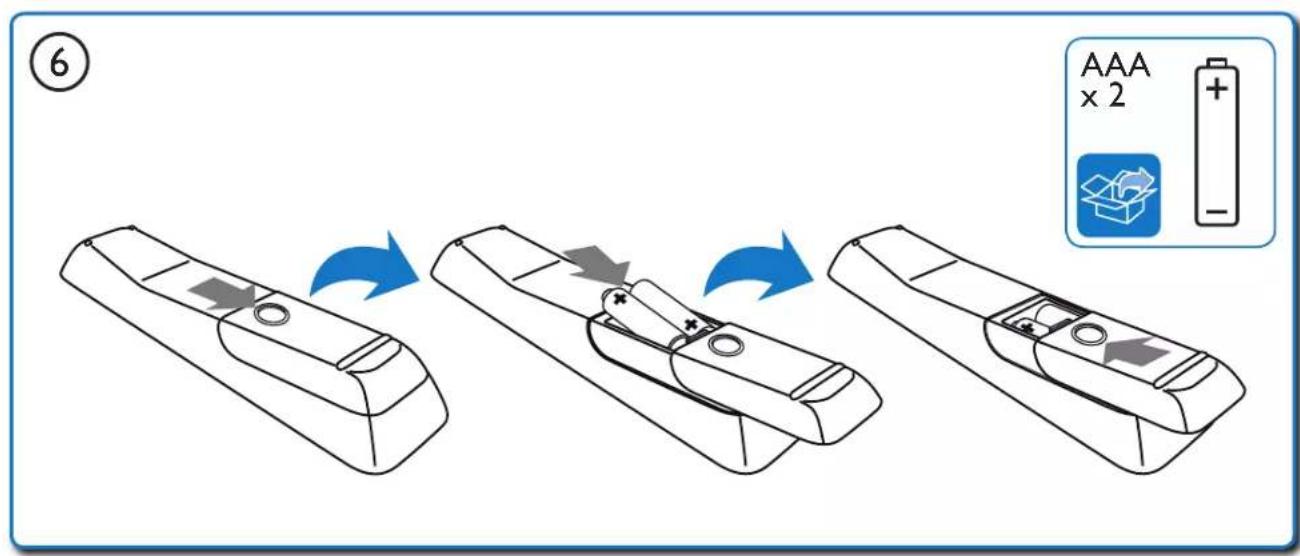
Illustration of a Philips remote control with two batteries (no text or symbols on the device itself)

Front view of a Philips electronic device with control panel and buttons (no readable text or symbols beyond branding)

Rship you promote online access to www.philips.com/welcome User Manual PHILIPS

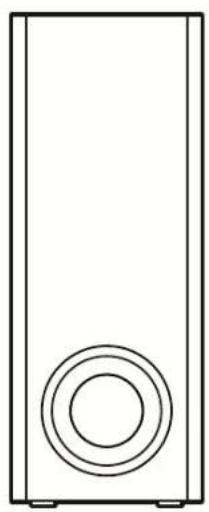
Simple line drawing of a rectangular speaker with a circular button on the front panel (no text or symbols)

Two identical cylindrical electronic devices with rounded tops and base connectors (no text or symbols)

Simple line drawing of a rectangular object with rounded corners and two small protrusions at the bottom (no text or symbols)

PHILIPS HTS3560X - Start - 8
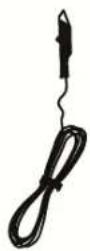
FM Antenna

Two identical rectangular electronic devices with rounded tops and base connectors (no text or symbols)

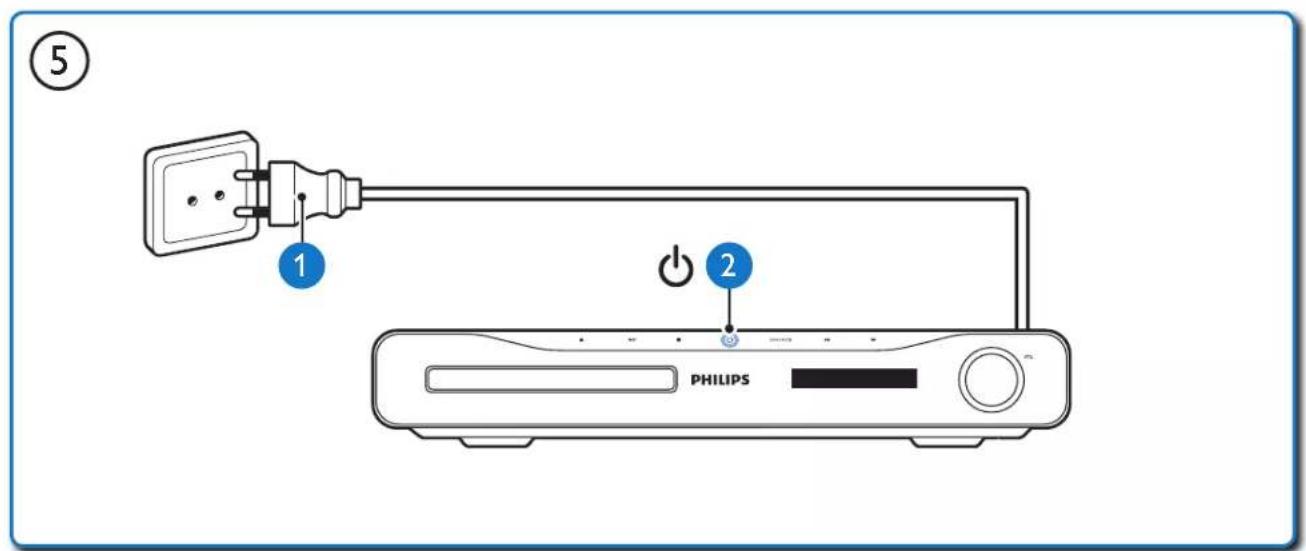
Line drawing of a straight electrical outlet with a power plug and cable (no text or symbols)

Power cord

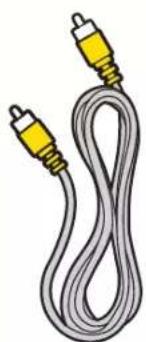
Coiled cable with two yellow connectors (no text or symbols visible)

Video cord

Illustration of a flexible network cable with two connectors (no text or symbols)

HDMI cord

PHILIPS

1

TV FRONT LEFT FRONT CENTER FRONT RIGHT SUBWOOFER SUBWOOFER REAR RIGHT REAR LEFT

graph TD A["Server Rack"] --> B["FRONT RIGHT"] A --> C["FRONT LEFT"] A --> D["FRONT CENTER"] A --> E["REAR RIGHT"] A --> F["REAR LEFT"] B --> G["SUBWOOFER"] C --> G D --> G E --> G F --> G G --> H["Subwoofer"]

③ ANTENNA FM(75Ω) FM Antenna

④ TV HDMI AUDIO OUT L AUX R AUDIO IN HDMI OUT HDMI Cable Audio Cable

⑤ 1 2 PHILIPS

⑥ AAA × 2 +

2

PHILIPS HTS3560X - 2 - 1

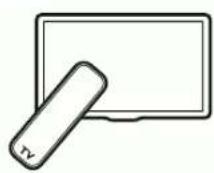
1 SOURCE TV

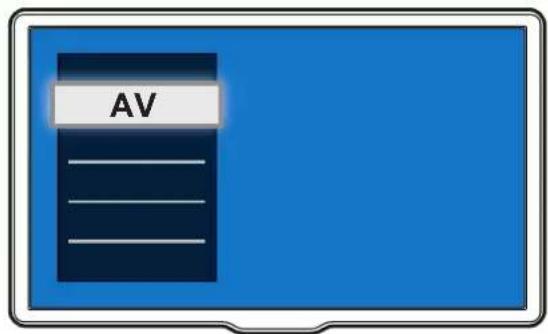
AV

Line drawing of a wireless router connected to two stand holders (no text or symbols)

2 3 4 OK HOME THEATER

Computer monitor displaying three icons: a CD, a USB flash unit, and a gear icon against a blue abstract background (no text or symbols)

5 6 OK HOME THEATER

Video Setup Audio Setup Network Setup EasyLink Setup Preference Setup Advanced Setup Menu Language Audio Subtitle Disc Menu Parental Control Screen Saver Auto Subtitle Shift Change Password

7 8 OK HOME THEATER

Menu Language Audio Subtitle Disc Menu Parental Control Screen Saver Auto Subtitle Shift Change Password Auto English Español Português

3

DISC

PHILIPS HTS3560X - DISC - 1

1 PHILIPS DISC 2

PO-UP MINI DISC 3

FM

PHILIPS HTS3560X - FM - 1

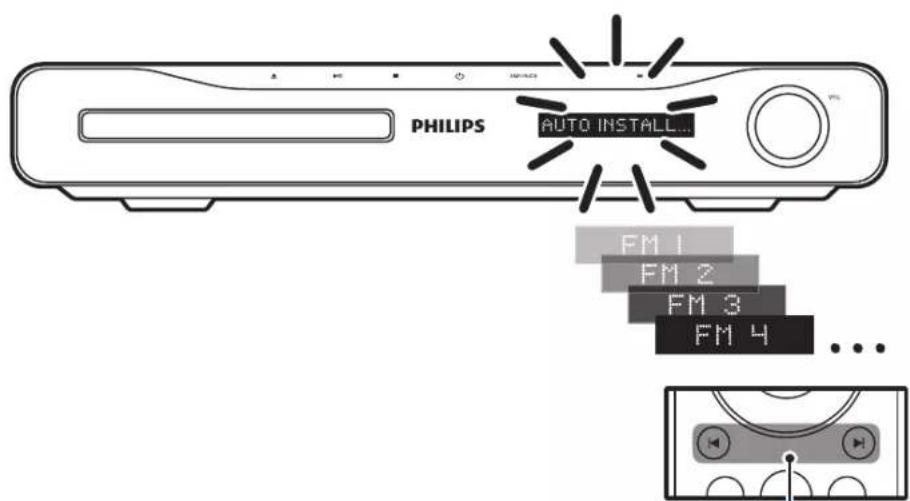
PHILIPS AUTO INSTALL... FM 1 FM 2 FM 3 FM 4 ...

3

RADIO 1 2

PHILIPS HTS3560X - FM - 4

MP3 MP3 Link Cable PHILIPS MP3 LINK 2 MP3 LINK 1 3

USB PHILIPS USB MPB LINK 1 2 3

PHILIPS HTS3560X - FM - 7

http://www.philips.com/welcome www.philips.com/welcome User Manual PHILIPS

Icon of a globe with a magnifying glass, no text or symbols present

PHILIPS HTS3560X - FM - 10

Specifications are subject to change without notice

Trademarks are the property of Koninklijke Philips Electronics N.V.

or their respective owners

2011 © Koninklijke Philips Electronics N.V. All rights reserved.

sgsna_1103/X_78_v1

Be responsible Respect copyrights

PHILIPS HTS3560X - FM - 11

Table of contents Click a title to access it
Manual assistant
Powered by Anthropic
Waiting for your message
Product information

Brand : PHILIPS

Model : HTS3560X

Category : Home Theater