
GSM509 - Mobile Phone BOSCH - Free user manual and instructions
Find the device manual for free GSM509 BOSCH in PDF.


| Product Type | Mobile Phone |
| Brand | Bosch |
| Model | GSM509 |
| Dimensions (approx.) | 130 x 55 x 25 mm |
| Weight (approx.) | 150 g |
| Battery Type | NiMH rechargeable |
| Battery Capacity (options) | 600 mAh (Light), 600 mAh (Vibra-Alarm), 1800 mAh (High Power) |
| Chargers Supported | MA 1020, MA 1021, MA 1022, MA 1023, MA 1024 |
| Car Charger | 12V/24V Cigarlighter Charger (accessory) |
| Travel Charger | EU, UK, AUS, US (accessory) |
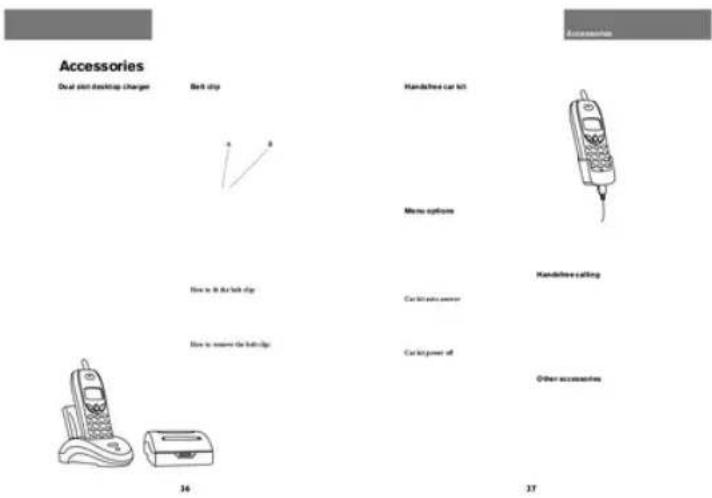
| Hands-free | Handsfree Car Kit, Handsfree Headset (accessories) |
| Phonebook | Yes, with storage for names and numbers |
| Display | Monochrome (typical for era) |
| Radiation Safety | Keep antenna away from body during use |
| Safety Certifications | CE, local approvals |
| Operating Environment | Do not use near fuel, explosives, medical devices |
| Cleaning | Wipe with a soft, dry cloth |
| Spare Parts / Accessories | Batteries, chargers, car kits, headsets, belt clip |
| Reparability | Contact Bosch service centers (list in manual) |
| User Manual | 22 pages, downloadable PDF |
Frequently Asked Questions - GSM509 BOSCH
User questions about GSM509 BOSCH
0 question about this device. Answer the ones you know or ask your own.
Ask a new question about this device
Download the instructions for your Mobile Phone in PDF format for free! Find your manual GSM509 - BOSCH and take your electronic device back in hand. On this page are published all the documents necessary for the use of your device. GSM509 by BOSCH.
USER MANUAL GSM509 BOSCH
D Bosch Telecom GmbH Product Area Terminals Kleyerstr. 94. 60326 Frankfurt/Main. Tel. (0180) 5 2214 92 Fax (0180) 5 2214 83 B N.V. Robert Bosch S.A. Rue Henri Genessosstraat 1, 10 70 Bruxelles / Brussel Tel. 0800 - 94 495 DK Robert Bosch A/S Telegrafvej 1. 2750 Ballerup, Tel. 44 89 89 89 F Robert Bosch (France) S.A. B.P. 170, 32 Avenue Michele, 93404 Saint Ouen, Tel. (0) 1 4010 70 07 GR Robert Bosch S.A. 162 Kifissou, 12131 Peristeri, Athens, Tel. (301) 57 01 286 NL Robert Bosch BV Neptunusstraat 71, 2132 JP Hoofddorp, Tel. 0800-022 43 72 GB Robert Bosch Ltd. Sales Communication Equipment P.O. Box 88 Uxbridge, Middlesex UB9 5HJ Tel. 0345 585220 Robert Bosch Industriale e Commerciale S.P.A. Via M.A. Colonna 35, 20149 Milano, Tel. (3 82) 36 86-1 N Robert Bosch AS Postboks 629, 1411 Kolbotn, Tel. 66817000 S Robert Bosch Aktiebolag Box 1154, 164 26 Kista, Tel. 7501500 P Robert Bosch Lda. Av. Infante D. Henrique, Lotes 1E, 2E, Apartado 8058, 1801 Lisboa Codex, Tel. (3511)8500000
E Robert Bosch ESPAÑA SA Hermanoa García Noblejaa, 19 28037 Madrid Tel. (94) 81 406 1700 A Robert Bosch AG Postfach 146, 1110 Wien, Tel. (4 31) 7 9722-0 CH Robert Bosch AG Industriestr. 31, 8112 Otefingen, Tel. (411)8471414 TR Bosch Sanayi vc Ticaret A.S, Ahi Evran cad No. 4, Polaris Plaza/Kat 22 Maslak/latanbul Tel. (0212) 3 35 06 79 H Robert Bosch Kft. Postfach 405.1519 Budapest Tel. (361)2698340 FIN OY Hedengren AB Lauttasaarentie 50. 00200 Helsinki Tel. (90) 68 281 IRL Beaver Distribution Ltd. Greenhills Road, Tallaghl, Dublin 24, Tel (3531) 451 52 11 L Central Import Export Corporation Zone Industrielle, Rue des Jones, 1818 Howald, Tel. (2) 40 30 60 SGP Robert Bosch Pte Ltd 38c Jalan Pemimpin, Singapore 57180, Tel. 3 50 54 52 ZA Robert Bosch (Pty) Ltd. Private Bag X118, Randjespark, Midrand 1685 Rep. of South Africa Tel. (011) 651-9600
BOSCH
7810.2250 GB / 09.99

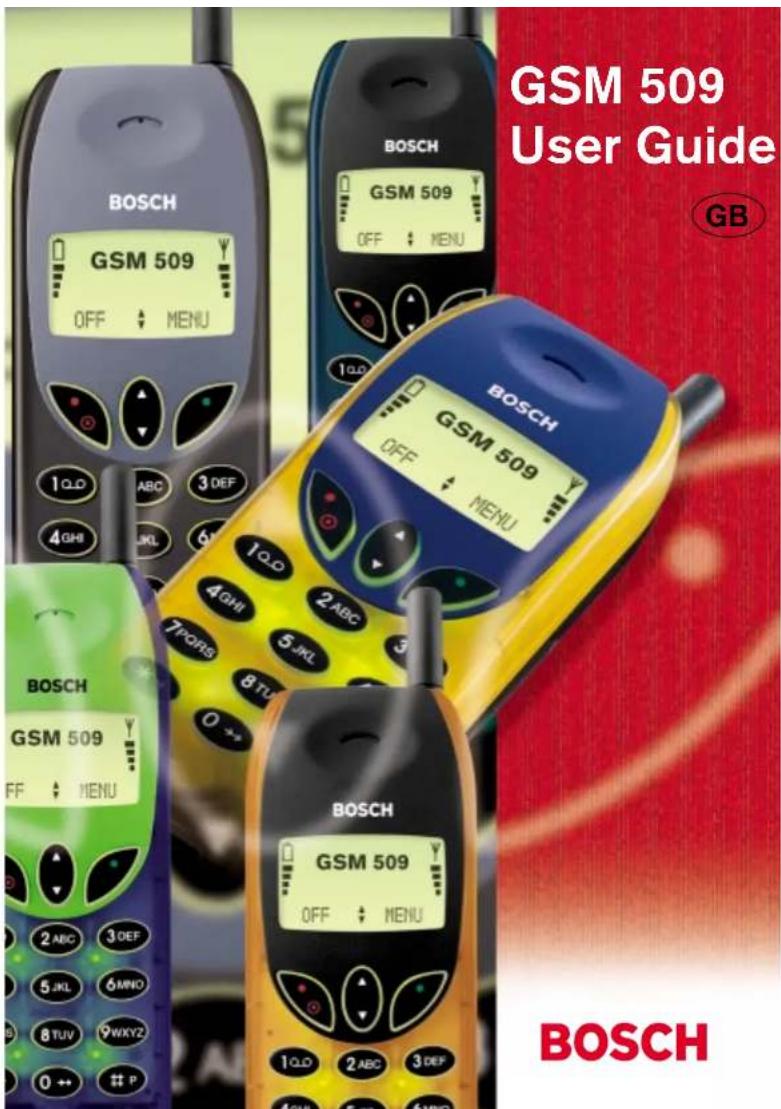
BOSCH

For your safety
Please pay special attention to the following simple guidelines. Breaking the rules may be dangerous or illegal.

In-car safety
Do not use your mobile phone when driving a vehicle except from in emergency cases. Always park the vehicle and take the ignition before using the phone.

Interference with other electronics
Mobile phones may interfere with other nearby electronics if these are not sufficiently protected from radio signals. Do not use your mobile phone near telephones, televisions, radios, personal computers, etc.

Risk of explosion
Don't use your mobile phone at petrol stations, fuel depots, chemical plants, etc. Always switch off your telephone before entering such areas, and observe any regulations.

Aircraft safety
The use of mobile telephones in an aircraft may be dangerous to the operation of the aircraft and is illegal. Switch off your mobile phone before boarding an aircraft. Before using your mobile phone near an aircraft, consult the crew.

Blasting
Don't use your mobile phone where blasting is in progress. Observe any regulations.

Medical electronics
Mobile telephones may interfere with the functionality of inadequately protected medical devices. Consult your physician or the manufacturer of the medical device if in doubt. Always switch off your mobile phone before visiting a hospital and observe the local regulations.

Radiation
As with other mobile radio transmitting equipment, users are advised that for satisfactory operation of the equipment and for the safety of personnel, it is recommended that no part of the human body should be allowed to come too close to the antenna during operation of the equipment.

Children
A mobile telephone is not a toy. Keep the phone in a safe place out of children's reach. Children may harm themselves or others and they may damage the phone.

Electrical safety
This mobile telephone is intended for use when supplied with power from MA 1020, MA 1021, MA 1022, MA 1023 and MA 1024 chargers. The use of any other battery charging equipment will invalidate any approval given to this apparatus as well as the manufacturer's warranty.

Batteries
Batteries may explode if incinerated. To prevent any injury or burn please observe that the battery terminals never get in contact with conducting objects or are short circuited.
BOSCH EASY SETS
Accessories for Bosch mobile phones

| For the car | |
| Handfree Car Kit | 105 |
| Simple Car Holder | 42 |
| Cigarlighter Charger 12V/24V | 31 |
| For charging | |
| Dual Slot Desktop Charger | 307 |
| Travel charger EU | 22 |
| Travel charger UK | 24 |
| Travel charger AUS | 25 |
| Travel charger US | 26 |
| For power | |
| Light 600 mAh NiMH battery | 508 |
| Vibra-Alarm 600 mAh NiMH battery | 507 |
| High Power 1800 mAh NiMH battery | 508 |
| Outfit | |
| Handfree Headset | 89 |
| Belt clip | 83 |

Contents
3
Preparing your phone
Insert rechargeable battery
Making your first call
Answering a call
Zukuhawiranga
Making your first call
there is the world you want to sell
Poo
Charge the battery
Insert SIM card
Catch of your flow and waste by
Melting places in place
(see on 10.4 and with the following:
(3) Relationship with the company
For
Guangliyun Smart Retail Cash Register System
Play the 1986 and in the usual department
an den plan
(See section 2.20 and table 1)
on issue
Board the facility and to attend on the site
jou: la pala
2014
Date: 12/5/2016; (Reported and authorized)
Jinlay
Stand the following five pages to get to home
yam p##
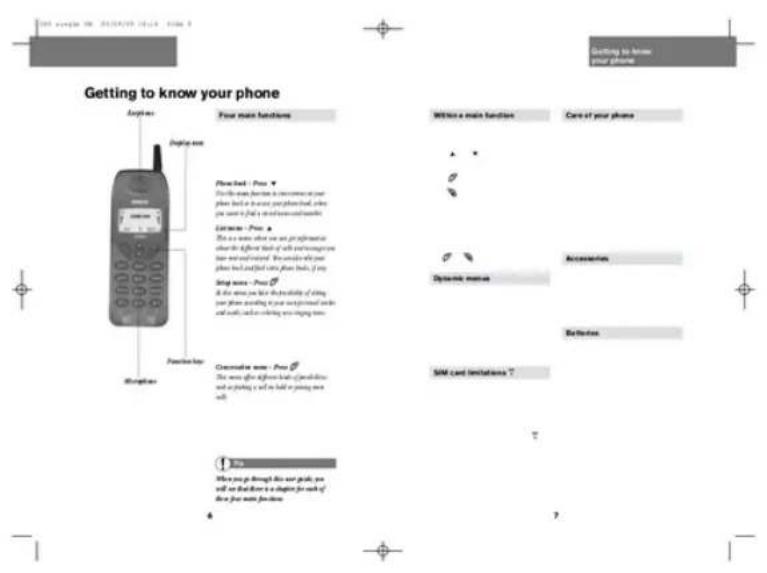
Phone book
How to store a name
and a telephone number. Data to all. Figure 4-2. 1925-04-07
B
and your own choice (at 3 digits)
Fidis vinklusive and/or
How to find an entry in your phone book. 1. Star Pharmaceutical. 2. Unfold-structured. 3. Infidelity Pro
phone book ① Star Pharmaceutical (2) Unfold-structured and © Infidelity Pro
How to edit or delete a phone book entry. 1. General Business. 2. Extra phone book. 3. Phone book voting
How to edit or delete a (1) General Business Extra phone book 7 Phone book voting
Commemers
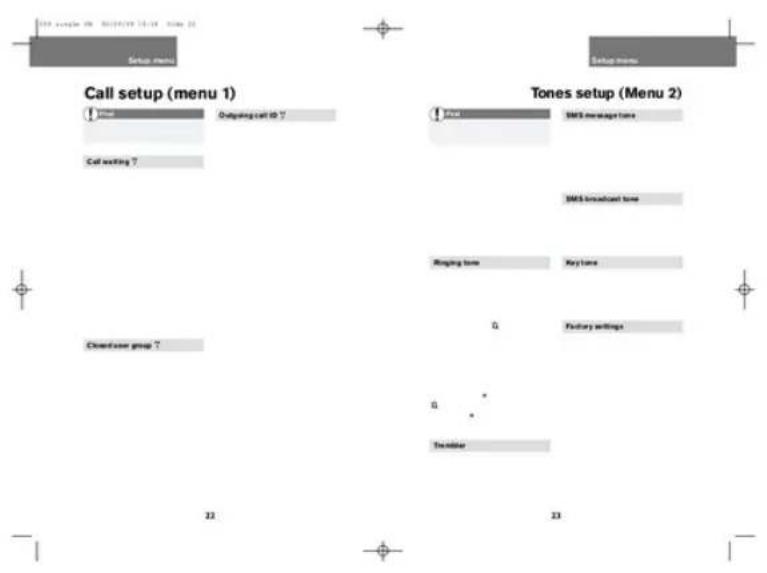
![graph TD A["Setup menu"] --> B["Phone setup (Menu 3)"] B --> C["Auto initial"] B --> D["Network selection T"] B --> E["Language T"] B --> F["Automatic selection"] B --> G["Car kit"] B --> H["Coating"] B --> I["To the following jpe"] style A fill:#f9f,stroke:#333 style B fill:#ccf,stroke:#333](/content/2026/05/1070806/images/b0e07ee14740c3385891b944d6f393383cfbd5ed4ee0ae4cee4f74f4c79909b0.jpg)
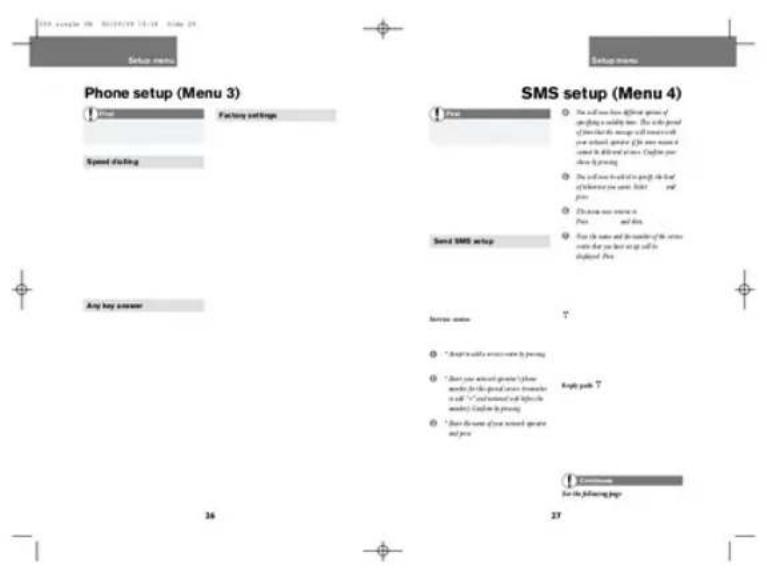
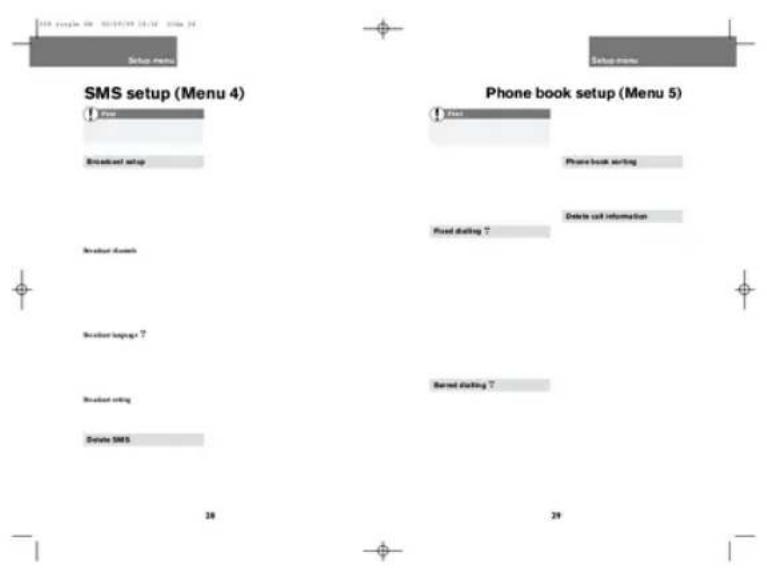
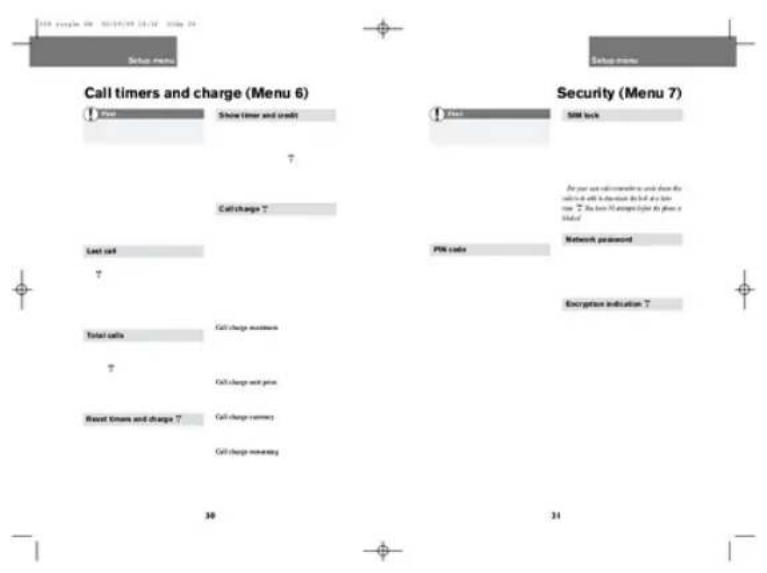
- FOR YOUR SAFETY
- IN-CAR SAFETY
- INTERFERENCE WITH OTHER ELECTRONICS
- RISK OF EXPLOSION
- AIRCRAFT SAFETY
- BLASTING
- MEDICAL ELECTRONICS
- RADIATION
- CHILDREN
- ELECTRICAL SAFETY
- BATTERIES
- BOSCH EASY SETS
- ACCESSORIES FOR BOSCH MOBILE PHONES
- PREPARING YOUR PHONE
- MAKING YOUR FIRST CALL
- PHONE BOOK
- HOW TO STORE A NAME
- HOW TO FIND AN ENTRY IN YOUR PHONE BOOK. 1. STAR PHARMACEUTICAL. 2. UNFOLD-STRUCTURED. 3. INFIDELITY PRO
Brand : BOSCH
Model : GSM509
Category : Mobile Phone