
SY-HUB50046 - Memory reader Syba - Free user manual and instructions
Find the device manual for free SY-HUB50046 Syba in PDF.


| Product Type | Memory Card Reader |
| Model | SY-HUB50046 |
| Brand | Syba |
| Supported Memory Cards | SD, SDHC, SDXC, Micro SD, MS, M2, CF, XD |
| Computer Interface | USB 2.0 (compatible with USB 1.1) |
| Power Source | Bus-powered via USB |
| Operating Systems Supported | Windows 2000/XP/Vista/7/8/10, Mac OS 9.x and above, Linux |
| Data Transfer Rate | Up to 480 Mbps (USB 2.0) |
| Dimensions (L x W x H) | Approx. 90 x 45 x 15 mm (3.5 x 1.8 x 0.6 in) |
| Weight | Approx. 50 g (1.8 oz) |
| Cable Length | Approx. 30 cm (12 in) |
| Material | Plastic casing |
| LED Indicator | Power/Access LED |
| Certifications | CE, FCC |
| Package Contents | Card reader, USB cable (attached), User manual |
| Maintenance | Keep dry, avoid dust, clean with soft cloth |
| Safety Precautions | Do not expose to liquids, do not disassemble, avoid extreme temperatures |
| Repairability | No user-serviceable parts; contact manufacturer for support |
Frequently Asked Questions - SY-HUB50046 Syba
User questions about SY-HUB50046 Syba
0 question about this device. Answer the ones you know or ask your own.
Ask a new question about this device
Download the instructions for your Memory reader in PDF format for free! Find your manual SY-HUB50046 - Syba and take your electronic device back in hand. On this page are published all the documents necessary for the use of your device. SY-HUB50046 by Syba.
USER MANUAL SY-HUB50046 Syba
USB 3.0 3-port Hub and Card Reader Fits Inside a 3.5" or 5.25" Drive Bay
Quick Installation Guide Ver: 1.0
All brand names and trademarks are properties of their respective owners.
System Requirement
• Microsoft Windows 8/7Vista/XP (30/64 Bit)
- Mac OS x 10.4+
• Computer with 2 available USB 3.0 ports
- Desktop PC with 20-pin header on motherboard
Package Content
- USB3.0 Internal Combo HUB w/ USB3.0 All-in-one Card Reader
• 3.5" to 5.25" Mounting Bracket - Installation Guide
• Installation Screws - Mounting Plates
5.25" driver bay Bracket Installations:
- Step 1: To install the unit inside a 5.25' drive bay, please locate the two mounting plates provided with the package

Left
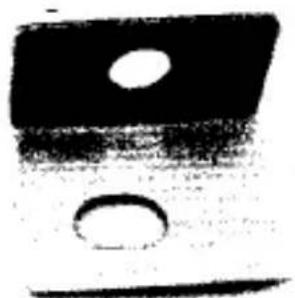
Righ
- Step 2: Install the screws to card reader, both left and right (refer to images below)


- Step 3: Put the card reader inside the bracket, tighten the screws.

- Step 4: Finish
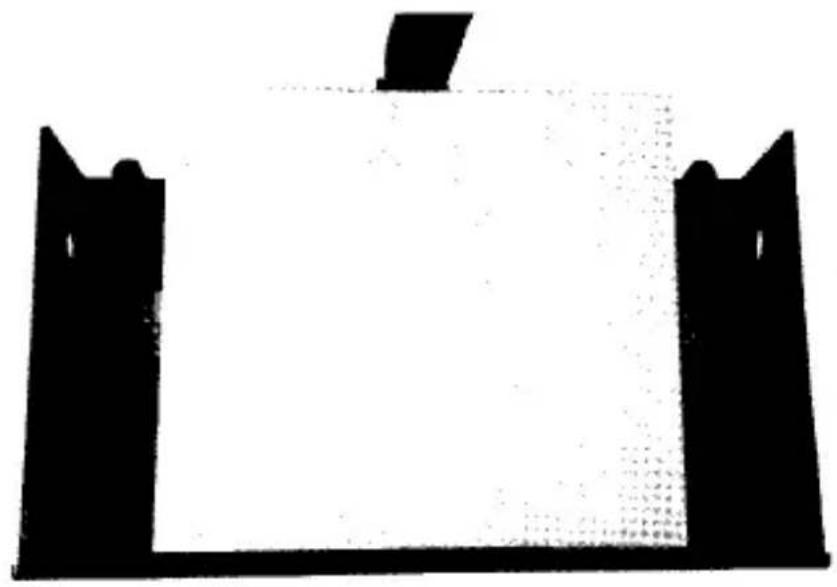
Assembly

When install the unit inside a 5.25" drive bay, please use the 3.5" to 5.25" mounting bracket to secure the unit

Connect 20 Pin Connector To Board
Step 1 Step 2
Step 3 Step 4
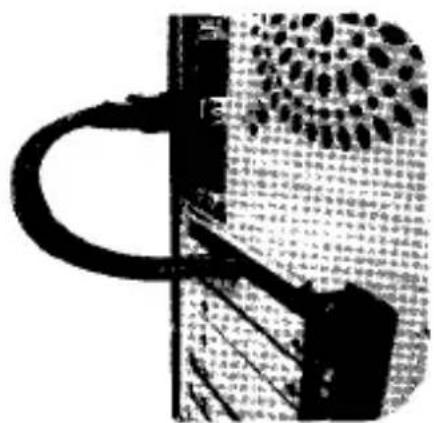
Connect 2 Type-A male Connectors To Sockets Behind PC Box And Fix With Panel Provided

Add Front Access USB 3.0 ports in a minute
Cable Connections:
- USB HUB connection
a).Connect USB Type-A end to computer, USB Type-B end to HUB - Connecting Dcvice:
a).When USB device is connected, the right corner of the Windows screen will display mobile hardware icon

- Unmounting Device
note: when you need to exit the mobile devices, please stop data R&W first, otherwise you will be unable to exit the mobile device.
a). Right-click the mobile hardware icon at the right lower corner of computer, select "Eject the USB device", safely remove the hardware prompt (disk management will also have one).
Device will show as working in a normal working status.(refer to image below)

Application:
USB 3.0 HUB could be used in USB 3.0 disk drives, high-resolution camera, video surveillance cameras, digital video cameras as well as multi-channel audio and other broadband peripherals. Its simultaneous connection of four high-speed USB 3.0 interface devices, with speed up to 5Gbps.
Note:
- Do not beat this product and put it in damp or direct sunlight (high temperature environment).
- Our company will not be liable for any compensation or maintenance responsibility for improper use, demolition or operation not according to the instructions resulting in any damage of your device on USB 3.0 Hub.


Brand : Syba
Model : SY-HUB50046
Category : Memory reader