APC NetBotz NBES0303 - Network Security

NetBotz NBES0303 - Network Security APC - Free user manual and instructions

Find the device manual for free NetBotz NBES0303 APC in PDF.

📄 2 pages English EN Download 💬 AI Question 10 questions ⚙️ Specs
Notice APC NetBotz NBES0303 - page 1
Pick your language and provide your email: we'll send you a specifically translated version.
Product Type Network Security Camera
Brand APC
Model NetBotz NBES0303
Color Black
Dimensions (H x W x D) 4.5 x 3.5 x 2.2 inches (114 x 89 x 56 mm)
Weight 0.8 lb (0.36 kg)
Power Supply PoE (Power over Ethernet) IEEE 802.3af
Connectivity 10/100 Ethernet RJ-45
Resolution 640 x 480 VGA
Field of View 65° diagonal
Night Vision Yes, IR LEDs up to 15 ft
Built-in Sensors Temperature, humidity, door contact
Storage MicroSD card slot (up to 32GB)
Operating Temperature 32°F to 104°F (0°C to 40°C)
Mounting Wall or ceiling mountable
LED Indicators Power, network, alarm
Warranty 2 years limited
Included Accessories Mounting bracket, screws, quick start guide
Compliance FCC, CE, RoHS
Software NetBotz Central Management Console compatible

Frequently Asked Questions - NetBotz NBES0303 APC

How do I connect the NetBotz NBES0303 to my network?
Connect the device to your switch using an Ethernet cable. The camera supports PoE, so if your switch provides PoE, no additional power is needed. Otherwise, use the included power adapter.
Can I access the camera remotely?
Yes, once connected to your network, you can access the camera via its IP address using a web browser or the NetBotz Central Management Console. Ensure the appropriate ports are forwarded in your router.
How do I reset the camera to factory defaults?
Locate the reset button on the device. Press and hold it for 10 seconds until the LED flashes. Release the button. The camera will reboot with factory settings.
What sensors are built into the NBES0303?
The NBES0303 includes a temperature sensor, a humidity sensor, and a door contact sensor. These are used for environmental monitoring in server rooms or data centers.
How do I set up email alerts?
Log into the camera's web interface, go to Settings > Alerts > Email. Enter your SMTP server details and recipient email addresses. You can also set conditions for alerts, such as temperature thresholds.
Can I record video locally?
Yes, the camera has a MicroSD card slot. Insert a card up to 32GB and configure recording settings in the web interface. You can choose continuous or motion-triggered recording.
What is the maximum number of simultaneous viewers?
The camera supports up to 10 simultaneous viewers. If you need more, consider using a video management system.
How do I update the firmware?
Download the latest firmware from APC's support website. Upload the file via the web interface under Administration > Firmware Upgrade. Do not power off during the upgrade.
What does the LED status mean?
Solid green: power on and connected. Blinking green: network activity. Solid red: alarm condition. Off: no power or device off. Refer to the user manual for detailed LED patterns.
Is the camera weatherproof?
No, the NBES0303 is designed for indoor use only. It should be installed in a controlled environment like a server room or office.

User questions about NetBotz NBES0303 APC

0 question about this device. Answer the ones you know or ask your own.

Ask a new question about this device

The email remains private: it is only used to notify you if someone responds to your question.

No questions yet. Be the first to ask one.

Download the instructions for your Network Security in PDF format for free! Find your manual NetBotz NBES0303 - APC and take your electronic device back in hand. On this page are published all the documents necessary for the use of your device. NetBotz NBES0303 by APC.

USER MANUAL NetBotz NBES0303 APC

NetBotz ^® Door Switch Sensors for APC ^® Racks (NBES0303) Installation Instructions

Inventory
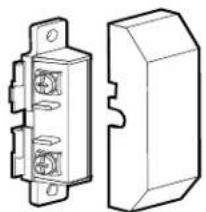
APC NetBotz NBES0303 - Inventory - 1

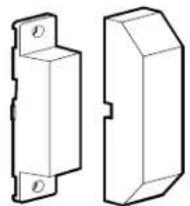
natural_image Technical line drawing of a mechanical component with two views: one showing internal components and the other a 3D block (no text or symbols)

Switch (2)

APC NetBotz NBES0303 - Inventory - 2

natural_image Technical line drawing of two 3D mechanical parts with mounting holes (no text or symbols)

Magnet (2) M3 hex nut (4)

APC NetBotz NBES0303 - Inventory - 3

APC NetBotz NBES0303 - Inventory - 4

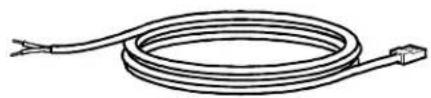
natural_image Coiled electrical cable with two leads, no text or symbols visible

4.57-m (15-ft) door switch sensor cable (2)

APC NetBotz NBES0303 - Inventory - 5
6-32 x 5/16-in screw (6)

APC NetBotz NBES0303 - Inventory - 6
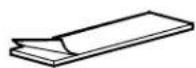
63.5-mm (2.5-in) dual adhesive tape (4)
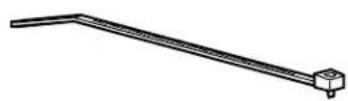
APC NetBotz NBES0303 - Inventory - 7
203-mm (8-in) tie wrap (10)

APC NetBotz NBES0303 - Inventory - 8
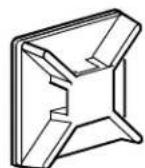
Adhesive cable tie holder (5) RJ-45 coupling (1)
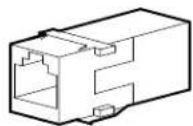
APC NetBotz NBES0303 - Inventory - 9

Installation

APC NetBotz NBES0303 - Installation - 1

Caution: Make sure you connect this sensor to a Sensor port on applicable NetBotz products. See your NetBotz product documentation for details.

APC NetBotz NBES0303 - Installation - 2

Note: You can extend the length of the sensor cable up to 30.5 m (100 ft) using the RJ-45 coupling and standard CAT-5 cabling.

① Front Door of NetShelter® SX Enclosure
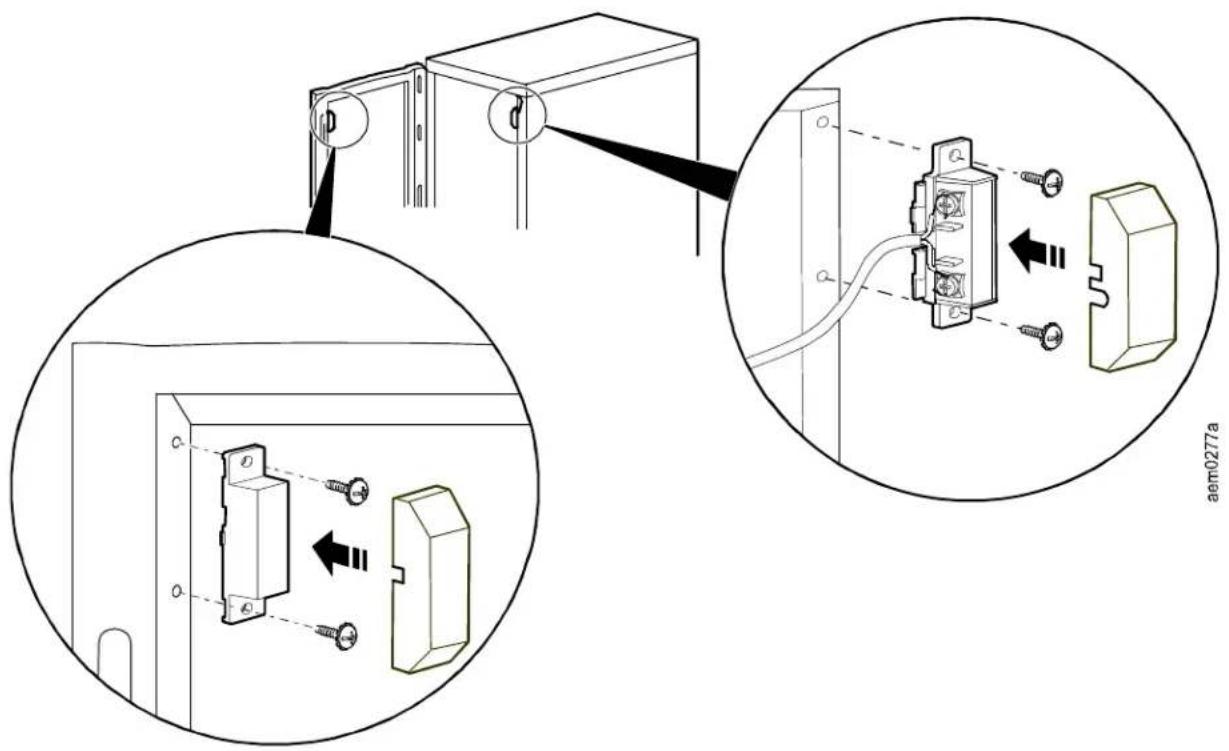
Technical diagram showing installation of a wall-mounted electrical outlet with screw fasteners and wiring, including close-up views and component assembly.

② Rear Door of NetShelter SX Enclosure
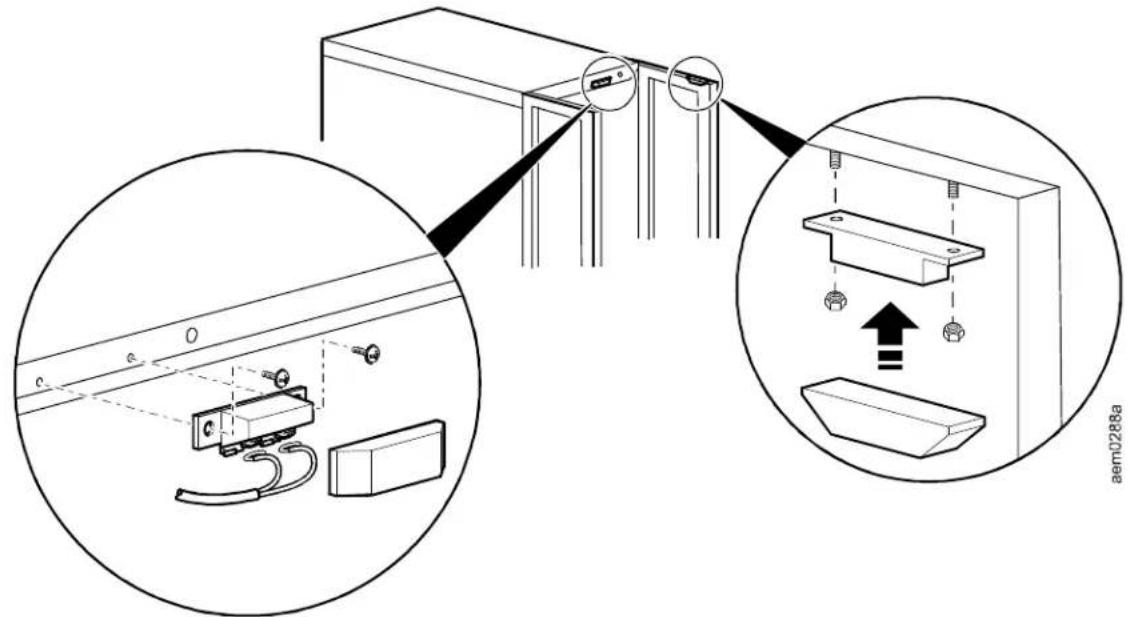
Technical diagram showing installation of a wall-mounted device with close-up insets highlighting components like sensors and wiring.

Manual assistant
Powered by Anthropic
Waiting for your message
Product information

Brand : APC

Model : NetBotz NBES0303

Category : Network Security