 ManualGo.com
 HRS100400E - PANASONIC - Free user manual and instructions
Find the device manual for free HRS100400E PANASONIC in PDF.


Download the instructions for your in PDF format for free! Find your manual HRS100400E - PANASONIC and take your electronic device back in hand. On this page are published all the documents necessary for the use of your device. HRS100400E by PANASONIC.
USER MANUAL HRS100400E PANASONIC
Operating Instructions INTERCHANGEABLE LENS FOR DIGITAL CAMERA Model No.
Please read these instructions carefully before using this product, and save this manual for future use.
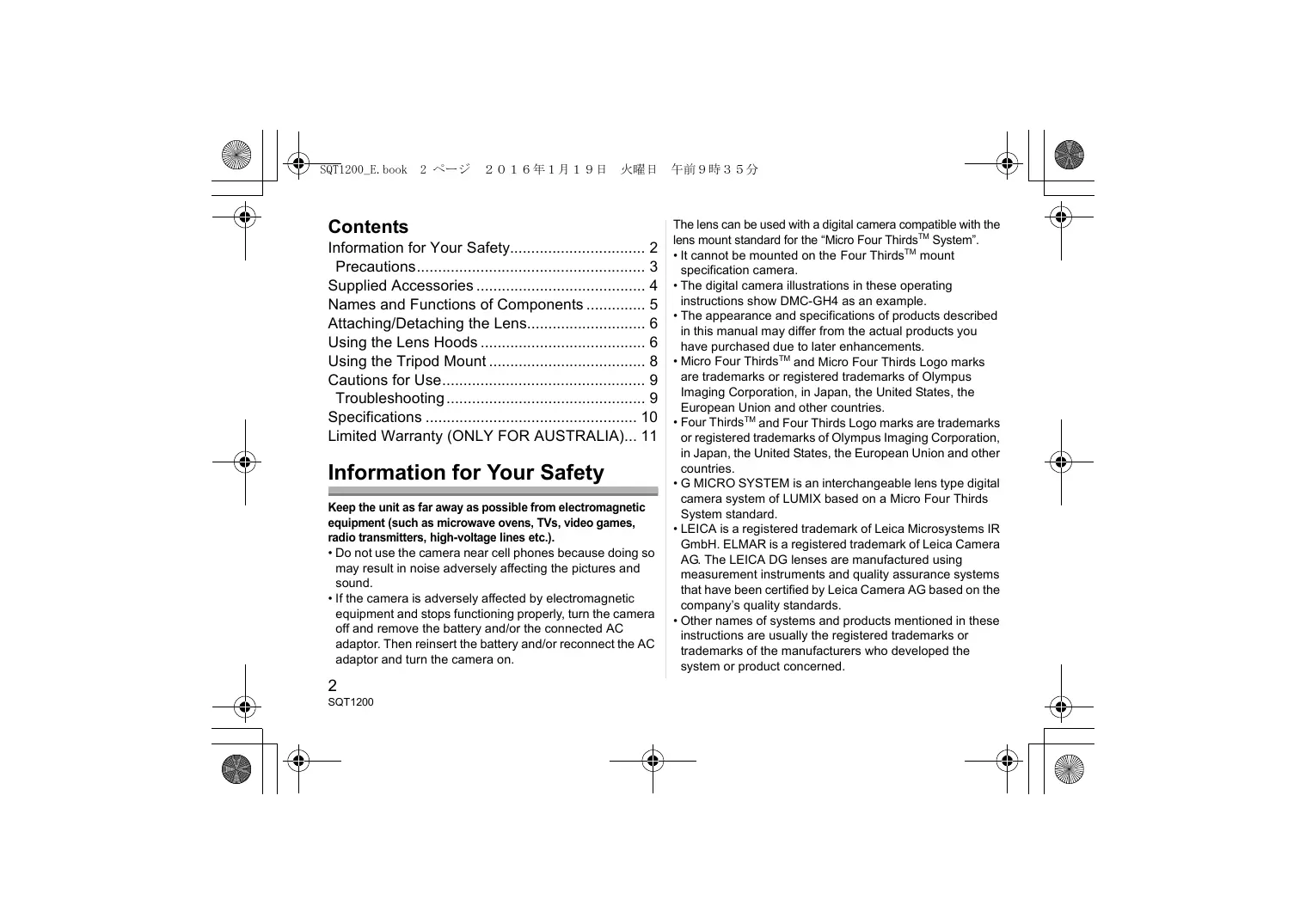
Information for Your Safety 2 Precautions 3 Supplied Accessories 4 Names and Functions of Components 5 Attaching/Detaching the Lens 6 Using the Lens Hoods 6 Using the Tripod Mount 8 Cautions for Use 9 Troubleshooting 9 Specifications 10 Limited Warranty (ONLY FOR AUSTRALIA)... 11
Information for Your Safety
Keep the unit as far away as possible from electromagnetic equipment (such as microwave ovens, TVs, video games, radio transmitters, high-voltage lines etc.). • Do not use the camera near cell phones because doing so may result in noise adversely affecting the pictures and sound. • If the camera is adversely affected by electromagnetic equipment and stops functioning properly, turn the camera off and remove the battery and/or the connected AC adaptor. Then reinsert the battery and/or reconnect the AC adaptor and turn the camera on.
The lens can be used with a digital camera compatible with the lens mount standard for the “Micro Four ThirdsTM System”.
• It cannot be mounted on the Four ThirdsTM mount specification camera. • The digital camera illustrations in these operating instructions show DMC-GH4 as an example. • The appearance and specifications of products described in this manual may differ from the actual products you have purchased due to later enhancements. • Micro Four ThirdsTM and Micro Four Thirds Logo marks are trademarks or registered trademarks of Olympus Imaging Corporation, in Japan, the United States, the European Union and other countries. • Four ThirdsTM and Four Thirds Logo marks are trademarks or registered trademarks of Olympus Imaging Corporation, in Japan, the United States, the European Union and other countries. • G MICRO SYSTEM is an interchangeable lens type digital camera system of LUMIX based on a Micro Four Thirds System standard. • LEICA is a registered trademark of Leica Microsystems IR GmbH. ELMAR is a registered trademark of Leica Camera AG. The LEICA DG lenses are manufactured using measurement instruments and quality assurance systems that have been certified by Leica Camera AG based on the company’s quality standards. • Other names of systems and products mentioned in these instructions are usually the registered trademarks or trademarks of the manufacturers who developed the system or product concerned.
-If you see this symbolDisposal of Old Equipment
Only for European Union and countries with recycling systems This symbol on the products, packaging, and/or accompanying documents means that used electrical and electronic products must not be mixed with general household waste. For proper treatment, recovery and recycling of old products, please take them to applicable collection points in accordance with your national legislation. By disposing of them correctly, you will help to save valuable resources and prevent any potential negative effects on human health and the environment. For more information about collection and recycling, please contact your local municipality. Penalties may be applicable for incorrect disposal of this waste, in accordance with national legislation.
• This lens has a dust-proof and splash-proof construction.
When using it, please be careful of the following. If the lens is not working properly, consult the dealer or your nearest Service Centre.
– When detaching the lens from the digital camera, take care to ensure that sand, dust, splashes of water etc., do not get into the lens or the terminals.
– When using the built-in slide lens hood, ensure that particles such as sand and dust do not stick to the lens barrel, where the built-in slide lens hood slides.
– This lens is not waterproof and cannot be used to record underwater. For splash-proofing, the lens is constructed to resist the entry of water. If splashes of water etc. do adhere to the lens, wipe after use with a soft dry cloth.
• To improve the dust-proofing and splash-proofing of this lens, a lens mount rubber is used in the mounting portion. After changing the lens a number of times, you may find that the lens mount rubber has marked the mount portion of the digital camera body, which does not affect its performance. For information on changing the lens mount rubber, contact your nearest Service Centre. • Do not press the lens with excessive force. • When there is dirt (water, oil, and fingerprints, etc.) on the surface of the lens, the picture may be affected. Lightly wipe the surface of the lens with a soft, dry cloth before and after taking pictures.
– Please attach the lens to a dust-proof and splash-proof digital camera.
• Do not place the lens mount facing downwards. Do not allow the lens contact points 1 to become dirty.
Supplied Accessories
Product numbers correct as of January 2016. These may be subject to change.
∫ About Condensation (Fogging of the Lens)
• Condensation occurs when there are differences in temperature and humidity as described below.
Condensation can cause the lens to become dirty and lead to mold and malfunctioning, so exercise caution in the following situations: – When the camera is brought indoors from outside during cold weather – When the camera is brought into an air-conditioned car – When cold air from an air conditioner is directly blown onto the lens – In humid places • If condensation occurs, turn the power off and leave it for about two hours. Once the camera acclimatizes to the surrounding temperature the condensation will go away naturally.
Lens Hood Lens Cap Lens Rear Cap External tripod mount
• The lens rear cap and lens cap are attached to the interchangeable lens at the time of purchase.
Names and Functions of
Locks the zoom ring. [UNLOCK]: Unlocks the zoom ring. • Do not rotate the zoom ring when the zoom lock ring is set to [LOCK].
Rotate the zoom ring when you wish to take large (tele) or wide (wide angle) pictures.
7 Orientation locking knob (P8) 8 O.I.S. switch When the lens is attached to the camera the stabiliser function is set to activate if the O.I.S. switch is set to [ON].
• We recommend setting the O.I.S. switch to [OFF] when using a tripod.
This allows you to switch between Auto Focus (AF) and
Manual Focus (MF). • When either the [AF/MF] switch of the lens or the setting of the camera is set to [MF], Manual Focus (MF) is enabled.
3 4 5 Lens surface Built-in slide lens hood (P6) Focus ring
Rotate to focus when taking pictures with manual focus (MF).
When carrying the lens, rotate this ring to lock the zoom ring to prevent the lens from extending under its own weight.
10 Focusing distance range selector switch
[FULL]: It can focus between the ranges of 1.3 m (4.27 feet) to ¶. [5m-¶]: It can focus between the ranges of 5.0 m (16.4 feet) to ¶. The speed of focusing with auto focus will be faster. 11 Lens fitting mark 12 Lens mount rubber 13 Contact points
• If you zoom after focusing, focusing errors may occur. After zooming, please perform the focusing again. • In very quiet situations Auto Focus operating sounds may be recorded during motion picture recording. This is not a malfunction. In such situations, switching to Manual Focus will improve the situation. • If you set the O.I.S. to [ON] when recording a motion picture, operating sounds may be recorded. If they become bothersome, we recommend setting the O.I.S. switch to [OFF] and mounting the camera on a tripod.
Attaching/Detaching the Lens
For information on how to attach and remove the lens, refer to the operating instructions for your digital camera. • Before attaching or detaching the lens, check that the digital camera is turned off. • Before attaching the lens to the digital camera, remove the lens rear cap. (1, 2)
• After detaching the lens from the digital camera, be sure to attach the lens cap/lens rear cap.
• Vignetting may occur if using 2 or more filters at the same time.
• It is possible to attach the lens cap or the supplied lens hood with the filter already attached. • You cannot attach a conversion lens or adaptor to this lens. A filter may be used, but attaching any other element may cause damage to the lens.
Using the Lens Hoods
The lens comes with a built-in slide lens hood and supplied lens hood. With the latter, you can block extra light even more effectively. • The built-in slide lens hood and supplied lens hood can be used together at the same time. • To use the built-in slide lens hood, slide it in the direction of the arrow. We recommend locking the zoom ring with the zoom lock ring before performing operations.
∫ Attaching the Lens Hood (Supplied Accessory)
1 Rotate the lens hood screw in the direction of the arrow to loosen it (1). 2 Insert the lens hood until it stops(2). 3 Rotate the lens hood screw in the direction of the arrow to fasten the lens hood securely (3).
• When using the lens with the supplied lens hood, check if the lens hood screw has become loose. • If you use a lens hood and the flash at the same time, the lens hood will block the light from the flash, causing the lower portion of the screen to darken (vignetting) and making it impossible to adjust the amount of light. We recommend not using the lens hoods and flash at the same time. • When carrying, the supplied lens hood can be temporarily attached in the reverse direction.
• Do not carry the lens by holding only the built-in slide lens hood or the supplied lens hood.
Using the Tripod Mount
Attach a tripod to the tripod mount of the lens and not to that of the digital camera. If the lens or digital camera prevents the tripod from being attached, attach the supplied external tripod mount to the lens. • When a battery grip (DMW-BGGH3) is in use, for example, it will come in contact with the head of your tripod, preventing the tripod from being attached. In this case, attach the supplied external tripod mount to the lens. • An interface unit (DMW-YAGH/AG-YAGH) will also prevent a tripod from being attached even if you use the external tripod mount. In this case, attach your tripod to the appropriate tripod hole on the interface unit.
• Check that the external tripod mount attachment screw is not loose before use.
∫ Changing the vertical/horizontal orientation
You can loosen the orientation locking knob (1) to rotate the lens together with the digital camera (2).
This way, you can quickly switch between the vertical and horizontal orientation while the tripod is in use.
∫ Attaching the external tripod mount (supplied)
1 Insert the external tripod mount attachment
screw (1) into the tripod mount of the lens.
2 Rotate the external tripod mount attachment
screw in the direction of the arrows to fasten it firmly.
• After changing the orientation, tighten the orientation locking knob firmly and check that it is not loose.
Take care not to drop or knock the lens. Also take care not to put a lot of pressure on the lens. • Take care not to drop the bag that you inserted the lens in as it may strongly shock the lens. The camera may stop operating normally and pictures may no longer be recorded. Also, the lens may be damaged. • When carrying the digital camera with the lens attached, hold both the digital camera and the lens. When using pesticides and other volatile substances around the camera make sure that they do not get onto the lens. • If such substances get onto the lens they can damage the exterior case or cause the paint to peel. Do not point the lens at the sun or other strong light sources. • This could cause the lens to collect an excessive amount of light, resulting in fire and malfunction. • Under no circumstances should the unit be stored in any of the following locations since doing so may cause problems in operation or malfunctioning. – In direct sunlight or on a beach in summer – In locations with high temperatures and humidity levels or where the changes in temperature and humidity are acute – In locations with high concentrations of sand, dust or dirt – Where there is fire – Near heaters, air conditioners or humidifiers – Where water may make the unit wet – Where there is vibration – Inside a vehicle
• Refer also to the operating instructions of the digital camera.
• When the unit is not going to be used for a prolonged period, we recommend storing with a desiccant (silica gel). Failure to do so may result in performance failure caused by mold, etc. It is recommended that you check the unit’s operation prior to use. • Do not leave the lens in contact with rubber or plastic products for extended periods of time. • Do not touch the lens contact point. Doing so can cause failure of the unit. • Do not disassemble or alter the unit. Do not use benzine, thinner, alcohol or other similar cleaning agents to clean the lens glass or exterior cabinet. • Using solvents can damage the lens or cause the paint to peel. • Wipe off any dust or fingerprints with a soft, dry cloth. • Use a dry, dust cloth to remove dirt and dust on the lens mount rubber, zoom ring, zoom lock ring, focus ring, or built-in slide lens hood. • Do not use a household detergent or a chemically treated cloth.
When I turn on or off the camera or when I shake the lens, I hear a sound, for example a rattling sound. • This is the sound of lens or aperture movement and is not a malfunction.
Specifications are subject to change without notice. INTERCHANGEABLE LENS FOR DIGITAL CAMERA “LEICA DG VARIO-ELMAR 100-400 mm/F4.0-6.3 ASPH./POWER O.I.S.” Focal length Aperture type Maximum aperture Minimum aperture value Lens construction In focus distance Maximum image magnification Optical image stabiliser O.I.S. switch [AF/MF] switch Mount Angle of view Filter diameter Max. diameter Overall length Mass Dust-proof and splash-proof
(35 mm film camera equivalent: 200 mm to 800 mm) 9 diaphragm blades/circular aperture diaphragm F4.0 (Wide) to F6.3 (Tele) F22 20 elements in 13 groups (1 ED aspherical lens, 2 ED lenses, 1 UED lens) [FULL]: 1.3 m (4.27 feet) to ¶ / [5 m-¶]: 5.0 m (16.4 feet) to ¶ (from the focus distance reference line) 0.25k (35 mm film camera equivalent: 0.5k) Available Available (Switching ON/OFF) Available (Switching AF/MF) “Micro Four Thirds Mount” 12x (Wide) to 3.1x (Tele) 72 mm Approx. 83.0 mm (3.3 inch) Approx. 171.5 mm (6.8 inch) (from the tip of the lens to the base side of the lens mount) Approx. 985 g (2.17lb) (excluding the external tripod mount) Available
Limited Warranty (ONLY FOR AUSTRALIA)
Commutateur [AF/MF] (MPA/MP)
Panasonic Corporation
Kadoma, Osaka, Japan Importer for Europe: Panasonic Marketing Europe GmbH Panasonic Testing Centre Winsbergring 11, 22525 Hamburg, Germany