
TF-DVD7300 - Portable DVD Player COBY - Free user manual and instructions
Find the device manual for free TF-DVD7300 COBY in PDF.


Pick your language and provide your email: we'll send you a specifically translated version.
| Product Type | Portable DVD Player |
| Brand | Coby |
| Model | TF-DVD7300 |
| Display Size | 7 inches |
| Dimensions (W x D x H) | 7.48 x 5.51 x 1.54 inches |
| Weight | 1.43 lbs |
| Power Supply | DC 9V-12V, 1.5A; rechargeable lithium-ion battery |
| Battery Life | Up to 3 hours |
| Supported Disc Formats | DVD, DVD±R/RW, CD, CD-R/RW, MP3-CD |
| Video Output | Composite AV output (RCA) |
| Audio Output | Headphone jack 3.5mm, built-in speakers |
| Additional Features | Swivel screen, anti-shock protection, parental lock |
| Car Adapter Included | Yes |
| Remote Control | Included |
| Maintenance | Clean with soft dry cloth; avoid liquids; keep away from direct sunlight |
| Safety Precautions | Do not disassemble; keep away from water; use only supplied charger |
| Spare Parts Availability | Contact Coby support or authorized service centers; battery and AC adapter replaceable |
| General Information | Region-free playback; supports multiple languages; user manual available online |
Frequently Asked Questions - TF-DVD7300 COBY
How do I charge the Coby TF-DVD7300 battery?
Connect the included AC adapter to the DC input jack and plug into a wall outlet. The battery indicator shows charging status. Full charge takes about 4-5 hours.
Can I play movies from a USB drive?
The TF-DVD7300 does not have a USB port. It only plays discs (DVD, CD, MP3-CD). Use the AV output to connect external devices.
What disc formats are supported?
It supports DVD, DVD±R/RW, CD, CD-R/RW, and MP3-CD discs. It cannot play Blu-ray or HD-DVD.
How do I use the parental lock?
Press Setup on the remote, go to Parental Lock, enter a password (default is 0000), and set the desired rating level. Insert a disc to activate.
Why is the screen not turning on?
Check if the battery is charged or connect the AC adapter. Ensure the unit is powered on. If still no display, try resetting by inserting a pin into the reset hole.
Can I connect this player to a TV?
Yes, use the included composite AV cable. Connect the yellow plug to video input (yellow) and red/white to audio inputs. Switch the TV to AV mode.
How to clean the lens?
Use a lens cleaning disc for DVD players. Do not use liquid cleaners or cotton swabs directly on the lens.
What is the battery life?
The rechargeable lithium-ion battery provides up to 3 hours of playback depending on volume and disc type.
Does it play region-locked DVDs?
The TF-DVD7300 is region-free, meaning it can play DVDs from any region. However, some discs may have additional copy protection.
How do I perform a factory reset?
With the unit off, press and hold the Power button and the Play/Pause button simultaneously for 5 seconds. Release when the Coby logo appears.
User questions about TF-DVD7300 COBY
0 question about this device. Answer the ones you know or ask your own.
Ask a new question about this device
No questions yet. Be the first to ask one.
Download the instructions for your Portable DVD Player in PDF format for free! Find your manual TF-DVD7300 - COBY and take your electronic device back in hand. On this page are published all the documents necessary for the use of your device. TF-DVD7300 by COBY.
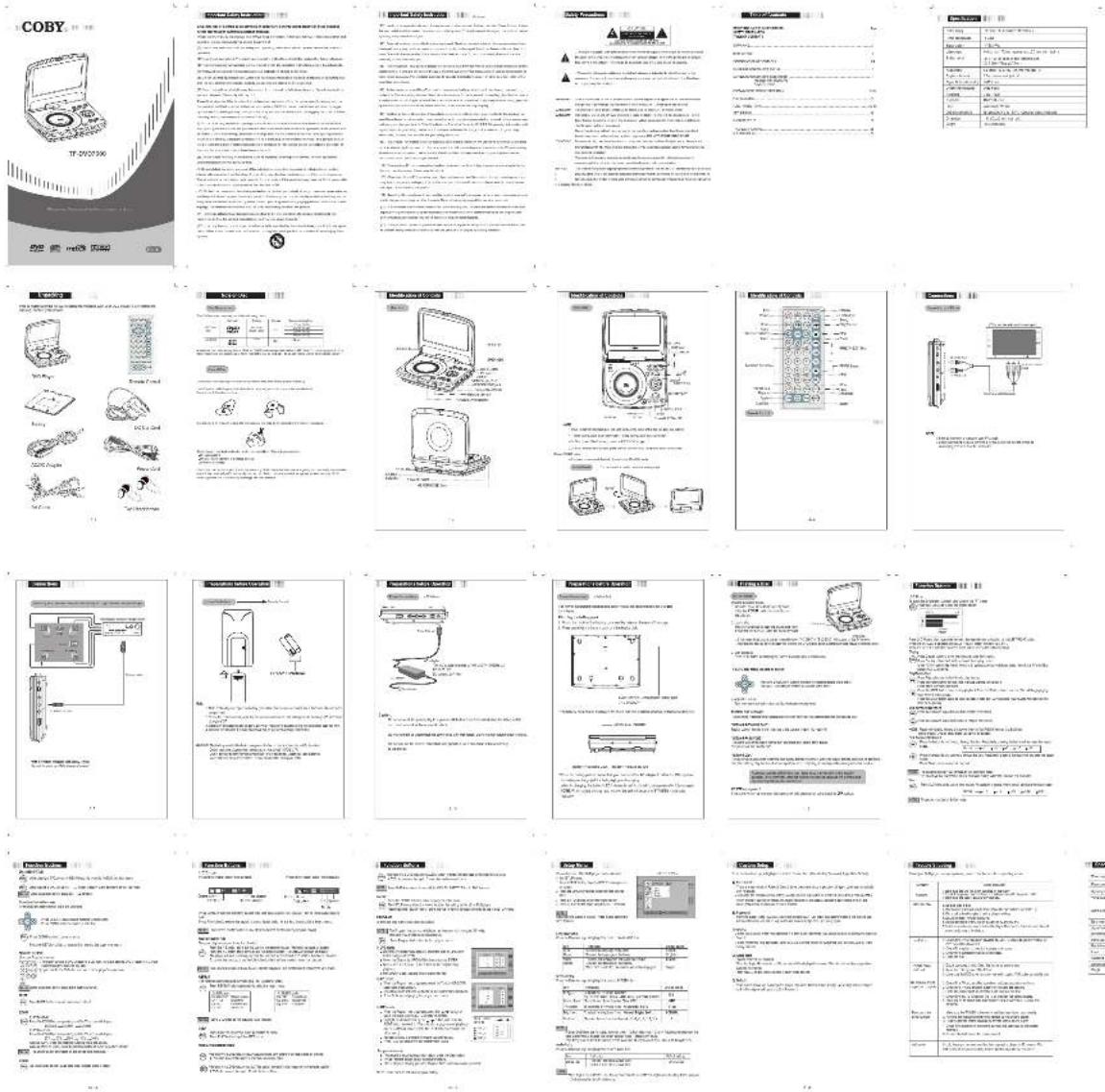
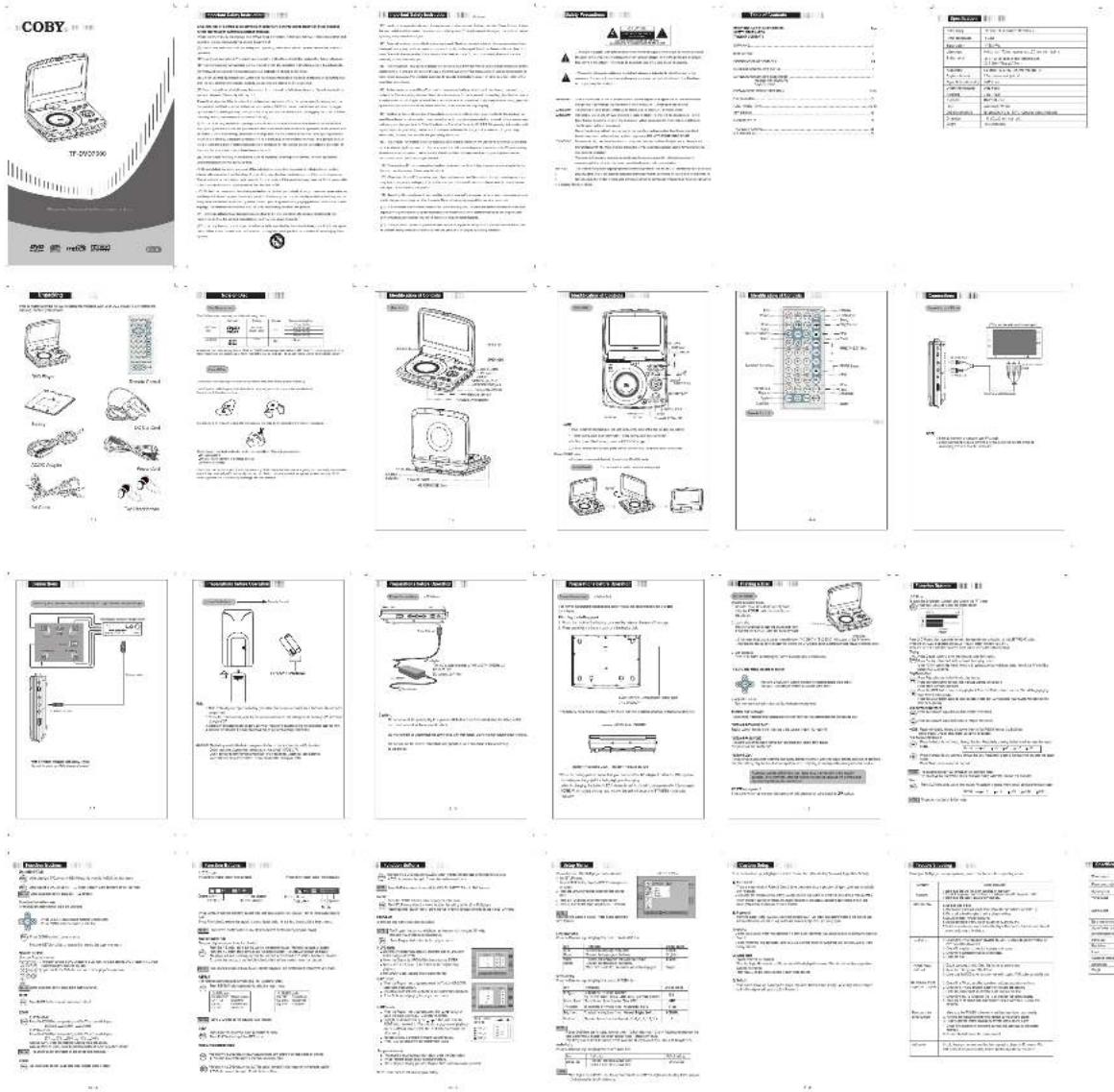
USER MANUAL TF-DVD7300 COBY


Manual assistant
Powered by Anthropic
Waiting for your message
Product information
Brand : COBY
Model : TF-DVD7300
Category : Portable DVD Player