EGMF1 - TV wall mount Echogear - Free user manual and instructions
Find the device manual for free EGMF1 Echogear in PDF.


| Product Type | Fixed TV Wall Mount |
| Model | EGMF1 |
| Brand | Echogear |
| Maximum TV Weight Capacity | 110 lbs (50 kg) |
| VESA Compatibility | 200x200 mm to 600x400 mm |
| Recommended TV Size | 37" to 90" |
| Depth from Wall | 1.3 inches (3.3 cm) |
| Wall Plate Dimensions | 27.6 x 8.8 inches (70 x 22.4 cm) |
| Material | Heavy-duty cold-rolled steel |
| Color | Black |
| Installation Type | Fixed, low profile |
| Number of Studs Required | 2 or 3 |
| Stud Spacing Compatibility | 16 or 24 inches (40.6 or 61 cm) |
| Level Adjustment | Post-installation leveling capability |
| Locking Mechanism | Quick-release safety pins for easy release |
| Included Hardware | Mounting bolts, spacers, bubble level, screwdriver, and template |
| Certifications | TÜV certified for safety |
| Warranty | Lifetime limited warranty |
Frequently Asked Questions - EGMF1 Echogear
User questions about EGMF1 Echogear
0 question about this device. Answer the ones you know or ask your own.
Ask a new question about this device
Download the instructions for your TV wall mount in PDF format for free! Find your manual EGMF1 - Echogear and take your electronic device back in hand. On this page are published all the documents necessary for the use of your device. EGMF1 by Echogear.
USER MANUAL EGMF1 Echogear
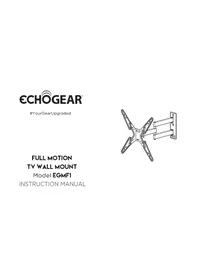
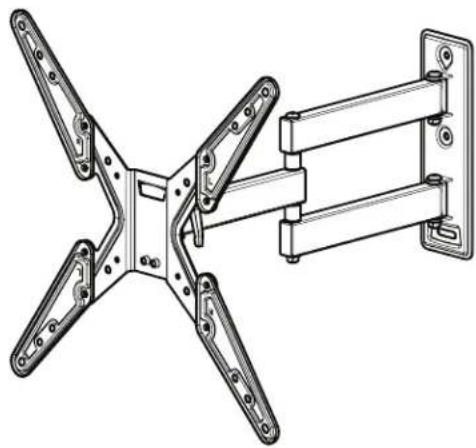
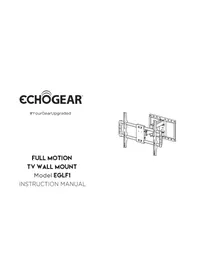
FULL MOTION TV WALL MOUNT
Model EGMF1
INSTRUCTION MANUAL
IMPORTANT SAFETY INSTRUCTIONS. READ ENTIRE MANUAL PRIOR TO USE. SAVE THESE INSTRUCTIONS
YEA, THE BORING STUFF ... but read it, so you don't jack things up!
Please read through these instructions completely to be sure you're comfortable with this easy install process. Also check your TV owner's manual to see if there are any special requirements for mounting your TV.
If you do not understand these instructions or have doubts about the safety of the installation, assembly or use of this product, contact The Echogear Pros at 1-855-428-2490.
CAUTION: Avoid potential personal injuries and property damage!
This product is designed for use in wood stud - DO NOT install into drywall alone
The wall must be capable of supporting five times the weight of the TV and mount combined
▶ Do not use this product for any purpose not explicitly specified by manufacturer
▶ Manufacturer is not responsible for damage or injury caused by incorrect assembly or use
WEIGHT RESTRICTIONS
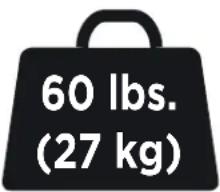
Your TV (including accessories) CANNOT EXCEED 60 lbs. (27 kg) for this mount.
"You can think about it ... but doooon't do it."
If your TV weighs more, this mount is NOT compatible. Visit echogear.com to find a compatible mount.
CAUTION: DO NOT exceed the maximum weight indicated. This mounting system is intended for use only with the maximum weights indicated. Use with products heavier than the maximum weights indicated may result in collapse of the mount and its accessories, causing possible injury.
VERIFY YOUR WALL CONSTRUCTION
CAUTION:
DO NOT
install into drywall alone
... unless you WANT to watch your TV fall and crash onto the floor.
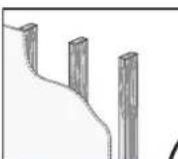
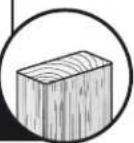
wood studs?
Perfect!
Good to Go

UUUUHHH ?!? Unsure?
Contact The Echogear Pros at 1-855-428-2490 or www.echogear.com
GRAB YOUR TOOLS
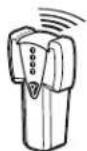
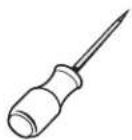
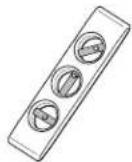
AwlStud Finder
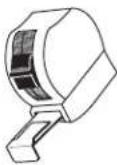
Measure

Pencil LevelTape
TOY SURPRISE
FREE Inside Every Box
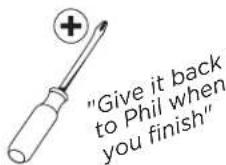
Phillips Screwdriver
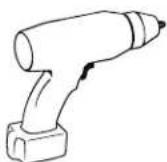
Electric Drill
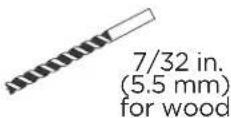
Drill Bit
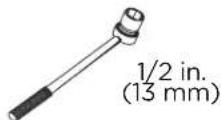
Socket Wrench

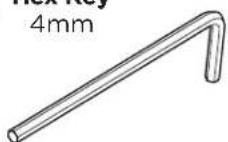
Hex Key 4mm
ONE MORE THING ...
ECHOGEAR SATISFACTION GUARANTEE:
We're driven to give DIYers an awesome install experience. We stand behind everything we make because you deserve the best entertainment experience without sacrificing quality and spending your whole paycheck.
Guess what? We'll help you through the entire process, too.
Why? Because we like to help and it's our passion to provide authentic service. We won't leave you hanging, no matter what.
Our U.S. based Echogear Pros answer the phone in all days ending in Y. That means availability to try and stump our expert staff 7 days a week.
Call us if you...
1 Have any questions before, during, or after install.
2 Need different hardware to fit your TV model.
3 Just need someone to chat with. We're here for you.
WHAT'S IN THE BOX
⚠ WARNING: DON'T FEED TO CHILDREN — This product contains small items that could be a choking hazard if swallowed. Before starting assembly, verify all parts are included and undamaged. If any parts are missing or damaged, do not return the damaged item to your dealer; contact Customer Service. Never use damaged parts!

NOTE: Not all hardware included in this kit will be used.
STUFF FOR STEP 1
01
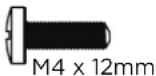
TV Screws (qty. 4 each)
[Only one size fits your TV]
M4
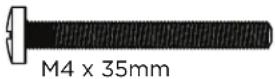
M6
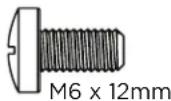
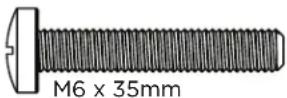
M8
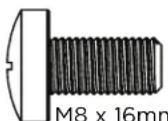
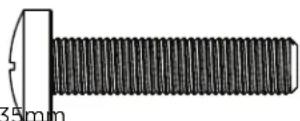
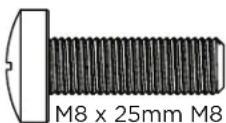
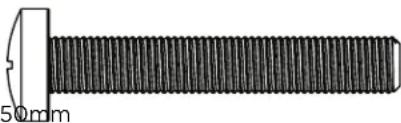

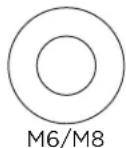
Washers
(qty. 4 each)
M4
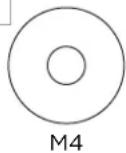
M6/M8

Spacers
[If necessary]
M4/M6/M8
qty.8
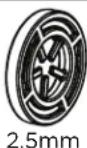
M4/M6/M8
qty.4
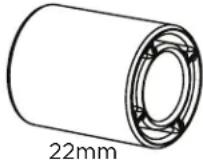
MORE STUFF FOR STEP 1
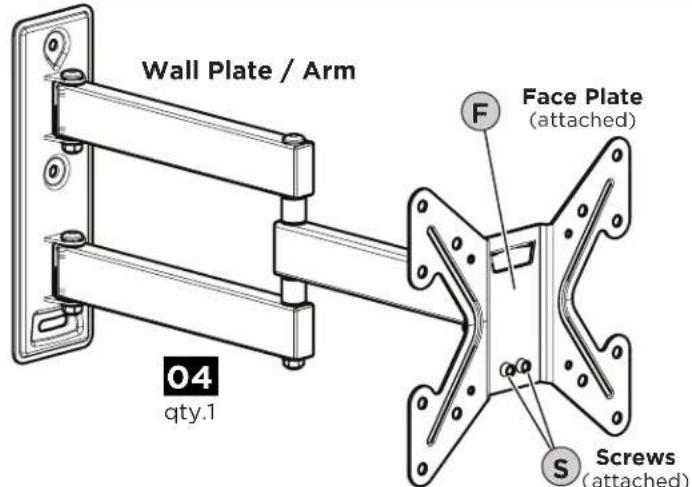
Parts for TVs with Large Mounting Hole Patterns:
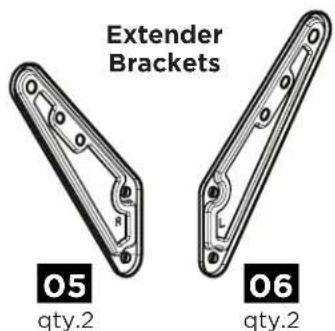
Extender Bracket Screws
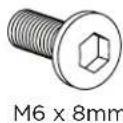

STUFF FOR STEP 2
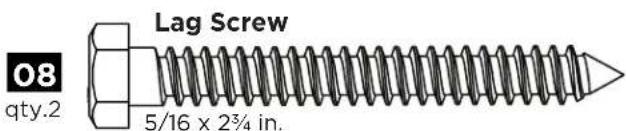
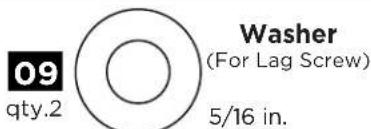
STEP 1 ATTACH THE TV BRACKET TO YOUR TV
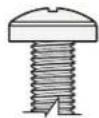
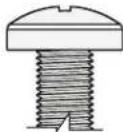
STEP 1.1 Select TV Screws
Only one screw size fits your TV.
M4
O
M6
O
M8
[Non-Text]
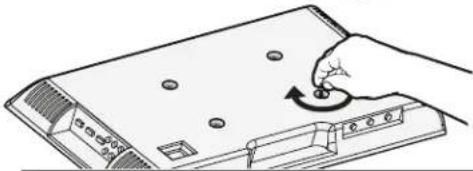
"Suggested uses for the extra screws:
board game pieces, industrial jewelry, sweet corn holders, musical instruments - like maracas or 'monsoon' sticks, stocking stuffers, currency (not most countries) ..."
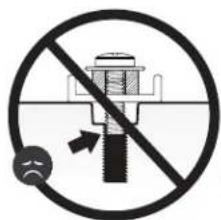
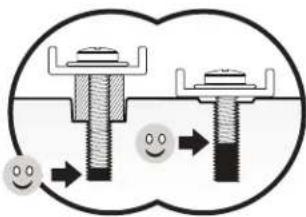
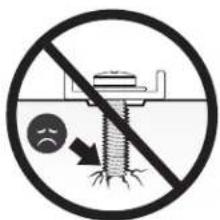
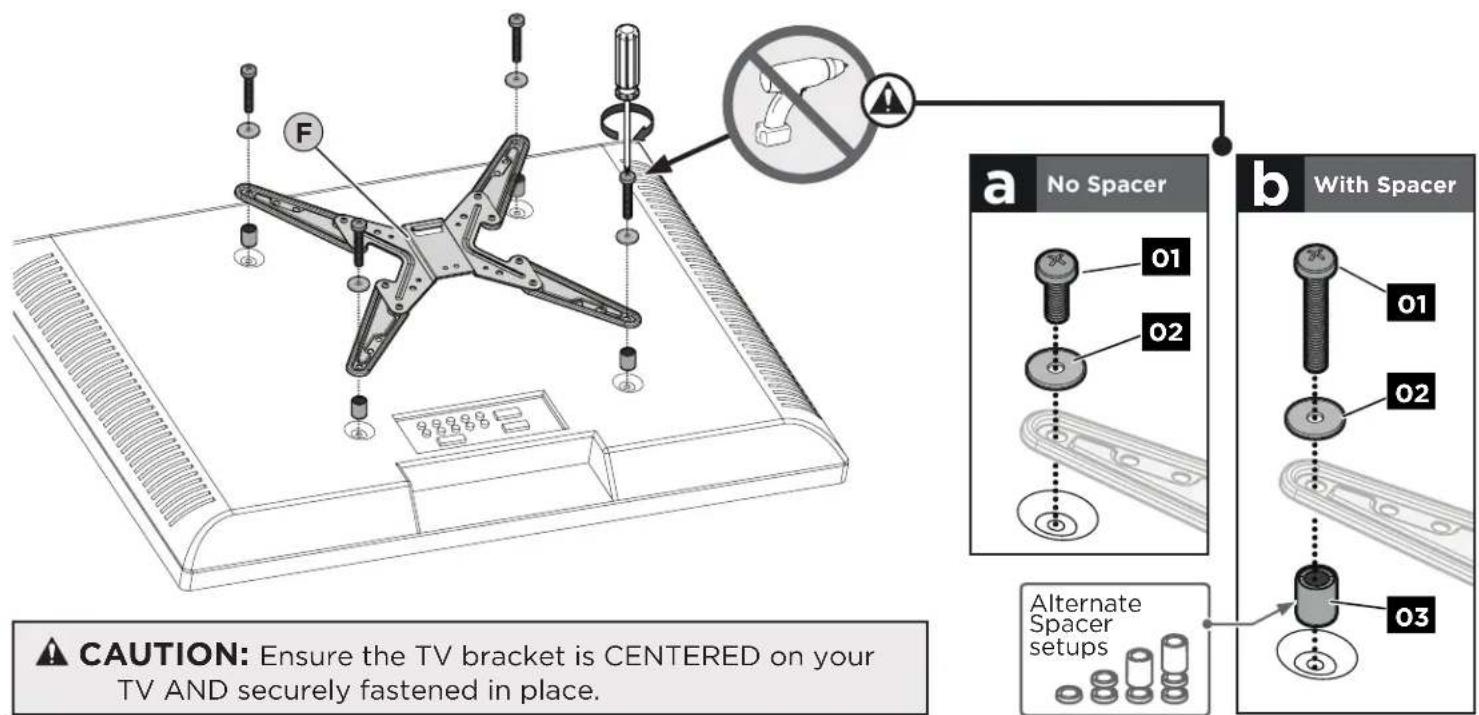
STEP 1.2 Select Spacers (if needed)
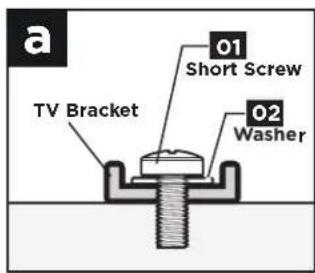
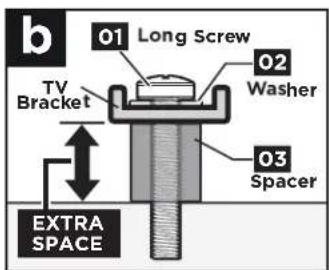
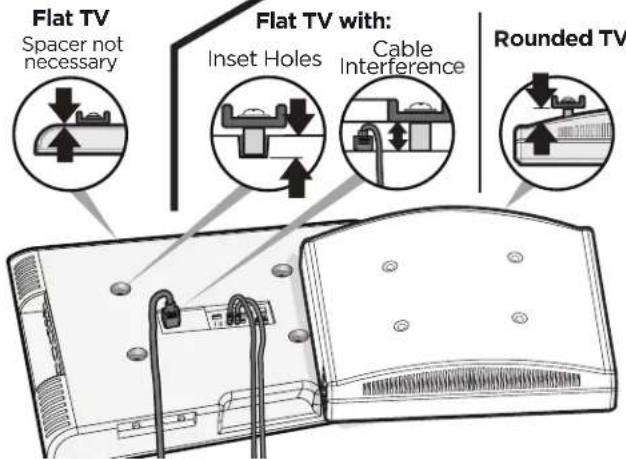
Remove Face Plate F
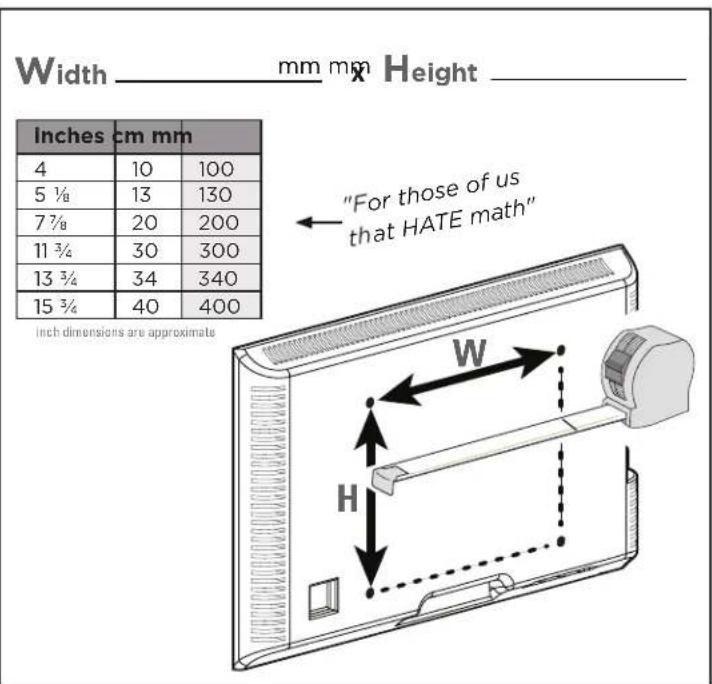
STEP 1.4ST Measure TV Hole Pattern
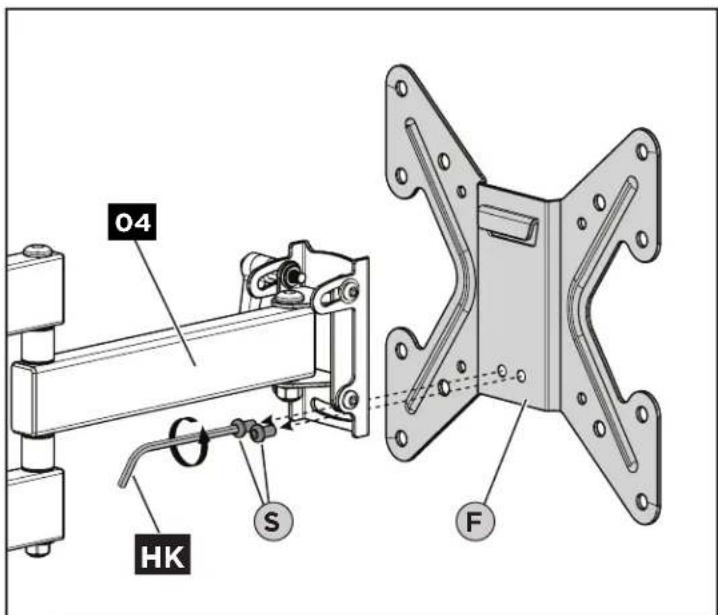
IMPORTANT: Save screws ⓢ for use in STEP 3.
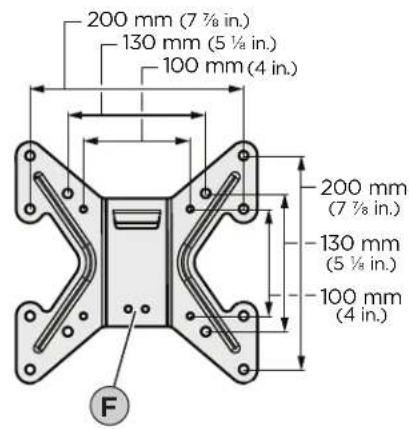
STEP 1.5
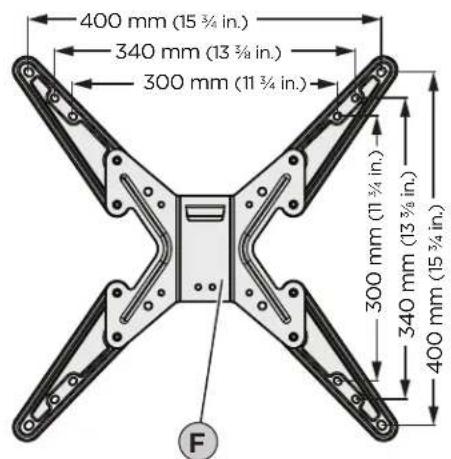
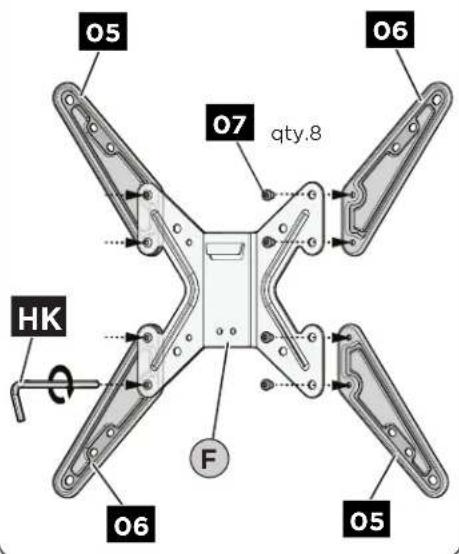
Configure TV Bracket to Fit Your TV Hole Pattern

200mm x 200mm or LESS
"Nothing to do here ... move it along ... to STEP 1.6"

MORE than
200mm x 200mm ▶▶▶
ASSEMBLE
STEP 1.6
Secure the TV Bracket to Your TV
STEP 2 INSTALL THE WALL PLATE
CAUTION:
Avoid potential personal injuries and property damage!
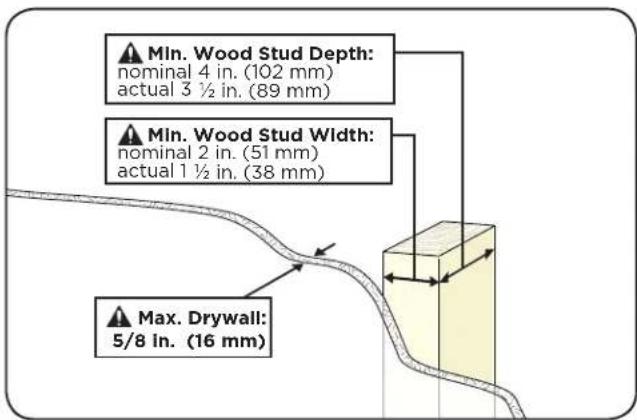
Drywall covering the wall must not exceed 5/8 in. (16 mm).
Minimum wood stud size: nominal 2 x 4 in. (51 x 102 mm) actual 1 ½ x 3 ½ in. (38 x 89 mm).
STEP 2.1 Find a Stud
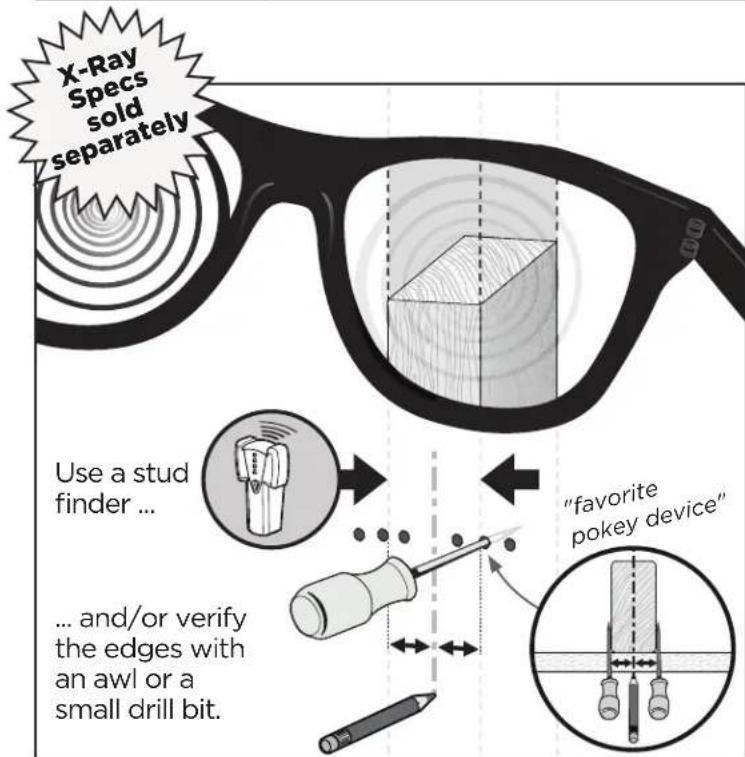
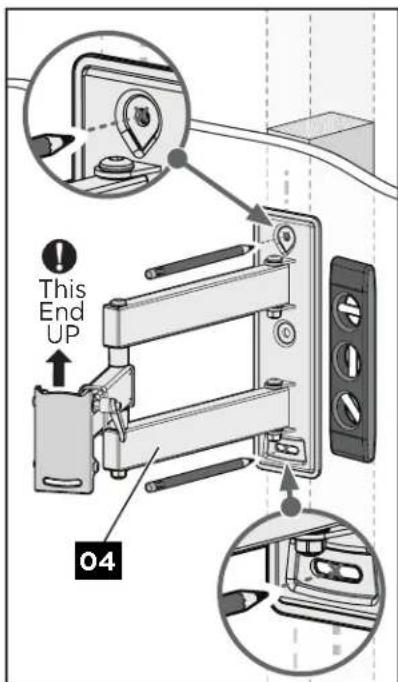
STEP 2.2
Mark
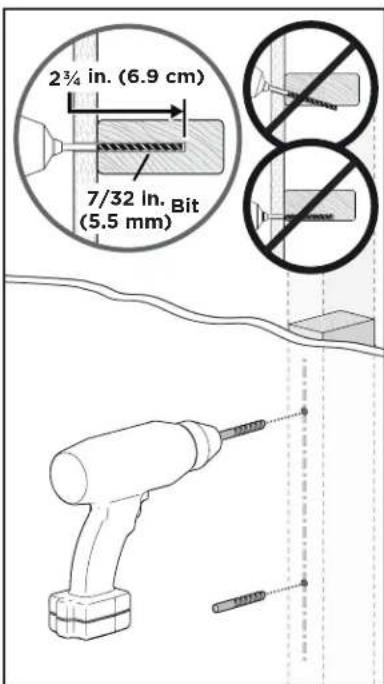
STEP 2.3
Drill
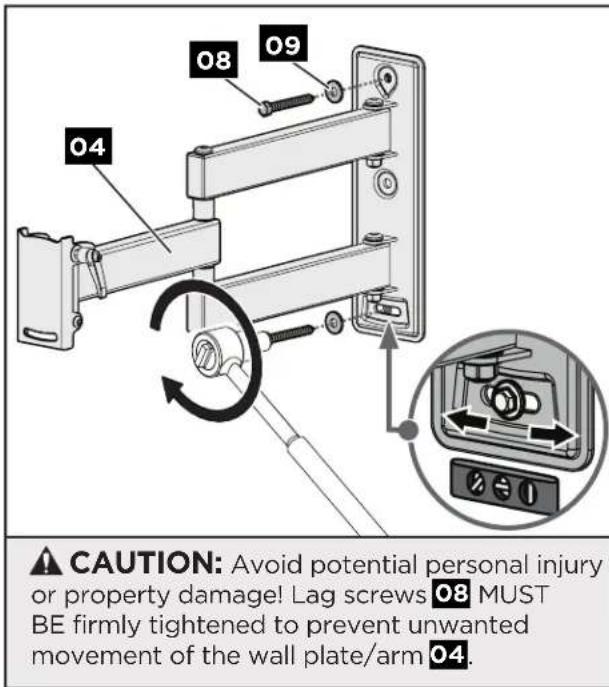
STEP 2.4
Secure Wall Plate
STEP 3 HANG YOUR TV

HEAVY! You may need assistance with this step.
"Ask that friend of yours that yammers on about CrossFit"
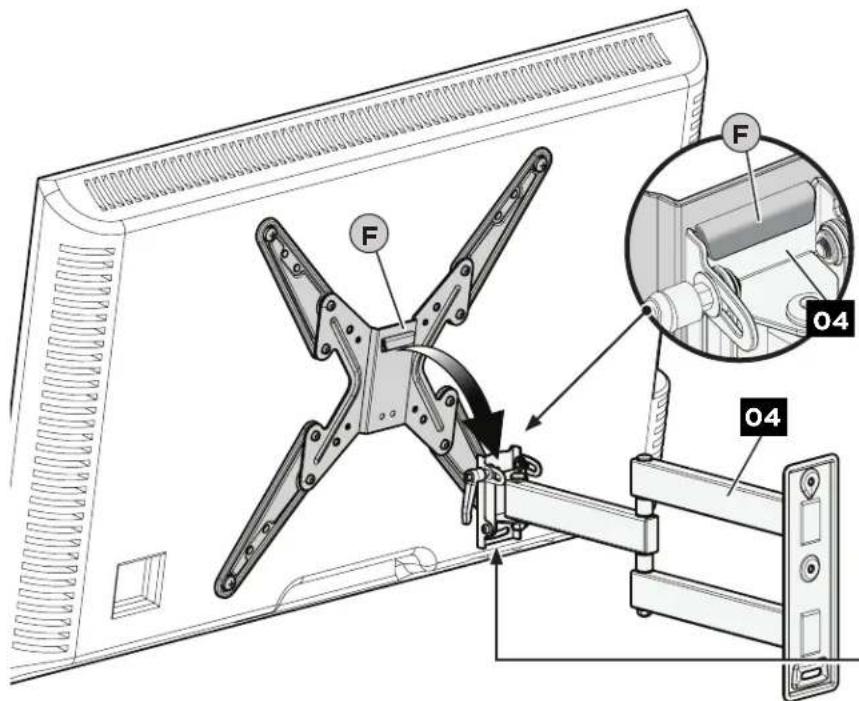

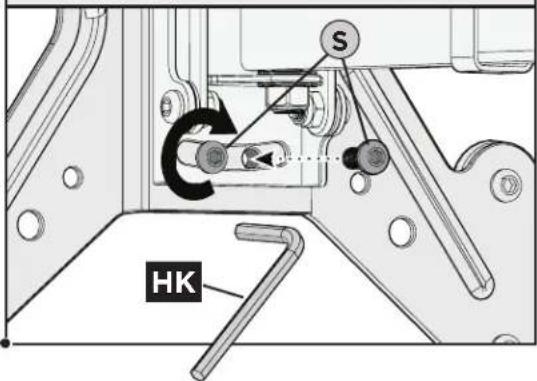
CAUTION: Avoid potential Personal injury or property damage! News Ⓢ MUST be installed to secure ur TV to wall plate/arm 04.
ADJUSTMENTS
TILT
TO ADJUST THE TILT TENSION, first rotate (tighten or loosen)
the tilt lever T as far as you can, then:
(a) Pull and hold the lever Ⓣ outward,
b Rotate the lever T in the opposite direction,
© Release the lever Ⓣ back into position,
(d) Rotate the lever T to tighten or loosen.
Repeat as needed.
LOOSEN: to adjust the TV tilt position.
TIGHTEN: to set the TV in place at your desired tilt angle.
![graph LR A["a"] --> B["b"] B --> C["c"] C --> D["d"] subgraph Step 1 T["To Tighten tension"] --> B B --> C end subgraph Step 2 B -->|to LOOSEN tension| C end subgraph Step 3 C -->|Lefty Loosey| D D -->|Rightly Tighty| C end](/content/2026/05/1051801/images/4b262a64f71caec2b91655cd508612dda193d7e340ca593b43d1e846f50a48ae.jpg)
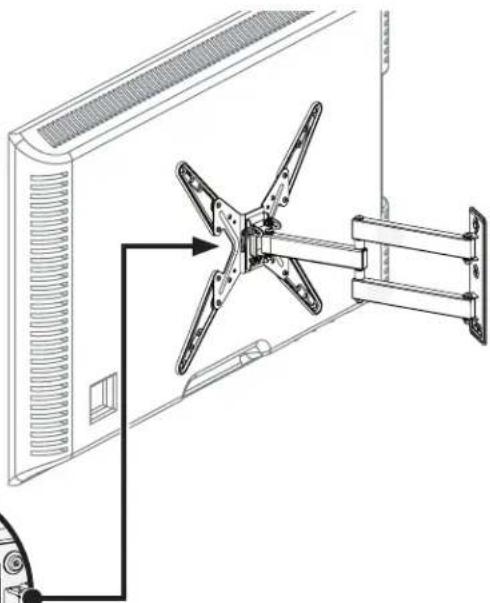
LEVEL
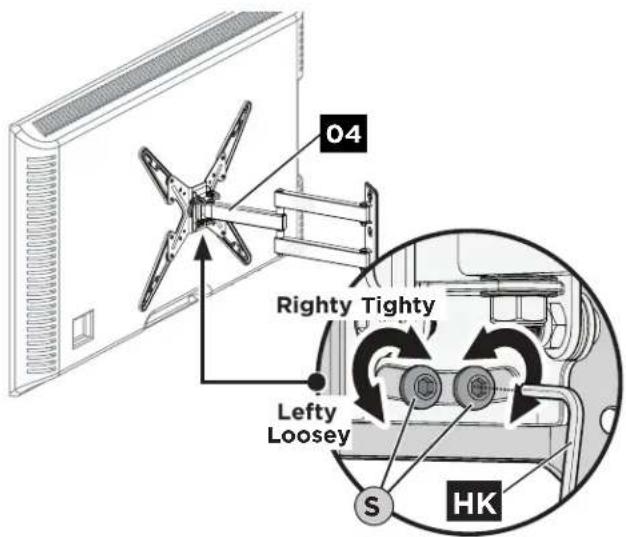
- Loosen the two screws Ⓢ on the rear of arm 04, using the hex key HK.
- L evel your TV.
- Retighten screws Ⓢ to secure in place.
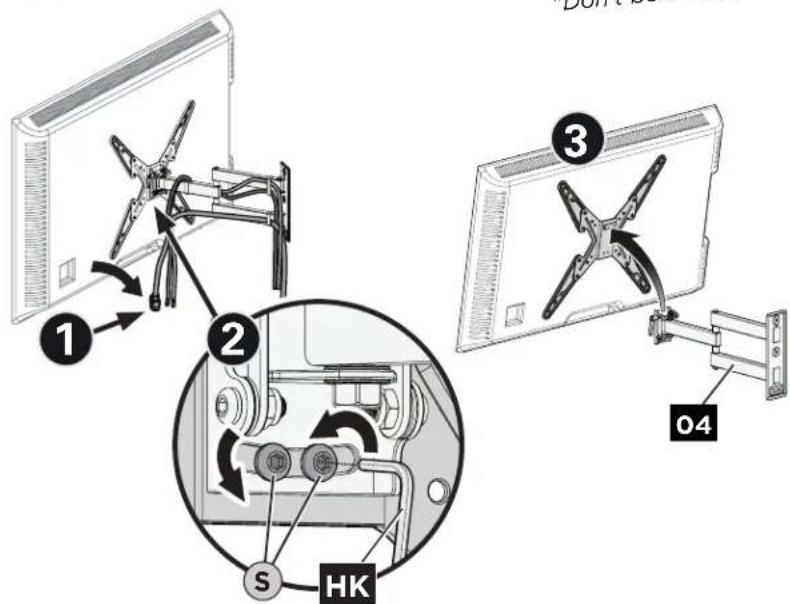
REMOVE YOUR TV

HEAVY! You may need assistance with this step.
"Don't be a hero!"
ECHOGEAR™
"Wanna show off your hard work?"
Share a picture of your completed project
with #YourGearUpgraded.
Who knows, it might not be as bad as you thought"
Confuzzled? Contact the ECHOGEAR Pros:

1-855-428-2490

helpmehelpyou@ECHOGEAR.com

ECHOGEAR.com
Milestone AV Technologies and its affiliated corporations and subsidiaries (collectively, "Milestone"), intend to make this manual accurate and complete. However, Milestone makes no claim that the information contained herein covers all details, conditions, or variations. Nor does it provide for every possible contingency in connection with the installation or use of this product. The information contained in this document is subject to change without notice or obligation of any kind. Milestone makes no representation of warranty, expressed or implied, regarding the information contained herein. Milestone assumes no responsibility for accuracy, completeness or sufficiency of the information contained in this document.
©2018 Milestone AV Technologies. All rights reserved. ECHOGEAR is a Milestone brand.
ECHOGEAR and the ECHOGEAR logo are trademarks of Milestone.
Made in China.
Milestone Global Headquarters • 6436 City West Parkway • Eden Prairie, MN 55344 USA
6901-602254 00


- FULL MOTION TV WALL MOUNT
- IMPORTANT SAFETY INSTRUCTIONS. READ ENTIRE MANUAL PRIOR TO USE. SAVE THESE INSTRUCTIONS
- YEA, THE BORING STUFF ... BUT READ IT, SO YOU DON'T JACK THINGS UP
- CAUTION: AVOID POTENTIAL PERSONAL INJURIES AND PROPERTY DAMAGE
- WEIGHT RESTRICTIONS
- VERIFY YOUR WALL CONSTRUCTION
- CAUTION
- GRAB YOUR TOOLS
- ONE MORE THING
- ECHOGEAR SATISFACTION GUARANTEE
- WHAT'S IN THE BOX
- STUFF FOR STEP 1
- STEP 1 ATTACH THE TV BRACKET TO YOUR TV
- STEP 1.1 SELECT TV SCREWS
- STEP 1.2 SELECT SPACERS (IF NEEDED)
- REMOVE FACE PLATE F
- STEP 1.4ST MEASURE TV HOLE PATTERN
- STEP 1.5
- CONFIGURE TV BRACKET TO FIT YOUR TV HOLE PATTERN
- STEP 1.6
- SECURE THE TV BRACKET TO YOUR TV
- STEP 2 INSTALL THE WALL PLATE
- STEP 2.2
- MARK
- STEP 2.3
- DRILL
- STEP 2.4
- SECURE WALL PLATE
- STEP 3 HANG YOUR TV
- ADJUSTMENTS
- TILT
- LEVEL
- REMOVE YOUR TV
- ECHOGEAR™
- CONFUZZLED? CONTACT THE ECHOGEAR PROS
Brand : Echogear
Model : EGMF1
Category : TV wall mount