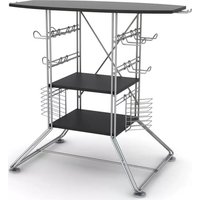
Centipede - Flat Screen Mount ATLANTIC - Free user manual and instructions
Find the device manual for free Centipede ATLANTIC in PDF.


| Product Type | Flat Screen Mount |
| Brand | Atlantic |
| Model | Centipede |
| Compatible Screen Sizes | 32" to 55" |
| Maximum Load Capacity | 30 kg (66 lbs) |
| VESA Compatibility | 200x200 to 400x400 mm |
| Material | Steel |
| Color | Black |
| Tilt | -5° to +15° |
| Swivel | ±90° |
| Rotation (Level Adjustment) | ±3° |
| Distance from Wall | 50 mm to 400 mm |
| Installation | Wall mount with included hardware |
| Power | None (passive) |
| Maintenance | Wipe with dry cloth |
| Safety | Use appropriate wall anchors; not for drywall without studs; respect weight limit |
| Spare Parts | Replacement screws available from Atlantic |
| Repairability | Structural parts not user-serviceable |
| Additional Features | Cable management |
Frequently Asked Questions - Centipede ATLANTIC
User questions about Centipede ATLANTIC
0 question about this device. Answer the ones you know or ask your own.
Ask a new question about this device
Download the instructions for your Flat Screen Mount in PDF format for free! Find your manual Centipede - ATLANTIC and take your electronic device back in hand. On this page are published all the documents necessary for the use of your device. Centipede by ATLANTIC.
USER MANUAL Centipede ATLANTIC
Item #: 45506118/45506118B
45506120/45506120B
Centipede Gaming Tower
Holds PLASMA or LCD TV's that measure up to 37 inches. If parts are missing, DO NOT return to the store. To order missing / replacement parts or assembly assistance please call 1-800-747-2660 or mail customer_relations@atlantic-inc.com.
Assembly Tips:
Become familiar with the instructions and all parts.
Make sure that all parts are in the box and in good condition.
Assemble the product on the open flat carton or a rug to protect the product and your floor.
Some heavy products need a second person to assist in the assembly.
Use of power tools is not recommended.
It is strongly recommended that at least two people carry out the assembly.
Assemble the product close to a wall.
With each step, first insert and hand-tighten all bolts and screws by hand. After ALL BOLTS are slightly screwed in, fully tighten bolts with Phillips screwdriver in sequential pattern (clockwise or counter clockwise).

Caution:
Never let children climb on furniture or play with furniture.
Do not sit or stand on furniture.
Do not place aTV that is heavier than the recommended load rating on the furniture surface.
Do not overload shelves.
Use care when moving furniture. Furniture can tip over if moved improperly.
Only move furniture when it is empty of TV or other electronic components.
Improper handling can result in cuts and lacerations.
Do not install on sloping surface.
Care Instructions:
Use electrostatic dust cloths to clean furniture.
Do not set hot or cold containers directly on the furniture surface.
Part List
| Item | Components parts list | Qty |
| A | 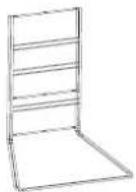 | 1 |
| B | 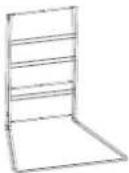 | 1 |
| C | 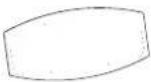 | 1 |
| D |  | 2 |
| E | 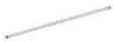 | 1 |
| F | 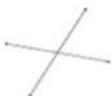 | 1 |
| G |  | 2 |
| H |  | 6 |
| Item | Components parts list | Qty |
| I | 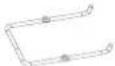 | 2 |
| J |  | 12 |
| K |  | 4 |
| L |  | 4 |
| M | 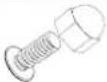 | 2 |
| P | 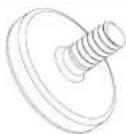 | 4 |
| Q |  | 4 |
| Philips screwdriver needed (not included) |
 |
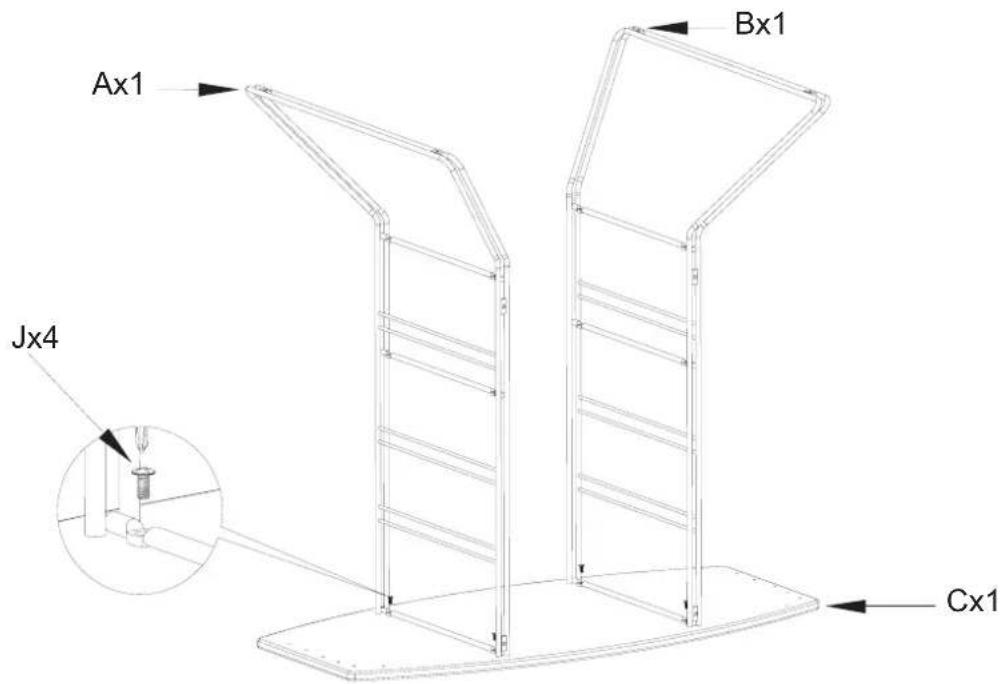
- Attach wire frame (A&B) to top panel (C) with screws(J).

- Fix shelves(D) to the wire frame(A&B) with screws(J).
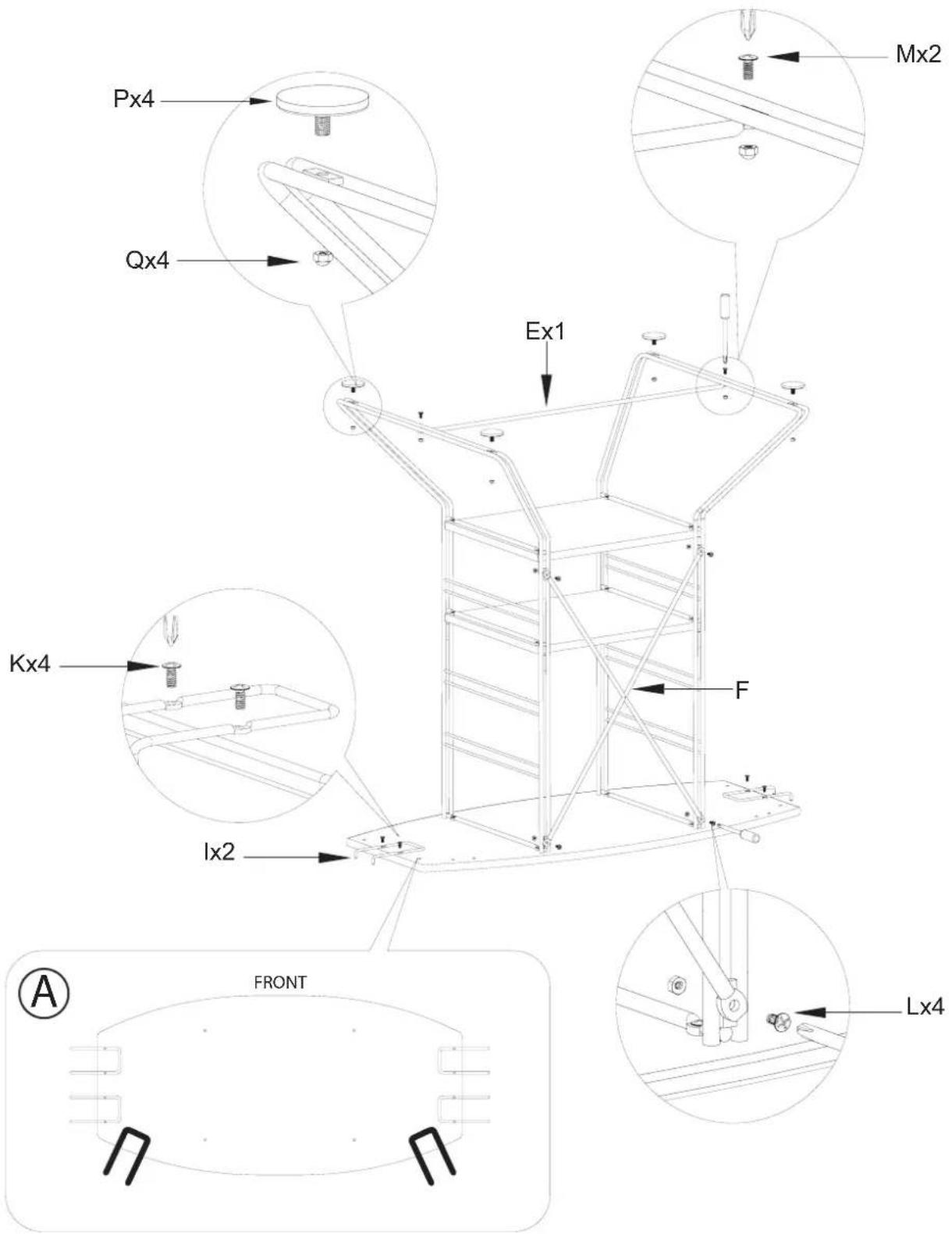
3.a) Fix the guitar hook(I) to the top panel(C) with screws(K). See diagram A for various guitar hook location options.
b) Fix the X bar(F) to the wire frame(A)&(B) with screw(L).
c) Fix the bottom bar(E)with screws(M).
d) Fix the adjustable feet(P) with cap(Q).

- Turn unit upright, then hang the controller hook(H) and media hook(G) to the wire frame(A&B).
Product Warranty: Atlantic Inc., warrants to the original purchaser that its products are free from defect in materials or workmanship. If after inspection, we find that the product was defective in materials or workmanship, we shall repair or replace the product at our discretion. This warranty does not cover accidental damage, misuse, improper care or alteration and excludes claims for incidental or consequential loss. This limited warranty applies to product purchased in the U.S. and Canada. This warranty gives you specific legal rights and you may also have other rights which vary from State to State. This warranty duration will be last one year.
Keep this Instruction Manual for future reference
Keep your original proof of purchase (store receipt).
If parts are missing, DO NOT return to the store.
To order missing / replacement parts or for assembly assistance please contact customer_relations@atlantic-inc.com.
Or call 1-800-747-2660 M-F, 8am-5pm, P.S.T.
ATLANTIC®
©2009 Atlantic Inc. Santa Fe Springs, CA. U.S.A.
U.S. and other foreign patents pending /



Brand : ATLANTIC
Model : Centipede
Category : Flat Screen Mount