
F2107-RE - Security Camera AXIS - Free user manual and instructions
Find the device manual for free F2107-RE AXIS in PDF.


| Product Type | Security Camera Sensor Unit (Standard) |
| Brand | Axis Communications |
| Model | F2107-RE |
| Sensor Type | 1/2.8" Progressive Scan CMOS (estimated) |
| Resolution | Up to 4K (3840 x 2160) at 30 fps (estimated) |
| Lens Mount | CS-mount (assuming, typical for modular sensors) |
| Minimum Illumination | Color: 0.2 lux at 30 IRE; B/W: 0.05 lux (estimated) |
| Day/Night Function | Automatic IR-cut filter |
| Wide Dynamic Range | True WDR up to 120 dB (estimated) |
| Video Compression | H.264, H.265, Motion JPEG |
| Connection Interface | Proprietary connector to AXIS F main unit |
| Power Supply | Power over Ethernet (PoE) via main unit |
| Power Consumption | Typical 4 W (estimated) |
| Operating Temperature | -40 °C to 50 °C (-40 °F to 122 °F) |
| Ingress Protection | IP66/IP67 (estimated, typical for Axis outdoor sensor units) |
| Dimensions (Ø x L) | Approx. 55 mm x 80 mm (2.2 in x 3.1 in) |
| Weight | Approx. 200 g (0.44 lb) |
| Cleaning Instructions | Use a soft cloth dampened with water; avoid chemicals like acetone, alcohol, or ammonia |
| Safety Precautions | Install in accordance with local laws; use shielded (STP) cables; ensure proper grounding |
| Spare Parts Availability | Use only Axis-approved spare parts and accessories |
| Warranty | Contact Axis Communications or your reseller for warranty information |
Frequently Asked Questions - F2107-RE AXIS
User questions about F2107-RE AXIS
0 question about this device. Answer the ones you know or ask your own.
Ask a new question about this device
Download the instructions for your Security Camera in PDF format for free! Find your manual F2107-RE - AXIS and take your electronic device back in hand. On this page are published all the documents necessary for the use of your device. F2107-RE by AXIS.
USER MANUAL F2107-RE AXIS
AXIS F2 1 0 7 - RE Standard Sensor
AXIS F2 137 - RE Fisheye Sensor
natural_image
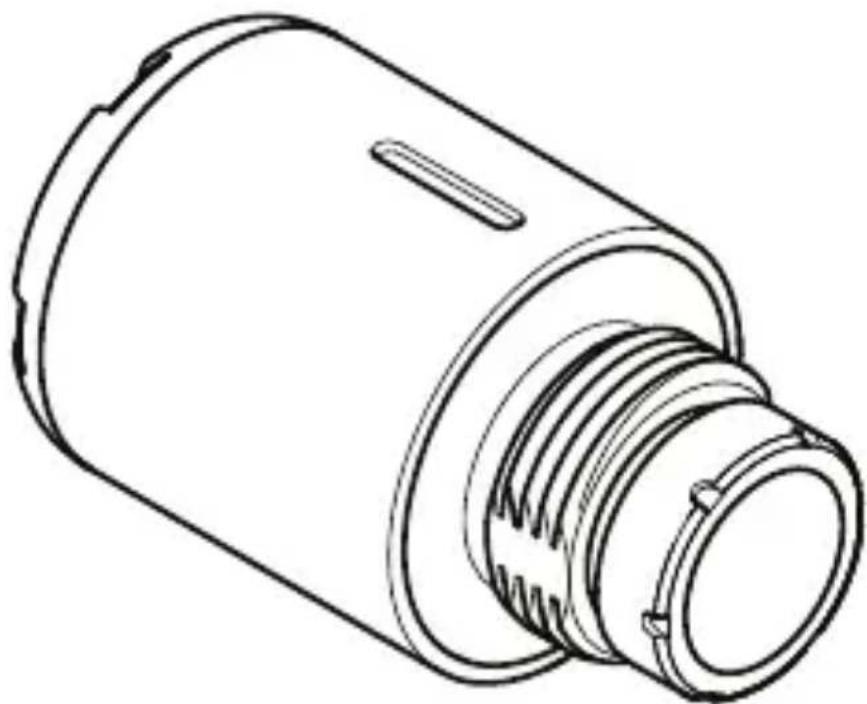
Line drawing of a cylindrical mechanical component with threaded end and flange (no text or symbols)Installation guide
Read this first
Read through this installation guide carefully before you install the product. Keep the installation guide for future reference.
Legal considerations
| Video country before | surveillance to using | country this | can . Check product | be |
Liability
| Every document. | care | has | been | taken |
| Please | inform | |||
| any | inaccuracies | or | omissions. | |
| AB | cannot | be | held | responsible |
| typographical changes | errors | and | ||
| to the | product | |||
| Axis | Communications | |||
| kind | with | regard | to | the mat |
| document, warranties | including, of | merchantability | ||
| purpose. | Axis | Communications | ||
| nor | responsible | for | incidental | |
| in | connection | with | the fur | |
| of | this | material. | This | product |
| intended | purpose. | |||
Intellectual
| Axis | AB | has | intellectual | in | |
| technology | embodied | ||||
| document. | In particular | ||||
| intellectual | property | rights | |||
| the | patents | listed | at | axis.com/po |
property
additional patents or pending patent applications in the US and other countries.
This product contains licensed third-party software the third-party license in interface for more information.
This product contains south Computer, Inc., under the License 2.0 (see opensource.apple.com code is available from deve
Equipment
This equipment must be strict accordance with user documentation. This user - serviceable components. changes or modifications regulatory certifications
T rademark
AXIS COMMUNICA TIONS, registered trademarks of All other trademarks are owners.
Apple, Apache, Bonjour Linux, Microsoft, Mozilla, Windows, and WWW are respective holders. Java
and logos are trademarks Oracle and/or its affiliates. Logo are trademarks Inc. in the United States
FreeRT OS
The software in this product is based on
FreeRT OS version 7.2.0. See freertos.org for more information.
Source code for this version
from Axis Communications
Regulatory information
Europe
CE
This product complies with directives and harmonized
• Electromagnetic 20 14/30/EU. See Electromagnetic on page 4 .
- Low voltage Directive on page 7 .
- Restriction of Hazardous 20 1 1/65/EU and 20 15/863, updates or replacements. on page 7 .
A copy of the original declarat obtained from Axis Communication information on page 9.
Electromagnetic This equipment has been applicable standards for: compat
• Radio frequency emission the instructions and used
- Immunity to electrical and electromagnetic phenomena when installed according to the instructions and used in its intended environment.
USA
| This operation | device | complies is subject | with to th | |
| 1. | This | device | may | not cause |
| 2. | this | device | must | accept |
| including operation. | interference | |||
| This cable | equipment (STP) | and | has found | been to |
| Class | A digital | device, | pursu | |
| These | limits | are designed | ||
| against operated | harmful in a commercial uses, and can | |||
| generates, and, | if not installed manual, and instruction | |||
| radio | communications. | |||
| a residential | area is likely | |||
| in which | case the user will | |||
| interference | at his own | |||
| connected | using a shielded | |||
| properly | grounded. | |||
| Contact | information | |||
| Axis | Communications | In | ||
| 300 | Apollo | Drive | ||
| Chelmsford, | MA | 0 1824 | ||
| United | States | of America | ||
| Tel: +1 | 978 | 6 14 | 2000 | |
Canada
This digital apparatus complies with CAN ICES - 3 (Class A).
The product shall be connected using a shielded
cable (STP) that is properly
This digital equipment fulf
emission according to the
The product shall be connected using a shielded
cable (STP) that is properly
Class A product. In a domestic
may cause RF interference,
required to take adequate
Australia/New Zealand
This digital equipment fulf
emission according to the
The product shall be connected using a shielded
cable (STP) that is properly
Class A product. In a domestic
may cause RF interference,
required to take adequate
Japan
この装置は、クラス
環境で使用すると電
ります。この場合に
るよう要求されるこ
本製品は、シールド
使用して接続してく
て く だ き い 。
This safety product of complies wit and
Disposal
When dispose of it according to information about your point, contact your disposal. In accordance may be applicable for incor
Europe
This disposed Directive equipment member
symbol means that of together with 20 12/19/EU on (WEEE) is applicable states. T o prevent
health and the environment, the product must be disposed of in an approved and environmentally safe recycling
process. For information
collection point, contact
for waste disposal. Businesses
supplier for information
product correctly
This product complies with
Directive 20 1 1/65/EU and
the use of certain hazardous
electronic equipment (RoHS
China

SJ/T 1 1364 - 20 14, Marking
substances in electrical
Axis Communications AB
Gränden 1
223 69 Lund
Sweden
T el: +46 46 272 18 00
Fax: +46 46 13 6 1 30
axis.com
Warranty information
For information about Ax related information, go
Support
Should you require any contact your Axis reseller answered immediately queries through the appropriap response. If you are connected
- download user documentation and software updates
- find answers to resolved problems in the FAQ database, search by product, category, or phrase
• report problems to Axis your private support area • chat with Axis support staff • visit Axis Support at axis.com/support
Cybersecurity
| Axis | security | notification | |
| Axis | provides | a | notification |
| vulnerability | and | other se | |
| devices. | T o receive | - | notifications, |
| axis.com/security | - notification | ||
Vulnerability management
| To minimize a Common numbering to manage in our devices, information policy , how vulnerabilities, axis.com/vulnerability | customers' Vulnerability authority and respond software, about to report and | (CNA t Axis v vulnerable corresponding - |
Secure operation of Axis
| Axis | devices | with | factory |
| pre | - configured | with | secure |
| mechanisms. | W e | recommend | |
| configuration | when | installing | |
| find | out more | about | Axis |
| other | cyber security | related | |
| axis.com/support/cybersecurity/resources | |||
Learn more!
Visit Axis learning center axis.com/learning for useful trainings, webinars, tutorials and guides.
English
Safety instructions
NOTICE
• The local Axis laws product and regulations. shall
- Store the Axis product environment.
- Avoid exposure the Axis pressure.
- Do not install the product surfaces or walls.
• Use only applicable tool
product. Using excessive
cause damage to the pro
- Do not use chemicals, cleaners.
• Use a soft cloth dampened to clean the device.
- Don't use chemicals su acetone to clean your device.
• Use only accessories tl
specification of your pro
by Axis or a third party
Axis power source equipment compatible with your product.
- Use only spare parts provided by or recommended by Axis.
- Do not attempt to repair
Axis support or your Axis
• Use a lens protector wher
environments. For example, environments, strong wi particles.
T transportation
NOTICE
- When packaging or equivalent the product.
Français
Consignes
de sécurité
REMARQUE
flowchart
graph TD
    A["Warning"] --> B["Warning icon: sun/sun"]
    B --> C["Warning icon: excavator, desert, factory building"]
    C --> D["Down arrow to installation guide"]
    D --> E["Warning icon: tool with wrench, labeled 'i'"]
    E --> F["Installation guide"]
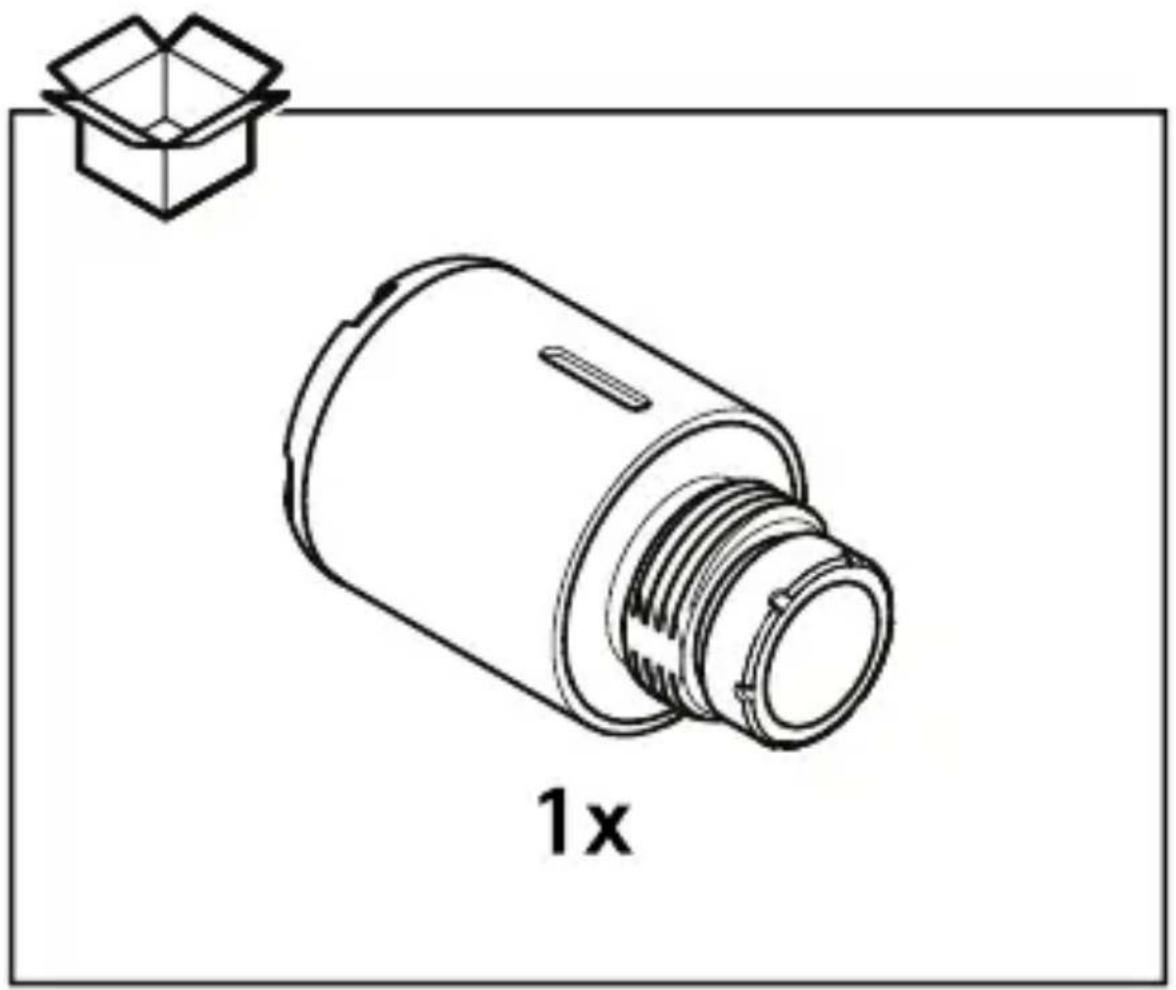
1.1
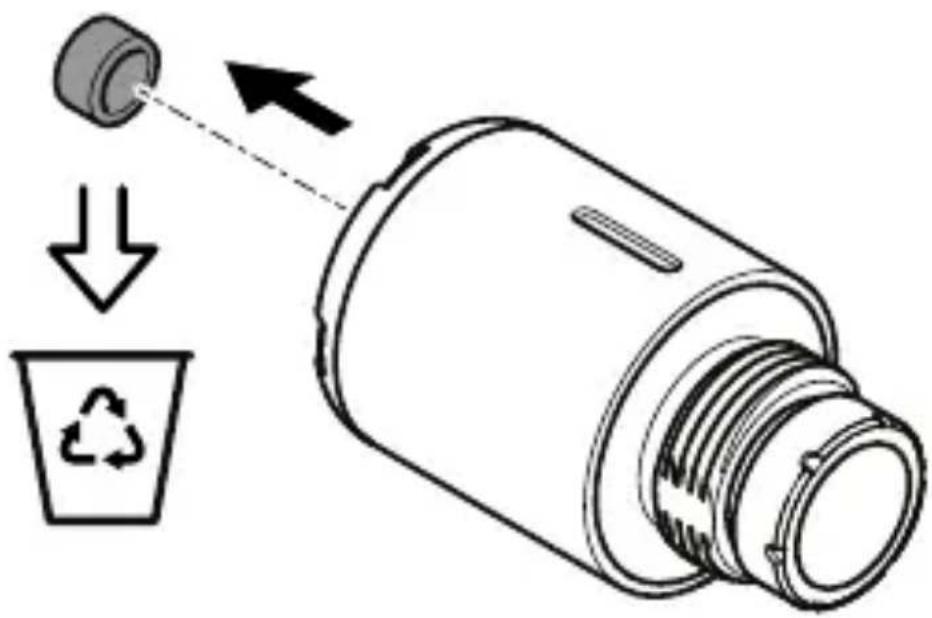
1.2
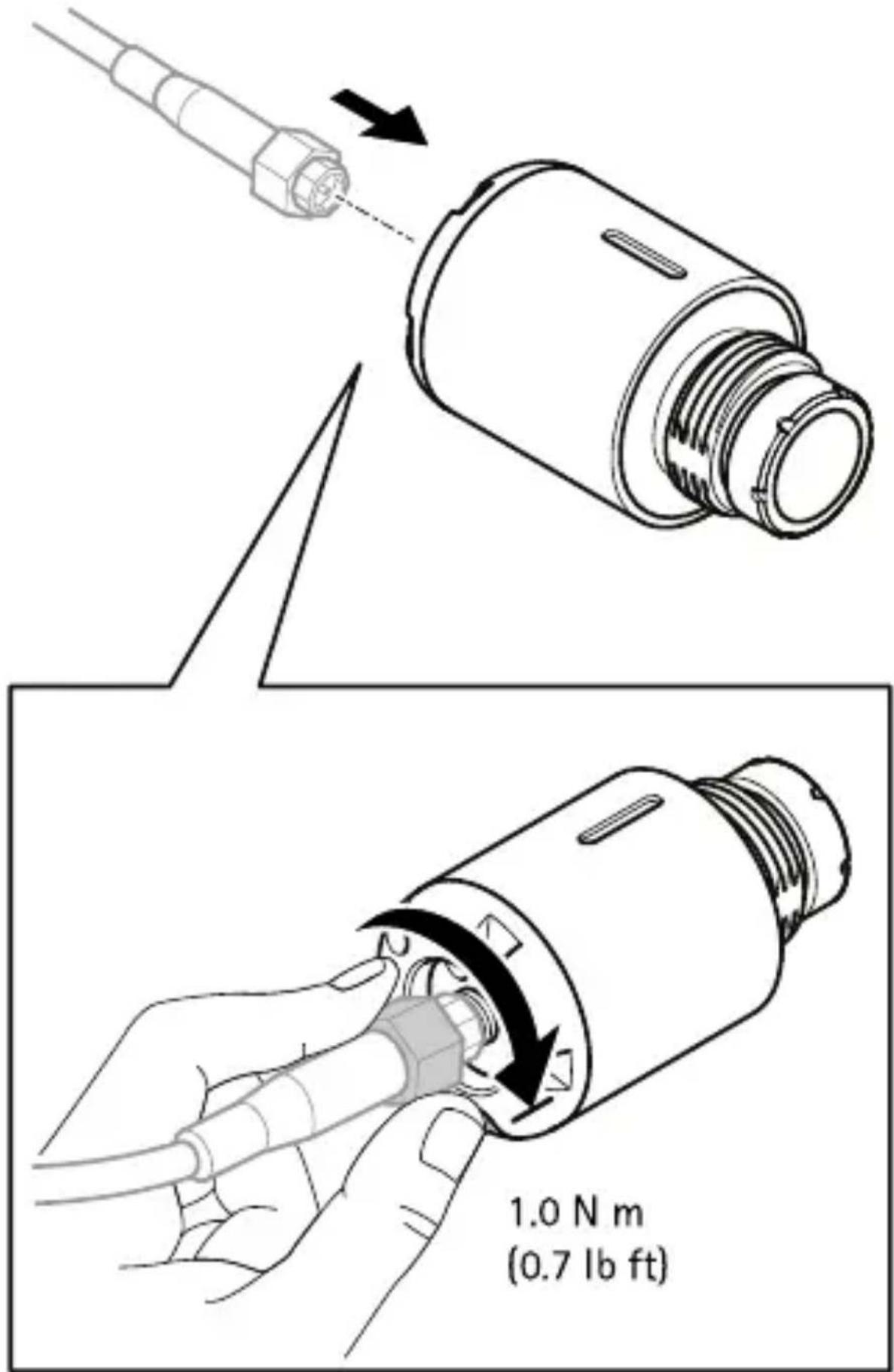
1.3
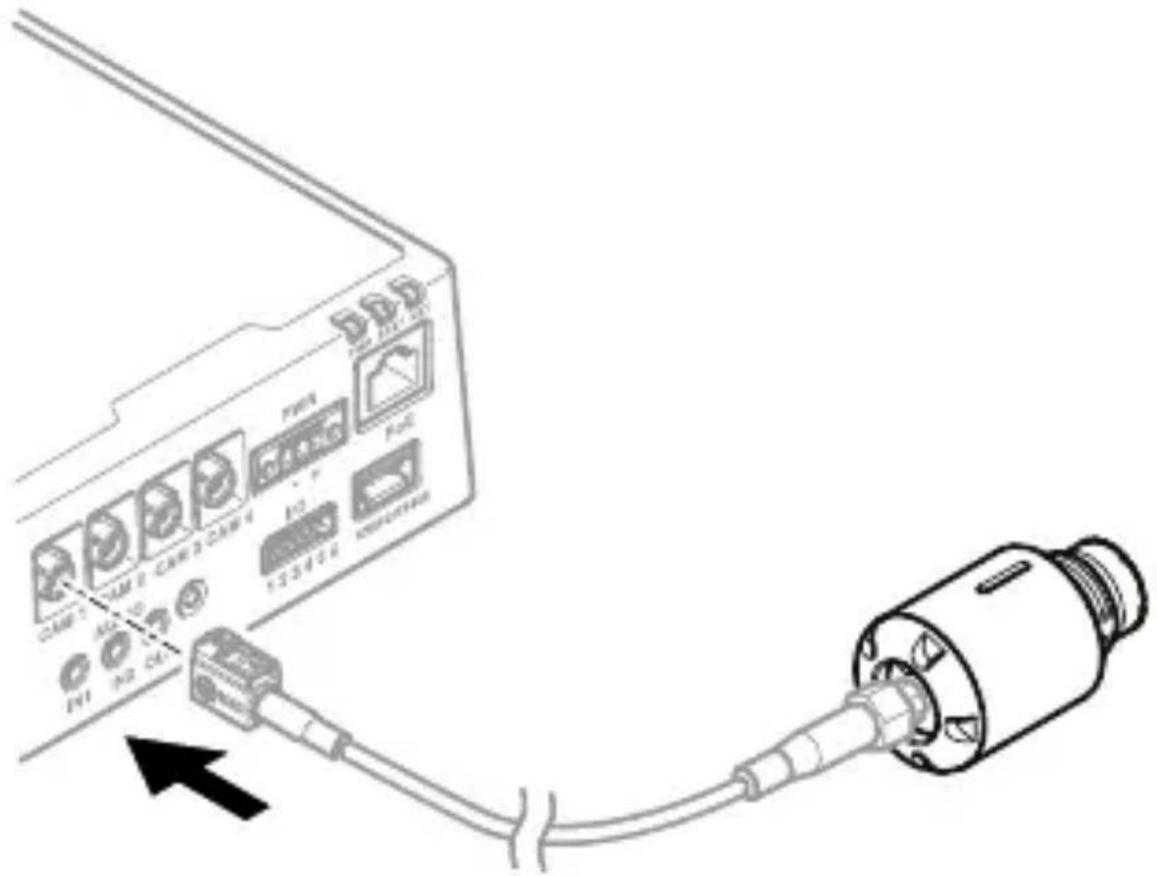

natural_image
Black and white checkered flag on a pole (no text or symbols)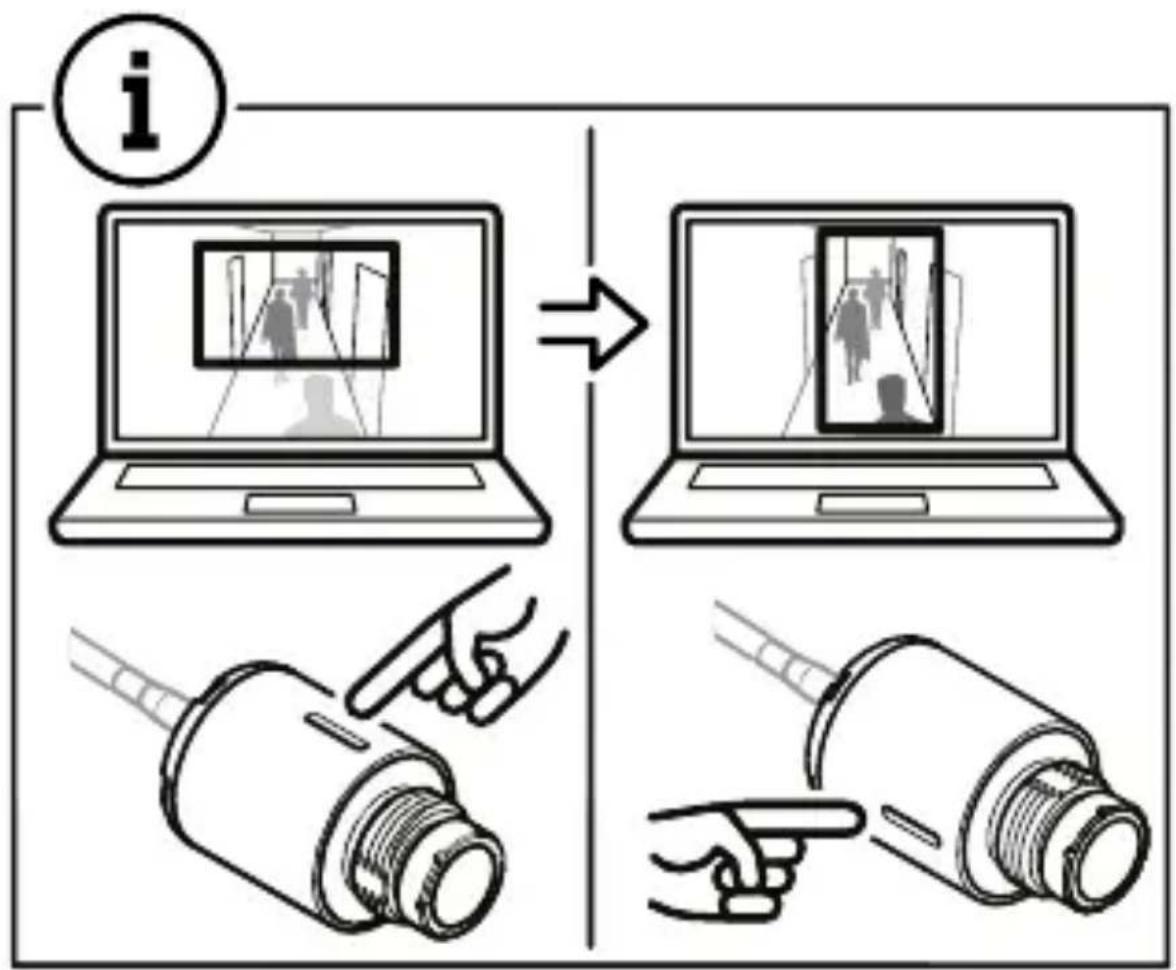
flowchart
graph TD
    A["Information Input"] --> B["Process Step"]
    B --> C["Output System Operation"]
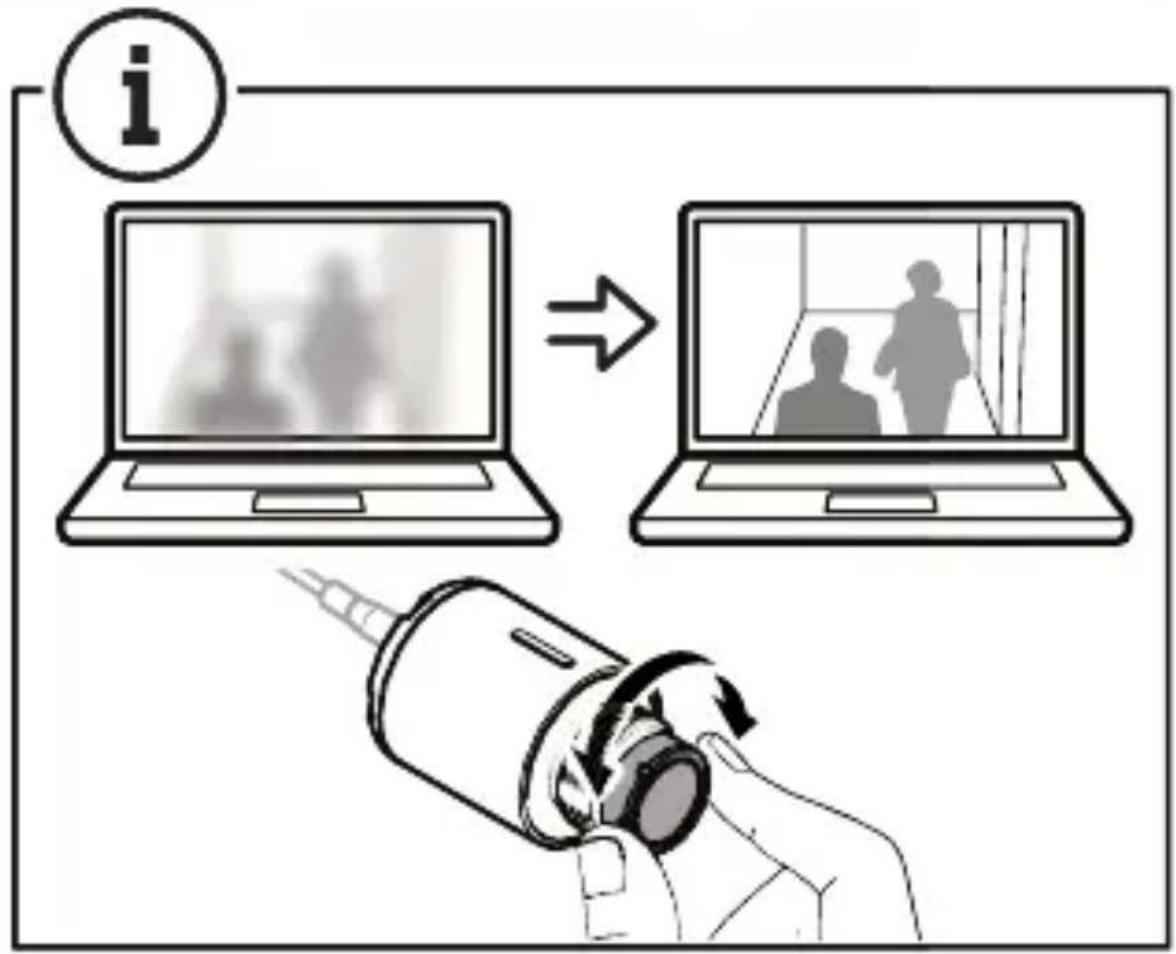
Installation guide
© 20 24 Axis Communications AB
V er . M1.6
Date: August 20 24
P art no. 30 73738

- AXIS F2 1 0 7 - RE Standard Sensor
- AXIS F2 137 - RE Fisheye Sensor
- Read this first
- Equipment
- T rademark
- FreeRT OS
- Regulatory information
- Europe
- CE
- Canada
- Australia/New Zealand
- Japan
- Disposal
- China
- Warranty information
- Support
- Cybersecurity
- Vulnerability management
- Secure operation of Axis
- Learn more!
- English
- Safety instructions
- NOTICE
- T transportation
- Français
- Consignes
- de sécurité
- REMARQUE
- 1.3
Brand : AXIS
Model : F2107-RE
Category : Security Camera