
goSPKR - Loudspeaker MEE audio - Free user manual and instructions
Find the device manual for free goSPKR MEE audio in PDF.


| Product Type | Wearable Bluetooth Clip Speaker with Magnet |
| Brand | MEE audio |
| Model | goSPKR |
| Connectivity | Bluetooth (no version specified) |
| Audio Output | Built-in speaker |
| Controls | Multifunction button, Volume up/down, Power button |
| Voice Assistant Support | Siri and Google Assistant (triple press of multifunction button) |
| Stereo Mode | Pair two goSPKR speakers via double press of multifunction button |
| Battery Type | Built-in rechargeable battery (non-user-replaceable) |
| Charging Method | USB cable (likely micro-USB, based on included cable) |
| Charging Indicator | Red LED when charging, green LED when fully charged |
| Water Resistance | Not waterproof; avoid prolonged exposure to moisture. Submersion voids warranty |
| Storage Temperature | -10°C to 40°C (14°F to 104°F) |
| Warranty | 1-year manufacturer warranty |
| Included Accessories | goSPKR speaker, USB charging cable |
| Safety Warnings | Risk of explosion if battery damaged; do not expose to heat or flame; use moderate volumes to prevent hearing damage |
| Cleaning | Use a water-dampened cloth; no chemical sprays |
| Support | Phone: 626-965-1008 (Mon-Fri 9am-5pm PST), Email: support@MEEaudio.com |
Frequently Asked Questions - goSPKR MEE audio
User questions about goSPKR MEE audio
0 question about this device. Answer the ones you know or ask your own.
Ask a new question about this device
Download the instructions for your Loudspeaker in PDF format for free! Find your manual goSPKR - MEE audio and take your electronic device back in hand. On this page are published all the documents necessary for the use of your device. goSPKR by MEE audio.
USER MANUAL goSPKR MEE audio
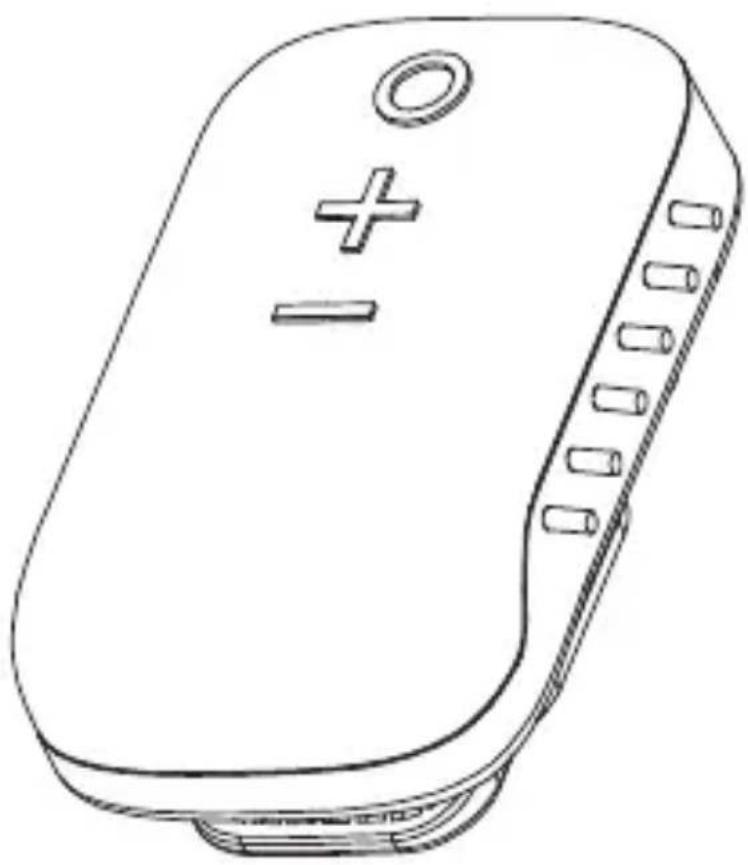
WEARABLE BLUETOOTH CLIP SPEAKER WITH MAGNET
natural_image
Line drawing of a device casing with buttons and a plus/minus symbol (no text or labels)
goSPKR Setup Guide
Scan the QR code or visit:
MEEaudio.com/goSPKRsupport
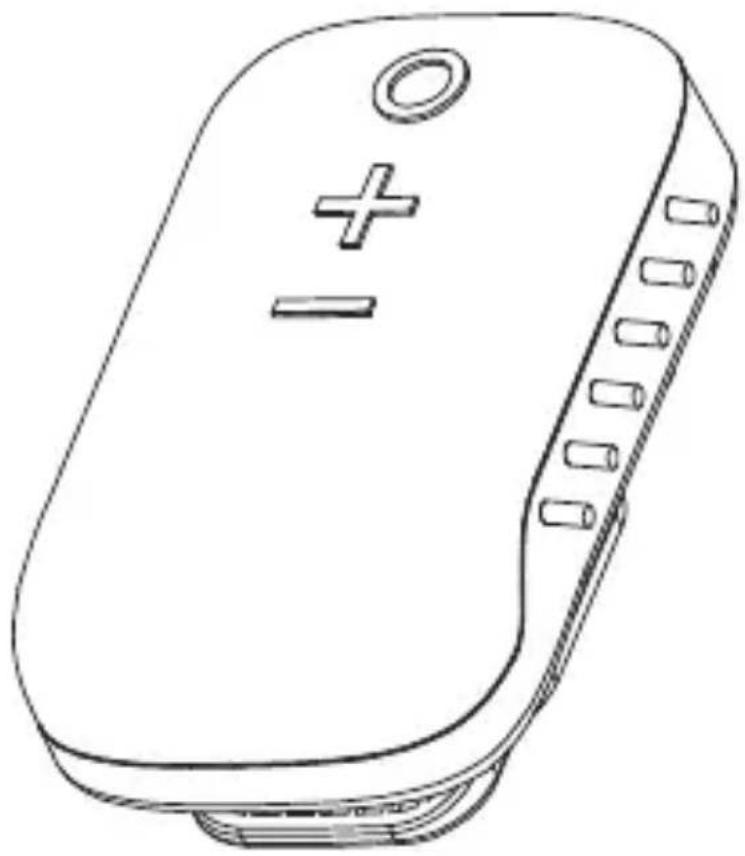
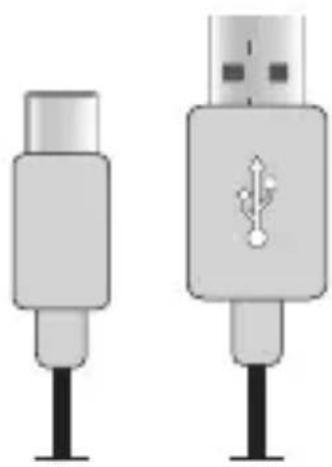
what's in the box
natural_image
Line drawing of a rectangular electronic device with a plus and minus button, no text or symbols presentgoSPKR
natural_image
Two electronic connectors with black pins, one showing a USB symbol and the other a plug icon (no text or labels)Charging Cable
go SPIKR interface
Multifunction button
Power on/off: Long press 3s
Play/pause: Press 1x
Siri ^® / Google Assistant ^TM : Press 3x
Answer/hang up phone call: Press 1x
Reject incoming call: Long press 3s
Enable/disable stereo mode: Press 2x
Volume up button
Volume up: Press 1x
Next track: Long press 3s
Volume down button
Volume down: Press 1x
Previous track: Long press 3s

HOLD
BOTH buttons
5s
— Reset
charging
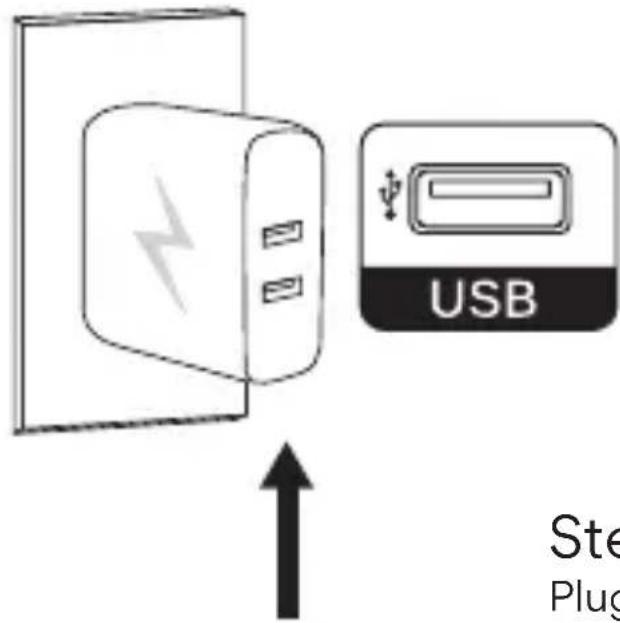
Step 1
Plug charging cable into a powered USB port

natural_image
Line drawing of a medical device with a cable and connector, showing an arrow indicating direction (no text or symbols)Step 2
Plug charging cable into goSPKR

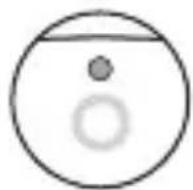
green light = chargedred
Step 1
Power on

natural_image
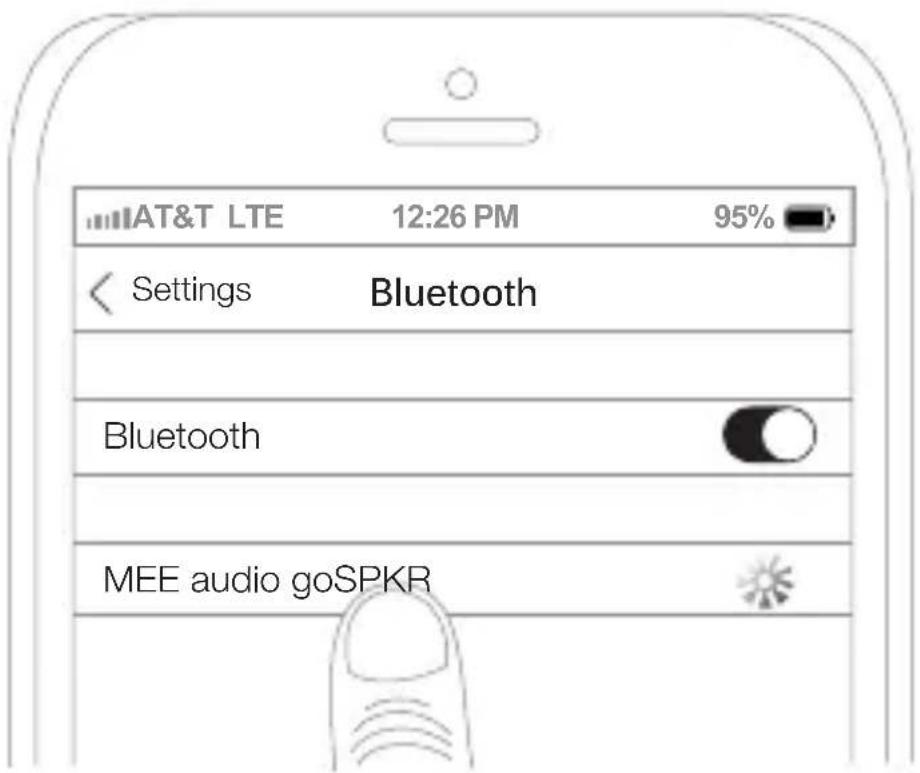
Line drawing of a handheld electronic device with no visible text or symbolsStep 2
Select MEE audio goSPKR on device
Note: To pair a different device, remove or disconnect the goSPKR from the Bluetooth menu of the original device
stereo mode +
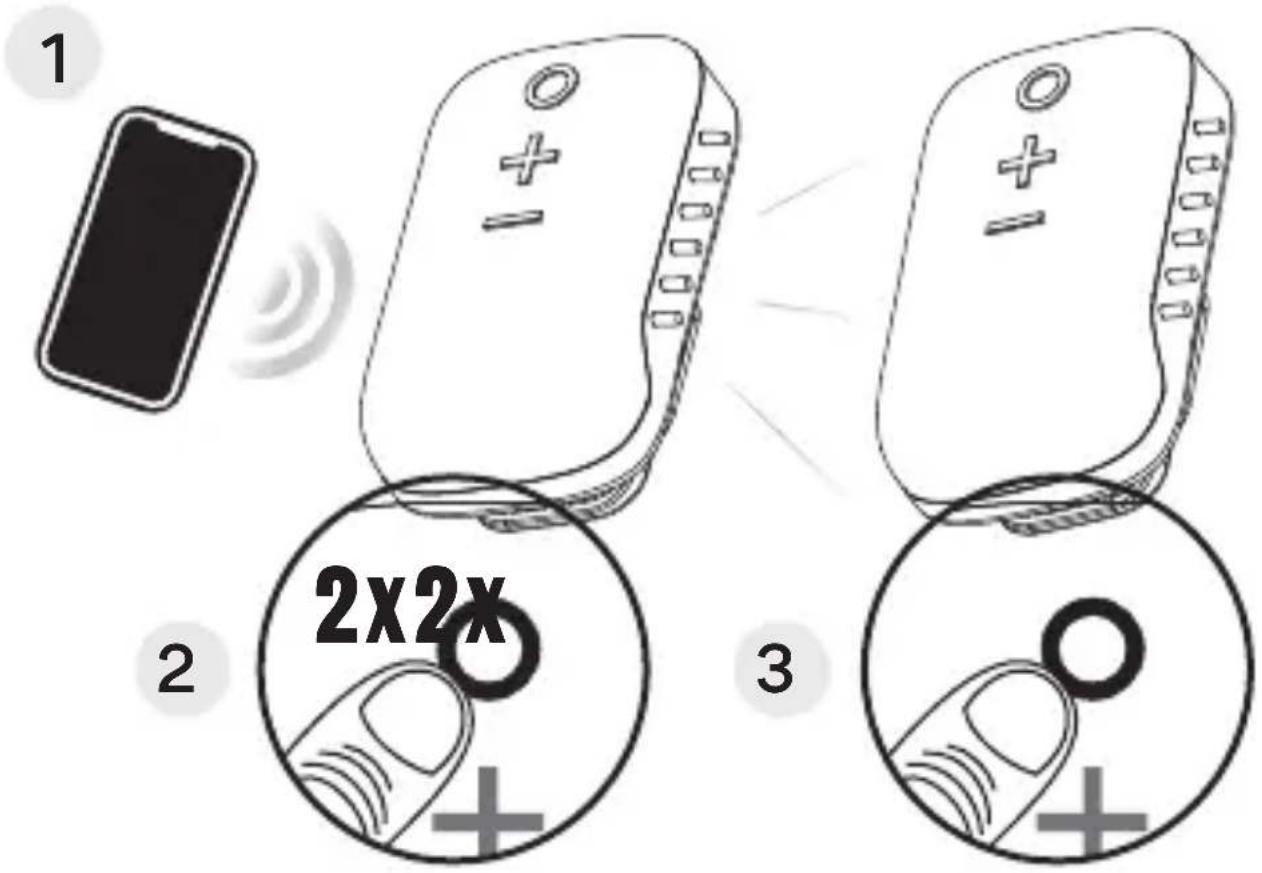
Stereo mode
Link 2 goSPKRs together for stereo sound!
Step 1
Connect the first goSPKR to your device
Step 2
Double press the ○ button on first goSPKR
Step 3
Power on the second goSPKR. Unpair it from any previously-paired Bluetooth device, then double press its ○ button
Note: Double press the ○ button on either goSPKR to exit stereo mode
WARNINGS
This device is designed and manufactured to operate within its defined design limits. Misuse may result in electric shock or fire. Read and follow these instructions carefully.
- Danger of explosion or fire if batteries are damaged. Never attempt to open the battery for any reason. Do not use the device if it has been crushed, pierced, or otherwise damaged in any way that could compromise the battery. Do not leave the speaker in any location with excessive heat including naked flames or near heat sources such as radiators and stoves. Do not expose the battery to spark, flame, or salt water.
- Do not charge or use around flammable gasses, liquids, or dust as fire or explosion may occur
- There are no user replaceable/reparable parts in the device. Disassembling it will void your warranty and may cause personal injury. Changes or modifications to this unit not expressly approved by MEE audio could void the user's authority to operate the equipment.
- Only use attachments/accessories specified by the manufacturer
- Keep the device and packaging out of the reach of children
SAFETY & CARE
- Using speakers at high volumes for extended periods of time will result in permanent hearing damage. It is advised you keep volume levels moderate to low at all times for your safety.
- The lifetime of the battery will be significantly reduced if your speaker is not charged for a long time. It is recommended to charge your speaker at least once a month.
- Battery performance will be severely decreased when stored in extreme temperatures. Do not store the speaker in locations where temperatures may reach below -10°C/14°F or above 40°C/105°F, including direct sunlight.
- Do not expose this product to rain or other moisture for an extended period of time. If submersed in water, do not turn the device on until completely dried. Note: liquid submersion voids the warranty.
- Do not use chemical cleaning sprays to clean this product. Only use a water-dampened cloth.
questions?
we're here to help!
Phone Support: 626-965-1008
Monday \~ Friday 9 am to 5 pm PST
Email Support: support@MEEaudio.com
All emails are responded to within 2 business days
for additional support view our video setup guide
Scan the QR code or enter the
URL below into your web browser:
MEEaudio.com/goSPKRsupport


SPKR
WARRANTY
This product is covered by a 1-year manufacturer warranty. For more information, visit MEEaudio.com/support.
MEE audio and its logo are registered trademarks of S2E, Inc. All rights reserved.
The Bluetooth ^® word mark and logos are registered trademarks owned by Bluetooth SIG, Inc. and any use of such marks by MEE audio is under license. Other trademarks and trade names are those of their respective owners.
Sir is a registered trademark of Apple Inc.
Google Assistant is a trademark of Google Inc.

Brand : MEE audio
Model : goSPKR
Category : Loudspeaker