Chill Out - Support voiture ZipyLife - Free user manual and instructions
Find the device manual for free Chill Out ZipyLife in PDF.


| Product Type | Car Phone Mount |
| Brand | ZipyLife |
| Model | Chill Out |
| Color | Black |
| Material | Plastic and Silicone |
| Dimensions | 4.5 x 3.5 x 2.0 inches (114 x 89 x 51 mm) |
| Weight | 0.22 lbs (100 g) |
| Mount Type | Dashboard and Windshield Suction Cup |
| Compatibility | Phones up to 6.7 inches |
| Rotation | 360-Degree Rotation |
| Power Supply | None (Passive) |
| Main Features | One-Hand Operation, Secure Grip, Easy Installation |
| Maintenance and Cleaning | Wipe with Damp Cloth |
| Safety Features | Non-Slip Pads, Shock Absorption |
| Spare Parts Available | Replacement Suction Cup |
| Repairability | Not User-Serviceable |
| Warranty | 1 Year Limited |
| Included Accessories | Suction Cup, Vent Clip, Dashboard Pad |
| Certifications | CE, RoHS |
Frequently Asked Questions - Chill Out ZipyLife
User questions about Chill Out ZipyLife
0 question about this device. Answer the ones you know or ask your own.
Ask a new question about this device
Download the instructions for your Support voiture in PDF format for free! Find your manual Chill Out - ZipyLife and take your electronic device back in hand. On this page are published all the documents necessary for the use of your device. Chill Out by ZipyLife.
USER MANUAL Chill Out ZipyLife
natural_image
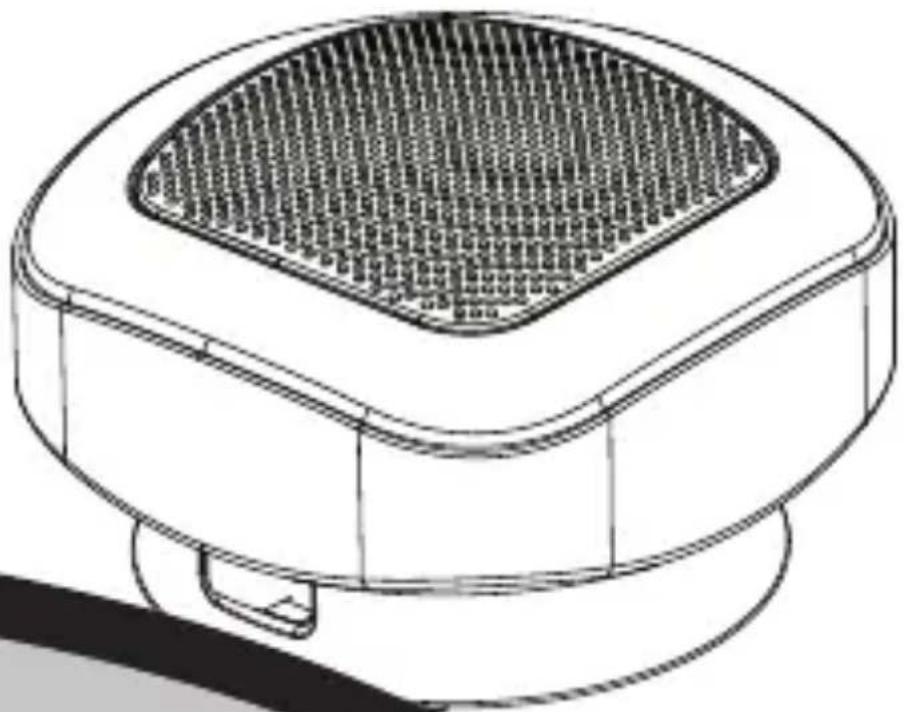
Line drawing of a mechanical component with a grid-patterned top and base (no text or symbols)ZiPY
The Complements
Comenzar
natural_image
Technical line drawing of a mechanical component with a downward arrow indicating a process or assembly (no text or symbols present)natural_image
Technical line drawing of a mechanical component with no visible text or symbolsCaballete de tipo desplegable
natural_image
Diagram of a device with a cable and connector, no visible text or symbolsnatural_image
Illustration of a microphone with musical notes, no text or symbols presentThe Complements
Ajuste de volumen
CHILLOUT tiene dos
niveles de volumen
ZiPY
The Complements
Começar
natural_image
Diagram of a mechanical device with a curved component and labeled parts (no readable text or symbols)natural_image
Illustration of a microphone with musical notes and a separate musical note symbol (no text or labels)The Complements
Ajuste de volume
ZiPY
The Complements
Getting Started
Remove speaker from packaging.
natural_image
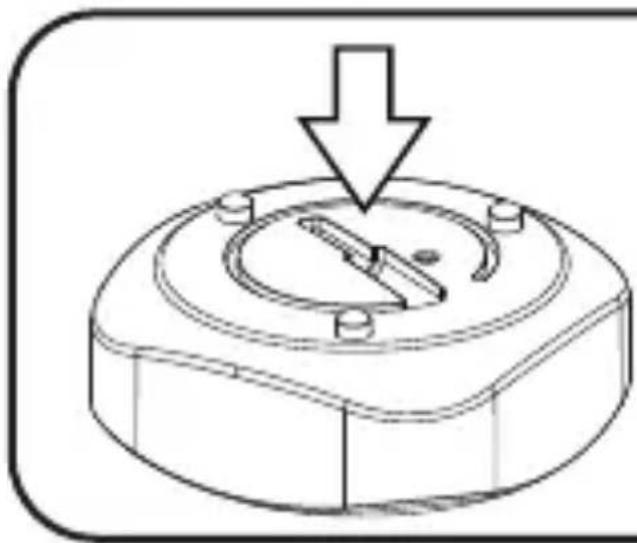
Technical line drawing of a mechanical component with a downward arrow indicating a process or assembly (no text or symbols present)Press down on the base of the speaker to release the extension base.
natural_image
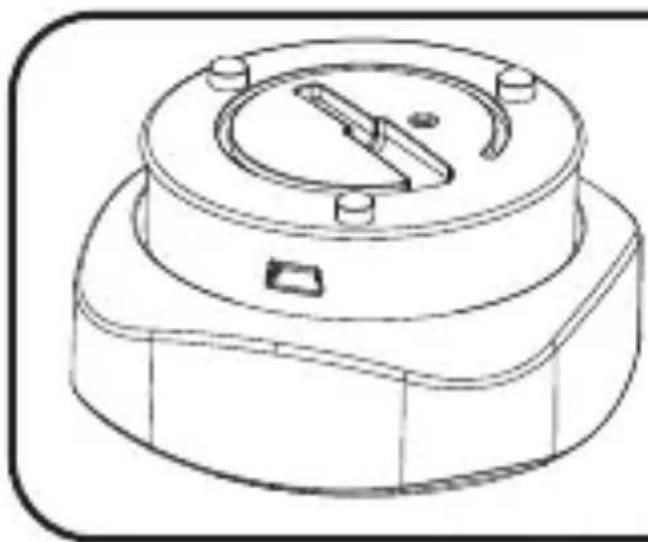
Technical line drawing of a mechanical component with a circular top and flange (no text or symbols)Base "pops up"
Press the base down again to collapse the base.
Charging
Fully charge the Portable speaker before use. Connect the speaker to the PC via the provided USB cable.
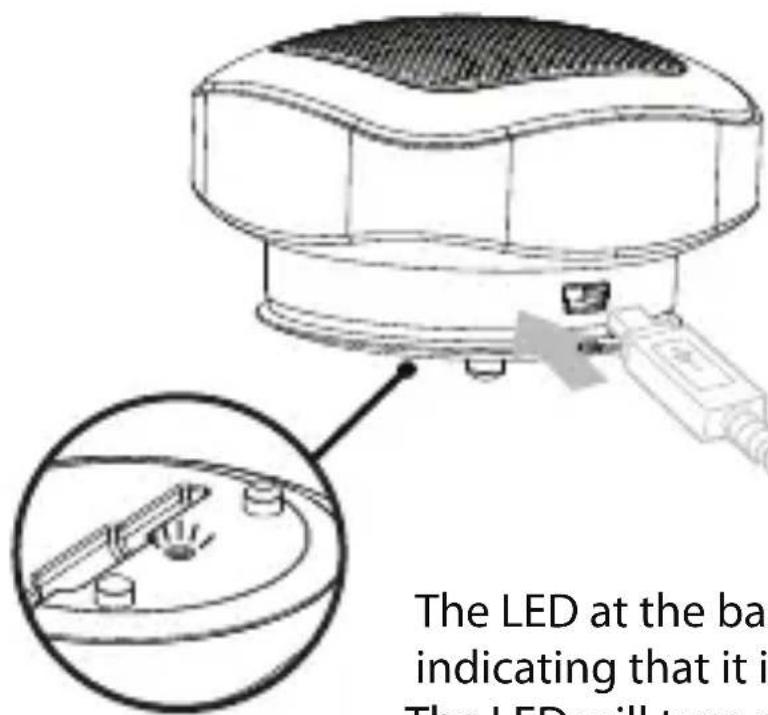
The LED at the base will turn red, indicating that it is on charging mode. The LED will turn off when fully charged.
The Complements
Listening to Music
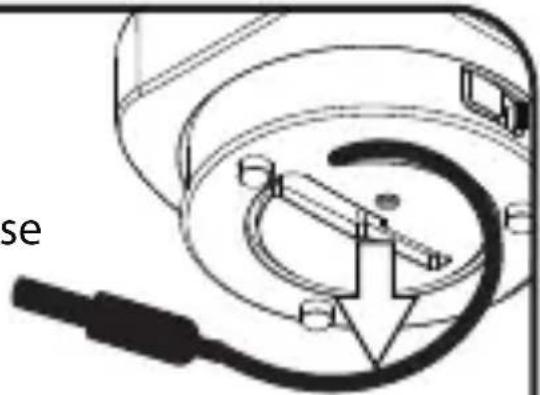
1 Unwind the connector cable around the portable speaker base
natural_image
Diagram of a camera lens assembly with a cable and connector (no text or symbols)2 Plug in the connector to the music source, e.g. PCs/laptops, MP3 players or radios.
User Manual
the
Chillout
Listening to Music
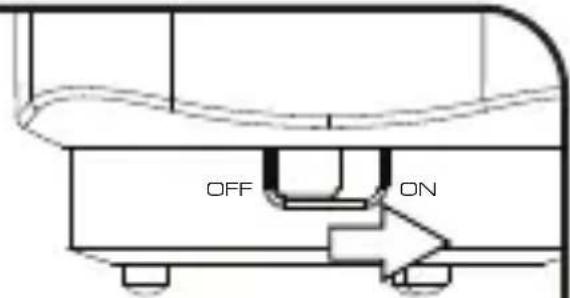
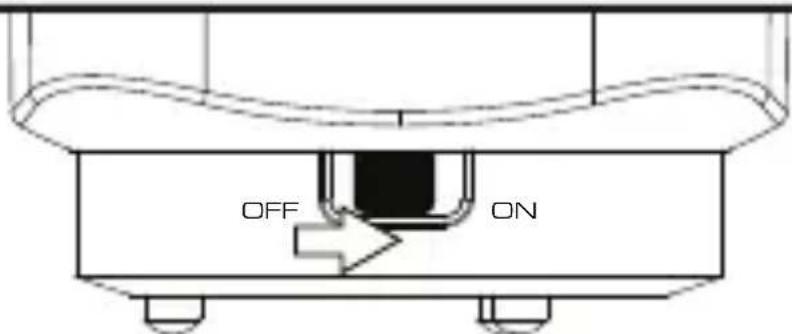
3 Turn on the Portable Speaker; LED at the base will become blue.
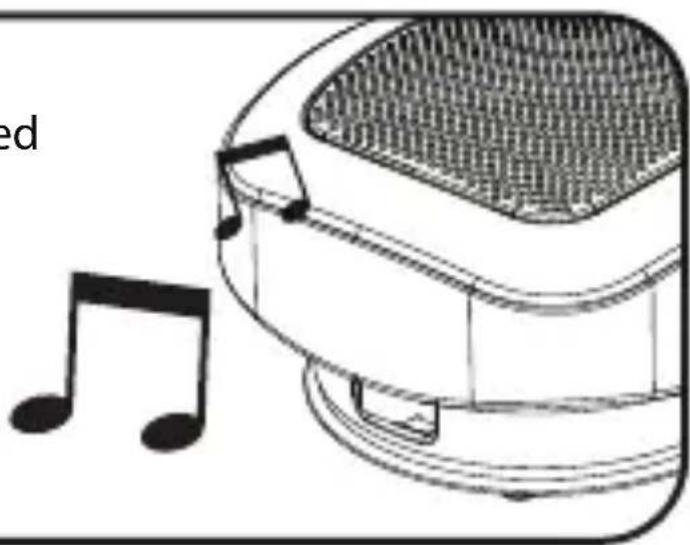
4 Start playing the selected music or the radio.
natural_image
Illustration of a microphone with musical notes, no text or symbols presentThe Complements
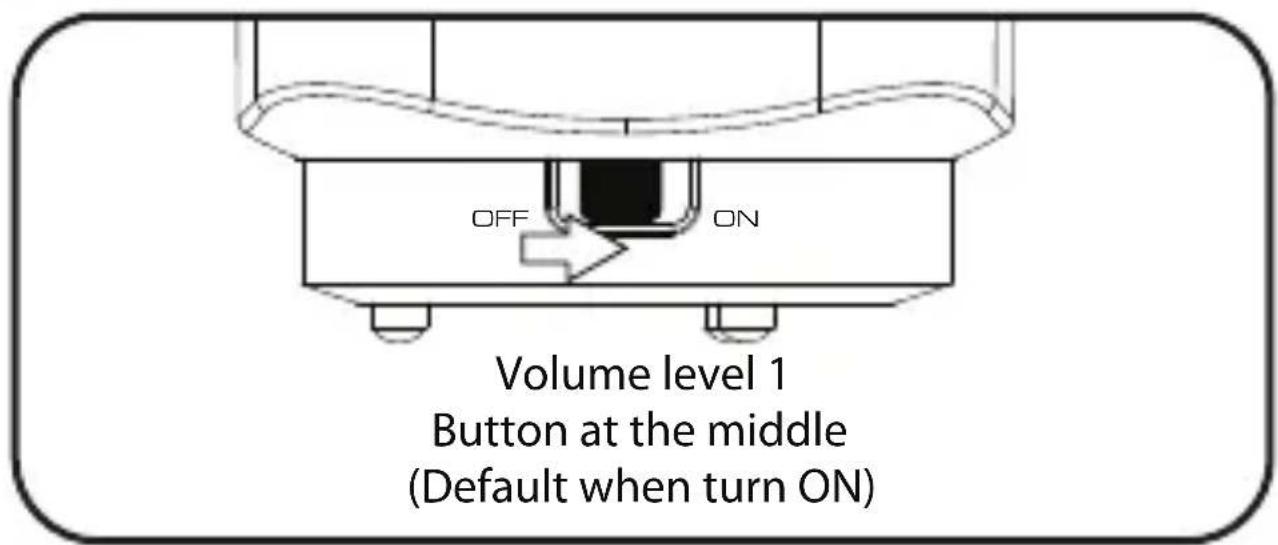
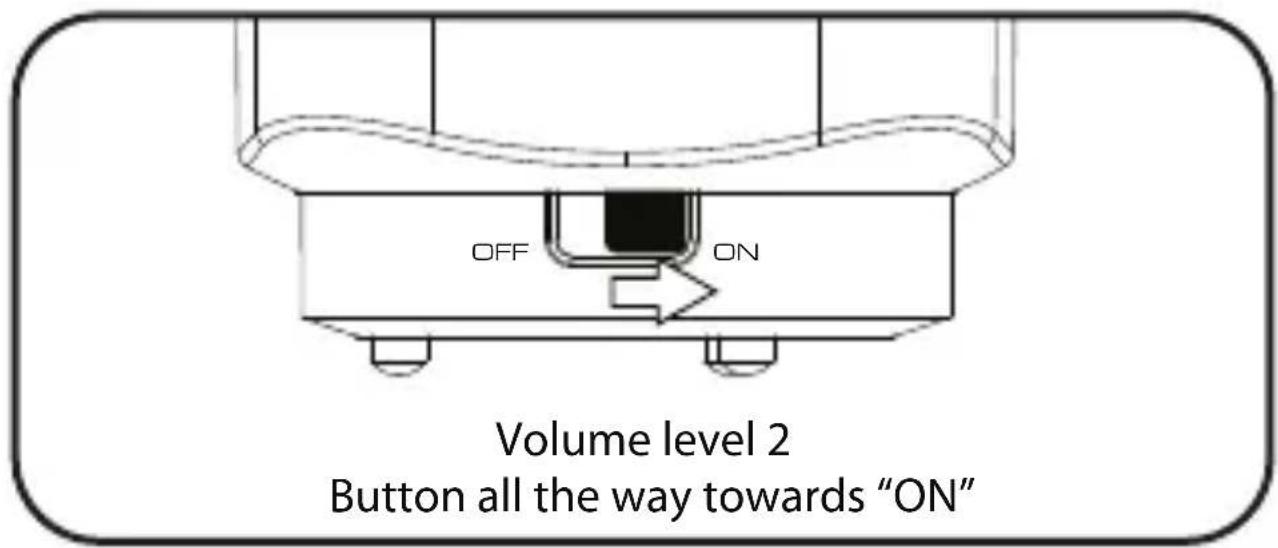
Volume Adjustment
CHILLOUT comes with
2 levels of volume.