
X-CAST - USB Drive Evolveo - Free user manual and instructions
Find the device manual for free X-CAST Evolveo in PDF.


| Product Type | HDMI Wireless Display Adapter / Streaming Stick |
| Brand | Evolveo |
| Model | X-CAST (XtraCast) |
| Interface | HDMI male connector (directly to TV) |
| Power Supply | 5V DC, 1A via USB (adapter not included) |
| WiFi Standard | 802.11 b/g/n (2.4 GHz) |
| Antenna | External WiFi antenna for improved signal |
| Supported Operating Systems | Android, iOS, Windows, Mac |
| Required App | EZcast (available on Google Play and App Store) |
| Screen Mirroring | Yes, via EZMirror (Miracast compatible) |
| Media Playback | Photo, Music, Video, Web browsing, Cloud Video |
| Maximum Resolution | 1080p Full HD (estimated) |
| Firmware Update | Via built-in update function in EZcast app |
| Dimensions (approx.) | 90 × 30 × 12 mm |
| Weight (approx.) | 50 g |
| Color | Black (common) |
| Package Contents | X-CAST stick, User Manual |
| Compliance | CE, RoHS |
Frequently Asked Questions - X-CAST Evolveo
User questions about X-CAST Evolveo
0 question about this device. Answer the ones you know or ask your own.
Ask a new question about this device
Download the instructions for your USB Drive in PDF format for free! Find your manual X-CAST - Evolveo and take your electronic device back in hand. On this page are published all the documents necessary for the use of your device. X-CAST by Evolveo.
USER MANUAL X-CAST Evolveo
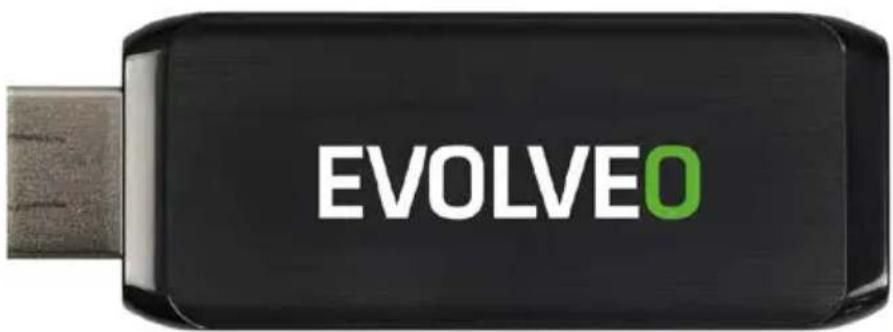
HDMI dongle for wireless multimedia playback in the TV
CZ
Vážený zákazníku,
www.iezvu.com/download all info.html
Řešení problémů
Copyright © 2015 Abacus Electric, s.r.o.
thank you for choosing the EVOLVEO XtraCast stick.
We believe you will enjoy a lot of fun and happiness.
Connection description
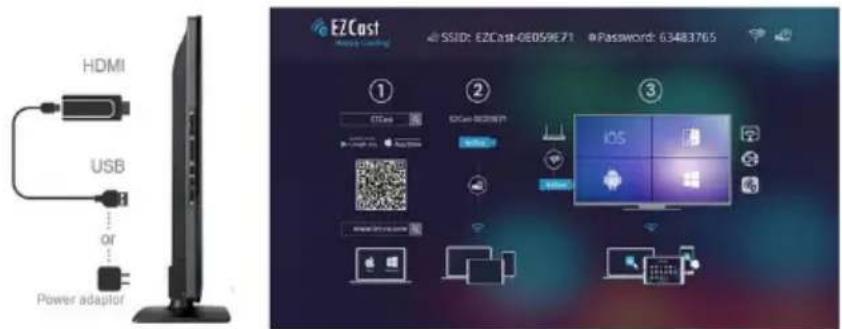
- connect your EVOLVEO XtraCast stick to the HDMI port on your TV
- connect the USB power, use the 230V adapter (not included) or your TV USB port with minimum 1A current output
- place the WiFi antenna so that it is in the direct line of sight to the connected device (smartphone, tablet or computer), and if possible, also in the direct line of sight to your WiFi access point (the access point to the Internet), at a distance of no more than 6 meters
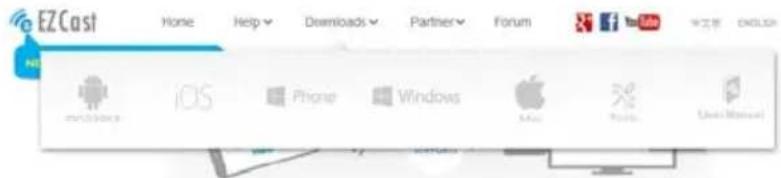
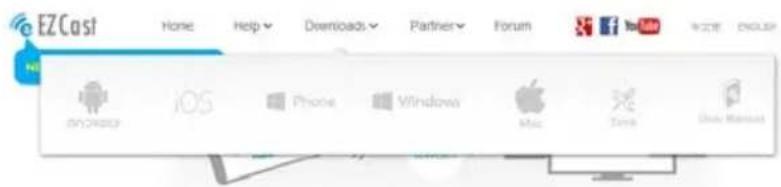
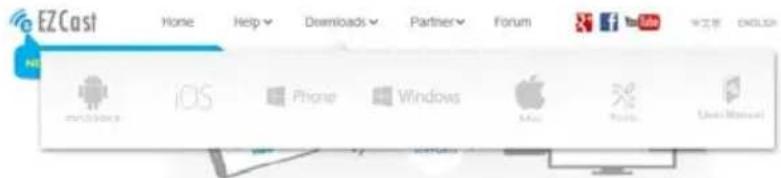
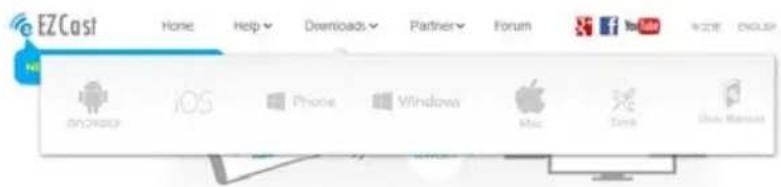
- install the „EZcast“ application to your device
Android, Google Play
https://play.google.com/store/apps/details?id=com.actionsmicro.ezcast&hl=en
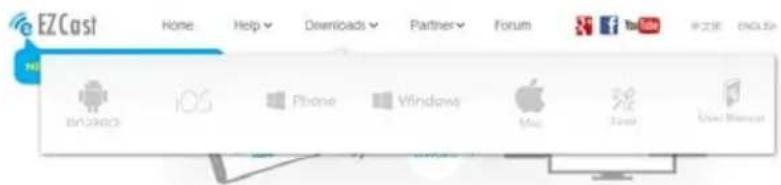
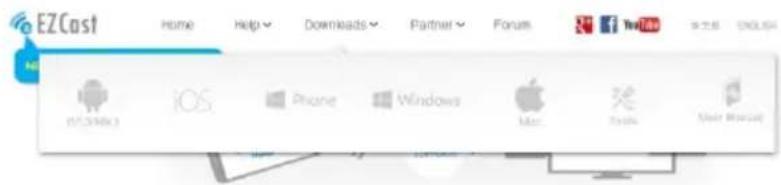
Android, iOS, Mac, Windows PC, Windows Mobile
www.iezvu.com/download_all_info.html
Android device setting
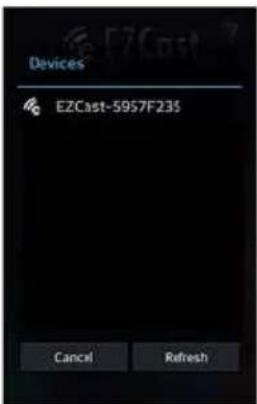
- launch the „EZcast“ application, connect the EVOLVEO XtraCast stick to your device (smartphone/tablet) via WiFi
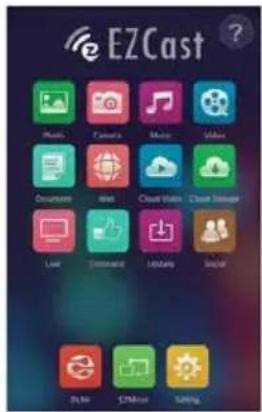
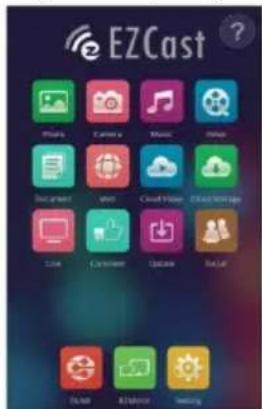
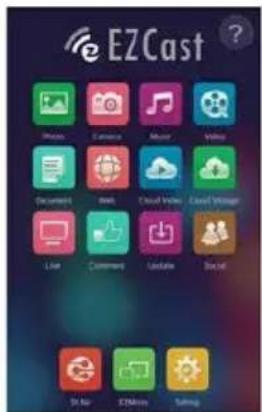
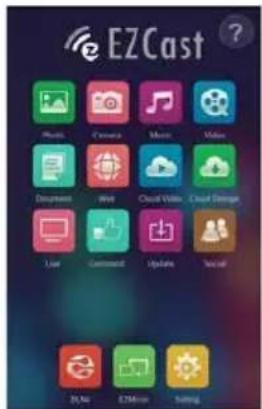
- After connection, you will see the main EZcast screen. Some devices may require password authentication „Password: xxxxxxxx“ which you can see on the main screen.
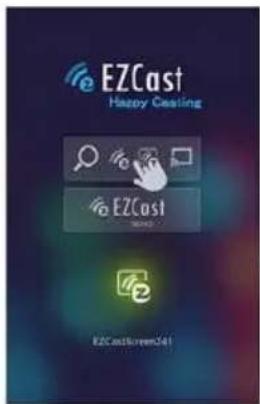
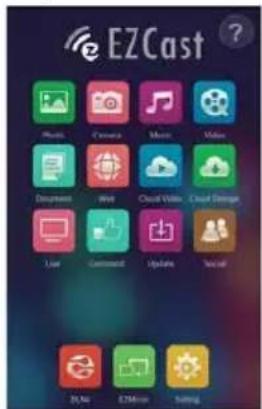
- now, you can for example view photos (Photo), watch the camera view (Camera), play music (Music), video files (Video), display websides (Web) or play Cloud video files (Cloud Video) on the connected TV
• devices supporting the "Wireless display" can mirror the screen (EZMirror)
- In the "Settings" fold you can change the device settings (Resolution, Stick connection password, Language, Connection type, Firmware update)
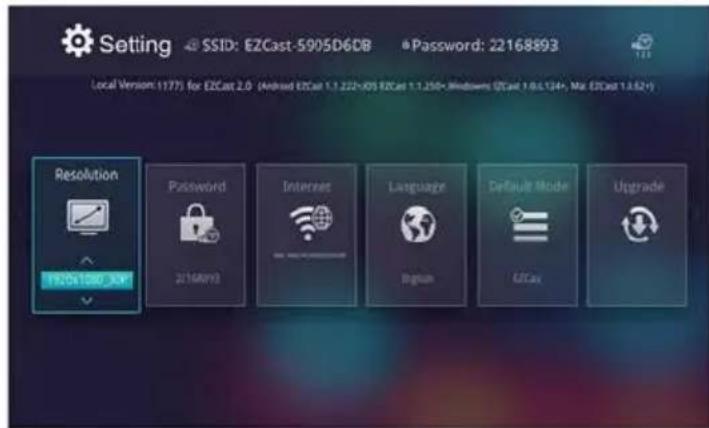
Firmware updates
If there is a new firmware version for your EVOLVEO XtraCast stick available, download and install it by clicking on the "Upgrade/ Update" icon.
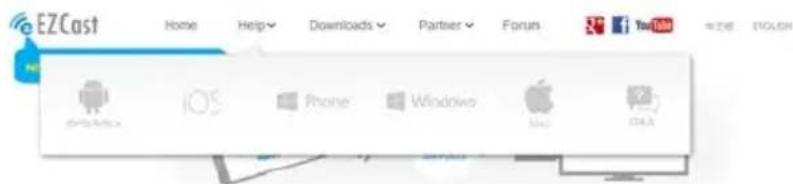
For help and troubleshooting for particular platforms (English), please visit www.iezvu.com"Help" bookmark.
Troubleshooting
| Problem | Solution |
| The device cannot be switched on | Check if the stick is properly inserted in the HDMI port, or check charging. |
| The device restarts or the Home page is not properly displayed | Don’t use the USB port of your TV to charge, it may be not sufficient enough, check the 230V charger connection. Unplug the charger and connect again into the HDMI port. |
| The sound cannot be heard | Check volume settings of your television or the connected device. |
Do you still need an advice after reading this manual?
First read “Frequently Asked Questions” at www.evolveo.eu or contact the EVOLVEO technical support. This product goes through the constant development and improving. Therefore it is possible that the actual design, function or operations won’t fully correspond to conditions written in this user manual. The possible difference is not the device defect and it is not the reason for the warranty claim.
The warranty DOES NOT APPLY to:
• using the device for other purposes than it was designed to
- installation of another firmware instead of the default one or the one that can be downloaded automatically from the device menu.
• electrical or mechanical damage caused by improper use
• damage caused by the natural elements as fire, water, static electricity, power surges and so on
• damage caused by an unauthorized repair
- damage of the guarantee seal or unreadable serial number of the device

Disposal
The symbol of crossed out wheelie bin on the product, within the literature or on the packaging reminds you that in the European Union, all electric and electronic products, batteries and accumulators must be stored as assorted waste after the end of their service life. Do not throw these products into the unsorted municipal waste.


DECLARATION OF CONFORMITY
Hereby, the company Abacus Electric, s.r.o. declares that the EVOLVEO XtraCast stick
(EAN: 8594161336341) is in compliance with the requirements of the standards and regulations, relevant for the given type of device. Find the complete text of Declaration of conformity at ftp://ftp.evolveo.eu/ce
Copyright © 2015 Abacus Electric, s.r.o.
All rights reserved.
Design and specification can be changed without prior notice.
www.evolveo.eu
GR
Αγαπητέ πελάτη,
www.iezvu.com/download_all_info.html
Copyright © 2015 Abacus Electric, s.r.o.
www.iezvu.com/download_all_info.html
www.iezvu.com/download_all_info.html
Copyright © 2015 Abacus Electric, s.r.o.
www.iezvu.com/download all info.html
Copyright © 2015 Abacus Electric, s.r.o.
www.iezvu.com/download_all_info.html
Copyright © 2014 Abacus Electric, s.r.o.
Все права защищены.
www.iezvu.com/download all info.html
Nastavenie Android zariadení
Riešenie problémov
Copyright © 2015 Abacus Electric, s.r.o.

Brand : Evolveo
Model : X-CAST
Category : USB Drive