Need a manual, a part, or specific advice?
The key is the exact reference of your device. Good news: it is almost always found on a visible label, without disassembling anything. In this guide, we show you where to look, how to decipher the codes (PNC, E-Nr, Service No., etc.), and how to avoid the most common mistakes.
Why this reference is essential
-
100% compatible manual: some models have the same commercial name but not the same technical sheet.
-
Correct spare parts: a seal or a pump "almost identical" may not fit.
-
Controlled delays and costs: you avoid exchanges/returns and save time.
-
Manufacturer support: the customer service will systematically ask for the complete reference.
Where to find the identification label (by type of device)
Locate a nameplate (sticker or metal plate) indicating brand, model, serial number, and often a product code.
Here are the most common locations:
-
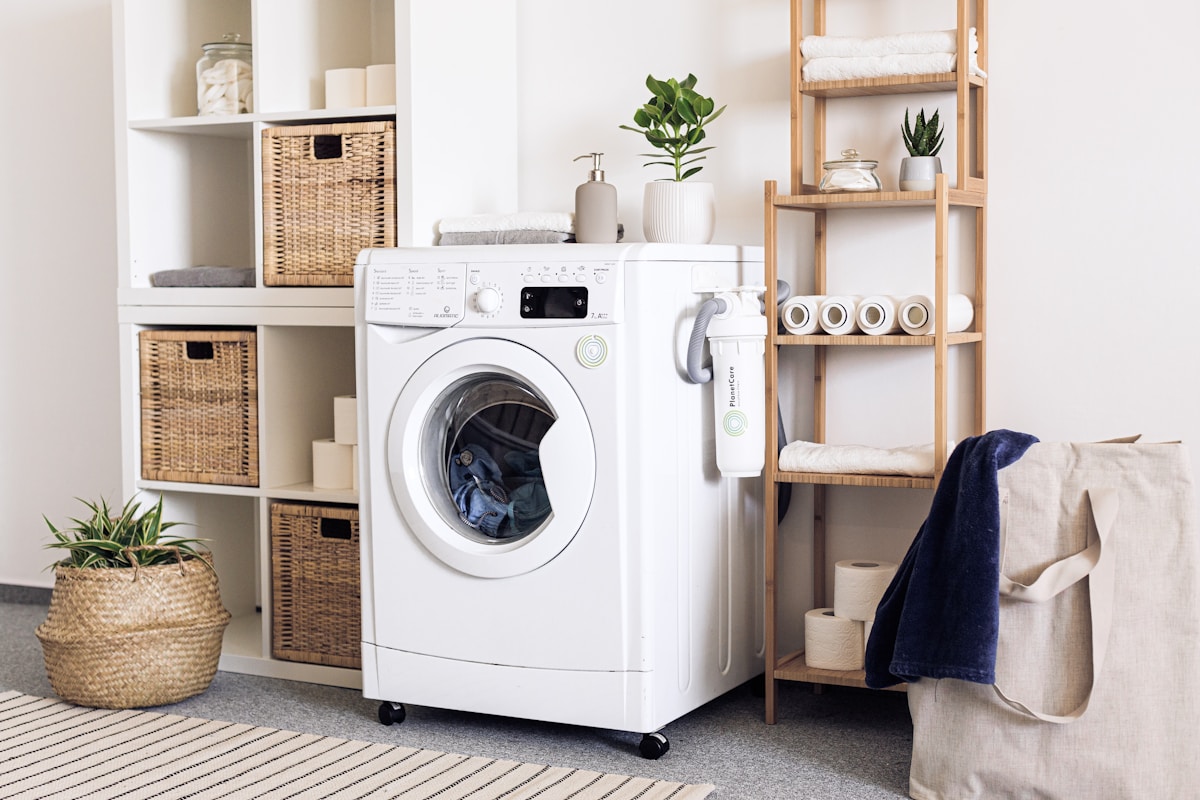
Washing machine / Dryer: door frame, behind the door, at the back, or near the filter.
-
Dishwasher: on the edge of the door (inside).
-
Refrigerator / Freezer: inner wall or at the back.
-
Oven / Microwave: door frame or at the back.
-
Cooktop / Hood: under the table or behind the filters.
-
Vacuum cleaner: under the device or near the cable.
-
Small appliances: under the base or at the back.
How to read the codes (examples by brand)
-
Electrolux / AEG / Zanussi: PNC
-
Bosch / Siemens / Neff: E-Nr + FD
-
Whirlpool / Indesit / Hotpoint: Service No. or 12NC
-
Samsung / LG: Model + Serial
-
Brandt / De Dietrich: Type + Reference
Important: the commercial name ("Series 6", "EcoBubble", etc.) is not enough.
Quick method in 3 minutes
-
Look for the nameplate without disassembling the device.
-
Take a clear, well-lit photo.
-
Note: exact model, product code (PNC / E-Nr / Service No.), serial number.
Common pitfalls to avoid
-
Confusing model and variant (e.g., XQ300 vs XQ300-01).
-
Forgetting the product code.
-
Reading the label of an accessory instead of the device.
If the label is erased or missing
-
Look in invoices or purchase emails.
-
Check in your manufacturer account if you have already registered the device.
-
Use complete photos of the device for assisted identification.
Properly store the information
-
Store your manuals in a folder (computer, cloud).
-
Add a text file with the device references and purchase date.
-
Stick a QR code inside the device pointing to the PDF manual.
Get the manual quickly
Once the exact reference is found, go to Notice-Facile.com:
-
Type brand + model + product code.
-
Select the device corresponding to your label.
-
Download the PDF manual.
➡️ https://www.notice-facile.com
FAQ
The code doesn't look like the examples?
Compare the fields (Model, Type, S/N, PNC, E-Nr...). If in doubt → photo + assisted identification.
I only have the commercial name.
Sometimes sufficient, but risky for parts → look for the plate.
The manual found does not match exactly.
Compare the complete reference (variant/revision).
Conclusion
Finding the exact reference of your device is simple and requires no disassembly. With this code, you access the correct manual, compatible parts, and simplified repairs. Always photograph the plate and keep the manual: it will save you time during each maintenance or breakdown.