
QSW-1105-5T - Schalter QNAP - Kostenlose Bedienungsanleitung
Finden Sie kostenlos die Bedienungsanleitung des Geräts QSW-1105-5T QNAP als PDF.


| Produkttyp | Managed Switch (unmanaged) |
| Modell | QSW-1105-5T |
| Anzahl der Ports | 5 x 2,5GbE RJ45 |
| Switch-Kapazität | 25 Gbit/s |
| Abmessungen (H x B x T) | 34 x 180 x 145 mm |
| Gewicht (netto) | ca. 577 g |
| Eingangsspannung | 100 – 240 V Wechselstrom |
| Stromversorgung | Externes Netzteil |
| Betriebstemperatur | 0 °C bis 40 °C |
| Relative Luftfeuchtigkeit (Betrieb) | 10 % bis 90 % (nicht kondensierend) |
| LED-Anzeigen | Betriebs-LED (grün), Schleifen-LED (rot), Link-Geschwindigkeit (grün/gelb) |
| Gehäusematerial | Metall |
| Kühlung | Passiv (lüfterlos) |
| Montagemöglichkeiten | Füße (Standfuß), Wandmontage (optional) |
| Lieferumfang | Switch, Netzteil, Kurzanleitung, Montagematerial (Schrauben, Dübel, Füße) |
| Zertifizierungen | FCC Class B, CE, WEEE, RoHS |
| Garantie | 2 Jahre (abhängig vom Kaufdatum) |
| Reinigung | Mit trockenem, fusselfreiem Tuch reinigen; keine Flüssigkeiten oder Reinigungsmittel verwenden |
| Sicherheitshinweise | Nur im Innenbereich; keinem Wasser aussetzen; Netzteil nur mit mitgeliefertem Kabel verwenden |
| Ersatzteile / Reparatur | Keine vom Benutzer austauschbaren Teile; bei Defekt autorisierten QNAP-Support kontaktieren |
Häufig gestellte Fragen - QSW-1105-5T QNAP
Benutzerfragen zu QSW-1105-5T QNAP
0 Frage zu diesem Gerät. Beantworten Sie die, die Sie kennen, oder stellen Sie Ihre eigene.
Eine neue Frage zu diesem Gerät stellen
Laden Sie die Anleitung für Ihr Schalter kostenlos im PDF-Format! Finden Sie Ihr Handbuch QSW-1105-5T - QNAP und nehmen Sie Ihr elektronisches Gerät wieder in die Hand. Auf dieser Seite sind alle Dokumente veröffentlicht, die für die Verwendung Ihres Geräts notwendig sind. QSW-1105-5T von der Marke QNAP.
BEDIENUNGSANLEITUNG QSW-1105-5T QNAP
QSW-1105-5T
Quick Installation Guide
快速安裝手冊 빠른 설치 설명서 Guía de Instalación Rápida クイックインストールガイド Hizli Kurulum Kilavuzu คู่มื้อการติดตั้งแบบเร็ว Gyors telepítési útmutató Instrukcja szybkiej instalacji Průvodce rychlou in Kurzinstallationsanleitung 快速安装指南 Guida di installazione rapida Pika-asennusopas Краткое руководство по установке Snabbinstallationsguide Guia de Instalação Rápida Hurtiginstallasjonsveiledning Hurtig installationsvejledning

QSW-1105-5T
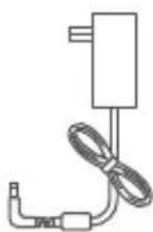
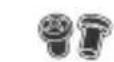

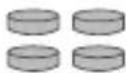
Bracket screws Anchors Foot pads
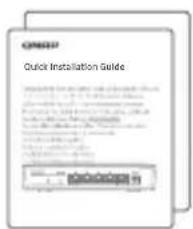
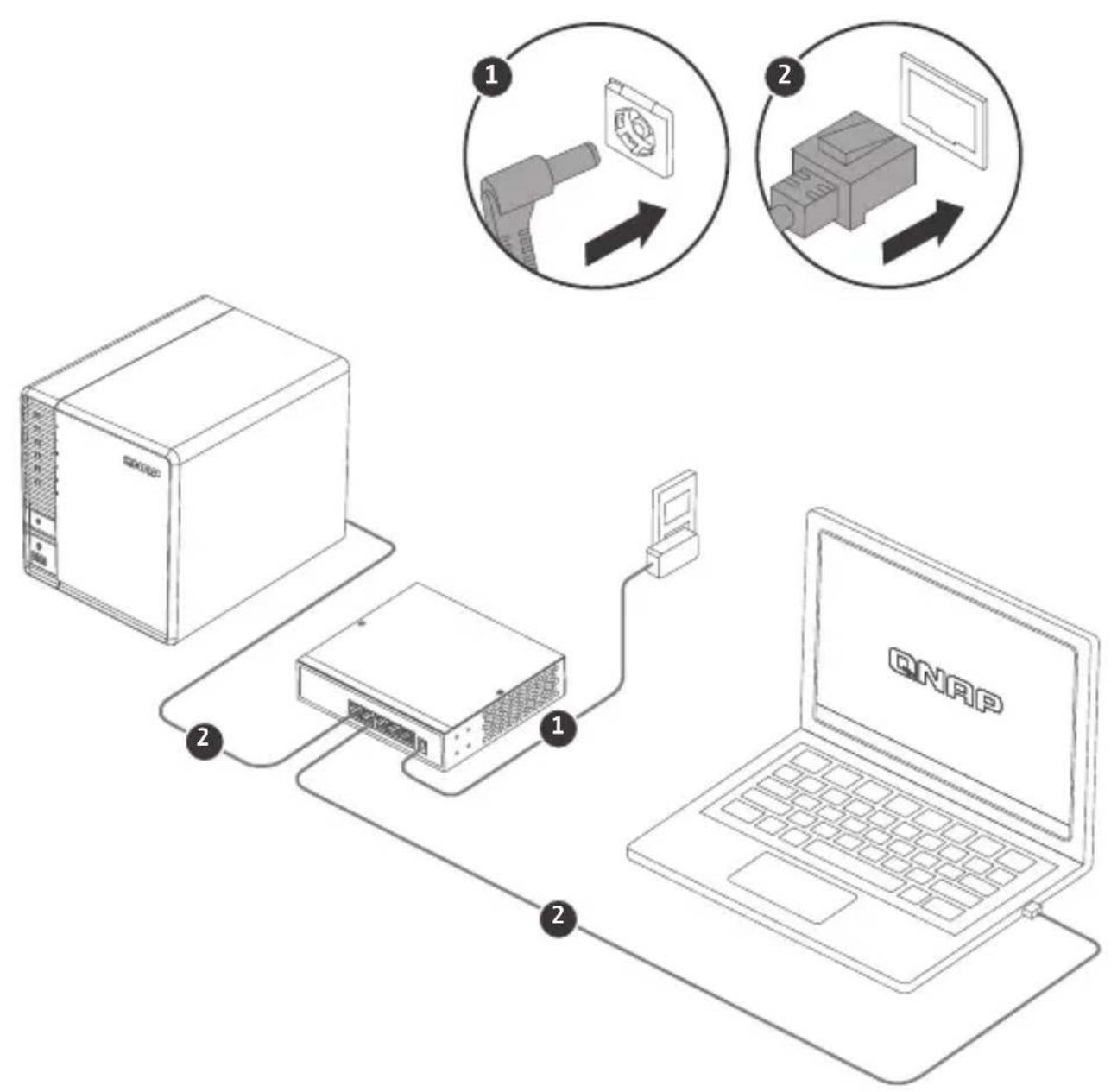
Quick installation guidePower supply
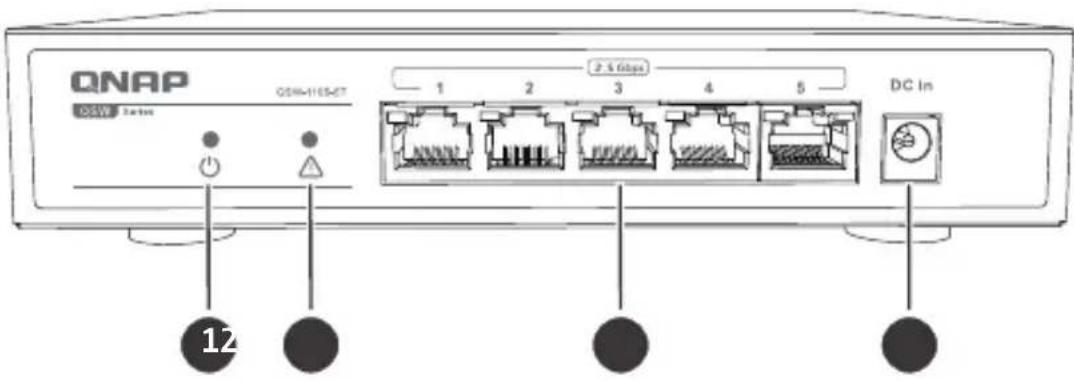
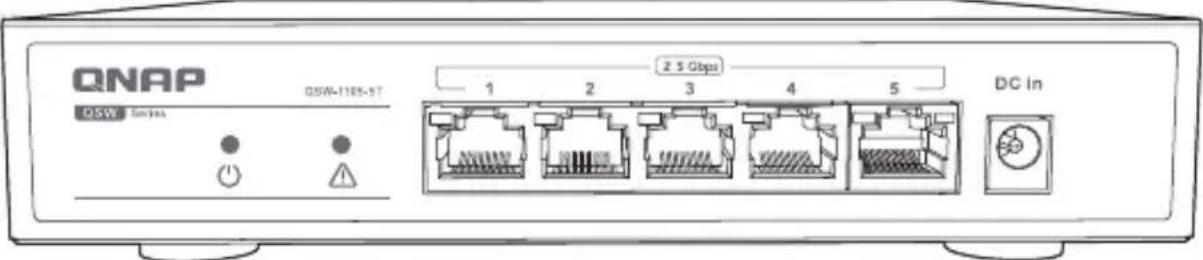
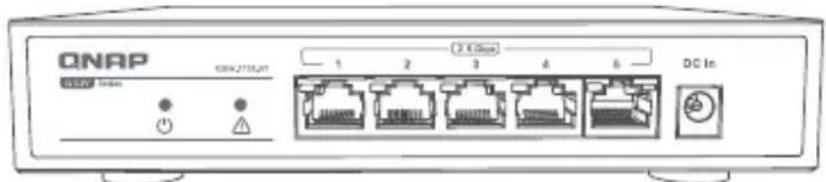
| 1. Power LED 3. 2.5GbE RJ45 ports | |
| 2. Loop indicator 4. Power input |
LED Behavior
| LED Status Description | ||
| Power | Green Device is on. | |
| Off Device is off. | ||
| Loop indicator | Off No loop. | |
| Red and flashing with the looping RJ45 port. | Loop occurs. | |
| RJ45 | Green Linked at 2.5Gbps. | |
| Amber Linked at <2.5Gbps. | ||
| Flashing without Loop indicator Port is transmitting. | ||
| Flashing with Loop indicator Port loops. | ||
| Off No link. | ||
Specifications
| Model QSW-1105-5T | |
| Dimensions (H x W x D) 34 x 180 x 145 mm | |
| Net weight Around 577 g | |
| Input voltage range 100–240VAC | |
| Switching capacity 25 Gbps | |
| 2.5GbE RJ45 ports 5 | |
| Operating temperature 0°C–40°C (32°F –104°F) | |
| Relative humidity 10% to 90% (non-condensing) | |

This device complies with Part 15 of the FCC Rules. Operation is subject to the following two conditions:
- This device may not cause harmful interference.
- This device must accept any interference received, including interference that may cause undesired operation.
FCC Class B Notice:
This equipment has been tested and found to comply with the limits for a Class B digital device, pursuant to Part 15 of the FCC Rules. These limits are designed to provide reasonable protection against harmful interference in a residential installation. This equipment generates, uses, and can radiate radio frequency energy and, if not installed and used in accordance with the instructions, may cause harmful interference to radio communications. However, there is no guarantee that interference will not occur in a particular installation. If this equipment does cause harmful interference to radio or television reception, which can be determined by turning the equipment off and on, the user is encouraged to try to correct the interference by one or more of the following measures:
- Reorient or relocate the receiving antenna.
- Increase the separation between the equipment and receiver.
- Connect the equipment into an outlet on a circuit different from that to which the receiver is connected.
- Consult the dealer or an experienced radio/television technician for help.
Modifications:
Any modifications made to this device that are not approved by QNAP Systems, Inc. may void the authority granted to the user by the FCC to operate this equipment.

This QNAP NAS complies with CE Compliance Class B.
According to the requirement of the WEEE legislation the following user information is provided to customers for all branded QNAP products subject to the WEEE directive.
This symbol on the product or on its packaging indicates that this product must not be disposed of with your other household waste. Instead, it is your responsibility to dispose of your waste equipment by handing it over to a designated collection point for the recycling of waste electrical and electronic equipment. The separate collection and recycling of your waste equipment at the time of disposal will help to conserve natural resources and ensure that it is recycled in a manner that protects human health and the environment. For more information about where you can drop off your waste equipment for recycling, please contact your local city office, your household waste disposal service or the shop where you purchased the product.

D33B77 RoHS
更多關於安全、法規,與環境法令遵循相關的資訊,請參閱以下網址www.qnap.com/regulatory/。

※付属の電源コードは当該製品専用です。他の機器に使用しないでください。

install.qnap.com

helpdesk.qnap.com

docs.qnap.com
QNAP


Marke : QNAP
Modell : QSW-1105-5T
Kategorie : Schalter