ST-ARCS - Fernbedienung Satechi - Kostenlose Bedienungsanleitung
Finden Sie kostenlos die Bedienungsanleitung des Geräts ST-ARCS Satechi als PDF.


Benutzerfragen zu ST-ARCS Satechi
0 Frage zu diesem Gerät. Beantworten Sie die, die Sie kennen, oder stellen Sie Ihre eigene.
Eine neue Frage zu diesem Gerät stellen
Laden Sie die Anleitung für Ihr Fernbedienung kostenlos im PDF-Format! Finden Sie Ihr Handbuch ST-ARCS - Satechi und nehmen Sie Ihr elektronisches Gerät wieder in die Hand. Auf dieser Seite sind alle Dokumente veröffentlicht, die für die Verwendung Ihres Geräts notwendig sind. ST-ARCS von der Marke Satechi.
BEDIENUNGSANLEITUNG ST-ARCS Satechi
INSTRUCTIONAL GUIDE
ALUMINUM WIRELESS REMOTE CONTROL
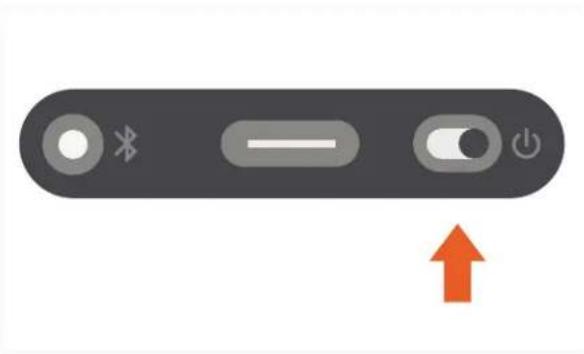
1 Turn on power switch on the bottom side of the Remote Control. Make sure the slider is green.
natural_image
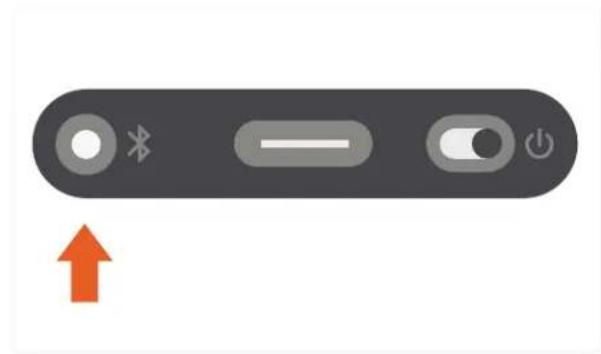
Gray electronic device control bar with Bluetooth, slider, and power button symbols, plus an orange upward arrow (no text or labels)2 Press and hold "Bluetooth" button for 3-4 seconds to put the Remote Control in pairing mode.
natural_image
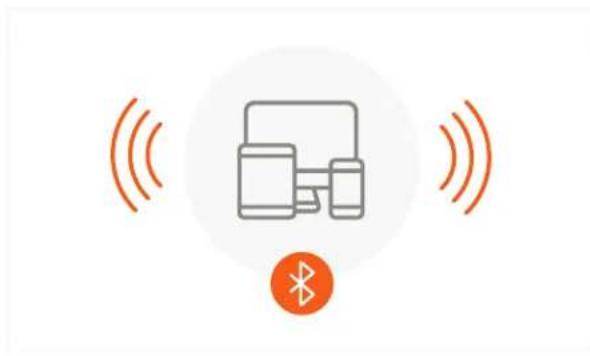
Gray electronic device control bar with buttons and an orange upward arrow (no text or symbols)3 Turn on Bluetooth on your device, find the Remote Control in the list of available devices and click to pair.
4 Choose Media mode or Presentation mode using the switch on the top side of the Pointer.
natural_image
Diagram showing wireless signal transmission between devices, with a Bluetooth symbol below (no text or labels)
flowchart
graph TD
    A["M"] --> B["P"]
    B --> C["↑"]
    C --> D["Play Button Icon"]
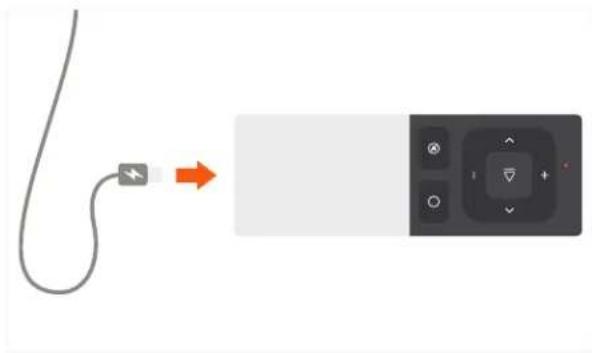
5 To charge, plug the included charging cable into the Remote Control's Type-C charging port. Use the other end to plug into a computer USB port or USB wall adapter. Please allow 2.5 hours for a full charge.