ST-XLABKM - Tastatur Satechi - Kostenlose Bedienungsanleitung
Finden Sie kostenlos die Bedienungsanleitung des Geräts ST-XLABKM Satechi als PDF.


Benutzerfragen zu ST-XLABKM Satechi
0 Frage zu diesem Gerät. Beantworten Sie die, die Sie kennen, oder stellen Sie Ihre eigene.
Eine neue Frage zu diesem Gerät stellen
Laden Sie die Anleitung für Ihr Tastatur kostenlos im PDF-Format! Finden Sie Ihr Handbuch ST-XLABKM - Satechi und nehmen Sie Ihr elektronisches Gerät wieder in die Hand. Auf dieser Seite sind alle Dokumente veröffentlicht, die für die Verwendung Ihres Geräts notwendig sind. ST-XLABKM von der Marke Satechi.
BEDIENUNGSANLEITUNG ST-XLABKM Satechi
INSTRUCTIONAL GUIDE
BLUETOOTH EXTENDED KEYPAD FOR MAC
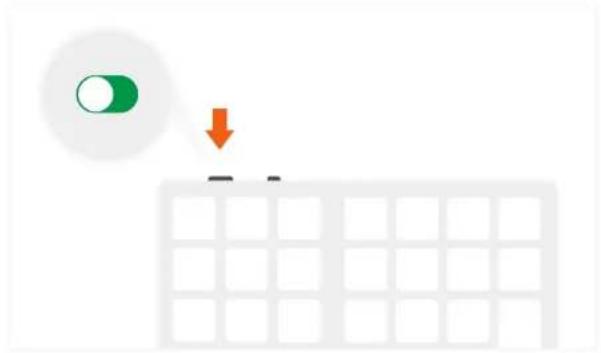
1 Move the power switch to the "On" position to turn on the keypad.
natural_image
Simple diagram showing a green circle with an orange downward arrow pointing to a grid, no text or symbols present.2 Press and hold the "Connect" button for \~5 seconds then release. Fast blinking blue light means pairing mode

text_image
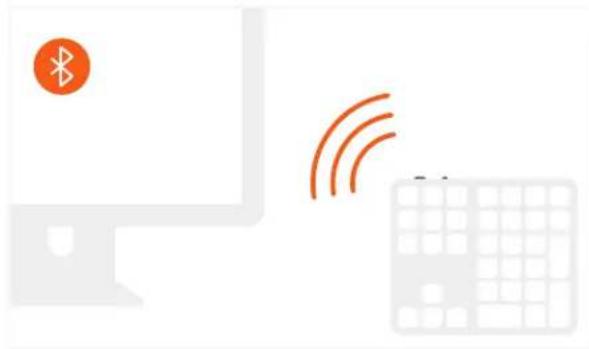
5s3 Open Bluetooth settings on your device to complete connection process.
Connection is indicated by solid blue light for \~5 seconds, then light turns off
4 To preserve battery life, the keypad will enter automatically sleep mode after \~1 hour of inactivity. Press any key to wake up the keypad
natural_image
Illustration of a computer monitor with wireless signal waves and a keyboard (no text or symbols)
text_image
1h Zzz5 The keypad can be continuously used for up to 50 hours between full charges.
Low battery is indicated by slow blinking blue light
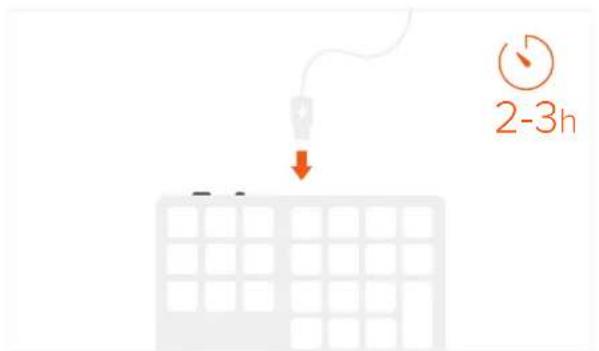
6 Please use the included cable to recharge your keypad for 2-3 hours or until red light turns off. Solid red light means charging.
When solid red light turns off keypad is fully charged

text_image
50h