ST-AMWKM - Tastatur Satechi - Kostenlose Bedienungsanleitung
Finden Sie kostenlos die Bedienungsanleitung des Geräts ST-AMWKM Satechi als PDF.


Benutzerfragen zu ST-AMWKM Satechi
0 Frage zu diesem Gerät. Beantworten Sie die, die Sie kennen, oder stellen Sie Ihre eigene.
Eine neue Frage zu diesem Gerät stellen
Laden Sie die Anleitung für Ihr Tastatur kostenlos im PDF-Format! Finden Sie Ihr Handbuch ST-AMWKM - Satechi und nehmen Sie Ihr elektronisches Gerät wieder in die Hand. Auf dieser Seite sind alle Dokumente veröffentlicht, die für die Verwendung Ihres Geräts notwendig sind. ST-AMWKM von der Marke Satechi.
BEDIENUNGSANLEITUNG ST-AMWKM Satechi
INSTRUCTIONAL GUIDE
WIRED KEYBOARD
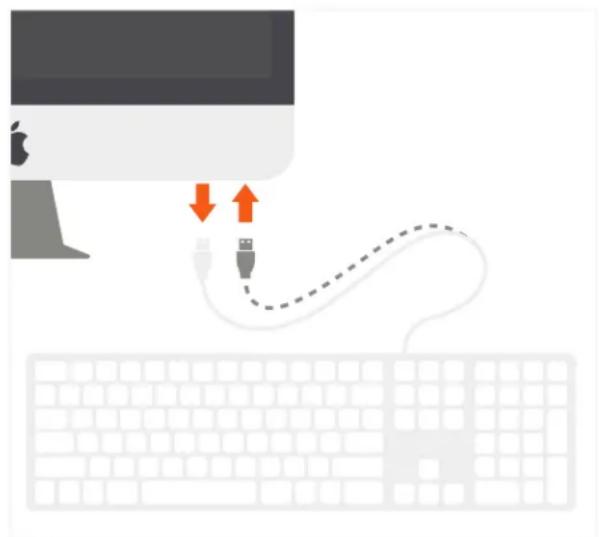
1 Plug in Satechi Aluminum Wired Keyboard into iMac's USB-A port.
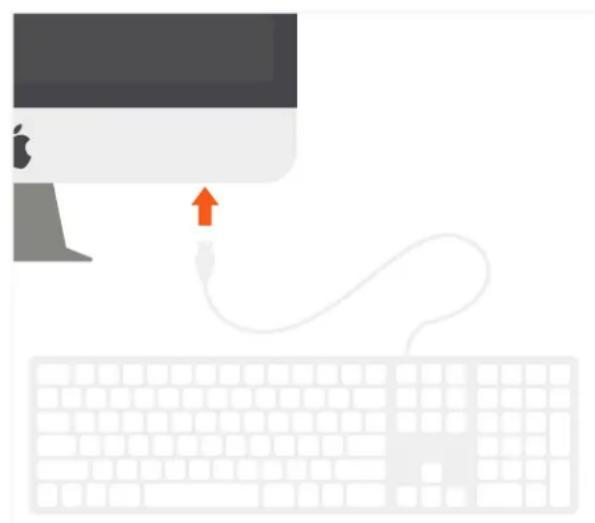
natural_image
Illustration of a computer monitor with an attached USB cable and keyboard, no text or symbols present2 On MacOS, "Keyboard Setup Assistant" may show when first connecting the Keyboard. Follow the on-screen instructions to identify keyboard before first use.
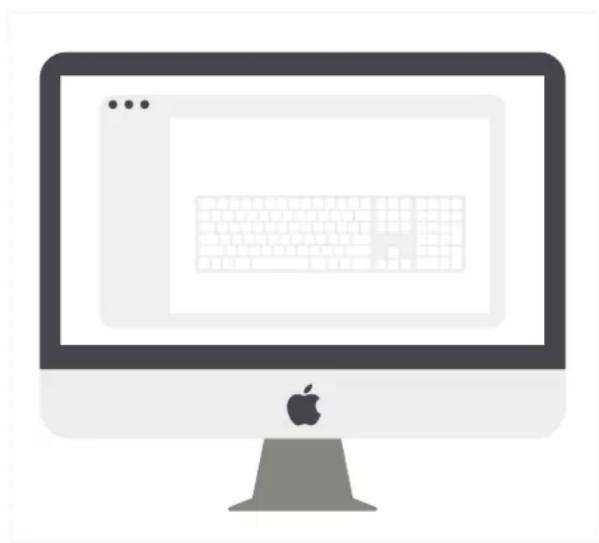
natural_image
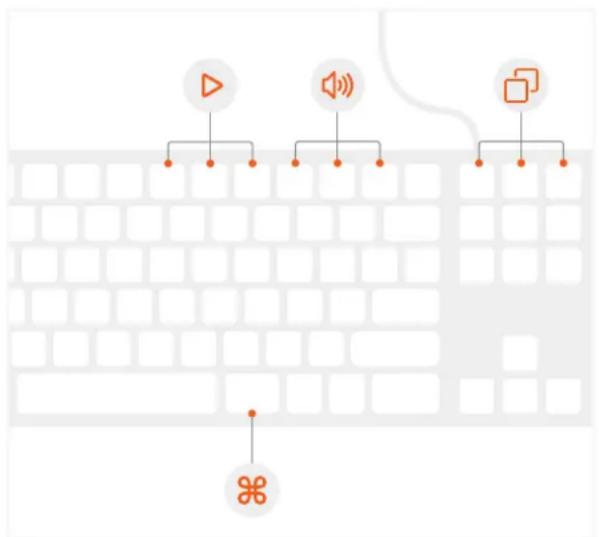
Illustration of a computer monitor with an Apple logo at the bottom (no text or symbols on the screen)3 Use media/function keys for convenient MacOS shortcuts.
Function keys were designed for MacOS and may vary based on OS.
4 Unplug and replug the keyboard if you experience any issues. Open Keyboard icon in System Preferences and click “Change Keyboard Type” to re-identify the keyboard.
flowchart
graph TD
    A["Speaker"] --> B["Receiver"]
    C["Receiver"] --> D["Interface"]
    E["Speaker"] --> F["Receiver"]
    G["Interface"] --> H["Receiver"]