SENNHEISER Memory Mic - Mikrofon

Memory Mic - Mikrofon SENNHEISER - Gratis brugsanvisning og manual

Find enhedens vejledning gratis Memory Mic SENNHEISER i PDF-format.

📄 2 sider Dansk DA Download 💬 AI-spørgsmål
Notice SENNHEISER Memory Mic - page 1
Pick your language and provide your email: we'll send you a specifically translated version.

Brugerspørgsmål om Memory Mic SENNHEISER

0 spørgsmål om dette apparat. Besvar dem du kender, eller stil dit eget.

Stil et nyt spørgsmål om dette apparat

E-mailen forbliver privat: den bruges kun til at underrette dig, hvis nogen svarer på dit spørgsmål.

Ingen spørgsmål endnu. Vær den første til at stille et.

Download vejledningen til din Mikrofon i PDF-format gratis! Find din vejledning Memory Mic - SENNHEISER og tag din elektroniske enhed tilbage i hånden. På denne side er alle dokumenter nødvendige for brugen af din enhed offentliggjort. Memory Mic af mærket SENNHEISER.

BRUGSANVISNING Memory Mic SENNHEISER

In the box
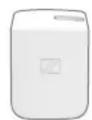
SENNHEISER Memory Mic - 1
Memory Mic
Safety Guide
Quick Guide

SENNHEISER Memory Mic - 2
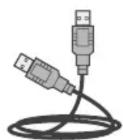
USB cable
Licenses

SENNHEISER Memory Mic - 3

Memory Mic APP

Wireless audio recording solution for your smartphone

Get more information on

www.sennheiser.com/memorymic

Or download the free Sennheiser app through App Store or Google Play

SENNHEISER Memory Mic - Memory Mic APP - 1

SENNHEISER Memory Mic - Memory Mic APP - 2

System Requirements

Android: Version 5.1 or later

iOS: Version 10.2 or later

Bluetooth ^® 4.1 with LE or later

WLAN: IEEE 802.11g/n

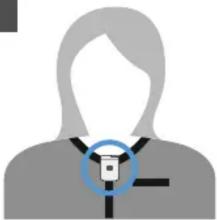
Magnetic Clip
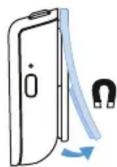
SENNHEISER Memory Mic - System Requirements - 1

SENNHEISER Memory Mic - System Requirements - 2

natural_image Silhouette of a person with a circular icon overlay, no text or symbols present

Getting ready

1 Activate Bluetooth

SENNHEISER Memory Mic - Getting ready - 1

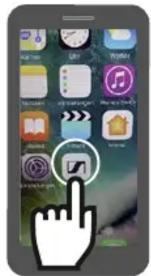
2 Start the app

Smartphone home screen screenshot showing app icons with a hand cursor pointing to a button labeled 'OK' and a play button.

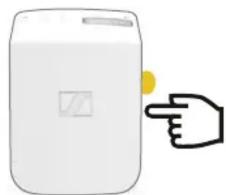
3 Start Memory Mic (LED = ●)

SENNHEISER Memory Mic - Getting ready - 3

natural_image Illustration of a hand pointing at a white container with a yellow button (no text or symbols)

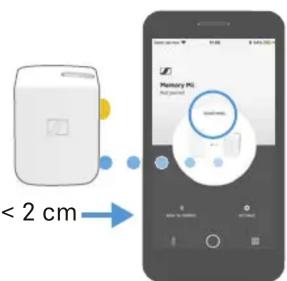
4 Connecting > 2 sec (LED = ●)

< 2 cm>

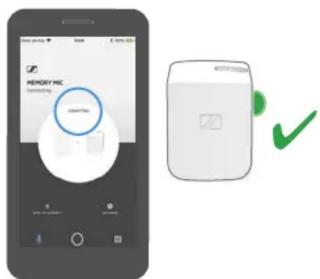
MEMORY INC Connecting OK Cancel

5 Initializing

Follow instructions on display ......

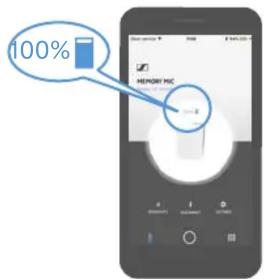
6 Battery status

100%

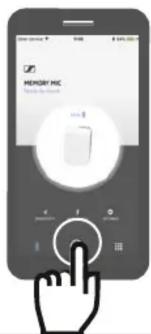
7 Open recording screen

MEMORY MIC Made by Memory

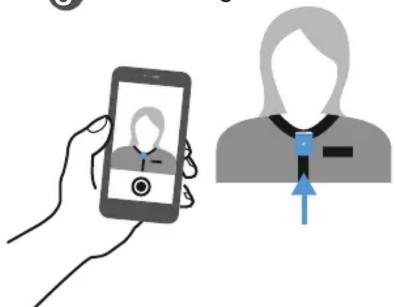
8 Positioning

Illustration showing a hand holding a smartphone displaying a profile image and a person with a blue arrow pointing to the profile.

Recording

9 Start / Stop recording(s)
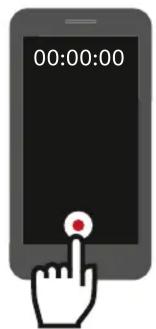
00:00:00

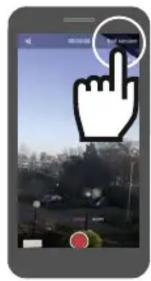
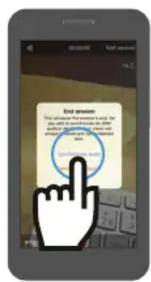
10 Finish session
Smartphone screenshot showing a hand cursor clicking a button on a city street interface, with Chinese UI elements visible.

11 Synchronize audio(s)/video(s)
End Process This allows the process to do. Do you call to the computer to enter this process. You can also check your computer end process.

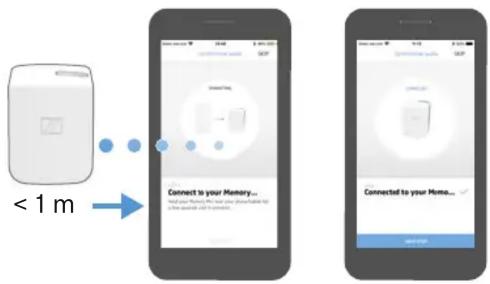
12
< 1 m Connect to your Memory... Connect to your Memory...

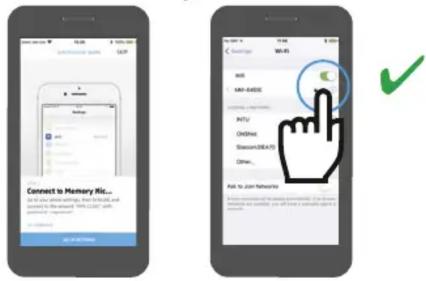
13 Activate Re-connecting
Connect to Memory Kit... Do you use passwords, but I'm there! And to access the app. You can't want to join the app? Hi/Hi: 100% or more Hi/Hi: 100% or more Hi/Hi: 100% or more Hi/Hi: 100% or more Hi/Hi: 100% or more Hi/Hi: 100% or more Hi/Hi: 100% or more Hi/Hi: 100% or more Hi/Hi: 100% or more Hi/Hi : 100% Hi/Hi : 100% Hi/Hi : 100% Hi/Hi : 100% Hi/Hi : 100% Hi/Hi : 100% Hi/Hi : 100% Hi/Hi : 100% Hi/Hi : 100% Hi/Hi : 100% Hi/Hi : 100% Hi/Hi : 100% High High High High High High High High High High High High High High High High High High High High High High High High High High High High High High High High High High High High High High High High High High High High High High High High High High High

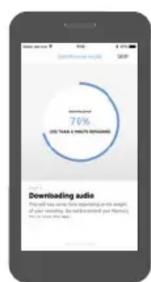
14 Download audio
SENNHEISER Memory Mic - Recording - 6

pie | Category | Percentage | | -------- | ---------- | | Downloads | 70% | The total number of downloads is estimated from your reporting, but the number of downloads will be required. The number of downloads is not available. |
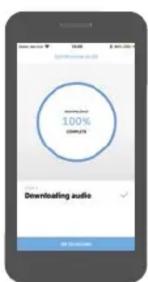
Download 100% Download Download Downloading audio OK

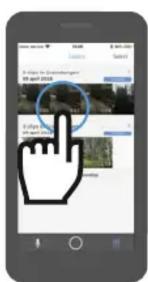
15 Choose video
Mobile app screenshot showing a hand cursor icon interacting with a circular interface, likely for navigation or search.

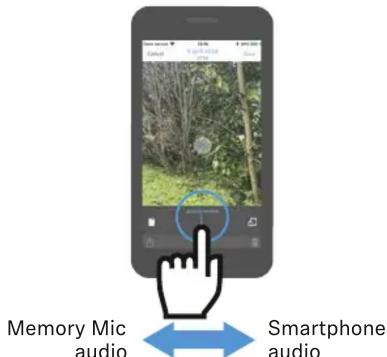
16 Mix audio
Memory Mic audio Smartphone audio

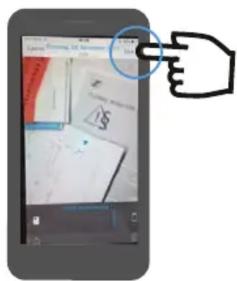
17 Save in App
Smartphone screenshot showing a hand pointing at a document with visible text and a dollar sign, likely from a web interface or app.

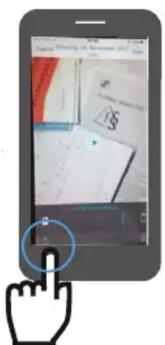
18 Save video in photos/gallery
Smartphone screen displaying a document with a hand cursor pointing at it, highlighting a key finger.

Indholdsfortegnelse Klik på en titel for at få adgang til den
Vejledningsassistent
Drevet af Anthropic
Venter på din besked
Produktinformation

Mærke : SENNHEISER

Model : Memory Mic

Kategori : Mikrofon