65PUS8200 - Téléviseur PHILIPS - Notice d'utilisation et mode d'emploi gratuit
Retrouvez gratuitement la notice de l'appareil 65PUS8200 PHILIPS au format PDF.


| Caractéristiques techniques | Taille de l'écran : 65 pouces, Résolution : 4K UHD (3840 x 2160), Technologie d'affichage : LED, Type de rétroéclairage : Ambilight, Fréquence de rafraîchissement : 100 Hz |
|---|---|
| Connectivité | Ports HDMI : 4, Ports USB : 3, Wi-Fi intégré : Oui, Bluetooth : Oui, Ethernet : Oui |
| Utilisation | Système d'exploitation : Android TV, Accès aux applications : Oui, Commande vocale : Oui, Télécommande : Oui |
| Maintenance et réparation | Nettoyage de l'écran : Utiliser un chiffon doux, Mise à jour du logiciel : Via le menu des paramètres, Support technique : Disponible sur le site de Philips |
| Sécurité | Normes de sécurité : CE, Protection contre les surcharges : Oui, Verrouillage parental : Oui |
| Informations générales | Poids : 28 kg, Dimensions (sans pied) : 1450 x 835 x 60 mm, Garantie : 2 ans |
FOIRE AUX QUESTIONS - 65PUS8200 PHILIPS
Questions des utilisateurs sur 65PUS8200 PHILIPS
0 question sur cet appareil. Repondez a celles que vous connaissez ou posez la votre.
Poser une nouvelle question sur cet appareil
Téléchargez la notice de votre Téléviseur au format PDF gratuitement ! Retrouvez votre notice 65PUS8200 - PHILIPS et reprennez votre appareil électronique en main. Sur cette page sont publiés tous les documents nécessaires à l'utilisation de votre appareil 65PUS8200 de la marque PHILIPS.
MODE D'EMPLOI 65PUS8200 PHILIPS
PHILIPS
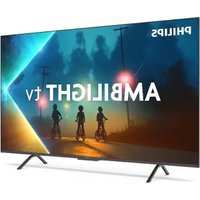
AMBILIGHT tv
Quick Start Guide
8200 Series

loalreceded


43°/55°10=1161×4 65°MA=201×4
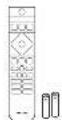
text_image
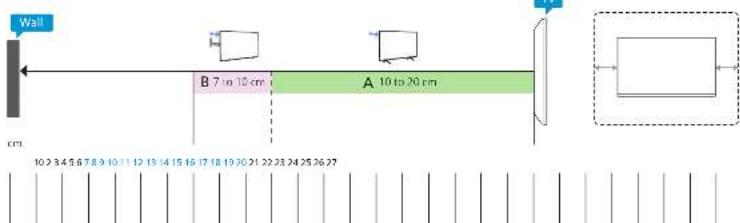
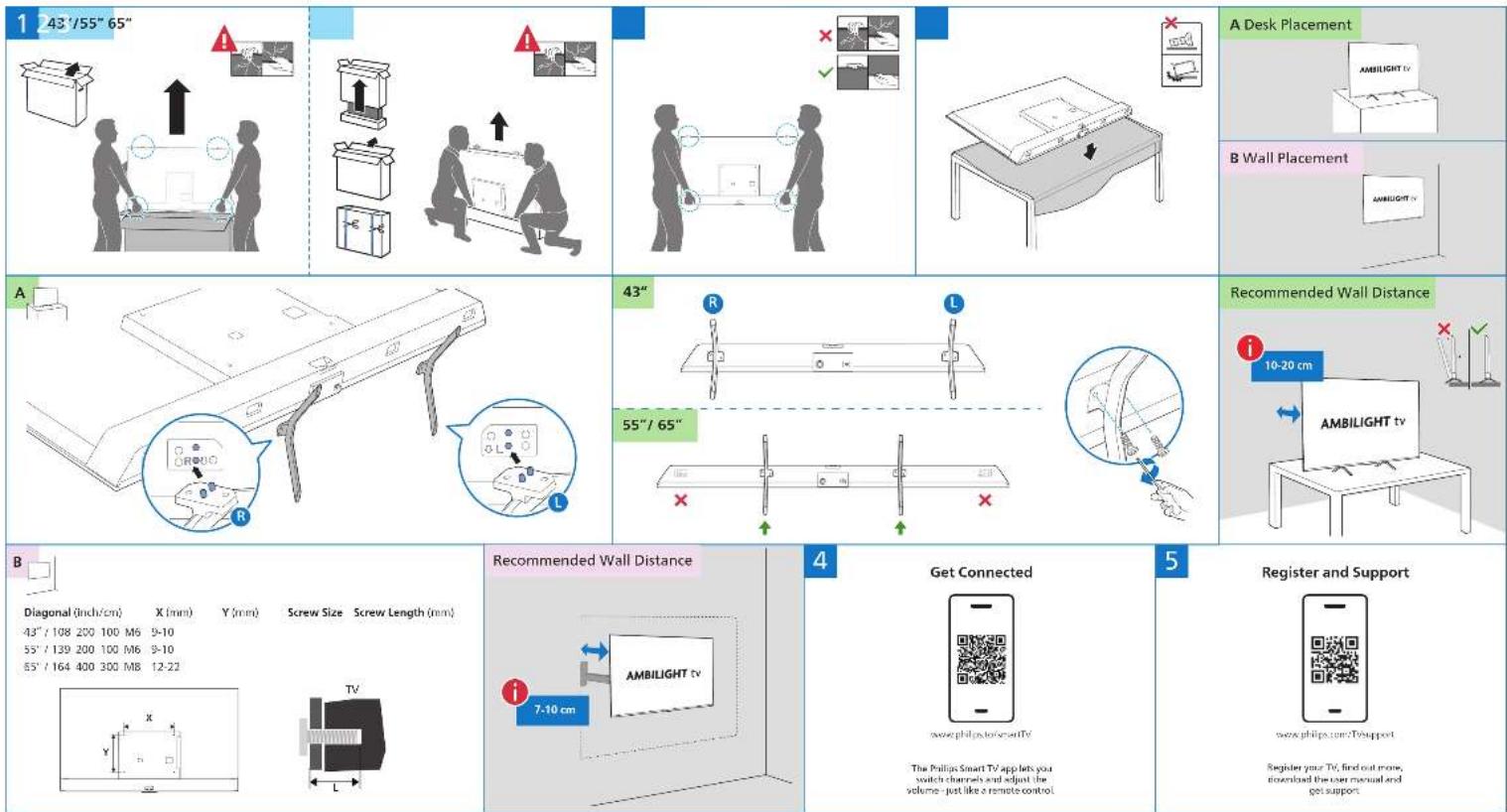
1 43"/55" 65" A B Wall Placement A Recommended Wall Distance 10-20 cm AMBILIGHT tv Recommended Wall Distance Diagonal (inch/cm) X (mm) Y (mm) Screw Size Screw Length (mm) 43"/ 108 200 100 M6 9-10 55"/ 139 200 100 M6 9-10 55"/ 164 400 300 M8 12-22 TV 7-10 cm Get Connected www.philips.com/soft TV The Phillips Smart TV app lets you switch channels and adjust the volume - just like a remote control Register and Support www.philips.com/Soft support Register your TV, find out more, download the user manual and get support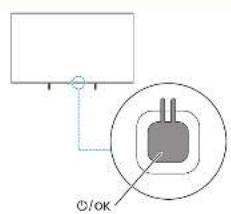
text_image
©/OK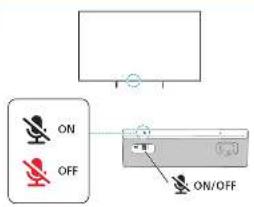
text_image
ON OFF ON/OFFi
English Read the safety instructions.
Бытгаски Почастете инструкциите за
C. 2014
Theorem 1.2. (Theorem 1.3)
1. 2017年,公司与上海浦东发展银行股份有限公司签订了《关于使用部分闲置募集资金进行现金管理的协议》。
Dance.
Deutsch „jegen Sie die Sicherheit-Nweite.
F###
Fech
The image is too blurry to recognize any text content.
(1) 2017年1月1日
Français Lesseles ocres grés de securre.
[Unreadable Text]
E-mail: Ke@14.76.com
(1) 2017年 ,中国银行股份有限公司
Lemonia - Canes of Alam (1982)
Lieuturu. Persa tykha sa, gas instuvile jas:
Algaran: Chassal el a lato-saci unashiso en
Kederanda Leescevelgleksoorschinen
Korsky
2.1.1.
Youth
Portugues de a: intruções de cág. rango
Romina. Citi instructurile de siguranță
Брехан 1
C#VNTG#BTTM
3.461
Slovenčina Pločenje varnostna novodila
Vorenky: Areč tajte zí bezpežnostné polgy.
Suomi Just fun to get
Swiss: A Starchetler, Arizepa
1. 2017年1月1日
(1) 12 (2) 12 (3)
Türkce Gunz-Ti talmannir cilayu.
Укрн-ська Натяйте испозителево! безTeam
الفرة قراعة تعلماتcelona
пивоза ли на в куку


[NO TEXT]
1
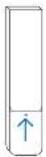
To install batteries, slide the battery door up.
2
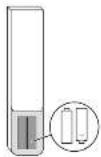
Use 2x
AAA
LR03
1.5V (included)
3
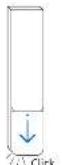
Slide battery door back in place.
1234
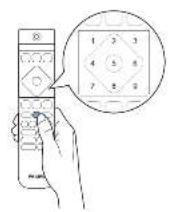
[Non-Text]
43"/55"/65"
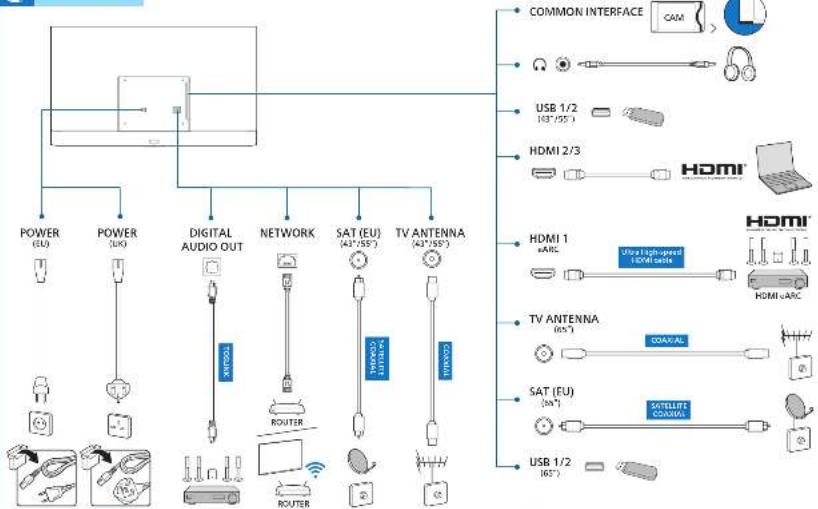
flowchart
graph TD
    A["POWER (EU)"] --> B["POWER (UK)"]
    B --> C["DIGITAL AUDIO OUT"]
    C --> D["NETWORK"]
    D --> E["SAT (EU) (42°/55")"]
    E --> F["TV ANTENNA (42°/55")"]
    F --> G["COMMON INTERFACE CAM"]
    H["USB 1/2 (63°/55°)"] --> I["USB 1/2 (63°)"]
    J["HDMI 2/3"] --> K["HDMI"]
    L["HDMI 1 sARC"] --> M["Ultra high-speed HDMI cable"]
    N["TV ANTENNA (65°)"] --> O["COAV/AL"]
    P["SAT (EU) (60°)"] --> Q["SATELLITE COAV/AL"]
    R["USB 1/2 (63°)"] --> S["USB 1/2 (63°)"]
O
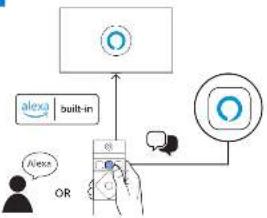
flowchart
graph TD
    A["Input"] --> B["Alexa built-in"]
    B --> C{OR}
    C -->|Yes| D["Email"]
    C -->|No| E["Output"]
    D --> F["Arrow to Excel"]
    E --> G["Arrow to Email"]
?
text_image
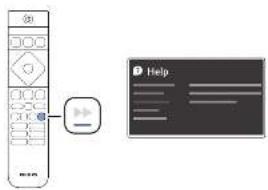
Image showing a remote control with a play button and a help screen with placeholder text.!
text_image
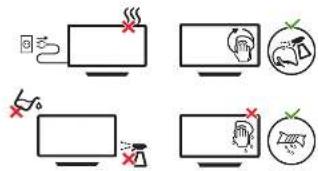
Diagram showing four different behaviors of a device, including heating, alarm, and warning signs with corresponding icons.
Adequation of the 2016 and 2017 results in the impact of the 2016 and 2017 results. The results are presented in a separate report. From the 2016 results, we also have been reported that the results were presented in the 2017 results.
i
Recommended wall distance for the best Ambilight Experience