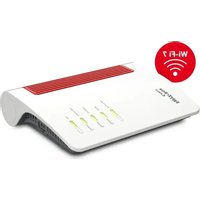
FRITZ!Box 6670 Cable - Routeur AVM - Notice d'utilisation et mode d'emploi gratuit
Retrouvez gratuitement la notice de l'appareil FRITZ!Box 6670 Cable AVM au format PDF.

| Type de produit | Routeur câble |
| Marque | AVM |
| Modèle | FRITZ!Box 6670 Cable |
| Dimensions approximatives | 20 x 15 x 5 cm |
| Poids approximatif | 500 g |
| Alimentation | Adaptateur secteur externe 12 V |
| Connexion Internet | Câble (DOCSIS 3.1) |
| WiFi | WiFi 6 (802.11ax) double bande |
| Téléphonie | 2 ports FON (TAE/RJ11) pour téléphones, fax, répondeurs ; VoIP |
| Ports réseau | 4 ports Gigabit Ethernet (LAN) |
| Ports USB | 2 ports USB 3.0 |
| Interface utilisateur | Web interface via http://fritz.box |
| Sécurité | WPA2, pare-feu, filtrage MAC, contrôle parental |
| Diagnostic | Données de diagnostic configurables dans l'interface |
| Conformité | Directives 2014/53/UE, 2006/12/CE, 2011/65/UE |
| Entretien et nettoyage | Nettoyer avec un chiffon sec ; ne pas utiliser de produits abrasifs |
| Pièces détachées et réparabilité | Non réparable par l'utilisateur ; contacter le service client AVM |
FOIRE AUX QUESTIONS - FRITZ!Box 6670 Cable AVM
Questions des utilisateurs sur FRITZ!Box 6670 Cable AVM
0 question sur cet appareil. Repondez a celles que vous connaissez ou posez la votre.
Poser une nouvelle question sur cet appareil
Téléchargez la notice de votre Routeur au format PDF gratuitement ! Retrouvez votre notice FRITZ!Box 6670 Cable - AVM et reprennez votre appareil électronique en main. Sur cette page sont publiés tous les documents nécessaires à l'utilisation de votre appareil FRITZ!Box 6670 Cable de la marque AVM.
MODE D'EMPLOI FRITZ!Box 6670 Cable AVM
-
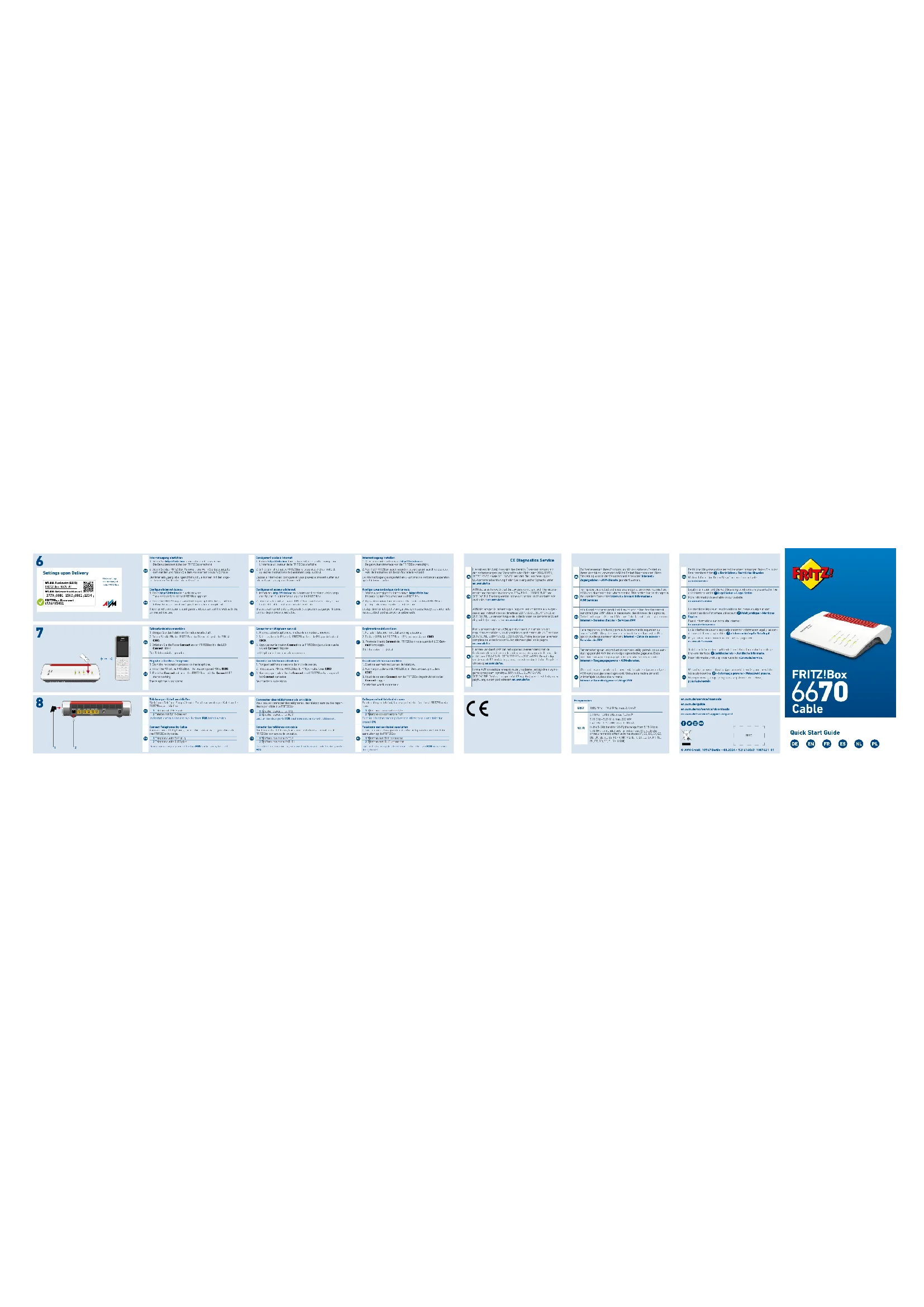
Entrez http://nfitz.box dans la barre d'adresse d'un navigateur. L'interface utilisateur de la 2017 Paris s'affiche
-
Entrez le mot de passe FRITZ1Box lorsque vous y êtes invité et
salvez les instructions de l'assistant jusqu'au bout.
L'accis à Internet est configuré et vous pouvez à présent surfer su Internet avec vous appareils respectifs.
-
Allumez votre téléphone et mettez-le en mode connexion.
-
Saisissez le code PIN de la FRIT2180x. Le code PIN par défaut en
-
Amevez sur le houtro Concert de la EBIT2190s jusqu'à ce peut
vayrant Connect clignote.
Le téléphone est en cours de connexion.
Vous pouvez connecter des téléphones, des télécopieurs ou des rédeurs par câble à la EBITZ1 Box.
1 Telephone avec prise TAE
2 Telephone avec prise RJ11
Seul un des deux ports FON peut être occupé durant l'utilisation.
Conectar les teléfonos par cable
AUM déclare par la présente que l'appareil est conforme aux exige
des et aux instructions des directives 2014/05/UE, 2006/12/CE et 2011/05/UE. La version longue de la déclaration de conformité CF
disponible (en anglais) sur en.avms.de/ce.
-
1.1.1.1.1.1.1.1.1.1.1.1.1.1.1.1.1.1.1.1.1.1.1.1.1.1.1.1.1.1.1.1.1.1.1.1.1.1.1.1.1.1.1.1.
Afin d'améliorer votre produit et d'en assurer le bon fonctionnement
sur votre ligne, AVM utilise, si nécessaire, des données de diagnostie. Cette fonction peut être modifiée dans l'interface utilisateur via le même
Internet > Donnies d'accès > Services ATM.
(No text)
disponibles dans l'interface utilisateur : Enel jurique > Merzies Jürges
Marque : AVM
Modèle : FRITZ!Box 6670 Cable
Catégorie : Routeur