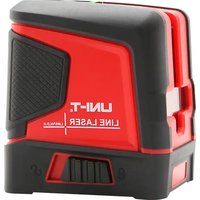
LM573LD-II - Pointeur laser Uni-T - Notice d'utilisation et mode d'emploi gratuit
Retrouvez gratuitement la notice de l'appareil LM573LD-II Uni-T au format PDF.

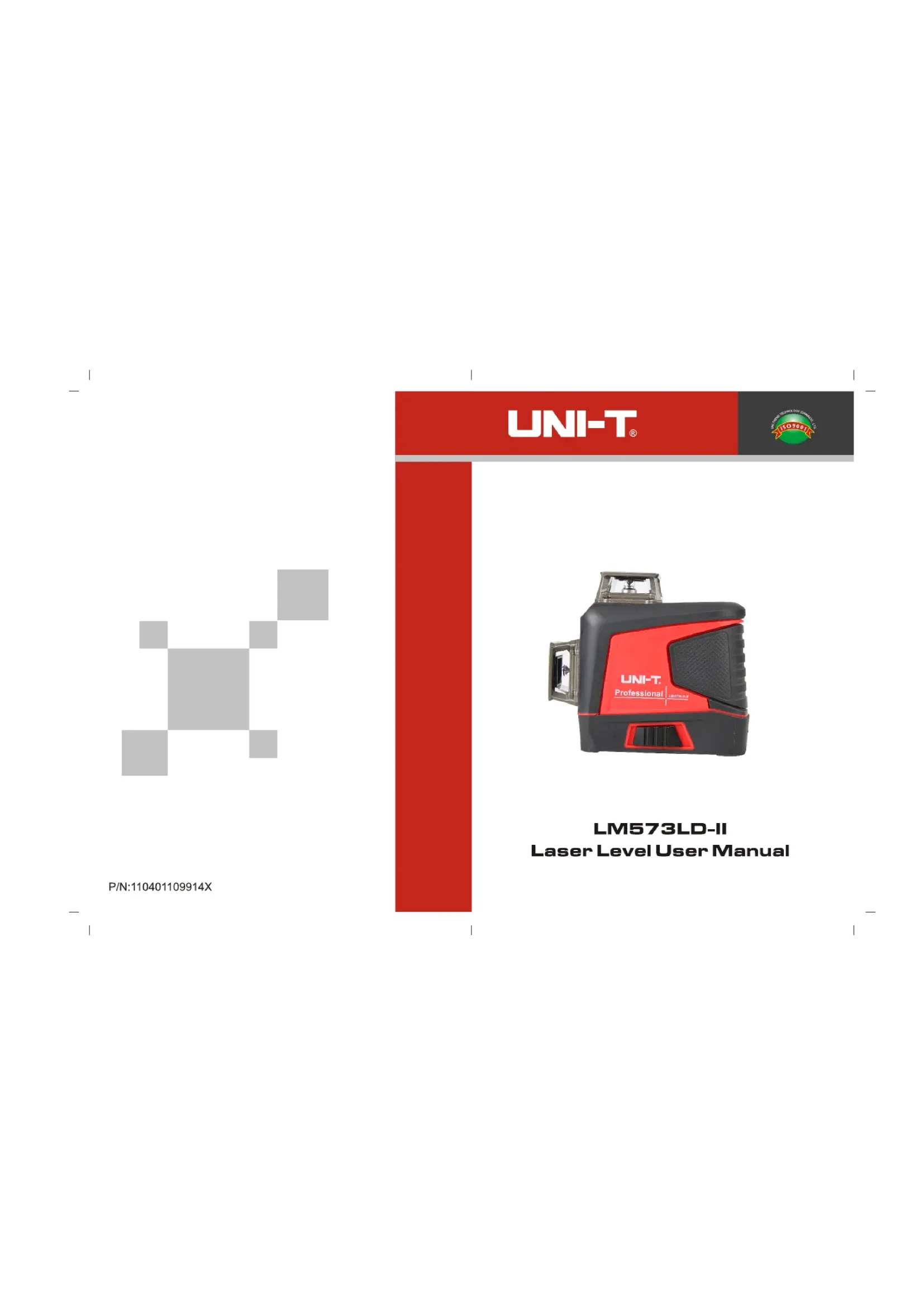
| Type de produit | Niveau laser |
| Marque | Uni-T |
| Modèle | LM573LD-II |
| Couleur du laser | Vert (LD) |
| Longueur d'onde | 520 nm ± 5 nm |
| Puissance maximale | < 1 mW |
| Classe laser | Classe 2 |
| Nombre de lignes | 12 lignes (horizontales et verticales) |
| Précision horizontale | ≤ ± 3 mm / 10 m (± 60') |
| Précision verticale | ≤ ± 3 mm / 10 m (± 60') |
| Portée en mode impulsion | Jusqu'à 50 m (avec récepteur) |
| Angle d'émission | 360° |
| Plage d'auto-nivellement | 3° ± 1° |
| Temps d'auto-nivellement | ≤ 3 s |
| Alimentation | Batterie lithium-ion rechargeable 5200 mAh (2 cellules 18650) |
| Interface de charge | USB Type-C |
| Température de fonctionnement | -10 °C à 50 °C |
| Fonctions principales | Auto-nivellement, mode manuel, mode impulsion extérieure, 12 lignes laser, télécommande, indicateur de niveau de batterie |
| Accessoires inclus | Niveau laser, télécommande, batterie lithium 5200 mAh, manuel utilisateur, support LM312A, câble USB Type-C, boîte à outils |
| Sécurité | Produit laser classe 2, ne pas regarder directement dans le faisceau, éviter l'utilisation avec instruments optiques |
| Nettoyage | Essuyer avec un chiffon doux et sec, ne pas utiliser de solvants |
| Garantie | Consulter la notice pour les conditions de garantie |
FOIRE AUX QUESTIONS - LM573LD-II Uni-T
Questions des utilisateurs sur LM573LD-II Uni-T
0 question sur cet appareil. Repondez a celles que vous connaissez ou posez la votre.
Poser une nouvelle question sur cet appareil
Téléchargez la notice de votre Pointeur laser au format PDF gratuitement ! Retrouvez votre notice LM573LD-II - Uni-T et reprennez votre appareil électronique en main. Sur cette page sont publiés tous les documents nécessaires à l'utilisation de votre appareil LM573LD-II de la marque Uni-T.
MODE D'EMPLOI LM573LD-II Uni-T

P/N:110401109914X
UNI-T®

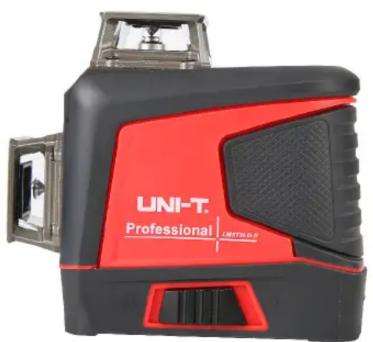
LM573LD-II Niveau Laser Manuel d'utilisation
- Introduction du produit

| 1 | 360° horizontal glass window | 2 | 360° vertical glass window V1 |
| 3 | 360° vertical glass window V2 | 4 | Pendulum lock |
| 5 | Button | 6 | Battery door |
| 7 | Charging interface | ||
| 8 | LED indicator (left: power indicator, right: outdoor pulse mode indicator) | ||
2. Consignes de sécurité
Avant d'utiliser ce produit, veuillez lire attentivement et suivre les consignes de sécurité, sinon la garantie pourrait être invalidée.
Avertissement !
• Produit laser de classe 2
• Puissance de sortie maximale : ≤1mW • Longueur d'onde : 510nm-515nm
Rayonnement laser :
- Ne pas regarder directement le faisceau
- Ne pas exposer directement les yeux
- Éviter l'utilisation d'instruments optiques

3. Précautions
Certains kits de produits fournissent des lunettes. Veuillez noter que ces lunettes ne sont pas des lunettes de sécurité. Elles sont uniquement destinées à aider l'utilisateur à reconnaître le faisceau laser dans une lumière ambiante forte ou lorsque la source lumineuse de l'instrument laser est éloignée.
Ne pas regarder directement le faisceau ou observer le faisceau laser à l'aide d'un instrument optique, ni placer l'instrument à hauteur des yeux (pour éviter tout dommage oculaire).
- Ne pas démonter l'instrument laser sans autorisation.
- Ne pas modifier l'instrument de quelque manière que ce soit sans autorisation ; cela pourrait entraîner une exposition à un rayonnement laser dangereux.
- Ne pas utiliser l'instrument laser en présence d'enfants ni leur permettre de l'utiliser.
- Une exposition à un laser de classe 2 pendant 2 secondes maximum est généralement considérée comme sûre, car le réflexe naturel de la paupière (clignement) offre normalement une protection adéquate.
4. Instructions d'utilisation
- Lorsque l'instrument laser est verrouillé, maintenez enfoncé le bouton V pour l'allumer et émettre une ligne laser horizontale. À ce moment, la ligne laser clignote une fois toutes les 5 secondes et l'indicateur est vert.
- Lorsque l'instrument est déverrouillé (faites basculer le verrou du pendule en position déverrouillée) et allumé, il peut également émettre une ligne laser horizontale. Lorsque l'instrument dépasse sa plage de mise à niveau automatique (3° ± 1°), le faisceau laser clignote rapidement. Appuyez en continu sur le bouton V pour faire défiler les modes de fonctionnement de l'instrument.
Générer le plan vertical 1#
Générer le plan vertical 2#
Générer simultanément deux plans verticaux
Appuyez sur le bouton H pour passer au plan horizontal
Générer un plan horizontal
- Seulement lorsque le verrou du pendule est en position verrouillée, un appui long sur le bouton V peut éteindre l'instrument. Remarque : cela garantit que l'utilisateur doit faire basculer le verrou du pendule en position verrouillée avant d'éteindre l'instrument. Le mode de mise à niveau automatique de l'instrument ne peut être activé que lorsque le verrou du pendule est en position déverrouillée.
- Lorsque l'instrument est en cours d'utilisation, l'indicateur de charge/alimentation est éteint. Lorsque la batterie est à 20 % de charge restante, l'indicateur de charge/alimentation clignote en rouge, et l'instrument s'éteint automatiquement après décharge complète. Lorsque la batterie est en charge, l'indicateur de charge/alimentation clignote en rouge pour rappeler à l'utilisateur que l'instrument est en charge. Lorsqu'elle est complètement chargée, l'indicateur de charge/alimentation passe au vert fixe. Lorsque vous utilisez directement l'interface de charge de l'instrument pour charger, le voyant vert clignote, et lorsqu'il est complètement chargé, l'indicateur passe au vert fixe.
5. Mode manuel
À l'état éteint, maintenez enfoncé le bouton V pendant plus de 3 secondes pour entrer en mode manuel. À ce moment, l'instrument s'allume et émet une ligne laser horizontale. Le témoin de verrouillage est toujours allumé, et la ligne laser clignote une fois toutes les cinq secondes pour rappeler à l'utilisateur qu'il est en mode manuel. La ligne laser peut être réglée à différents angles. En mode manuel, maintenez à nouveau enfoncé le bouton V pendant plus de 3 secondes, ou basculez le verrou du pendule pour passer en mode auto-nivelant, puis basculez-le à nouveau pour éteindre.
Remarque : la ligne laser en mode manuel ne peut pas être utilisée comme ligne de référence horizontale/verticale.
6. Mode impulsion
En mode auto-nivelant, maintenez enfoncé le bouton V pour passer en mode impulsion extérieur. À ce moment, le témoin d'impulsion est toujours allumé et la luminosité de la ligne laser diminue. L'instrument peut fonctionner avec un récepteur laser dédié. Maintenez à nouveau enfoncé le bouton V pour quitter le mode impulsion.
7. Mode télécommande
Ce produit est équipé d'une puce de télécommande, qui permet de changer à distance les fonctions de l'instrument via la télécommande fournie. Un appairage est nécessaire lors de la première utilisation de la télécommande. Allumez d'abord l'instrument, puis maintenez enfoncés simultanément le bouton H de l'instrument et le bouton H de la télécommande pendant plus de 3 secondes pour réussir l'appairage. Remarque : la fonction télécommande ne peut être utilisée qu'après la mise sous tension de l'instrument. La télécommande ne peut que changer les fonctions, elle ne peut pas allumer/éteindre l'instrument à distance ni contrôler le mode impulsion.
- Spécifications
| Basic functions | LM573LD-II |
| Laser type | Green LD |
| Laser wavelength | 520nm±5nm |
| Laser power | <1mW |
| Laser class | CLASS 2 |
| Laser lines | 12 lines |
| Horizontal accuracy | ≤ ± 3 mm/10 m( ± 60 ) |
| Vertical accuracy | ≤ ± 3 mm/10 m( ± 60 ) |
| Laser linewidth | <4mm/10m (indoor lighting: 80~100lux) |
| Minimum distance to wall | 10mm |
| Emission angle | 360 ° |
| Operating distance | In pulse (5:5) mode: 50 m |
| Operating temperature | -10~50°C |
| Storage temperature | -10~50°C |
| Outdoor pulse | ✓ |
| Leveling time | ≤3s |
| Leveling range | 3 ° ± 1 ° |
| Leveling modes | Magnetic damping, heavy hammer |
| Battery type | Lithium battery pack (contains two 18650 cells) |
| Battery capacity | 5200mAh, with a Type-C interface |
9. Accessoires
Niveau laser----1 pièce
Télécommande----1 pièce
Batterie lithium 5200mAh----1 pièce
Manuel d'utilisation----1 pièce
Support LM312A----1 pièce
Câble de charge Type-C----1 pièce
Boîte à outils----1 pièce
UNI-T®
UNI-TREND TECHNOLOGY (CHINA) CO., LTD.
N° 6, Gong Ye Bei 1st Road,
Zone industrielle nationale de haute technologie du lac Songshan,
Ville de Dongguan,
Province du Guangdong, Chine
Marque : Uni-T
Modèle : LM573LD-II
Catégorie : Pointeur laser