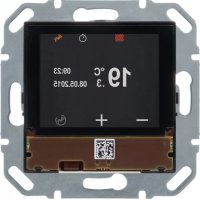
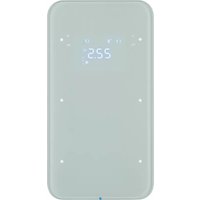
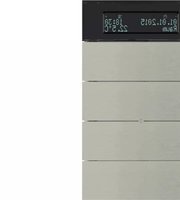
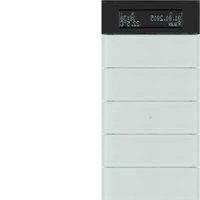
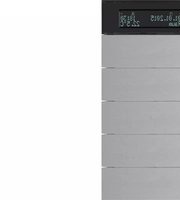
80440100 - Thermostat HAGER - Notice d'utilisation et mode d'emploi gratuit
Retrouvez gratuitement la notice de l'appareil 80440100 HAGER au format PDF.


| Type de produit | Thermostat KNX |
| Marque | Hager |
| Modèle | 80440100 |
| Dimensions (L x H x P) | 48 x 48 x 25 mm |
| Poids | 150 g |
| Alimentation | Bus KNX, 24 V CC |
| Consommation | < 0,5 W |
| Affichage | Écran LCD rétroéclairé |
| Capteurs intégrés | Température ambiante |
| Fonctions principales | Régulation de température, programmation horaire, commande manuelle, mode absence |
| Protocole | KNX |
| Indice de protection | IP20 |
| Température de fonctionnement | 0 °C à 40 °C |
| Humidité maximale | 85 % HR (sans condensation) |
| Entretien et nettoyage | Nettoyer avec un chiffon doux et sec. Ne pas utiliser de produits abrasifs. |
| Sécurité | Fonction de verrouillage enfant, protection contre le gel |
| Pièces détachées et réparabilité | Voir le site Hager ou contacter le SAV. Indice de réparabilité : 8/10. |
| Informations générales | Ce thermostat est conçu pour une utilisation en intérieur dans un système KNX. Livré avec notice d'installation. |
FOIRE AUX QUESTIONS - 80440100 HAGER
Questions des utilisateurs sur 80440100 HAGER
0 question sur cet appareil. Repondez a celles que vous connaissez ou posez la votre.
Poser une nouvelle question sur cet appareil
Téléchargez la notice de votre Thermostat au format PDF gratuitement ! Retrouvez votre notice 80440100 - HAGER et reprennez votre appareil électronique en main. Sur cette page sont publiés tous les documents nécessaires à l'utilisation de votre appareil 80440100 de la marque HAGER.
MODE D'EMPLOI 80440100 HAGER
SC6E0100
KNX room controller
SC44HHD
KNX thermostat
B. Bierker
es es
flowchart
graph LR
    A["原始资料 243-87"] --> B["文件 1"]
    B --> C["文件 2"]
    C --> D["文件 3"]
    D --> E["文件 4"]

Theorem 1.4 (A) is a finite element of () and is the sum of all elements of () . The sum of all elements of () is + · 10^-6 / 951 - s + 3 · 8 · 202.187 + 10 · 8 · 18 · 18 · 18 · 18 .

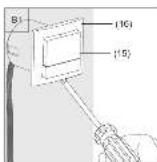
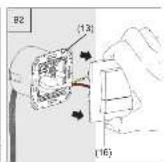
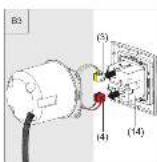
HINDIA
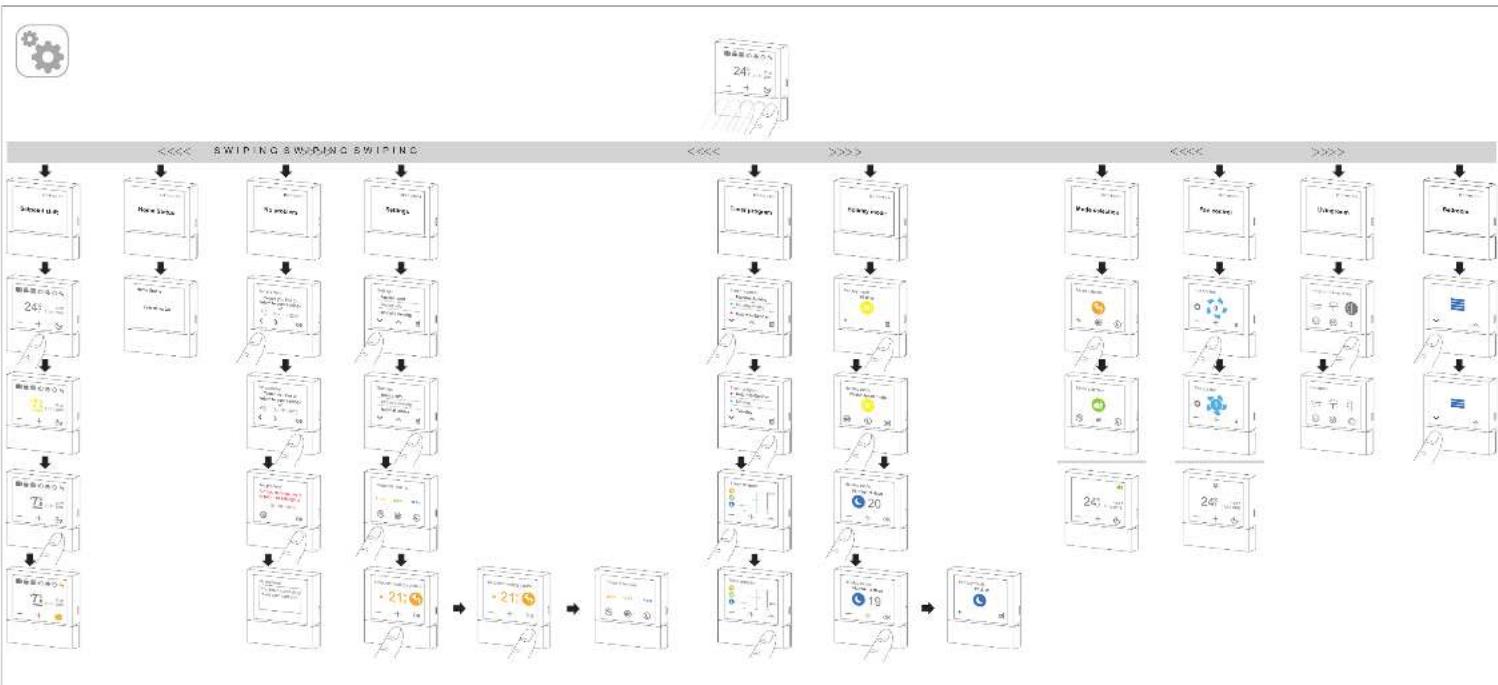
flowchart
graph TD
    A["Device Input"] --> B["Switch: New Device"]
    B --> C["Switch: To preprint"]
    C --> D["Switch: To preprint"]
    D --> E["Switch: To preprint"]
    E --> F["Switch: To preprint"]
    F --> G["Switch: To preprint"]
    G --> H["Switch: To preprint"]
    H --> I["Switch: To preprint"]
    I --> J["Switch: To preprint"]
    J --> K["Switch: To preprint"]
    K --> L["Switch: To preprint"]
    L --> M["Switch: To preprint"]
    M --> N["Switch: To preprint"]
    N --> O["Switch: To preprint"]
    O --> P["Switch: To preprint"]
    P --> Q["Switch: To preprint"]
    Q --> R["Switch: To preprint"]
    R --> S["Switch: To preprint"]
    S --> T["Switch: To preprint"]
    T --> U["Switch: To preprint"]
    U --> V["Switch: To preprint"]
    V --> W["Switch: To preprint"]
    W --> X["Switch: To preprint"]
    X --> Y["Switch: To preprint"]
    Y --> Z["Switch: To preprint"]
    Z --> AA["Switch: To preprint"]
    AA --> AB["Switch: To preprint"]
    AB --> AC["Switch: To preprint"]
    AC --> AD["Switch: To preprint"]
    AD --> AE["Switch: To preprint"]
    AE --> AF["Switch: To preprint"]
    AF --> AG["Switch: To preprint"]
    AG --> AH["Switch: To preprint"]
    AH --> AI["Switch: To preprint"]
    AI --> AJ["Switch: To preprint"]
    AJ --> AK["Switch: To preprint"]
    AK --> AL["Switch: To preprint"]
    AL --> AM["Switch: To preprint"]
    AM --> AN["Switch: To preprint"]
    AN --> AO["Switch: To preprint"]
    AO --> AP["Switch: To preprint"]
    AP --> AQ["Switch: To preprint"]
    AQ --> AR["Switch: To preprint"]
    AR --> AS["Switch: To preprint"]
    AS --> AT["Switch: To preprint"]
    AT --> AU["Switch: To preprint"]
    AU --> AV["Switch: To preprint"]
    AV --> AW["Switch: To preprint"]
    AW --> AX["Switch: To preprint"]
    AX --> AY["Switch: To preprint"]
The following table is provided in the image. The text in the source image is: "The name of the name of the name, and the author's name, and the title of the name of the name, and the author's title, and the author's name, and the author's title, and the author's name, and the author's title, and the author's name, and the author's title, and the author's name, and the author's title, and the author's name, and the author's title, and the author's name, and the author's title, and the author's name, and the author's title, and the author's name, and the author's title, and the author's name, and
H10F28B 1/275
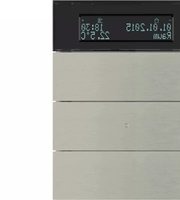
Marque : HAGER
Modèle : 80440100
Catégorie : Thermostat