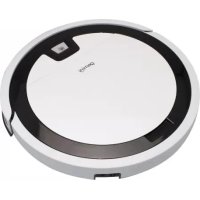
GWRVC15 - Aspirateur GEMINI - Notice d'utilisation et mode d'emploi gratuit
Retrouvez gratuitement la notice de l'appareil GWRVC15 GEMINI au format PDF.


| Type de produit | Aspirateur robot intelligent |
| Marque | Gemini |
| Modèle | GWRVC15 |
| Dimensions (L x H x P) | 325 x 56 x 325 mm |
| Alimentation | Batterie lithium-ion 14.6V / 2150 mAh |
| Autonomie | 90 à 120 minutes |
| Temps de charge | 4 à 5 heures |
| Capacité du réservoir à poussière | 200 ml |
| Capacité du réservoir d'eau | 125 ml |
| Puissance | 20 W |
| Modes de nettoyage | Automatique (navigation gyroscopique), bord, spot, aspiration forte/normale |
| Fonction de lavage | Oui, avec chiffon inclus |
| Programmation | 7 jours / 24 heures |
| Contrôle | WiFi (application HKBN Home) et télécommande |
| Retour automatique à la base | Oui |
| Capteurs de sécurité | Anti-chute et anti-collision |
| Accessoires inclus | 2 chiffons de lavage, 2 brosses latérales, adaptateur, télécommande, station d'accueil |
| Application compatible | HKBN Home (nécessite WiFi 2.4 GHz) |
| Service après-vente | ToolBox (groupe Gilman) |
| Compatibilité sols | Sol dur, parquet, moquette (poils < 0.8 cm) |
FOIRE AUX QUESTIONS - GWRVC15 GEMINI
Questions des utilisateurs sur GWRVC15 GEMINI
0 question sur cet appareil. Repondez a celles que vous connaissez ou posez la votre.
Poser une nouvelle question sur cet appareil
Téléchargez la notice de votre Aspirateur au format PDF gratuitement ! Retrouvez votre notice GWRVC15 - GEMINI et reprennez votre appareil électronique en main. Sur cette page sont publiés tous les documents nécessaires à l'utilisation de votre appareil GWRVC15 de la marque GEMINI.
MODE D'EMPLOI GWRVC15 GEMINI
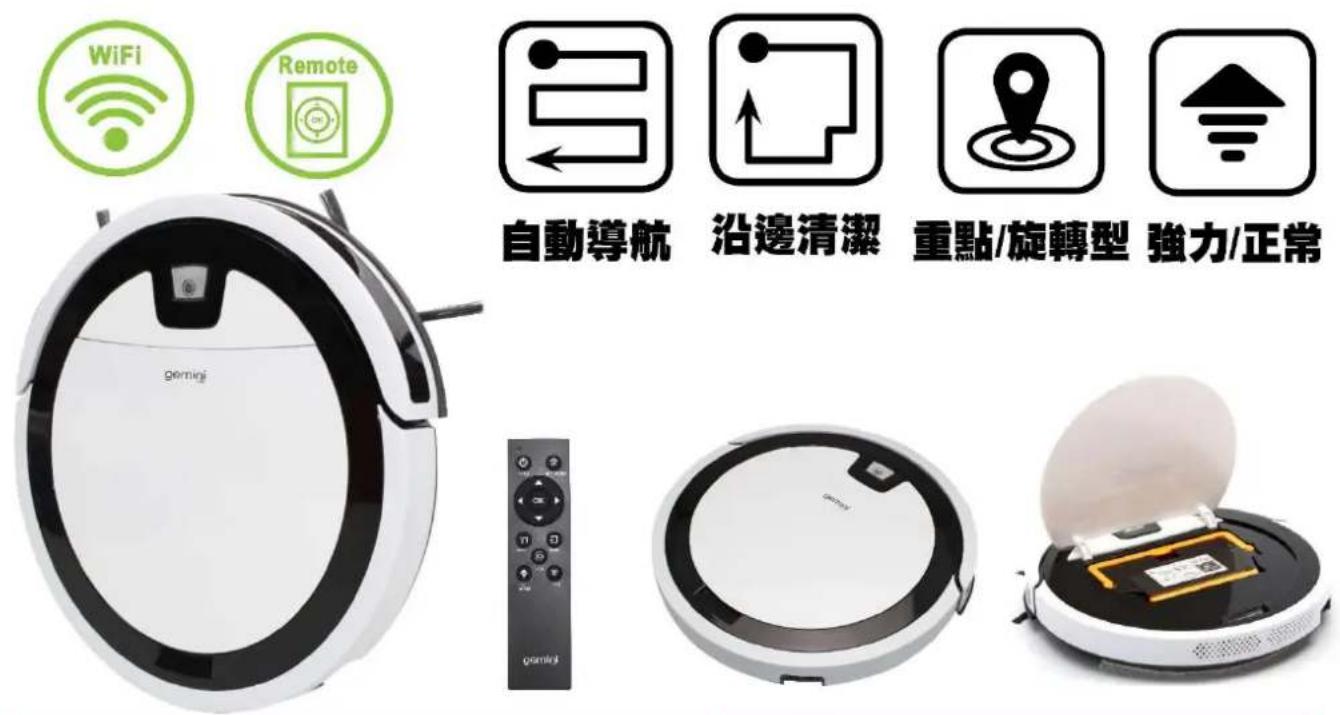
WIFI SMART ROBOT VACUUM CLEANER
WIFI無線網絡智能自動吸塵機 - GWRVC15
• Vacuum clean, Anti-falling sensor function and Anti-collision smart robot vacuum cleaner
- With wipe cleaning function
- Ideal for hard floor, wooden floor & carpet (short fluff must be < 0.8 cm height)
- Powered by built-in 2150 mAh Li-ion battery (14.6V)
- WIFI control / Remote control options
- 4 Multi-cleaning mode: Automatic mode (Gyroscope Navigation Mapping function) /Edge mode/Spot mode/Strong or Normal suction mode
- 7-day x 24-hour Pre-set On cleaning function
- Charging time: 4-5 Hours for running around 90-120 minutes
• Auto-back Self-charging option
• Dust box / Water tank capacity:200ml / 125m
- Accessories: 2 x cleaning cloth, 2 x side brush, 1 x adapter, 1 x remote control, 1 x charging dock station
- Power: 20W
• Product dimension: 325(W) x 56(H) x 325(D)mm
Specifications may change due to product improvement. No prior notice will be given. 上述規格可能因產品改良而作出修改,恕不另行通知。
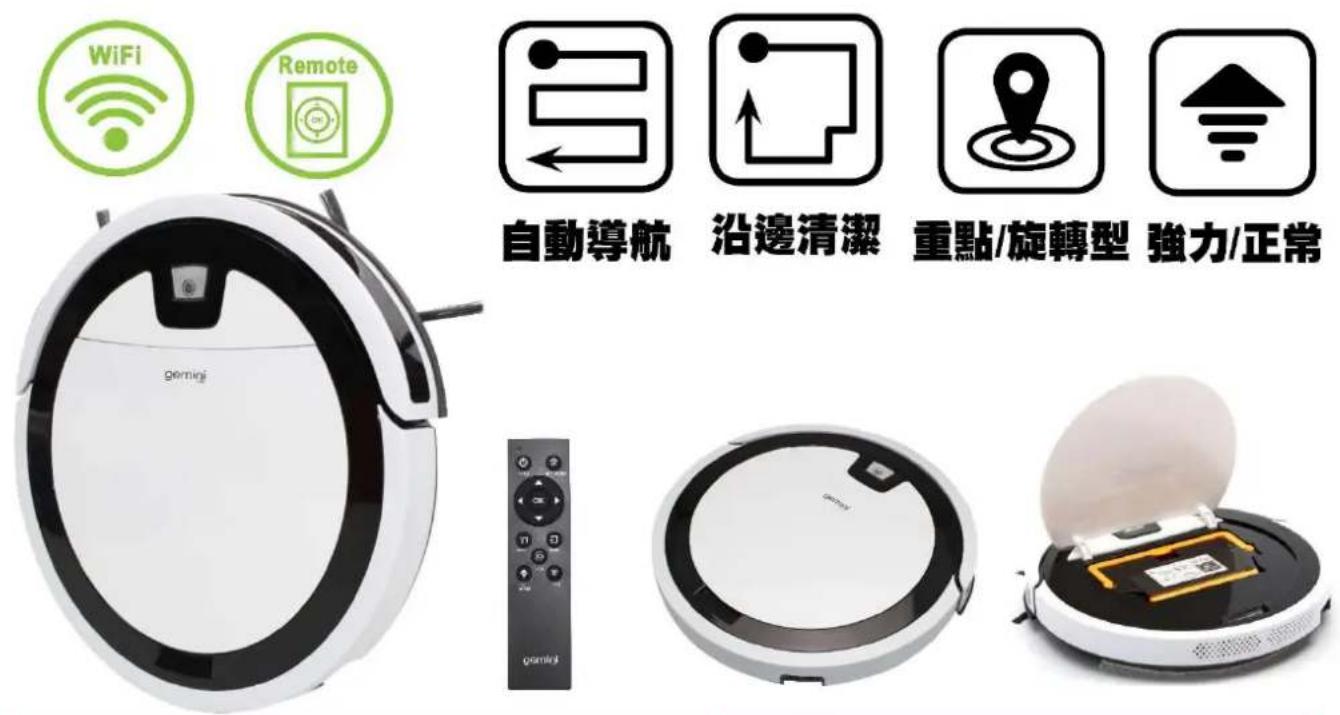
WIFI SMART ROBOT VACUUM CLEANER
WIFI無線網絡智能自動吸塵機 - GWRVC15
- 智能吸塵清潔、防摔感應器裝置及防撞功能自動吸塵器
- 具抹地清潔功能
- 適用於硬地板、木地板、地毯(短絨毛小於0.8厘米長)
- 內置供電電池2150 mAh鋰電池/ 14.6V
- 可透過WIFI無線網絡/遙控器控制均可
- 4功能清洗模式: 自動清潔模式(自動導航)、沿邊清潔模式、重點/旋轉型清潔模式及強力/正常清潔模式
- 7天 24小時預設開機清潔功能
- 充電時間:4-5小時 / 工作時間約90-120分鐘
- 自動返回連接充電座
- 鹿箱及水箱容量:200毫升/125毫升
- 配件:2塊 抹地布、2套側刷、1個適配器、1個遙控器及1個充電座
- 功率:20瓦
- 產品尺寸:325 (闊) × 56(高) × 325 (深) 毫米
Specifications may change due to product improvement. No prior notice will be given. 上述規格可能因產品改良而作出修改,恕不另行通知。
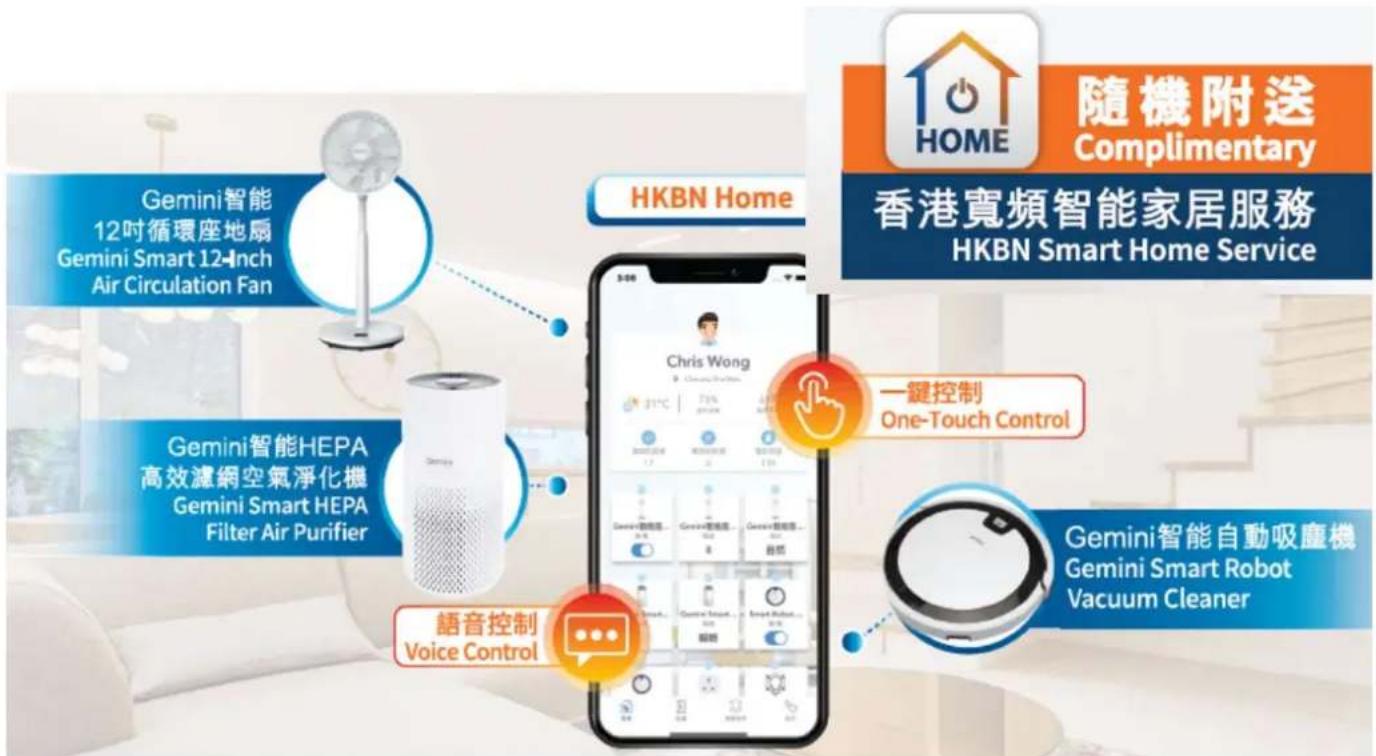
HKBN Home 助您輕鬆打造智能生活: Easily build your smart life with HKBN Home :

一App掌控全屋智能設備
Manage all smart devices with a single App

技術支援熱線
Technical support hotline
34920110
星期一至日/早上9-下千6點
Mon – Sun, 9am – 6pm
熱線流程4步曲:

flowchart
graph LR
    A["1. 服務時間內 致電3492 0110"] --> B["2. 選擇語言"]
    B --> C["3. 輸入6個位的HKBN Home 服務序號核實身份"]
    C --> D["4. 連接到客戶服務員"]

Gilman
since 1841
Proudly Serviced by:
ToolBox
a Gilman Group Company
免費服務換領資料
Free Service Redemption Information
以下優惠碼只能使用一次,並於成功兌換服務後便作無效。
The following Promo Code can only be used once and will be invalid after successful redemption.
HKBN Home 服務序號
HKBN Home Service Code

優惠碼
Promo Code

服務有效期至
Service Expiry Date

簡易使用3步曲
Get Started in 3 Simple Steps
第一步 Step 1
下載 HKBN Home 應用程式 Download HKBN Home App
客戶可到App Store或Google Play上搜尋
「HKBN Home」下載並安裝應用程式
Search and download "HKBN Home" App in App Store or Google Play

natural_image
Icon of a house with power button and 'HOME' text, no additional symbols or text present或 OR
使用手機掃描二維碼
Scan the QR code

Specifications may change due to product improvement. No prior notice will be given.
上述規格可能因產品改良而作出修改,恕不另行通知。
第二步 Step 2
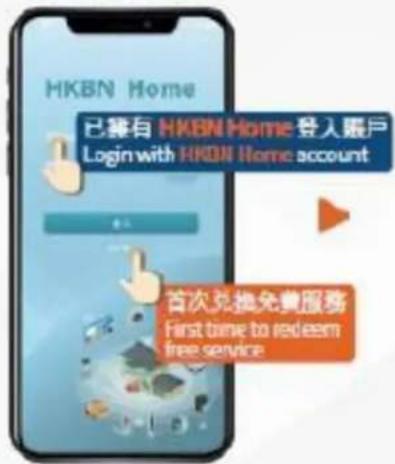
兌換免費服務 Redemption of Free Service
①
點擊「訪客登入」*
Tap "Guest Login"
②
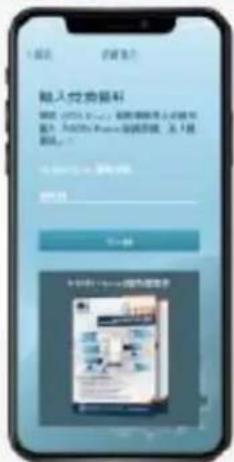
輸入「HKBN Home 服務
序號」及「優惠碼」
Enter "HKBN Home Service Code" and "Promo code"
3
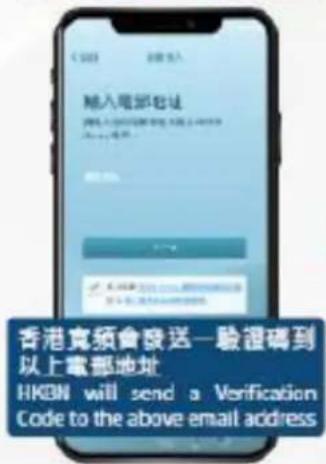
輸入您的電郵地址以
建立 HKBN Home 販戶
Enter your email address to create HKBN Home account
4
輸入驗證碼確認電郵地址
Enter Vortification Code to verify your email address
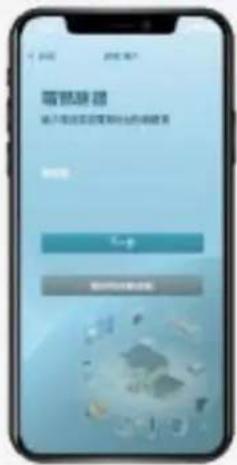

兑换完成!
Redemption Successful!
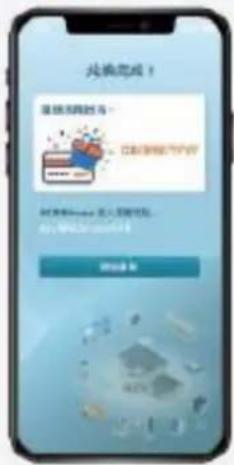
Specifications may change due to product improvement. No prior notice will be given. 上述規格可能因產品改良而作出修改,恕不另行通知。
第三步 Step 3
建立賬戶及添加設備 Create Account and Add Device
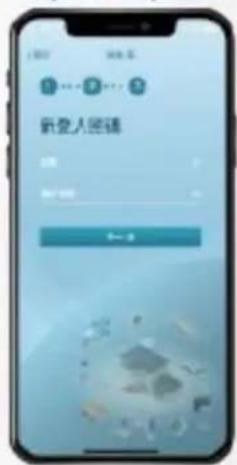
①
點擊「開始使用」
Tap "Let's Start"
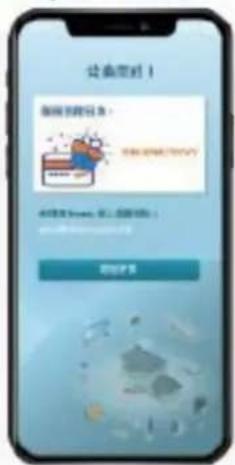
2
輸入您喜愛的名稱及選擇個人圖像
Create user name and select profile picture
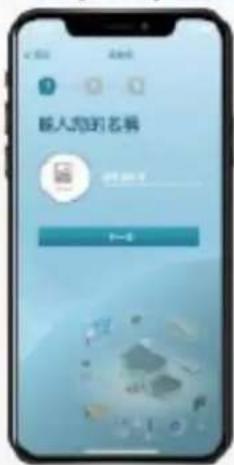
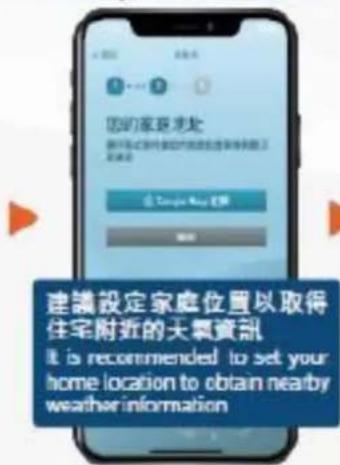
③
選擇您的家庭地址
Select your home location
4
建立新登入密碼
便可完成
Create new password to complete the process
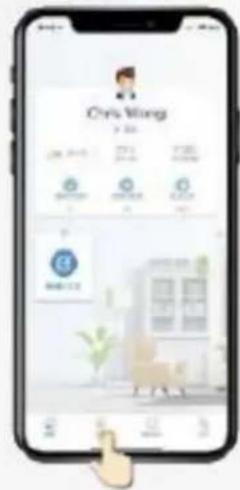
5
在下方目錄點擊「設備」
Tap "Devices" on the bottom menu
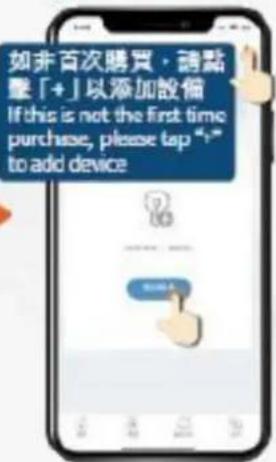
6
點擊「添加設備」
Tap "Add Device" button
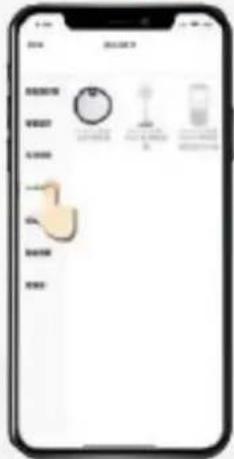
7
於左方目錄點擊
「生活家電」
Select "HomeAppliance" from the left menu
8
然後按指示進行配對
Follow the pairing instructions on screen
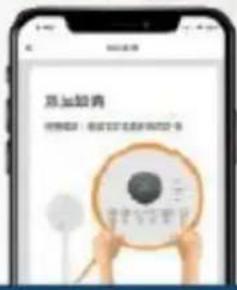
▶
配對時手機必須連接至24GHz Wi-Fi網絡
Makesure your mobile device is connected to the 2.4GHz Wi-Fi network during pairing
Specifications may change due to product improvement. No prior notice will be given.
上述規格可能因產品改良而作出修改,恕不另行通知。

- WIFI SMART ROBOT VACUUM CLEANER
- WIFI無線網絡智能自動吸塵機 - GWRVC15
- HKBN Home 助您輕鬆打造智能生活: Easily build your smart life with HKBN Home :
- 熱線流程4步曲:
- 免費服務換領資料
- Free Service Redemption Information
- 簡易使用3步曲
- Get Started in 3 Simple Steps
- 第一步 Step 1
- 下載 HKBN Home 應用程式 Download HKBN Home App
- 第二步 Step 2
- 兌換免費服務 Redemption of Free Service
- 第三步 Step 3
- 建立賬戶及添加設備 Create Account and Add Device
Marque : GEMINI
Modèle : GWRVC15
Catégorie : Aspirateur