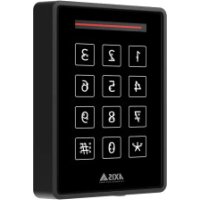
TA4401 - Interphone AXIS - Notice d'utilisation et mode d'emploi gratuit
Retrouvez gratuitement la notice de l'appareil TA4401 AXIS au format PDF.

| Type de produit | Interphone vidéo |
| Marque | Axis |
| Modèle | TA4401 |
| Format d'image | Noir et blanc |
| Résolution de l'écran | 320 x 240 pixels |
| Angle de vue de la caméra | 120° |
| Nombre de boutons | 12 touches alphanumériques |
| Fonctions principales | Communication audio/vidéo, ouverture de porte, appel entrant, répertoire |
| Alimentation | 24 V DC |
| Consommation électrique | 5 W max |
| Dimensions du moniteur | 150 x 80 x 30 mm |
| Poids du moniteur | 200 g |
| Dimensions de la caméra extérieure | 70 x 40 x 30 mm |
| Poids de la caméra extérieure | 150 g |
| Type d'installation | Encastré ou en saillie |
| Câblage | 4 fils (audio, vidéo, alimentation, gâche) |
| Température de fonctionnement | -10°C à +50°C |
| Entretien et nettoyage | Essuyer avec un chiffon doux et sec. Ne pas utiliser de solvants. |
| Indice de protection de la caméra | IP54 |
| Sécurité | Usage intérieur pour le moniteur, extérieur pour la caméra |
| Pièces détachées et réparabilité | Contacter le service après-vente Axis pour les pièces et réparations |
| Informations générales | Notice disponible en ligne sur notice-facile.com |
FOIRE AUX QUESTIONS - TA4401 AXIS
Questions des utilisateurs sur TA4401 AXIS
0 question sur cet appareil. Repondez a celles que vous connaissez ou posez la votre.
Poser une nouvelle question sur cet appareil
Téléchargez la notice de votre Interphone au format PDF gratuitement ! Retrouvez votre notice TA4401 - AXIS et reprennez votre appareil électronique en main. Sur cette page sont publiés tous les documents nécessaires à l'utilisation de votre appareil TA4401 de la marque AXIS.
MODE D'EMPLOI TA4401 AXIS
AXISTA4401 BrailleLabel
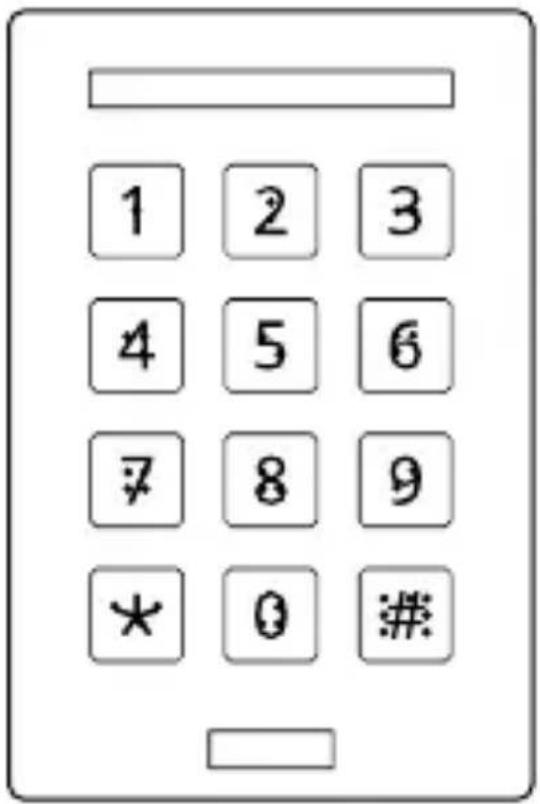
InstallationGuide

natural_image
Simple line drawing of an open box with internal lines (no text or symbols)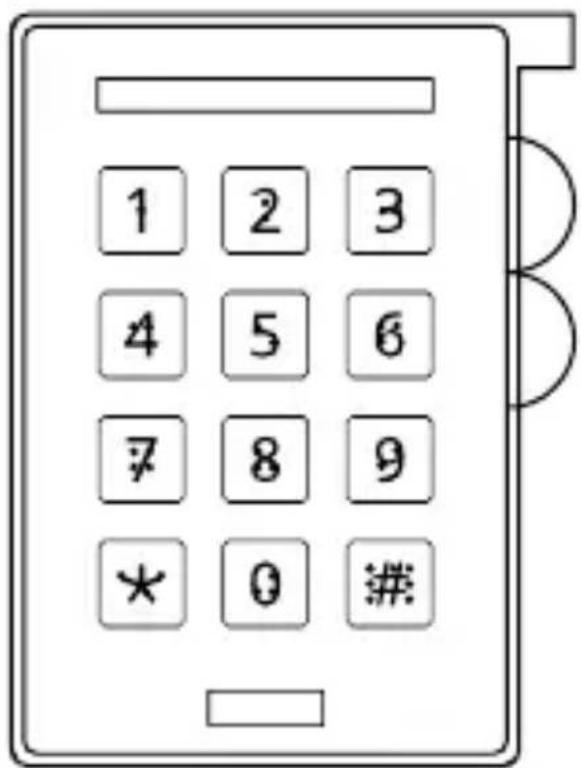
10x

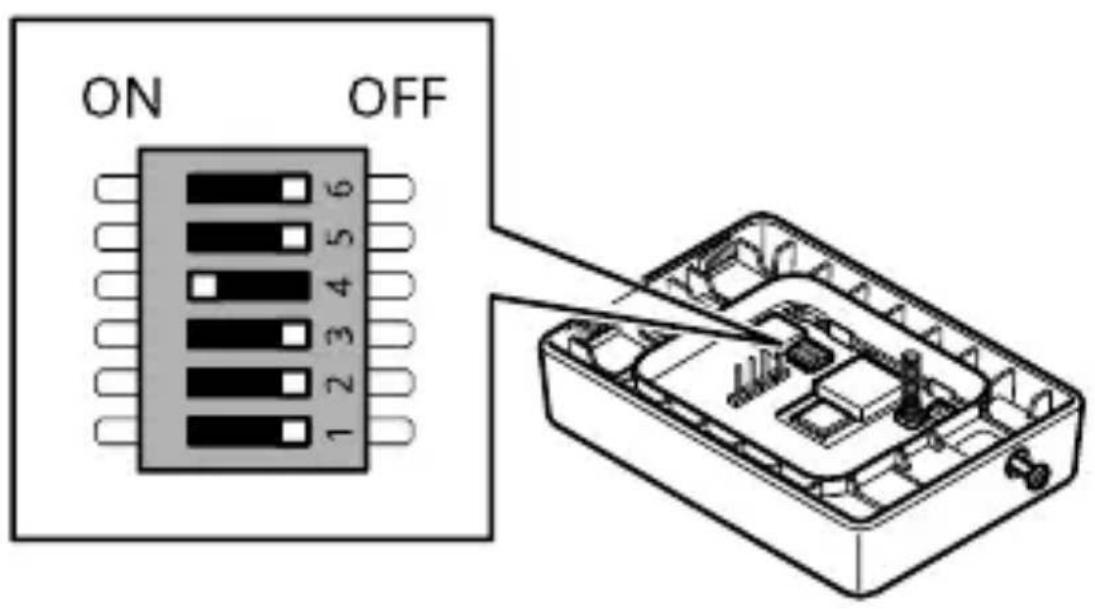

help.axis.com/ axis-a4120-e#dip-switches
AXIS A4120-E User manual
1.1
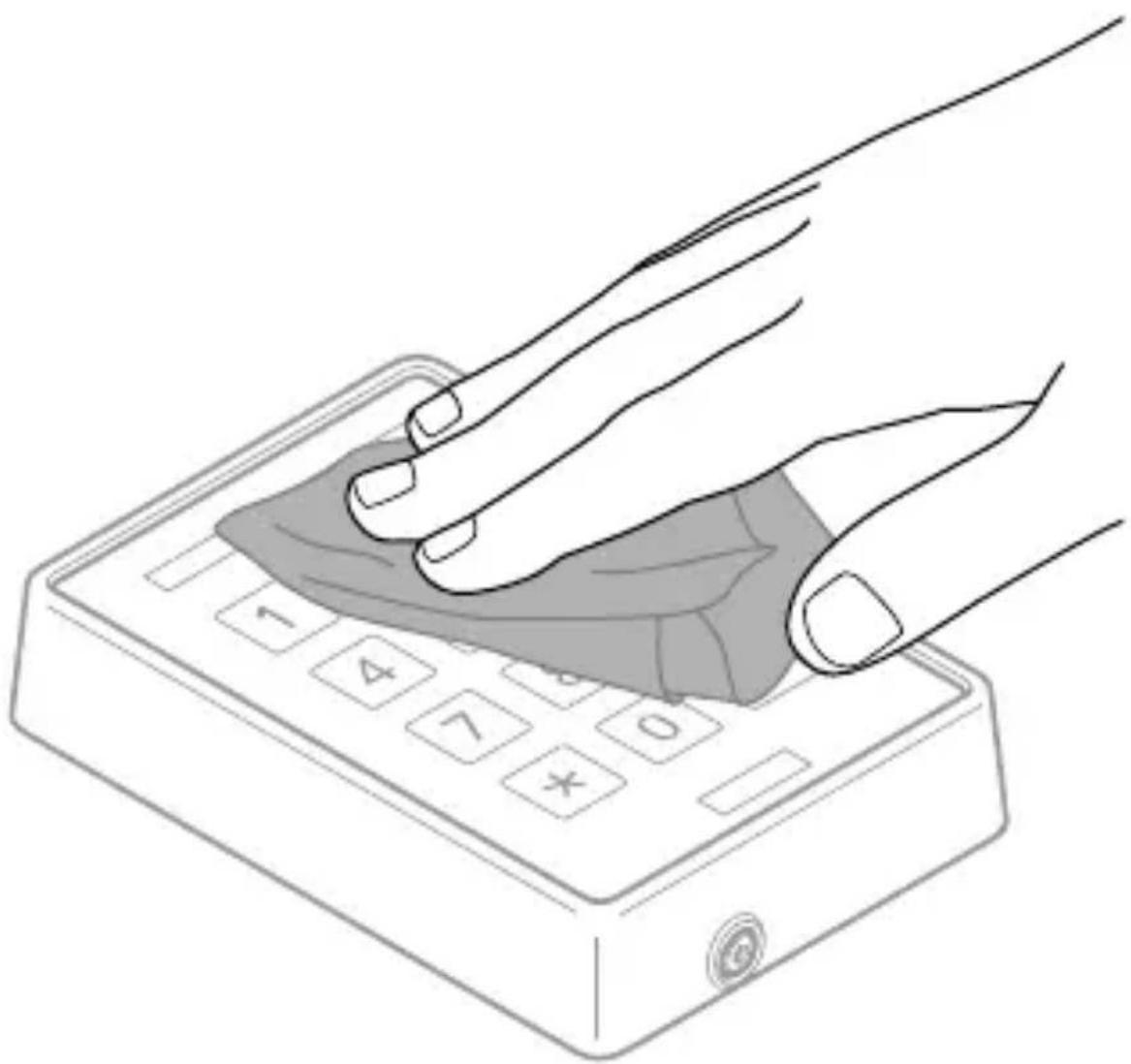
natural_image
Illustration of a hand pressing down on a 3D keyboard with a shaded area highlighting the button (no text or symbols)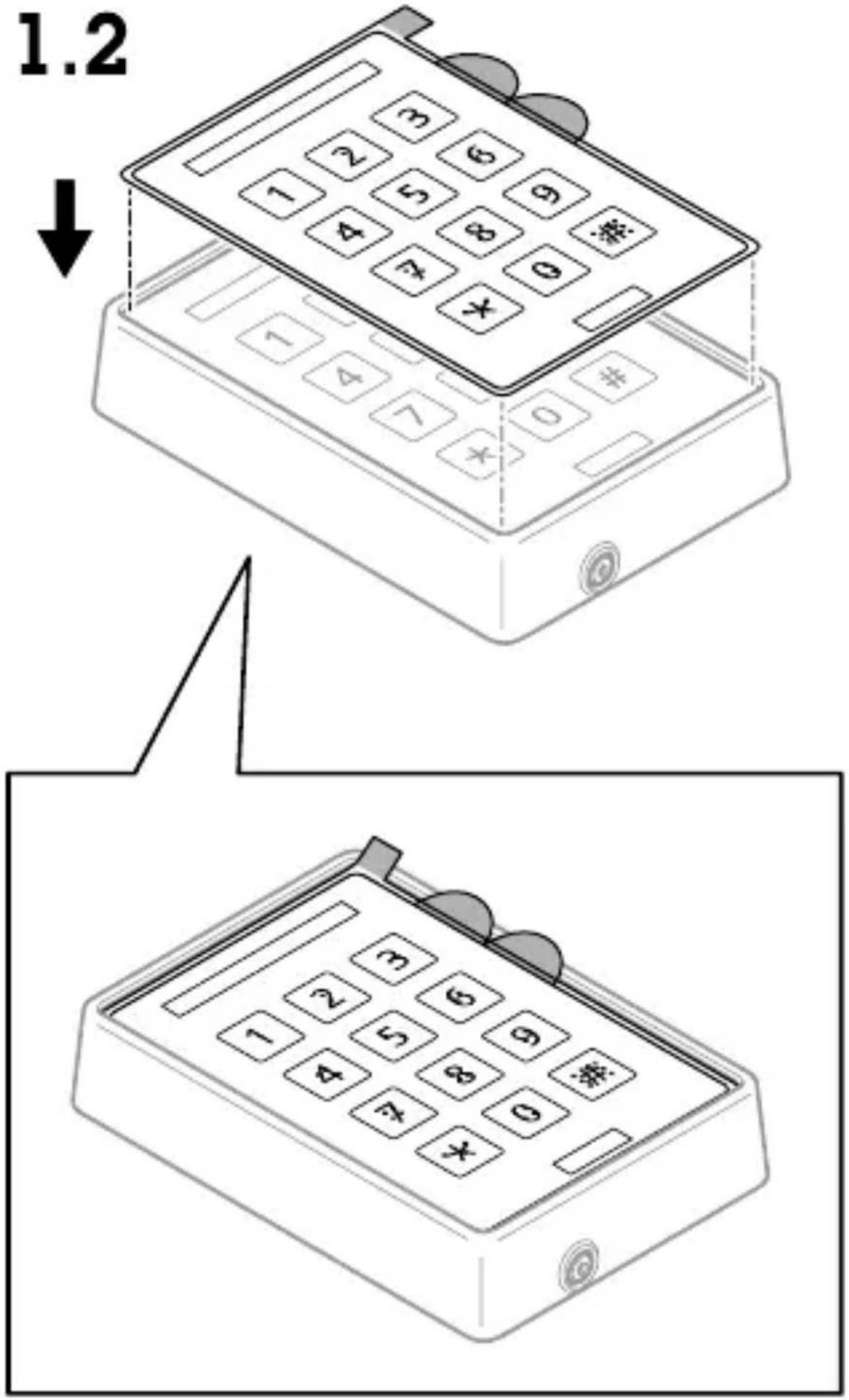
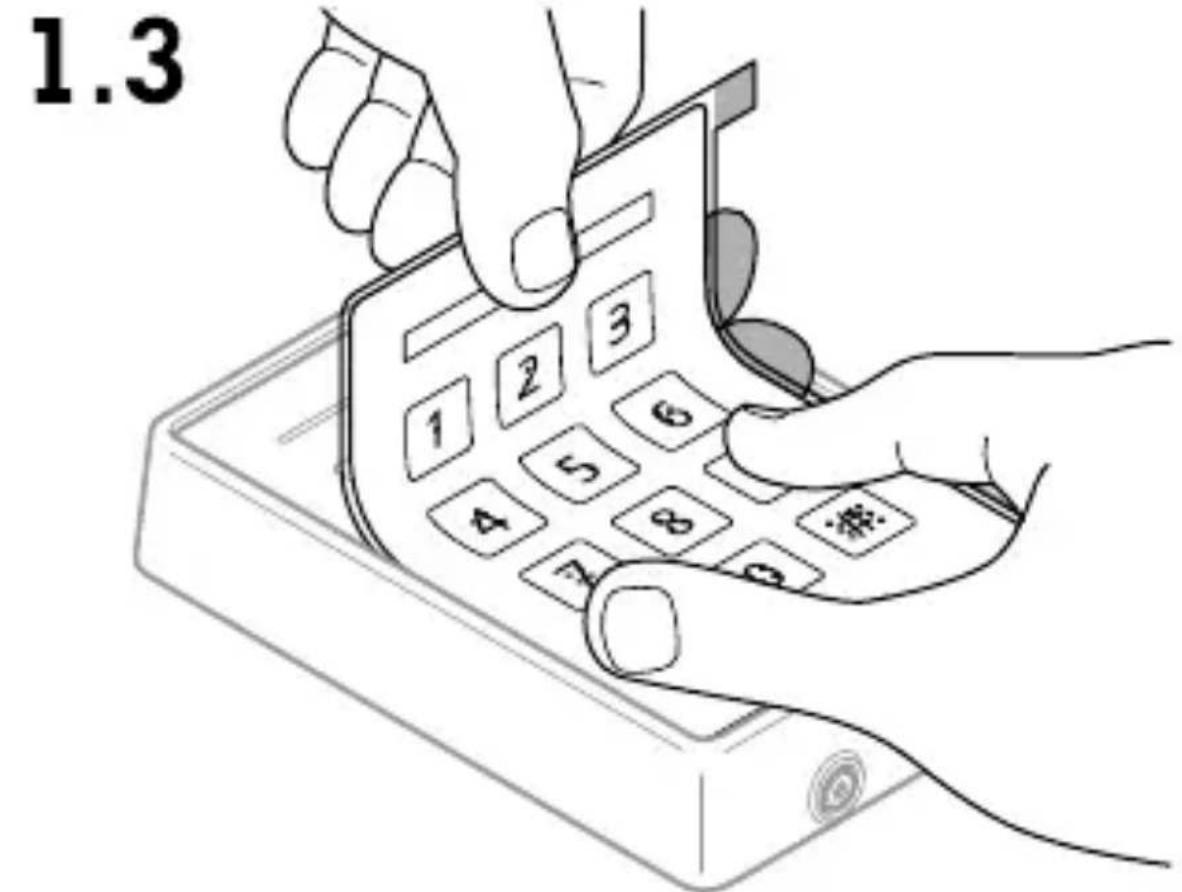
1.4
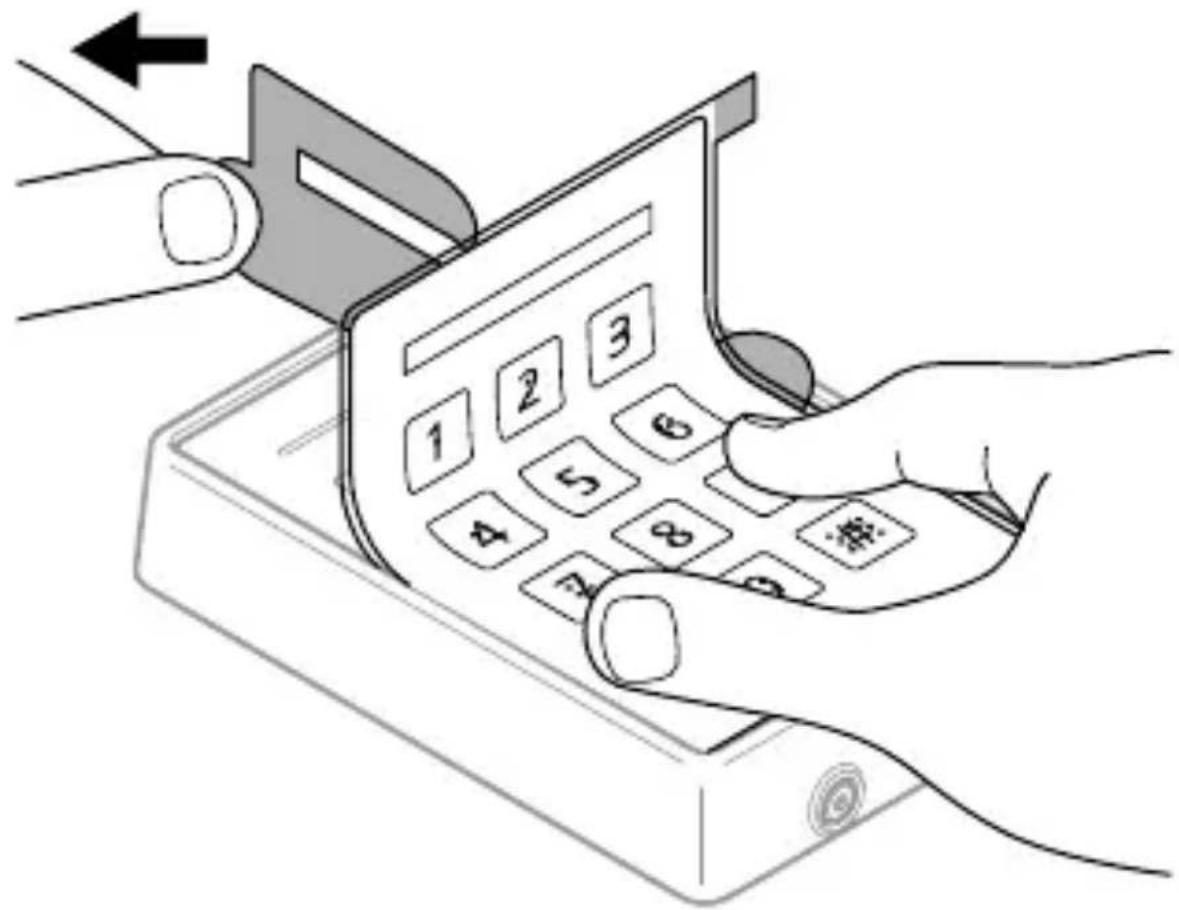
natural_image
Illustration of a hand inserting a card into a mobile phone with keypad (no text or symbols visible)1.5
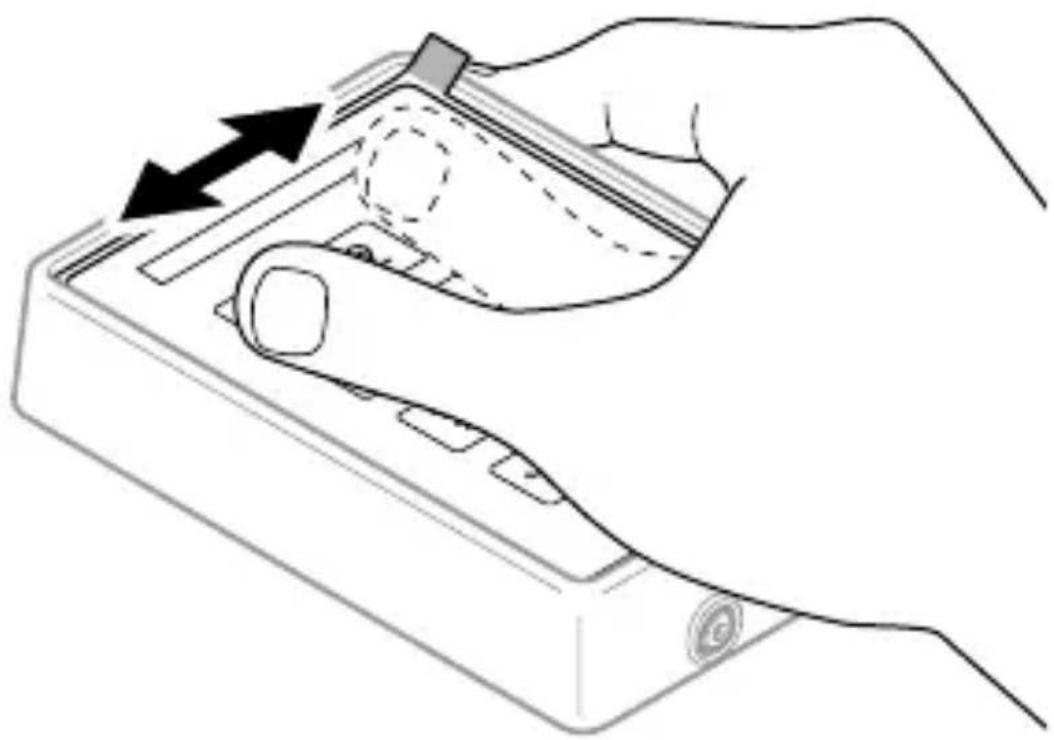
natural_image
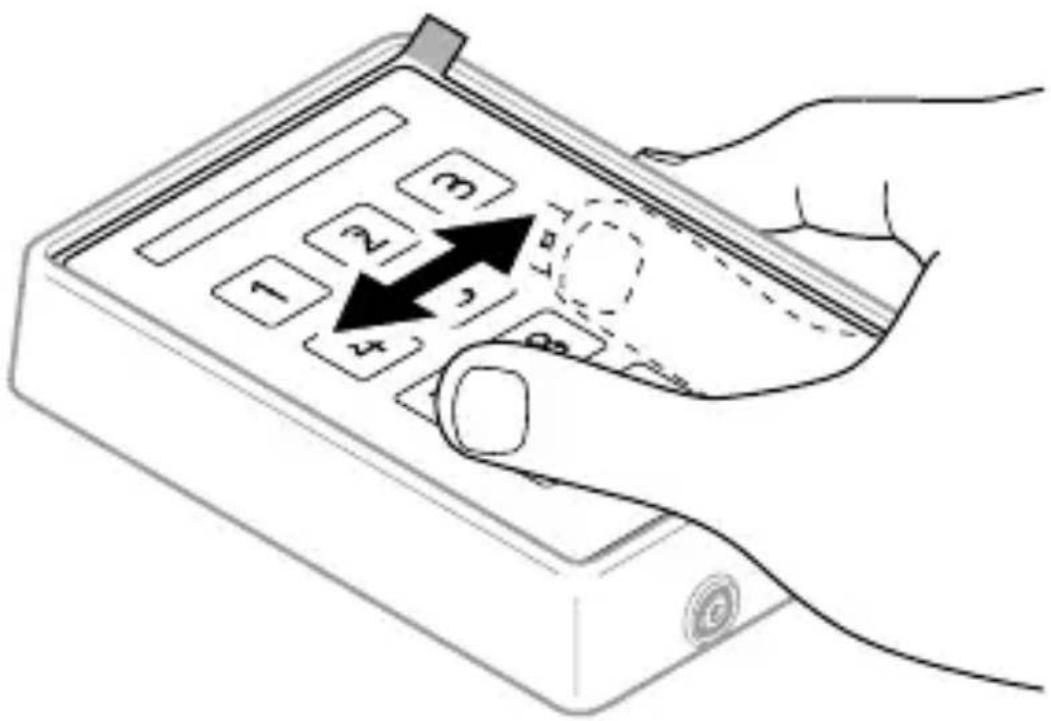
Line drawing of a hand holding a device with an arrow indicating motion or force (no text or symbols present)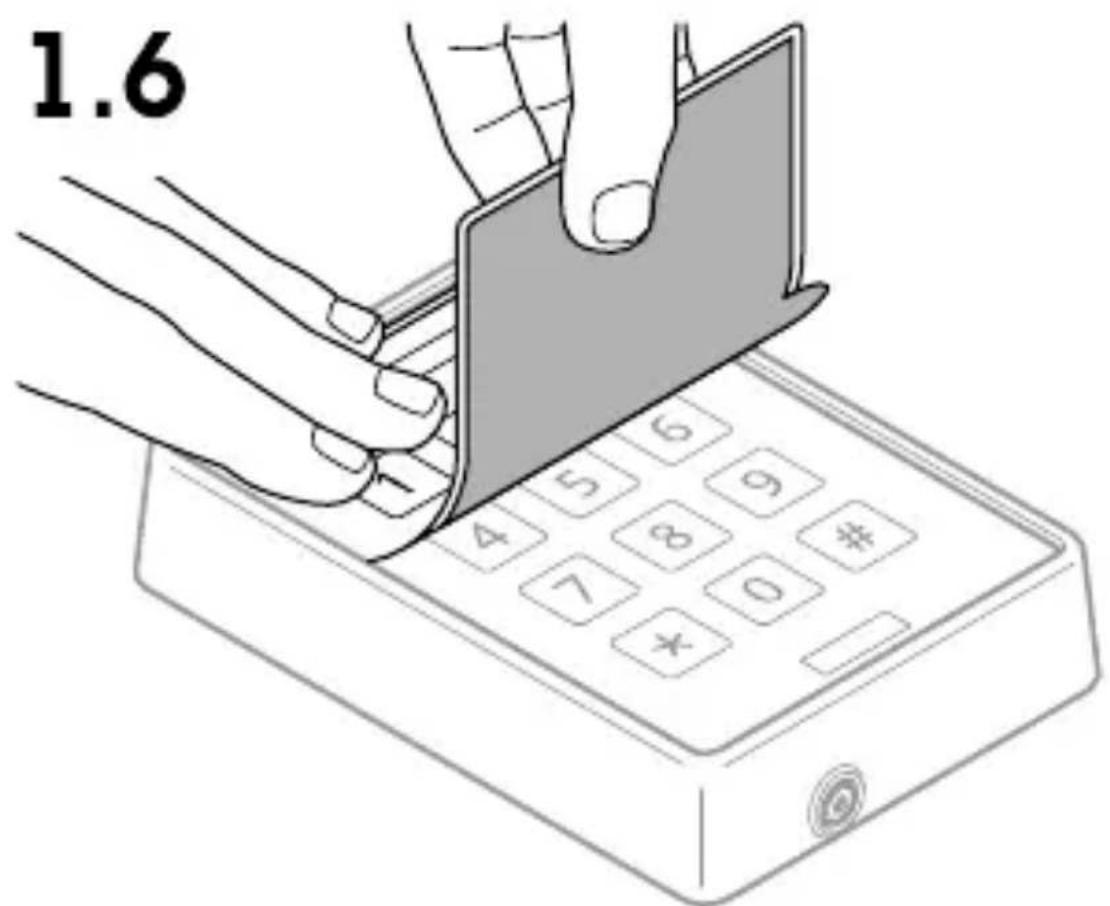
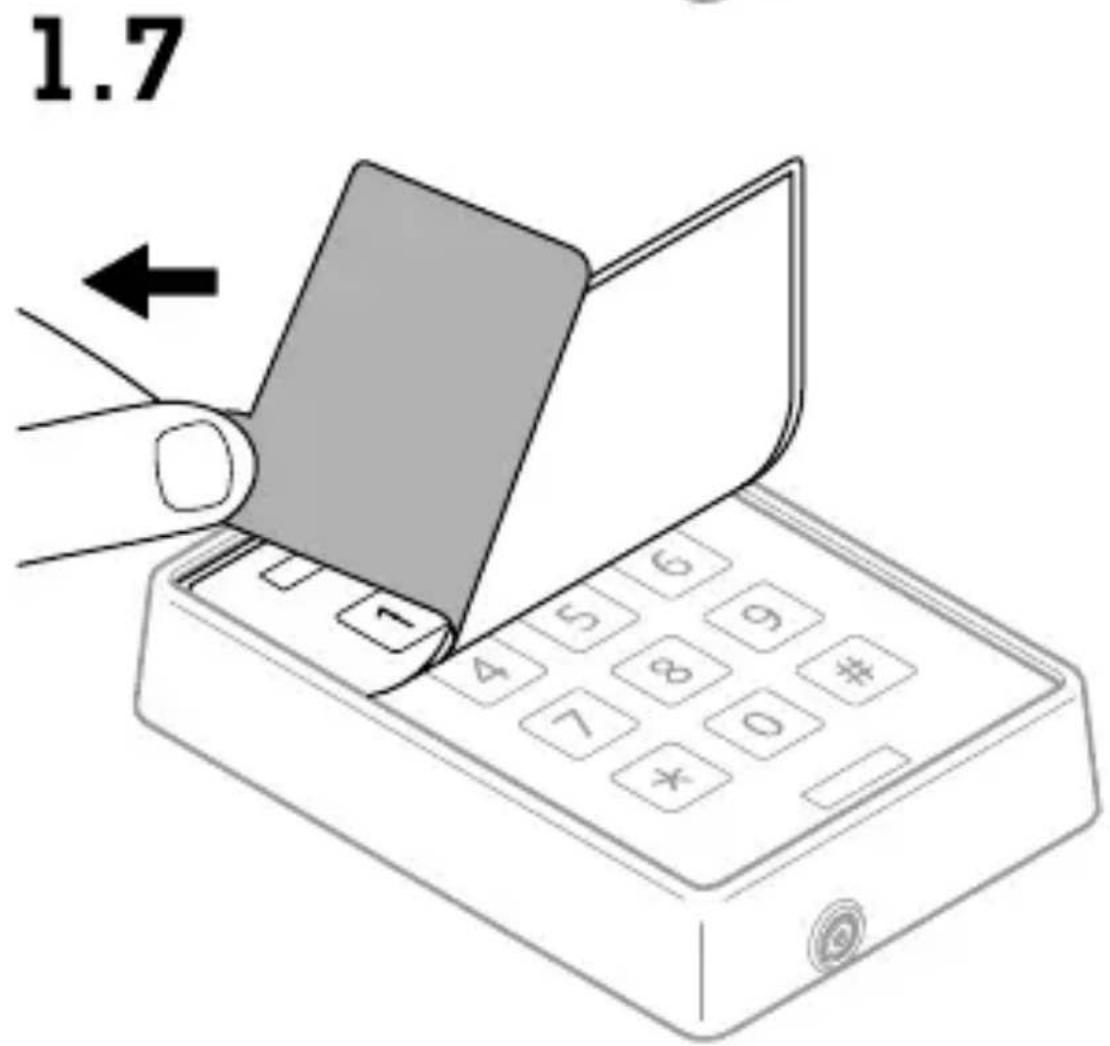
1.8
1.9
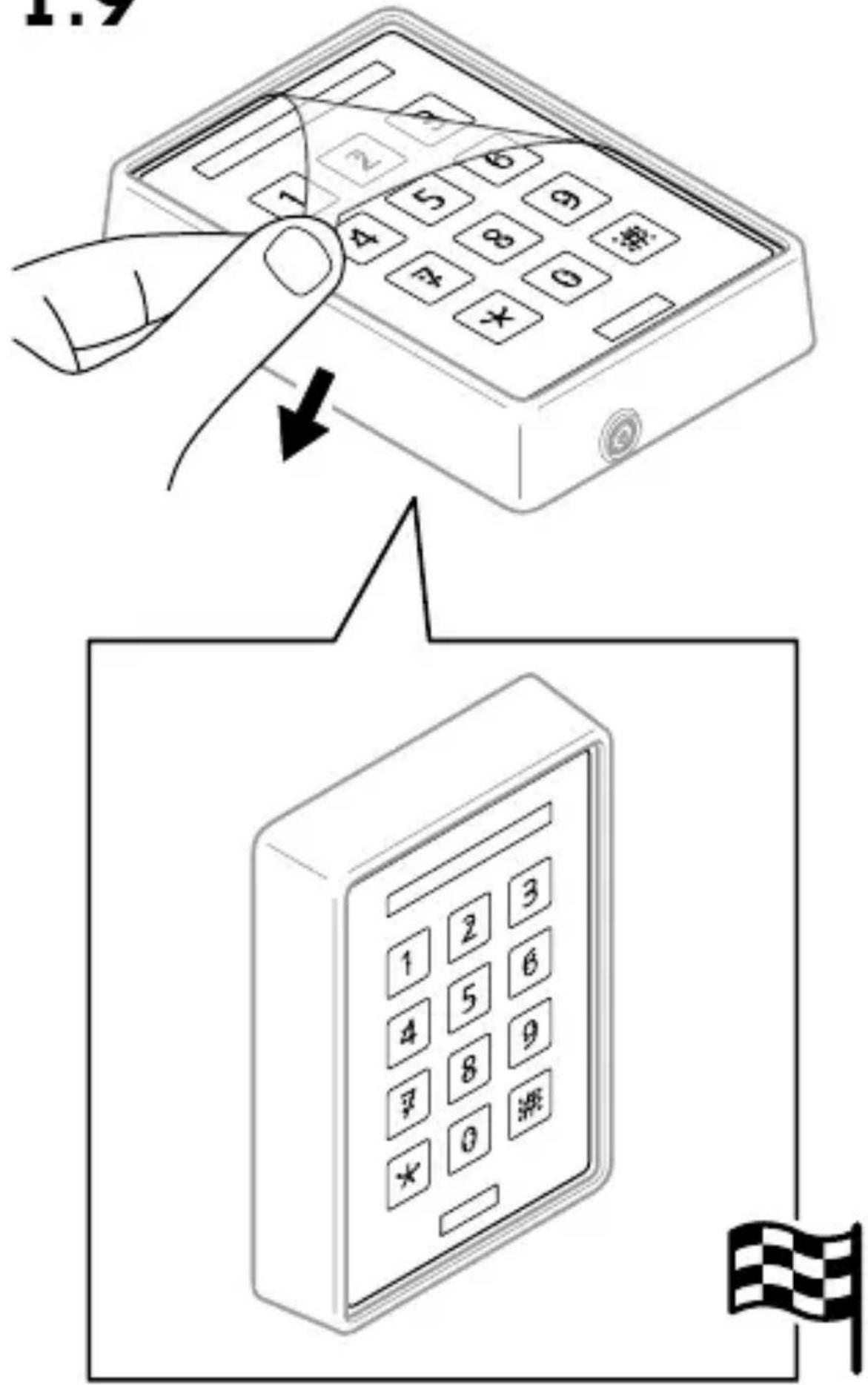
InstallationGuide
AXISTA4401BrailleLabel
©2022AxisCommunicationsAB
Ver .M2.2
Date:December2022
PartNo.2450099


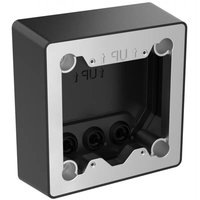
Marque : AXIS
Modèle : TA4401
Catégorie : Interphone