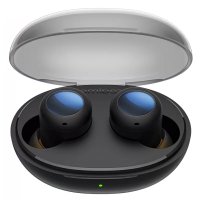
Buds Q RMA 215 - Ecouteur Realme - Notice d'utilisation et mode d'emploi gratuit
Retrouvez gratuitement la notice de l'appareil Buds Q RMA 215 Realme au format PDF.


| Caractéristique | Détails |
|---|---|
| Type d'écouteurs | Intra-auriculaires sans fil |
| Connectivité | Bluetooth 5.0 |
| Autonomie | Environ 20 heures avec le boîtier de charge |
| Temps de charge | Environ 1 heure pour les écouteurs, 2 heures pour le boîtier |
| Poids | 3.6 g par écouteur |
| Contrôle tactile | Oui, pour la lecture, la pause et les appels |
| Résistance à l'eau | IPX4 |
| Compatibilité | Android et iOS |
| Accessoires inclus | Boîtier de charge, câbles de chargement, embouts de différentes tailles |
| Maintenance | Nettoyer régulièrement les grilles des écouteurs avec un chiffon doux |
| Sécurité | Ne pas exposer à des températures extrêmes, éviter l'humidité excessive |
| Informations générales | Idéal pour les utilisateurs actifs, bon rapport qualité-prix |
FOIRE AUX QUESTIONS - Buds Q RMA 215 Realme
Questions des utilisateurs sur Buds Q RMA 215 Realme
0 question sur cet appareil. Repondez a celles que vous connaissez ou posez la votre.
Poser une nouvelle question sur cet appareil
Téléchargez la notice de votre Ecouteur au format PDF gratuitement ! Retrouvez votre notice Buds Q RMA 215 - Realme et reprennez votre appareil électronique en main. Sur cette page sont publiés tous les documents nécessaires à l'utilisation de votre appareil Buds Q RMA 215 de la marque Realme.
MODE D'EMPLOI Buds Q RMA 215 Realme
ER001欧洲版(七语) 说明书
适用地区:英文/德国/法国/意大利/西班牙/捷克语/波兰
规格:封面157g铜版纸
80g哑粉纸,单色正反印刷,骑马钉,成型尺寸为95x72mm
realmeBudsQ RMA215
Quick Guide
Kurzanleitung
Guide Rapide
Guida Rapida
Guía Rápida
rychly pruvodce
Szybka porada
realme
Contents
English
Deutsche
Français
Italiano
Espanol
Čestina
Polskie
封面目录空白页封底
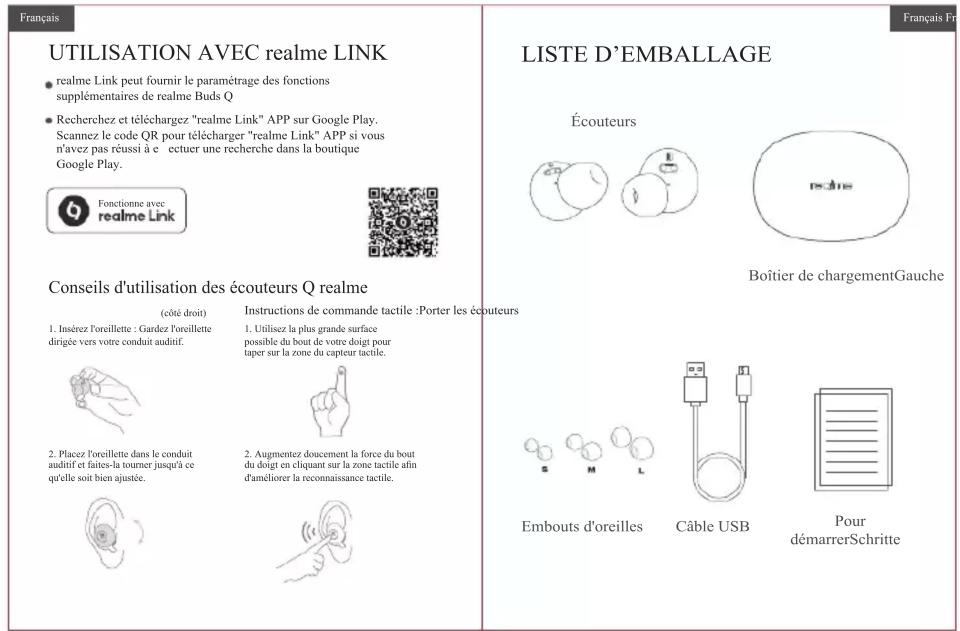
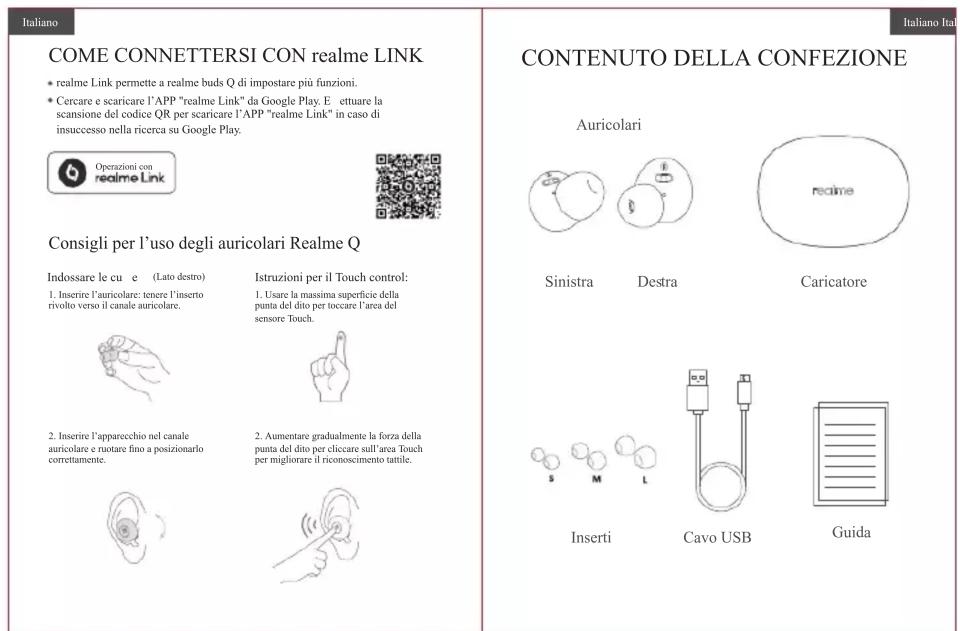
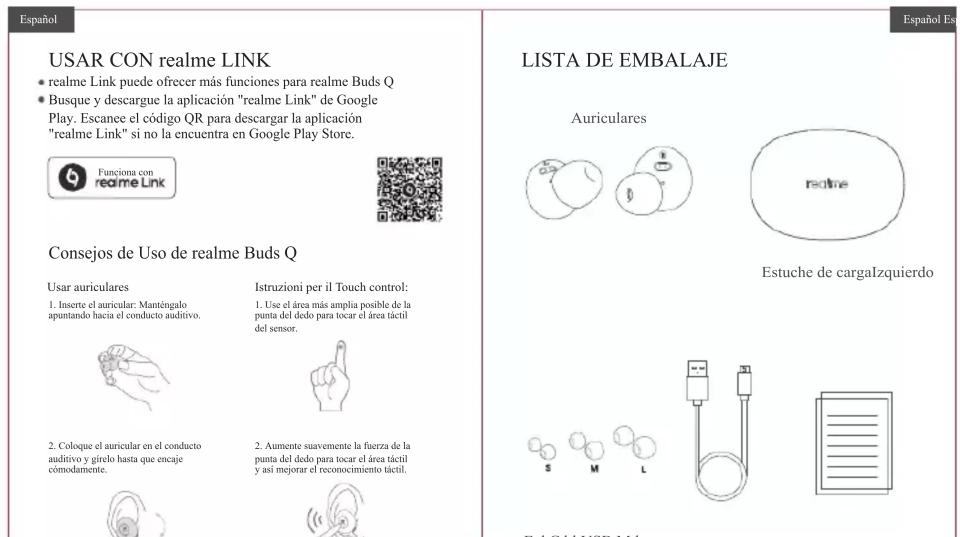
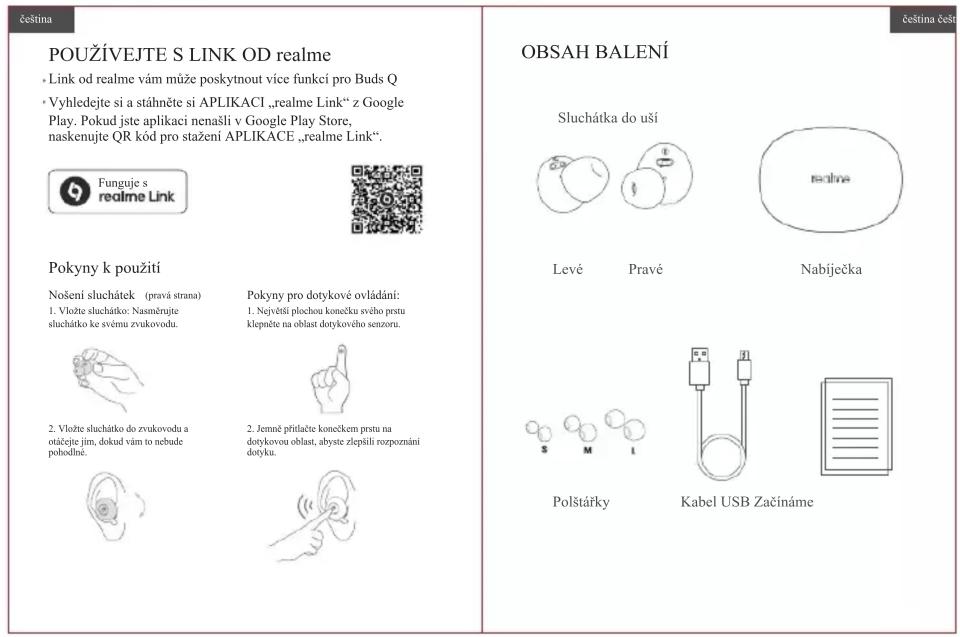
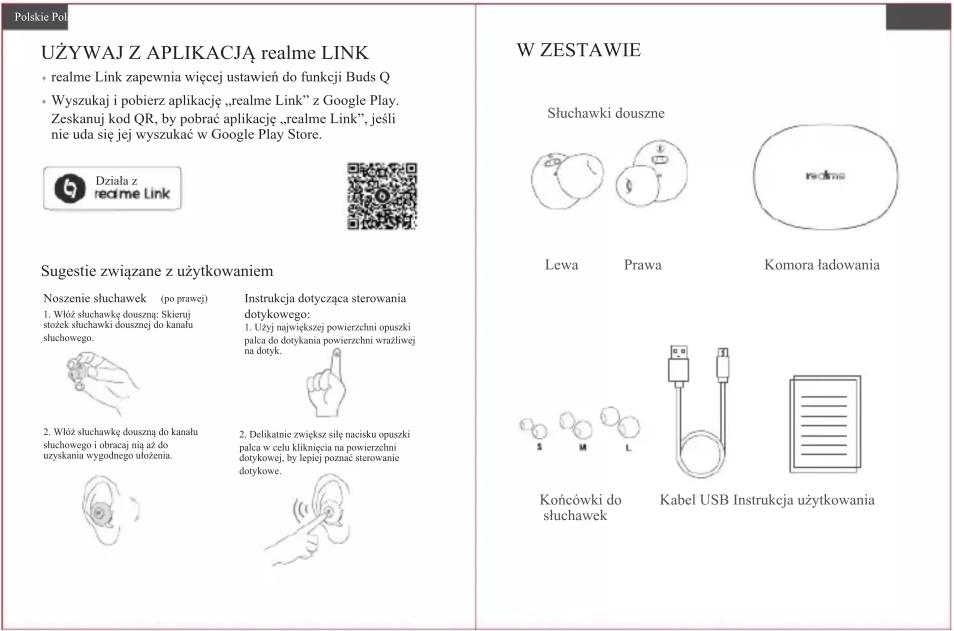
USE WITH realme LINK
realme Link can provide realme Buds Q more functions setting
- Search and download "realme Link" APP from Google Play. Scan the QR code to download "realme Link" APP if failed to search in Google Play Store.


Use suggestions
Wear headphones (Right side) 1. Insert the earbud: Keep the earplug pointing towards your ear canal.

- Put the microphone into the middle of the tube, and a comfortable fit is achieved.

Touch control instructions: 1. Use the largest area possible of your finger tip to tap the touch sensor area.

- Gently increase the force of the fingertip and then use a small finger to improve the touch recognition.

PACKING LIST
Earbuds

Left

Right
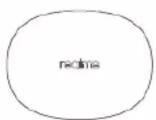
Charging box
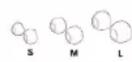
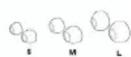
Eartips
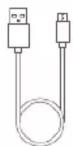
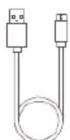
USB cable Getting Started
English En
English Engl
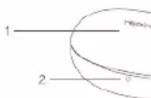
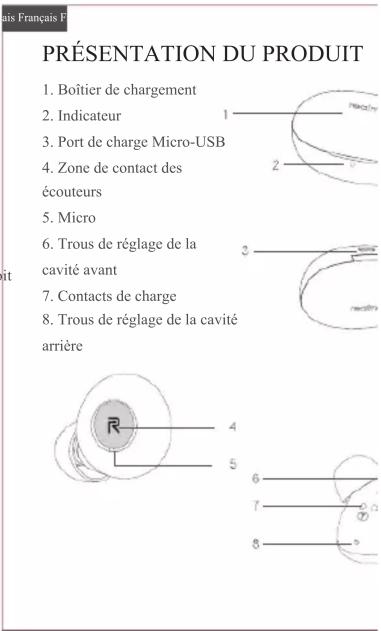
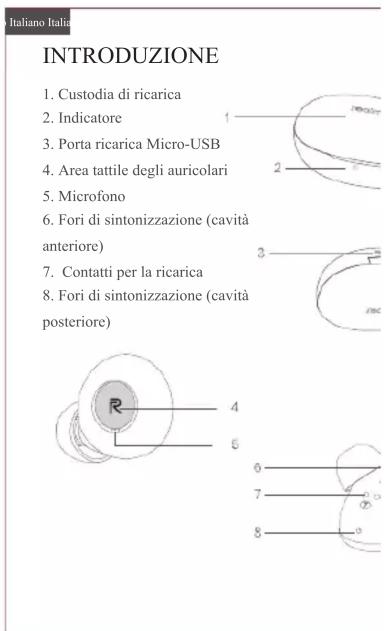
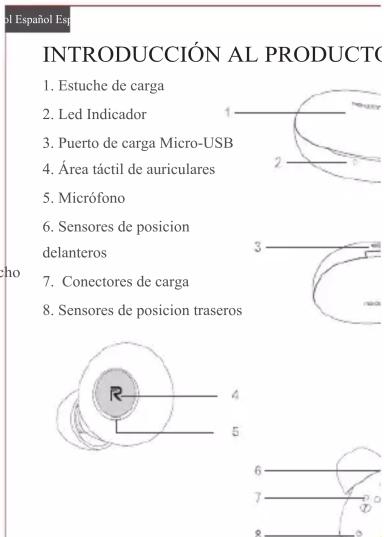
PRODUCT INTRODUCTION
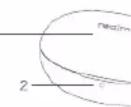
- Charging Box
2.Indicator
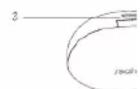
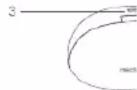
3.Micro-USB charging port
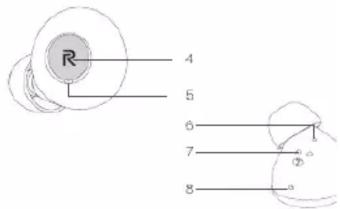
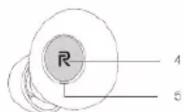
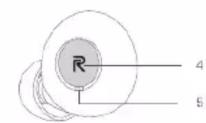
4.Earbuds touch area
5.Mic
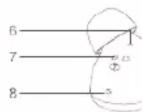
6.Front cavity tuning holes
7.Charging contacts
8.Rear cavity tuning holes
Deutsche D
MITrealme-LINKNUTZEN
Der realme-Link bietet weitere Funktionseinstellungen fur realme Buds Q
- Suchen und downloaden Sie die "realme-Link" APP von Google Play. Scannen Sie den QR-Code, um die "realme-Link" APP herunterzuladen, wenn dieuche imGooglePlayStorefehlgeschlagenist.


Anwendungstips für realme Buds Q
Tragen der Ke
(rechte Seite)
Anleitung fur Touch Control:
- Legien Die Onthorpsel ins Ohrid: An Essay of the History in Ruitung Its Heungschlagen征求意见

- Tippen Si met der größmöglichen Flüche ihrer Fingersprüge auf den Schädlingsfonds.

- Setzen Sie das Ohrätsel in den Jahresanfangs, aber sie sichen Sie bin, bis kornkortalsitelt.

- Erhöhen Sie nat auf die Kraft der Fingerspitze zum Klicken auf die Berufungsflüsse, um die Berufn- serkennung zu verbesen.

PACKLISTE
Ohrstöpsel


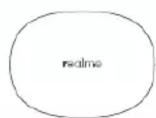
LadegehäuseLinks
Rechts

PRODUKTEINFUHRUNG
1.Ladegehäuse
2.Anzeige
3.Micro-USB-Ladeport
- Touch-Bereich für Ohrstöpsel
5.Mikrofon
6.Abstimmbohrungen fur den
vorderen Hohhraum
7.Ladekontakte
8.Abstimmbohrungen fur den
hinteren Hohlraum





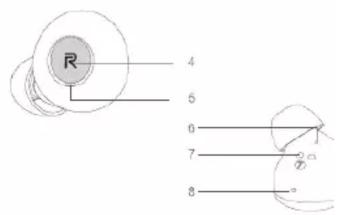
PREDSTAVENI PRODUKTU
- Nabijecka
- Indikátor
- Micro-USB napajeci port
- Dotyková oblast sluchátek
- Mikrofon
- Ladící olvory prendí (£asti)
- Napajeci kontakty
- Ladíci olvory zadní Časti
WSTEPNA INFORMACJA O PRODUI
1.Komora ladowania
2.Lampka wskaznikowa
3.Port ladowarki mikro USB
4.Powierzchnia dotykowa
sluchawek dousznych
5.Mik
6.Otwory dostrajania
przestrzeni przyedianie
7.Stykiładowania
8.Otwory dostrajania
przestrzeni tylnej