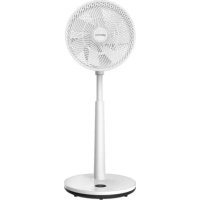
GWSF12 - Ventilateur GEMINI - Notice d'utilisation et mode d'emploi gratuit
Retrouvez gratuitement la notice de l'appareil GWSF12 GEMINI au format PDF.


| Type de produit | Ventilateur colonne air circulator |
| Marque | Gemini |
| Modèle | GWSF12 |
| Hauteur réglable | 795 à 1030 mm |
| Diamètre des pales | 30,5 cm (12 pouces) |
| Nombre de pales | 7 |
| Moteur | Moteur DC sans balais, silencieux et durable |
| Vitesses | 12 |
| Modes de ventilation | ECO, Naturel, Sommeil (3 modes) |
| Minuterie | 1 à 9 heures |
| Oscillation horizontale | 100° |
| Inclinaison verticale | 90° (haut/bas) |
| Contrôle | Écran LED tactile, télécommande, application Wi-Fi (avec HKBN Home) |
| Alimentation | AC 100-240V, 50/60Hz, 30W |
| Dimensions (HxLxP) | 1030 x 360 x 360 mm (hauteur max) |
| Poids net | Environ 4,5 kg |
| Niveau sonore | Silencieux (moteur DC) |
| Matériaux | Plastique ABS, grille métallique |
| Nettoyage | Débrancher, essuyer avec un chiffon humide. Ne pas immerger. |
| Sécurité | Grille de protection, base stable, arrêt automatique en cas de basculement (non spécifié mais supposé) |
| Accessoires inclus | Télécommande, notice d'utilisation, câble d'alimentation |
| Garantie | 2 ans (sous réserve de la législation locale) |
FOIRE AUX QUESTIONS - GWSF12 GEMINI
Questions des utilisateurs sur GWSF12 GEMINI
0 question sur cet appareil. Repondez a celles que vous connaissez ou posez la votre.
Poser une nouvelle question sur cet appareil
Téléchargez la notice de votre Ventilateur au format PDF gratuitement ! Retrouvez votre notice GWSF12 - GEMINI et reprennez votre appareil électronique en main. Sur cette page sont publiés tous les documents nécessaires à l'utilisation de votre appareil GWSF12 de la marque GEMINI.
MODE D'EMPLOI GWSF12 GEMINI
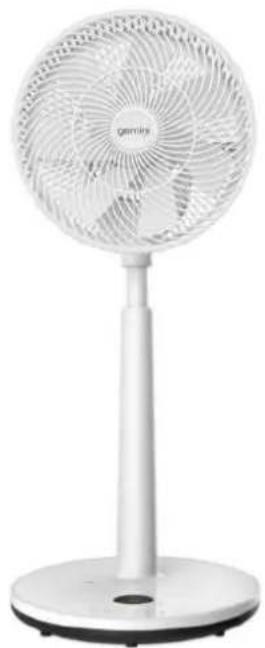
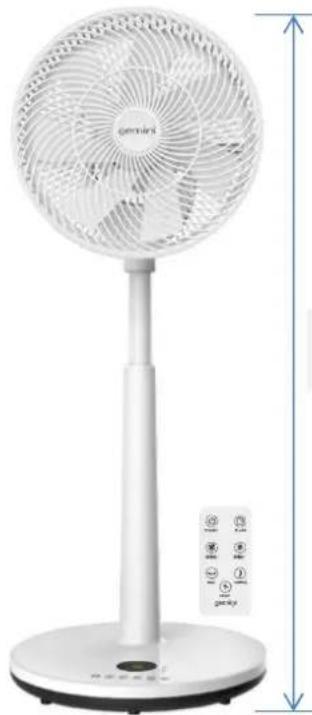
Adjustable height 1030 mm Max.
WIFI SMART 12-INCH AIR CIRCULATION STAND FAN
WiFi無線網絡智能12吋循環座地扇 - GWSF12
- 795-1030mm height adjustable stand fan
- Timer control 1-9 hours
12 wind speeds setting - Intelligent WIFI control function
- 3 wind mode setting (ECO, Natural, Sleep)
- 100 oscillation in horizontal direction
- 90° swing in vertical direction
- Brushless DC motor for durable use and silent operation
- 7 blades design for strong air circulation performance
- LED display with touch screen or remote control
- AC 100-240V~Power:30W
Product dimension: 360W× 1030H× 360Dmm Max.height
可調校合適高度(795至1030厘米)
時間設置功能1至9小時
12段風速設置功能
- WiFi 無線網絡控制
3段風速選擇(ECO/自然/睡眠模式)
·100 度左右自動搖擺送風角度
90度上下自動搖擺送風角度
DC直流無刷電機摩打,使用更寧靜和耐用
7片扇葉設計,風力更強大
·LED 電于顯示屏,輕觸式/搖控器控制均可
電壓:100-240V功率:30瓦
產品尺寸:360闊×1030高×360深毫米(伸展後最高高度)
Specifications may change due to product improvement. No prior notice will be given.
上述規格可能因產品改良而作出修改,恕不另行通知。
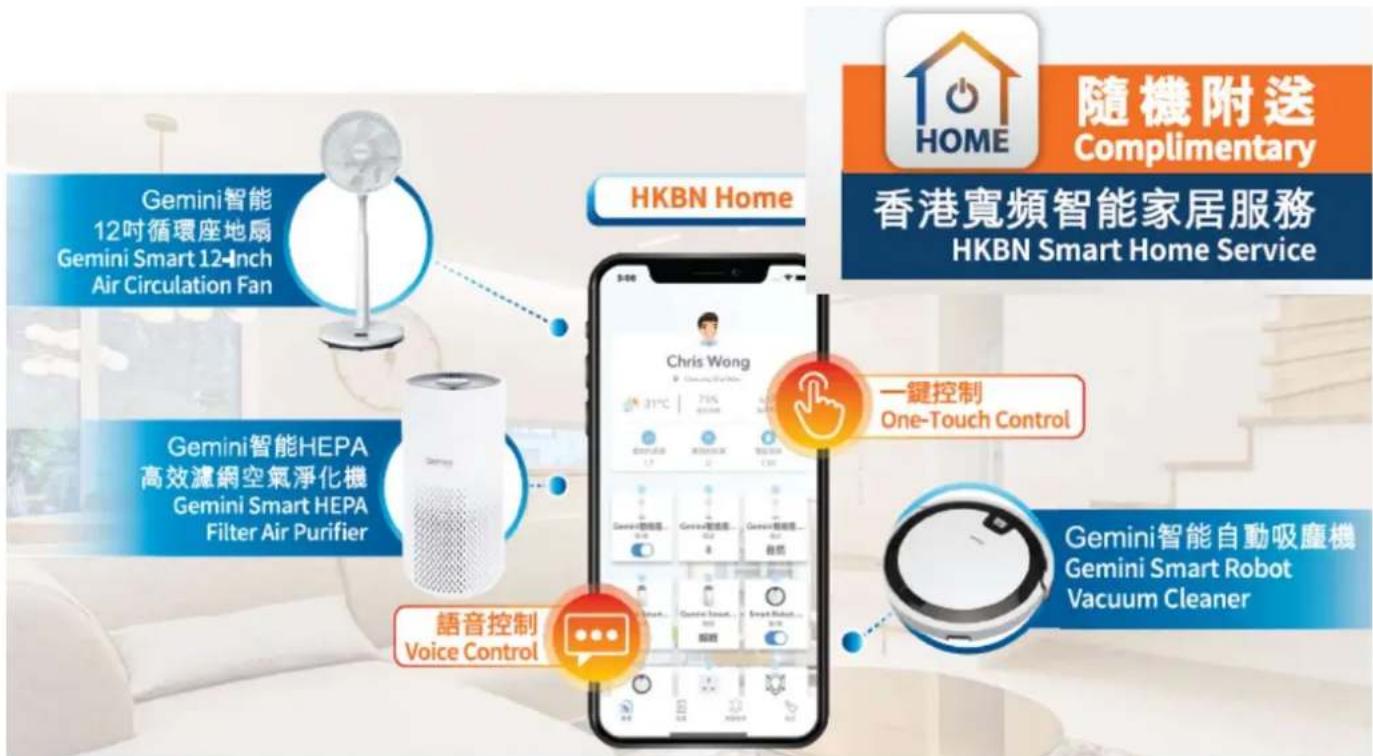
HKBN Home 助您輕鬆打造智能生活: Easily build your smart life with HKBN Home :

一App掌控全屋智能設備 Manage all smart devices with a single App

技術支援熱線 34920110Technical support hotline
星期一至日/早上9-下午6點
Mon - Sun, 9am - 6pm
热線流程4步曲:

免费服務換領資料
Free Service Redemption Information
以下優惠碼只能使用一次,並於成功兌換服務後便作無效。
The following Promo Code can only be used once and will be invalid after successful redemption.
HKBNHome服务序號
HKBN Home Service Code
优惠码
Promo Code
服务有效期至
Service Expiry Date
:
:
簡易使用3步曲
Get Started in 3 Simple Steps
第一步Step1
下载HKBNHome應用程式DownloadHKBNHomeApp
客户可到AppStore或GooglePlay上搜尋「HKBNHome」下載並安裝應用程式
Search and download "HKBN Home" App in App Store or Google Play

或OR
使用手機掃描二維碼 Scan the QR code

Specifications may change due to product improvement. No prior notice will be given. 上述规格可能因產品改良而作出修改,恕不另行通知。
第二步 Step 2
兑换免费服务 Redemption of Free Service
贴「訪客登入」
Tap "Guest Login"

输入「HKBNHome服务
序號及「優惠報
Enter HKBN Home Service
Code" and "Promocode"
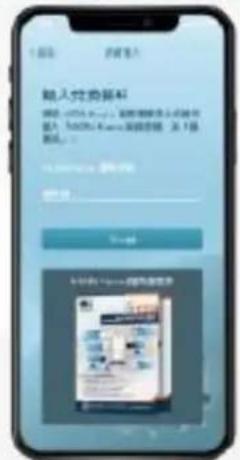
输入您的邮箱地址以
建立HKBNHome账户
Enter your email address to
create HKBN Home account

输入融银码谁邮地址
Entor Verification Code to
verify your email address

由兑换完成!
Redemption Successful!

Specifications may change due to product improvement. No prior notice will be given.
上述規格可能因產品改良而作出修改,恕不另行通知。
第三步 Step 3
建立账户及添加設備 Create Account and Add Device

點擊「開始使用」
Tap "Let's Start"


输入您喜爱的名称及选择個人圖像
Create username and select profile picture


选择您的家庭地址
Select your home location


建立新登入密
Create new password to complete the process


在下方目峰點擊「設備」
Tap Devices on the bottom menu


添加投递!“Add Device”but


於左方日綠點擊「生活家電」
Select "HomeAppliance" from the left menu
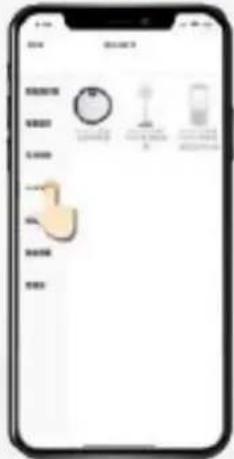

然後按指示進行配對Follow the pairinginstructions on screen
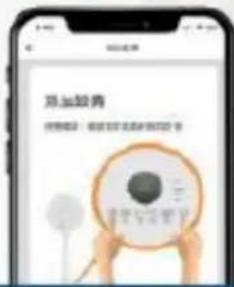
配對時手機必須連接至2.4GHzWiFi網络
Makesure your mobile device is connected to the 2.4GHz WiFi network during pairing
Specifications may change due to product improvement. No prior notice will be given.
上述規格可能因產品改良而作出修改,恕不另行通知。


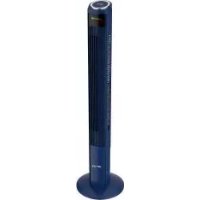
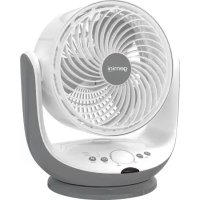
- WIFI SMART 12-INCH AIR CIRCULATION STAND FAN
- WiFi無線網絡智能12吋循環座地扇 - GWSF12
- HKBN Home 助您輕鬆打造智能生活: Easily build your smart life with HKBN Home :
- 热線流程4步曲:
- 免费服務換領資料
- Free Service Redemption Information
- 簡易使用3步曲
- Get Started in 3 Simple Steps
- 第一步Step1
- 第二步 Step 2
- 兑换免费服务 Redemption of Free Service
- 第三步 Step 3
- 建立账户及添加設備 Create Account and Add Device
- 输入您喜爱的名称及选择個人圖像
- 选择您的家庭地址
- 建立新登入密
- 於左方日綠點擊「生活家電」
Marque : GEMINI
Modèle : GWSF12
Catégorie : Ventilateur