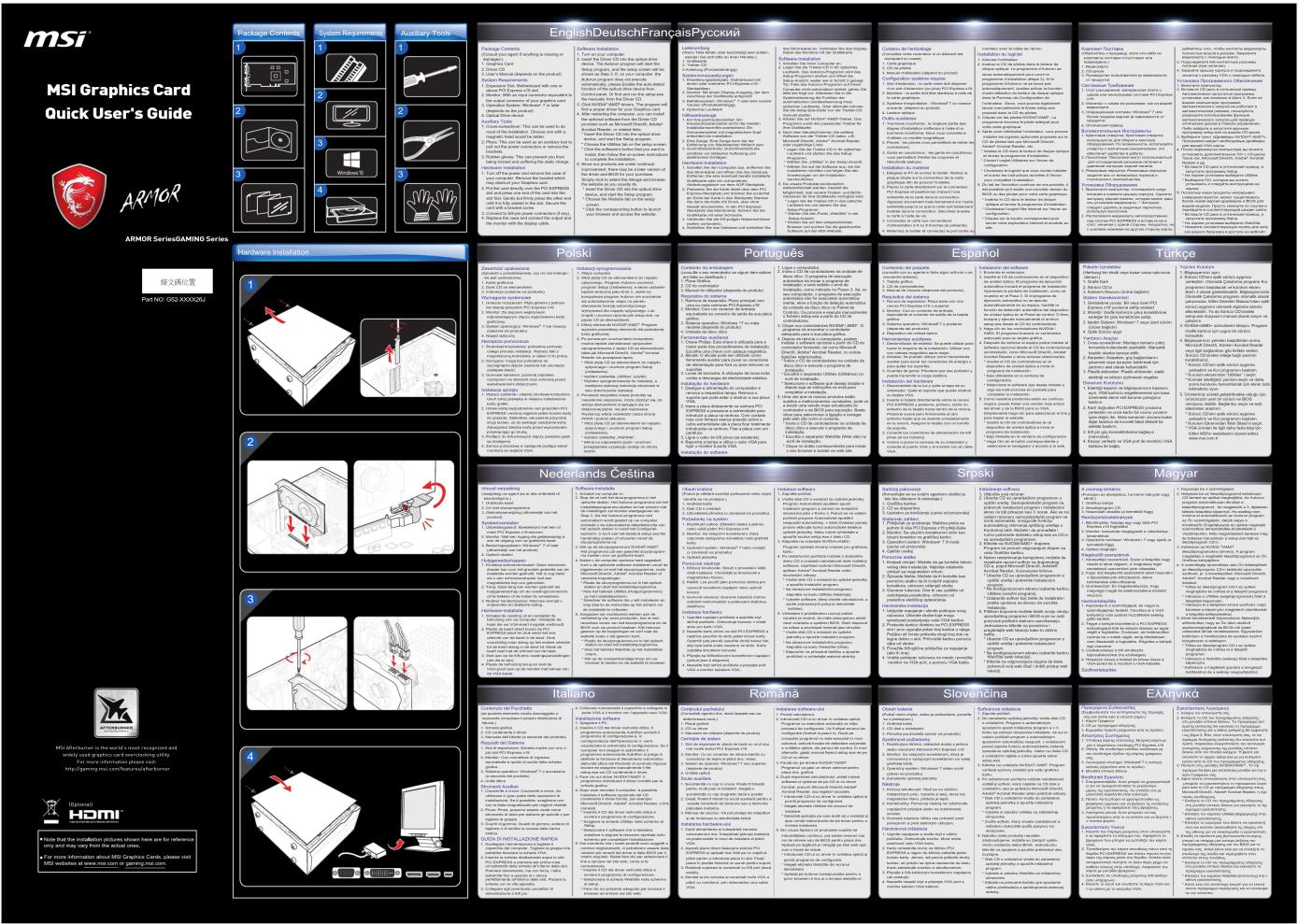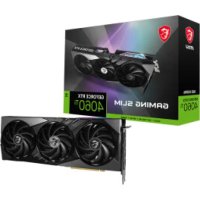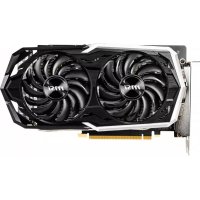
GeForce GTX 1660 ARMOR 6G OC - Carte graphique MSI - Notice d'utilisation et mode d'emploi gratuit
Retrouvez gratuitement la notice de l'appareil GeForce GTX 1660 ARMOR 6G OC MSI au format PDF.


Choisissez votre langue et indiquez votre email : nous vous enverrons une version traduite specifiquement.
| Caractéristiques techniques | MSI GeForce GTX 1660 ARMOR 6G OC |
|---|---|
| Architecture GPU | Turing |
| Mémoire vidéo | 6 Go GDDR5 |
| Interface mémoire | 192 bits |
| Fréquence d'horloge | Base: 1530 MHz, Boost: 1785 MHz |
| Connecteurs d'affichage | 1 x HDMI, 1 x DisplayPort, 1 x DVI-D |
| Consommation électrique | 120 W |
| Alimentation recommandée | 450 W |
| Dimensions | 245 x 130 x 42 mm |
| Utilisation | Jeux vidéo, applications graphiques, montage vidéo |
| Maintenance | Nettoyage régulier des ventilateurs, mise à jour des pilotes |
| Sécurité | Éviter les surchauffes, utiliser dans un boîtier bien ventilé |
| Informations générales | Compatible avec DirectX 12, supporte le ray tracing |
FOIRE AUX QUESTIONS - GeForce GTX 1660 ARMOR 6G OC MSI
Comment installer la carte graphique MSI GeForce GTX 1660 ARMOR 6G OC ?
Éteignez votre ordinateur et débranchez-le. Ouvrez le boîtier, localisez le slot PCI Express, insérez la carte graphique et fixez-la avec des vis. Branchez les câbles d'alimentation nécessaires, puis refermez le boîtier et redémarrez l'ordinateur.
Que faire si ma carte graphique n'est pas reconnue par le système ?
Vérifiez que la carte est correctement installée dans le slot PCI Express et que tous les câbles d'alimentation sont bien connectés. Assurez-vous également que les pilotes de la carte graphique sont à jour. Vous pouvez les télécharger sur le site officiel de MSI.
Comment mettre à jour les pilotes de la MSI GeForce GTX 1660 ARMOR 6G OC ?
Rendez-vous sur le site web de MSI, recherchez le modèle de votre carte graphique, puis téléchargez le dernier pilote compatible avec votre système d'exploitation. Installez-le en suivant les instructions à l'écran.
Quels sont les exigences d'alimentation pour la GTX 1660 ARMOR 6G OC ?
La carte nécessite une alimentation de 450W minimum et doit être équipée d'un connecteur d'alimentation PCIe à 6 broches.
Comment résoudre les problèmes de surchauffe avec ma carte graphique ?
Assurez-vous que le boîtier de votre ordinateur est bien ventilé. Vérifiez que les ventilateurs de la carte graphique fonctionnent correctement et nettoyez la poussière accumulée. Vous pouvez également ajuster les paramètres de ventilation dans le logiciel MSI Afterburner.
Pourquoi mon écran reste noir après l'installation de la carte graphique ?
Vérifiez que le moniteur est bien connecté à la carte graphique et non à la carte mère. Assurez-vous également que la carte est correctement insérée dans le slot. Si le problème persiste, essayez de démarrer en mode sans échec pour vérifier si c'est un problème de pilote.
La carte graphique émet des bruits étranges, que faire ?
Si la carte émet des bruits de cliquetis ou de grattage, cela peut indiquer un problème avec le ventilateur. Vérifiez que rien n'entrave le mouvement des pales du ventilateur. Si le bruit persiste, envisagez de contacter le support technique de MSI.
Comment optimiser les performances de ma GTX 1660 ARMOR 6G OC ?
Vous pouvez utiliser des logiciels comme MSI Afterburner pour overclocker votre carte graphique. Assurez-vous de surveiller les températures pour éviter la surchauffe. De plus, mettez à jour vos pilotes régulièrement et ajustez les paramètres graphiques dans vos jeux pour de meilleures performances.
Questions des utilisateurs sur GeForce GTX 1660 ARMOR 6G OC MSI
0 question sur cet appareil. Repondez a celles que vous connaissez ou posez la votre.
Poser une nouvelle question sur cet appareil
Aucune question pour l'instant. Soyez le premier à en poser une.
Téléchargez la notice de votre Carte graphique au format PDF gratuitement ! Retrouvez votre notice GeForce GTX 1660 ARMOR 6G OC - MSI et reprennez votre appareil électronique en main. Sur cette page sont publiés tous les documents nécessaires à l'utilisation de votre appareil GeForce GTX 1660 ARMOR 6G OC de la marque MSI.
MODE D'EMPLOI GeForce GTX 1660 ARMOR 6G OC MSI