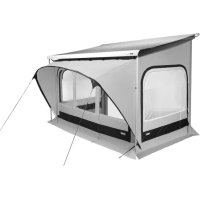
QuickFit - Camping THULE - Notice d'utilisation et mode d'emploi gratuit
Retrouvez gratuitement la notice de l'appareil QuickFit THULE au format PDF.

Choisissez votre langue et indiquez votre email : nous vous enverrons une version traduite specifiquement.
| Type de produit | Tente de camping |
| Marque | Thule |
| Modèle | QuickFit |
| Capacité | 4 personnes |
| Dimensions (L x l x H) | 300 x 200 x 130 cm |
| Poids | 8,5 kg |
| Matériau de la toile | Polyester 150D avec revêtement PU imperméable |
| Matériau du sol | Polyéthylène renforcé |
| Arceaux | Fibre de verre 9,5 mm |
| Type d'ouverture | Porte avant zippée avec moustiquaire |
| Ventilation | Fenêtres arrière avec moustiquaire et rabat |
| Protection UV | UPF 50+ |
| Imperméabilité | Colonne d'eau 2000 mm |
| Montage | QuickFit - système de déploiement rapide |
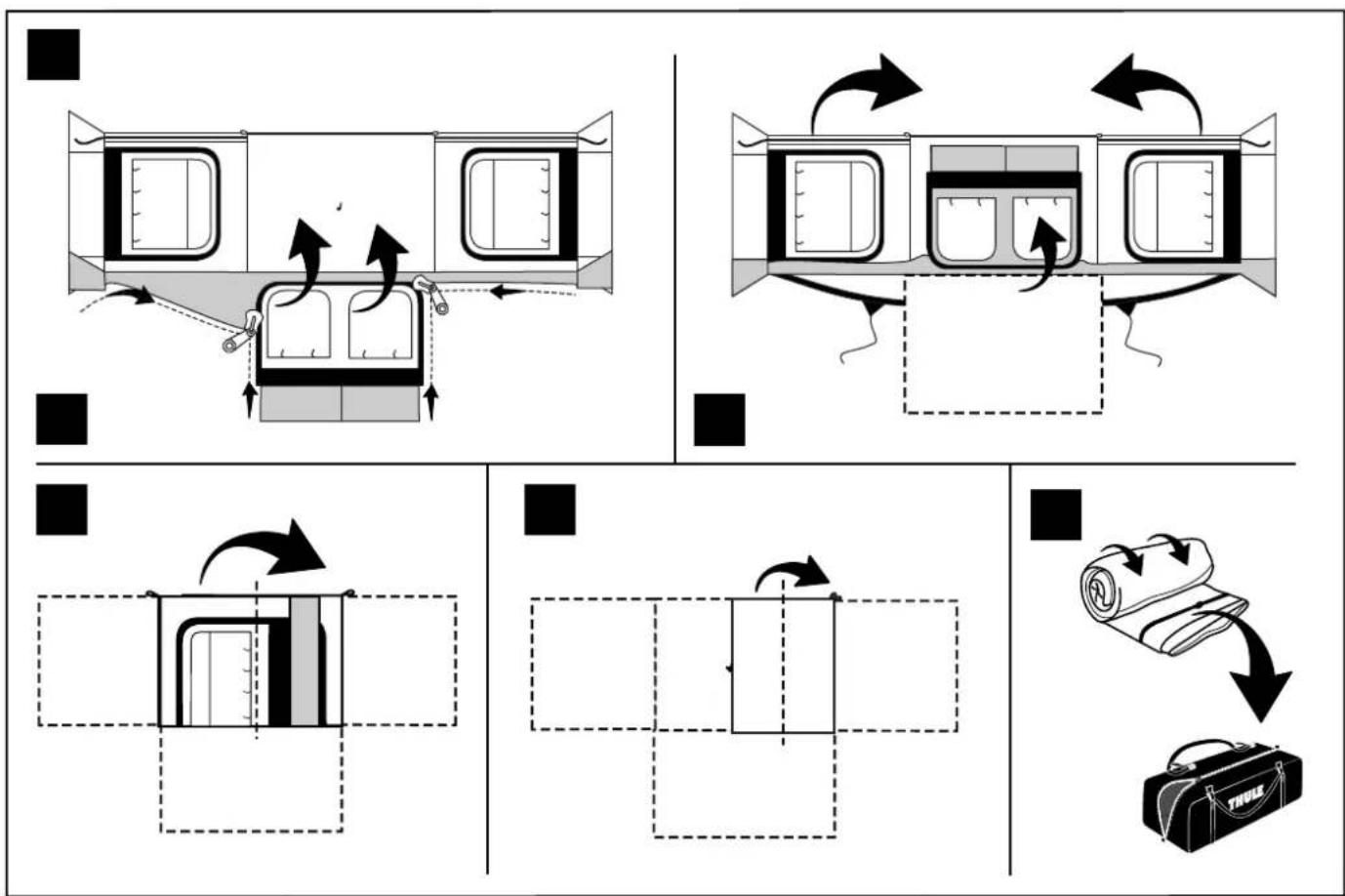
| Rangement | Sac de transport avec poignée |
| Entretien | Nettoyage à l'eau claire, séchage complet avant rangement |
| Sécurité | Languettes réfléchissantes sur les haubans |
| Pièces détachées | Arceaux de rechange, piquets, sardines disponibles |
| Réparabilité | Kit de réparation pour toile et arceaux |
| Garantie | 2 ans |
FOIRE AUX QUESTIONS - QuickFit THULE
Comment monter la tente Thule QuickFit ?
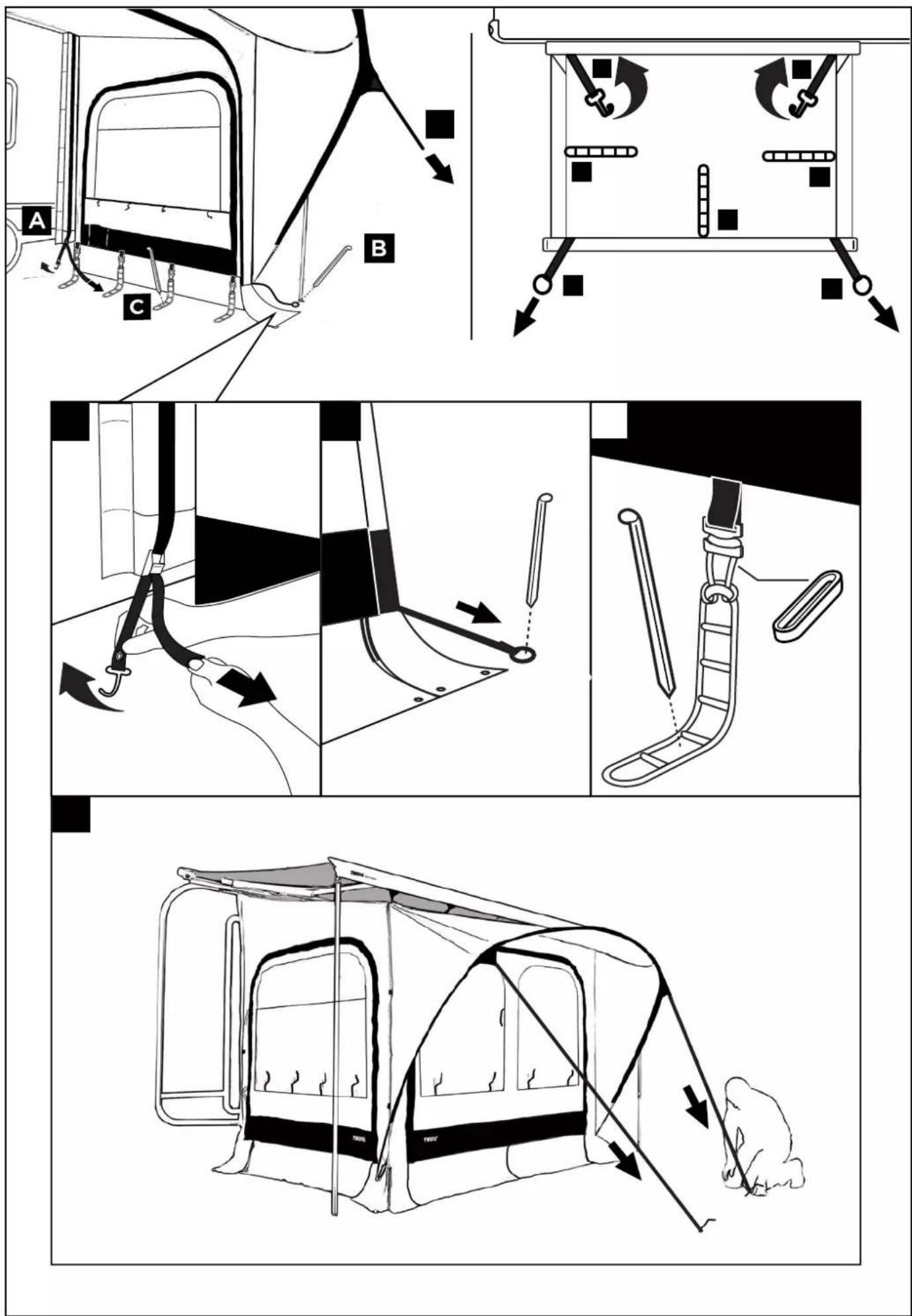
Dépliez la tente au sol. Déployez les arceaux en suivant le code couleur. Insérez les extrémités dans les œillets. Fixez les haubans au sol avec les sardines. Terminez par le double toit.
Quelle est la hauteur sous plafond ?
La hauteur maximale est de 1,30 m au centre.
Est-elle imperméable ?
Oui, le double toit et le sol ont une colonne d'eau de 2000 mm, suffisante pour des pluies modérées.
Combien de personnes peuvent dormir dedans ?
La tente peut accueillir 4 personnes avec matelas de sol.
Comment nettoyer la tente ?
Utilisez de l'eau tiède et une éponge douce. Évitez les détergents agressifs. Séchez-la complètement avant de la ranger.
Puis-je utiliser un tapis de sol supplémentaire ?
Oui, un tapis de sol supplémentaire peut être placé sous la tente pour protéger le sol.
Les arceaux sont-ils remplaçables ?
Oui, des arceaux de rechange sont disponibles chez Thule ou en magasin spécialisé.
La tente résiste-t-elle au vent ?
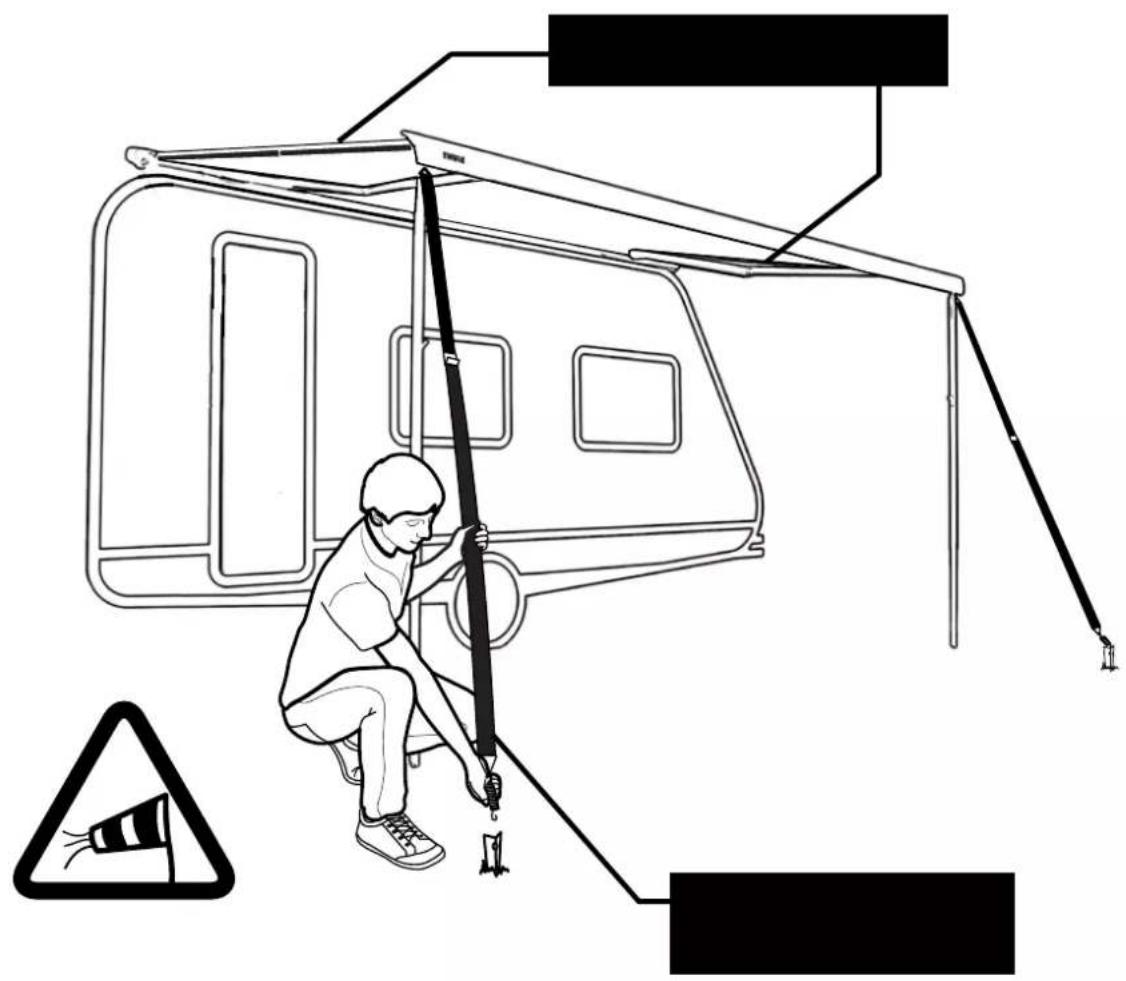
Grâce aux haubans et aux sardines inclus, elle tient par vent modéré. Par vent fort, renforcez les fixations.
Quel est le poids du sac de transport ?
Le poids total de la tente avec son sac est d'environ 8,5 kg.
Où trouver la notice complète ?
La notice complète est disponible en téléchargement gratuit sur notice-facile.com.
Questions des utilisateurs sur QuickFit THULE
0 question sur cet appareil. Repondez a celles que vous connaissez ou posez la votre.
Poser une nouvelle question sur cet appareil
Aucune question pour l'instant. Soyez le premier à en poser une.
Téléchargez la notice de votre Camping au format PDF gratuitement ! Retrouvez votre notice QuickFit - THULE et reprennez votre appareil électronique en main. Sur cette page sont publiés tous les documents nécessaires à l'utilisation de votre appareil QuickFit de la marque THULE.
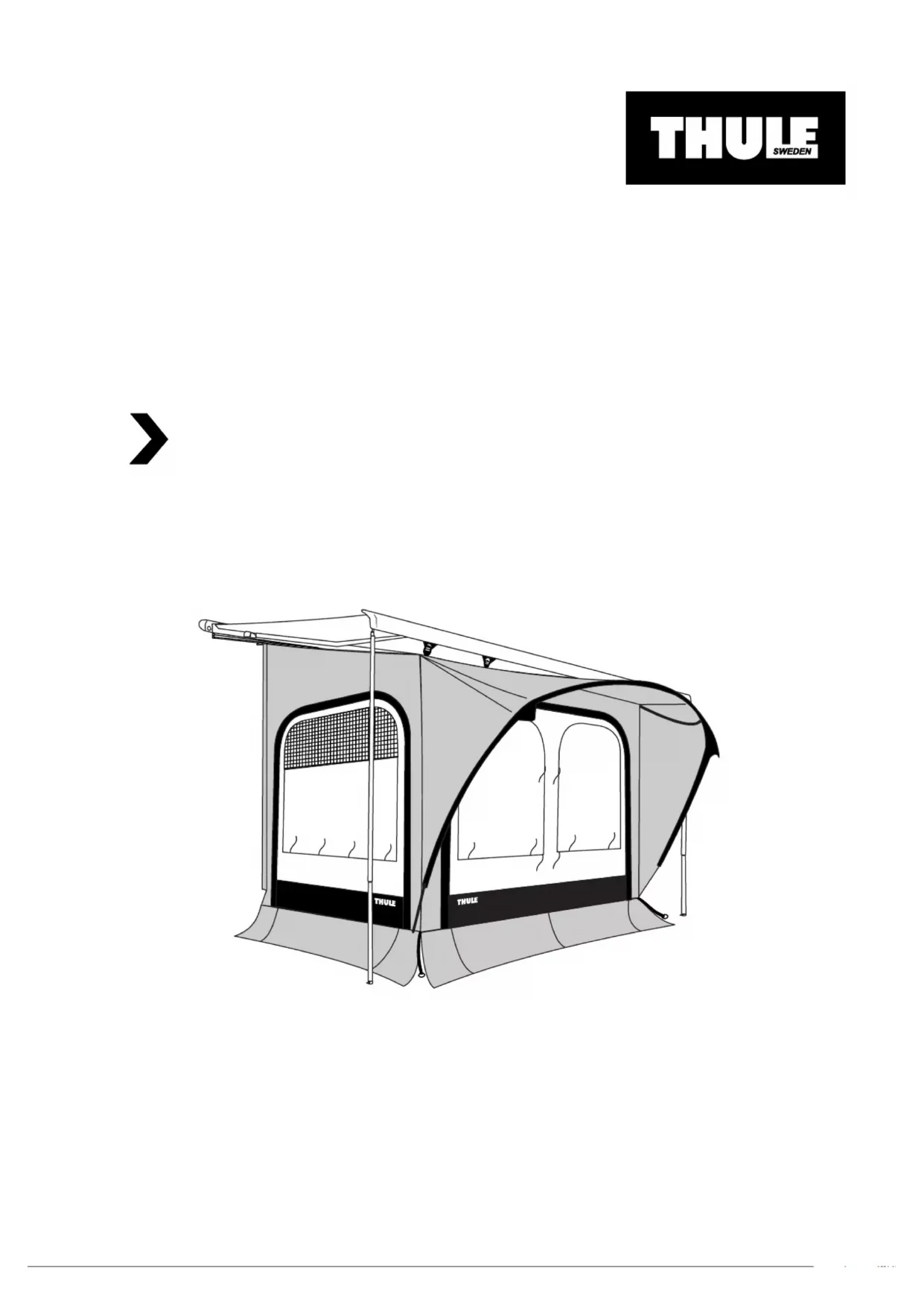
MODE D'EMPLOI QuickFit THULE

natural_image
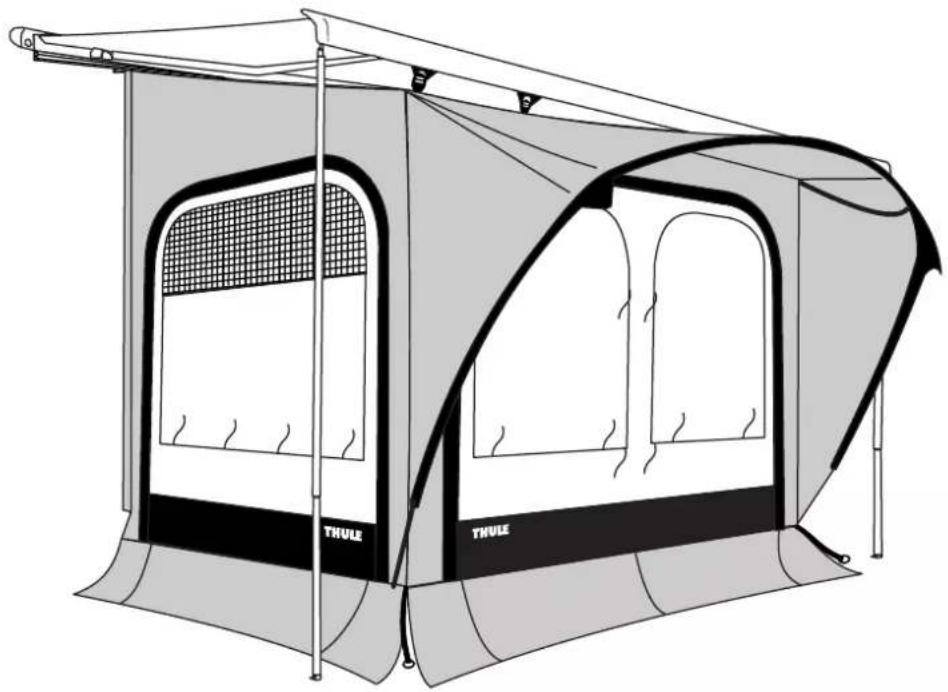
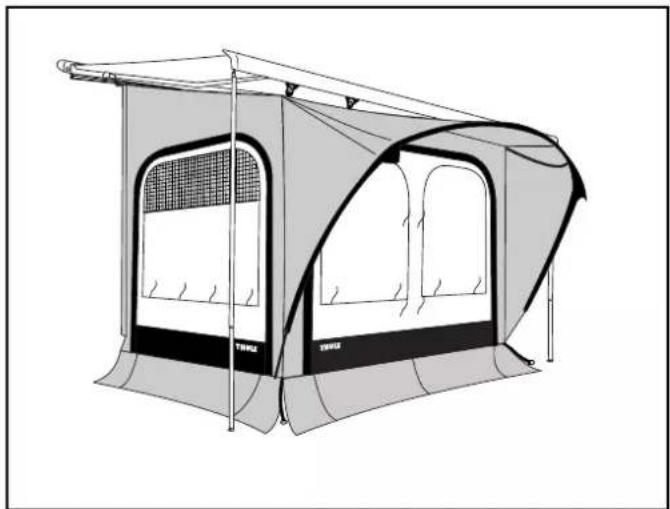
Illustration of a Thuile camping tent with arched windows and canopy (no text or symbols)
natural_image
Line drawing of a camping tent with arched windows and a back cover (no text or symbols)
natural_image
Simple line drawing of a box with one open lid (no text or symbols)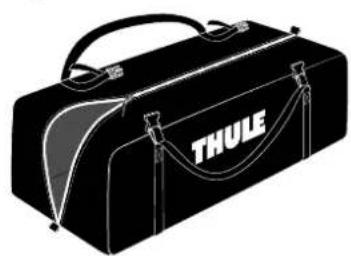
natural_image
Black THULE toolbox with handle and straps (no text or symbols on body)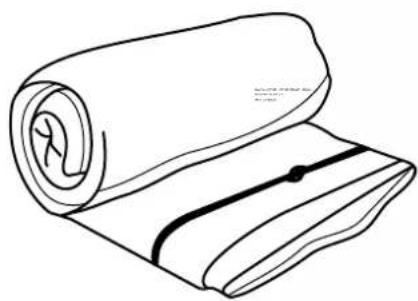
natural_image
Line drawing of a rolled-up fabric with a black bandage and a small mark (no text or symbols)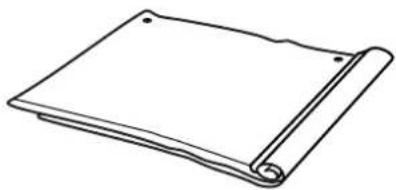
natural_image
Line drawing of a closed book with a rolled-up spine (no text or symbols)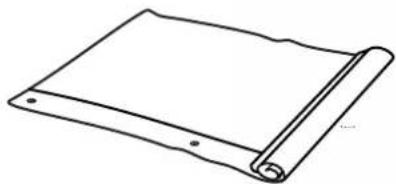
natural_image
Simple line drawing of a rolled-up document or scroll (no text or symbols)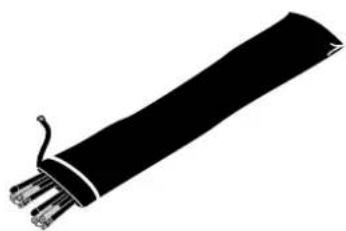
natural_image
Silhouette of a black cable with multiple wires attached (no text or symbols)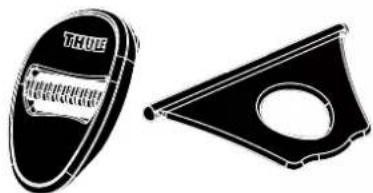
natural_image
Two black-and-white illustrations: one showing a circular object labeled 'THOE' and the other a triangular frame with a circular hole (no text or symbols)
natural_image
Illustration of a pencil holder with tools and a paperclip (no text or symbols)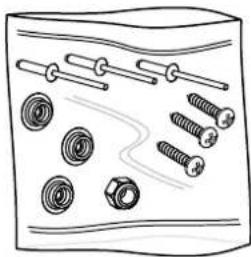
natural_image
Illustration of various screw and nut components arranged in a grid (no text or symbols)
natural_image
Simple line drawing of a camping tent or tent with a roof, no text or symbols present.
natural_image
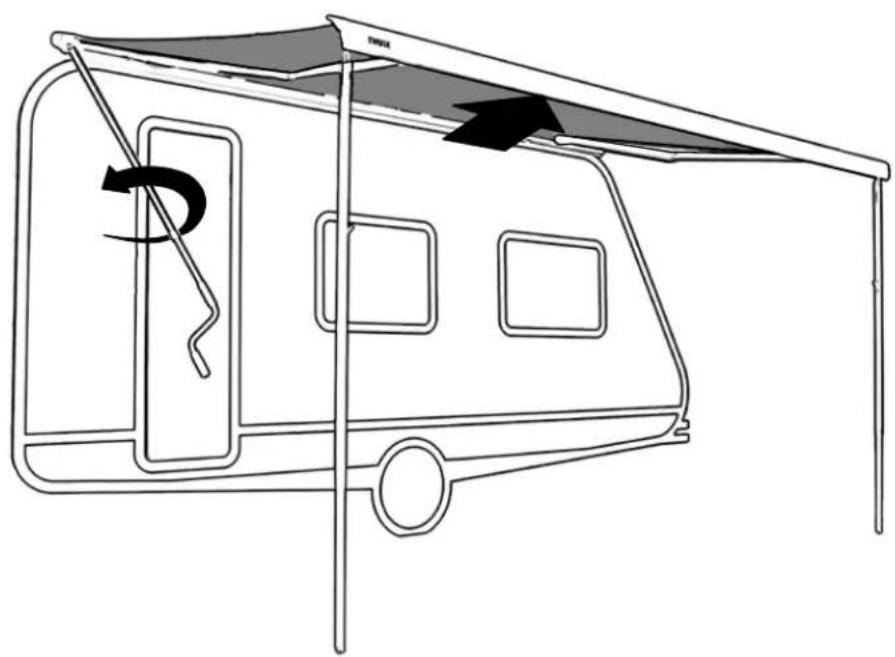
Line drawing of a two-decker camper cabin with a canopy and directional arrow indicating rotation (no text or symbols)
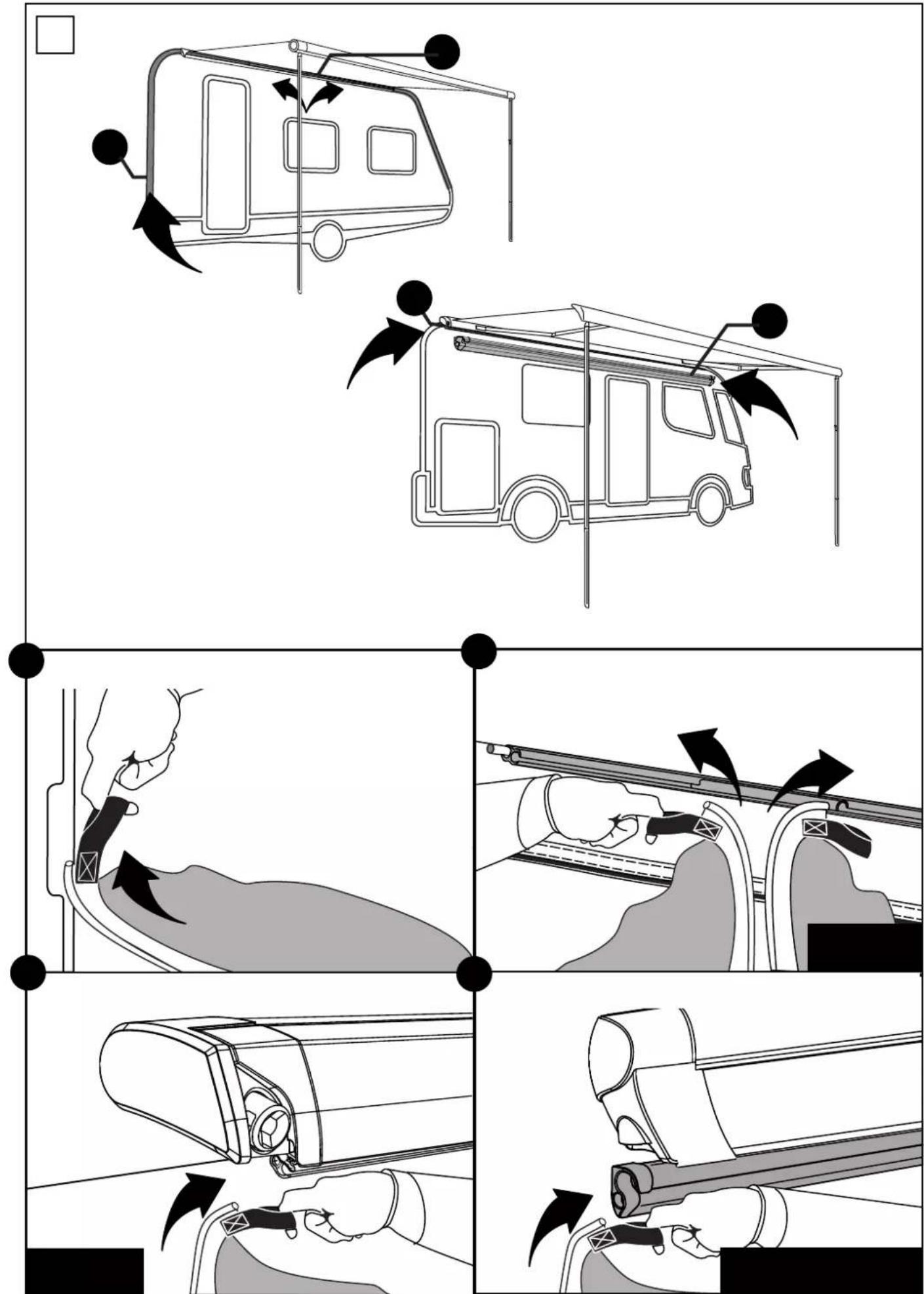
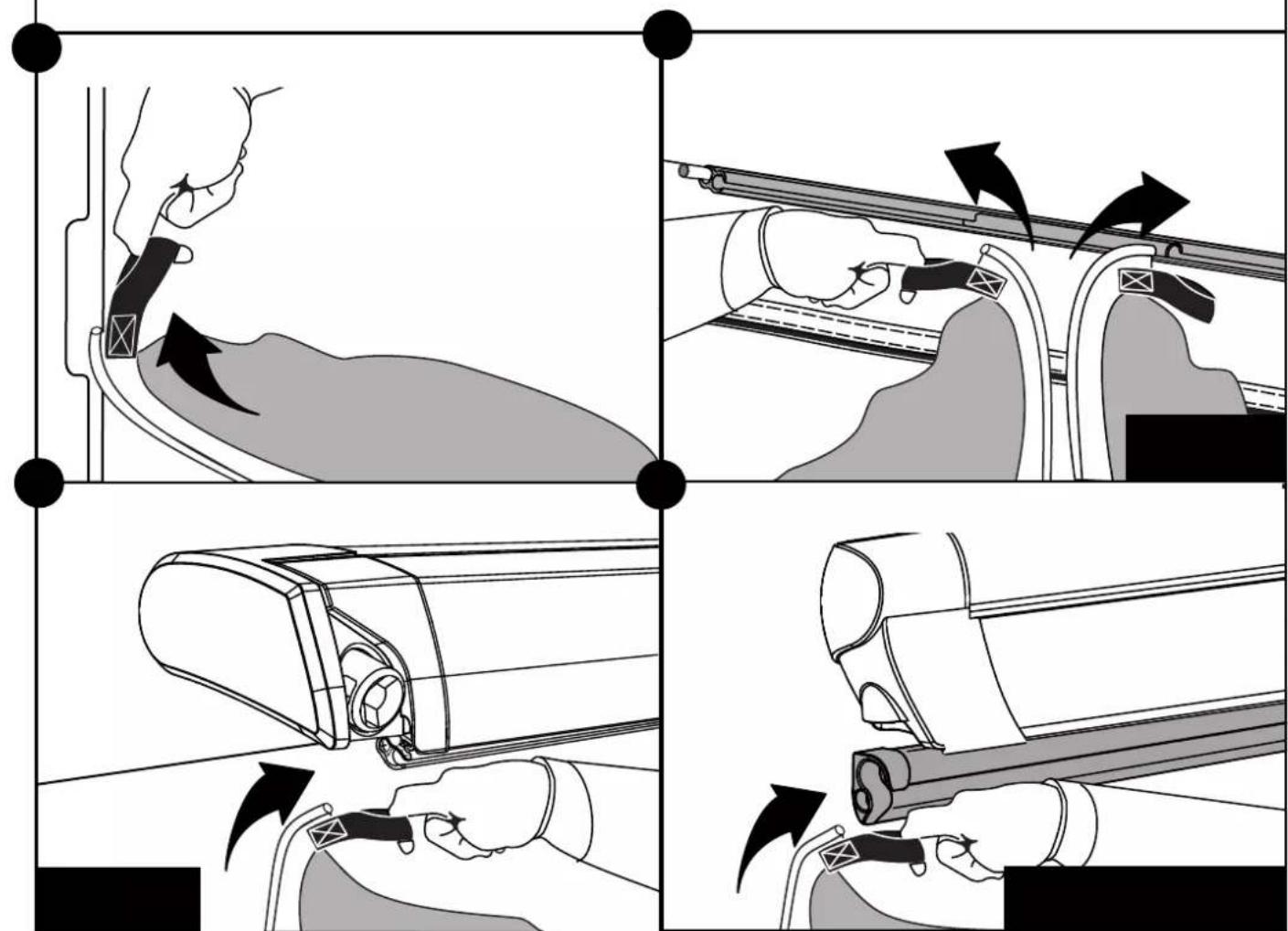
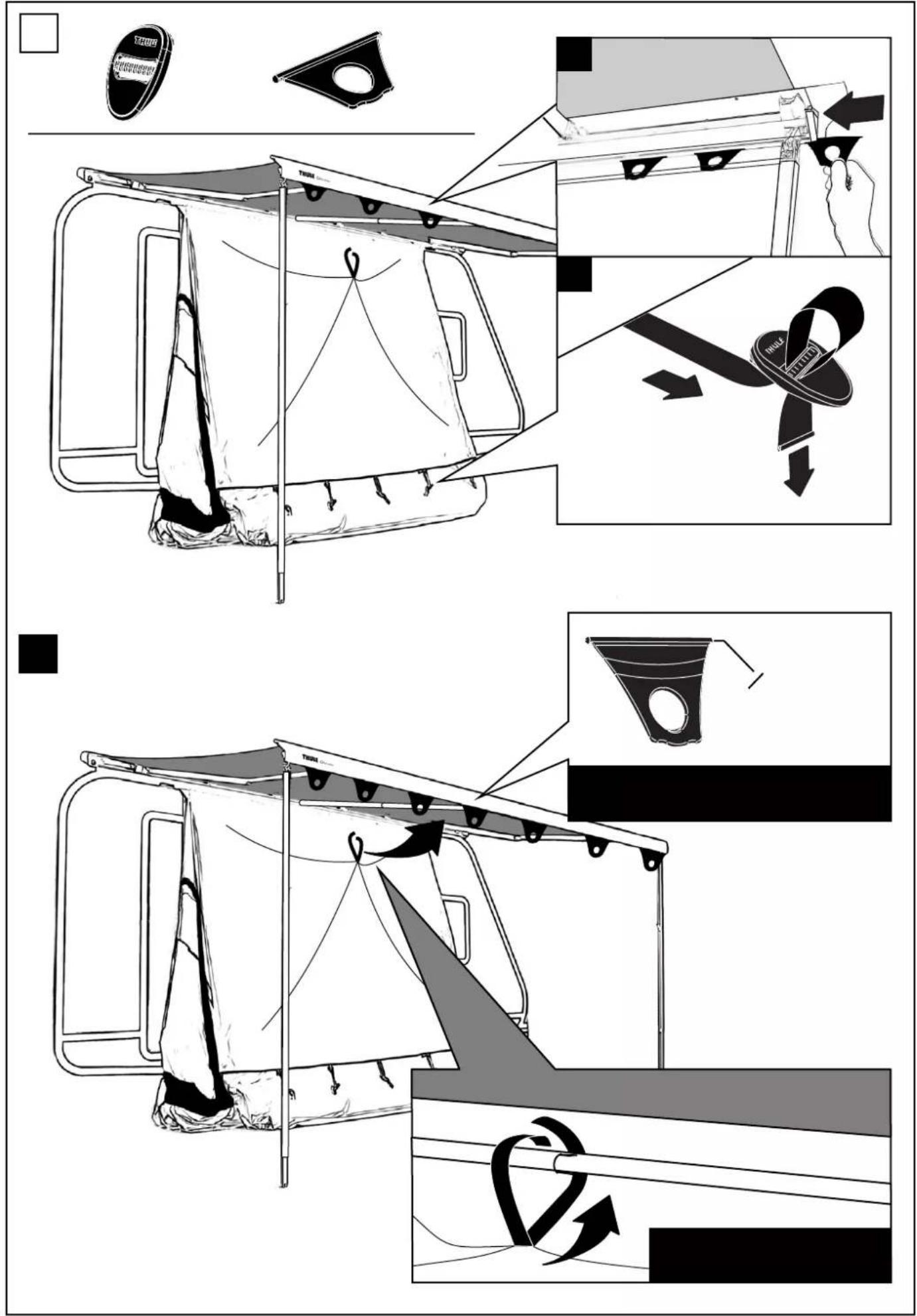
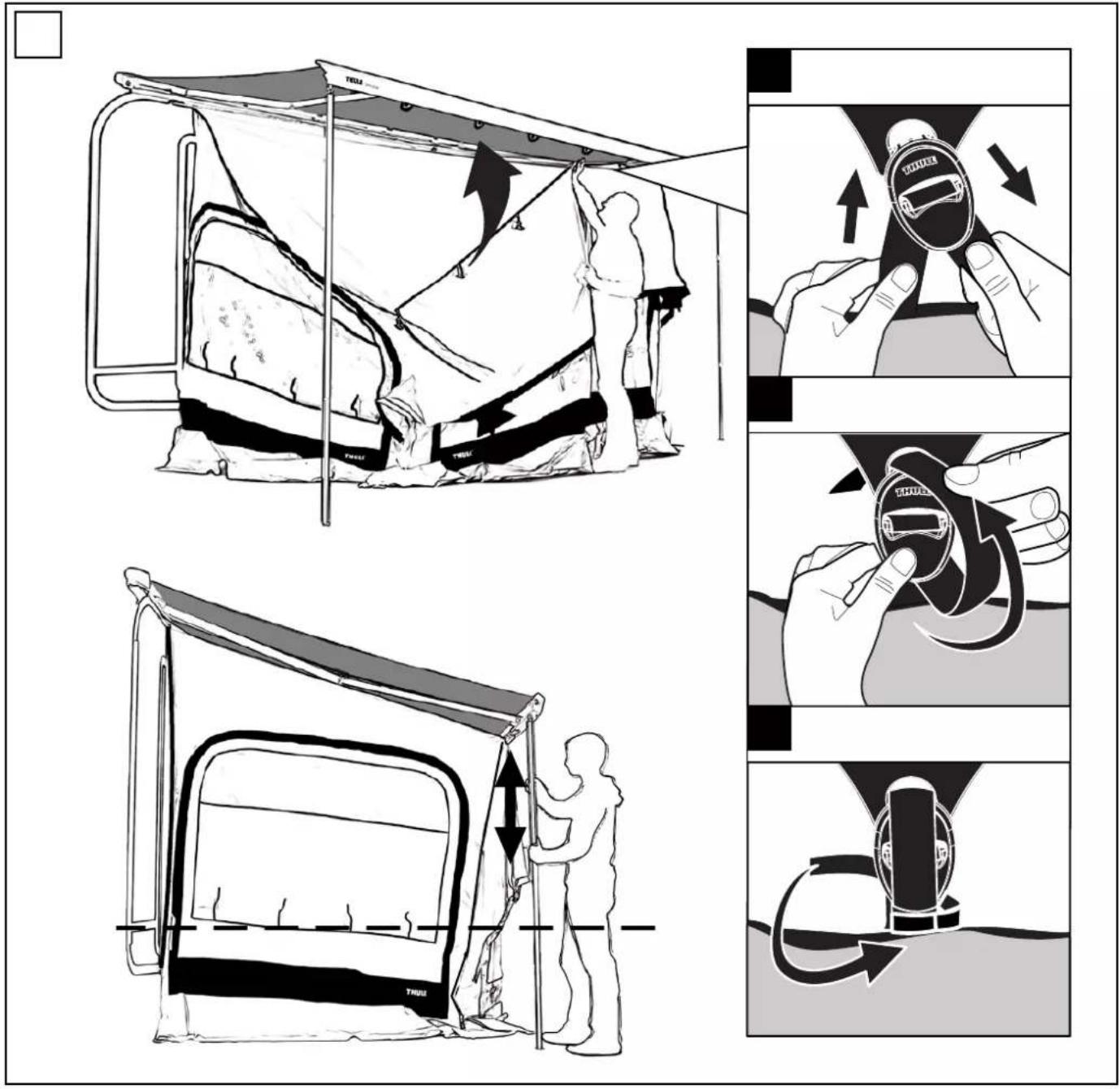
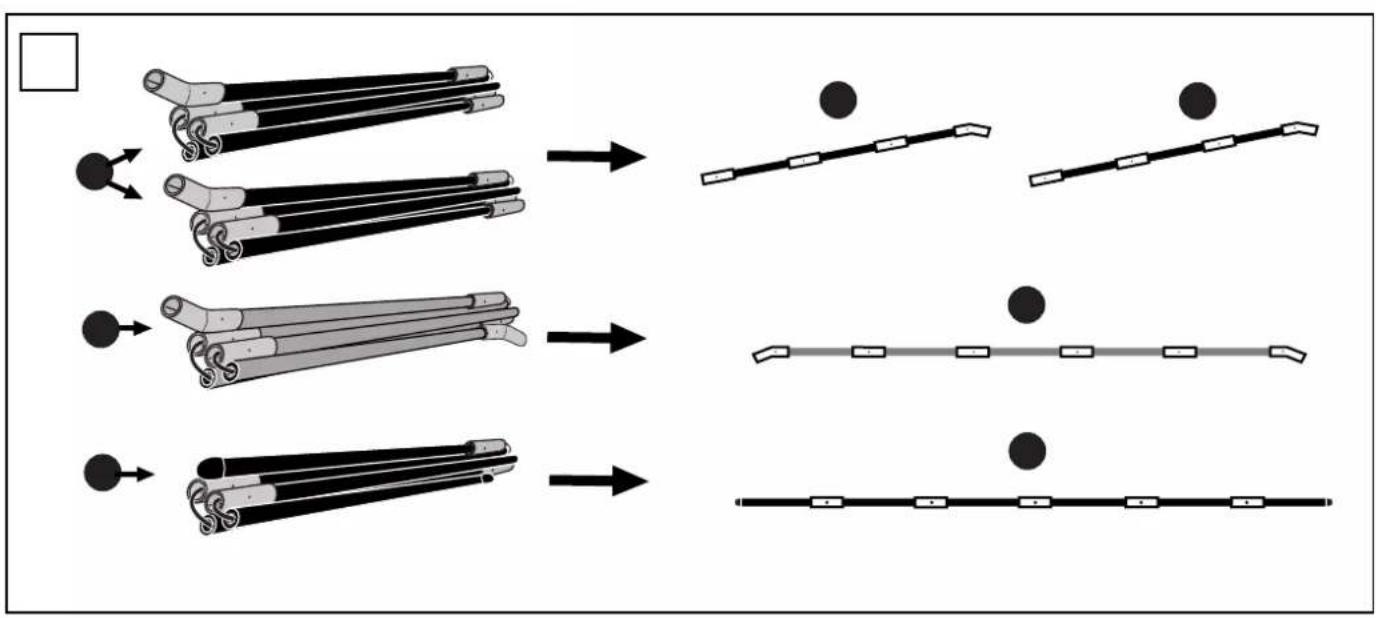
flowchart
graph TD
    A["Raw Material"] --> B["Step 1: Rolling"]
    B --> C["Step 2: Rolling"]
    C --> D["Step 3: Rolling"]
    D --> E["Final Assembly with Circles"]
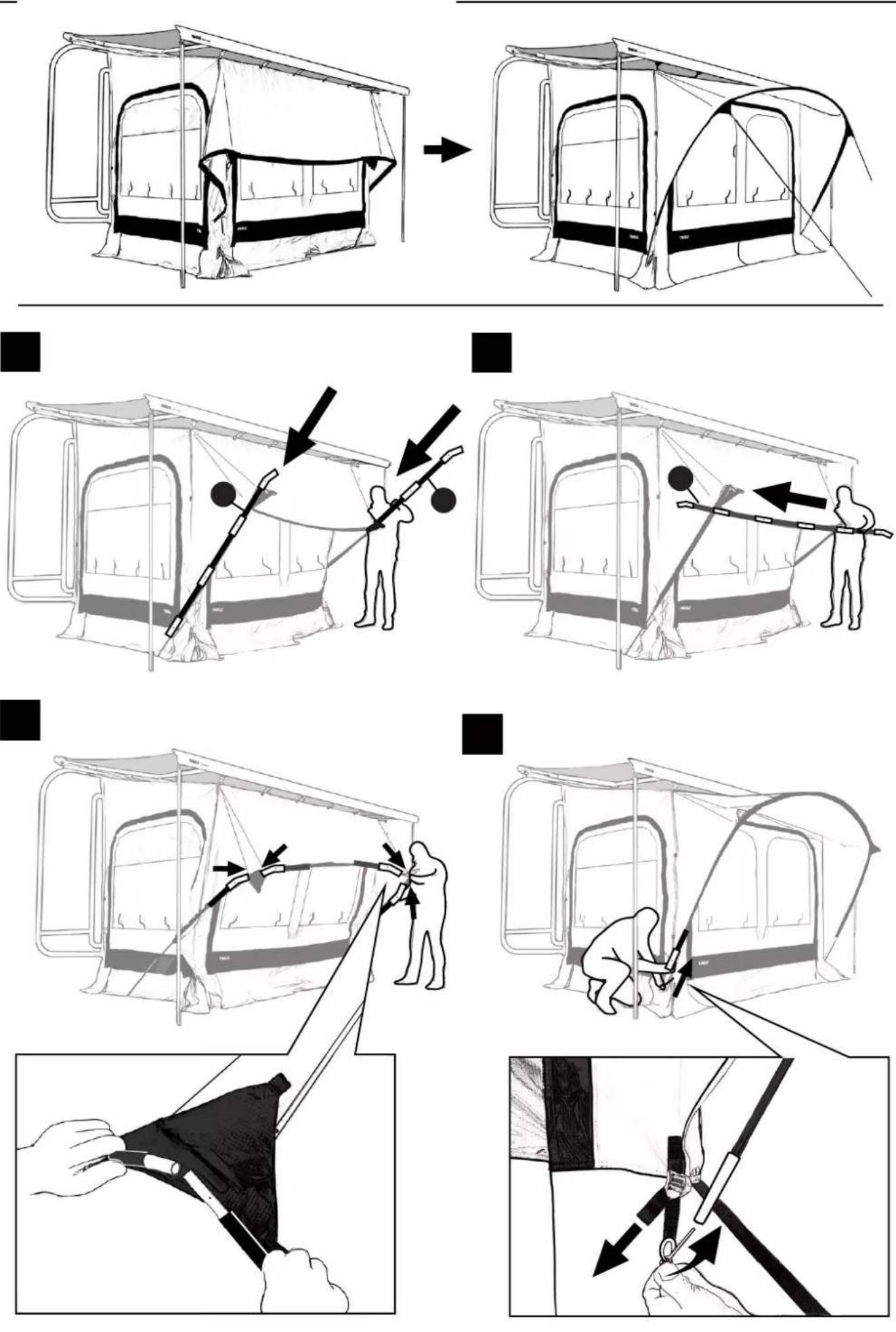

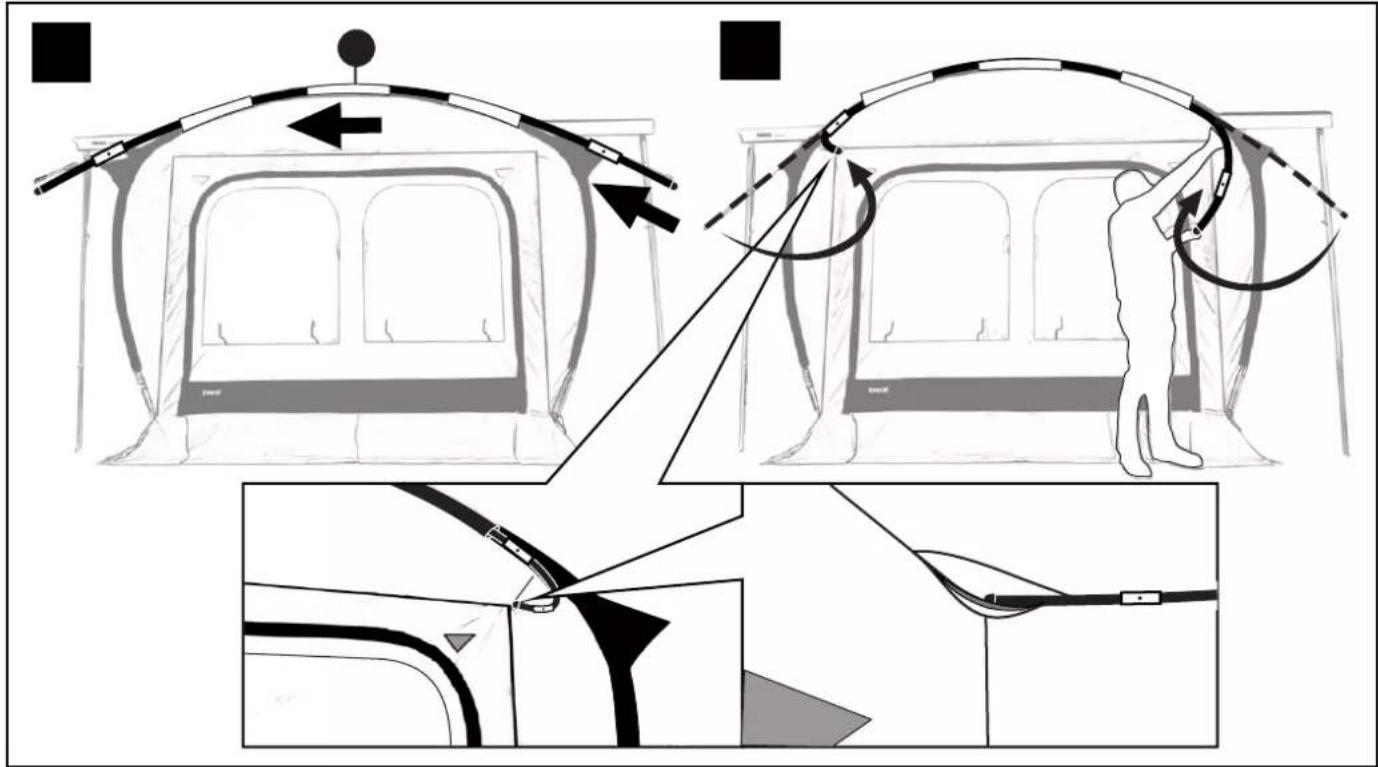
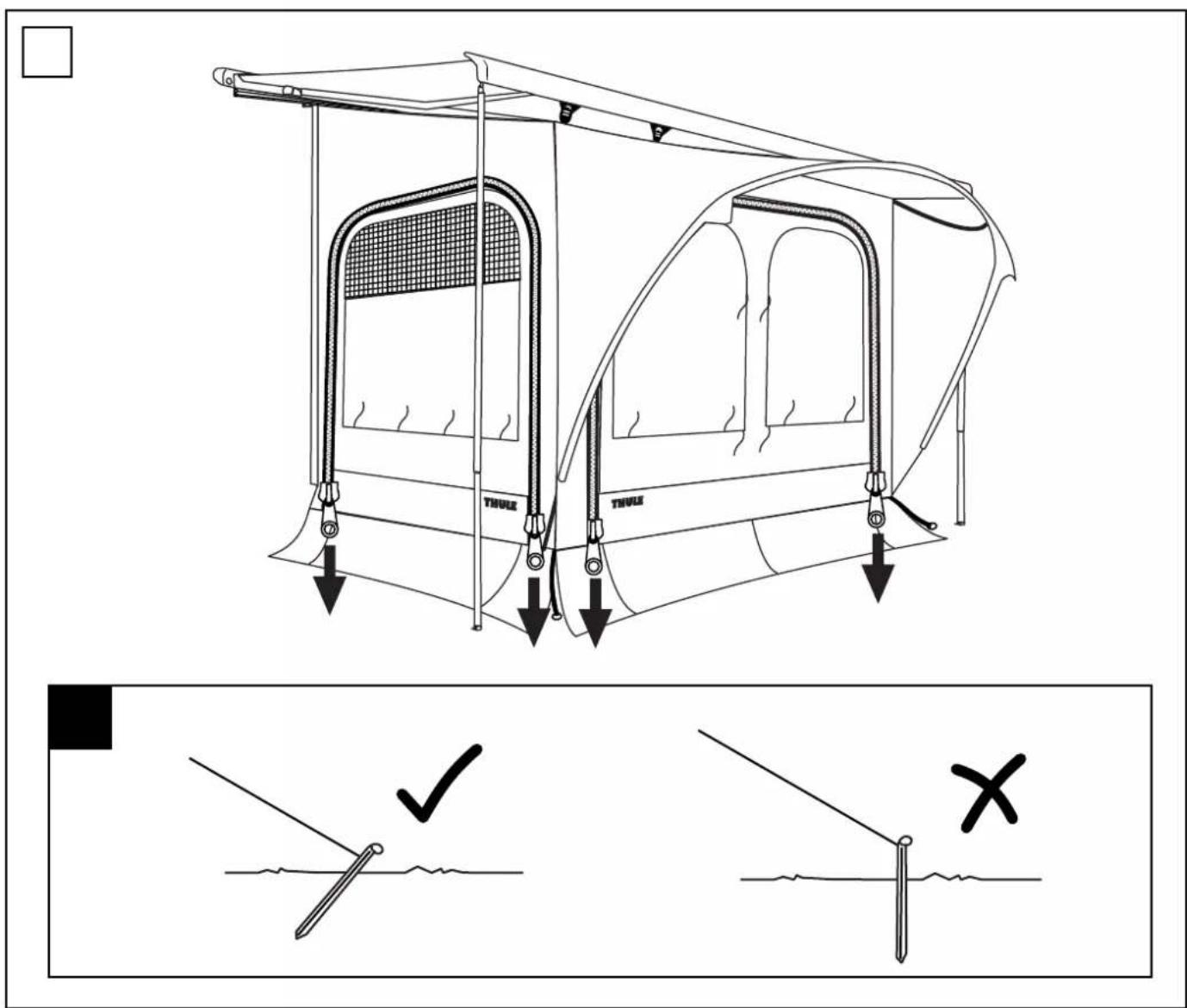
flowchart
graph TD
    A["Car Bag Stacking"] --> B["Flat Area with Down Arrow"]
    B --> C["Flat Area with Up Arrow"]
    C --> D["Upward Rotation"]
    D --> E["Downward Rotation"]
    E --> F["Downward Rotation"]
    F --> G["Downward Rotation"]
    G --> H["Downward Rotation"]
    H --> I["Downward Rotation"]
    I --> J["Downward Rotation"]
    J --> K["Downward Rotation"]
    K --> L["Downward Rotation"]
    L --> M["Downward Rotation"]
    M --> N["Downward Rotation"]
    N --> O["Downward Rotation"]
    O --> P["Downward Rotation"]
    P --> Q["Downward Rotation"]
    Q --> R["Downward Rotation"]
    R --> S["Downward Rotation"]
    S --> T["Downward Rotation"]
    T --> U["Downward Rotation"]
    U --> V["Downward Rotation"]
    V --> W["Downward Rotation"]
    W --> X["Downward Rotation"]
    X --> Y["Downward Rotation"]
    Y --> Z["Downward Rotation"]
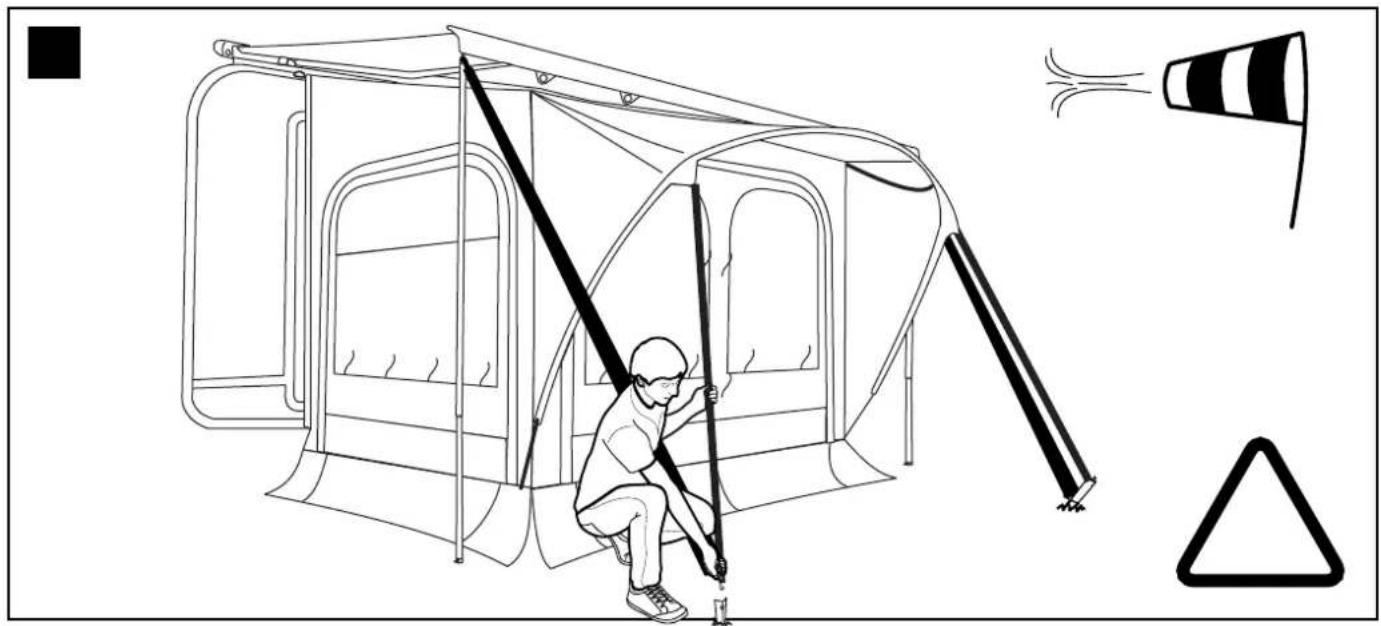
natural_image
Line drawing of a person climbing a ladder inside a tent, with warning symbols and a traffic cone nearby (no text or labels)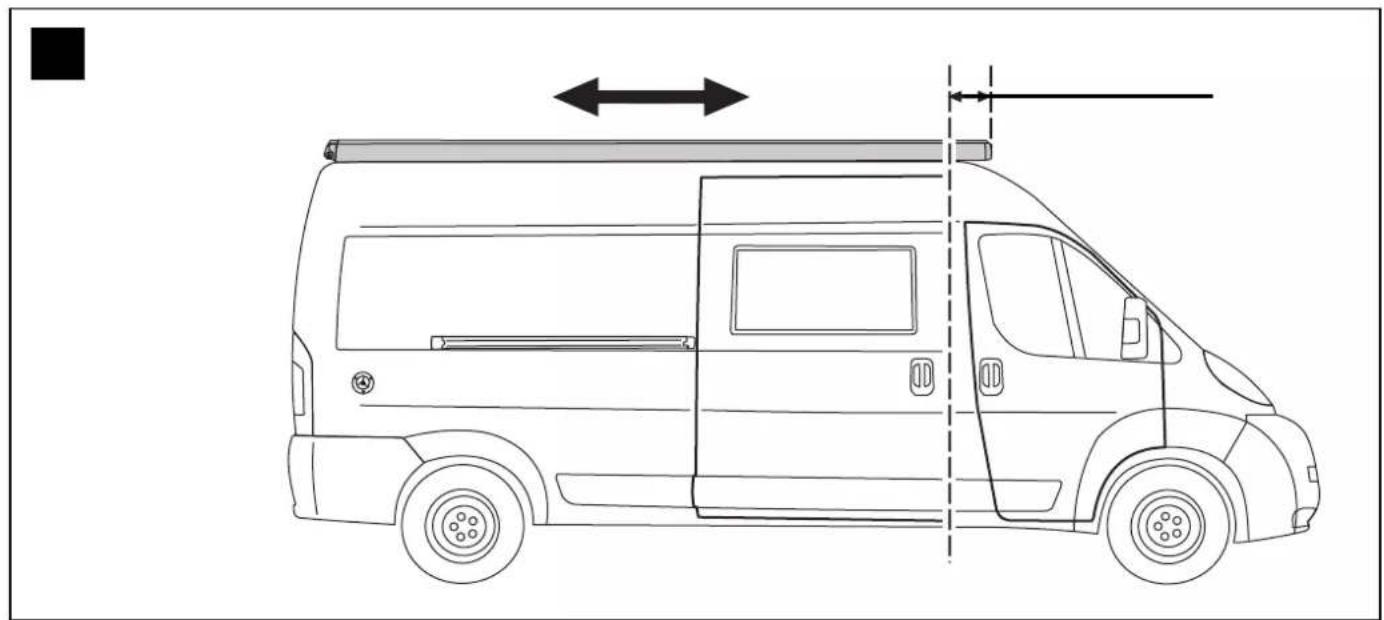
natural_image
Side profile line drawing of a van with side-mounted roof and side door, showing front and side dimensions (no text or symbols)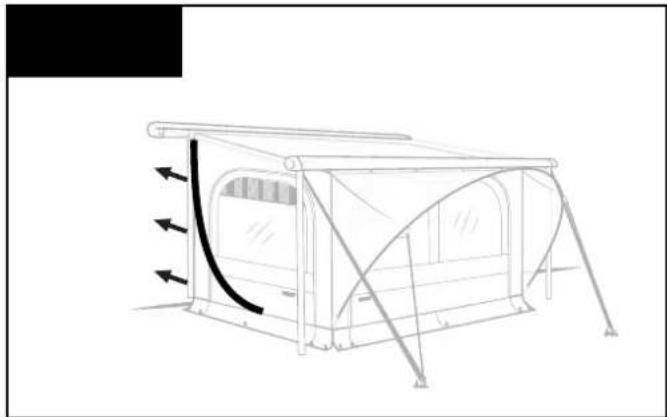
natural_image
Line drawing of a camping tent with directional arrows indicating airflow or movement (no text or symbols)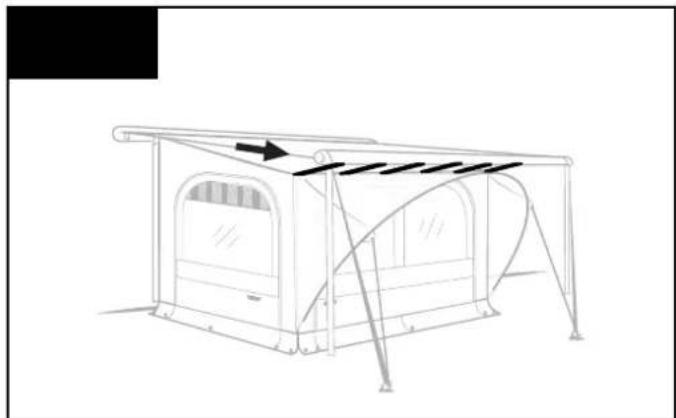
natural_image
Line drawing of a simple camping tent setup with canopy and windows (no text or symbols)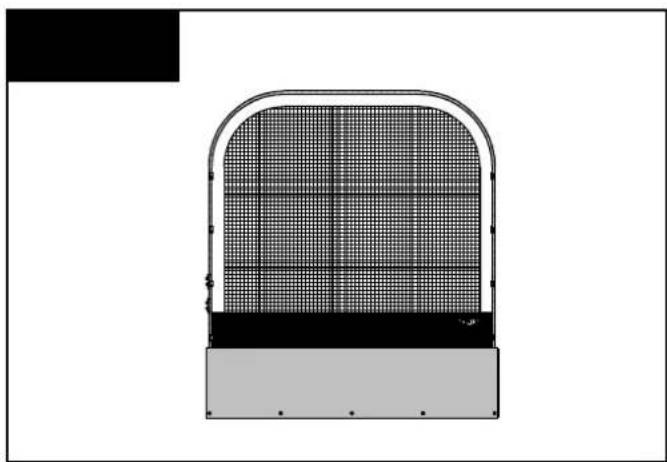
natural_image
Technical line drawing of a mechanical component with grid pattern and curved frame (no text or symbols)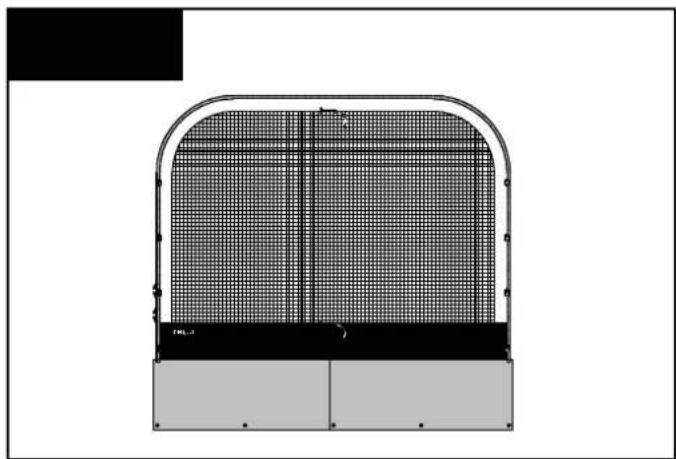
natural_image
Technical diagram of a structural panel with grid pattern and labeled components (no readable text or symbols)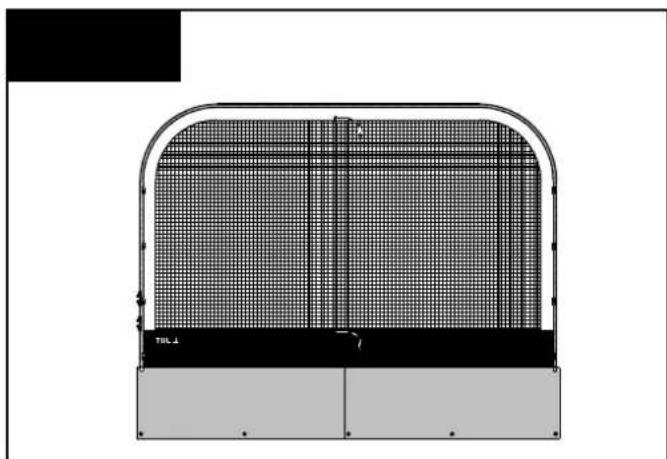
natural_image
Technical diagram of a structural panel with grid pattern and labeled TBL A (no readable text or symbols)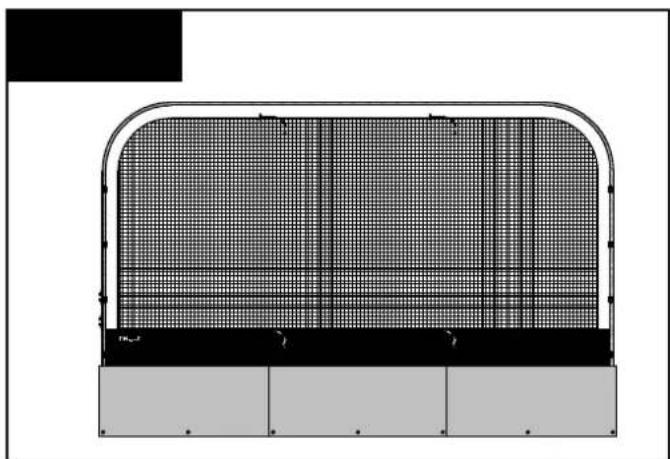
natural_image
Technical diagram of a structural panel with grid pattern and support beams (no text or symbols)

Assistant notice
Powered by Anthropic
En attente de votre message
Informations produit
Marque : THULE
Modèle : QuickFit
Catégorie : Camping