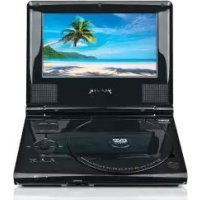
PDV101 - Lecteur DVD portable Yarvik - Notice d'utilisation et mode d'emploi gratuit
Retrouvez gratuitement la notice de l'appareil PDV101 Yarvik au format PDF.


| Type de produit | Lecteur DVD portable |
| Marque | Yarvik |
| Modèle | PDV101 |
| Écran | 7 pouces LCD |
| Dimensions (approx.) | 20 x 15 x 3 cm |
| Poids (approx.) | 500 g |
| Alimentation | Batterie rechargeable intégrée ou adaptateur secteur |
| Formats lus | DVD, CD, MP3, JPEG, DivX |
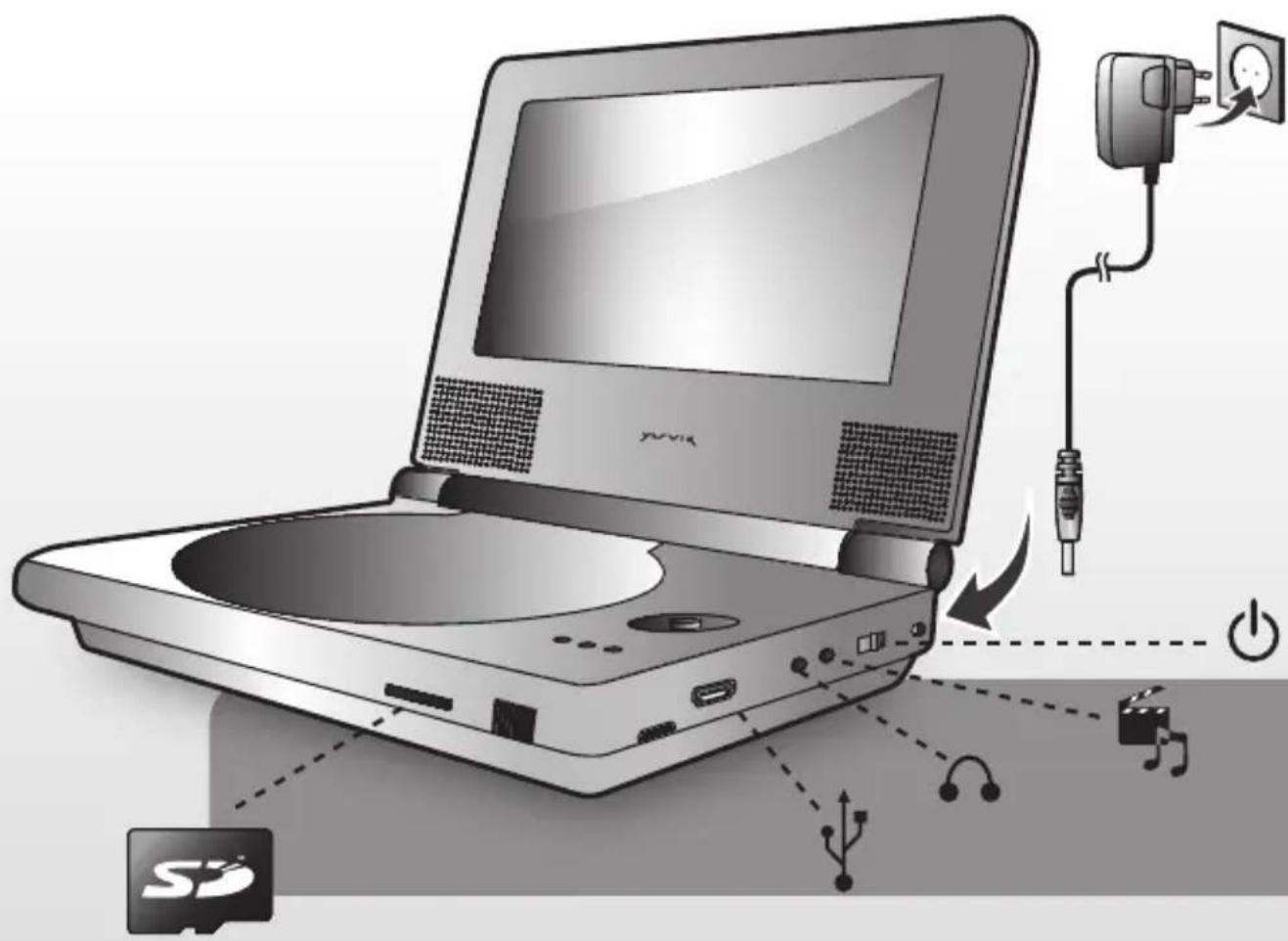
| Fonctions principales | Lecture DVD/CD, écran LCD 7", sortie audio/vidéo, lecture de fichiers multimédia |
| Entretien et nettoyage | Nettoyer l'écran et le boîtier avec un chiffon doux et sec. Ne pas utiliser de produits abrasifs. |
| Sécurité | Ne pas exposer à l'humidité, aux températures extrêmes ou à la lumière directe du soleil. Utiliser uniquement l'adaptateur fourni. |
| Pièces détachées et réparabilité | Batterie de rechange, adaptateur secteur, télécommande (selon disponibilité). Consulter le service après-vente Yarvik. |
| Informations générales | Lecteur DVD portable Yarvik PDV101, écran 7 pouces, compatible avec les supports optiques standards. Conforme à la directive CE. |
FOIRE AUX QUESTIONS - PDV101 Yarvik
Questions des utilisateurs sur PDV101 Yarvik
0 question sur cet appareil. Repondez a celles que vous connaissez ou posez la votre.
Poser une nouvelle question sur cet appareil
Téléchargez la notice de votre Lecteur DVD portable au format PDF gratuitement ! Retrouvez votre notice PDV101 - Yarvik et reprennez votre appareil électronique en main. Sur cette page sont publiés tous les documents nécessaires à l'utilisation de votre appareil PDV101 de la marque Yarvik.
MODE D'EMPLOI PDV101 Yarvik
YARVIK
PDV101
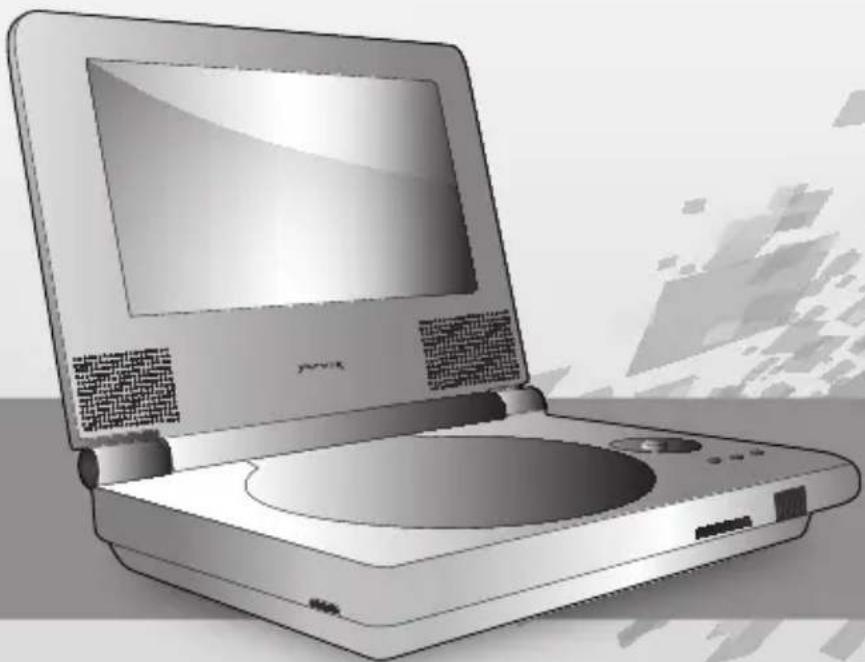
natural_image
Illustration of a vintage desktop computer with open screen and central disc (no visible text or symbols)7" Portable DVD Player
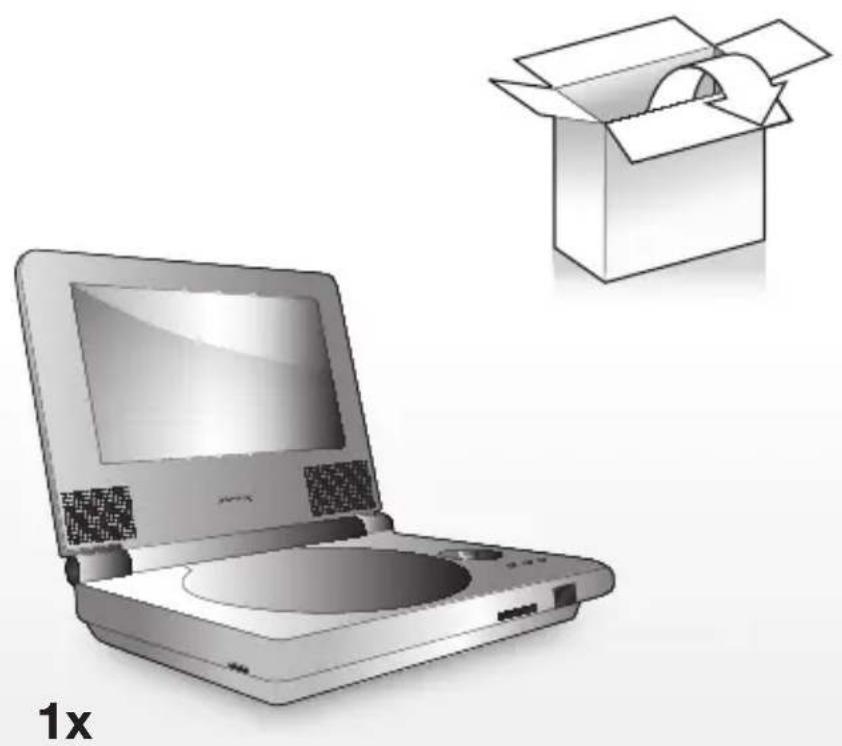
natural_image
Illustration of a desktop computer with open screen and cardboard box, labeled '1x' (no text or symbols on main objects)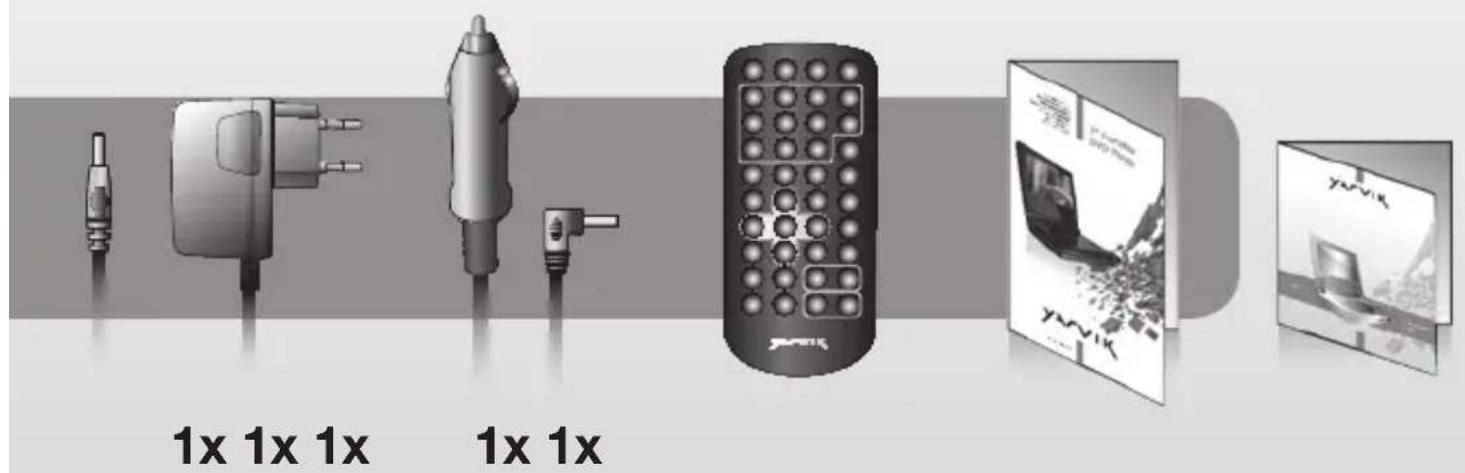
Please visit our website for CE declaration: www.yarvik.com
YARVIK.COM


Marque : Yarvik
Modèle : PDV101
Catégorie : Lecteur DVD portable